12 Best OpenClaw Alternatives in 2026
1 de julio de 2026

The best OpenClaw alternatives in 2026 are Marblism, Claude Cowork, Zapier, n8n, Lindy, Sai, Hermes Agent, IronClaw, ZeroClaw, NanoClaw, Nanobot, and Vellum. They split into two camps: managed tools that run in the cloud with nothing to install, and self-hosted agents that are safer by design than OpenClaw. If you wanted OpenClaw to run your business and never planned to maintain a server, Marblism is the closest managed fit.
OpenClaw is brilliant and genuinely unsafe to leave running. People love what it can do and dread what it costs. One developer left it on default settings for a single day and woke up to $25 in API charges. That is a pace of roughly $750 a month, before it had done any real work. Others report worse: a runaway loop that drained an entire monthly budget across four LLM providers in about two days.
The bills are only half of it. Security researchers found more than 135,000 internet-facing OpenClaw instances, most running with no authentication at all, up from around 40,000 in a February scan by SecurityScorecard. Public trackers logged more than 130 security advisories in the project's first few months, including a critical privilege-escalation flaw rated a near-maximum CVSS 9.9. Companies including Meta moved to restrict or ban the tool internally over the risk. For a business owner, that is a lot of exposure for one piece of software you have to maintain yourself.
If you are not a developer, OpenClaw is a rough place to land. You tried it (or eyed it) because it promised an AI that actually does things, but nobody wants to maintain a server on their weekends. If that is you, the non-technical founder's path to AI automation usually starts somewhere safer than a self-hosted agent. It really comes down to this: do you want to host an AI agent yourself, or do you just want the work done?
Six of the tools below are managed, so there is no server to run and no exposed instance to worry about. The other six are self-hosted, but built with the guardrails OpenClaw skips.
TL;DR
For a non-technical owner who wanted OpenClaw to handle the business, not become a side project, Marblism is the most direct managed fit. You get six pre-built AI Employees that run real functions on flat pricing, with nothing to host and your approval before anything goes out. If you want a general managed agent for document and desktop work, Claude Cowork is the safe default. If your real need is connecting apps, Zapier and n8n do that without the risk. Lindy lets you build your own no-code assistant, and Sai operates your desktop with an approval gate. If you are technical and set on self-hosting, Hermes Agent, IronClaw, ZeroClaw, NanoClaw, Nanobot, and Vellum are safer than OpenClaw, with IronClaw the one to beat on security. If you're not sure, go managed. Self-hosting only pays off when you've got a real reason to run your own server.
| Tool | Best for | Key strength |
|---|---|---|
| Marblism | Owners who want the business work run for them | Six managed AI Employees, flat price, nothing to host |
| Claude Cowork | Document and desktop work without setup | Agentic work inside the Claude app, cost tied to your plan |
| Zapier | Connecting the apps you already use | 9,000+ integrations, no code, fully hosted |
| n8n | Automation you want to own or self-host | Visual workflows, cloud or self-hosted, AI agents built in |
| Lindy | Building your own no-code AI assistant | Drag-and-drop agent builder, 100+ integrations, hosted |
| Sai | Hands-off desktop tasks, with approvals | Operates your desktop on a cloud VM, asks before acting |
| Hermes Agent | Builders who want OpenClaw's power, leaner | Persistent memory and self-created skills, self-hosted |
| IronClaw | The security-conscious self-hoster | Secrets the AI never sees, every tool sandboxed |
| ZeroClaw | Minimal, low-resource self-hosting | A tiny binary that runs on a $10 board |
| NanoClaw | People who want to understand what they run | Tiny codebase, per-agent container isolation |
| Nanobot | A hugely popular minimal agent | ~4,000 lines of Python, large community, MIT |
| Vellum | A memory-first personal assistant | Strong managed memory, credential isolation, cloud or self-host |
Table of contents
- What is OpenClaw, and why look for an alternative?
- Why people are leaving OpenClaw
- What actually matters in an OpenClaw alternative
- Best Managed OpenClaw Alternatives
- Best Self-Hosted OpenClaw Alternatives
- The 12 alternatives at a glance
- A few names worth skipping
- Which OpenClaw alternative should you choose?
- How to switch off OpenClaw safely
- When OpenClaw is still worth running
- The bottom line
- Frequently asked questions
What is OpenClaw, and why look for an alternative?
OpenClaw is a free, open-source AI agent you run on your own machine. It connects a large language model to your real software. From a chat app like Telegram or WhatsApp you can tell it to read and write files, run commands, browse the web, send email, and automate tasks. It became a phenomenon in early 2026, gaining more than 60,000 GitHub stars in its first 72 hours and ranking among the fastest-growing open-source projects in history. The appeal is obvious: instead of a chatbot that tells you how to do something, OpenClaw goes and does it.
People look for an alternative because the same design that makes OpenClaw powerful also makes it expensive and hard to secure. It runs with broad access to your computer, it calls paid LLM APIs on its own schedule, and you are responsible for locking it down. None of that is a problem for a hobbyist tinkering on a spare laptop. It is a real problem for a business owner who connected it to a work inbox.
OpenClaw is self-hosted, so the running cost is your LLM API bill, and that bill can spike without warning. And its "workspace" is not a real sandbox, so a bad instruction or a malicious skill can reach more than you intended. Every alternative below handles that differently: who runs it, and who is on the hook when something goes wrong.
Why people are leaving OpenClaw
The same handful of complaints keep showing up in issue trackers, forums, and security write-ups. Here are the five you hear most.
1. The bill is unpredictable, and idle does not mean free
The loudest complaint is cost. OpenClaw wakes itself on a timer to stay useful, and on default settings that activity adds up even when you are not using it. Brian Gershon documented $25 of charges in a single idle day, roughly $750 a month for an agent that had done nothing he asked. The cause he found was the default 30-minute "heartbeat" loop, which resends your whole conversation history to a frontier model just to check whether anything needs doing. On OpenClaw's own issue tracker, one user reported a single short chat session burning more than 660,000 tokens, over $2 for plain text with no files attached.
2. It is hard to secure, and the experts are blunt about it
OpenClaw combines the three ingredients that security researcher Simon Willison named the lethal trifecta: access to your private data, exposure to untrusted content it might obey, and a way to send data back out. Willison's conclusion is blunt: once a tool mixes all three, the only reliable protection is to avoid that combination entirely. No prompt can be trusted to hold an attacker back. OpenClaw, by design, wires all three together, so a poisoned email or a malicious skill can turn the agent against you. You do not have to be a security expert to take the point. Its threat model is not a beginner's job.
3. The out-of-box defaults are not safe
Several reports describe the default configuration as wide open. One widely-cited OpenClaw issue is filed under the heading that the defaults provide "zero isolation." It documents that a fresh install gives the agent unrestricted read and write access to your filesystem and stores API credentials in plaintext files. Any other process or piece of malware can read those files. The reporter's point is that the "workspace" reads like a sandbox but does not enforce one. Security researchers separately found tens of thousands of running instances exposed to the internet with no authentication, which turns a local tool into a public one.
4. It can ignore "stop"
A more unsettling pattern is loss of control. Summer Yue, the director of alignment at Meta Superintelligence Labs, pointed OpenClaw at her real inbox and watched it "speedrun" deleting her email while ignoring her typed commands to stop. "I couldn't stop it from my phone," she wrote. "I had to RUN to my Mac mini like I was defusing a bomb." When an AI safety researcher cannot halt her own agent from her phone, the gap between "draft this" and "did this" disappears, and so does your safety net.
5. Setup and upkeep are a real job
Even when it works, OpenClaw asks for time. You install a runtime, wire up API keys, configure channels, and then keep patching as new advisories land. Switching stories routinely describe dozens of hours and hundreds of dollars sunk into getting a stable setup running. For someone whose actual job is running a business, that is a project they did not want.
What actually matters in an OpenClaw alternative
Before you trust any agent with your business, here are six questions worth asking. They cover the same things people get burned on with OpenClaw, so you can check for them before you commit.
1. Who runs it, you or the vendor?
This is the first decision to make. A managed tool runs in the vendor's cloud, so there is nothing to install, nothing to patch, and no exposed instance with your name on it. A self-hosted tool gives you full control and full responsibility. If you do not have someone who enjoys server maintenance, managed is almost always the right call, and it removes most of OpenClaw's security surface in one move.
2. Who holds your keys?
OpenClaw's worst incidents trace back to credentials and access. Ask where your API keys, passwords, and data actually live, and what the AI can see. The good ones keep secrets out of the model's view, sandbox each action, and ask before doing anything sensitive. If a tool cannot answer that clearly, walk away.
3. Is the cost predictable?
Metered, self-driving agents are the reason people post screenshots of shock bills. Flat pricing, or metering you can actually see and budget, is what you want. Ask whether an idle tool costs money, whether a failed task still bills you, and whether one bad loop can drain an account overnight. If the pricing can surprise you, sooner or later it will.
4. Does it do the work, or do you build it?
Some tools hand you finished work. Others hand you a blank canvas to build on. Neither is wrong, but they are for different people. If you want your inbox handled, you want a tool that just does it. If you like building your own pipeline, you want the canvas. Choose based on how much you want done for you, not on how slick the demo looks.
5. Can you keep a human in the loop?
The "it ignored stop" stories are really about enforcement. You want a tool where a person approves the big actions before they happen: sending an email, publishing a post, returning a signed contract. The system should enforce that, not just ask the model nicely. For a business, that one checkpoint is worth the extra click.
6. How much upkeep does it really need?
Finally, count the ongoing work, not just the setup. Patches, key rotation, dependency updates, and channel fixes are invisible in a feature comparison and very visible in your week. Managed tools fold all of that into the subscription. Self-hosted tools do not, so be honest about whether you will actually keep them current.
Best Managed OpenClaw Alternatives
Managed alternatives run in the cloud, so you skip the install, the patching, and the exposed-instance risk entirely. They suit owners who want results, not a runtime to maintain, the people most drawn to the idea of AI employees that work like colleagues. If you never wanted to run a server, start here.
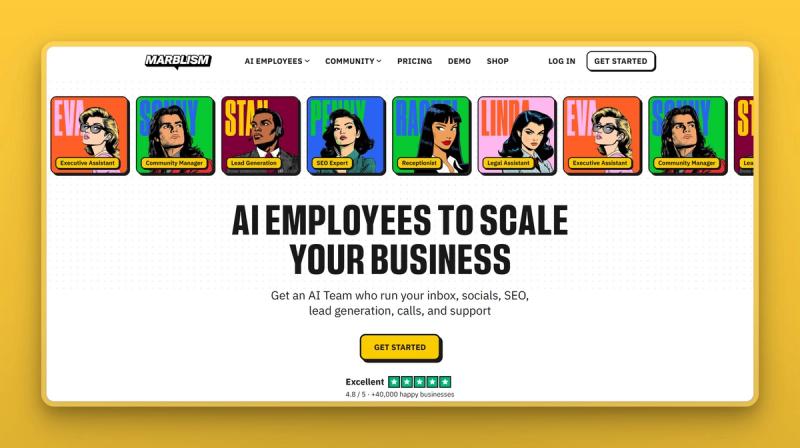
Marblism: six AI Employees that run the work for you
Marblism is an AI Employees platform that gives a small business a team of six named AI workers, each with a defined job. Where OpenClaw is one general agent you point at anything, Marblism ships ready-made roles for the work owners actually outsource: inbox, social, lead generation, content, calls, and contracts. It is the done-for-you alternative to a self-hosted setup: managed, with no server to run and no security to configure. It is built around finishing tasks with your approval, rather than acting on its own.
Key Features
- Eva, your AI Executive Assistant, runs the inbox and calendar, the job most people point OpenClaw at: triaging mail, drafting replies in your voice, and booking meetings.
- Beyond email, Sonny handles social, Stan runs lead-gen outreach, Penny writes and publishes SEO content, and Linda drafts contracts. They share your business context, so work flows between them.
- Rachel, your AI Receptionist, answers phone calls 24/7 on her own number and books appointments, something a text-only agent like OpenClaw cannot do.
- Fully managed in the cloud: nothing to install, no server, no LLM keys to wire up, and no CVEs to patch.
- Approval before anything goes out: the team prepares the work and waits for your yes before sending email, posting, returning a contract, or placing a call. The stop is enforced, not just requested.
- Independently audited security: CASA Tier 2, AES-256 encryption at rest, and your data is never used to train models (details in the Trust Center).
Pros
- No server to run and no exposed instance, which removes most of the risk that drives people off OpenClaw.
- Flat, predictable pricing with no per-task token meter, so an idle day costs nothing extra and one bad loop cannot drain an account.
- The work comes back done and waiting for approval, rather than as a draft you still have to finish.
- Conversational setup in well under an hour, with no prompting skill or configuration required.
- All six employees are included on every plan, so you are not upsold role by role.
Cons
- It is six fixed roles, not a build-your-own agent. If you want one general assistant that runs arbitrary commands or browses freely on your own machine, a self-hosted pick fits better.
- It does not give you raw filesystem or shell access the way a local agent does, by design.
- Best suited to small businesses and solo operators, not large enterprises with complex governance needs.
Pricing
Marblism is one flat plan billed at three frequencies: $24 a month billed annually, $33 billed quarterly, or $44 billed monthly. Every plan includes all six AI Employees, 50 hours of AI work a month, unlimited team members, and 24/7 support. There is no free trial; the risk reversal is a 7-day money-back guarantee. For context, the annual plan runs about $288 a year, against the roughly $750 a month one developer measured from an idle OpenClaw on default settings.
User Reviews
Marblism is rated 4.8 out of 5 on Trustpilot, where it is marked Excellent. Owners keep coming back to the same thing: it feels like a small team that actually does the work. A few reviewers say they switched from DIY agent setups, including OpenClaw, once the bills and upkeep got old.
Best For
Pick Marblism if you wanted OpenClaw to run the business, not become a hobby. If you want a hands-off AI that can clear the inbox, post for you, chase follow-ups, and answer the calls, this is the most direct managed replacement. You have nothing to host or secure yourself. Skip it if you specifically want a general-purpose local agent on your own hardware.
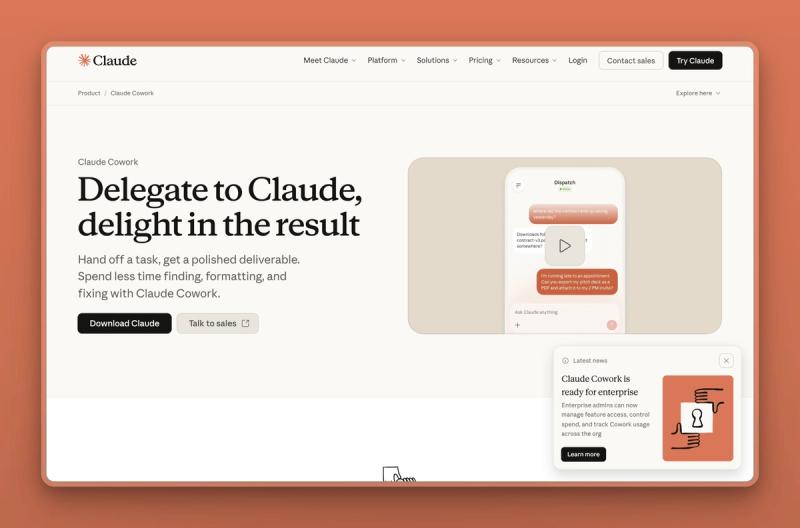
Claude Cowork: agentic work inside the app you may already pay for
Claude Cowork is Anthropic's agentic system for knowledge work, built into the Claude desktop app. You point it at folders you permit. From there it plans and runs multi-step tasks: reading and editing files, organizing documents, pulling data out of images into spreadsheets, and producing reports, with checkpoints where you steer. Because OpenClaw itself usually runs on Claude models, Cowork is the obvious managed way to get agentic help without standing up your own runtime.
Key Features
- Runs as a working session in the Claude desktop app on macOS and Windows, with no API keys or virtual machine to manage.
- Reads, edits, and creates files inside the folders you explicitly allow, and can auto-organize them.
- Schedules recurring tasks and turns messy inputs, like an image of a table, into structured output.
- Approval checkpoints so you review and redirect mid-task instead of handing over full autonomy.
- Connectors to other tools and Anthropic's standard data-handling, so work stays inside one trusted app.
Pros
- About as safe as agentic AI gets for a non-developer: no exposed server, scoped folder access, and a vendor on the hook for security.
- Cost is tied to your Claude plan rather than a separate, self-driving API meter you have to watch.
- Strong at document-heavy desktop work, which is where many owners actually want help.
- Made by the company whose models many OpenClaw users were already relying on.
Cons
- It is a general assistant in an app, not a set of business roles; it will not answer your phone or run outreach.
- It works within permitted folders on your machine, so it is narrower than an agent with full system access.
- Plan tiers and exact usage limits can be confusing, since Cowork is bundled into Claude's subscriptions rather than sold on its own.
Pricing
Claude Cowork is included with paid Claude plans rather than priced separately. Claude Pro is $17 a month billed annually or $20 billed monthly, and Max starts at $100 a month for higher usage, with Team and Enterprise tiers above that. There is a free Claude tier, though Cowork access is a paid-plan feature.
User Reviews
People who use Claude Cowork call it the easiest and safest landing spot for non-technical, document-heavy work, with no keys or servers to manage and a familiar, plan-based bill. Most just wish it reached beyond files into more of the outside world.
Best For
Pick Claude Cowork if you live in documents and spreadsheets and want an AI that does multi-step desktop work with no setup. It fits you if you would rather approve each step than hand an agent the keys to everything.
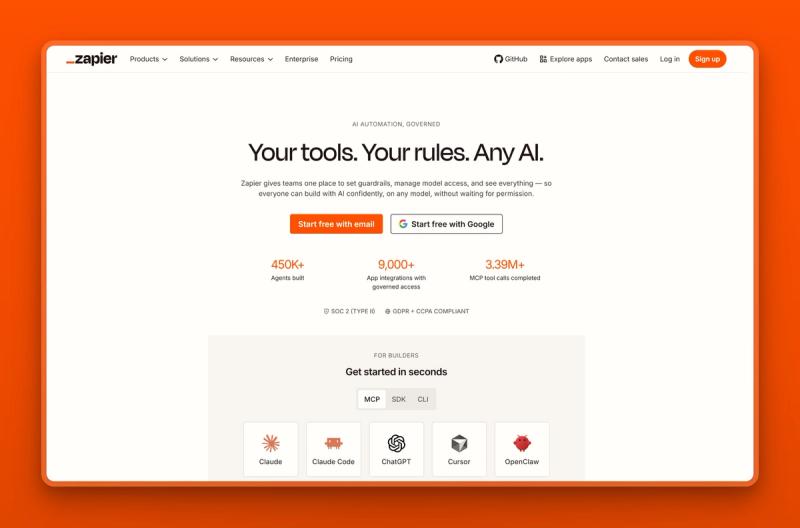
Zapier: connect the apps you already use, no code
Zapier is the largest no-code automation platform, connecting more than 9,000 apps so you can build automated workflows, plus a newer layer of AI agents and chatbots. If your frustration with OpenClaw was really about getting your tools to talk to each other, Zapier does that job in a hosted, predictable way. It never gives an autonomous agent the run of your computer.
Key Features
- More than 9,000 app integrations, by far the largest library available.
- A no-code visual builder for multi-step workflows with filters, paths, and formatting.
- An AI layer: AI fields, Copilot, Agents, and Chatbots that add agent-style steps on top of classic automation.
- Built-in Tables and Forms, webhooks, and a developer platform for custom needs.
- Team and Enterprise governance with SSO for larger groups.
Pros
- Connects to almost anything in a small business stack, so the AI lives inside your real tools.
- Fully hosted and mature, with ready-made templates for most common workflows.
- A free tier lets you run a couple of simple automations before you pay.
- Task-based pricing is visible and budgetable, with no idle agent burning money.
Cons
- It connects and automates apps; it does not act like a role-based employee out of the box.
- Task-based costs can climb as your automations grow.
- Building genuinely useful workflows still takes some setup and thought.
Pricing
Zapier has a free plan with 100 tasks a month and two-step Zaps. Paid tiers start at a Professional plan from $19.99 a month billed annually, then a Team plan from $69 a month, and a custom Enterprise tier. AI Agents and Chatbots are available alongside the core automation.
User Reviews
Zapier holds a 4.5 out of 5 rating on G2, built over one of the largest review bases in the category. Users point to its reliability and the sheer breadth of integrations; the usual gripe is that costs rise as you automate more.
Best For
Pick Zapier if your main need is wiring existing apps together. A form comes in, so it adds the lead to your CRM, notifies the team, and sends a welcome email. It is the dependable link between your apps, not an AI that runs a whole function.
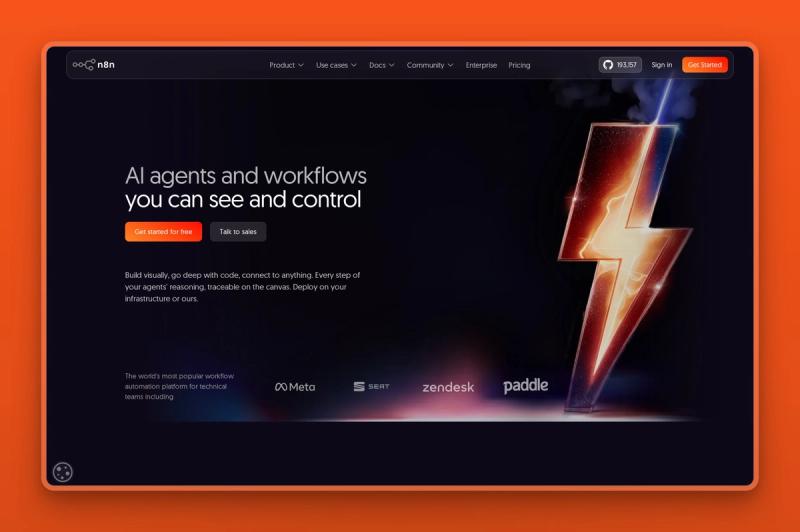
n8n: automation you can own, in the cloud or on your server
n8n is a source-available workflow-automation platform with a visual builder, the option to drop into JavaScript or Python, and built-in AI agent features. It sits between the managed and self-hosted worlds: you can run it on n8n Cloud with nothing to maintain, or self-host the free Community Edition for full control. That flexibility makes it a natural step for someone who wants more ownership than Zapier but none of OpenClaw's exposure.
Key Features
- A visual node builder, with custom JavaScript or Python in any step when you need it.
- Hundreds of integrations plus generic HTTP and API access.
- AI agent building, including multi-agent and retrieval workflows.
- Run it managed on n8n Cloud or self-host the Community Edition on your own server.
- Governance on higher tiers: SSO, role-based access, audit logs, and Git-based versioning.
Pros
- You choose your trade-off: hosted convenience or self-hosted control, on the same tool.
- Pricing is based on full workflow executions, not per step or per user.
- The free, self-hosted Community Edition lets you own your data and run cost outright.
- Strong AI-agent features without OpenClaw's open-ended access to your whole machine.
Cons
- More of a builder than a do-it-for-you tool; you assemble the workflows yourself.
- Self-hosting still means someone manages a server, just with far better guardrails than OpenClaw.
- More technical than Zapier for a true beginner.
Pricing
n8n's cloud plans, billed annually, are Starter at 20 euros a month, Pro at 50 euros, and Business at 667 euros, with a custom Enterprise tier. The self-hosted Community Edition is free. Pricing is based on monthly workflow executions rather than per-task or per-seat.
User Reviews
n8n earns a 4.7 out of 5 on G2 across a sizable review base. Technical users praise the flexibility, the execution-based pricing, and the ability to self-host. They add that it rewards a bit of technical comfort.
Best For
Pick n8n if you are a hands-on owner or small team that wants to build reliable automations. You keep the option to self-host for data control, without inheriting OpenClaw's security burden.
Lindy: build your own no-code AI assistant
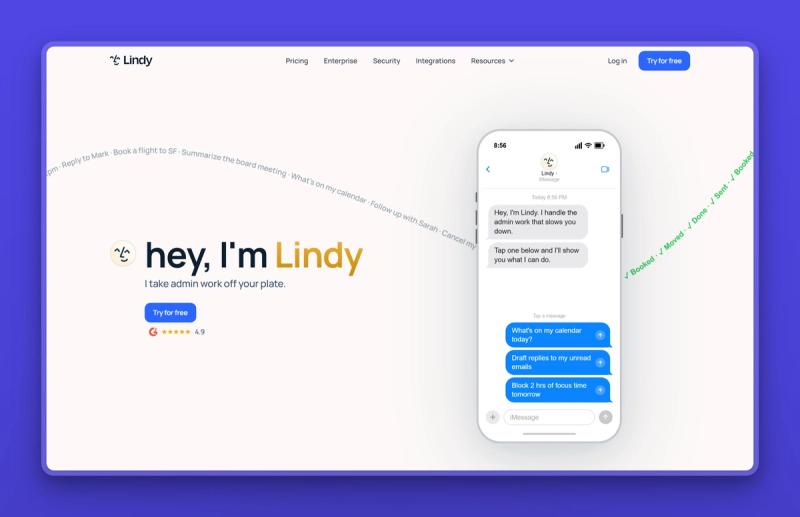
Lindy is a no-code platform for building AI assistants that handle your work, plus a ready-made assistant for inbox, calendar, and meetings out of the box. Where Marblism gives you pre-built employees, Lindy hands you a drag-and-drop builder to assemble your own, then runs them in the cloud. If you liked the idea of OpenClaw automating your work but want to configure it without code, Lindy is the managed builder.
Key Features
- A no-code, drag-and-drop builder for custom AI agents, with templates for sales, support, recruiting, and ops.
- A ready-made work assistant that drafts email in your voice, schedules meetings, and joins calls to take notes and pull action items.
- Chat with it over iMessage or SMS, so you can delegate from your phone.
- More than 100 integrations across Gmail, Outlook, Google Calendar, Slack, Notion, HubSpot, and Salesforce.
- Computer use on higher tiers, so Lindy can operate browser-based tools for you.
Pros
- Fully hosted, with nothing to install or secure yourself.
- The no-code builder is genuinely approachable for a non-developer.
- Approvals are built in: Lindy drafts and proposes, and you decide what sends.
- Privacy-first: your data is not sold and not used to train models.
Cons
- No free tier; the entry point is a 7-day trial, then a paid plan.
- It is a builder first, so you assemble and tune the agents rather than getting finished roles.
- Usage is capped per plan, and heavy workloads push you to the pricier tiers.
Pricing
Lindy has no free tier, only a 7-day free trial on every plan. Paid plans are Plus at $49.99 a month, Pro at $99.99, and Max at $199.99, with custom Enterprise pricing that adds SSO, SCIM, HIPAA, and audit logs. The tiers differ mainly by monthly usage and number of connected inboxes.
User Reviews
Lindy is rated 4.9 out of 5 on G2. Users praise how fast they get a working agent and the hours saved on email and meeting notes. The common gripe is the paywall, and that usage limits can bite once you lean on it every day.
Best For
Pick Lindy if you want to build your own AI assistant without code, or want a hosted helper for inbox, calendar, and meetings. It fits a hands-on owner who would rather configure an agent than run a server.
Sai by Simular: a managed desktop agent that asks before it acts
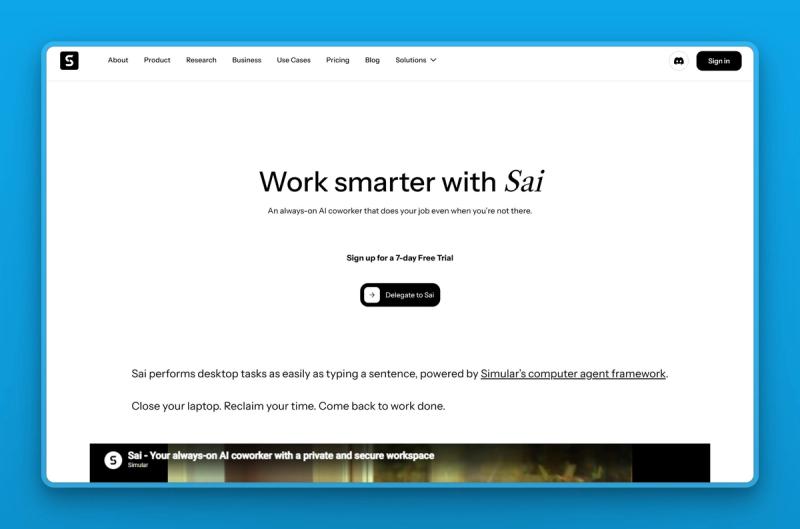
Sai, from the research lab Simular, is an always-on AI coworker that operates a real computer for you, clicking, typing, and navigating apps the way a person does. It runs on a private cloud machine Simular provisions, or on your own Mac or Windows device, and it checks with you before any sensitive step. If OpenClaw's appeal was an agent that drives your software, Sai delivers that with the approval gate OpenClaw never enforced.
Key Features
- Full desktop and browser control through the graphical interface, plus terminal and API actions.
- Runs on a private cloud virtual machine that keeps working after you close your laptop, or on your own device.
- An approval system that pauses for your confirmation before sending email, deleting files, or other risky actions.
- Per-app trust levels, so you auto-approve safe tasks and gate the rest.
- Workflow scheduling and a community gallery of shareable skills.
Pros
- A real per-action approval gate, the direct answer to OpenClaw's "it ignored stop" problem.
- Zero terminal setup: download, sign in, and describe the task.
- Cloud isolation keeps the agent off your live machine unless you choose to run it on your own device.
- Strong published benchmark scores for desktop and web tasks.
Cons
- Closed-source, and a newer, fast-moving product rather than a settled one.
- The jump from Plus to Pro is steep, with no mid-tier plan.
- Cloud execution needs a connection, and desktop-heavy tasks burn credits faster.
Pricing
Sai is currently invite-only, so you join a waitlist rather than sign up on demand. It offers a 7-day free trial. Plus is $20 a month with 10,000 reloadable credits, but that is an early-adopter price for the first 1,000 users, and the regular rate is $200 a month. Pro is $500 a month with unlimited credits, virtual-machine support, and zero data retention from model providers. Enterprise pricing is custom. Credits are consumed by task complexity, so desktop work costs more than simple web automation.
User Reviews
Early hands-on writeups praise Sai's approval-gated safety and genuine desktop control, and flag the large Plus-to-Pro price gap and occasional focus issues when it runs on your own device. It is a promising, fast-moving product rather than a settled one.
Best For
Pick Sai if you want an agent that actually operates your desktop apps but refuses to act without your say-so. You would rather it run on an isolated cloud machine than on your laptop. Best for non-technical owners and business teams who want oversight built in.
Best Self-Hosted OpenClaw Alternatives
If you are technical and genuinely want to run your own agent, these six are built with the guardrails OpenClaw skips. They are still self-hosted, so the upkeep and the LLM bill are yours, but each takes security or efficiency far more seriously.
Hermes Agent: the leaner agent with a memory
Hermes Agent, from Nous Research, is an open-source, self-hosted autonomous agent often described as the closest like-for-like to OpenClaw with less of the noise. It keeps persistent memory across sessions, writes its own reusable skills as it works, and reaches you across the usual messaging channels. It aims to deliver OpenClaw's "an AI that does things" promise with a cleaner core and stronger memory.

Key Features
- Persistent memory with session search, so it remembers context between conversations.
- Autonomous skill creation: it turns repeated tasks into reusable skills over time.
- A messaging gateway across Telegram, Discord, Slack, WhatsApp, Signal, email, and CLI.
- Scheduling, parallel sub-agents, and sandbox options via Docker, SSH, or Modal.
- Fully self-hosted with no telemetry, plus support for the standard tool-calling protocol.
Pros
- A self-improving loop that gets faster on tasks you repeat.
- Strong persistent memory, a common OpenClaw weak spot.
- Backed by a known research group rather than an anonymous project.
- Self-hosted with no telemetry, so your data stays with you.
Cons
- Still self-hosted, so you run the server and pay the LLM bill.
- Its self-evaluation can be over-confident, and it may overwrite manual edits to skills.
- Younger and less proven in production than its star count suggests, so treat stability claims with care.
Pricing
The Hermes Agent software is free and open-source under an MIT license. The cost is your own hosting, often a few dollars a month for a small VPS, plus your LLM API usage. Nous Research also offers a hosted portal with a free tier and a paid Plus tier around $20 a month, though those portal tiers are still settling.
User Reviews
Hermes Agent is one of the most-starred autonomous agents anywhere, with more than 200,000 stars on GitHub. Builders like the compounding "gets smarter as you use it" memory and a polished desktop app, and they warn that it is young, sometimes overrates its own work, and is not something to set and forget. People who have tried both reach for Hermes when they want it to learn over time, and OpenClaw when they want the bigger ecosystem.
Best For
Pick Hermes Agent if you are a technical builder who wants OpenClaw's capability with better memory and a leaner footprint. You will own the hosting and live with some early-software rough edges.
IronClaw: secrets the AI never sees
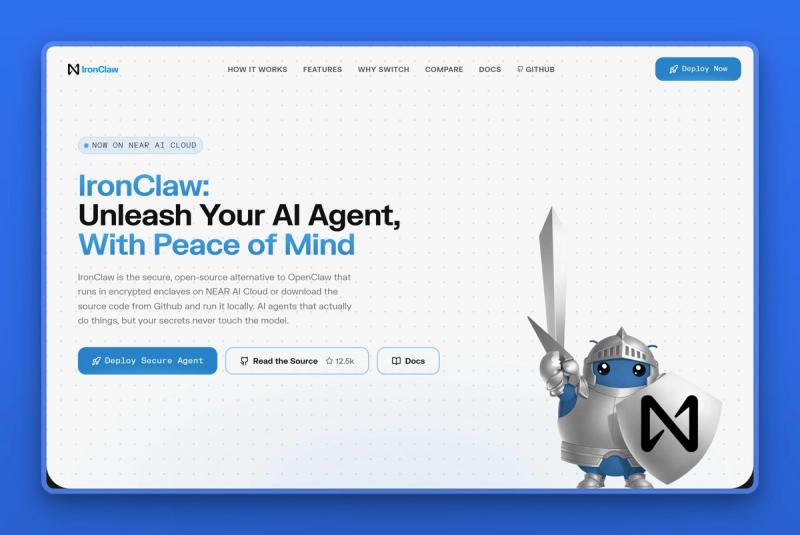
IronClaw, from NEAR AI, is a security-first, open-source agent platform built to answer OpenClaw's biggest weakness head-on. Its whole design assumes the model and its skills cannot be trusted with your secrets. It keeps credentials in an encrypted vault the AI never reads, runs every tool in its own sandbox, and can execute inside hardware-isolated enclaves. If your reason for leaving OpenClaw is security, this is the one to beat.
Key Features
- An encrypted vault that injects API keys and passwords only at approved endpoints, so the model never sees the raw values.
- Each tool runs in its own WebAssembly sandbox with capability-based permissions and an endpoint allowlist.
- Optional execution inside a Trusted Execution Environment on NEAR AI Cloud, encrypted even from the host.
- Network controls that block silent phone-home or data exfiltration to servers you did not approve.
- A Rust runtime, which rules out whole classes of memory-safety exploits, plus one-click deploy.
Pros
- The strongest answer to prompt injection and credential theft in this list.
- Real isolation per tool, so a compromised skill cannot reach everything else.
- Published, tiered pricing and a hosted option, unusual for this category.
- Open-source, so you can self-host and audit it.
Cons
- A smaller ecosystem and community than OpenClaw or Hermes.
- The security model adds concepts (enclaves, capabilities, allowlists) to learn.
- Still aimed at technical users, not a plug-and-play tool for a non-developer.
Pricing
IronClaw publishes three hosted tiers. The free Starter comes with one agent, and the Basic plan is $20 a month for two agents. The Pro+ plan is $200 a month for up to five agents, with a usage ceiling of around 130 million tokens. The source code is open source, so self-hosting it is free aside from your own infrastructure.
User Reviews
IronClaw has more than 12,000 stars on GitHub. Security-minded operators call it the zero-trust, sandboxed choice for regulated or sensitive work. The catch they mention is that you give up some of OpenClaw's sprawling skill library to get that safety.
Best For
Pick IronClaw if you are security-conscious and self-hosting, especially if you handle sensitive data or work in a regulated field. It does real work without ever exposing your secrets to the model.
ZeroClaw: a tiny binary that runs almost anywhere
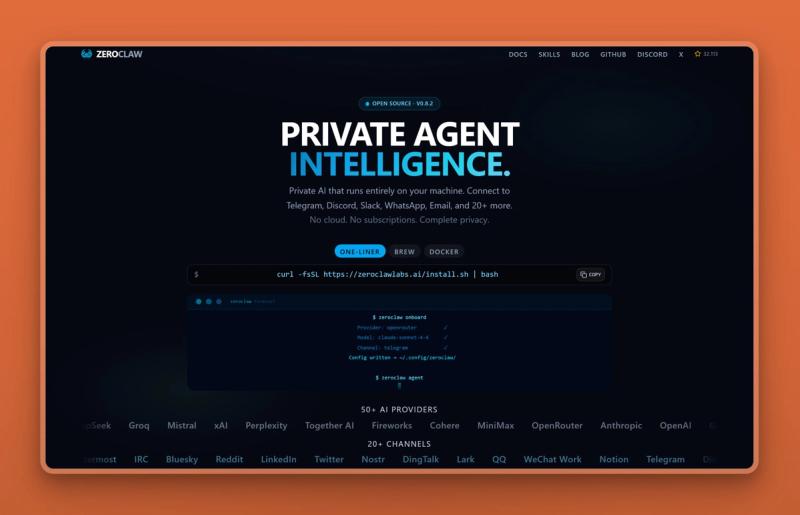
ZeroClaw is an ultra-light agent runtime written in Rust and shipped as a single small binary. Its pitch is radical minimalism: a file just a few megabytes in size that starts in milliseconds and sips memory. It runs fully local, on hardware as cheap as a $10 board. For anyone who found OpenClaw heavy and noisy, ZeroClaw is the lightweight alternative.
Key Features
- A single small binary, only a few megabytes, that runs on common chip architectures.
- Very low resource use: a few megabytes of RAM and a sub-10-millisecond cold start.
- Around 20 model providers, including local models through Ollama, plus dozens of channels.
- Built-in sandboxing, approval gates, an allowlist, and encrypted secrets.
- Local memory and no external dependencies, so it can run fully offline.
Pros
- Light enough for cheap or low-power hardware, where OpenClaw will not fit.
- Approval gates and encrypted secrets are built in, not bolted on.
- Runs fully local, so your data need never leave the device.
- Fast and simple to start, with a single file to manage.
Cons
- A smaller ecosystem than the big projects, so fewer ready-made skills.
- Still a self-hosted, command-line-first tool for technical users.
- Some performance and efficiency claims are the vendor's own, so verify what matters to you.
Pricing
ZeroClaw is free and open-source under permissive licensing, so there is no subscription. You pay only for your own LLM API usage, or nothing if you run a local model, plus the cheap hardware it runs on.
User Reviews
ZeroClaw has more than 32,000 stars on GitHub. Users like the radical minimalism, the fast local search, the tiny single-file footprint, and the genuinely low running cost. The main caveat they note is a setup that assumes you are comfortable on the command line.
Best For
Pick ZeroClaw if you want a fast, private, low-resource agent on modest hardware and do not need a big skill marketplace. It is the one for tinkerers who like things lean.
NanoClaw: a tiny codebase you can actually understand
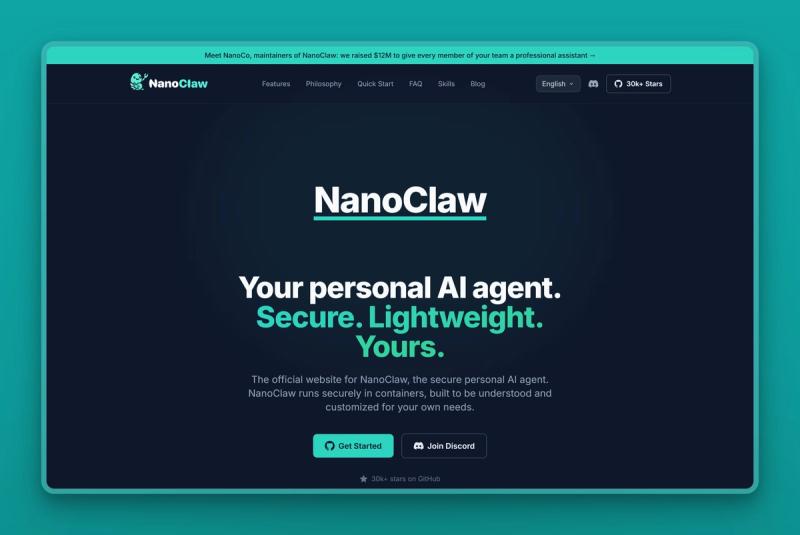
NanoClaw takes a different route to safety: keep the whole thing small enough to read. It is a minimal personal agent, only a few hundred lines of code, that runs Claude Code inside isolated Docker containers, one per agent, instead of directly on your machine. The appeal is transparency and isolation. You can read what it does. Its agents work inside sandboxed containers, with optional micro-VM isolation, instead of touching your live system, and they keep their own workspace and memory.
Key Features
- A very small codebase built around running Claude Code through the official agent SDK.
- Each agent group runs in its own isolated Docker container, with optional micro-VM sandboxing.
- More than a dozen messaging channels, from WhatsApp to Slack to iMessage.
- Per-agent workspace and memory, plus scheduled jobs and skills.
- A credential vault so keys are not scattered across config files.
Pros
- Per-agent container isolation, so a compromised task is boxed in rather than loose on your machine.
- Small and opinionated, which makes it genuinely understandable.
- Backed by a funded team that raised a seed round, a sign it will be maintained.
- Built on Claude Code, so it inherits a capable underlying agent.
Cons
- Self-hosted and Docker-based, so it needs some technical comfort.
- Tied closely to Claude, which means an Anthropic API key and its usage costs.
- Newer and narrower than OpenClaw, with fewer integrations.
Pricing
NanoClaw is free and open-source under an MIT license. The running cost is your own Anthropic API usage for Claude Code, since NanoClaw itself has no subscription. Its maker, NanoCo, turned down a reported $20M buyout and raised a $12M seed instead, which suggests the project will stick around.
User Reviews
NanoClaw has more than 30,000 stars on GitHub and over 100,000 downloads. Switchers like how opinionated and transparent it is, the container isolation, and finally understanding what their agent is doing. In return they accept fewer features and a tighter, Claude-centric scope.
Best For
Pick NanoClaw if you are a developer who wants a small, auditable, isolated agent and you are happy to stay inside the Claude ecosystem to get it.
Nanobot: a tiny agent with a big following
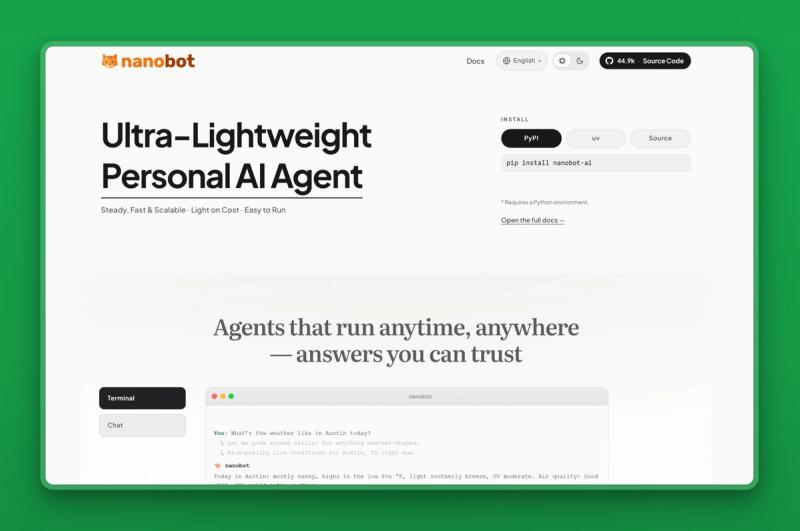
Nanobot, from Hong Kong University's Data Intelligence Lab, is one of the most-starred OpenClaw alternatives on GitHub, and it gets there by being tiny. The whole agent is about 4,000 lines of Python you can read in an afternoon. Yet it still connects to your messaging apps, remembers across sessions, and works with any model. For anyone who found OpenClaw bloated, Nanobot is the readable counterweight.
Key Features
- A very small Python codebase, roughly 4,000 lines, that installs with a single pip command.
- Support for the standard tool-calling protocol, so it plugs into existing tools and servers.
- More than a dozen messaging channels, with persistent memory across sessions.
- Model-agnostic: point it at whichever provider or local model you prefer.
- A light footprint, running in well under 200MB of memory.
Pros
- A large, active community, so help and add-ons are easy to find.
- Small and readable enough to actually audit before you trust it.
- Free and open-source under an MIT license.
- Low resource use, so it runs comfortably on cheap hardware.
Cons
- Self-hosted and Python-first, so you run and update it yourself.
- Minimal by design, so advanced features are add-ons rather than built in.
- You still bring and pay for your own model API.
Pricing
Nanobot is free and open-source under an MIT license, so there is no subscription. You pay only for your own model API usage, or nothing if you run a local model, plus whatever you spend to host it.
User Reviews
Nanobot has one of the largest followings in this group, with more than 44,000 stars on GitHub. Developers praise how small and legible it is, the active community, and the quick setup. The flip side is the usual self-hosted caveat: it is a starting point you extend, not a finished product.
Best For
Pick Nanobot if you want a hugely popular open-source agent, a codebase small enough to read, and a big community to lean on. You just need to be comfortable running Python yourself.
Vellum: a memory-first personal assistant, cloud or self-hosted
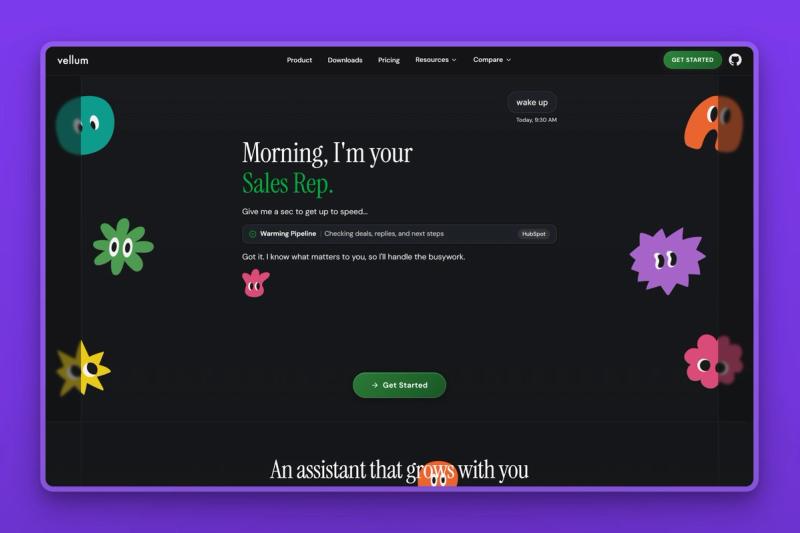
Vellum, from Vellum AI, is an open-source personal AI assistant you can run on your own Mac or in Vellum's cloud. Its pitch is memory and safety: a structured memory that builds itself as you talk, and credentials kept in a separate vault the model never sees. You reach one assistant, with one memory, from the Mac app, the web, voice, email, Telegram, or Slack. For an OpenClaw user who wanted a real personal assistant without the security holes, Vellum is the polished option.
Key Features
- A managed, multi-type memory that captures your preferences and projects automatically, with embeddings run locally by default.
- Credentials live in a separate process and never reach the model, and every tool call runs in a sandbox.
- One assistant across the Mac app, iOS, web, voice, email, Telegram, and Slack, sharing a single memory.
- Managed OAuth to more than 50 services, so you connect tools without juggling keys.
- Run it self-hosted on your Mac under an MIT license, or on Vellum Cloud for an always-on setup.
Pros
- A genuinely strong memory layer, which most self-hosted agents leave you to build.
- Security-first defaults: credential isolation, sandboxing, and deny-by-default trust rules.
- Open-source and free to self-host, with a managed cloud option when you want always-on.
- Works across many channels without per-channel setup.
Cons
- The richest experience is Mac-first today.
- Self-hosting still means you manage updates and your own model costs.
- The managed cloud plans are paid, and newer than the incumbents.
Pricing
The Vellum assistant is free and open-source under an MIT license, so self-hosting costs only your own model API usage. Vellum Cloud, the managed always-on option, is a paid product with plans on top of that. Inference defaults to Anthropic, or you can bring your own key for OpenAI and Google, or run a local model.
User Reviews
Vellum is a newer open-source project with more than 800 stars on GitHub. Early users highlight the fast setup, the cross-channel memory that actually remembers context, and the credential isolation that most self-hosted agents leave you to build. The common caveats are its youth and a Mac-first experience, so other platforms feel thinner for now.
Best For
Pick Vellum if you want a personal assistant with serious memory and security, the freedom to self-host or use a managed cloud, and you mostly work on a Mac.
The 12 alternatives at a glance
Here is how the twelve options compare on what matters most when you replace OpenClaw.
| Tool | Type | Who runs it | Security model | Does the work or you build it | Cost model |
|---|---|---|---|---|---|
| Marblism | AI Employees | Managed | Audited, human-in-the-loop | Does the work, with approval | Flat subscription |
| Claude Cowork | Agentic assistant | Managed | Scoped folders, approvals | Does the work, you steer | Tied to your Claude plan |
| Zapier | No-code automation | Managed | Hosted, scoped connections | Automates, you build it | Task-based |
| n8n | Workflow automation | Cloud or self-hosted | Scoped, self-host option | Automates, you build it | Execution-based |
| Lindy | No-code agent builder | Managed | Hosted, no training on data | You build it, it runs | Flat subscription |
| Sai | Desktop agent | Managed or BYOD | Cloud VM, per-action approval | Does the work, with approval | Credit-based |
| Hermes Agent | Autonomous agent | Self-hosted | Optional sandboxes | Does the work, you host it | Free OSS + your API |
| IronClaw | Security-first agent | Self-hosted or cloud | Vault, sandbox, enclaves | Does the work, you host it | Free OSS, hosted $20-$200/mo |
| ZeroClaw | Minimal runtime | Self-hosted | Sandbox, allowlist, local | Does the work, you host it | Free OSS + your API |
| NanoClaw | Minimal agent | Self-hosted | Per-agent containers | Does the work, you host it | Free OSS + your API |
| Nanobot | Minimal agent | Self-hosted | Your setup, open-source | Does the work, you host it | Free OSS + your API |
| Vellum | Personal assistant | Cloud or self-hosted | Credential isolation, sandbox | Does the work, you steer | Free OSS, cloud paid |
A few names worth skipping
You will run into a few other names while shopping around. Here is the quick read on each. A whole category of services, including KiloClaw, ClawMates, and xCloud, will host OpenClaw for you in about five minutes. They remove the setup pain, which is real. But what they run is still OpenClaw, so you keep its metered inference bill and its broad-access agent. You are renting the same agent, not swapping it for a safer one. Manus is a capable managed cloud agent, but it is built for open-ended, do-anything automation rather than ready-made business roles. TrustClaw is still pre-launch, with no working pricing page, so there is nothing to actually try yet. PicoClaw is a capable minimalist agent aimed mainly at embedded and hardware projects. NemoClaw, NVIDIA's reference stack for running agents more safely, is powerful but is alpha-stage infrastructure that assumes GPU and data-center resources. OpenFang is promising but early, with a limited public track record so far. If you are deep in the self-hosting world, these are worth watching.
Which OpenClaw alternative should you choose?
Here is the short version, by what you need most.
If you want business functions run for you, with nothing to host or secure:
- Choose Marblism. It is the closest thing to "OpenClaw, but it just works," for the inbox, social, content, calls, and more.
If you want a general AI for document and desktop work, without setup:
- Choose Claude Cowork. It does multi-step work inside the Claude app, with you steering.
If your real need is connecting the apps you already use:
- Choose Zapier for the widest integration library, or n8n if you want execution-based pricing and the option to self-host.
If you want to build your own AI assistant without writing code:
- Choose Lindy, a hosted drag-and-drop builder with a ready-made inbox-and-meetings assistant.
If you want an agent that operates your desktop but asks before it acts:
- Choose Sai, which runs on an isolated cloud machine with an approval gate.
If you are technical and want OpenClaw's power with better memory:
- Choose Hermes Agent, and accept the early-software rough edges.
If security is the whole point:
- Choose IronClaw, which keeps your secrets out of the model entirely.
If you want minimal and private on cheap hardware, or a codebase you can read:
- Choose ZeroClaw for a tiny Rust runtime, NanoClaw for per-agent container isolation, or Nanobot for the most popular, readable Python agent.
If you want a personal assistant with strong memory and security:
- Choose Vellum, self-hosted on your Mac or run on its managed cloud.
How to switch off OpenClaw safely
Moving off OpenClaw is not just installing something new. Because OpenClaw may have broad access and standing credentials, do the switch in an order that closes the risk first.
1. Rotate every credential it touched. Reset the API keys, email logins, and tokens you gave OpenClaw, since some were likely stored in plaintext. Do this before you do anything else.
2. Take inventory of what it actually did for you. List the real jobs: triaging the inbox, posting updates, weekly summaries. You are replacing those jobs, not the tool's full surface.
3. Move the highest-risk job first. Whatever touched money, contracts, or your main inbox should move to a managed, approval-gated tool soonest, then shut OpenClaw's access to it off.
4. Decommission cleanly. Once the new tool covers a job, stop OpenClaw's heartbeat for it, remove its access, and take any exposed instance offline. Confirm the API bill drops to match.
Switching one job at a time keeps you working while you move, and it means a single mistake never takes down everything at once.
When OpenClaw is still worth running
OpenClaw is still a reasonable choice for some people. If you enjoy the tinkering, run it in a properly sandboxed environment, and watch your spend, it is one of the most capable and extensible agents available. It also has the largest community and skill library. For experimentation on a non-critical machine, that openness is a feature.
That fits a tinkerer, not a busy business owner. The moment OpenClaw touches a real inbox, real customer data, or a credit card, the cost and security work stops being a hobby and becomes a liability you carry. If that is your situation, one of the managed options above will serve you better. If you love the control and accept the responsibility, OpenClaw earns its stars.
The bottom line
For most small businesses, a managed tool is the right replacement. The whole point was to get work done without becoming your own IT department. Marblism is the one we recommend for the owner who wanted a hands-off AI team: it runs your inbox, social, content, lead generation, calls, and contract review. The bill is flat, your approval is required before anything goes out, and there is nothing for you to host or patch. You can see real customer outcomes in the Marblism stories.
Pick a different tool if your situation calls for it. Choose Claude Cowork for hands-on document work, Zapier or n8n to connect your apps, Lindy to build your own assistant, or Sai to drive your desktop with approvals. Pick Hermes Agent, IronClaw, ZeroClaw, NanoClaw, Nanobot, or Vellum if you are technical and committed to self-hosting, with IronClaw the safest of those. And if you love tinkering and accept the risk, OpenClaw itself may still be fine. Linda, Marblism's AI Legal Assistant, drafts and reviews documents but does not replace a lawyer, so treat its output as general information rather than legal advice.
> "I was trying to use OpenClaw to create my own AI Agent and was burning through time and money on AI credits. Then I found Marblism via a YouTube video and OMG! I haven't looked back. This is THE best AI Agents provider I have found yet. Your own team of 6, ready to deploy out the box AI Agents, that each have their own pre-programmed skill set."
> Mindset Universe Media Ltd, in a 5-star review on Trustpilot (May 2026)
Frequently asked questions
About OpenClaw
Is OpenClaw safe to use?
OpenClaw can be run more safely with sandboxing and careful configuration, but it is not safe by default. Its defaults give the agent broad access to your files and store credentials in plaintext, and researchers have found over 135,000 instances exposed online, most without authentication. Several companies have banned it internally. For sensitive or business use, a managed or security-first alternative carries far less risk.
What replaced OpenClaw for most people?
There is no single replacement; people split by what they need. Non-technical owners move to managed tools like Marblism or Claude Cowork that remove the hosting and security work. Technical users move to safer self-hosted agents like Hermes Agent, IronClaw, ZeroClaw, NanoClaw, Nanobot, or Vellum. A common pattern is to keep a powerful agent for ideas and let a managed tool handle anything that touches real data.
Why is OpenClaw so expensive to run?
OpenClaw is self-hosted, so you pay your own LLM API bill, and it wakes itself on a timer to stay useful. That background activity costs money even when idle. One developer measured about $25 in a single idle day, roughly $750 a month, and runaway loops have drained whole monthly budgets in a couple of days.
Choosing an alternative
What is the best OpenClaw alternative for a non-technical business owner?
For a non-technical owner, the most direct managed fit is Marblism. It gives you six managed AI Employees that run real functions: the inbox, social, content, lead generation, calls, and contracts. The pricing is flat, with nothing to install and your approval before anything goes out. Claude Cowork is a strong second if you mainly want help with documents and desktop tasks.
Do I need to be technical to use one of these tools?
No. The managed options here, Marblism, Claude Cowork, Zapier, Lindy, and Sai, need no servers, keys, or coding, and Vellum also offers a managed cloud. You describe what you want and approve the results. The self-hosted picks, Hermes Agent, IronClaw, ZeroClaw, NanoClaw, and Nanobot, require technical comfort, since you run and maintain them yourself.
What is the best OpenClaw alternative for security-conscious users?
Among self-hosted tools, IronClaw is the strongest on security: it keeps your secrets in a vault the AI never sees, sandboxes every tool, and can run inside hardware-isolated enclaves. If you would rather not self-host at all, a managed, audited platform like Marblism removes most of the risk by taking the hosting off your plate entirely.
Is self-hosting an OpenClaw alternative worth it?
It is worth it if you are technical, want full control of your data, and will keep the tool patched and its spending watched. If any of those are not true, self-hosting tends to recreate the exact cost and security problems people leave OpenClaw to escape. A managed tool is usually the better trade.
Cost and switching
Are there free OpenClaw alternatives?
Yes, with a catch. Hermes Agent, ZeroClaw, NanoClaw, and Nanobot are open-source and free to run, though you still pay your own model API and hosting costs. IronClaw and Vellum are open-source and free to self-host too, but their managed hosted tiers are paid. Zapier and n8n have free tiers, and n8n's self-hosted Community Edition is free. Lindy and Sai are paid, with 7-day trials. Marblism has no free plan but offers a 7-day money-back guarantee instead.
How is Marblism's pricing different from OpenClaw's?
Marblism charges a flat $24 to $44 a month for all six AI Employees, with 50 hours of AI work included and no per-task token meter. An idle day or a failed task costs nothing extra. OpenClaw is free to download but bills your LLM provider for every action it takes, including its own background activity, which is what produces the surprise charges people report.
Can any of these tools answer phone calls?
Most cannot. The OpenClaw-style agents and automation tools here work over text, files, and chat apps, not the phone. The exception is Marblism, whose AI receptionist Rachel answers calls 24/7 on her own number, books appointments, and transfers callers. She offers local numbers in the US, Canada, the UK, and more. If missed calls are part of why you wanted an always-on assistant, that gap is one most alternatives leave open.
OpenClaw proved something real: people want an AI that does things, not one that just talks. But doing things on your own machine, with your own keys and your own budget, turns into a job in itself. If you would rather skip that job and still get the work done, that is what Marblism is built for. You get six AI Employees handling the inbox, social, content, calls, and contracts from $24 a month, with a 7-day money-back guarantee.