9 Best AI Receptionists for Small Business (2026 Review)

Jesus Malo
CMO, Marblism
June 22, 2026

The best AI receptionist depends on your call volume, your industry, and whether you want a human to step in on the hard calls. Rosie suits home-services and trades, Smith.ai adds live agents, Goodcall and NextPhone keep pricing predictable, Slang.ai fits restaurants, echowin covers phone plus chat, and Marblism's Rachel answers calls alongside the rest of your back office.
A missed call is rarely just a missed call. It is the new customer who phoned while you were on a ladder, under a sink, or with the client in front of you, then tried the next business on the list instead of leaving a voicemail. Voicemail rarely saves the lead: most callers who do not reach a person move straight to the next option. For an owner who is also the plumber, the stylist, or the attorney, every ringing phone pulls them off the work they are paid for.
An AI receptionist answers that phone for you, around the clock, books or routes the call, and texts you what happened. The hard part is choosing one. We compared twelve of these tools for this guide, read the real Trustpilot, G2, and Capterra reviews behind each, and verified every price on the vendor's own live page. Some tools are built for trades, some for restaurants, some add a human when the call gets complicated. Below, find the one that fits how your phone actually rings.
Skip to the situation that sounds like yours.
TL;DR
There is no single best AI receptionist. The right one depends on how your phone actually behaves. If you run a trades or home-services business and want to be live within an hour, Rosie is the easiest start. Dialzara goes live fast on a tight budget, Goodcall and NextPhone make the monthly bill predictable, and Smith.ai backs its AI with real human agents for calls that need one. Slang.ai is built for restaurants, and echowin handles phone, text, and chat from one agent. If the phone is one of several things you are doing alone, Marblism gives you Rachel, an AI receptionist who answers and books calls, plus five more AI Employees for your inbox, leads, social, content, and contracts. They run on one bill, and each one waits for your approval before anything goes out.
| AI receptionist | Best for | Key strength |
|---|---|---|
| Rosie | Home-services and trades businesses | Trains off your website in under an hour, natural voice |
| Dialzara | Going live fast on a tight budget | Roughly ten-minute setup, low entry price |
| Goodcall | Predictable, per-caller pricing | No-code setup with SOC 2, ISO 27001, and HIPAA options |
| NextPhone | High call volume on a flat rate | Unlimited calls with no per-minute meter |
| Smith.ai | Calls that need a human backup | AI answering with on-demand North America-based live agents |
| Slang.ai | Restaurants and reservations | Purpose-built for booking tables and routing diner calls |
| echowin | One agent across phone, SMS, and chat | Multi-channel coverage with usage-based pricing |
| Upfirst | The simplest solo setup | Nothing to configure, per-call billing, free trial |
| Marblism | Reception plus the rest of the back office | Rachel answers calls; five more AI Employees on one bill |
Table of contents
What an AI receptionist is and how it works
An AI receptionist is software that answers your business phone in a natural voice, 24/7, handles the caller's request, and passes the outcome to you. It picks up in a second or two, greets the caller by your business name, answers common questions, books or reschedules appointments on your calendar, captures lead details, and transfers or texts you when a call needs a person. You train it once on your business, connect a phone number, and it works while you do.
The category splits three ways, and the labels get used loosely. A traditional answering service is a call center of humans who take messages. A virtual receptionist can be either remote humans or software. An AI receptionist is the software-only version: an AI voice agent answers and acts on the call with no human in the loop unless it transfers out. Many providers market that same software as an AI answering service, so for these tools the two names describe the same thing; what matters is software versus a human call center, not the label. If you want the difference spelled out, our explainer on what a virtual assistant actually does covers where humans still fit. It comes down to one trade-off: software answers every call instantly and cheaply, a human handles nuance better, and the strongest setups let the AI take the routine calls and hand the rest to a person.
Under the hood, the better tools follow the same loop. Speech-to-text turns the caller's words into text, a language model decides what to say and which action to take, text-to-speech replies in a chosen voice, and integrations push the result into your calendar, CRM, or inbox. What separates a good one from a frustrating one is not the demo. It is how fast it replies, whether it actually completes the booking, and what it does when it does not understand.
What actually matters when choosing one
Before you point your main line at any of these, run it past a few things. Get any one wrong and you will abandon the tool within a month: it has to answer fast and sound human, actually book and route the call, bill you predictably, plug into your calendar and CRM, and hand off cleanly when it is stuck.
It answers in seconds and sounds like a person
The whole point is that the caller does not know, or does not mind, that it is AI. Two things decide it: how fast the agent replies, and how natural the voice sounds. A reply delay under about a second is the point where callers stop noticing the gap. One team that ran AI receptionists for six months shared its own production numbers. Cutting its response delay lifted the share of callers who stayed on the line from about 72 percent to 91 percent. That is one shop's numbers, not a guarantee yours will match. But the pattern holds: a laggy, robotic agent loses the call before it can help.
It books and routes the call, not just answers it
Answering is the easy half. The value is in what happens next: the appointment lands on your calendar, the lead details reach your CRM, and the urgent call gets to you. A tool that answers 95 percent of calls but books few of them hasn't saved you any time, it's just given you one more thing to chase. Count the bookings, not the answer rate. Before you commit, test whether the appointment actually appears where you work.
The price is predictable, not a per-minute meter
This is where the angriest reviews come from. Many AI receptionists bill per minute or per call, so a busy month or a few long calls produce a surprise. You want a bill you can plan around: a flat monthly rate, per-unique-caller pricing, or clear minute bundles. Per-minute models can still work, but only after you add up what a realistic month costs at your call volume. The worst reviews in this category are about charges that keep landing after a cancellation, so check how the plan bills and exactly how you cancel before you connect your number.
It fits the calendar and CRM you already use
An AI receptionist that cannot reach your scheduling tool is just a fancier voicemail. The ones worth keeping write straight into Google or Outlook calendar, sync the lead into your CRM, and post the call summary where you will see it. Plenty of buyers have signed up on the promise of an integration that turned out not to exist. Before you point your line at it, book one test appointment and check it lands on your real calendar, rather than trusting that a CRM logo on the page means the connection works.
It hands a call it cannot solve to a human cleanly
Even providers that pair AI with human staff report that a meaningful share of AI-first calls still need a person. If a botched call costs you a customer, clean escalation isn't a nice-to-have, it's the whole point.
Match the receptionist to your front desk
Find the row below that sounds like your front desk, then jump to that tool's section.
| Your front desk situation | What to look for | Start with |
|---|---|---|
| Trades or home services, calls while you are on a job | Fast setup, natural voice, books and texts you | Rosie |
| Solo or new, want to be live within minutes | Low entry price, fast custom-voice setup | Dialzara |
| Solo, want nothing to configure | No flow builder, per-call billing, free trial | Upfirst |
| You want to know the bill before the month starts | Per-caller or flat pricing, no per-minute meter | Goodcall, NextPhone |
| High call volume, no overage surprises | Unlimited calls on a flat rate | NextPhone |
| Complex or sensitive calls need a real person | Human agents on standby behind the AI | Smith.ai |
| Restaurant taking reservations and FAQs | Reservation-system integrations, VIP routing | Slang.ai |
| Customers reach you by call, text, and web chat | One agent across every channel | echowin |
| The phone is one of five things you do alone | Reception plus inbox, leads, and admin in one place | Marblism (Rachel) |
Two options sit just outside that list. If you already run a business phone system like RingCentral, check its built-in AI receptionist before adding a separate vendor. And if most of your missed contacts would rather text than call, a missed-call text-back tool such as Numa, now focused on auto dealerships, covers that narrower job.
9 best AI receptionists for small business
1. Rosie, best for home-services and trades
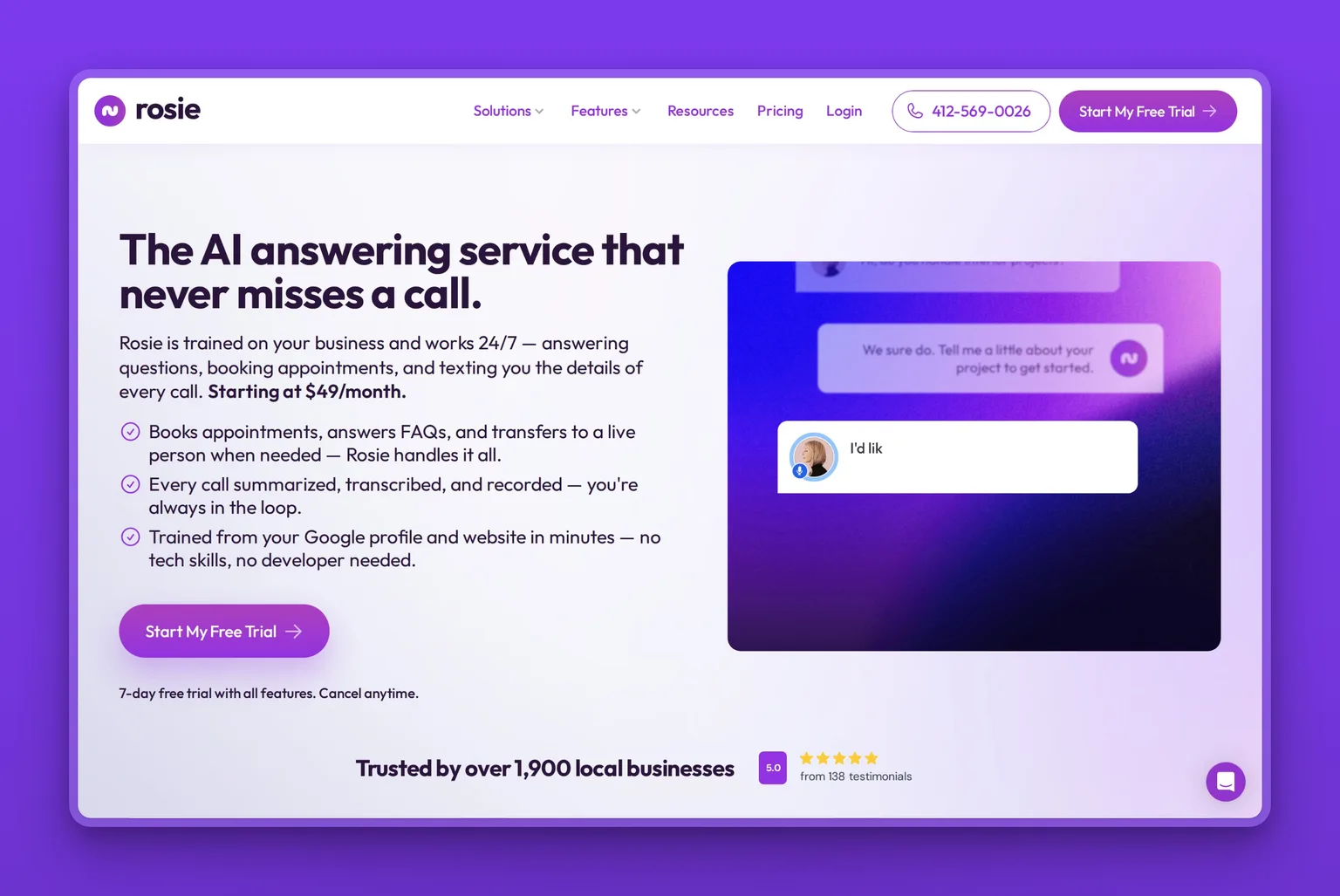
Rosie is an AI receptionist aimed squarely at small service businesses, and it is the one most contractors and home-services owners get running fastest. You point it at your website and Google Business Profile, it trains itself on what your business does, and it is answering calls in a natural voice within about an hour. It books appointments, screens spam, and texts you the details of every call, which is exactly the shape of help a plumber or electrician needs while their hands are full.
Key Features
- Trains itself on your website and Google Business Profile
- Books and reschedules appointments, synced to your calendar
- Texts you a summary, transcript, and recording of every call
- Warm, live, and waterfall call transfers when a human is needed
- English and Spanish, with a choice of natural voices
- Companion iOS and Android apps to manage it from the field
Pros
- One of the fastest setups in the category, often under an hour
- Voice quality reviewers consistently rate among the most natural
- Built around the trades and home-services workflow
- Owner text alerts keep you in the loop without watching a dashboard
- Optional website-texting widget captures web leads too
Cons
- Custom call-branching logic is lighter than developer-grade tools
- Per-minute caps can push you to a higher tier in a busy season
- Leans toward smaller service businesses, not large call centers
- Spanish aside, deeper multilingual coverage is limited
Pricing
Rosie starts at $49 a month for 250 minutes, with a Scale plan at $149 for 1,000 minutes and a Growth plan at $299 for 2,000 minutes. A website-texting add-on is $50 a month, annual billing includes two months free, and there is a 7-day trial.
User Reviews
Rosie holds a 4.2 out of 5 rating on the Apple App Store. What service-business owners keep coming back to is how quickly it goes live and how rarely callers realize it is not a person. The recurring caution is the per-minute cap, which busy shops can outgrow during peak months.
Best For
The trades or home-services owner who is on a job when the phone rings and wants a receptionist running today, not next week. Rosie fits HVAC, plumbing, electrical, cleaning, and similar businesses that live on inbound calls and quick bookings. If you need heavy custom logic or a human-agent backup, Smith.ai or Goodcall fit better.
2. Dialzara, best for going live fast on a budget
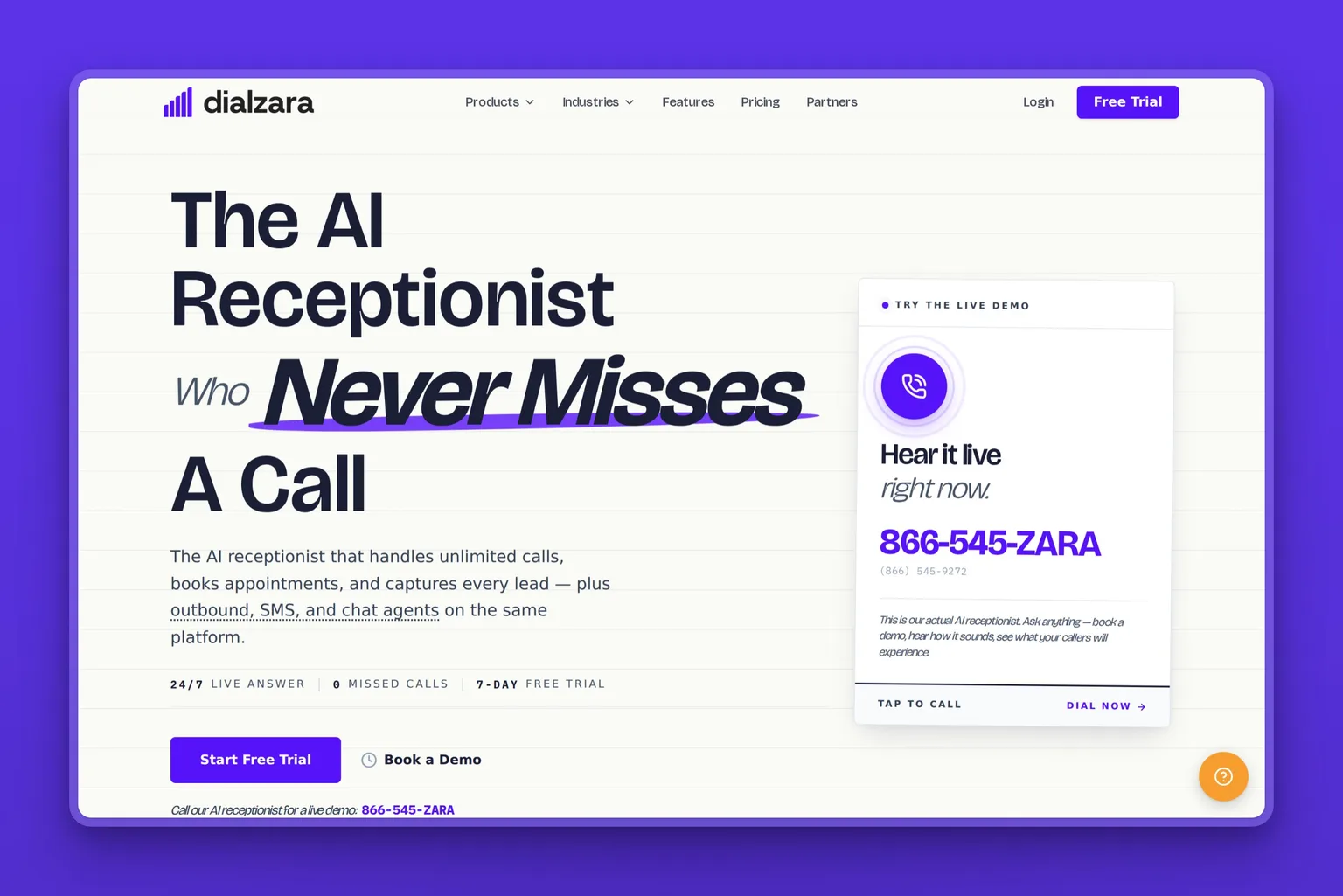
Dialzara is an AI receptionist built to be the cheapest, fastest way to stop missing calls. Setup runs about ten minutes: you describe your business, pick a voice, and it starts answering, booking, and qualifying callers with no hardware to install. For a solo operator or a brand-new business testing whether an AI receptionist is worth it at all, the low entry price makes it an easy first try.
Key Features
- Roughly ten-minute setup with a custom AI voice
- Appointment booking and lead qualification on every call
- Call routing with voicemail transcription
- Calendar and CRM integrations
- English and Spanish answering
- White-glove setup help and a 7-day trial
Pros
- Among the lowest entry prices for a real AI receptionist
- Live within minutes, with no technical work
- Voices reviewers describe as natural across a wide range
- No setup fees to get started
- Straightforward enough for a non-technical owner
Cons
- Lighter on advanced call-flow building than premium tools
- Bilingual answering sits on a higher tier
- Thinner independent review history than older vendors
- Minute bundles mean heavy callers should check overage rates
Pricing
Dialzara starts at $29 a month for 60 minutes, scaling through $99 for 220 minutes, $199 for 500 minutes, and $349 for 1,000 minutes. There are no setup fees, and a 7-day trial lets you hear it on your own calls first.
User Reviews
Dialzara holds a 4.6 out of 5 rating on Trustpilot. The praise centers on how fast it goes live and how natural the voices sound for the price. The fair caveat is that its review base is smaller than the older players here, so weigh it as an emerging option you trial before you depend on it.
Best For
The solo owner or new business that wants to test an AI receptionist without a big commitment. Dialzara fits anyone whose first question is "can I stop missing calls cheaply this week," and who does not yet need complex routing or a human backstop.
3. Goodcall, best for predictable per-caller pricing
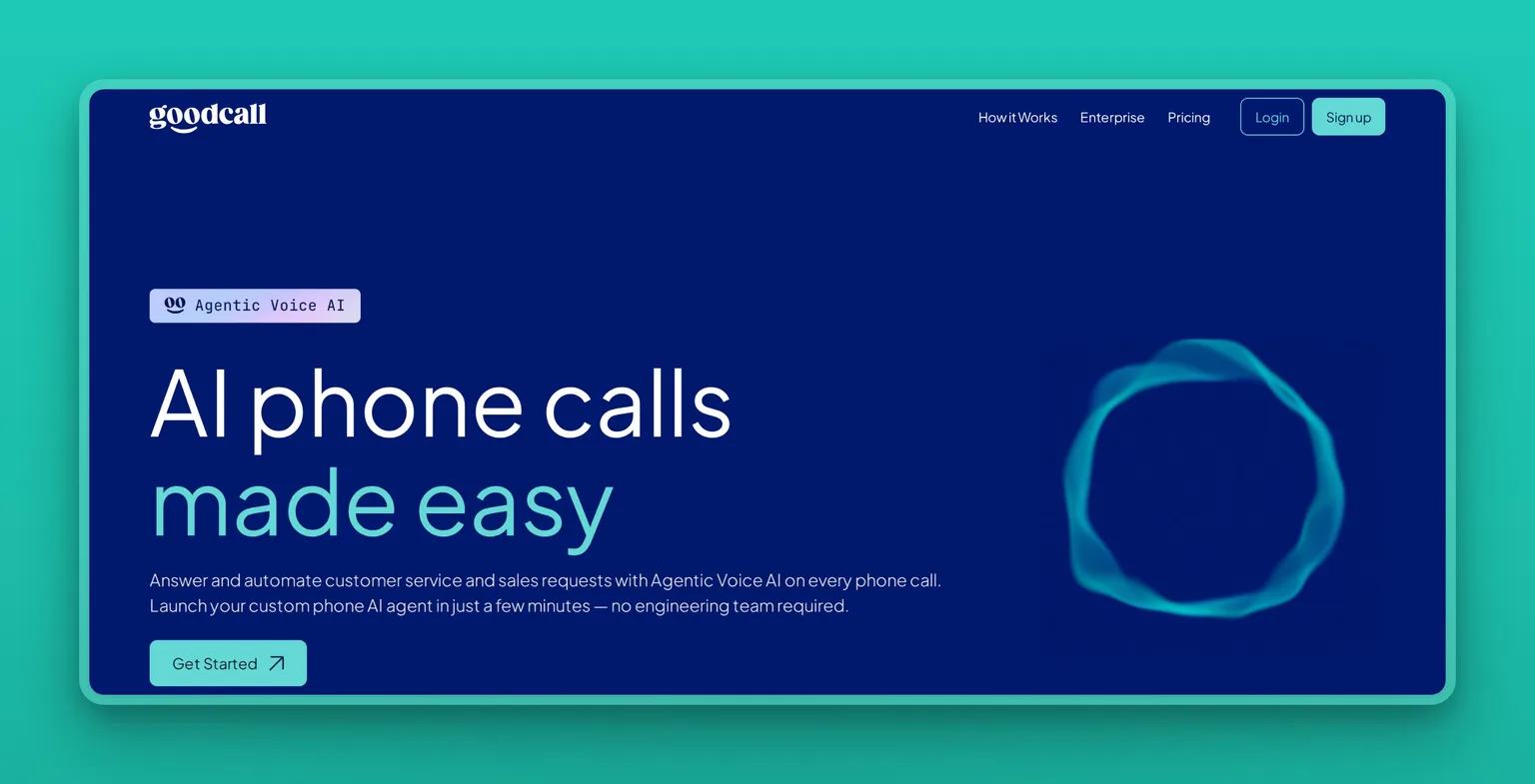
Goodcall is a no-code AI phone agent whose standout is how it bills: by unique caller rather than by the minute, so a long call never costs more than a short one and your monthly total stays predictable. You build the agent in minutes without engineering help, point it at your website and business data, and it answers, captures leads, and books appointments. For owners burned by per-minute surprises, per-caller billing is the draw: a long call never costs more than a short one.
Key Features
- Per-unique-caller billing with unlimited minutes per call
- No-code agent builder, live in minutes
- Lead capture to SMS, email, Google Sheets, or your CRM
- Booking and rescheduling synced to your calendar
- Custom logic flows with escalation to a human
- SOC 2 Type II, ISO 27001, and HIPAA options for regulated work
Pros
- Predictable cost that does not punish long calls
- Genuinely no-code, set up by the owner
- Security certifications most rivals here do not carry
- Trains on your website, listings, and database
- Clean analytics on what callers asked for
Cons
- Voice and response latency draw the occasional robotic-sounding complaint
- Lighter on emergency-call handling than trade-focused rivals
- SMS and mobile features trail some competitors
- Independent review volume is still thin
Pricing
Goodcall starts at $79 a month per agent on the Starter plan, with Growth at $129 and Scale at $249, each billed per unique caller with unlimited minutes. Annual billing lowers the monthly rate, and an Enterprise tier is custom.
User Reviews
Operators consistently praise Goodcall for its predictable per-caller pricing and its fast, no-code setup, and the common criticism is a voice that can sound slightly robotic with noticeable response lag on some calls. Its SOC 2 Type II, ISO 27001, and HIPAA support also make it a frequent shortlist pick for regulated businesses. Trial it on your own calls to hear the voice quality for yourself.
Best For
The owner who wants to know the bill before the month starts and values security certifications. Goodcall fits practices and service businesses that take a steady flow of calls and want compliance options, predictable pricing, and a setup they can do themselves.
4. NextPhone, best for high call volume on a flat rate
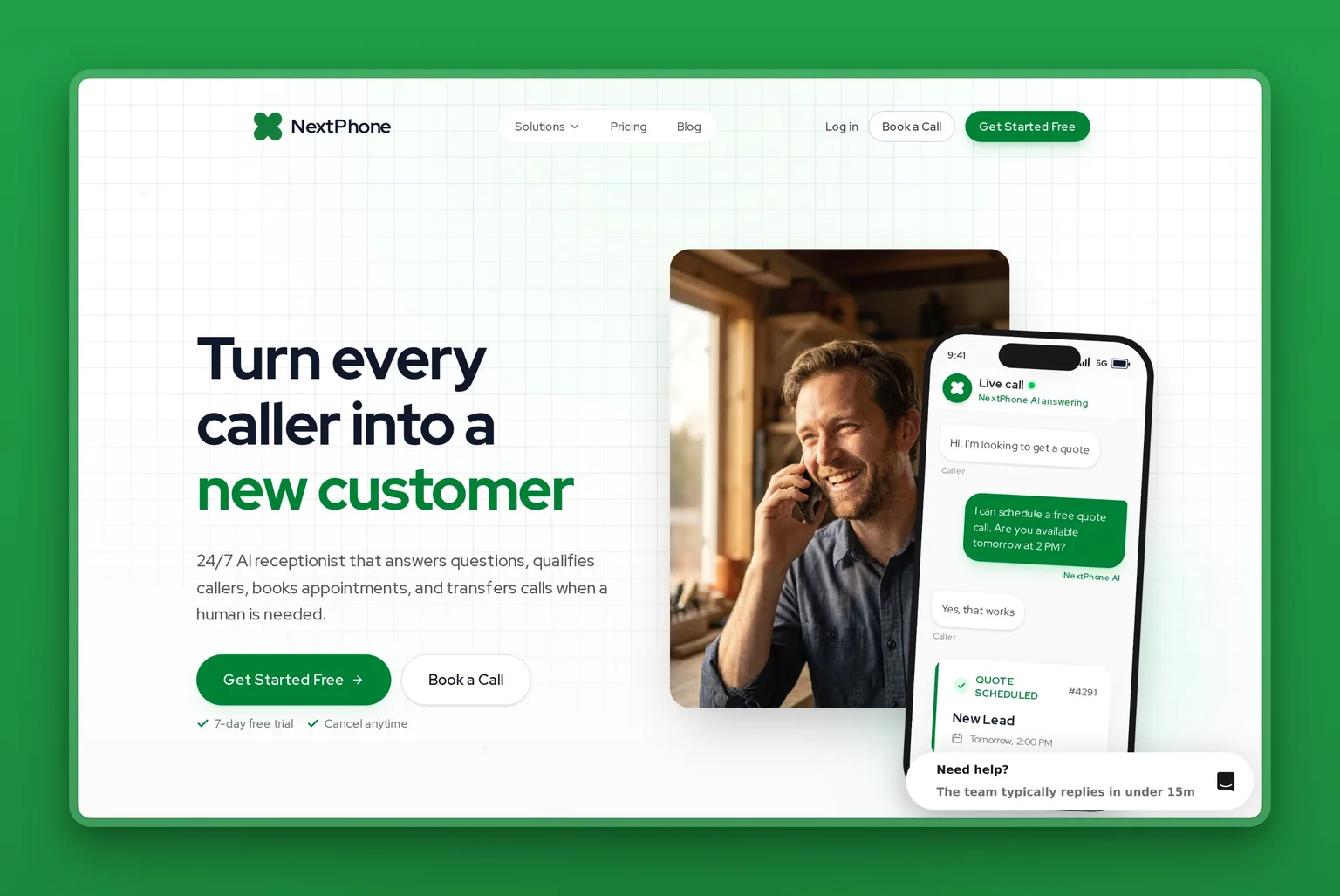
NextPhone is a 24/7 AI receptionist built around one promise: unlimited calls on a flat monthly rate, with no per-minute meter running in the background. For a business that takes a lot of calls, that is the difference between a bill you can budget and one that spikes in your busy season. It answers, qualifies leads, books into your calendar, and transfers callers by name to the right person.
Key Features
- Flat-rate plans with unlimited calls, no per-minute charges
- Real-time booking and lead qualification into your calendar or CRM
- Instant transfers, including directory transfer by name
- Call summaries, transcripts, and recordings by text and email
- Multiple voices and multilingual answering
- Dedicated or ported number with spam filtering
Pros
- Unlimited-call pricing removes overage anxiety entirely
- Strong fit for high inbound volume
- Booking and qualification built in, not bolted on
- Self-service setup, month to month
- Wide set of integrations for calendars and CRMs
Cons
- Entry price is higher than minute-bundle tools
- Newer brand with little independent review history
- Flat-rate value only pays off at real call volume
- A few of its headline stats are self-reported
Pricing
NextPhone starts at $199 a month on the Pro plan with unlimited calls and one number, and a Growth plan from $299. Annual billing is discounted, and a 7-day trial lets you test it against real calls before committing.
User Reviews
What operators highlight about NextPhone is the flat-rate, unlimited-call model: a bill they can predict with no per-minute meter, which is rare in this category and most useful at real call volume. Because the brand is newer, much of its published performance data is self-reported, so the honest move is to trial it on your busiest days and confirm the answering quality holds up before you commit.
Best For
The business with real call volume that wants a bill it can budget. NextPhone fits busy service companies and multi-line operations that would run up large bills on per-minute pricing and would rather pay one flat rate for everything.
5. Smith.ai, best for calls that need a human backup
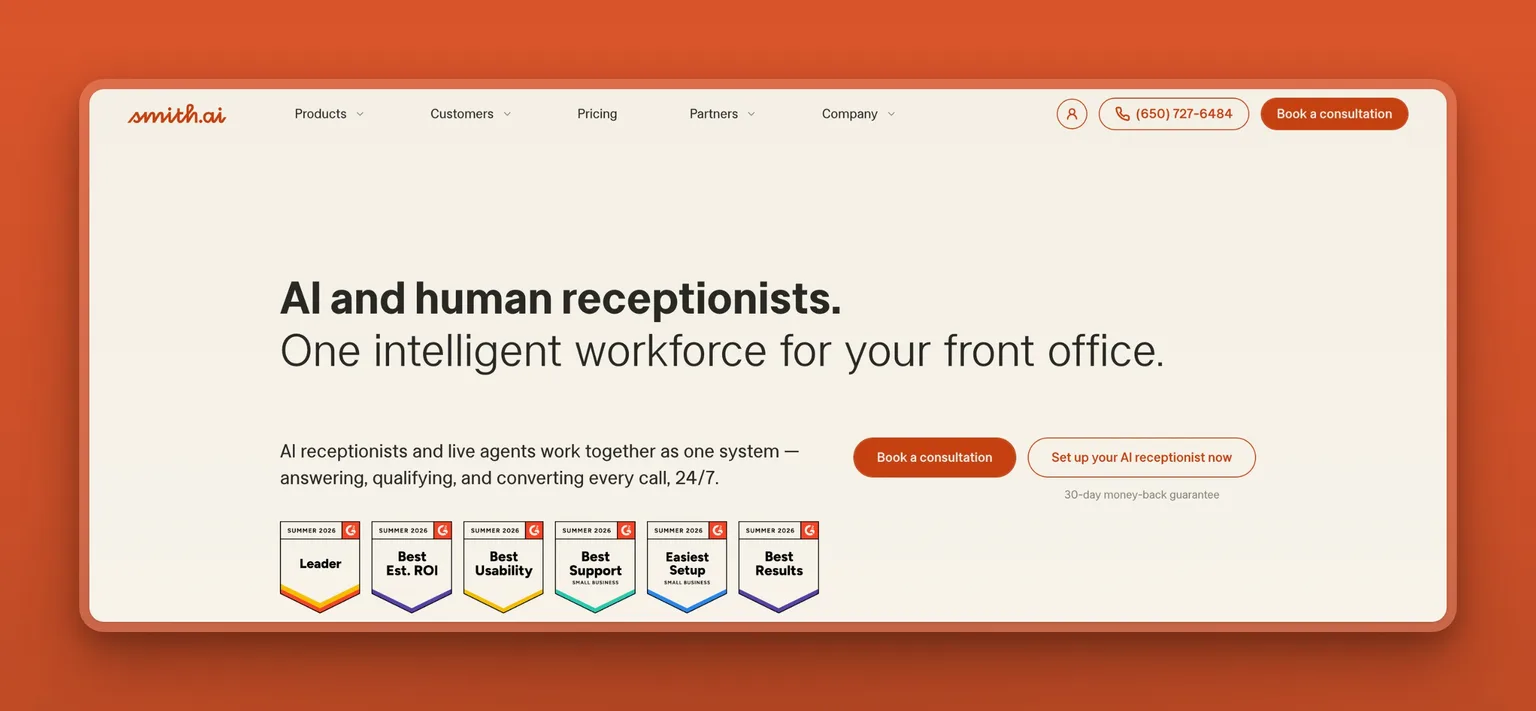
Smith.ai is the most established name here, and its distinction is that it does not rely on AI alone. Its AI receptionist answers and handles routine calls, then hands off to North America-based human agents for the calls that need judgment, all day and night. In professional services, a fumbled call can cost a client, and that live-agent backup is what sets Smith.ai apart from a software-only tool.
Key Features
- AI answering with on-demand 24/7 human-agent handoff
- Lead qualification with custom intake questions
- Integrations with Clio, MyCase, Filevine, Calendly, Zapier, and more
- Appointment booking on your calendar during the call
- Call recording and transcription with sensitive-data masking
- Dedicated or ported number with spam filtering
Pros
- Real human agents behind the AI for complex calls
- Deep integrations with legal and professional-services tools
- Years of track record and a large customer base
- Lead qualification tuned for higher-value inquiries
- Detailed call intelligence and reporting
Cons
- One of the higher-priced options, and human handoff adds per-call cost
- Reviews flag billing disputes and hard cancellation more than rivals
- Per-tier prices for the AI plans are not fully public
- More service than a small shop needs for simple, high-volume answering
Pricing
Smith.ai's AI Receptionist starts at $95 a month, and its human Virtual Receptionist service is priced on separate plans, with live-agent call handoffs billed per call. Plans are month to month with a 30-day money-back guarantee. Smith.ai now shows its per-tier prices only after a sales conversation, so confirm the plan and price that match your call mix before you commit.
User Reviews
Smith.ai holds a 4.3 out of 5 rating on Trustpilot. Long-time customers value the human backup and the professional-services integrations. The consistent criticism is commercial rather than technical: some reviewers report billing surprises and difficulty cancelling, so read the terms and set spend expectations up front.
Best For
The law firm, agency, or professional-services business where some calls genuinely need a person and a dropped one costs real money. Smith.ai fits owners willing to pay more to have a person behind the AI. If your calls are routine and your budget is tight, a software-only tool like Dialzara or Rosie will cost far less.
6. Slang.ai, best for restaurants and reservations
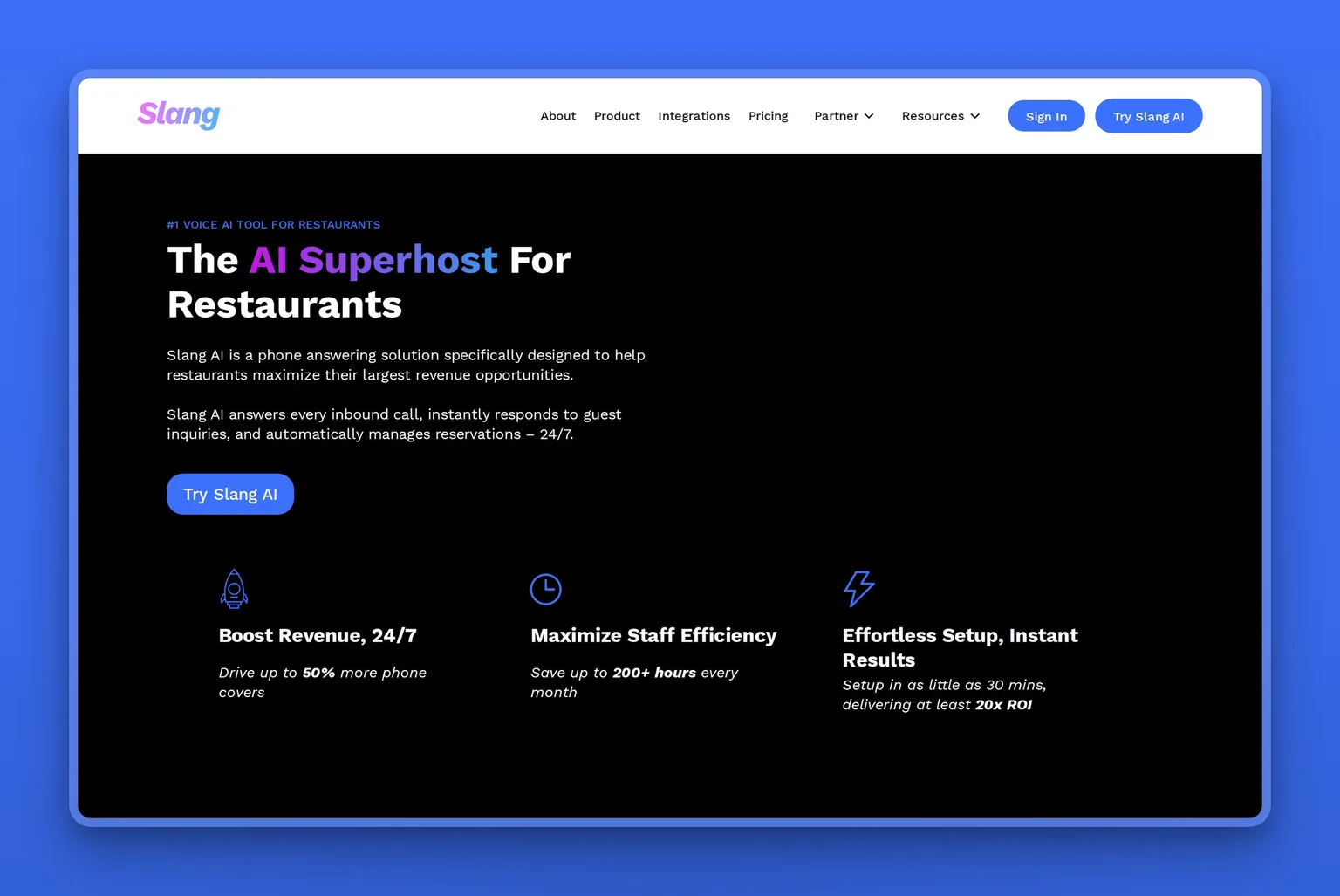
Slang.ai is a voice AI built specifically for restaurants, which is why it handles a host stand better than a general tool. It answers every call instantly in a natural voice, manages reservations, answers the questions diners actually ask, and routes the complex calls to staff. Because it plugs into the reservation and table-management systems restaurants already run, it fits the workflow instead of fighting it.
Key Features
- 24/7 natural-voice answering tuned for restaurants
- Reservation management with VIP routing and escalation
- Integrations with OpenTable, SevenRooms, Tripleseat, and Yelp
- Real-time alerts and missed-call capture
- Multi-location support for groups
- Bilingual and custom voice branding on higher tiers
Pros
- Purpose-built for the restaurant front-of-house
- Connects to the reservation systems venues already use
- Frees staff from the phone during a rush
- Handles repetitive diner FAQs without a person
- Scales across multiple locations
Cons
- Priced per location, which adds up for small groups
- Restaurant focus makes it a poor fit for other industries
- Premium voice and bilingual features sit on higher tiers
- Overkill for a single owner-operated counter
Pricing
Slang.ai's Core plan is $399 a month per location, with Premium at $599 per location and Enterprise custom. Add-ons include private-events handling and a bilingual option. The per-location model suits venues where the phone genuinely interrupts service.
User Reviews
Slang.ai holds a 4.4 out of 5 rating on G2. Restaurant operators praise how it takes the constant reservation-and-hours calls off the floor during service. The main pushback is the per-location price, which is easier to justify for a busy venue than a quiet one.
Best For
The restaurant or restaurant group fielding constant reservation and hours calls during service. Slang.ai fits venues that want the phone handled by something that understands tables, not a generic agent. Any business outside hospitality is better served by a general tool on this list.
7. echowin, best for phone, SMS, and chat in one agent
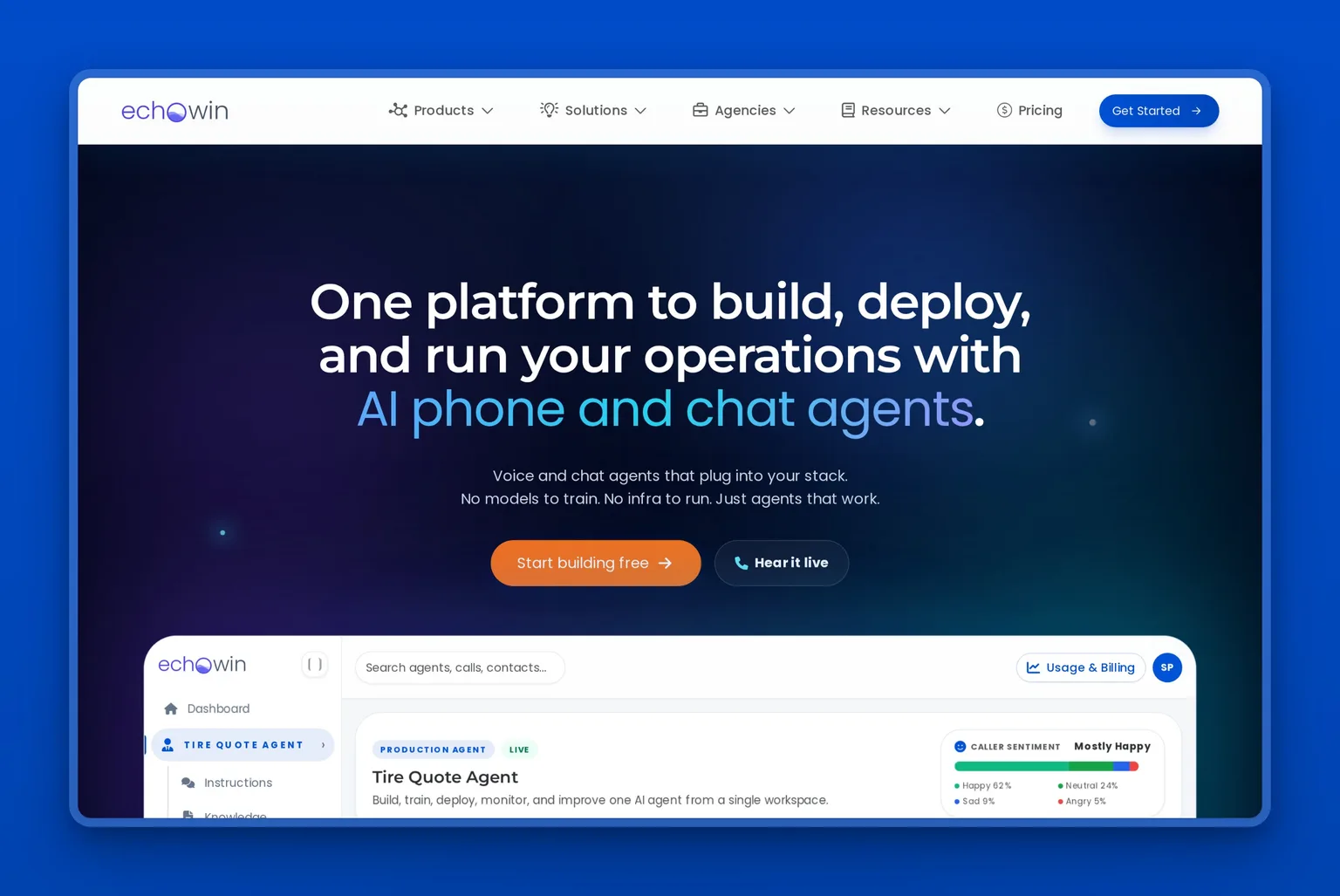
echowin is an AI agent platform that answers across more than just the phone. The same agent handles voice calls, text messages, and web or app chat, so a customer who calls, texts, and then messages on your site meets one consistent assistant. For a business whose inquiries arrive on several channels, that breadth is the draw, and the usage-based pricing means you pay for what you actually use.
Key Features
- One AI agent across phone, SMS, and web or app chat
- Smart routing with human transfer when needed
- Live transcription, sentiment, and call summaries
- Built-in AI-native CRM and intent analytics
- More than 30 languages and HD voices
- Integrations, webhooks, and a full API for custom setups
Pros
- True multi-channel coverage, not just voice
- Usage-based pricing with no feature gating on entry
- Strong language coverage for diverse customer bases
- Developer-friendly API for custom workflows
- Agency options for those managing client accounts
Cons
- Usage pricing takes some math to forecast
- Depth outside English is lighter than the language count suggests
- Phone numbers are billed separately from usage
- Compliance add-ons like HIPAA cost extra
Pricing
echowin's production plan is $49.99 a month and includes about 100 minutes (1,600 credits), then bills roughly $0.16 a minute on prepaid bundles or $0.20 a minute pay-as-you-go, with phone numbers billed separately. Agency grey-label and white-label tiers are available, and a HIPAA add-on is offered for regulated work.
User Reviews
Early users describe echowin as natural and context-aware for the price, and operators like that one agent covers calls, texts, and chat at once. The recurring caveats are that its depth outside English is thinner than the broad language count suggests, that credits do not roll over, and that phone numbers are billed on top of usage. Trial it on your real mix of channels before relying on it.
Best For
The business whose customers reach out by call, text, and chat and who wants one agent covering all three. echowin fits owners with a multi-channel front door, or agencies managing several clients, more than a single-line shop that only needs the phone answered.
8. Upfirst, best for the simplest solo setup
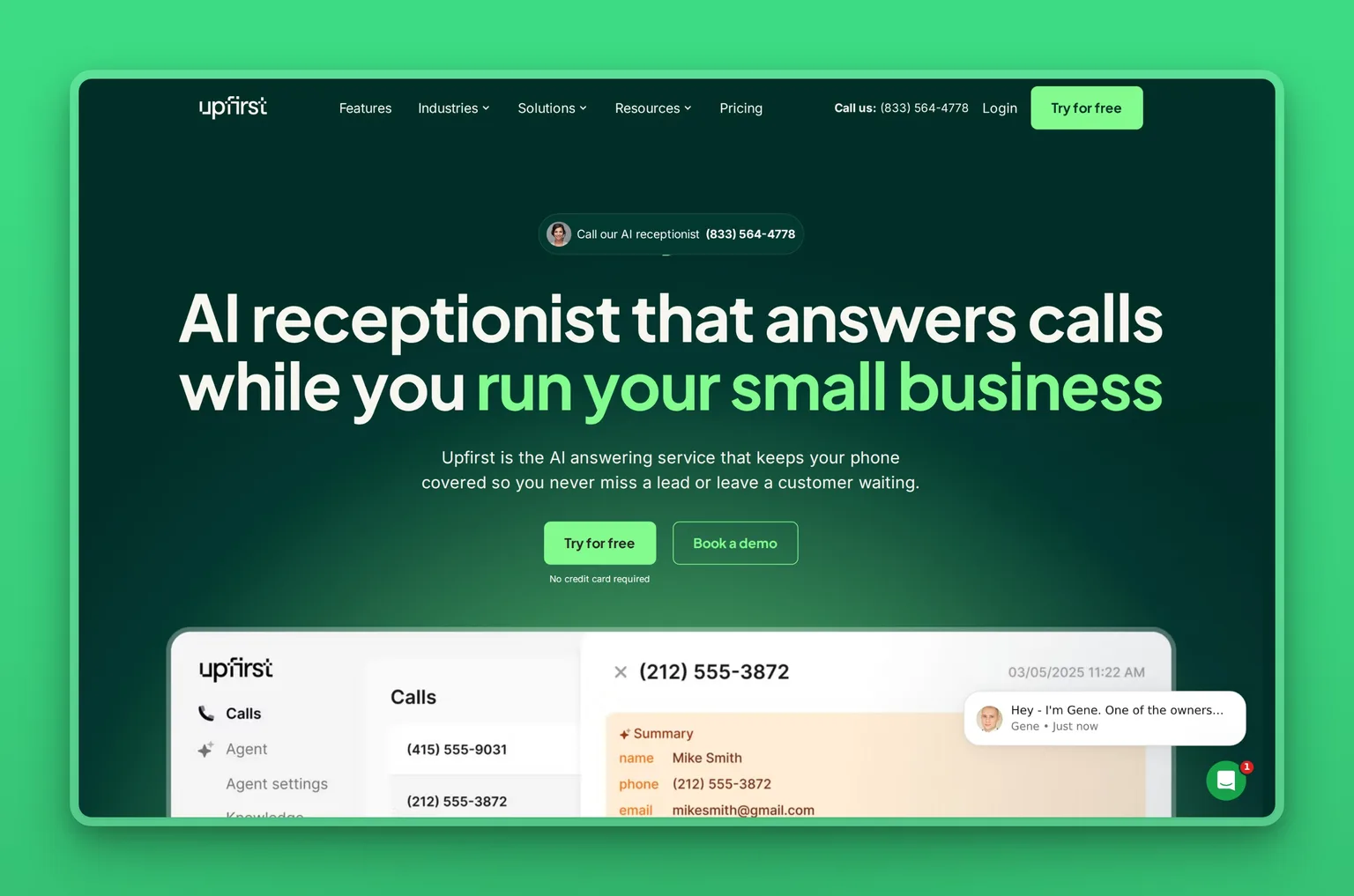
Upfirst is an AI phone answerer built for solo operators who want a receptionist with nothing to configure. There is no call-flow builder to learn: you describe your business, and it answers around the clock, takes messages, answers the questions you have trained it on, books appointments, and routes callers. It bills per call rather than per minute, and a free trial with no card makes it the lowest-friction way to find out whether an AI receptionist fits your day.
Key Features
- 24/7 answering with no call-flow builder to set up
- Message collection with summaries sent by text and email
- Answers business-specific questions once you train it
- Books appointments or captures the caller's preferred times
- Call routing, voicemail transcription, recording, and screening
- Per-call billing with no charge for spam calls
Pros
- Possibly the simplest setup here, with nothing to configure
- Per-call pricing is easy to reason about
- A 14-day free trial runs without a credit card
- Goes live in around half an hour
- Summaries land where you already look, text and email
Cons
- No flow builder limits complex or conditional routing
- Smaller, newer review base than established vendors
- Each plan caps the number of calls per month
- Deeper customization needs a more configurable tool
Pricing
Upfirst's Starter plan is $24.95 a month for 30 calls, with Premium at $59.95 for 90 calls, Pro at $159.95 for 300 calls, and Scale at $299 for 600 calls. Annual billing saves about 20 percent, and a 14-day trial runs with no card.
User Reviews
Upfirst holds a 5.0 out of 5 rating on Capterra from an early, small set of reviews. The praise is consistent on one point: it is the least fiddly tool to get answering, with almost no setup curve. Because the review base is still small, weigh it as an emerging option you trial before depending on it.
Best For
The solo operator or very small team that wants a receptionist with nothing to configure and a bill that tracks calls, not minutes. Upfirst fits owners who need messages taken and simple bookings made without learning a call-flow builder. If you need conditional routing or coverage across text and chat, a more configurable tool above will serve you better.
9. Marblism (Rachel), best for reception plus the whole back office
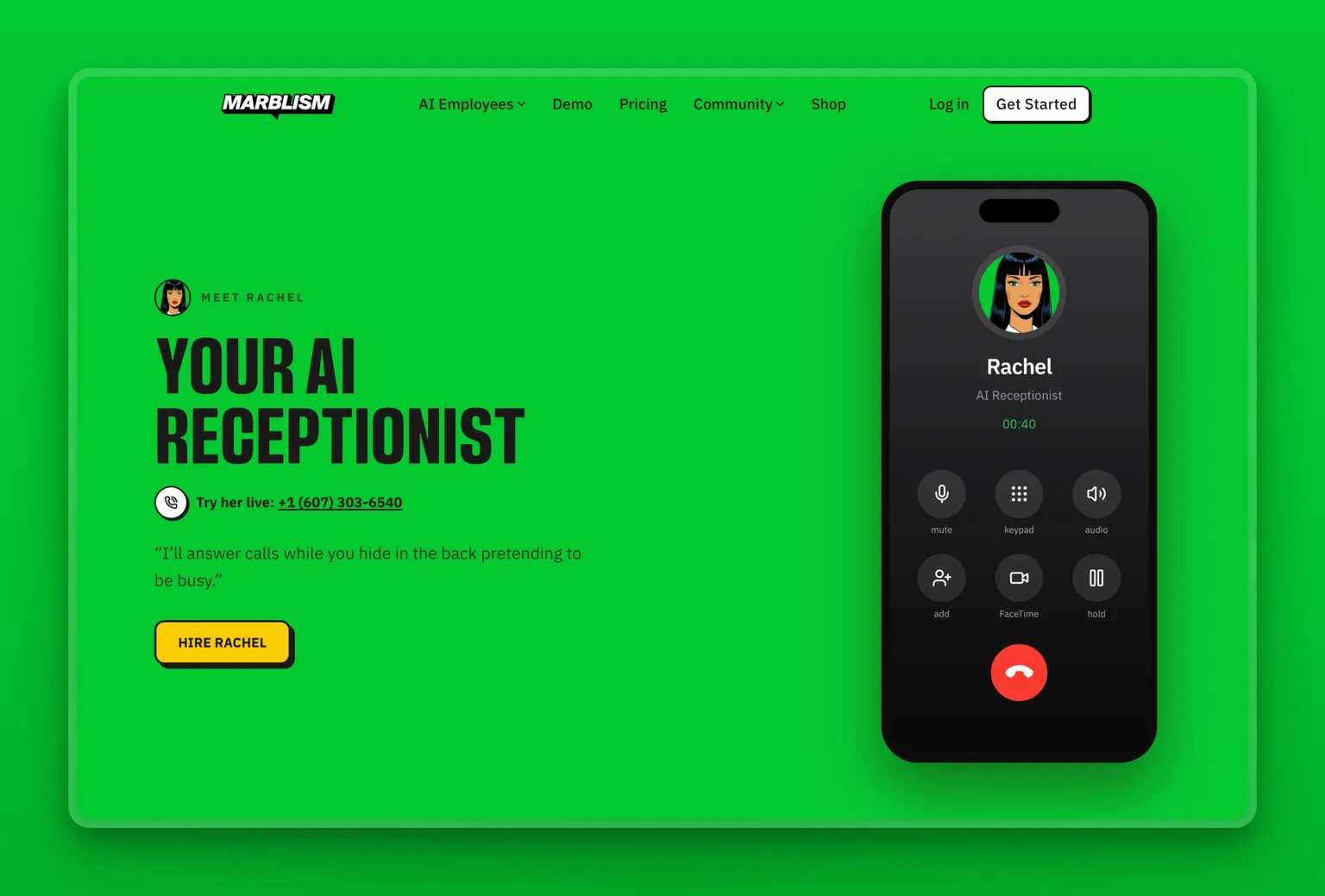
If the phone is only one of the jobs landing on you, a receptionist-only tool fixes that one line and leaves the rest piling up. That is the gap Marblism is built for, and Rachel, your AI Receptionist, is the one who answers the calls. She picks up 24/7 in a warm, natural voice, greets callers by your business name, answers their questions, screens spam, qualifies the ones worth your time, and books or reschedules onto your calendar once you approve. She gets her own local number, speaks multiple languages and switches automatically, and texts you a summary after every call, or transfers a live one to your phone when it needs you.
What Rachel has that a standalone receptionist does not is a team behind her. She is one of six AI Employees on a single subscription, so a caller she books is already understood when Eva drafts the follow-up, and the same one login covers your inbox, outreach, content, and contracts. Nothing she does, no transfer, no booking, no message, goes out without your approval. You keep control while the routine work runs itself.
Key Features
- Rachel answers every call 24/7 in a warm, natural voice
- Books and reschedules appointments to your calendar on your approval
- Screens spam, qualifies callers, and texts you a summary of each call
- Her own local number, multilingual with automatic language switching
- Five more AI Employees for inbox, leads, social, content, and contracts
- Nothing sends, books, or transfers without your approval; one login, one bill
Pros
- Rachel answers in a natural voice and books to your calendar, no call flow to build
- Her own number and multilingual answering work from day one
- Covers reception and the rest of the back office, not just the phone
- Six AI Employees on a single flat plan, not a bill per function
- You approve the calls and actions that matter
Cons
- Not a voice-only specialist; dedicated tools go deeper on call routing
- More than you need if the phone is your only gap
- The AI-Employee category is younger than standalone receptionists
- Assisted, not autonomous: the approval step is always there
Pricing
Every plan includes all six AI Employees and differs only by billing frequency. Marblism is $24 a month on annual billing, $33 billed quarterly, or $44 monthly, with a 7-day money-back guarantee rather than a free trial. For an owner who would otherwise pay for a receptionist tool plus separate inbox, outreach, and content tools, one bill for six functions often comes out lower.
User Reviews
Marblism holds a 4.8 out of 5 rating on Trustpilot. Owners single out Rachel for catching the calls they used to miss and booking them without a receptionist on payroll, and many add that having the inbox and follow-ups handled by the same team is what finally quieted the day.
Best For
The solo owner or small team where the phone is one of several jobs landing on the same person. Marblism fits the operator who needs calls answered and the inbox cleared and the leads chased, all at once, and would rather approve work than run five separate tools. If the phone is your single bottleneck, a dedicated receptionist above will go deeper on call handling.
All nine receptionists in one view
Each tool's core capability, standout feature, and best-fit buyer, side by side.
| AI receptionist | Core capability | Standout | Best for |
|---|---|---|---|
| Rosie | AI call answering and booking | Under-an-hour setup, natural voice | Home services and trades |
| Dialzara | AI call answering and booking | Low entry price, ten-minute setup | Budget-first solo owners |
| Goodcall | No-code AI phone agent | Per-caller pricing, compliance options | Predictable-cost buyers |
| NextPhone | AI answering service | Unlimited calls, flat rate | High call volume |
| Smith.ai | AI plus human answering | Live agents behind the AI | Professional services |
| Slang.ai | Restaurant voice AI | Reservation-system integrations | Restaurants |
| echowin | Multi-channel AI agent | Phone, SMS, and chat in one | Multi-channel front doors |
| Upfirst | Simple AI phone answering | No configuration, per-call billing | Simplest solo setup |
| Marblism (Rachel) | Rachel, an AI receptionist, plus a team | Six employees, you approve | Whole back office at once |
Where AI receptionists still fall short
AI receptionists are good and getting better, but they are not magic. Knowing where they break is how you avoid the one-star experience.
They can get the details wrong, and the cleanup costs more than the missed call. An agent that books the wrong time or mishears a name creates work you only discover later. One clinic reported that after switching to an AI phone agent, nearly 4 in 10 of its answered calls produced incorrect appointment times or double-bookings until it was tuned, by its own account. Test accuracy on your real call types before you trust it unattended.
High-trust callers will hang up on a bot. For a luxury remodel, a sensitive legal matter, or a first call from a major prospect, some callers simply will not talk to AI. If your highest-value inquiries are exactly the ones that need a human touch, route them to a person or choose a tool with human backup.
Setup is the real work, and edge cases blow up in production. The demo is easy; the value comes from configuring what happens on the unusual call. An un-handled scenario, the angry customer, the question you did not anticipate, surfaces in front of a real caller. Budget time to train it on your actual situations, and listen to recordings for the first weeks.
Compliance is not automatic. If you handle health information, you need a signed business associate agreement, and not every AI receptionist offers one. Some support HIPAA and will sign a BAA; many do not. Confirm the specific compliance scope in writing before any regulated call touches the system.
None of this means an AI receptionist is the wrong call. It means you treat it like a new hire: train it, check its work early, and keep a human path for the calls that need one.
Where to start
If you are losing calls right now, pick the tool that matches your situation and trial it this week. Test it on your own real calls, not the polished demo. That is where the fast wins come from. Start with the one job your phone is failing at most, whether that is after-hours coverage, booking, or simply picking up while you work.
Find your situation in the match table above and trial the tool it points you to. Whichever you choose, judge it a month in by one question: are you still missing the calls that matter?
Marblism makes sense when the honest answer is that the phone is not your only problem. When the calls, the inbox, the follow-ups, and the admin all need handling and it is just you, adding a receptionist tool fixes one line and leaves the rest. Rachel answers and books your calls as part of a team that also clears the inbox and chases the leads. Every important action still waits for your yes. You can see how other owners run their front and back office on it, or look at the broader set of AI tools small businesses are adopting before you decide.
Frequently asked questions
Cost and free options
How much does an AI receptionist cost?
For a small business, a software-only AI receptionist generally runs from about $25 a month at the entry level to around $600 for the highest specialized tiers. Most general-purpose starter plans land between roughly $25 and $100. Restaurant-specific, per-location tools sit at the top of that range, and adding human agents costs more again. The bigger question is the billing model, not the sticker price. Per-minute and per-call plans can climb fast in a busy month, while flat-rate and per-unique-caller plans stay predictable. Add up what a realistic month of your call volume would cost under each model, and check the overage rate, before you commit.
Is there a free AI receptionist?
Truly free AI receptionists are rare, because answering live calls costs the provider money on every minute. What you will find instead is short free trials, usually 7 to 14 days, on tools like Rosie, Dialzara, and Upfirst, which let you hear the agent on your own calls before paying. The honest expectation is a low monthly cost rather than a free tier, so trial a couple and keep the one that books the most calls.
Is an AI receptionist worth it for a small business?
For most small businesses that lose calls while the owner is busy on a job, yes. A missed call is often a lost customer, so an AI receptionist that answers every one and books the work usually pays for itself against even a single recovered lead a month, at a fraction of a part-time front-desk hire. It is worth less if your call volume is very low or your calls are complex and high-stakes, where a person or a tool with live-agent backup like Smith.ai fits better. Trial one on your real calls for a week and judge it on booked appointments, not the answer rate.
How it works and accuracy
How does an AI receptionist work?
An AI receptionist answers your business calls with a voice agent that listens, understands the request, and acts on it. It converts the caller's speech to text, uses a language model to decide what to say and do, replies in a natural voice, and pushes the result into your calendar, CRM, or inbox. You train it once on your business details and connect a phone number, and it answers around the clock, transferring to a human when a call needs one.
How accurate are AI receptionists, and will customers know it is AI?
Modern AI receptionists handle routine calls, booking, hours, common questions, well, and many callers do not realize they are talking to software, especially when the voice is natural and the reply is fast. Accuracy drops on unusual requests, heavy accents, or noisy lines, which is why clean handoff to a human matters. Most tools can disclose that they are AI if asked, and several reputable ones do so by default. Test yours on your real call types before relying on it unattended.
Can an AI receptionist replace a human receptionist?
For the routine front-desk workload, answering, screening, booking, and routing, an AI receptionist can cover most of it 24/7 at a fraction of the cost of a full-time hire. What it does not replace is human judgment on complex, sensitive, or high-value calls. The strongest setups are hybrid: AI takes the routine volume and a person handles the exceptions, either through a tool with human agents like Smith.ai or by transferring to you.
Fit and safety
Do AI receptionists integrate with my calendar and CRM?
Most do, and it is the feature to verify before you buy rather than after. The tools here connect to Google and Outlook calendars and to common CRMs so bookings and lead details land where you work. The catch is that a logo on a marketing page is not a guarantee, since buyers have signed up on the promise of an integration that did not work as described. Confirm the specific calendar and CRM you use, ideally during a trial.
Are AI receptionists HIPAA compliant?
Some are and many are not, so this is non-negotiable to check if you handle health information. A compliant setup requires the provider to sign a business associate agreement, and only a subset of AI receptionists offer one. Goodcall, for example, lists HIPAA support, while several consumer-focused tools do not. Never send protected health information through an AI receptionist until you have a signed BAA and written confirmation of its compliance scope.
What is the best AI receptionist for a small business?
For most small businesses, Rosie is the best AI receptionist to start with, because it trains off your website and is answering calls in under an hour. Beyond that, it depends on your front desk: Rosie for trades, Slang.ai for restaurants, Smith.ai when calls need a person, Goodcall or NextPhone for predictable pricing, echowin for multi-channel, and Dialzara on a tight budget. All of those are receptionist-only tools, so they fix just the phone. One worth trying before you settle is Marblism. At about $24 a month, it costs the same as the cheapest receptionist-only tools. The difference is that Rachel answers and books your calls as one of six AI Employees. The same plan also clears your inbox, chases leads, and handles your social, content, and contracts. If the phone is only one of the jobs on you, that breadth makes Marblism the best-value choice: a receptionist's price for far more than a receptionist.
Stop losing the calls that matter
If you are the owner who hears the voicemail notification while your hands are full, the question is not which app to add, it is which work to hand off first. Marblism gives you Rachel to answer and book your calls, plus five more AI Employees for the inbox, the leads, the social posts, and the contracts, each one checking with you before anything goes out. Pick the function that is costing you the most and start there.