AI for ADHD: Best AI Tools and Assistants in 2026 (Reviewed)

Ulric Musset
CEO, Marblism
June 18, 2026

The best AI tools for ADHD are Goblin Tools, ChatGPT, Brain.fm, Llama Life, Motion, Sunsama, Tiimo, Otter.ai, Todoist, Speechify, Saner.AI, and Marblism. The right one depends on which part of executive function keeps breaking down for you. That could be starting a task, staying focused once you do, or planning the day. It might be remembering what was said, getting through everything you have to read, or clearing the admin that piles up while you try to run a business.
Most people with ADHD do not need another app to learn. The best AI for ADHD does the part your brain skips, instead of adding one more thing to manage. That is the difference between a tool that helps for a week and one you still open in a month. I checked all twelve on their own pricing pages and read what people with ADHD say about living with them, then cut the ones that only add another app to keep up with.
TL;DR
Can't get started? Goblin Tools breaks the task down, and it is free. Once you do start, Brain.fm gives your attention something steady to hold and Llama Life puts a timer on one task at a time. When hours slip away from you, a planner like Motion, Sunsama, or Tiimo makes time concrete. For an inbox or documents you never get through, Speechify reads them to you. And if you run a business, the bigger ADHD drain is often the admin around it: the inbox, the follow-ups, the posting. That is where Marblism fits, handing whole functions to an AI that does the work and waits for your approval.
| Tool | Best for | Key strength |
|---|---|---|
| Goblin Tools | Task paralysis and starting | Breaks any task into tiny steps, free on the web |
| ChatGPT | Brain dumps and thinking out loud | Turns scattered thoughts into a clear plan on demand |
| Brain.fm | Focus and staying on task | Functional audio engineered to hold attention |
| Llama Life | Focus and single-tasking | A countdown timer on every task, one thing at a time |
| Motion | Time blindness and day planning | Auto builds and re-plans your calendar for you |
| Sunsama | Realistic planning and shutdown | A daily ritual that stops you overcommitting |
| Tiimo | Visual planning for ADHD and autism | A color-coded timeline that makes time visible |
| Otter.ai | Remembering what was said | Records, transcribes, and summarizes meetings live |
| Todoist | Friction free task capture | Catch a task in plain language before you forget it |
| Speechify | Reading and email overload | Reads emails, PDFs, and docs aloud in a natural voice |
| Saner.AI | An all in one ADHD assistant | Notes, tasks, email, and calendar in one chat |
| Marblism | ADHD business owners offloading admin | Six AI Employees that run whole functions for you |
What these tools are, and are not
These AI tools are support tools, not treatment. They help you start tasks, plan your time, and remember what your brain drops. They do not diagnose ADHD, and they are not a substitute for care from a qualified clinician. The nonprofit Understood notes that AI tools can support people with ADHD by breaking tasks down and easing planning. That is the right frame here: a tool removes friction, it does not replace medication, therapy, or a doctor's advice. If you are weighing clinical options, talk to a professional first, then use these tools to make the day to day easier.
How AI helps an ADHD brain
AI for ADHD helps by doing the executive-function work your brain skips, instead of nagging you to do it yourself. ADHD is not a problem of knowing what to do. It is a problem of getting started, holding things in mind, and feeling the passage of time. A good AI tool takes that load off you. It captures what you would otherwise forget, so nothing rides on remembering. It breaks one overwhelming task into the small first step that gets you moving. And it plans and time blocks the day, so an abstract stretch of hours becomes something concrete you can act on. Each tool is good at one or two of these, not all of them. Pick the one that hits the part you struggle with most. A tool does the hardest part, but the routines around it are what make it stick. Our ADHD productivity toolkit covers how to build those routines.
What actually matters in an AI tool for ADHD
What actually matters in an AI tool for ADHD is whether you will still use it in a month. The features that look good on day one are rarely the ones that keep you coming back. A few things decide whether a tool sticks, and most apps miss at least one. And real users are blunt about where these apps fall short.
1. Low friction to start
Starting is the core ADHD barrier, so the tool has to ask almost nothing of you to begin. If capturing a thought takes five taps and a menu, you will not do it when it counts. The best tools let you dump a thought in one step and sort it out later.
2. It takes the work off you
Plenty of apps just store what you give them. An ADHD tool earns its place when it actually plans, remembers, or breaks the task down for you, rather than handing the hard part straight back. This is where generic apps fall down. A reviewer of one ADHD coaching app said so plainly on the App Store: "It offers low-quality content with only general recommendations for each problem, such as 'take a deep breath.' That's all there is to it." Telling someone with executive dysfunction to breathe is not help. Breaking the task in front of them into the first concrete step is.
3. Notifications that actually interrupt
A reminder that arrives as one silent ping fails the moment you are deep in something else, which is exactly when you need it. One user of an AI planner described the problem on the App Store: "I have an iPhone so all I get is a little ding. I don't hear it or notice it, because I'm involved in an activity. I have ADHD, I forget the app is even running." The tools worth trusting use repeating alerts, alarms you can escalate, or bring the next step back to you instead of waiting to be checked.
4. It still works after the novelty fades
The hardest pattern to beat is the app that helps at first, then gets dropped once the buzz of a new system wears off. One reviewer who liked the AI still walked away: "I found the AI useful, but beyond that it didn't really work for me and in true ADHD fashion I just stopped using it." A tool that survives needs little upkeep, fits a habit you already have, and keeps working when your motivation dips.
5. It clears clutter instead of adding it
When AI generates subtasks and calendar entries without restraint, you get more noise, not less. Another reviewer of the same planner described the mess: "The tasks are enough, all the sub tasks are annoying. It just clutters everything up." A good tool reduces what you have to hold in your head. A bad one gives you more to sort through than it takes away.
The first one most people run into is also the hardest: actually starting.
Task paralysis: tools to help you start
Task paralysis, the freeze in front of a job that feels too big, is the barrier most people hit first. Two tools clear it fastest. Goblin Tools breaks the task into tiny steps, and ChatGPT lets you think out loud until a plan takes shape. Both are free to start, so they are the cheapest place to find out what helps.
Goblin Tools: the free toolkit that breaks tasks down
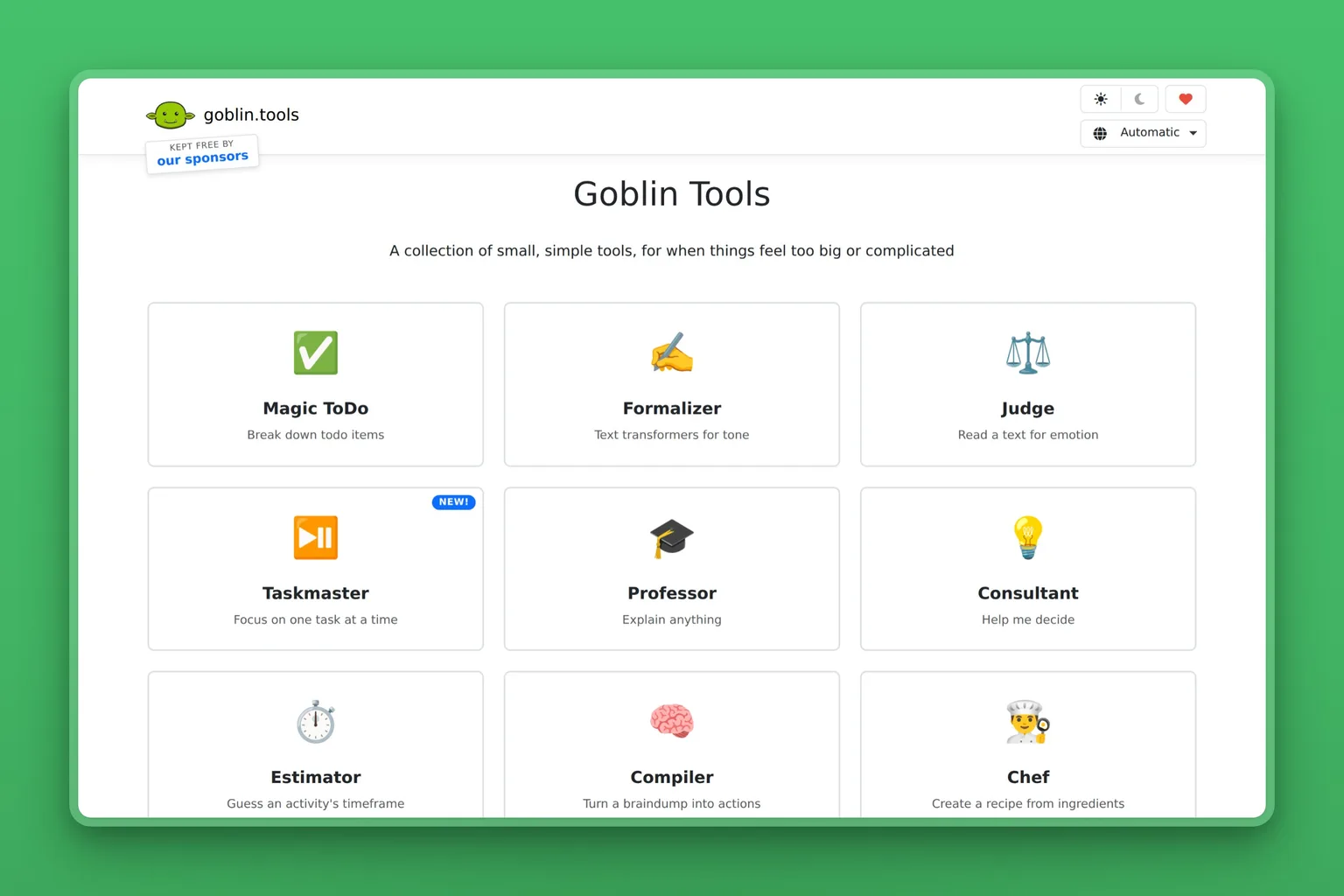
Goblin Tools is a free collection of small, single purpose AI utilities built for neurodivergent and overwhelmed users. Its Magic ToDo is the one most people with ADHD swear by. You type a task that feels too big, and it breaks it into steps, with a "spiciness" dial that controls how granular those steps get. It is the most reliable way to get past the freeze in front of a task you cannot start. Every tool runs free in the browser, with no account and no paywall.
Key Features
- Magic ToDo breaks any task into smaller steps, with an adjustable detail or "spiciness" level
- Formalizer rewrites a blunt message into a softer or more professional tone
- Estimator gives a realistic time estimate for a task
- The Judge reads the emotional tone of a message you received
- Web app plus native iOS and Android apps
Pros
- Genuinely free on the web, the rare ADHD tool with no subscription pressure
- Solves the single hardest ADHD moment: starting
- Almost no setup or learning curve
- Tone tools help with the social and email side of executive function
- Works without an account, so nothing to forget to cancel
Cons
- No reminders, notifications, or scheduling
- Does not store your tasks or sync across a system
- Plain, utilitarian design with no progress tracking
- You still have to act on the steps it gives you
Pricing
The website and all of its tools are free. The iOS app is a one time purchase of about $2.99, with a similarly low one time price on Android. There is no subscription and no recurring charge.
User Reviews
Goblin Tools holds a 4.8 out of 5 rating on the Apple App Store. The praise lands on one thing over and over: the breakdown tool does in seconds what people say they struggled to do for years on their own. It gets them moving right away.
Best For
Starting is the job here. If you stare at a task, feel it is too big, and freeze, Goblin Tools is the first thing to try, and it costs nothing to find out.
ChatGPT: a patient thinking partner for brain dumps
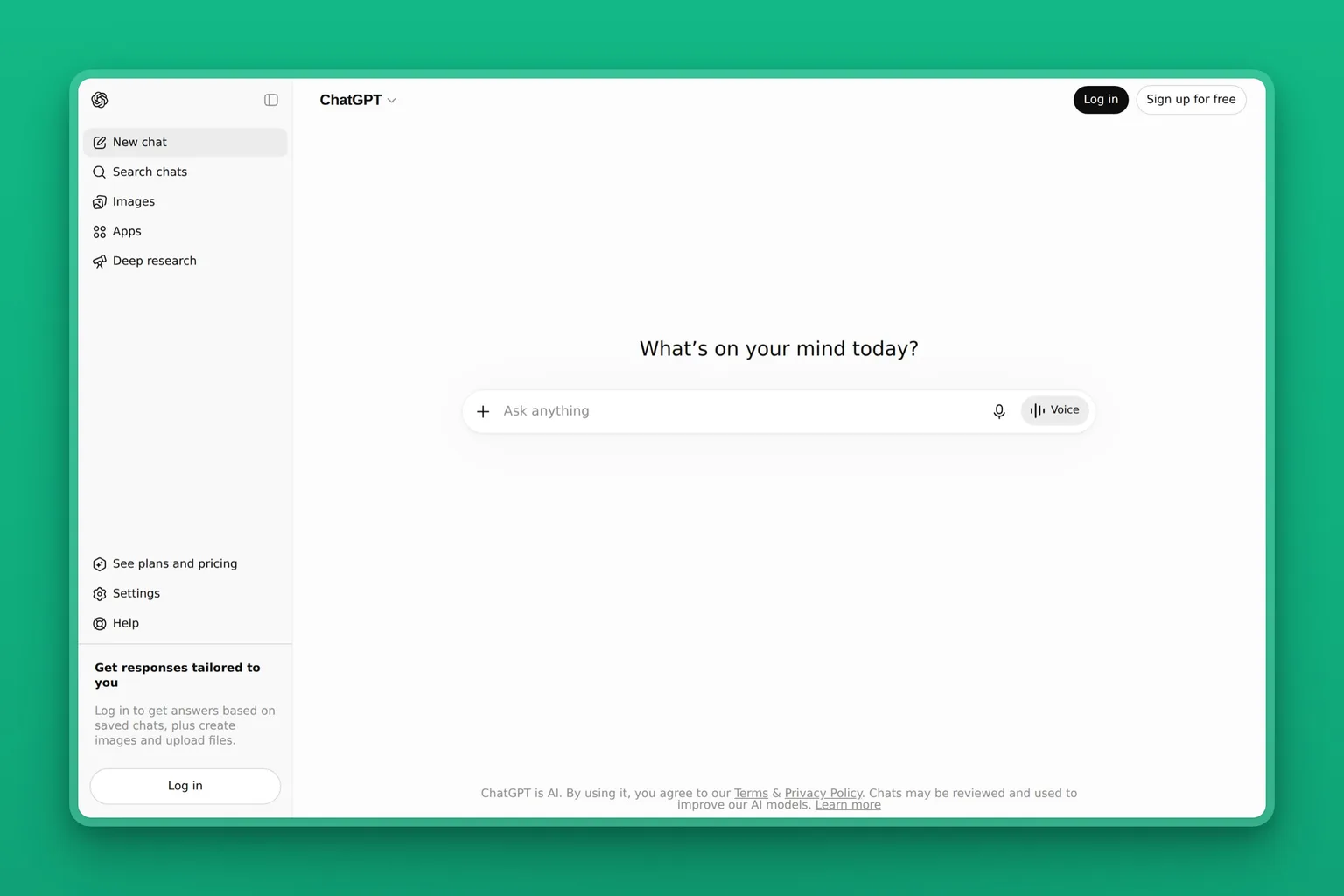
ChatGPT is OpenAI's conversational AI, and for ADHD it works as an endlessly patient thinking partner. You can brain dump a tangle of half formed thoughts and ask it to sort them into a plan. It can also draft the email you are avoiding, or break a project into a checklist. It does not judge the mess you hand it, which is the point. Unlike a rigid app, you shape it to your needs by simply asking, and the free plan is enough to start.
Key Features
- Open ended chat that turns a brain dump into an organized plan
- Drafts emails, messages, and documents you are stuck on
- Voice mode for capturing thoughts without typing
- Memory that recalls your context across conversations
- Custom GPTs and projects to save ADHD specific prompts you reuse
Pros
- Infinitely flexible, it adapts to your exact problem
- Removes the blank page on writing tasks
- Free tier is genuinely useful for daily ADHD support
- Voice input lowers the friction of capture
- No rigid system to maintain or abandon
Cons
- Open ended freedom can become a distraction in itself
- No built in reminders, scheduling, or task tracking
- You have to remember to open it and build the habit
- Quality depends on how you prompt it
Pricing
ChatGPT has a capable free plan. Plus is about $20 a month, with a lighter Go tier below it and higher Pro and Business tiers above.
User Reviews
On G2, ChatGPT carries a 4.7 out of 5 rating. What reviewers keep naming is how naturally it handles unstructured thinking, the exact strength an ADHD brain can borrow when a plan refuses to form on its own.
Best For
People who think better out loud and want a flexible assistant rather than a fixed app. If your struggle is organizing your own thoughts and getting unstuck on writing, ChatGPT is the most adaptable option here.
Focus: tools that help you stay with a task
Starting a task is one problem; staying with it is another. Two tools help here, in different ways. Brain.fm changes your audio environment, so attention has something steady to hold onto. Llama Life changes your structure, putting a timer on one task at a time so you stop bouncing between five.
Brain.fm: focus audio that holds attention
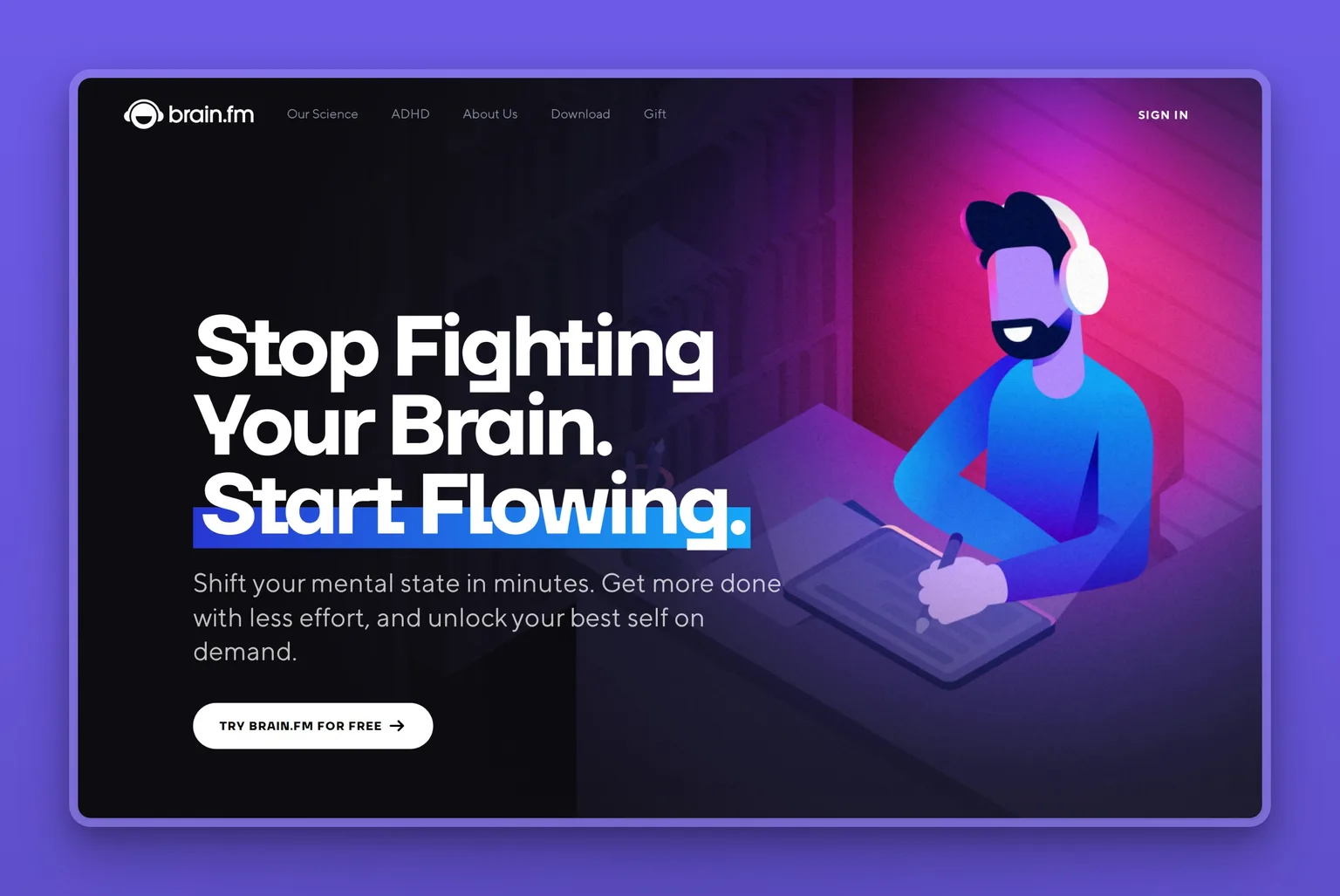
Brain.fm is a focus-audio app built on patented, neuroscience-backed sound modulation designed to help an ADHD brain stay on task. You pick a mode, Deep Work or Light Work or Creativity, and press play. It then generates lyric-free music made to keep your attention on the work, not on the music itself. The value for a restless ADHD brain is removing one decision, what to listen to, and giving it a steady background to settle into.
Key Features
- Patented functional audio that modulates to support sustained focus
- Focus modes for Deep Work, Light Work, Creativity, Learning, and Motivation
- Adjustable neural effect intensity, including a high setting positioned for ADHD
- Separate audio for sleep, relaxation, and meditation
- Lyric-free, endless tracks across web, iOS, Android, and desktop, with offline play
Pros
- Removes the "what should I play" decision that breaks focus
- Lyric-free audio holds attention without pulling it away
- One press to start, so almost no friction
- The company cites published and NSF-funded research behind the audio
- Works offline and across every device
Cons
- Audio only: it sets the conditions for focus, it does not do any task for you
- The effect is strong for some people and barely noticeable for others
- The full library needs a subscription, and the free trial asks for payment details up front
Pricing
Brain.fm runs about $14.99 a month, or $99.99 a year, which works out to roughly $8.33 a month. There is a free trial you can cancel anytime.
User Reviews
Brain.fm holds a 4.5 out of 5 rating on the Apple App Store. People with ADHD keep describing the same thing in their reviews: the audio helps them drop into a task and stay there, instead of drifting to the next distraction.
Best For
If you can start a task but cannot stay with it, and you work better with steady background sound, this is the add-on to reach for. It works best alongside a tool that actually does the work, rather than on its own.
Llama Life: a single-task timer that quiets the list
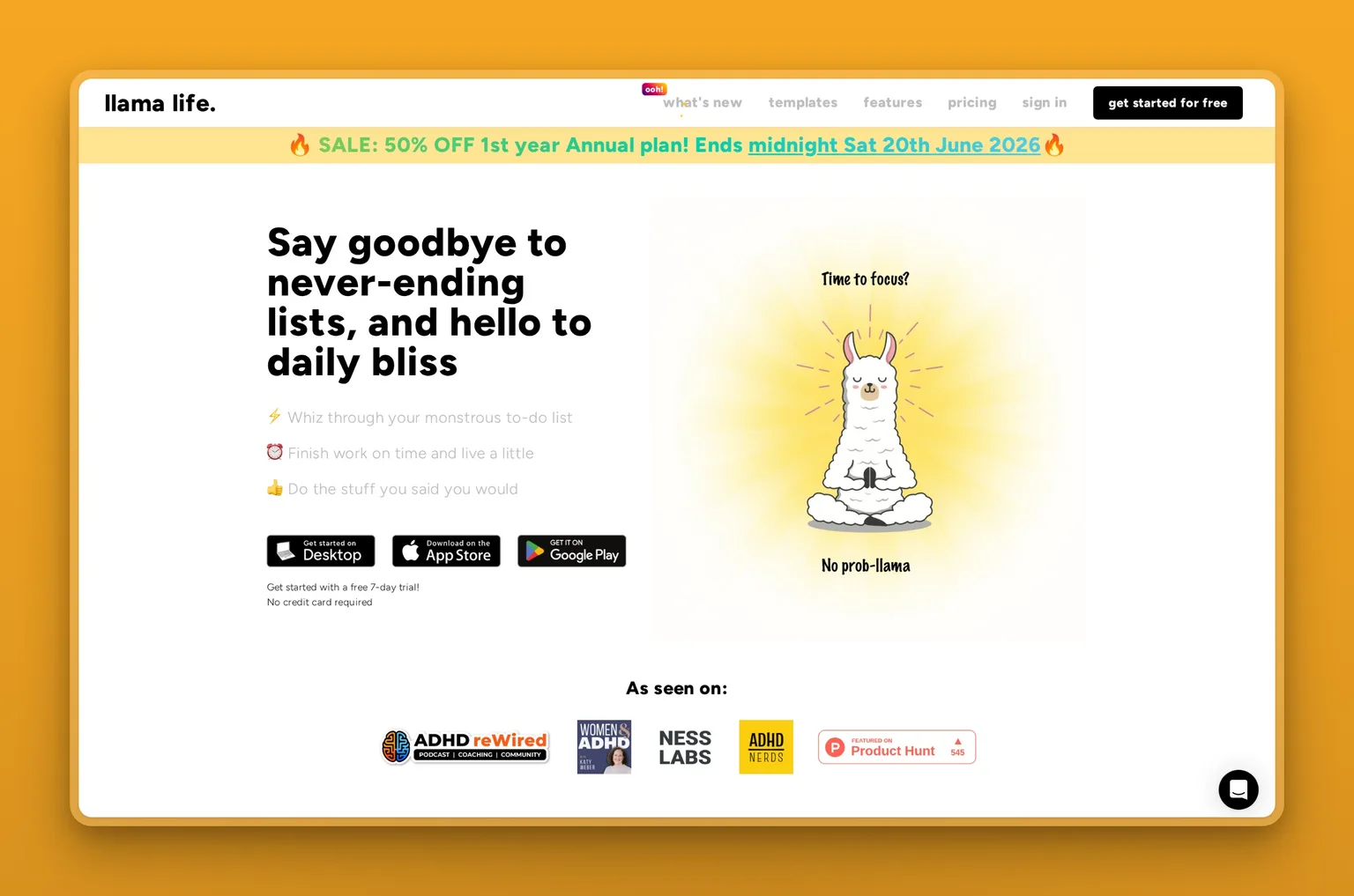
Llama Life is a task app built around one idea: do one thing at a time, with a countdown timer on every task. Instead of a long list that triggers overwhelm, you see the task in front of you, a time estimate, and when you will finish. Its AI assistant breaks a big task into smaller steps, and the app is a favorite in ADHD communities for making focus feel calmer. It runs on a paid subscription, with a free trial to test it first.
Key Features
- A countdown timer on every task, so you give one thing your full attention until it ends
- AI assistant that breaks a big task into smaller steps
- Time estimates and a projected finish time for your whole list
- Imports tasks from Todoist and Notion
- Background sounds, plus small rewards like confetti when a task is done
Pros
- Single-tasking design fights the overwhelm of a long list
- The per-task timer makes time concrete, which helps with time blindness
- Calm, low-pressure interface built with ADHD in mind
- Quick to learn, with almost no setup
- Popular in ADHD communities, not just marketed at them
Cons
- A timer on every task does not suit everyone
- Lighter on calendar and integrations than Motion or Sunsama
- A smaller, younger product than the big task managers
- More a focus aid than a full planning system
Pricing
Llama Life is about $6 a month, or $39 a year. There is no free plan, but a 7-day free trial lets you test it before you pay.
User Reviews
Llama Life holds a 4.5 out of 5 rating on the Apple App Store. Reviewers with ADHD credit the one-task-at-a-time timer for finally helping them finish things instead of stalling on a list that never ends.
Best For
If a long to-do list freezes you and you focus best against a clear time limit, Llama Life is the one to try. It pairs naturally with Brain.fm: the audio holds your attention while the timer keeps you on one task.
Time blindness: tools that plan your day
Time blindness is the ADHD trait where hours vanish and a flat calendar means nothing. The fix is a tool that makes time concrete and plans the day for you. Motion does it automatically, rebuilding your calendar on its own. Sunsama does it as a guided ritual you run each morning. Tiimo makes time visual, laying the day out as a color-coded timeline built for neurodivergent brains. Pick by whether you want the planning automated, ritualized, or simply laid out where you can see it.
Motion: the calendar that plans itself
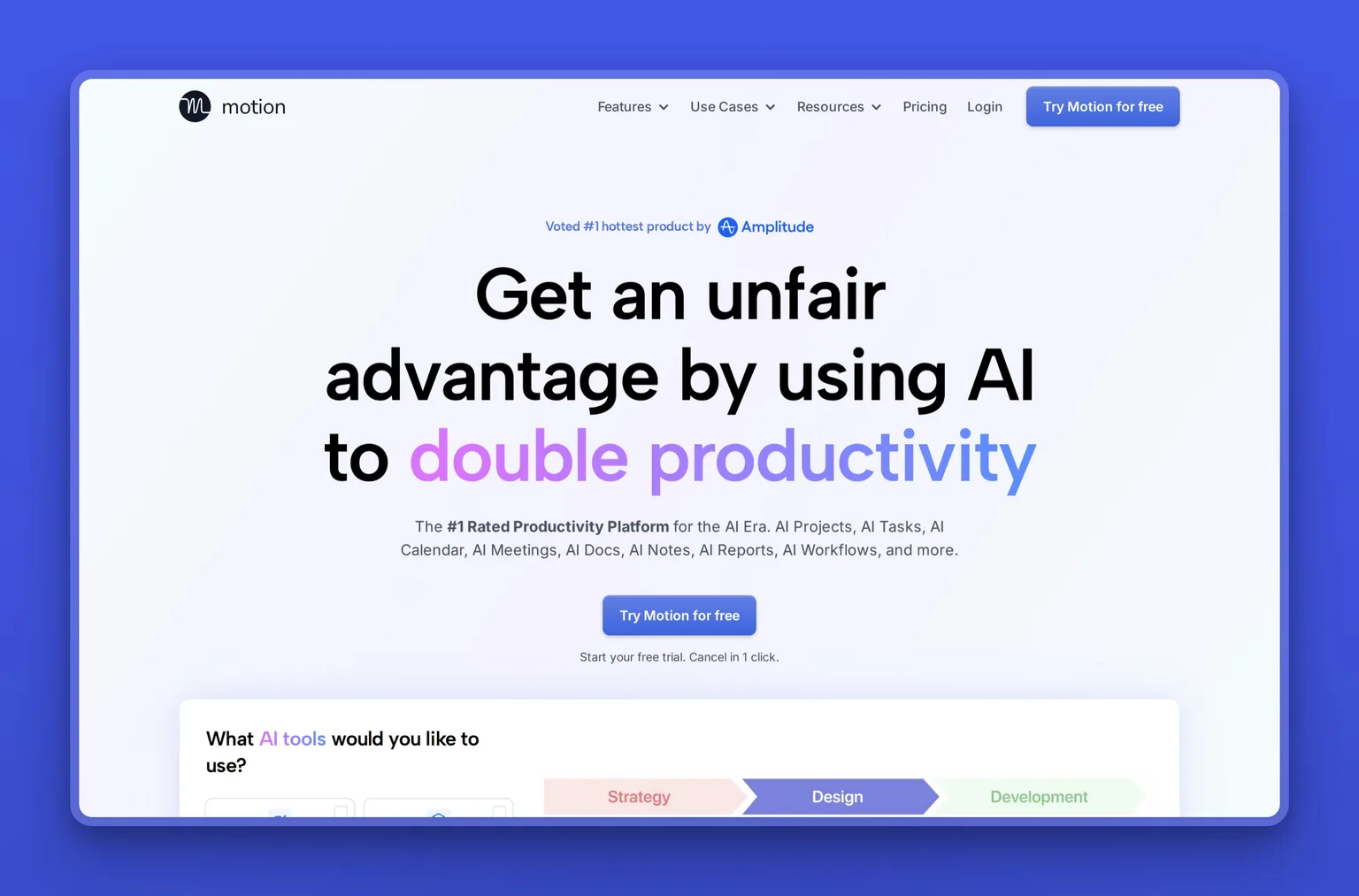
Motion is an AI productivity platform that combines task management with automatic calendar scheduling. You add your tasks and deadlines, and its AI builds your day for you. When things slip, and they will, it re-plans automatically. That automatic rebuild is the point for time blindness: you stop manually rearranging a calendar you were never going to keep up with. It is the most hands off planner here.
Key Features
- AI auto scheduling that builds and re-plans your day automatically
- Task and project management with priority sorting
- Calendar and meeting scheduling in one view
- AI chat, notes, and a writing assistant
- Mobile apps and calendar integrations
Pros
- Removes the manual work of planning, ideal for time blindness
- Re-plans automatically when a task runs long
- One place for tasks, projects, and calendar
- Strong for people who miss deadlines they meant to hit
Cons
- One of the pricier options, with no free tier beyond the trial
- The automatic rescheduling can feel like a loss of control
- Feature depth means a real learning curve
- Per seat pricing adds up for teams
Pricing
Motion does not have a free plan, only a 7 day trial. Pro AI runs about $19 per seat a month billed monthly, and Business AI about $29 per seat a month, with annual billing lowering both.
User Reviews
On Capterra, Motion carries a 4.3 out of 5 rating. The standout in that feedback is the automatic scheduling, with reviewers describing the relief of opening a calendar that has already planned itself around their deadlines.
Best For
Motion is for the person whose core problem is time: missed deadlines, days that vanish, a calendar they never keep up. It fits best if you can justify the price and want planning taken off your hands entirely.
Sunsama: a daily ritual that keeps planning realistic
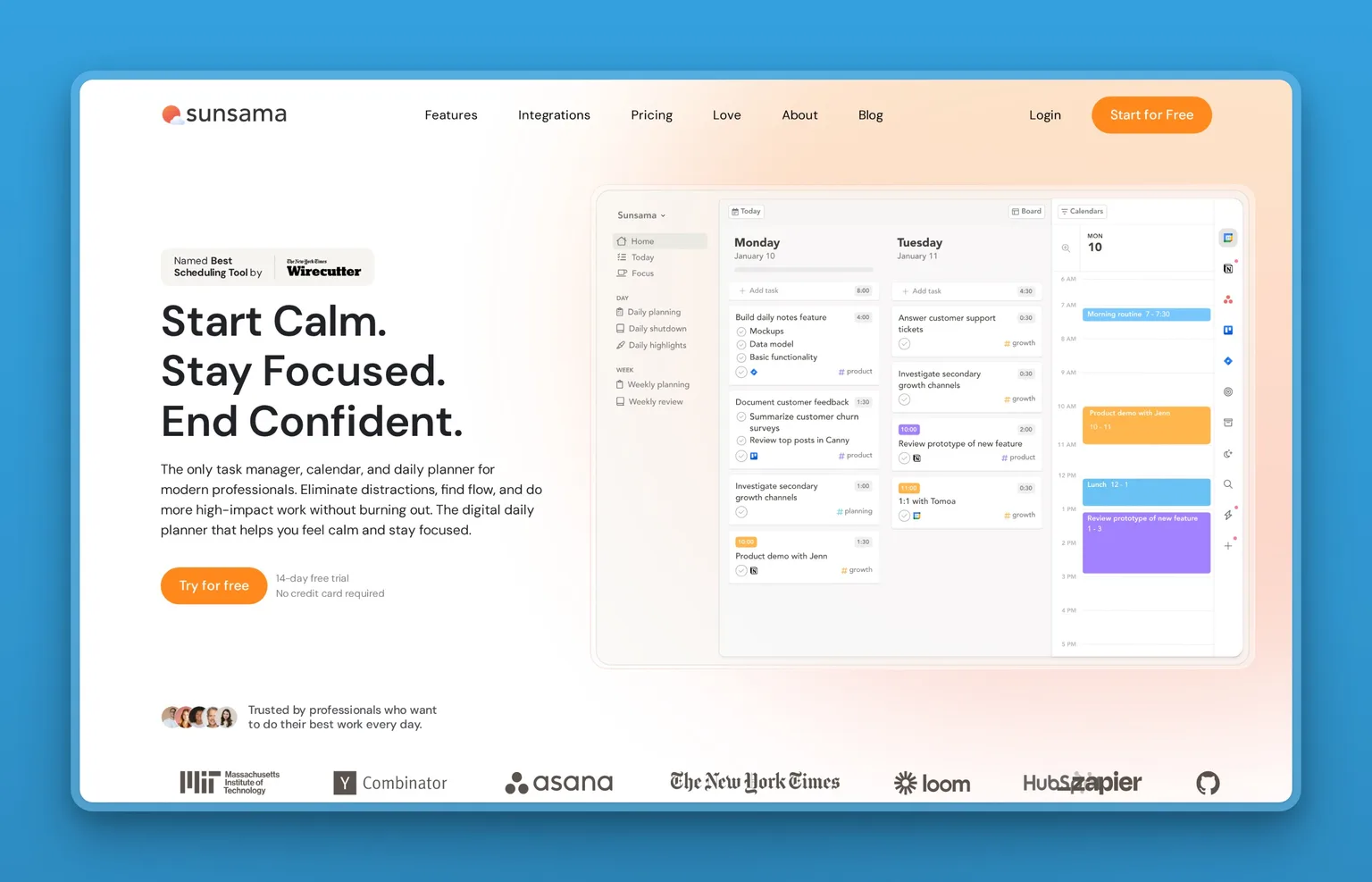
Sunsama is a digital daily planner built around a guided ritual. Each morning you pull tasks from your calendar, email, and project tools into one place and plan a realistic day. Each evening you close it out. Where Motion automates planning, Sunsama makes you do it deliberately. That suits people who overcommit and need a structure that says "that is too much for one day." The daily shutdown is the underrated part for ADHD, a clear end to the workday.
Key Features
- A guided daily planning ritual that builds a realistic day
- Pulls tasks from calendar, email, Asana, Trello, Todoist, and Slack
- Timeboxing that drops tasks onto your calendar
- Focus mode with app muting and a Pomodoro timer
- A daily shutdown routine and end of day review
Pros
- Forces realistic planning, a guard against overcommitting
- The shutdown ritual gives the workday a clear end
- Unifies tasks from tools you already use
- Calmer, more intentional than a packed auto schedule
Cons
- The daily ritual itself takes discipline to keep up
- No free tier beyond the trial
- Manual planning is more effort than Motion's automation
- Best value needs the planning habit to stick
Pricing
Sunsama has no permanent free plan, only a 14 day trial with no card required. Pro is about $22 a month billed monthly, or about $17 a month billed annually.
User Reviews
Sunsama holds a 4.7 out of 5 rating on Capterra. The daily planning ritual is what users single out, crediting it for finally helping them end the day on time instead of working into the night.
Best For
Chronic overcommitters who want a deliberate structure rather than full automation. It is the right call if you want to plan with intention and protect a real boundary between work and the rest of your life.
Tiimo: a visual planner built for neurodivergent brains
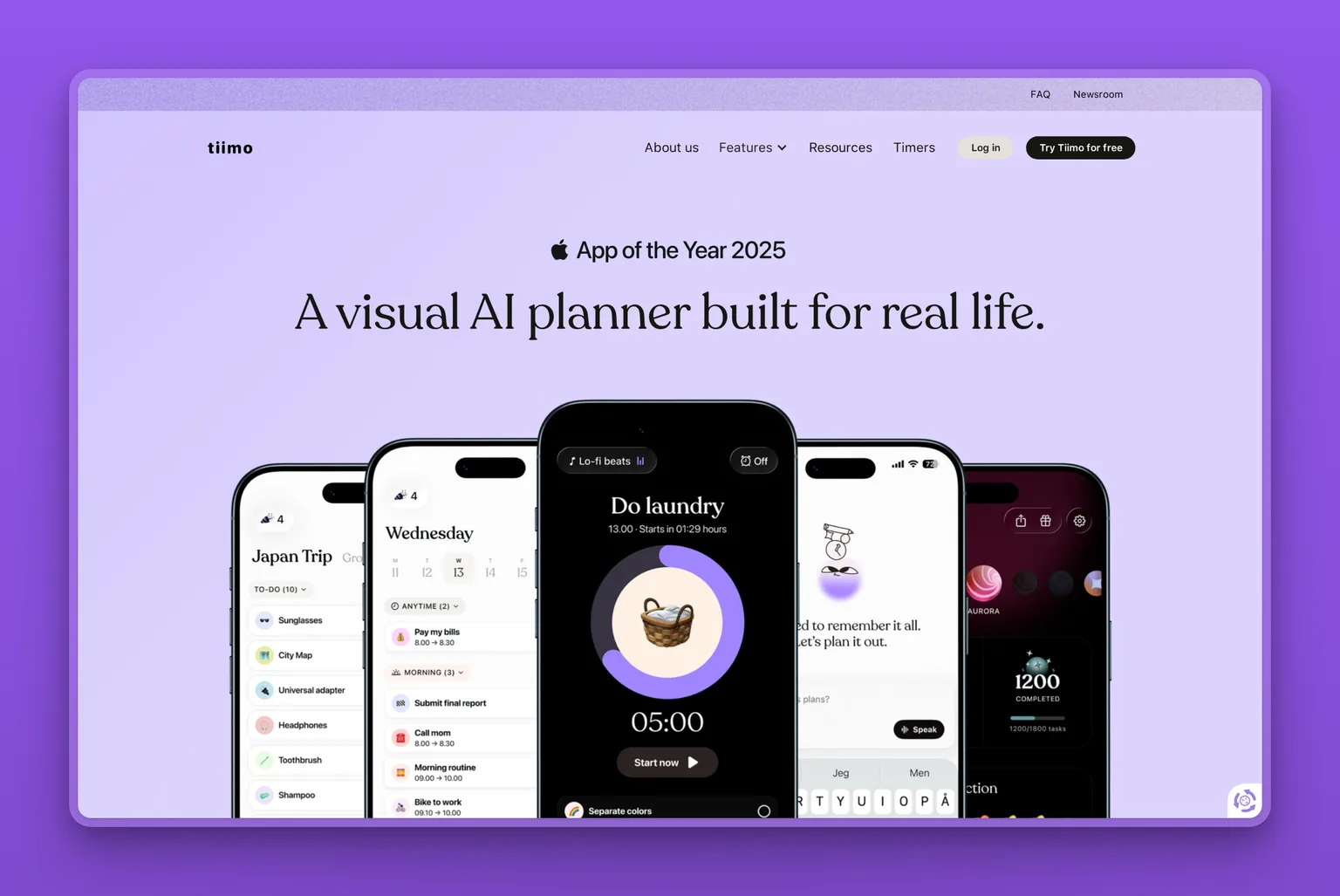
Tiimo is a visual daily planner designed from the start for ADHD and autistic users, built around a color-coded timeline that turns time into something you can see. Its AI Co-Planner is the standout for executive dysfunction. You type or speak a messy goal, and it breaks the goal into steps, estimates how long each takes, and lays them on a timeline you can rearrange. Seeing the day as blocks rather than a flat list is what makes it click for time blindness. There is a free version, with a 7 day Pro trial on the yearly plan.
Key Features
- AI Co-Planner that turns a typed or spoken brain dump into a step by step, time estimated plan
- Color-coded visual timeline with drag-and-drop daily scheduling
- Focus timer and a visual countdown that makes passing time concrete
- To-do list with AI priority grouping
- Sync with Apple Calendar and Reminders, home and lock-screen widgets, across web, mobile, and watch
Pros
- Built by and for neurodivergent users, not retrofitted
- The visual timeline makes time blindness easier to work around
- AI breaks tasks down, so getting started is easier
- Award-winning design, including iPhone App of the Year 2025
- Ad-free, with a usable free tier
Cons
- The AI Co-Planner is iOS only for now, with Android still in progress
- Some users want fuller two-way calendar sync
- A few reviews find it buggy or want more manual control over AI-edited tasks
- The web app sits behind the paid plan
Pricing
Tiimo has a free version with a basic planner, the focus timer, and limited AI chats. Tiimo Pro runs roughly $7 to $12 a month depending on region, or about $54 a year, and unlocks the full AI planning and the web app. The 7 day free trial applies to the yearly plan.
User Reviews
Tiimo holds a 4.6 out of 5 rating on the Apple App Store. Reviewers with ADHD repeatedly say it is the first planner that stuck after the new-app excitement wore off. They credit the visual timeline for finally letting them see and follow a day.
Best For
People who think in pictures, not lists, and want a planner that was genuinely designed for an ADHD or autistic brain. Best if making time visible is the piece you are missing, and you mainly plan on an iPhone.
Working memory: tools that remember for you
When working memory drops things, the answer is to capture everything outside your head so nothing rides on remembering. Otter.ai catches what is said in meetings and hands you the summary, and Todoist catches a task the second it appears, before it slips. Between them they cover the two places ADHD memory leaks most: live conversations and the stray thought you meant to act on.
Otter.ai: meeting capture so nothing said is lost
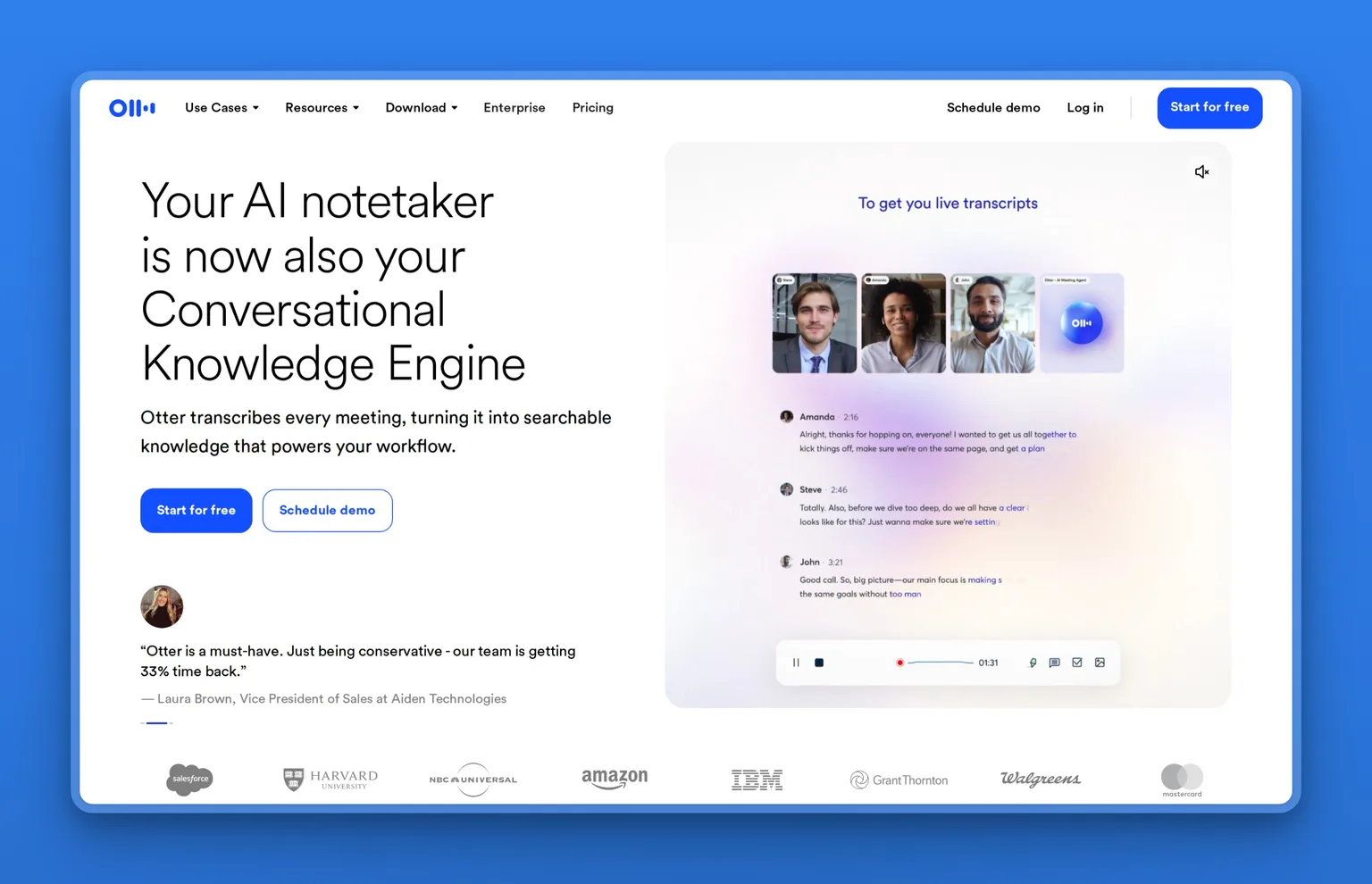
Otter.ai is an AI meeting assistant that records, transcribes, and summarizes conversations in real time. It solves a specific and painful ADHD problem: losing what was said the moment the meeting ends. Instead of straining to take notes and listen at once, you let Otter capture everything, then it hands you a summary and action items. Working memory no longer has to hold the call. The free plan comes with a monthly transcription cap.
Key Features
- Real time recording and live transcription of meetings
- Automatic summaries with extracted action items
- AI chat to ask questions about what was said
- Auto joins Zoom, Google Meet, and Microsoft Teams
- Searchable transcripts with speaker identification
Pros
- Frees working memory from holding meeting details
- Action items are pulled out for you, not missed
- Removes the impossible job of listening and note taking at once
- Searchable record you can return to later
- Useful free tier to start
Cons
- Built for meetings, not general task or life management
- Free plan caps monthly transcription minutes
- Accuracy dips with heavy accents or crosstalk
- Recording conversations needs everyone's awareness and consent
Pricing
Otter.ai has a free Basic plan with 300 transcription minutes a month. Pro is about $8.33 per month billed annually, and Business about $20 per user a month annually.
User Reviews
On Capterra, Otter.ai sits at 4.4 out of 5. Reviewers keep coming back to the automatic summaries and action items, and to the relief of leaving a meeting without the dread of having missed half of what mattered.
Best For
Anyone whose ADHD shows up in meetings and calls, where details vanish the second the conversation moves on. Best for founders, consultants, and anyone who lives in back to back calls, and it helps students through lectures too.
Todoist: two-second task capture
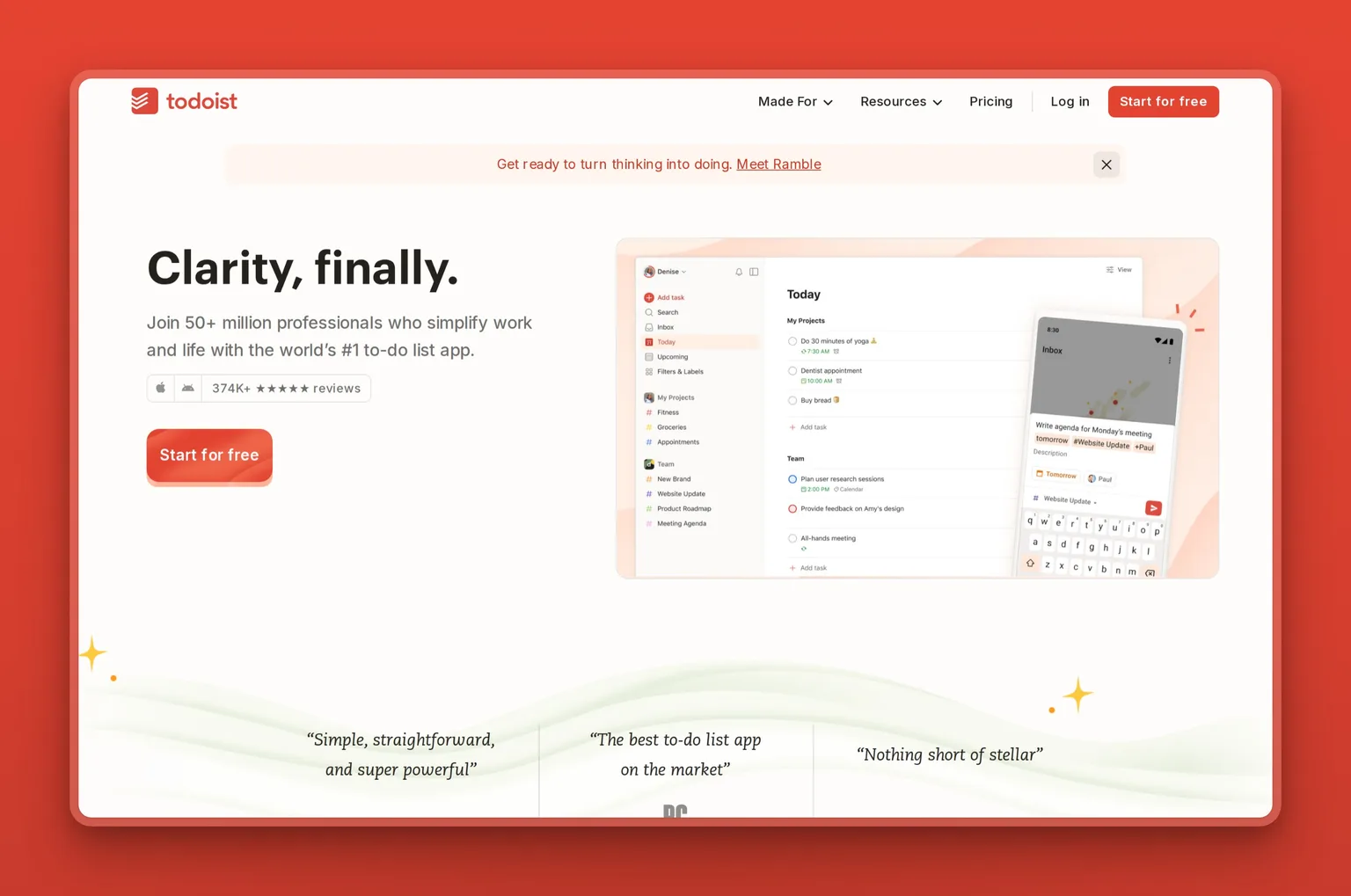
Todoist is a cross platform task manager whose strength for ADHD is how fast it captures a task before you lose it. You type in plain language, "email the accountant Friday at 2," and it parses the date, time, and recurrence automatically. That speed is the whole point: a thought you can capture in two seconds is a thought you will not forget. Its newer AI Assist can break a task into subtasks, and the free plan covers everyday personal use.
Key Features
- Natural language quick add that parses dates and recurrence
- Today and Upcoming views to cut overwhelm to what matters now
- Recurring tasks and reminders
- AI Assist to break a task into smaller steps
- Works across desktop, mobile, web, and many integrations
Pros
- Fastest capture of any tool here, almost no friction
- Clean, simple interface that does not overwhelm
- Reliable reminders and recurring tasks
- Generous free tier for personal use
- Mature, stable product unlikely to disappear
Cons
- It stores and reminds, but plans less than the AI first tools
- AI features are lighter than dedicated AI assistants
- Reminders on the free plan are limited
- Without discipline, lists can still pile up unread
Pricing
Todoist has a free Beginner plan. Pro runs about $5 per month billed annually, or $7 month to month, and Business about $8 per user a month annually.
User Reviews
Todoist scores a 4.6 out of 5 on Capterra. Speed and simplicity are what users praise most. They come back again and again to how fast they can capture a task before working memory drops it.
Best For
If your main leak is forgetting, and you need to catch tasks the instant they appear, Todoist is the lightweight backbone for it. It works on its own or paired with a planner like Motion.
Reading overload: turn text into audio
A lot of ADHD time disappears into text you are supposed to read: long emails, documents, contracts, the article you keep meaning to get to. Reading on the page is where attention drifts and you lose the thread halfway down. Speechify reads it to you instead, so you can get through your inbox or a report while your eyes and hands are free.
Speechify: listen to your inbox and documents
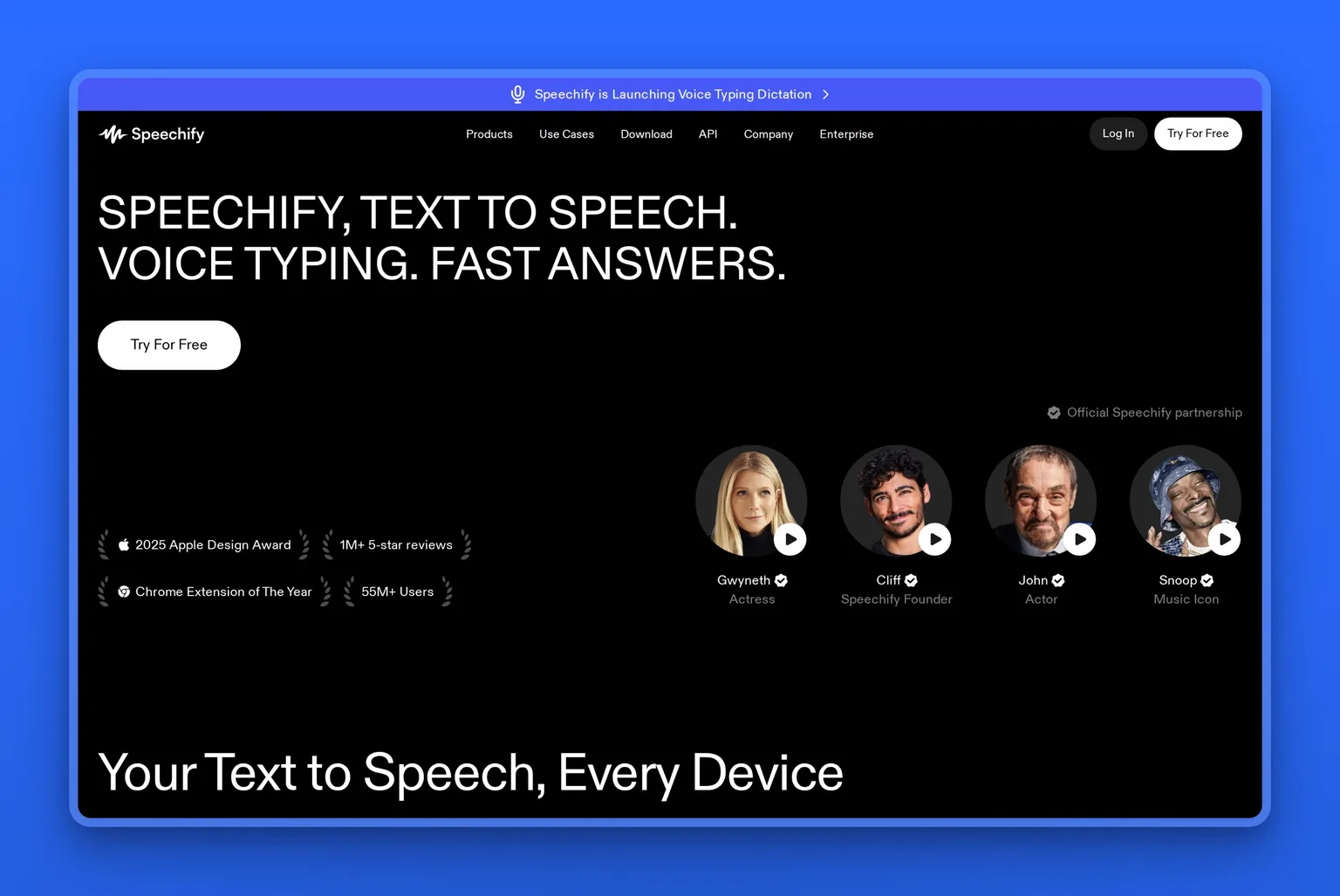
Speechify is an AI text-to-speech app that reads almost any text aloud in a natural voice: emails, PDFs, web pages, even a photo of a printed page. Listening gets an ADHD reader through a long document, where reading on the page stalls and your focus wanders. You can speed it up well past normal talking pace and follow the highlighted words as it goes. It runs on the web, as a Chrome extension, and on phone and desktop, with a free version to start.
Key Features
- AI text-to-speech that reads emails, PDFs, docs, and web pages aloud in natural voices
- Scans a photo of printed text and reads it back
- Adjustable speed, well past normal talking pace, with the words highlighted as they play
- AI summaries of long documents
- Works on the web, as a Chrome extension, and on iOS, Android, and desktop
Pros
- Turns a long document into something you can listen to and finish
- High-speed playback gets you through long documents fast
- Listening keeps you moving when reading on the page stalls you
- Genuinely useful free tier
- Goes everywhere you read, including your inbox and the browser
Cons
- The best voices and top speeds need the paid plan
- Premium is pricey, and the cheapest rate is on the annual plan
- It helps you get through text, it does not plan or capture tasks
- Synthetic voices still stumble on the odd word
Pricing
Speechify has a free version with standard voices. Premium is about $139 a year, or $29 a month, and unlocks the natural AI voices, the higher speeds, and the photo-to-speech scanning.
User Reviews
Speechify holds a 4.7 out of 5 rating on the Apple App Store. Readers with ADHD and dyslexia keep saying the same thing: hearing the text instead of fighting the page is what finally gets them through it.
Best For
If reading is where your focus breaks down, the long emails, the documents, the reports you avoid, Speechify gets you through them by ear. It is especially handy for a founder buried in an inbox and paperwork who would rather listen than read.
App overwhelm: one all-in-one assistant
If switching between five separate apps is the thing that makes you quit, one ADHD-first home beats a stack you have to maintain. The best all-in-one AI assistant for ADHD here is Saner.AI. It puts notes, tasks, email, and calendar in a single chat, and plans from what it already sees, so you open one place instead of five.
Saner.AI: one ADHD-first assistant for everything
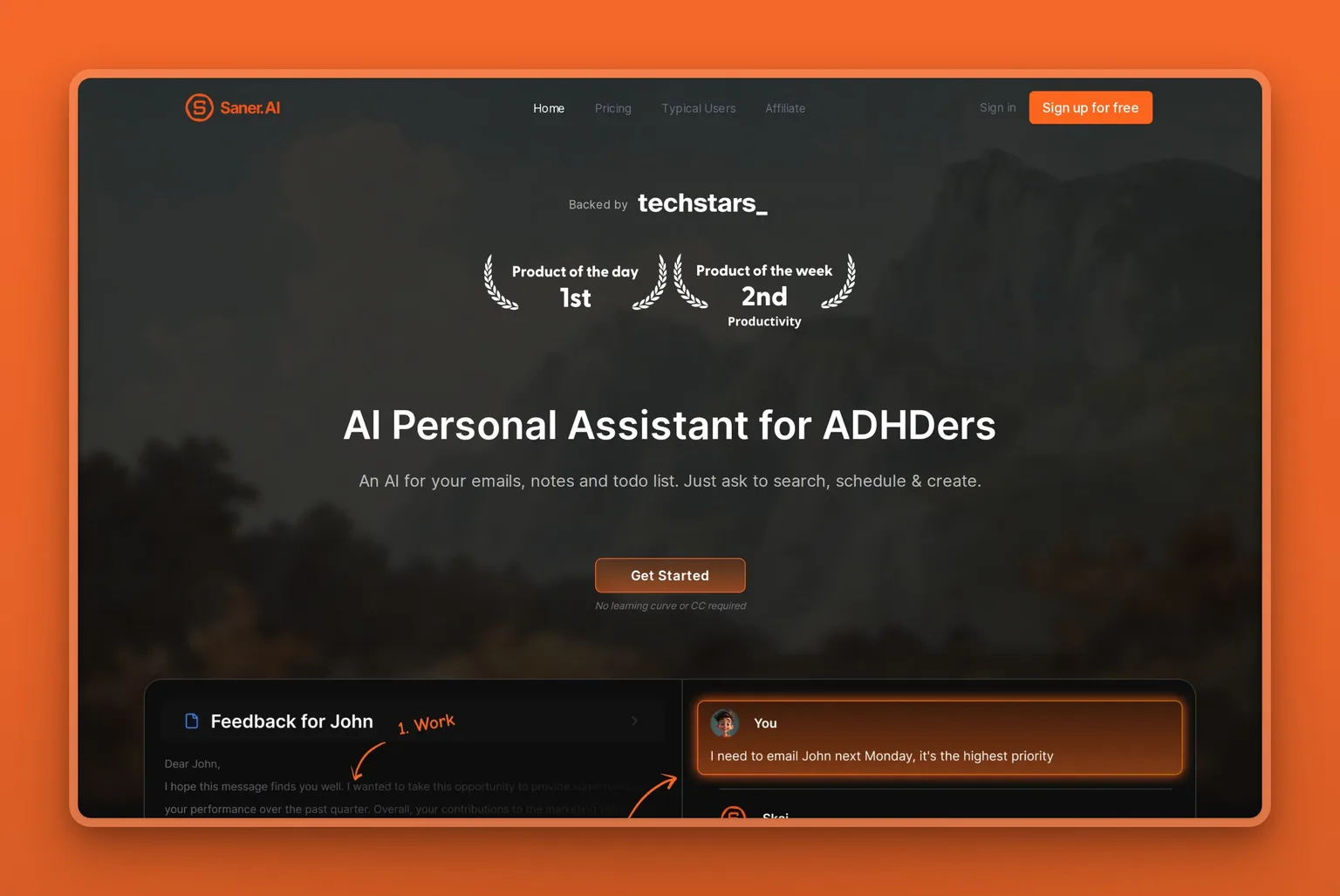
Saner.AI is an ADHD friendly AI assistant that unifies notes, tasks, email, and calendar so you capture, search, and plan from one chat instead of switching between apps. Its assistant, Skai, scans what you have captured and proactively suggests priorities and a time blocked schedule, which is the part most tools leave to you. It is built specifically for neurodivergent users, so the design fights overwhelm rather than adding to it. A free plan lets you try the core experience.
Key Features
- An AI assistant that plans your day and breaks projects into steps
- Unified notes, tasks, email, and calendar in one place
- Plain language search across everything you have captured
- Quick capture by voice, Chrome extension, and mobile
- Two way sync with Google Drive, email, Slack, and calendar
Pros
- Designed for ADHD from the ground up, not retrofitted
- Proactive planning, it suggests priorities instead of waiting
- Replaces a stack of separate apps, less to maintain
- Low friction capture from wherever you are
- Free tier to try the core experience
Cons
- Free plan caps AI messages and notes
- Younger product with a smaller track record than giants
- All in one means migrating off your current tools
- Heavy reliance on its AI suggestions being accurate
Pricing
Saner.AI has a free plan with 30 AI messages a month. Paid plans start at about $8 a month for Starter and $16 a month for Standard, with annual billing reducing the rate.
User Reviews
Saner.AI earns a 4.8 out of 5 rating on Product Hunt. Early reviewers value that it was built for ADHD specifically, and call out how the assistant nudges them toward the next priority instead of leaving a blank dashboard.
Best For
Tired of stitching together five apps? Saner.AI gives you one ADHD-first assistant to capture and plan in a single place. It fits best if you are comfortable moving your notes and tasks into a newer tool.
Business admin: AI that does the work
For founders and freelancers, the ADHD bottleneck is often not one task but the admin around the whole business: the inbox, the follow-ups, the posting, the calls. Personal planners remind you to do that work. Marblism actually does it for you, then waits for your approval before anything goes out.
Marblism: AI Employees that do the admin for you
Marblism takes a different approach. Instead of helping you do the work, it does whole functions for you. It gives you six AI Employees, including Eva, your AI Executive Assistant, who organizes your inbox, drafts replies in your voice, and books meetings. The rest of the team handles social posts, lead outreach, calls, content, and contracts, so the whole back office keeps moving without you. For an ADHD founder, the admin around the business is often where executive dysfunction does the most damage. Marblism removes the task rather than reminding you to do it. Every action waits for your approval, so nothing goes out without a click from you.

Key Features
- Six AI Employees in one account: inbox, social, leads, content, calls, and contracts
- Eva drafts email replies in your voice and triages your inbox to Inbox Zero
- Each AI Employee works around the clock and checks in for approval
- Human in the loop by design, nothing sends without your okay
- Shared context across the team, so they work from one picture of your business
Pros
- Does the work for you rather than adding another task to manage
- Removes inbox and admin overwhelm, a major ADHD drain
- One flat price covers all six AI Employees, no per task metering
- Approval step keeps you in control without doing the legwork
- 7 day money back guarantee lowers the risk of trying it
Cons
- Built for business owners, not a personal ADHD planner
- Overkill if you do not run a business or have admin to delegate
- Setup means describing your business so the AI sounds like you
- Focused on work functions, not focus timers or task breakdown
Pricing
Marblism includes all six AI Employees on every plan, starting at $24 a month billed annually, with quarterly at $33 a month and monthly at $44. Every plan covers unlimited team members and a 7 day money back guarantee.
User Reviews
On Trustpilot, Marblism earns an Excellent rating, 4.8 out of 5. What comes up again and again from founders is how much mental load lifts once the inbox and follow ups run themselves, which frees them to focus on the work only they can do.
Best For
ADHD founders, freelancers, and small business owners whose bottleneck is the admin around their work. Best if your problem is not starting one task but keeping up with email, posting, follow ups, and calls all at once.
AI tools for ADHD at a glance
If a name on the list is new to you, here is what each tool actually is, in one line.
| Tool | What it is |
|---|---|
| Goblin Tools | A free set of small AI helpers, led by a task that breaks any job into steps |
| ChatGPT | A general AI chatbot you can think out loud with and shape by asking |
| Brain.fm | A focus-music app whose audio is built to keep your attention on the work |
| Llama Life | A to-do app that puts a countdown timer on one task at a time |
| Motion | An AI planner that drops your tasks onto a calendar and re-plans it for you |
| Sunsama | A daily planner you run as a morning and evening routine |
| Tiimo | A visual day planner built for ADHD and autistic users |
| Otter.ai | An AI meeting assistant that records, transcribes, and summarizes calls |
| Todoist | A task manager you can capture into the second a thought lands |
| Speechify | A text-to-speech app that reads almost anything aloud |
| Saner.AI | An all-in-one assistant that keeps notes, tasks, email, and calendar in one chat |
| Marblism | A team of six AI Employees that handle the admin around a business |
How to combine these tools: four ADHD stacks
The best ADHD setup is usually a small stack, not a single app. You want one tool to get you started, one to plan or capture, and one to hold your focus while you work. Let each tool do the one thing it's good at, then hand off to the next. Four combos that work well:
The low-cost starter stack, for anyone testing the water. Goblin Tools, ChatGPT, and Brain.fm. Goblin Tools breaks the scary task into steps, ChatGPT helps you think the messy parts through, and Brain.fm holds your attention while you actually do it. Goblin Tools and ChatGPT are free, and Brain.fm has a free trial, so you can try the whole stack for little or nothing.
The founder's stack, for the ADHD business owner. Marblism, Goblin Tools, and Otter.ai. Marblism runs the inbox, follow-ups, and posting so the admin stops piling up in the background. Goblin Tools breaks down the work only you can do, and Otter.ai captures what was said on every call so nothing rides on memory. This is the setup when your business creates more admin than you can keep up with.
The deadline-driven freelancer. Todoist, Motion, and Brain.fm. Todoist catches every task the second it lands, Motion drops those tasks into a calendar that re-plans itself when something slips, and Brain.fm keeps you in the work once the block starts. Capture, schedule, focus, with almost no manual upkeep.
The back-to-back-meetings operator. Otter.ai, Tiimo, and Goblin Tools. Otter.ai records and summarizes every call so nothing said is lost. Tiimo lays the week out as a visual timeline you can follow, and Goblin Tools turns an overwhelming project into a first step you can actually take.
The bottom line
If you only try one tool, make it Goblin Tools. It is free, it asks nothing of you to start, and it fixes the single hardest ADHD moment, which is beginning a task that feels too big. For most people that is the best place to start, and it costs nothing to find out if it clicks.
From there, build a small stack around the part of executive function that fails you most, not around features that look impressive. Start with one tool and add a second only when a specific problem keeps costing you. The four stacks show what that looks like in practice, from a low-cost trio for testing the water to a founder's setup that hands the admin to Marblism.
Choose Marblism instead if you run a business and your problem is not starting one task. The trouble is keeping up with the inbox, the posting, the follow ups, and the calls all at once. None of the personal planners will do that work for you. Marblism will, then wait for your approval before anything goes out. Whatever you pick, the test is the same: are you still using it in a month? The right tool is the one that quietly does the part your brain skips, without becoming one more thing to manage.
Frequently asked questions
Basics
Can AI help with ADHD executive dysfunction?
Yes, within limits. AI tools support executive function by breaking tasks into steps, capturing what working memory drops, and planning your time, which are common ADHD weak points. They make tasks easier to start and finish, but they are not a treatment for ADHD and not a substitute for professional care.
What is the best AI tool for ADHD?
There is no single best AI tool for ADHD, because ADHD is not one problem. Goblin Tools is the best free starting point for task paralysis, Motion is strongest for time blindness, Otter.ai for memory in meetings, and Saner.AI for an all in one assistant. If you run a business and the real drain is the admin around it, Marblism does that work for you. Match the tool to your biggest challenge.
What is the best AI assistant for ADHD?
For an all-in-one AI assistant for ADHD, Saner.AI is the strongest pick: it keeps your notes, tasks, email, and calendar in one chat and suggests what to do next. ChatGPT is the most flexible if you want a conversational assistant to think out loud with. And if what you really need is an assistant that does your business admin, Marblism runs whole functions like your inbox and follow-ups for you. Match the assistant to whether you want capture, conversation, or the work taken off your plate.
What is body doubling, and can an app help?
Body doubling is working alongside another person, in the room or on a call, so their presence helps you stay on task. Some apps offer virtual body doubling with live or recorded co working sessions. These AI tools focus on planning and capture rather than body doubling, so pair them with a co working app if presence is what helps you.
Pricing and free options
Are there free AI tools that help with ADHD?
Yes. Goblin Tools is completely free on the web with no account needed, and ChatGPT, Saner.AI, Todoist, Tiimo, Speechify, and Otter.ai all have free tiers worth using. You can build a capable ADHD stack for nothing, then pay only for the specific tool that earns it, such as Motion's automatic scheduling.
How much do paid AI tools for ADHD cost?
Most paid tiers run between about $5 and $30 a month. Todoist Pro is around $5 a month billed annually, ChatGPT Plus about $20 a month, and Motion about $19 per seat a month. Marblism covers six AI Employees from $24 a month for business owners. Before subscribing to any of them, check how easily you can cancel, since a forgotten auto-renewal is a familiar ADHD tax.
Features and fit
Can AI tools help with time blindness?
Yes, and it is one of their strongest uses. Motion automatically builds and re-plans your calendar so time is visible and blocked. Sunsama walks you through a realistic daily plan, and Tiimo lays the day out as a color-coded visual timeline. All three turn an abstract day into concrete time slots, which is what a time blind brain needs to act.
Can AI help with ADHD focus?
Yes, in a supporting role. Tools like Brain.fm use functional audio to make it easier to start a focus session and stay in it, which helps a restless ADHD brain hold attention. The effect varies from person to person. Audio sets the conditions for focus rather than doing the task, so pair it with a tool that captures or plans the work itself.
Does ChatGPT help with ADHD?
ChatGPT helps with ADHD as a flexible thinking partner. You can brain dump scattered thoughts and ask it to organize them, break a project into steps, or draft something you are avoiding. Its limits are real: it has no reminders or scheduling, so you still have to open it and build the habit yourself.
Can AI replace ADHD medication?
No. AI tools do not treat ADHD and cannot replace medication, therapy, or clinical advice. They are productivity aids that make daily tasks easier to start and finish. Decisions about medication and treatment belong with a qualified healthcare professional, and these tools work best alongside that care, not instead of it.
Meet your AI team
If the part of ADHD that costs you most is the admin around a business you run, you do not need another reminder. You need the work done. Marblism gives you six AI Employees that handle your inbox, social, leads, content, calls, and contracts, then wait for your approval before anything goes out.
You can browse the full AI Team or see how other founders use it first.