9 Best AI Tools for Business Operations (2026 Review)

Jesus Malo
CMO, Marblism
June 19, 2026

The best AI tools for business operations are ChatGPT, Microsoft Copilot, Notion AI, ClickUp, Ramp, Zapier, Make, n8n, and Marblism. The right pick depends on which operational job is costing you the most time. That could be drafting and decisions, the work inside your office apps, your docs and projects, your finances, connecting your stack, or handing whole functions to an AI team.
Operations is the work that keeps a business running and rarely gets noticed when it goes well. Routing email, scheduling, chasing invoices, updating the project board, re-keying data between apps, answering the same customer questions for the hundredth time. It is also where trust in AI is thinnest. In a 2025 Harvard Business Review Analytic Services report, just 6 percent of more than 600 business and technology leaders said they fully trust AI agents with end-to-end business processes (December 2025). Another 43 percent trust them only with routine operational tasks.
The owner still entering orders by hand late at night needs something different from the founder trying to automate handoffs across five apps. "AI for operations" covers everything from a chatbot to a workflow engine to a finance tool, so the right pick depends entirely on which of those jobs is yours. My take: the operator who reaches for automation before a plain assistant usually has the order backwards, since the assistant is the cheaper, faster fix for most of what actually eats a week.
Skip to the job costing you the most time.
TL;DR
There is no single best AI tool for operations, so start from your biggest time drain, not a feature list. For everyday thinking and drafting, ChatGPT is the easiest first tool. If your work lives in Microsoft 365, Copilot is already inside it. Notion AI and ClickUp run your docs and projects, Ramp puts AI on your spend and bills, and Zapier, Make, and n8n automate the busywork between apps. The real choice is whether you would rather assemble and run that stack yourself or hand whole functions to a single AI team. If it is the latter, that is Marblism: six AI Employees that take the inbox, scheduling, calls, and contracts off your desk, with social and content alongside, and check with you before anything goes out.
| Tool | Best for | Key strength |
|---|---|---|
| ChatGPT | The everyday operations assistant | Drafts, analyzes, and answers almost any ops question on demand |
| Microsoft Copilot | Teams already living in Microsoft 365 | AI inside Outlook, Excel, Word, and Teams with your work data |
| Notion AI | Docs, SOPs, and team knowledge | Answers from your own workspace and connected apps |
| ClickUp | Project and operations management | One place for tasks, docs, and AI that acts across them |
| Ramp | Finance and spend operations | AI that codes expenses and pays bills, free core plan |
| Zapier | Connecting the apps you already pay for | 9,000-plus app connections with no code |
| Make | Visual automation on a budget | Drag-and-drop workflows at a low per-month cost |
| n8n | Technical teams that want control | Self-hostable automation and AI agents, priced by run |
| Marblism | Handing whole functions to an AI team | Six AI Employees that run operations and wait for approval |
Table of contents
What "AI for business operations" actually means
AI for business operations is software that uses artificial intelligence to run or speed up the back-office work that keeps a company going. That means routing and answering email, scheduling, data entry, invoicing, reporting, customer questions, document handling, and the steps that move work between your apps. The useful tools either finish one of those jobs or remove the manual handoffs between them.
These split into two kinds of product, and which one you need changes what you should buy. Most tools here are single-purpose tools: each does one operational job and you wire a few together into a stack. ChatGPT drafts, Zapier connects, Ramp handles the spend, ClickUp tracks the work. The other kind is an all-in-one AI team that runs whole functions and reports back, which is where Marblism sits.
The trade-off is real either way. Wire up your own single-purpose tools and you keep tight control plus the strongest option for each job, at the cost of being the one who assembles and runs them. Hand the functions to an all-in-one and you give up some of that per-task control in exchange for almost nothing to set up.
Every pick here is shipping today, already in the hands of small operations teams, and sits at a price a lean business can sign off on.
What actually matters, and where most ops tools fall short
Five things decide whether an operations AI tool sticks or gets dropped: it finishes the job, prices predictably, runs reliably, fits your stack, and lets you reach a human when it breaks. Plenty of tools look great in a demo and get dropped by month two, usually for one of these five reasons, every one of them visible in the one-star reviews. Run any candidate against all five before you commit.
1. It carries the task to the end, not halfway
Real time savings come from tools that close out a job, not ones that hand you a draft to finish. An assistant that writes a reply you still have to check, format, and send has barely started it. The same test applies to automation: a workflow that fires but needs you watching it has not bought back your time. When a tool says it is done, look at what is still sitting on your plate. The smaller that pile, the more the tool is worth.
2. The pricing is predictable, not a meter you watch
You should know what next month costs before it arrives, and this is where operations tools draw the angriest reviews. Usage-metered and per-task models are the usual culprit. One Zapier user warned on Trustpilot that "their monthly fee is the tip of the iceberg. They charge you per task," and that a single testing error "may generate thousands of tasks which will cost you real money."
My honest read: of the five things on this list, pricing predictability is the one that ends subscriptions fastest, because a surprise bill breaks trust faster than a mediocre feature ever does. Look for clear monthly prices, a real free tier or money-back guarantee, and a bill you can predict. Per-task and per-credit plans can work, but only after you have added up what a busy month would actually cost.
3. It runs reliably without you watching it
An automation is only useful if you can stop watching it. The complaint operators fear most is the silent failure, the workflow that stops firing and takes a customer order with it. As one Zapier reviewer put it bluntly, the risk is that you "look unprofessional when you lose orders or invoices because of failed" automations. Reliable tools show error handling, searchable run logs, breakage alerts, and a track record in reviews of holding up under real load. A tool you cannot trust unattended is a part-time job, not an employee.
4. It fits the stack you already run
A tool that cannot reach your other software is just one more disconnected app to check. The ones worth keeping connect to where operations already happen: your inbox, your calendar, your CRM, your accounting tool, your project board. Integration is not a bonus feature here. It is the whole point: it lets the tool act on your actual business instead of becoming one more tab to check. Before you buy, confirm it connects to the two or three systems your operations truly run on.
5. You can still reach a human when it breaks
The newest operations complaint is that support itself got automated, so when billing or a workflow breaks, there is no person to reach. A monday.com reviewer described it on Trustpilot as "basically like Excel, except you can't ever get a hold of anyone at the company. Everything is only AI support." When you are running operations on a tool, the quality of human support is part of the product. Check whether a real person answers before you depend on one for payroll day or a customer-facing flow.
Match the tool to your operations bottleneck
The fastest way to choose is to name the operational job costing you the most time, then pick the tool category built for it. Operations breaks into a handful of recognizable functions, and each maps to a different kind of AI tool. Find your biggest time drain on the left, then skip to the section that fixes it.
| Your operations bottleneck | The function that fixes it | Tools in this guide |
|---|---|---|
| Drafting, summarizing, and one-off decisions take up your day | An everyday operations assistant | ChatGPT |
| Reports, emails, and spreadsheets in Microsoft 365 | AI inside your office suite | Microsoft Copilot |
| Knowledge is scattered; nobody can find the SOP | An operations workspace and knowledge hub | Notion AI |
| Projects, tasks, and status updates are a mess | Project and operations management | ClickUp |
| You re-key the same data between apps all day | Workflow automation | Zapier, Make, n8n |
| Expense coding and bill pay take over your month-end | Finance operations | Ramp |
| Everything needs doing at once and it is all on you | An all-in-one AI team | Marblism |
The everyday operations assistant
If you buy one AI tool for operations, make it a general assistant. It handles the steady stream of small jobs that fill an operator's day. That means drafting a vendor email, summarizing a contract, turning messy notes into an SOP, fixing a spreadsheet formula, or thinking through a process out loud. It will not run a function unattended, but it is the cheapest, fastest way to clear that backlog.
ChatGPT: the operations generalist
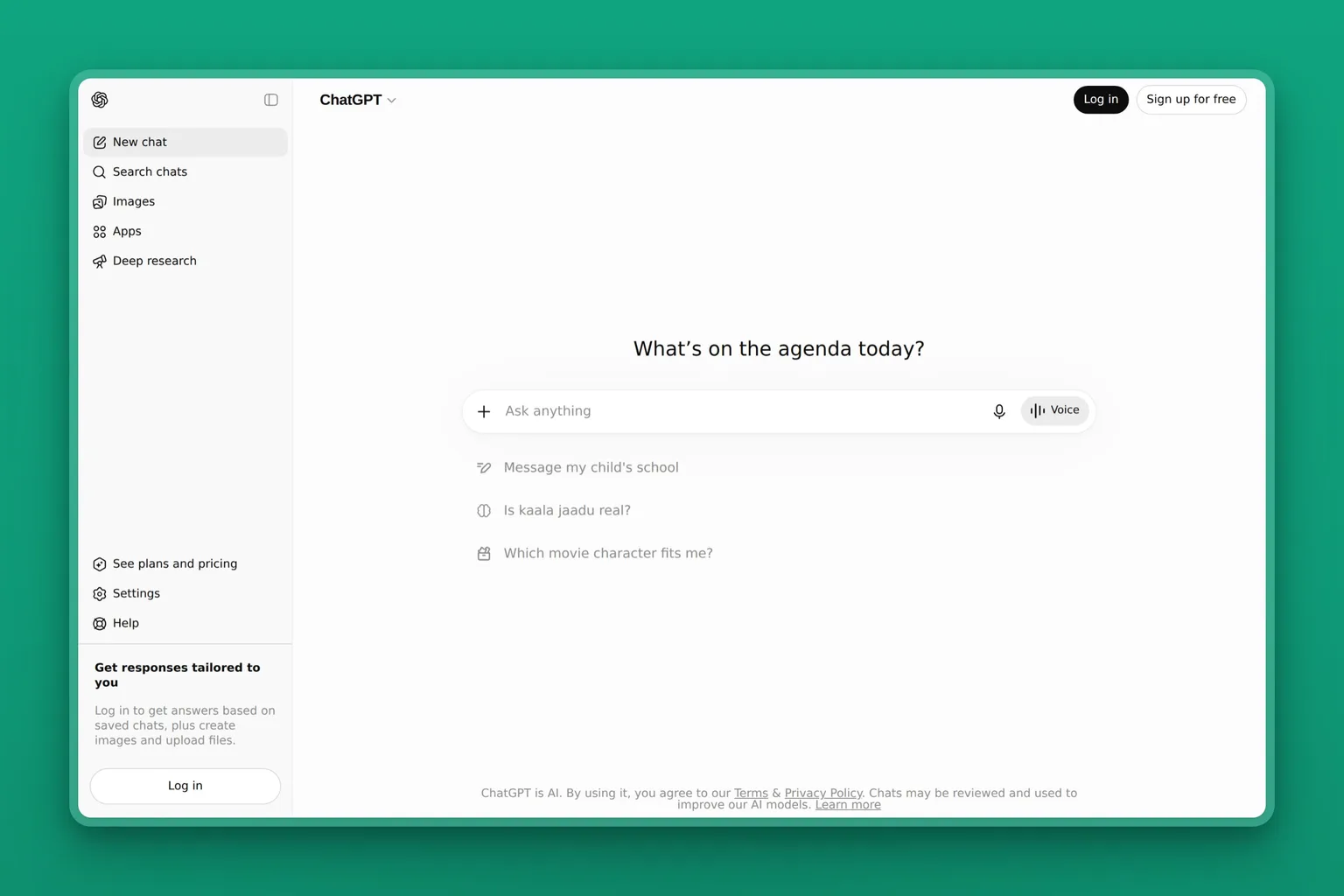
ChatGPT is the assistant most operators reach for first, and for good reason. Ask it anything in plain language and it drafts, explains, analyzes, or plans in seconds. It reads files you upload, searches the web, builds simple spreadsheets and charts, and now runs longer agent-style tasks on the higher tiers. For day-to-day operations, that range is the appeal: one tool for the dozens of small jobs that do not justify their own software.
Key Features
- Natural-language chat that drafts, summarizes, analyzes, and plans
- File uploads with data analysis and chart building
- Web search and memory that carries context across chats
- Custom GPTs and saved Projects for repeated operational tasks
- Agent mode and deep research on Plus and higher
Pros
- Free plan covers most everyday operations questions
- Nothing here pays off faster on day one
- One assistant stretches across writing, analysis, and planning
- Endless guides and prompt libraries to learn from
- Business plan excludes your data from model training by default
Cons
- States wrong facts with confidence, so outputs need checking
- No native link to your inbox, CRM, or accounting on lower tiers
- The agent and reasoning features are paywalled
- It responds to prompts; it does not own a function end to end
Pricing
The Free plan is $0. ChatGPT Plus is $20 a month and adds stronger reasoning, more usage, and agent features. ChatGPT Business is $20 per user a month on annual billing, or $25 billed monthly, with admin controls and data protection. A $200 Pro tier serves heavy power users.
User Reviews
ChatGPT holds a 4.6 out of 5 rating on G2. What operators come back to is the breadth: one tool that drafts, researches, and works through problems across the whole business. The free tier makes it risk-free to try. If your week is heavy on long documents and analysis, Claude from Anthropic is the common second pick for that specific job.
Best For
The operator who wants one flexible assistant for the small jobs that fill a week. Start here if you have never paid for an AI tool, learn what you actually reach for, then add specialized tools where a real bottleneck remains.
AI for operations inside the office suite you already run
If your operations already live in Microsoft 365, the highest-value AI is the one built into it. Instead of copying data into a separate chatbot, the assistant works where the work already is: inside Outlook, Excel, Word, and Teams, with access to your real files and messages. For a team standardized on Microsoft, that saves the friction of a new tool and a new login.
Microsoft Copilot: AI where your work already lives
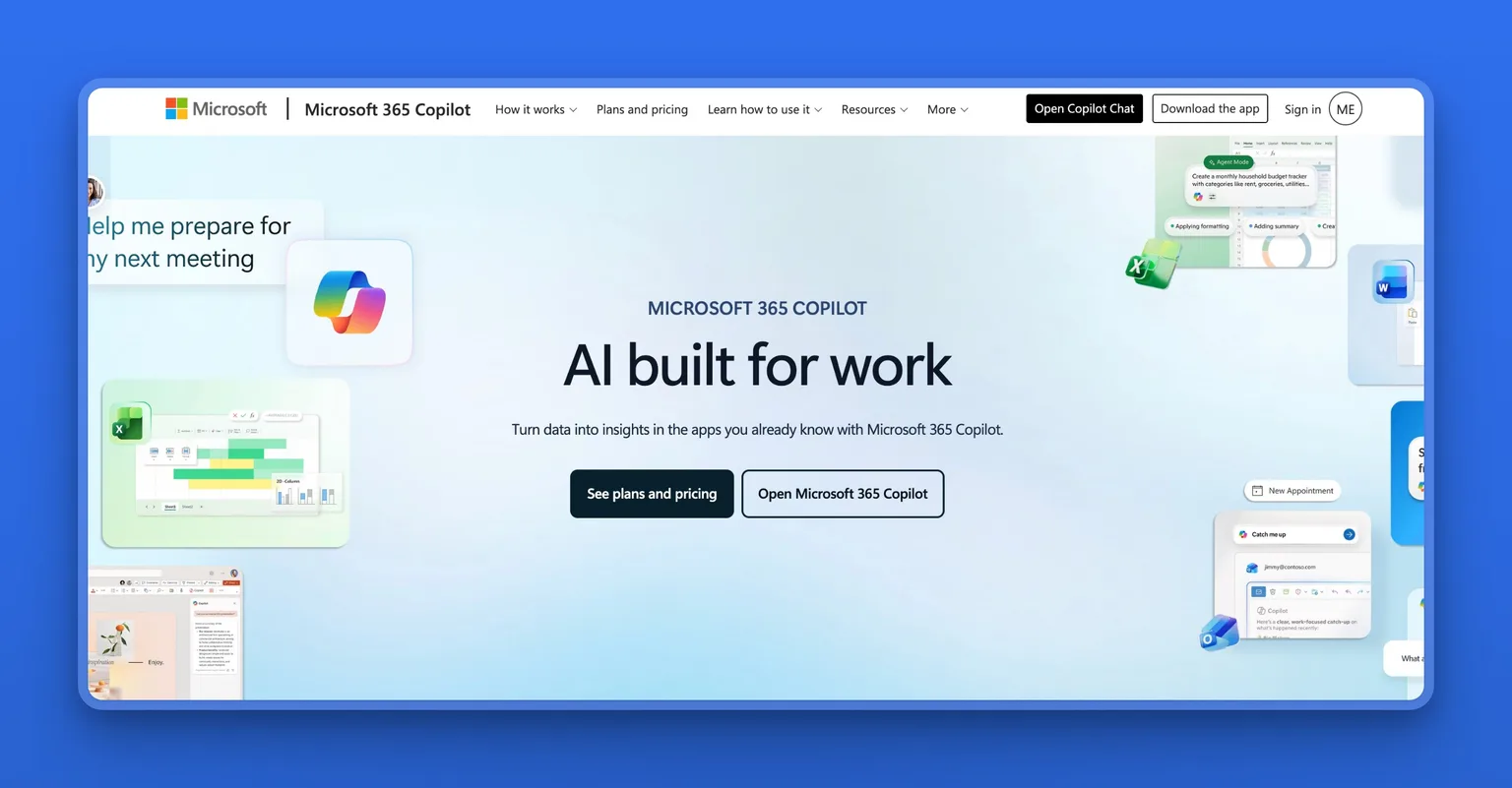
Microsoft Copilot is Microsoft's generative-AI assistant, available on the web for free and embedded across the Microsoft 365 apps on paid business plans. Inside Outlook it drafts and summarizes email threads. In Excel it builds formulas and analyzes data in plain language. In Word and PowerPoint it turns a prompt into a first draft, and in Teams it summarizes the meeting you missed. Because it reads your work content, the output is grounded in your actual operations, not a blank-slate guess.
Key Features
- Copilot inside Outlook, Excel, Word, PowerPoint, and Teams
- Free web chat grounded in current web results
- Meeting recap and action items in Teams
- Custom agents built with Copilot Studio
- Enterprise data protection on business plans
Pros
- Works inside the apps your operations already run on
- No data copied into a separate tool
- Strong on spreadsheets and reporting, a core ops job
- One vendor and one bill for Microsoft-standardized teams
- Backed by Microsoft's security and admin controls
Cons
- Real value needs paid Microsoft 365 plans underneath it
- Built for Microsoft; Google Workspace teams want Gemini instead
- Quality varies app to app; Excel and Outlook lead
- Setup and licensing can confuse a non-technical owner
Pricing
The consumer web Copilot is free. Microsoft 365 Copilot for business is $18 per user a month, billed annually, as a limited-time rate through September 30, 2026; the standard price is $21. It is an add-on to an eligible Microsoft 365 business subscription, so factor in that base cost too.
User Reviews
Microsoft Copilot holds a 4.5 out of 5 rating on Capterra. Reviewers single out the Excel and Outlook help as the strongest. They also value the convenience of AI that lives inside tools they already open every day, rather than one more app to manage.
Best For
The team already paying for Microsoft 365 that wants AI inside the apps it lives in. If most of your operations run through Outlook and Excel, Copilot is the lowest-friction win available. If you are on Google Workspace, Google's Gemini is the equivalent built into Gmail, Docs, and Sheets.
Your operations hub: docs, knowledge, and projects
Operations need a single place where work and knowledge live, and AI makes that place far more useful. Two tools own this category from different ends. Notion AI turns your workspace of docs and wikis into something you can ask questions of. ClickUp wraps AI around tasks and projects so status updates and busywork take care of themselves. Many teams run one or the other as their operational home base.
Notion AI: answers from your own workspace
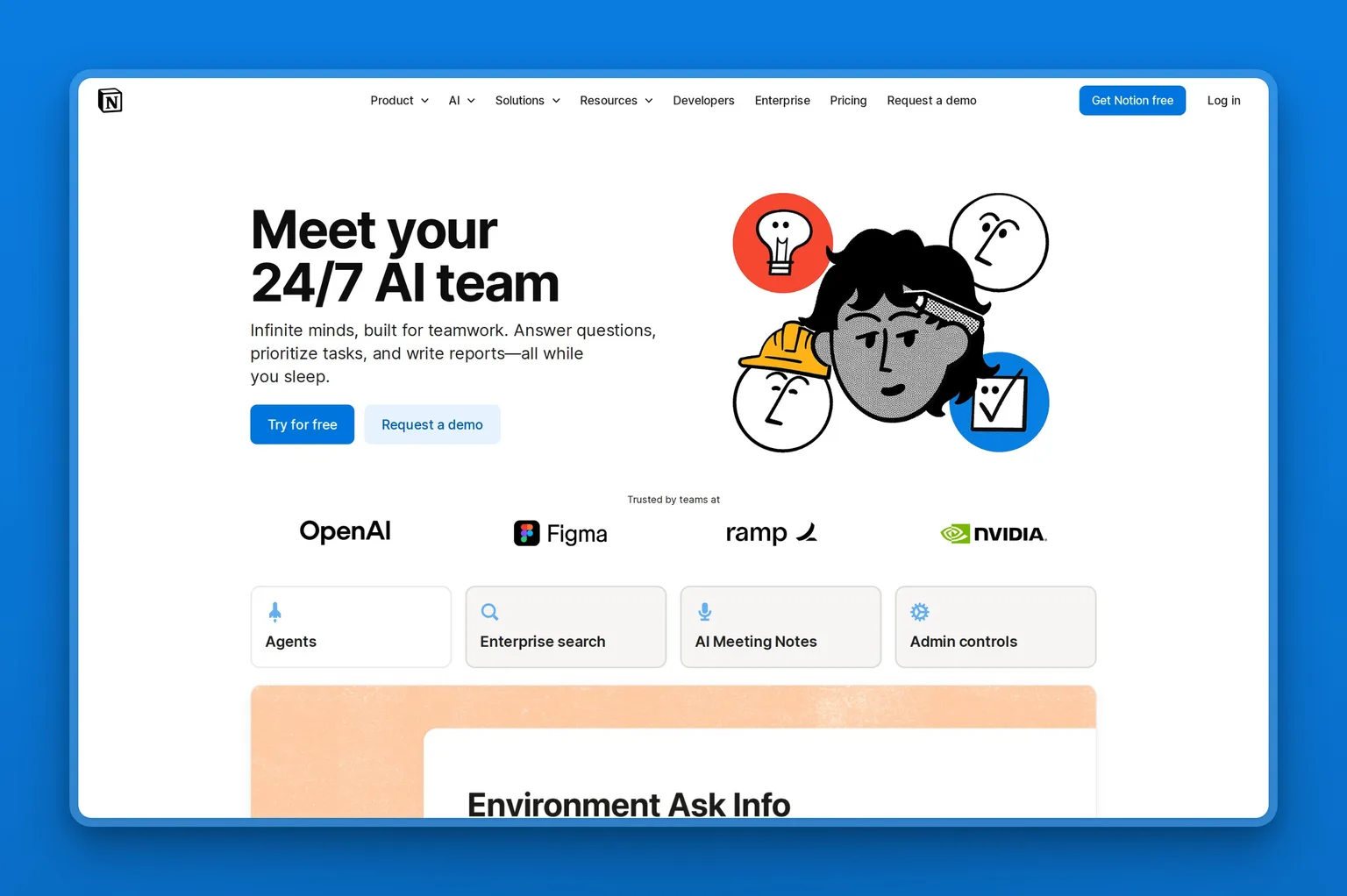
Notion AI is the built-in AI layer inside Notion, the docs-and-wiki workspace many teams already use for SOPs, project notes, and knowledge bases. Its advantage is your own content. Because it sits on top of your pages and connected apps, it answers questions from what your company actually knows. It also drafts and edits in place, takes meeting notes, and now runs agents that complete multi-step tasks on a schedule. For teams whose operations problem is "the knowledge is somewhere, nobody can find it," that grounding is the point.
Key Features
- AI answers grounded in your pages and connected apps
- Enterprise Search across Slack, Google Drive, and more
- AI meeting notes that capture and summarize calls
- Writing, editing, and database autofill inside any page
- Custom agents that run scheduled or triggered tasks
Pros
- Turns a messy workspace into a searchable knowledge base
- AI is built in, not a bolted-on separate tool
- Doubles as docs, wiki, and lightweight project tracking
- Free tier is genuinely useful for a solo operator
- Connected search reaches beyond Notion itself
Cons
- Most powerful only once your content actually lives in Notion
- Custom agents run on a separate credit-based add-on
- Can become its own organizing project to maintain
- Heavier automation needs a dedicated tool alongside it
Pricing
The Free plan is $0. Notion Plus starts around $10 per member a month, billed annually, and Business runs about $20 per member a month with Notion AI fully included. Custom Agents are a separate add-on at $10 per 1,000 monthly credits. Pricing shown can vary by region, so check the plan page for your currency.
User Reviews
Notion holds a 4.7 out of 5 rating on Capterra. Operators praise how much it consolidates, one tool for docs, wikis, and tracking, and increasingly point to the AI search as the feature that finally makes a sprawling workspace usable.
Best For
The team that wants one home for documents, processes, and knowledge, with AI that answers from inside it. Notion AI fits operators who would rather build a connected workspace than run separate doc, wiki, and notes tools. Skip it if your problem is automation between apps rather than scattered knowledge.
ClickUp: projects, tasks, and AI that acts on them
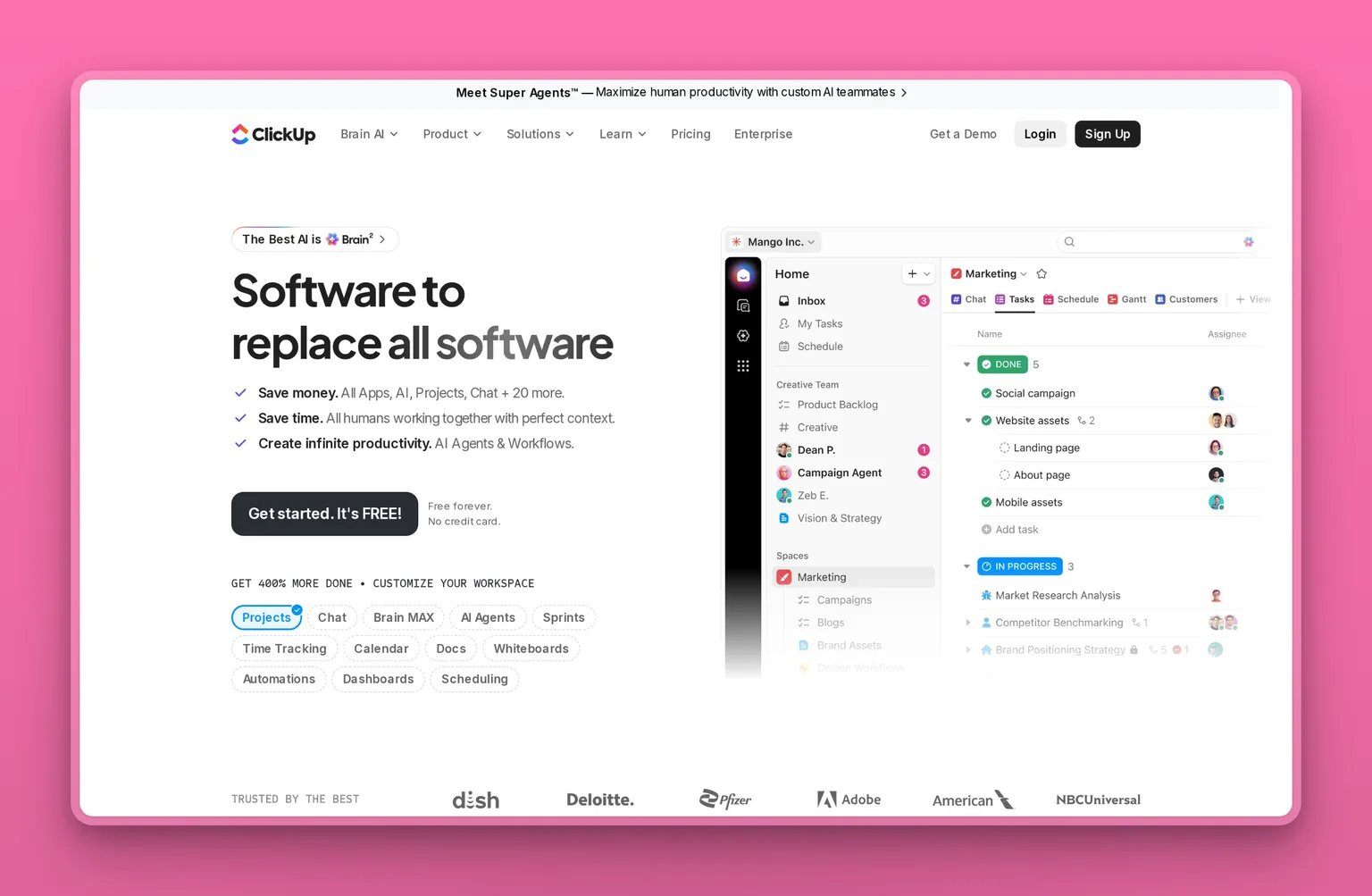
ClickUp is a project and operations management platform, and its AI layer, ClickUp Brain, sits on top of your tasks, docs, and goals. It writes status updates from task activity, answers questions about what is on track, summarizes long threads, and triggers AI agents when work changes state. For operations that run on projects and handoffs, that means fewer manual status meetings and less time keeping the board honest. When the question is which tool to use for operations management specifically, ClickUp is a strong answer, because managing the work is the whole product.
Key Features
- Tasks, docs, goals, and dashboards in one workspace
- ClickUp Brain answers and writes updates from your data
- AI agents that act when tasks change state
- Automations for routine project and ops steps
- Custom views for any team's workflow
Pros
- One place for projects, docs, and the AI that reads them
- Strong free tier for a small team to start on
- AI grounded in real task data, not generic prompts
- Replaces separate task, doc, and reporting tools
- Scales from a solo operator to a full operations team
Cons
- Powerful but complex; reviewers note real setup time
- The AI is a paid add-on on top of the base plan
- Can feel like more tool than a tiny team needs
- Best value only after you configure it properly
Pricing
The Free Forever plan is $0. ClickUp Unlimited is $7 per user a month and Business is $12 per user a month, both billed annually, with Enterprise custom. ClickUp Brain, the AI layer, is an add-on at $9 per user a month on top of a paid plan.
User Reviews
ClickUp holds a 4.7 out of 5 rating on G2. The recurring theme is that it is powerful once configured. Reviewers love how much it consolidates, but warn new teams to budget time for setup rather than expecting it to work out of the box.
Best For
The team whose operations run on projects, tasks, and handoffs that keep slipping. ClickUp fits operators willing to invest a little setup time for one system that tracks the work and uses AI to keep it current. A solo operator with no projects to manage will find it more than they need.
Workflow automation: automate business processes across your stack
Workflow automation is the heart of operations, because most operational pain is just data moving between apps by hand. These tools connect the software you already pay for and run routine steps for you. A new order creates an invoice, a form fills a spreadsheet, a closed deal kicks off onboarding. Our non-technical founder's guide to AI automation goes deeper on where to start. Three tools cover the range, from no-code-simple to developer-grade, and the right one depends on how technical you are and how much you will run.
Zapier: the no-code connector for everything
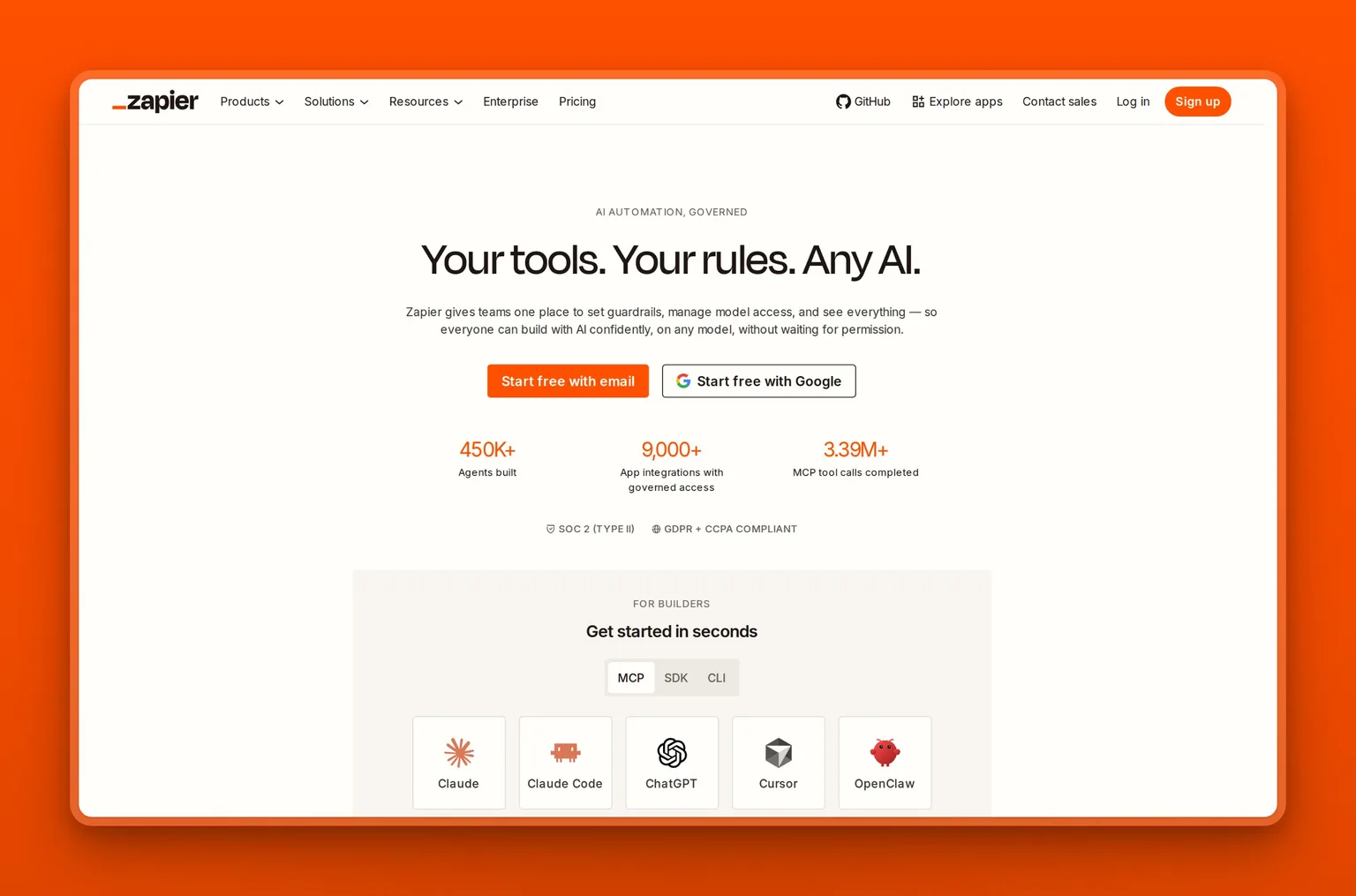
Zapier is one of the most widely supported automation platforms, linking more than 9,000 apps so routine tasks run themselves. You build workflows, called Zaps, by picking a trigger and actions in plain language, with AI now helping draft them and AI steps available inside a flow. For a non-technical operator, it is the easiest way to stitch your stack together, and the breadth of integrations means whatever you use is almost certainly supported.
Key Features
- More than 9,000 app integrations, the widest here
- No-code visual builder with AI Copilot
- AI steps, agents, and chatbots inside workflows
- Built-in Tables and Forms
- Conditional logic, webhooks, and error alerts
Pros
- Connects almost any app a small business uses
- Genuinely no-code, usable on day one
- Free plan covers a few key automations
- AI Copilot makes building a workflow easier than before
- Scales from one Zap to a full automated system
Cons
- Task-based pricing can climb fast with heavy use
- A testing error can burn a large batch of tasks
- The built-in AI assistant draws mixed reviews
- It moves data; it does not do creative work
Pricing
The Free plan is $0 with 100 tasks a month. Zapier Professional starts at $19.99 a month, scaling by task volume, and Team starts at $69 a month for shared workflows. Note that AI steps, code, and the SDK now run on the same task-based meter, so work out what a busy month would cost before you commit.
User Reviews
Zapier holds a 4.7 out of 5 rating on Capterra. Reviewers say it runs reliably in the background once a Zap is set up. The consistent criticism is pricing: heavy users warn that per-task costs can climb faster than expected, so watch your task volume.
Best For
The non-technical operator who wants to connect the apps they already use without writing code. If your problem is the same data copied between tools all day, Zapier clears it, as long as you keep an eye on task volume.
Make: visual automation that stretches a budget
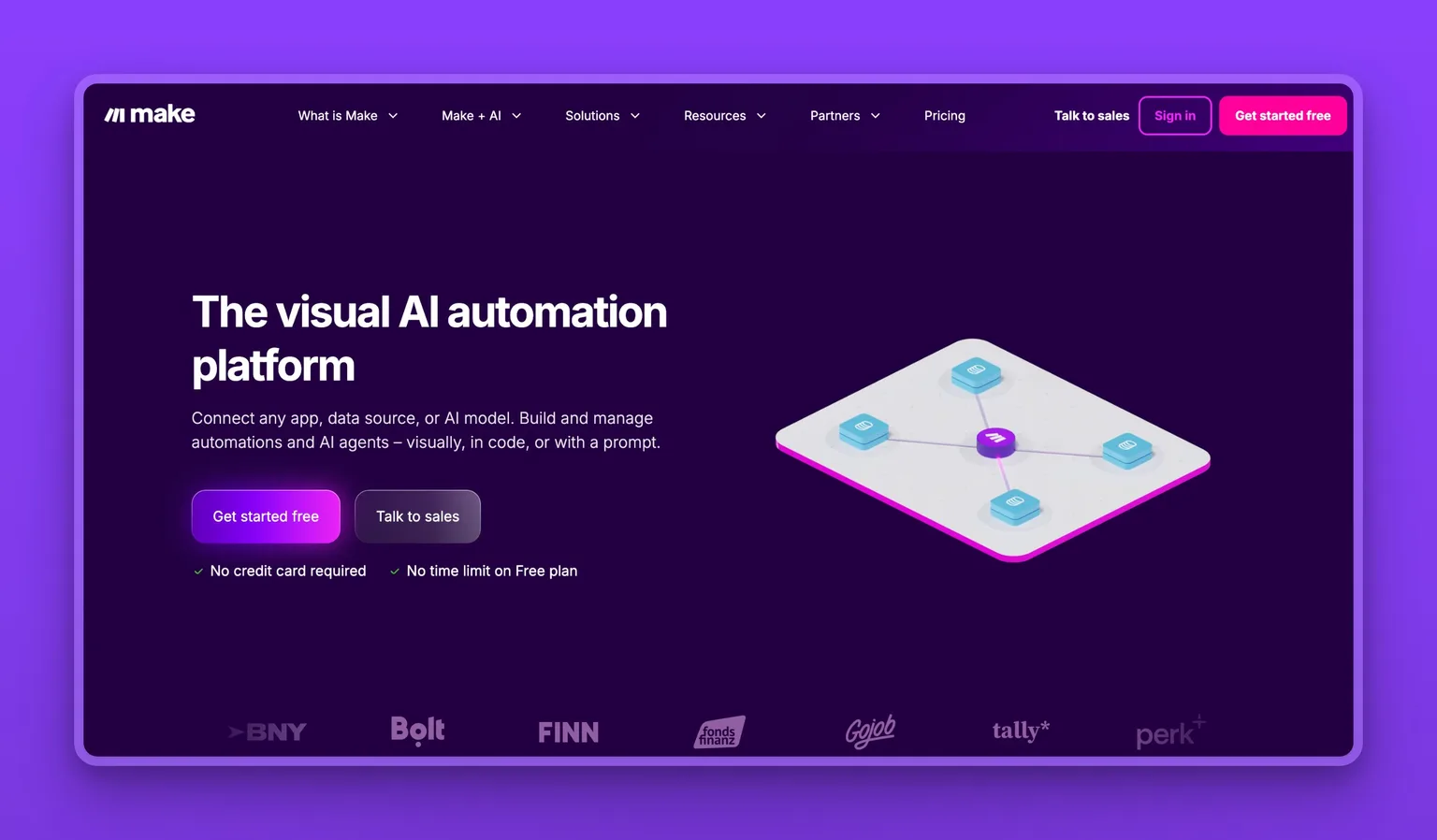
Make, formerly Integromat, is a visual automation platform built around a drag-and-drop canvas where you can see each step of a workflow as it runs. It connects thousands of apps, handles branching logic and error routing, and includes AI modules for content and custom agents. Its draw is value: the visual builder makes complex multi-step flows easier to reason about, and the per-month cost runs well below Zapier for similar volume.
Key Features
- Visual canvas that shows every step of a workflow
- Thousands of integrations plus HTTP and API modules
- Routers, filters, and error handling for complex flows
- AI modules and custom AI agents
- Real-time monitoring and searchable run logs
Pros
- The visual builder makes complex flows easier to follow
- Strong value: low monthly cost for the capability
- Generous free tier to learn on
- Branching and error handling suit real operations
- Run logs help you debug a broken scenario
Cons
- The visual model has a learning curve at first
- Credit-based pricing takes study to forecast
- Fewer native integrations than Zapier
- Complex scenarios need patience to build right
Pricing
The Free plan is $0 with 1,000 credits a month. Make Core starts around $9 a month, billed annually, with Pro and Teams tiers above it priced by monthly credit volume. The credit model can be cheaper than per-task pricing for steady, high-volume flows.
User Reviews
Make holds a 4.6 out of 5 rating on G2. Reviewers praise the visual builder and the price for what you get, while noting that the canvas takes a little time to learn before complex automations click.
Best For
The operator who wants more control than a simple connector and a lower bill than Zapier, and does not mind a short learning curve. Make fits visual thinkers building multi-step operations workflows on a budget. If you want the widest app support and the fastest setup, Zapier is the easier call.
n8n: automation and AI agents for technical teams
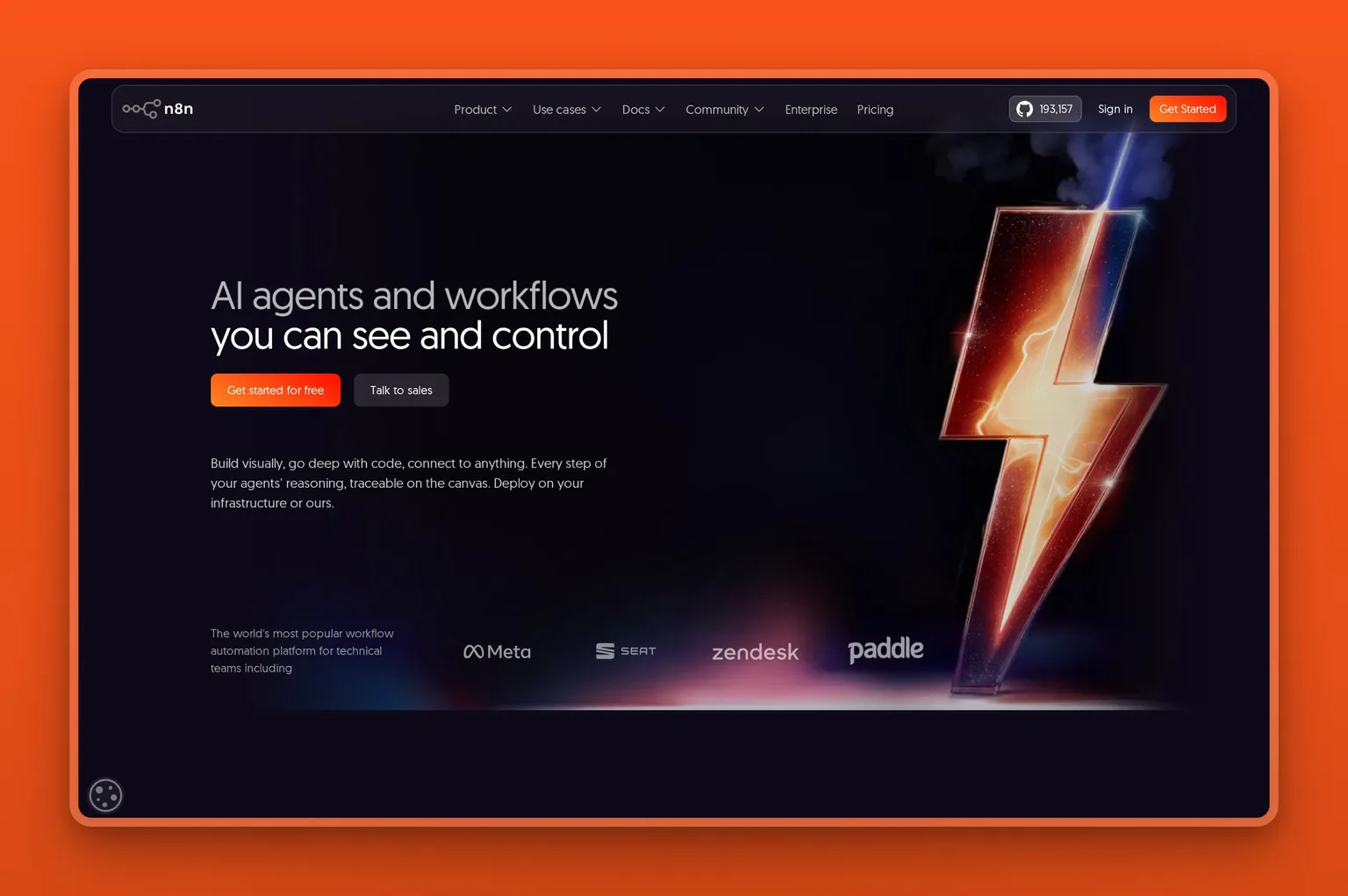
n8n is a developer-friendly automation platform you can self-host, which makes it the choice for technical teams that want control over their data and costs. You build workflows visually or drop into code, connect to anything with an API, and build AI agents with visible reasoning and human-in-the-loop checkpoints. Because you can run it on your own server, the per-run pricing stays predictable and your operational data never has to leave your infrastructure.
Key Features
- Self-host or use n8n Cloud
- Visual builder plus JavaScript and Python code
- 500-plus nodes and any HTTP or API endpoint
- AI agent building with visible reasoning steps
- Pricing by workflow execution, not per task
Pros
- Self-hosting keeps operational data in your control
- Execution-based pricing is predictable at scale
- Combines no-code speed with real code when needed
- Free, self-hosted Community Edition to start
- Strong fit for AI agents with human approval steps
Cons
- Steeper than Zapier or Make for non-technical users
- Self-hosting needs someone who can run a server
- Fewer polished native app integrations
- More setup before the first workflow runs
Pricing
The Community Edition is free to self-host. n8n Cloud Starter is around $20 a month, billed annually, with Pro and Business tiers priced by monthly workflow executions. Self-hosting can be the cheapest path at high volume if you have the technical capacity to run it.
User Reviews
n8n holds a 4.7 out of 5 rating on G2. Technical reviewers value the flexibility, the self-hosting option, and the execution-based pricing, while agreeing it asks more of you up front than a no-code tool does.
Best For
The technical operator or team that wants control over data, cost, and logic, and has the skills to run it. n8n fits businesses building AI agents and automations they would rather host themselves than rent. If you want a full AI agent and not just a workflow tool, the same choice comes up. See the Grok Bot alternatives for that. For a non-technical operator, Zapier or Make will be the gentler start.
Finance operations: spend, expenses, and bills
Finance is usually the last operations function an owner thinks to automate, even though it takes real hours: coding expenses, chasing receipts, paying bills, and closing the books. The newest finance platforms put AI directly on that work, so the routine transactions code and reconcile themselves and only the exceptions reach you. For an owner who does their own bookkeeping at month end, this is one of the best places to add AI.
Ramp: AI that codes your spend and pays your bills
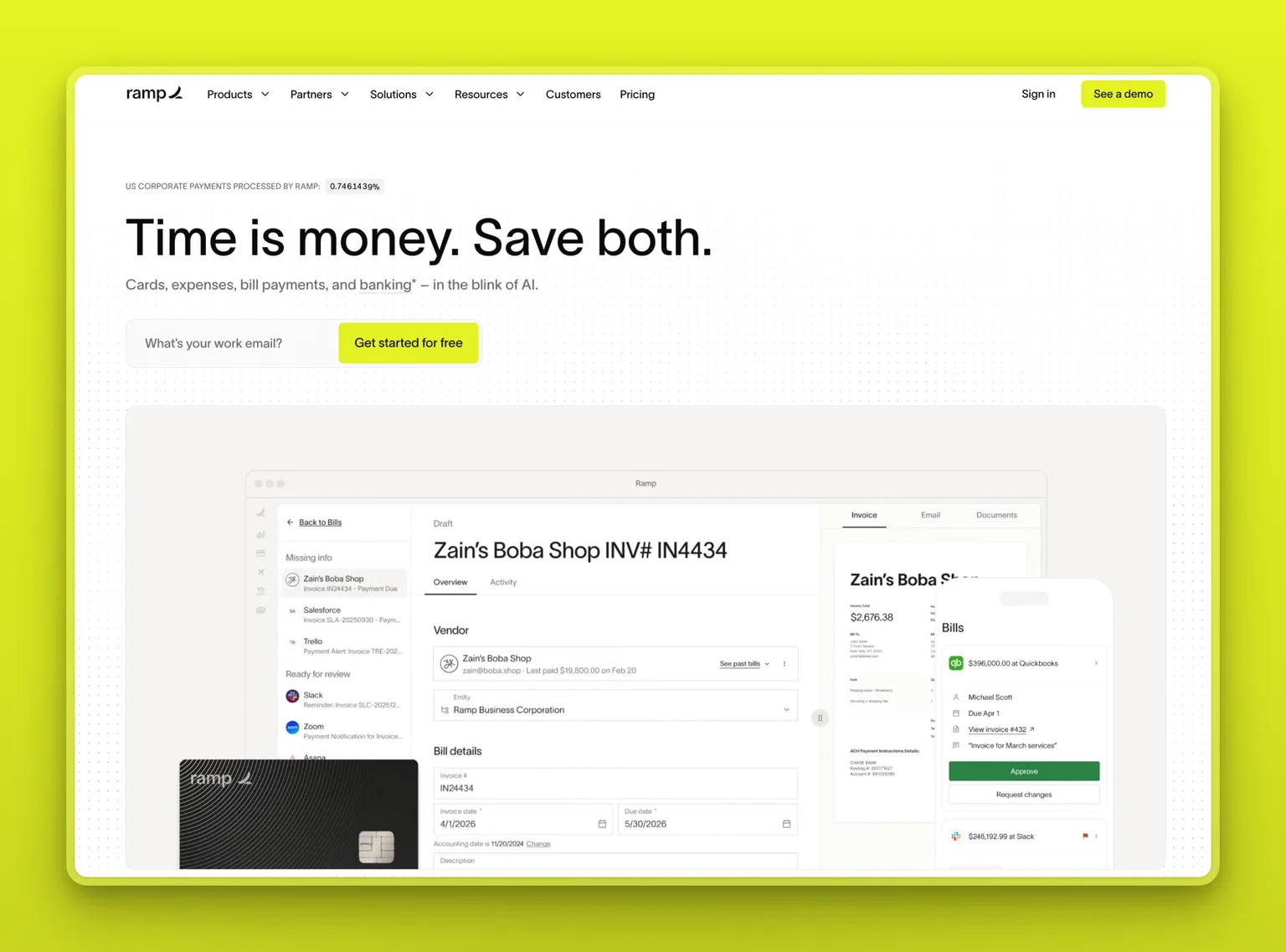
Ramp is a spend management platform, covering corporate cards, expenses, and bill pay, with AI built into the finance work itself. It reads receipts, codes transactions to the right category, and syncs them to your accounting system through the month. It also flags the charges that need a human look and runs AP agents that draft, route, and execute bill payments. For an operator, the win is the month-end that no longer takes a weekend: most of the coding and reconciling is already done, and the core platform is free.
Key Features
- Corporate cards, expense management, and bill pay in one place
- AI that codes transactions and syncs them to your accounting tool
- AP agents that draft, route, and execute bill payments
- Anomaly detection that surfaces only charges needing review
- Free core platform with unlimited cards
Pros
- The AI works on real finance data, not generic prompts
- Free core plan covers cards, expenses, and accounting sync
- Cuts the manual coding that fills month-end close
- Strong, broad reviews from the finance teams it serves
- Adds a finance-ops layer the other tools here do not touch
Cons
- US-focused; fit is weaker outside its supported regions
- Built around its card, so it suits card-based spending
- Advanced controls and procurement sit on paid tiers
- A pure freelancer may not need spend management yet
Pricing
The Free plan is $0 per user, with unlimited cards, expense management, accounting sync, and bill pay. Ramp Plus is $15 per user a month and adds advanced controls, with Enterprise priced on request. Ramp earns most of its money through card interchange, which is how the core platform stays free.
User Reviews
Ramp holds a 4.8 out of 5 rating on G2, among the highest in finance software. Reviewers point to the time saved at month end and how much of the expense coding and reconciliation the AI handles before a person ever looks.
Best For
The owner or finance lead who still codes expenses and pays bills by hand and wants the routine work to close itself. Ramp fits US-based, card-spending businesses; a pre-revenue freelancer with few transactions can wait.
The all-in-one option: an AI team that runs whole business operations
Single-purpose tools each solve one slice of operations, which leaves you as the integrator: the person wiring them together, prompting them, and checking their output. That holds up until the slices multiply. When the inbox, the calendar, the phone, the follow-ups, and the contracts all want attention on the same Tuesday, the bottleneck stops being any single task. It becomes the fact that one person is doing all of them.
The all-in-one model is the answer to that specific problem. Rather than wait for a prompt, an AI employee takes ownership of a function and reports back. A few platforms now build this way. Here that platform is Marblism, and most of its team works the back office: inbox, scheduling, reception, and contracts.
Marblism: six AI Employees that run whole functions
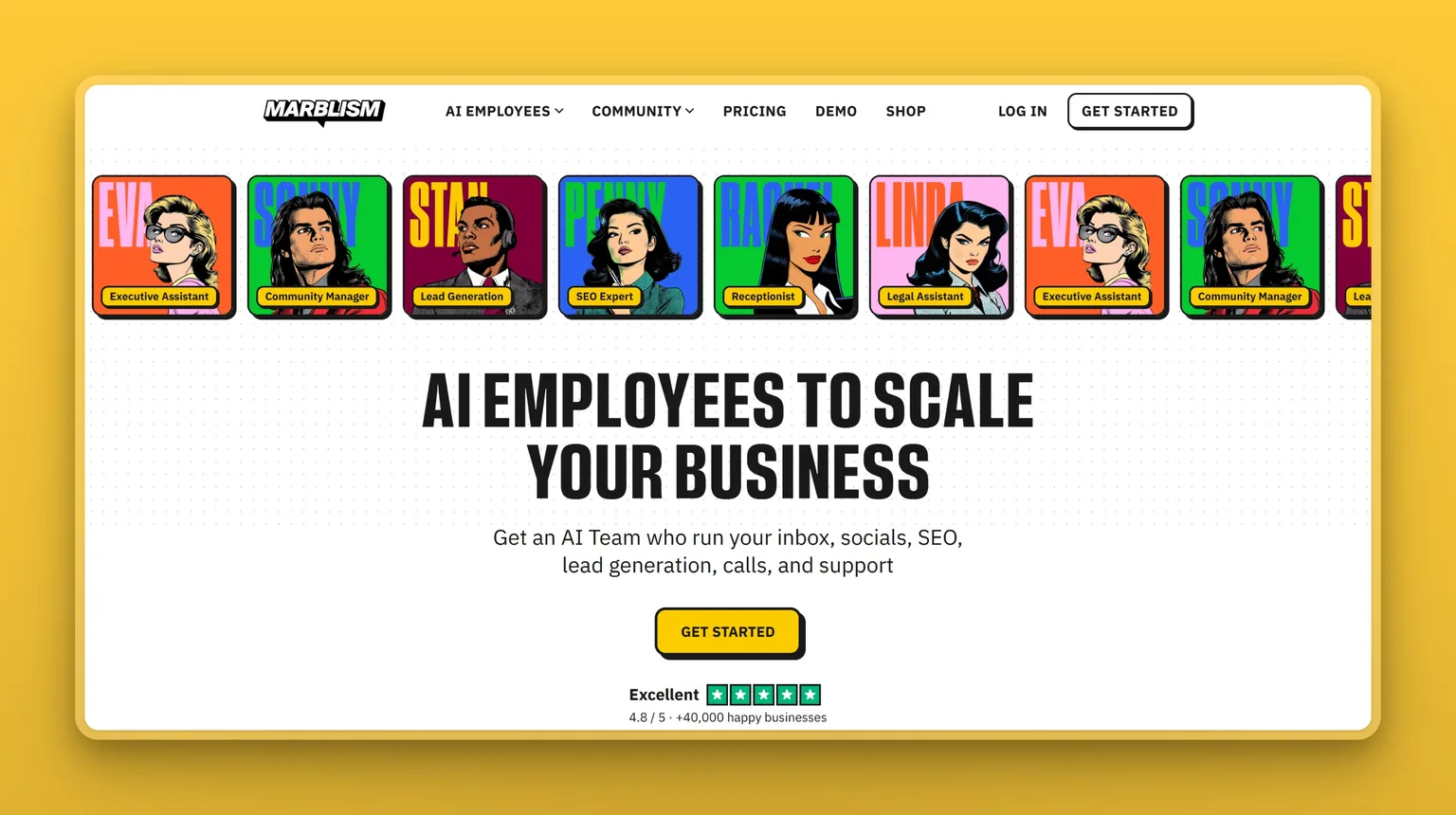
Marblism takes the all-in-one route: one subscription, six AI Employees, each owning a different operational function. The back-office jobs that usually pile up in parallel get an owner each. Eva, your AI Executive Assistant, runs the inbox, the calendar, and meeting notes, and can clear an inbox to zero. Rachel answers the phone and books appointments, Stan keeps lead follow-up moving, Linda turns contracts around, and Sonny and Penny cover social and SEO content. They share context, so a lead Stan surfaces is already understood when Eva drafts the reply. What sets this apart from an automation tool: each employee runs its function on its own, then brings the decisions that matter back to you for a yes or no. If Eva-style inbox and calendar coverage is the piece you actually need, one of the 7 best AI executive assistants will usually beat a six-employee platform on setup speed and price.
Key Features
- Six AI Employees under one login and one bill
- Eva clears the inbox, manages the calendar, and takes meeting notes
- Rachel answers calls and books appointments around the clock
- Stan runs lead follow-up; Linda drafts and reviews contracts
- Nothing sends, posts, signs, or calls out without your approval
Pros
- Owns whole operational functions, not one-off tasks
- Six employees on a single flat plan, not a bill per function
- You approve before anything leaves the building
- Setup is describing your business, not wiring up a stack
- Consolidates inbox, phone, outreach, and contracts in one place
Cons
- You swap per-task control for a team that runs whole operations for you
- More than the job needs if only one workflow occasionally gets painful
- The AI-Employee category is younger than the tools above
- Assisted, not autonomous: the approval step is always there
Pricing
Every plan includes all six AI Employees; the tiers differ only by billing frequency. Marblism runs $24 a month on annual billing, $33 quarterly, or $44 monthly, with a 7-day money-back guarantee instead of a free trial. Compare that to buying the tools separately: a paid assistant, an automation plan, and a project tool already pass $50 a month together, before you add a phone service or a contract tool. For an operator who would otherwise pay for each function on its own, one bill for six often comes out cheaper.
User Reviews
Marblism is rated 4.8 out of 5 on Trustpilot. Operators describe handing the inbox, the follow-ups, and the phone to the team, then getting hours back while still signing off on what matters.
"As a VP Finance… [Eva]'s cut my admin time in half, definitely worth the investment."
Joao Marinho, VP Finance, Marblism customer
Best For
Reach for Marblism when the bottleneck is not one task but the whole back office at once, with only you to run it. An operator covering inbox, phone, outreach, and admin alone gets more from a team that owns those functions than from another single-purpose app. Stay with a stack of single-purpose tools if controlling each job yourself matters more than offloading it.
Which AI tool should you choose for operations?
There is no single best AI tool for business operations, because the right pick depends on the function costing you the most time. Run down the list below and stop at the one that sounds like you.
You want one flexible helper and have never paid for an AI tool.
Start with ChatGPT. It is free to try and useful the same day.
Your operations run inside Microsoft 365.
Choose Microsoft Copilot, so the AI works inside Outlook, Excel, and Teams instead of beside them.
Your problem is scattered knowledge or messy projects.
For docs, SOPs, and team knowledge, choose Notion AI. For projects, tasks, and status, choose ClickUp.
You re-key the same data between apps all day.
If you are non-technical, choose Zapier. If you want lower cost and visual control, choose Make. If you have technical skills and want to self-host, choose n8n.
Expense coding and bill pay take up your month-end.
Choose Ramp, and let the AI code your spend and pay bills while you review only the exceptions.
Everything needs doing at once and it is all on you.
Marblism fits here: its six AI Employees take the inbox, calls, follow-ups, and contracts off your plate and check with you before anything goes out.
9 AI tools for business operations, side by side
All nine tools, grouped by the operations function each one does best, with a rough sense of how much work each takes to get running.
| Tool | Core AI capability | Standout | Setup effort |
|---|---|---|---|
| ChatGPT | General assistant | Range across any small ops job | Minimal: sign up and start |
| Microsoft Copilot | AI in your office apps | Lives inside Outlook and Excel | Low if already on Microsoft 365 |
| Notion AI | Knowledge and docs AI | Answers from your own workspace | Medium: content must live in Notion |
| ClickUp | Project management AI | AI that acts on your tasks | Higher: needs configuring first |
| Ramp | Finance and spend AI | Codes expenses and pays bills | Low: free, card-based setup |
| Zapier | No-code automation | 9,000-plus app connections | Low: no-code builder |
| Make | Visual automation | Visual builder at a low cost | Medium: visual learning curve |
| n8n | Code-grade automation | Self-hostable, run-based pricing | High: technical, may self-host |
| Marblism | All-in-one AI team | Runs whole functions, you approve | Low: describe your business once |
How to combine these tools: three operations stacks
Most operators end up running a few tools together, not one. Let each one do its job and stop there. Three combinations that suit different operations:
The free-to-start stack, for proving AI earns its place. ChatGPT, Make, and Ramp. ChatGPT handles the daily drafting, analysis, and thinking. Make automates the two or three workflows you run most, like turning a new lead into a CRM record and a follow-up task. Ramp takes the expense coding off your books. All three start free, so the whole setup costs nothing until one clearly earns a paid plan.
The Microsoft-shop stack, for a team standardized on 365. Microsoft Copilot and Zapier. Copilot covers the in-app work: the email, the spreadsheets, the meeting recaps. Zapier connects the apps Microsoft does not, so a closed deal in your CRM still triggers onboarding steps elsewhere. This is the setup when most of your operations already happen inside Office.
The hands-off stack, for the operator who is the whole back office. Marblism, plus ClickUp for tracking. Marblism runs the inbox, social, leads, content, calls, and contracts as whole functions, instead of you assembling and operating a stack. ClickUp gives you one board to watch the work across them. Reach for this when you would rather approve work than operate five tools every day.
Where to start with AI for business operations
If you are just starting, open ChatGPT today and automate one workflow in Make or Zapier this week. The assistant absorbs the dozens of small jobs that fill an operator's day, and a single automation removes one piece of recurring busywork for good. Both cost nothing to begin, and together they will save most operators real time within days while you learn which functions you most want to hand off next.
After that, let your bottleneck pick the next tool, not a feature list. Buy the one that solves the problem you actually have this month, and resist stacking subscriptions you will not open.
If I had to bet, most abandoned AI subscriptions in this category fail for the same dull reason: not a bad tool, but nobody put it in front of a real task in the first week.
Marblism makes sense when the honest answer is that no single task is the problem. When the whole back office needs running at once and you are the only one to run it, adding more single-purpose tools just gives you more software to operate. An AI team takes those functions on and brings the calls that matter back to you for approval.
At $24 a month for six employees, it is built for the operator who needs the work handled, not another app to learn. Whichever tool you try, judge it a month in by one question: did it actually give you hours back? You can see how other founders run their operations on it before you decide.
Frequently asked questions
Choosing and getting started
What is the best AI tool for business operations?
The right pick depends on the function that takes the most of your week, so there is no universal answer. For everyday drafting and analysis, start with ChatGPT. Notion AI and ClickUp keep your docs and projects in order, Ramp handles spend and bills, and Zapier, Make, or n8n wire your apps together. When several functions need running at once, Marblism covers them as an AI team you approve. Begin with the job that is slowest and most repetitive.
How do I choose the right AI tool for my business?
Name the operational job you lose the most time to, then pick the one tool built for it. Start on a free tier, run it on real work for a week, and judge whether it actually saved you time. Add a second tool only when a different bottleneck keeps costing you. Buying one tool for one job beats buying a stack you never fully use.
Can AI automate business processes?
Yes, for routine, rule-based processes especially. Tools like Zapier, Make, and n8n connect your apps and run multi-step workflows automatically, from invoicing to onboarding. The caution is trust. In a 2025 Harvard Business Review Analytic Services report, only 6 percent of leaders said they fully trust AI agents with end-to-end processes. Most operators automate the repetitive steps first and keep human approval on anything customer-facing or financial.
What tasks can AI automate in business operations?
Common wins are email drafting and routing, scheduling, data entry between apps, invoice and order handling, customer FAQs, meeting notes, and status reporting. Automation tools handle the steps between apps, assistants handle the drafting and analysis, and an AI team like Marblism can run a whole function such as inbox or outreach. Start with the task you repeat most and least enjoy.
Cost and free options
What is the best free AI tool for business operations?
For genuinely free AI, start with ChatGPT, the free web version of Microsoft Copilot, Make's free automation plan, or n8n's self-hosted Community Edition. Ramp's core finance platform is free too, with its AI coding and bill pay included. Some tools offer a free plan but gate the AI. ClickUp's Brain and most of Notion AI sit on paid tiers, so the app is free while the AI is not. You can run a working starter setup, an assistant plus one automation tool, for nothing and pay only when a job outgrows its free tier.
How much do AI tools for business operations cost?
Expect roughly $7 to $69 per month for each paid tool or seat. ChatGPT Plus is $20, ClickUp is $7 to $12 per user, and the automation tools run about $9 to $20. Stack three or four and the monthly total climbs past what any one of them costs. Marblism bundles six AI Employees from $24 a month, so an operator who would otherwise pay per function can come out lower on one bill.
How much can AI save a business in operational costs?
Savings depend on what you automate, but the clearest gain is hours. An assistant and one automation can remove hours of weekly busywork, and handing a full function to an AI team replaces work you would otherwise hire for. The honest way to gauge it is to count the hours a tool buys back in its first month and multiply by what your time is worth. Treat any vendor's savings claim as a rough guide, not a promise.
Fit and safety
Is ChatGPT good for business operations?
Yes, as a general-purpose assistant. ChatGPT is excellent for drafting, summarizing, analysis, and turning rough notes into usable documents, and its free tier makes it the easiest place to start. Its limit for operations is that it waits for your prompt and does not connect to your inbox or systems on lower tiers. It assists with tasks rather than running a function unattended, so pair it with an automation tool for the recurring work.
Will I still be able to reach a human if the AI support breaks?
This varies by tool, and it is worth checking before you depend on one. A common complaint in operations-tool reviews is that support has been replaced by AI bots, leaving no person to reach when billing or a workflow breaks. Favor tools with a real human support channel, especially for anything touching payroll, payments, or customer-facing flows, and treat the quality of support as part of the product.
Can AI replace employees in business operations?
Not outright, but it can take on the workload of a role within a defined function. Marblism, for one, handles the inbox, scheduling, calls, and contract turnaround that would otherwise pull an owner into evenings or justify a part-time hire. The decisions that carry weight still route to you for sign-off. In practice that tends to mean one fewer hire and a few hours a day back, not a headcount erased overnight.
Hand off your first function
If the owner still doing data entry late at night sounds like you, the real question is which function to hand off first, not which app to add next. Marblism is built for that operator: six AI Employees covering inbox, phone, outreach, content, and contracts, each running its function and checking with you before anything goes out. Pick the one job you most want off your plate and start there.