8 Best Sintra AI Alternatives in 2026 (Reviewed)

Jesus Malo
CMO, Marblism
June 17, 2026

The best Sintra AI alternatives in 2026 are Marblism, Lindy, Relevance AI, Taskade, Gumloop, Zapier, Make, and n8n. For most small businesses leaving Sintra, Marblism is the closest fit: six named AI Employees that do the work end to end on flat pricing, with no per-task credit meter to run out of.
Sintra gives you a friendly roster of named "helpers," one for each job, social, SEO, support, and copywriting. Then it changed the deal. If you signed up for an "unlimited" plan, you were quietly switched to a metered one. That means 250 credits a month, and many people say they burn through them in hours. The complaints you see now are rarely about features. They are about paying for "unlimited" and getting a meter. One reviewer summed up the switch on Trustpilot: "I was told that my subscription would give me full unlimited access so I signed up for a year. Now I'm told that I have a certain amount of credits and if I use them I can't continue."
Credits are not the only problem. A task that errors out still spends them, so you pay for the failure too. The helpers also quit early: they hand you a solid draft, then leave you to schedule the post, send the reply, and chase the follow-up. They rarely pass work to each other, either. You bought Sintra to get time back, not to ration credits halfway through a task.
Chances are you don't have a developer on staff, and you don't want one. You just want AI that takes a whole job off your plate, the inbox, the phones, the social posts, and actually does it, without you wiring up workflows or watching a meter.
The eight Sintra alternatives below are the ones that hold up against the complaints people keep raising about Sintra. You see them in the one-star reviews and refund threads, from customers who paid for a year and then watched the terms change. A few beat Marblism for a specific job, and we will say so. For this guide I compared all eight alternatives on live pricing and the real reviews behind each, and ranked them by how much of the work they finish rather than just suggest. In a couple of cases, Sintra is still the right call.
TL;DR
For most small businesses replacing Sintra AI, Marblism is the closest like-for-like fit. It gives you six pre-built AI Employees that do the work with your approval, on flat monthly pricing with no per-task credit cap. If your bottleneck is your inbox and meetings, Lindy is excellent. If you would rather build your own agent team, Relevance AI, Gumloop, and Taskade are the build-it-yourself options. Zapier, Make, and n8n win when you mainly need to connect the apps you already use.
| Tool | Best for | Key strength |
|---|---|---|
| Marblism | SMBs who want AI that runs whole functions | Six named AI Employees, flat price, no per-task credit meter |
| Lindy | Inbox, meetings, and calendar overload | Personal AI assistant with deep email and meeting skills |
| Relevance AI | Building a custom AI "workforce" | Multi-agent teams with governance and oversight |
| Taskade | All-in-one workspace plus agents on a budget | Real free tier; apps, agents, and docs in one place |
| Gumloop | No-code AI automation builders | Drag-and-drop AI workflows that run end to end |
| Zapier | Connecting the apps you already use | 9,000+ integrations, the largest library anywhere |
| Make | Budget visual automation | Powerful scenario builder at a low entry price |
| n8n | Technical teams and self-hosting | Source-available, runs on your own servers |
Table of contents
What is Sintra AI, and why look for an alternative?
Sintra AI is an AI assistant platform for small businesses that packages a roster of named "helpers," each pointed at a job like social media, SEO, support, or copywriting. You chat with a helper, it learns your business through a shared "Brain," and it produces drafts and ideas. The pitch is appealing: a team of specialists without the payroll.
People leave Sintra over two things: the credits, and how little the helpers actually finish. The credits are the bigger shock. Sintra's list pricing runs from about $52 a month on a 12-month plan to $97 a month on the month-to-month plan. It usually discounts below that, so check the live rate before you buy. Whatever you pay, every plan gives you the same 250 credits a month. Those credits go to the heavier work, generating images, running longer tasks, and analyzing data, not basic chat. Run out, and you wait for the monthly reset or pay to top up.
That credit model is the friction. Sintra advertises "unlimited AI helpers to hire," but the actual work those helpers can do is capped by a shared monthly credit pool. Heavy users hit the ceiling fast, and Sintra has no free plan, so you pay upfront and rely on its 14-day money-back guarantee if it does not work out.
Sintra's reviews are worth reading carefully, because the rating itself now comes with a caveat. Trustpilot has suspended Sintra's TrustScore, showing a warning that the rating is "unavailable due to a breach of our guidelines" after the company was found offering incentives for reviews. You cannot take Sintra's star average at face value. The reviews themselves are genuinely split. Plenty of lighter users praise the onboarding and social media output. A growing cluster of recent one-star reviews focus on the credit system, refunds, and support.
The real problems with Sintra AI
The real problems with Sintra AI come down to five complaints that surface again and again once you read past the glowing five-star reviews. These are why people actually leave, so keep them in mind for whatever you switch to.
1. "Unlimited" quietly became a 250-credit cap
The single biggest complaint about Sintra is that paid "unlimited" plans were converted to a metered credit system, often with little warning. A longtime customer described it on Trustpilot in May 2026:
"Extremely disappointed with how Sintra handled longtime customers. I originally signed up and paid for an 'unlimited' plan for my business and only had 1 user on the account... After nearly 2 years, they suddenly changed the platform."
Michael Long, 1-star review on Trustpilot (May 2026)
2. Failed tasks still burn credits
Several Sintra users report that when a task errors out, the credits are gone anyway. You pay for the attempt, not the result. One Trustpilot reviewer put it plainly: "Sintrai.ai literally does not work. I request something, it spins, and then I get an error message. It meanwhile takes credits to produce an error... I have received NOTHING from this subscription." When the model misfires and you rerun the job, the cost keeps adding up.
3. Refunds and cancellations feel like a fight
Sintra promotes a 14-day money-back guarantee, but reviewers describe a harder reality, especially around credit top-ups and cancellations. One Trustpilot reviewer wrote: "$190.98 AUD taken from me in ONLY 11 DAYS and now I cannot access Brain AI, my workspace, or even my own information unless I keep paying MORE money. They advertise a 14 day money back guarantee..." Whether or not every case is clear-cut, the pattern is enough to make a careful buyer cautious.
4. Helpers suggest, but stop short of finishing
A common, more measured criticism is that Sintra's helpers are strong at ideas and drafts but weak at execution. They hand you a starting point, then you do the rest. In a forum thread of honest Sintra reviews, one user noted the output "sometimes felt generic, like it was pulling answers from some old playbook... I wouldn't trust it for mission-critical stuff without a human double-check." For a tool sold on saving time, "here is a draft, now finish it" is a real limitation.
5. The helpers do not always work as one team
Sintra's helpers share a knowledge base (its "Brain"), but several users say the helpers do not actively hand work off to each other, so you end up coordinating them yourself. Even a happy five-star reviewer noted on Trustpilot: "Really useful having the separate bot's to assist you. they could be linked together a bit better, as found some times I had to ask the different bot to talk to each other." For a busy owner, being the go-between for your own AI team adds work back.
How modern tools solve these problems
Modern Sintra alternatives solve these problems in two broad ways. Some give you pre-built AI Employees that execute whole tasks on predictable pricing. Others are automation builders that run reliable workflows across your existing apps. Here is which kind of tool fixes each Sintra pain point.
| Sintra pain point | What solves it | Tools that deliver it |
|---|---|---|
| "Unlimited" became a 250-credit cap | Flat pricing, or metering you can plan around | Marblism (flat, hours included); Zapier (task tiers) and Make (published credit tiers) |
| Failed tasks still burn credits | Plans that do not bill every retry | n8n (self-hosted, you own the run cost); flat and free-tier plans generally |
| Helpers suggest, but do not finish the job | Agents that execute, then ask for approval | Marblism, Lindy, Relevance AI |
| Helpers share a Brain but do not hand off tasks | Active multi-agent collaboration | Marblism (AI-to-AI handoff); Relevance AI (agent "workforce") |
| Reported gaps with specific apps (Outlook, Microsoft) | Broad, proven connector libraries | Zapier (9,000+); Make (3,000+); n8n (400+) |
| Output needs heavy checking before it is usable | Customizable agents with human-in-the-loop approval | Lindy, Taskade, Gumloop, Marblism |
| Refund and cancellation friction | Clear money-back terms, or a free tier to test first | Taskade, Make, n8n, Gumloop, Zapier (free tiers); Marblism (7-day money-back) |
The 6 things that actually matter when you replace Sintra AI
When you replace Sintra AI, six things matter more than any feature list. Each one is really a question you can put to any tool before you hand over a card, and each comes straight from something people complain about with Sintra.
1. It does the work, not just suggests it
Does the tool finish the job, or just hand you a draft? Sintra's helpers are often described as idea engines. A real upgrade executes: it sends the follow-up, schedules the post, answers the call, then shows you what it did. Marblism, Lindy, and Relevance AI are built around execution with approval, while Zapier, Make, and n8n execute through workflows you define. Match the tool to how much you want done for you.
2. Flat, predictable pricing
Can you predict your bill? Credit meters punish exactly the people who use a tool the most, and a failed task should not cost you money. Flat plans (like Marblism's monthly price with a fixed pool of AI work hours) make budgeting simple. Metered tools can still work when the metering is published and predictable. Zapier counts tasks, n8n counts executions, and Make counts credits, all of which you can see and budget for up front. That is the real difference from Sintra, where the pool could quietly run out before the project was done.
3. Roles that fit out of the box, or a builder you control
Decide whether you want pre-built roles or a blank canvas. Some owners want to "hire" an AI receptionist or social manager that already knows the job. Others want to build a custom agent for a specific workflow. Marblism and Lindy ship ready-made roles, Taskade and Gumloop let you assemble agents with no code, and n8n and Relevance AI give the most control to people who enjoy building. There is no wrong answer, only a fit.
4. Connects to the tools you already use
Integrations decide whether the AI lives inside your real workflow or off to the side. Sintra advertises a large connector catalog (it claims 1,000+ integrations). But some users report gaps with specific tools like Outlook and other Microsoft apps, so check your must-have connections first. Zapier leads the field with 9,000+ integrations, Make connects 3,000+ apps, and n8n offers 400+ plus generic HTTP access. Pre-built employee platforms cover the common channels (email, calendar, social, phone) deeply rather than broadly.
5. It follows your instructions and brand
The AI has to treat your rules as rules and let you catch mistakes before they go out. An AI that ignores your brand or acts on its own creates more work, not less. Favor tools that let you set guardrails and, critically, keep a human in the loop before anything goes public. The strongest tools here require your approval before an email sends, a post publishes, or a contract goes out.
6. Honest terms: refunds, cancellation, and support
Read the fine print before you pay. Can you cancel in one click? Is there a clear money-back window, and does it cover what you actually bought? Is support responsive when you are on a deadline? A free tier (Taskade, Make, n8n, Gumloop, and Zapier all offer one) lets you test before committing, and a real money-back guarantee lowers the risk of paying upfront.
The 8 best Sintra AI alternatives
The eight best Sintra AI alternatives below are ranked by how well each one replaces Sintra for a small business. The bar is AI that does the work, not just suggests it.
1. Marblism, the closest like-for-like replacement
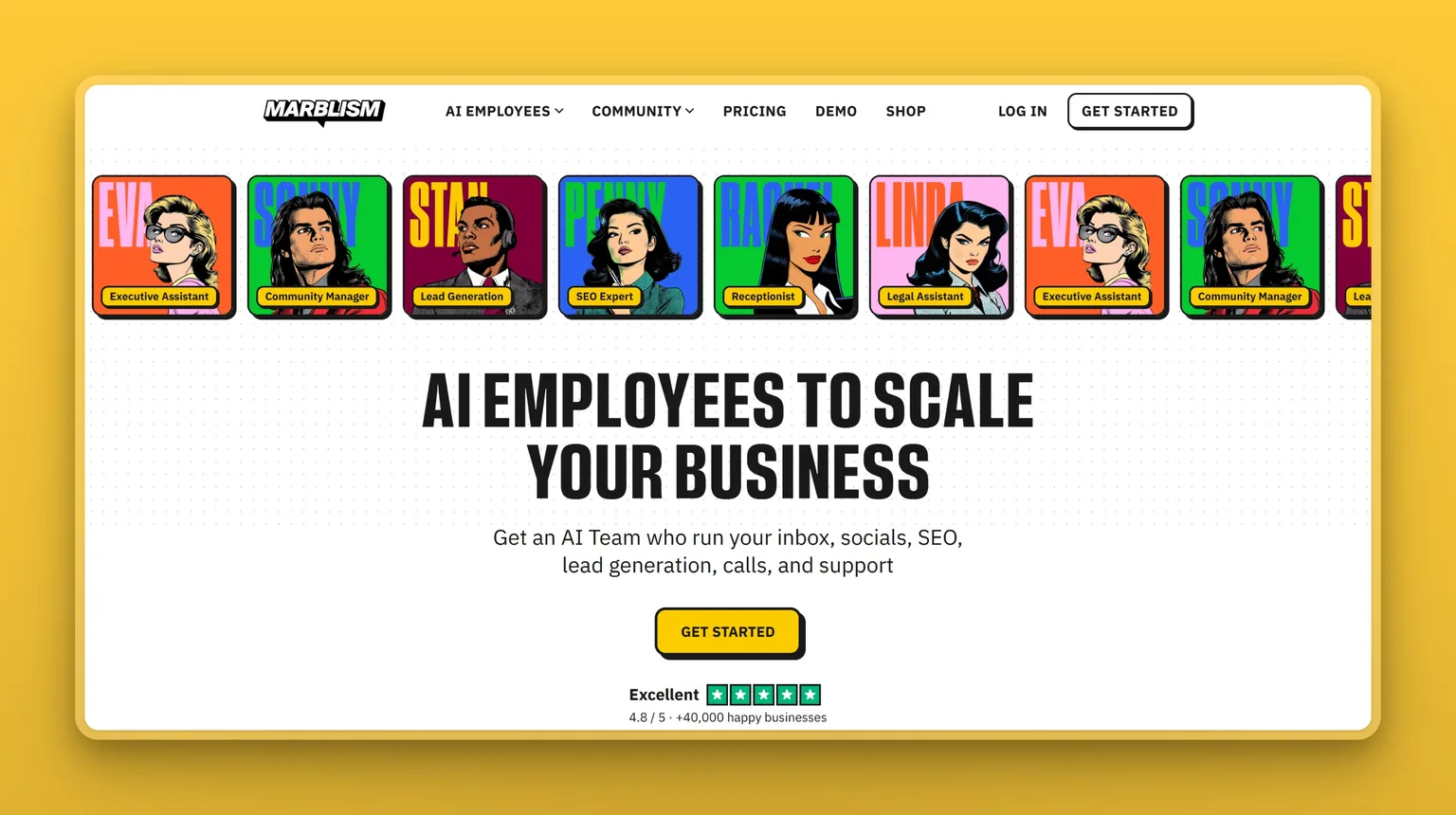
Marblism is an AI employee platform that gives small businesses a team of six named AI Employees. They run core functions and hand work back and forth, all on one flat plan. It is the closest thing to Sintra on this list: named roles, shared context across the team, and a setup built for non-technical founders. But it is built around finishing tasks rather than suggesting them, and it drops the credit meter entirely.
Key Features
- Six pre-built AI Employees, each with a defined role: Eva, your AI Executive Assistant (inbox triage and draft replies in your voice), Sonny, your AI Social Media Manager, Stan, your AI Sales Agent (lead gen and outreach), Penny, your AI SEO Blog Writer, Rachel, your AI Receptionist (answers calls 24/7 on her own number), and Linda, your AI Legal Assistant, which drafts and reviews documents but does not replace a lawyer.
- AI-to-AI collaboration: the employees share business context and pass work between each other, so Penny's blog topics can inform Sonny's posts.
- Human-in-the-loop by design: the employees draft, post, and reply, but ask for your approval before sending email, posting publicly, or returning a contract.
- Multilingual support (100+ languages) and unlimited team members and businesses on every plan, so you add seats or a second business without moving up a tier.
- Auto-publishing for content (WordPress, Webflow, Shopify, Wix) and local phone numbers for Rachel in countries including the US, Canada, and UK.
Pros
- Does the work end to end, then asks for approval, rather than stopping at a draft.
- Flat pricing with no per-task credit meter; 50 hours of AI work are included each month, and chat and quick tasks do not consume them.
- All six employees are included on every plan, so you are not upsold role by role.
- Strong fit for non-technical founders: setup is conversational, with no workflow building required.
- Passed an independent CASA Tier 2 security audit, with AES-256 encryption at rest, and it does not train models on your data (see the Trust Center).
Cons
- Six fixed roles, so it is not a build-your-own-agent platform; if you need a bespoke custom agent, a builder like n8n or Relevance AI fits better.
- Fewer raw integrations than a dedicated automation platform like Zapier.
- Best suited to small businesses and solo founders, not large enterprises with complex governance needs.
Pricing
Marblism uses one flat plan billed at three frequencies: $24 a month billed annually, $33 a month billed quarterly, or $44 a month billed monthly. Every plan includes all six AI Employees, 50 hours of AI work a month, unlimited team members, and 24/7 support. There is no free trial; the risk reversal is a 7-day money-back guarantee.
User Reviews
Marblism is rated Excellent on Trustpilot, 4.8 out of 5. What users consistently single out is the team-of-employees feel, and how the agents hand work to each other. Several reviewers mention switching from other AI tools, including Sintra, because Marblism actually executes. One customer captured that team feel in a five-star review: "Watching them perform assigned tasks, collaborate, and produce meaningful work is unlike anything I've experienced with other AI platforms."
Best For
Small business owners and solo founders who want named AI Employees to run their inbox, social, content, lead gen, calls, and contract review with light oversight, on a predictable bill. If your reason for leaving Sintra is the credit cap and the "it only suggests" ceiling, this is the most direct replacement. Compare the two in detail in our Sintra AI vs Marblism breakdown.
2. Lindy, best for inbox and meeting overload
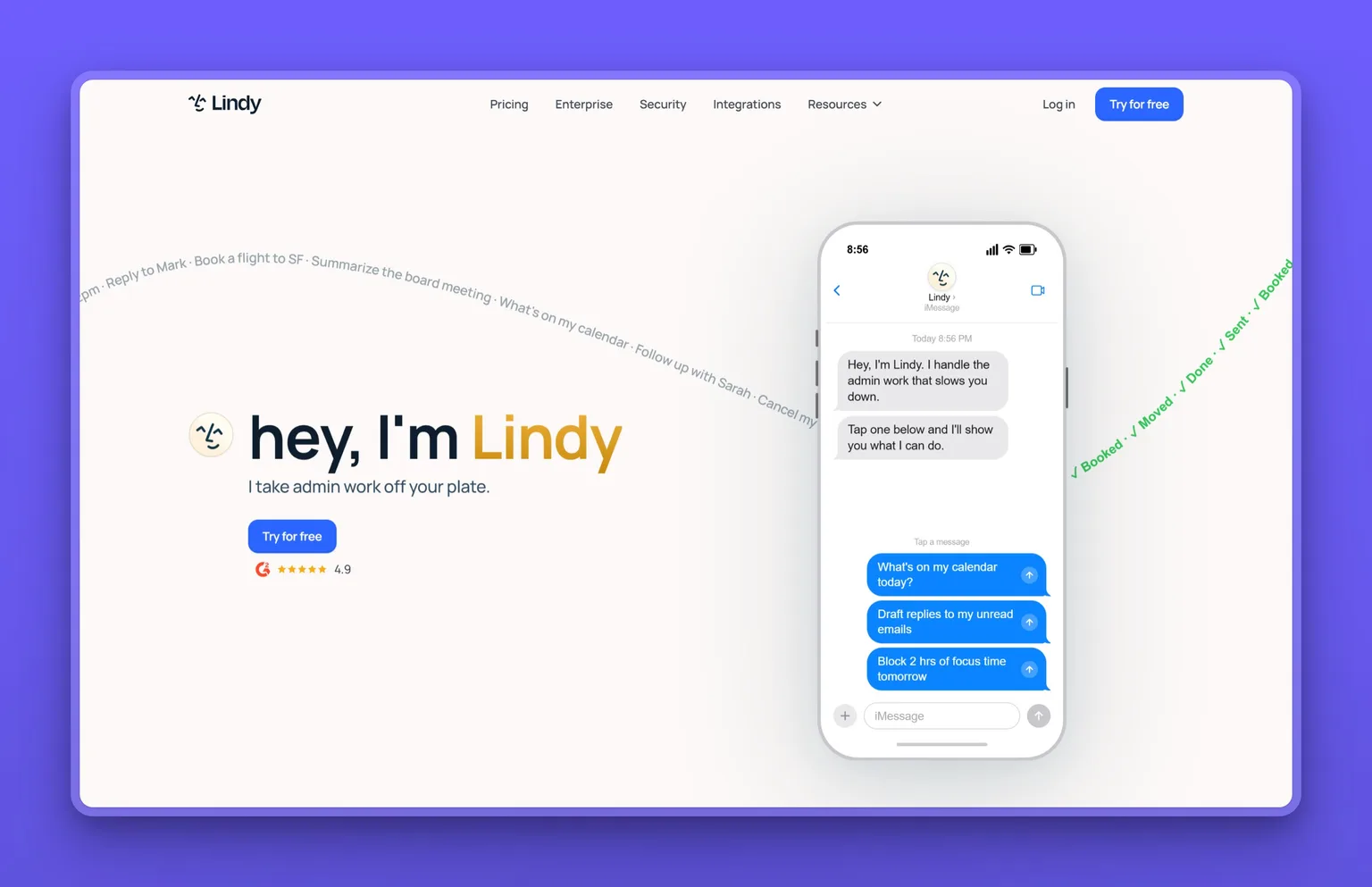
Lindy is a no-code personal AI assistant for your inbox, calendar, and meetings. Where Sintra spreads across many business functions, Lindy goes deep on the executive-assistant job. It triages email, drafts contextual replies, prepares and takes meeting notes, and handles follow-ups across your connected apps.
Key Features
- Inbox triage and reply drafting that waits for your approval before sending.
- Meeting prep, recording, notes, action items, and automated follow-ups.
- Calendar scheduling and delegation by SMS or iMessage.
- 100+ native integrations (Gmail, Outlook, Slack, Notion, HubSpot, Salesforce), with more available through Pipedream.
- Browser "computer use" on higher tiers for tasks that require clicking around the web.
Pros
- Genuinely strong at email and meetings, the highest-volume admin work for many founders.
- Approval-first sending, so it does not fire off messages on its own.
- Delegating by text message is a low-friction way to hand off tasks.
- Connects natively to Gmail, Outlook, Slack, HubSpot, and Salesforce, so it works inside the stack a small team already runs on.
Cons
- Narrower than Sintra by design: it is an assistant, not a full roster of role-based employees.
- Pricing starts high relative to the category (see below).
- Usage tiers are described as "3x" and "7x" without a clearly published unit, so heavy users should confirm limits.
Pricing
Lindy's published plans are Plus at $49.99 a month, Pro at $99.99 a month, Max at $199.99 a month, and a custom Enterprise tier. A 7-day free trial does not require a card. Inbox counts and usage scale with each tier.
User Reviews
Lindy's public ratings diverge sharply by platform. It is reported at around 4.9 out of 5 on G2. Its Trustpilot profile is much lower, rated Poor at around 2.4 out of 5 from a small sample, where billing complaints drive most of the low scores. Both samples are small, so weigh them lightly. Where reviewers agree is Lindy's inbox and meeting automation.
Best For
Solo founders and small teams whose single biggest time drain is email, scheduling, and meeting follow-up. They want one assistant that handles all of it, not a full team of employees.
3. Relevance AI, best for building a custom agent team
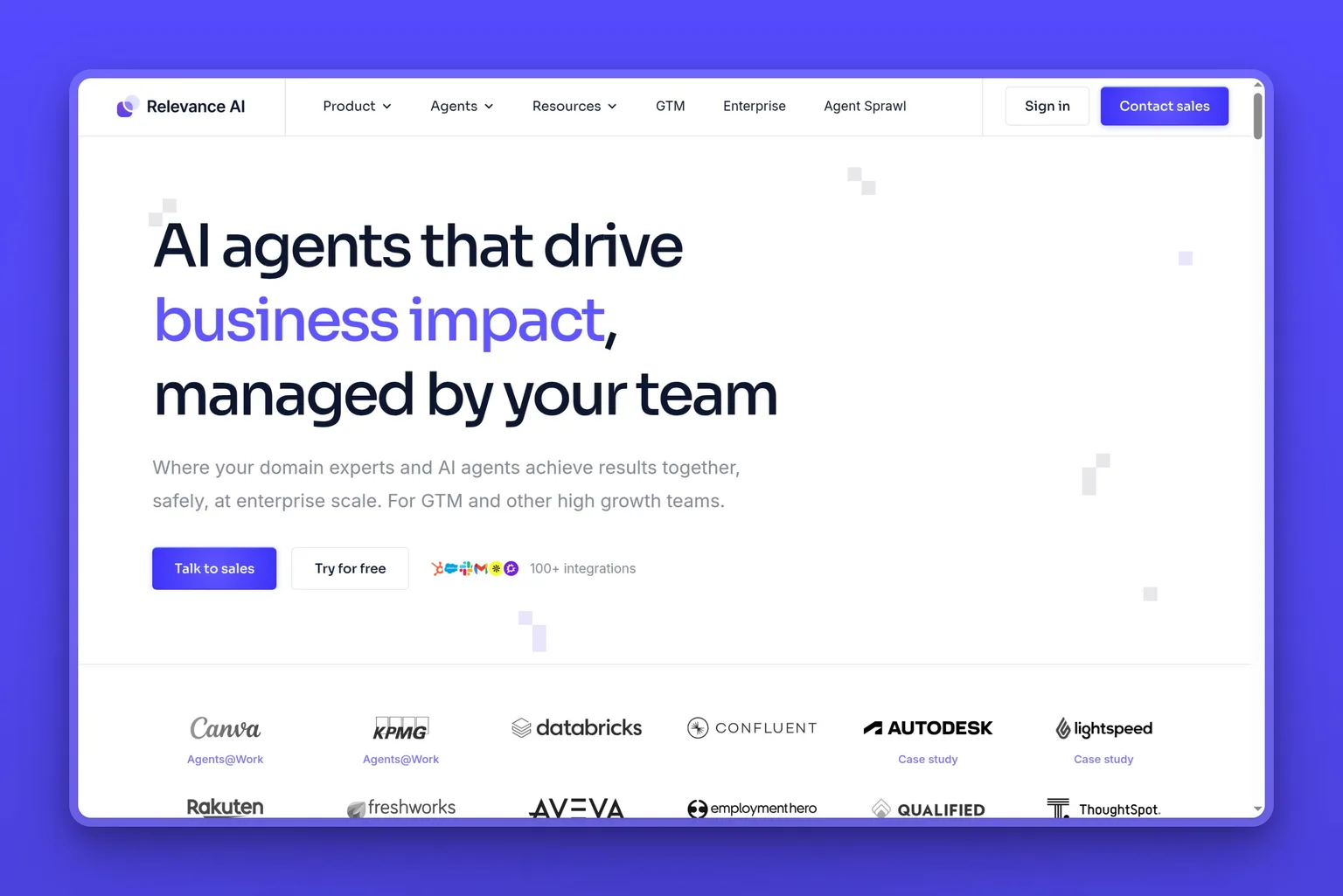
Relevance AI lets you build and manage your own team of AI agents, an "AI Workforce" for sales, marketing, operations, and support, on a low-code platform. It sits a step up in control from Sintra: instead of fixed helpers, you assemble and orchestrate your own agents, with governance and human oversight built in.
Key Features
- A low-code agent builder that creates agents from plain-language descriptions.
- Multi-agent "Workforce" orchestration, so agents coordinate on larger jobs.
- 400+ pre-built agent templates and a large integration set, with bring-your-own-model support.
- Governance features: evaluations, monitoring, smart escalations, SSO, and role-based access.
- SOC 2 Type II and GDPR compliance for teams with security requirements.
Pros
- Far more customizable than Sintra's fixed helpers.
- Multi-agent coordination suits more complex, multi-step work.
- Real governance and oversight, which matters as you scale.
- Model-agnostic, so you are not locked to one AI provider.
Cons
- More setup and learning than a pre-built employee platform.
- Self-serve pricing is no longer clearly published (see below), which makes budgeting harder for small teams.
- Better fit for ops-minded teams than for a non-technical solo founder who wants plug-and-play.
Pricing
Relevance AI's official pricing page publicly shows only an Enterprise "Talk to sales" tier. Third-party reviews describe a Free tier, a Pro plan around $29 a month, and a Team plan around $349 a month. Relevance AI no longer publishes these tiers, so confirm the current price directly before you budget.
User Reviews
Relevance AI holds roughly 4.3 to 4.5 out of 5 on G2, with the exact figure varying by source. Reviewers most often single out the flexibility of building their own agents and the platform's governance features.
Best For
Operations-minded founders and small teams who want to design their own AI agent team and are comfortable with more setup in exchange for more control.
4. Taskade, best all-in-one workspace with a free tier
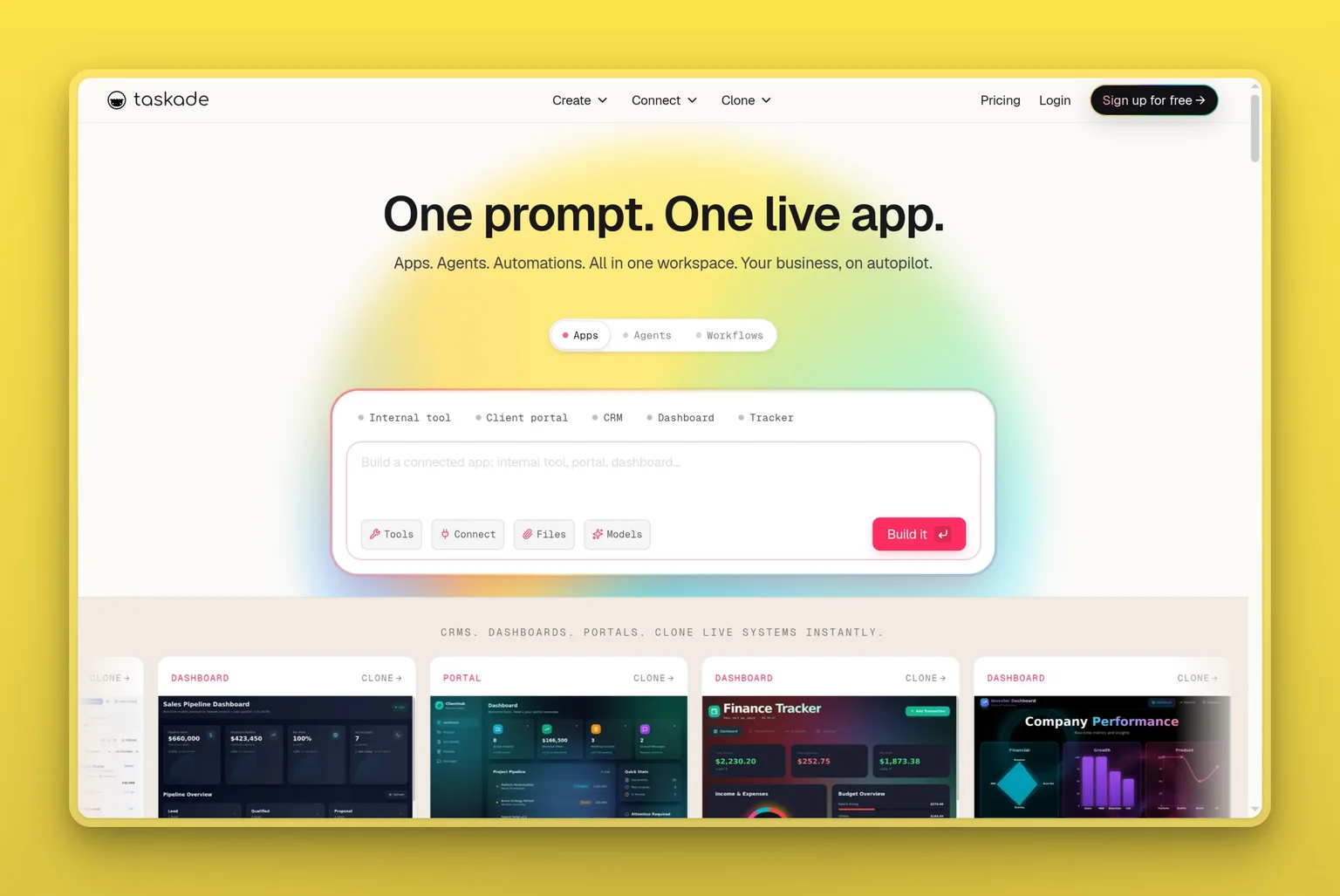
Taskade combines project management, documents, AI agents, and prompt-built automations in one AI-powered workspace. It is a broader productivity hub than Sintra, and unlike Sintra it has a genuinely free tier, which makes it an easy place to test before paying.
Key Features
- An AI app and agent builder driven by prompts, plus pre-built and custom agents.
- Workflow automation with branching and retries.
- Multi-LLM support (GPT, Claude, Gemini) on paid tiers.
- Projects, docs, mind maps, and 100+ integrations in one workspace.
- Web, mobile, and desktop apps with offline access.
Pros
- A real free plan, so you can try it with zero risk.
- Combines task management and AI agents, reducing tool sprawl.
- Paid plans start at $6 a month, the lowest paid entry here and well under Lindy's $49.99 floor.
- Web, mobile, and desktop apps with offline access mean the workspace keeps working when your connection drops.
Cons
- More of a productivity workspace than a do-the-work employee platform; agents need more direction.
- Credits scale by tier, so heavy AI use pushes you up the plans.
- It does not cover phone calls or deep sales outreach the way role-based tools do.
Pricing
Taskade offers a Free plan, then Starter at $6 a month, Pro at $16 a month, Business at $40 a month, Max at $200 a month, and Enterprise at $400 a month. Paid tiers are shown at annual-billing rates. AI credits scale with each tier.
User Reviews
Taskade is rated 4.7 out of 5 on Capterra. Reviewers tend to highlight how much it folds into one place, replacing several separate apps, and the speed of spinning up agents and projects from a prompt.
Best For
Anyone who wants projects, docs, and AI agents in one place without paying to start. Taskade suits budget-minded solo founders and small teams happy to assemble their own setup.
5. Gumloop, best no-code AI automation builder
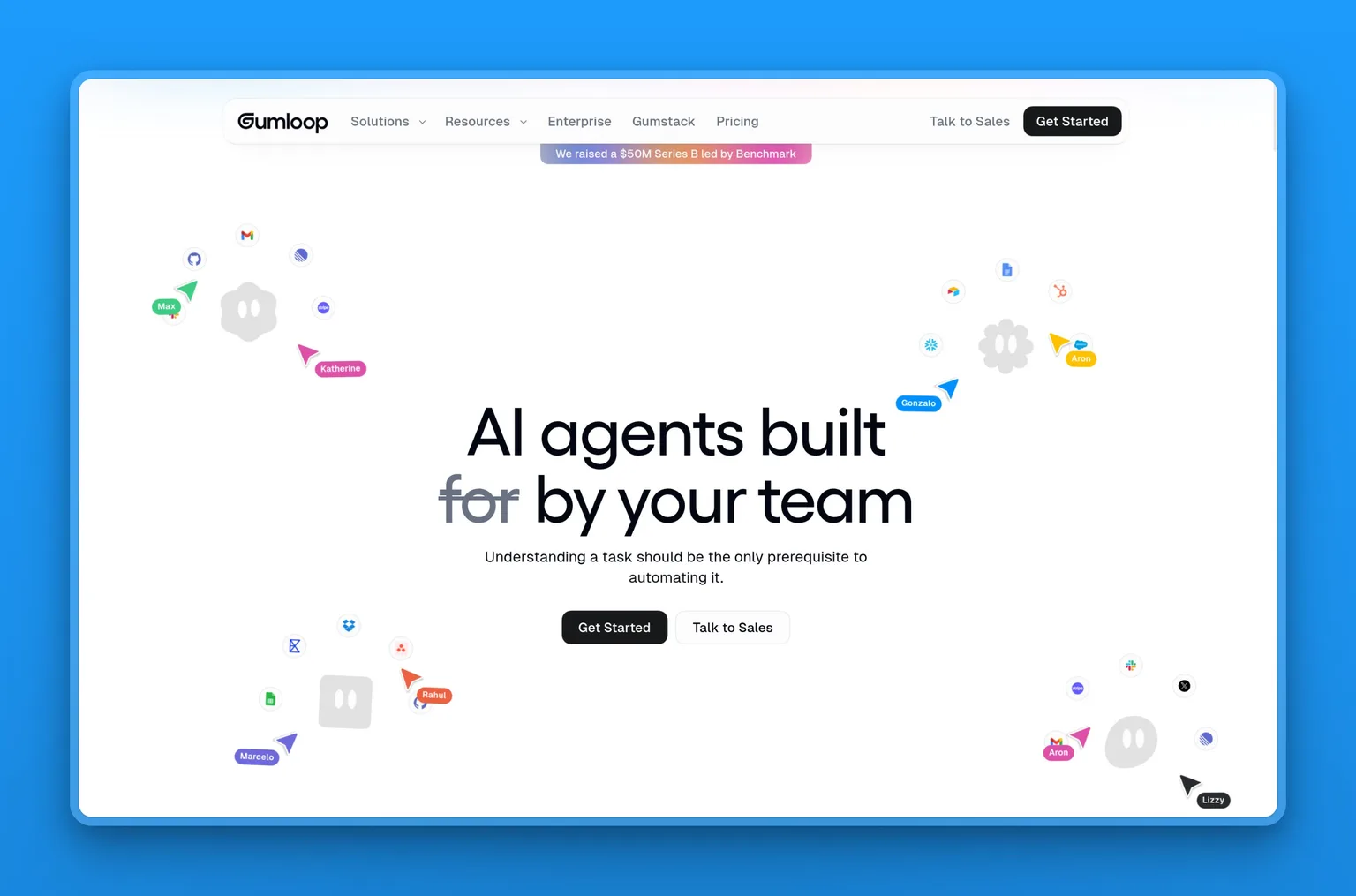
Gumloop is a no-code, drag-and-drop builder for AI agents and multi-step workflows that run end to end. It targets non-technical teams who want to build AI-heavy automations visually, which makes it a build-it-yourself alternative to Sintra's fixed helpers.
Key Features
- A visual canvas for building AI workflows without code.
- Deployable specialized agents for sales, support, data, and recruiting.
- Multi-model support (Anthropic, OpenAI, Gemini, DeepSeek).
- Slack, Teams, and email-native triggers, plus MCP hosting.
- SOC 2 Type II and GDPR compliance.
Pros
- Genuinely no-code, so non-technical users can build real automations.
- Runs workflows end to end rather than just drafting.
- The free plan's 5,000 credits and single seat are enough to build and test one real workflow before you pay $37.
- Multi-model flexibility avoids lock-in.
Cons
- You build the workflows yourself, so it is not turnkey like a pre-built employee.
- Credit-metered, so high-volume use needs budgeting.
- Smaller integration library than Zapier or Make.
Pricing
Gumloop offers a Free plan with 5,000 credits and one seat, a Pro plan from $37 a month, and a custom Enterprise tier, with a discount for annual billing.
User Reviews
Gumloop shows 4.8 out of 5 on G2, though from a sample small enough that it is too early to read much into. Early users tend to praise how quickly they can stand up an AI workflow without engineering help.
Best For
Non-technical teams that want to build their own AI-driven automations visually, and who are comfortable starting from a blank no-code canvas rather than a ready-made employee.
6. Zapier, best for connecting the apps you already use
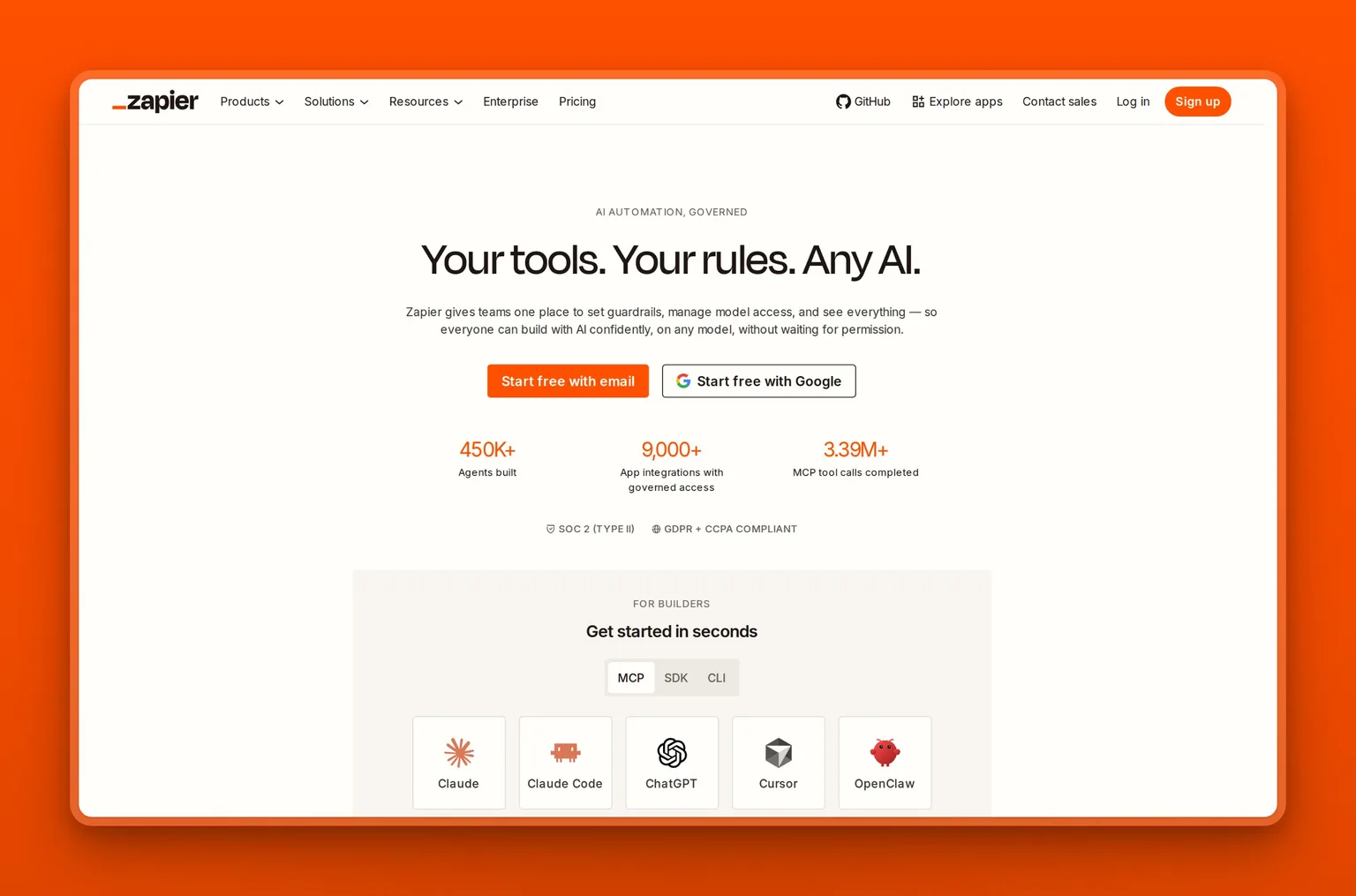
Zapier is the largest no-code automation platform, connecting more than 9,000 apps so you can build automated workflows ("Zaps"), plus newer AI agents and chatbots. If your frustration with Sintra is connecting to the specific apps you rely on, Zapier is the opposite extreme: almost everything you use is already supported.
Key Features
- 9,000+ app integrations, by far the largest library available.
- A no-code visual builder with multi-step Zaps, paths, filters, and formatting.
- An AI layer: AI fields, Copilot, Agents, and Chatbots.
- Built-in Tables and Forms, webhooks, and a developer platform.
- Team and Enterprise governance with SSO.
Pros
- Connects to virtually any tool in your stack.
- Mature and well documented, with ready-made templates for most common workflows.
- The free plan's 100 tasks a month runs a couple of simple Zaps before you pay $19.99 for Professional.
- The AI layer adds agent-style automation on top of classic workflows.
Cons
- It connects apps; it does not act like a role-based employee out of the box.
- Task-based pricing can climb as your automations grow.
- Building useful Zaps still takes some setup and thought.
Pricing
Zapier has a Free plan with 100 tasks a month, a Professional plan from $19.99 a month, a Team plan from $69 a month, and a custom Enterprise tier, billed yearly. AI Agents and Chatbots are available as add-ons.
User Reviews
Zapier is rated 4.5 out of 5 on G2 per G2's 2026 reporting, across a large review base, making it one of the most established tools on this list. Users praise its reliability and the sheer breadth of integrations; the common criticism is cost at scale.
Best For
Founders and teams whose main need is to connect and automate the apps they already use, rather than hire an AI to run a function from scratch.
7. Make, best budget visual automation
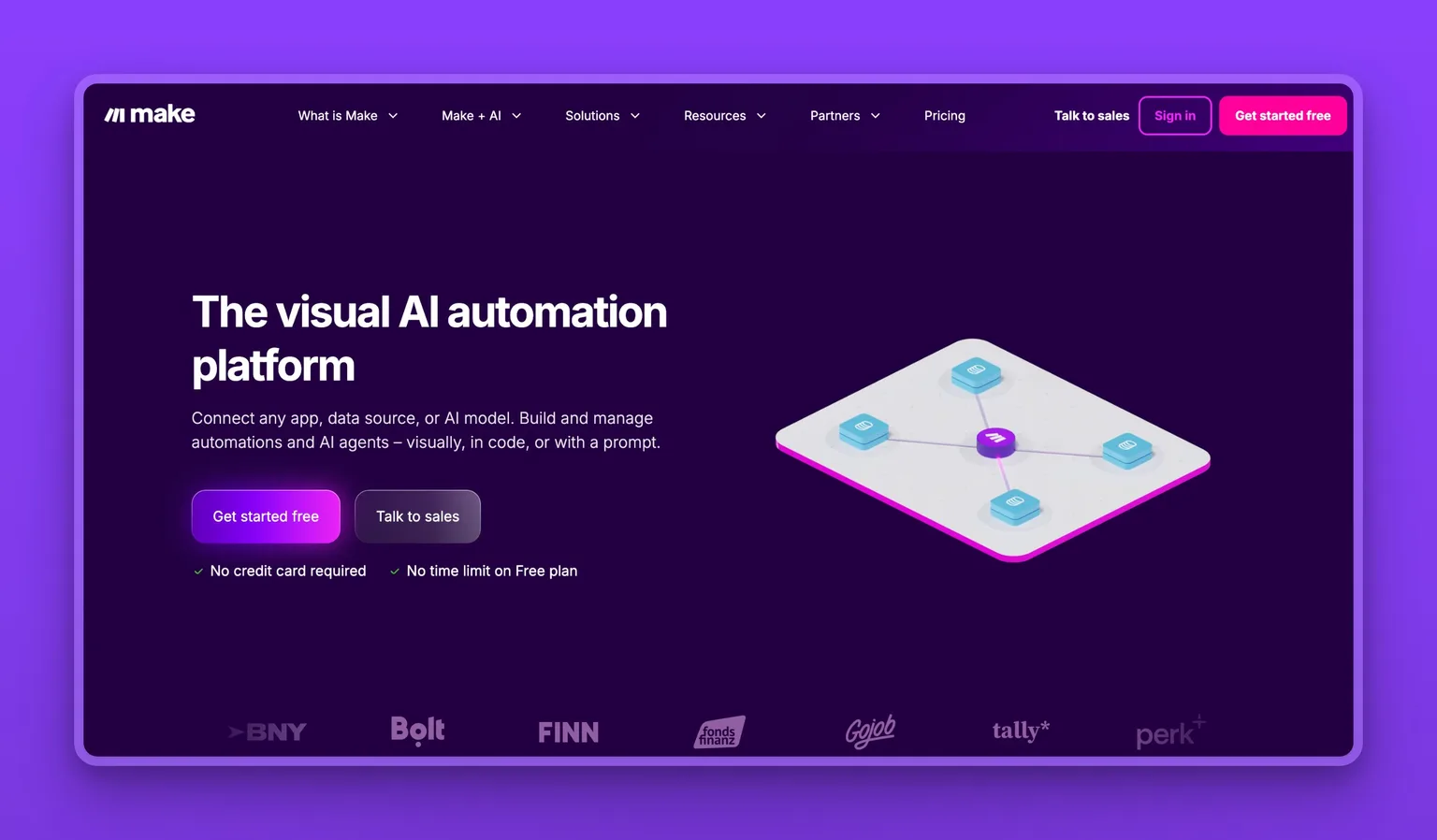
Make, formerly Integromat, connects more than 3,000 apps through a visual, drag-and-drop "scenario" builder. It covers similar ground to Zapier but at a lower entry price, with a more visual, flow-chart style of building.
Key Features
- A visual scenario builder with routers, filters, iterators, and error handlers.
- 3,000+ integrations plus HTTP, webhook, and custom API access.
- 350+ AI apps and AI Agents (in beta).
- Scheduling down to one-minute intervals.
- Team roles on higher tiers.
Pros
- Routers, filters, iterators, and error handlers let one scenario branch and recover on its own, without bolting on a second tool.
- Core costs $9 a month, less than half Zapier's $19.99 Professional tier, for comparable branching automation.
- A free plan with 1,000 monthly credits, enough to trial a real scenario before paying.
- Scheduling down to one-minute intervals for near-real-time workflows.
Cons
- A steeper learning curve than simple trigger-action tools.
- Like Zapier, it automates tasks rather than running a business role.
- The 2025 switch from operations to a credit model is the same kind of meter that drove people off Sintra, so model your monthly volume first.
Pricing
Make offers a Free plan with 1,000 credits a month, Core at $9 a month, Pro at $16 a month, Teams at $29 a month, and a custom Enterprise tier. Base prices cover 10,000 credits, with a discount for annual billing.
User Reviews
Make is rated 4.8 out of 5 on Capterra, from a strong and sizable sample. Users praise the visual builder and the value for money; the most common complaint is the learning curve for advanced scenarios.
Best For
Budget-minded founders who want branching automation and will trade a steeper learning curve for the lower price. Map your credit usage before you scale.
8. n8n, best for technical teams and self-hosting
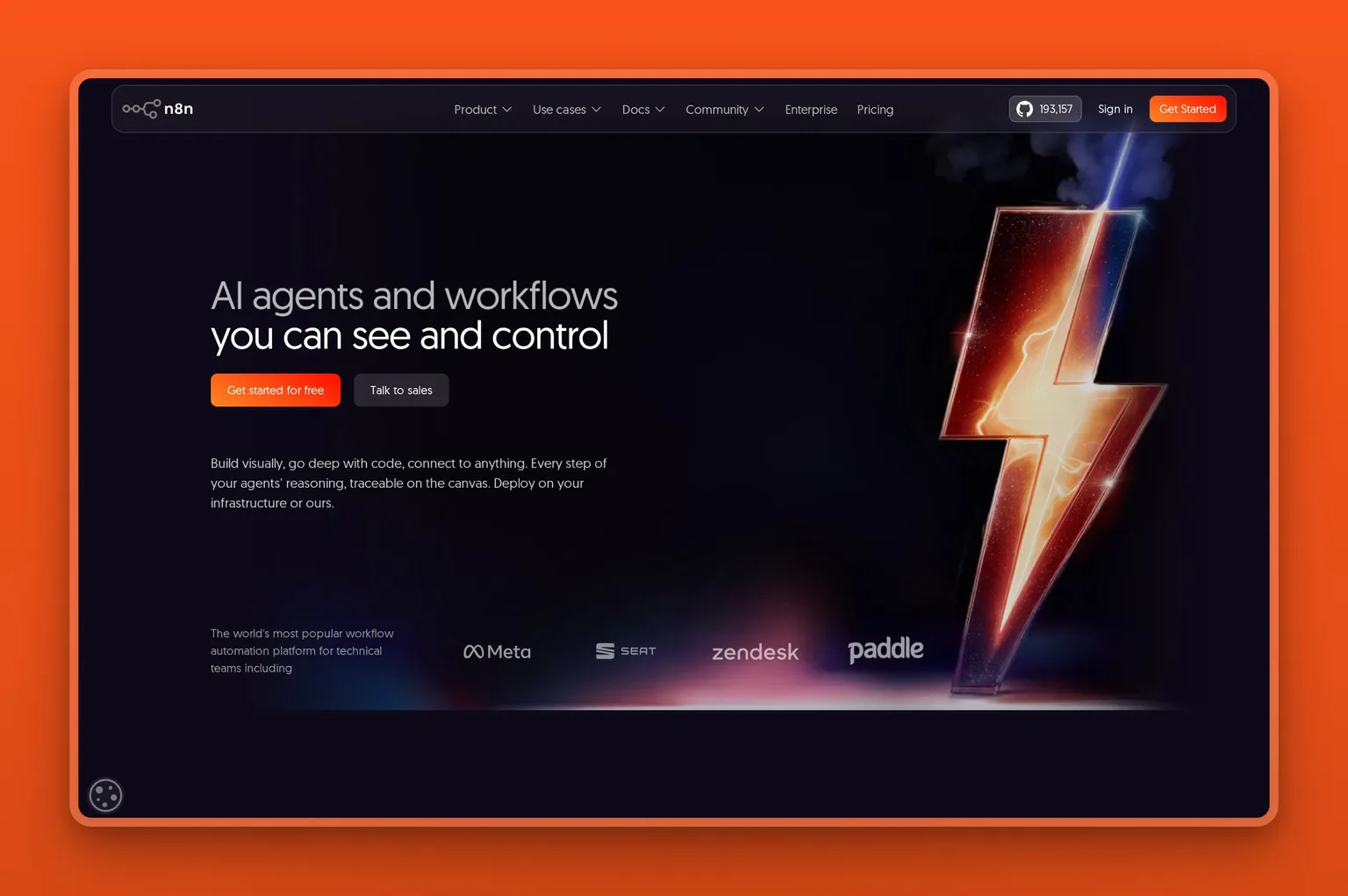
n8n is a source-available workflow-automation platform for technical teams, with a visual node builder that lets you drop into JavaScript or Python when you need to, plus AI agents. Its standout is that you can self-host it on your own servers, which gives you control over data and run costs that no credit-metered tool can match.
Key Features
- A visual node builder with custom JavaScript or Python in any step.
- 400+ integrations plus generic HTTP and API access.
- AI agents with LangChain, multi-model support, and human-in-the-loop steps.
- Managed cloud or self-hosted via Docker.
- Source-available with a large open-source community.
Pros
- Self-hosting means you own your data and your run costs.
- Custom JavaScript or Python in any step means a workflow is never capped by what the visual nodes support.
- A free community edition you can run yourself.
- Strong governance (SSO, role-based access, audit logs) on business tiers.
Cons
- Genuinely technical: not a fit for non-technical founders.
- Self-hosting requires someone who can manage a server.
- No pre-built role-based employees; you build everything.
Pricing
n8n's cloud plans, billed annually, are Starter at 20 euros a month, Pro at 50 euros a month, Business at 667 euros a month, and a custom Enterprise tier. The self-hosted community edition is free.
User Reviews
n8n is rated 4.7 out of 5 on G2 from a sizable review base. Technical users praise the flexibility, the self-hosting option, and writing their own code when the visual builder is not enough.
Best For
Technical teams with someone to run a server. Start on the free community edition, and pay for cloud only when you need SSO and audit logs.
A note on the tools we set aside
A few names that show up in other Sintra lists were left out on purpose, because they are not like-for-like replacements for a small business owner. Manus and Genspark are general-purpose autonomous agents that do a broader, different job than a roster of business roles. If that is actually what you want, Manus is on the Grok Bot alternatives list. Check it there. Manus also has an uncertain future: the December 2025 Meta acquisition was ordered unwound by China's regulator in 2026, leaving its ownership unclear. CrewAI, LangGraph, and AutoGen are developer frameworks that need engineering work to deploy. Saner.AI is a real AI personal-productivity app (notes, tasks, email, and calendar), but it is a personal assistant, not a roster of role-based business employees. Motion (AI scheduling and project management), Notion (a workspace with Notion AI), and Relay.app (workflow automation, much like Make and n8n) solve adjacent problems rather than the same one. If you are technical or have specific needs, they are worth a look; for the difference between a hands-off employee and a do-it-yourself agent, see our take on done-for-you versus build-it-yourself AI. For most SMBs leaving Sintra, the eight above are the practical field.
Side-by-side comparison
Here is how all eight alternatives compare on what matters most when you replace Sintra. Pricing sits in each tool's section above.
| Tool | Type | Does the work or automates it | Pre-built roles | Integrations | Free to start | Best for |
|---|---|---|---|---|---|---|
| Marblism | AI Employees | Does the work, with approval | Yes, six | Deep, few | No (7-day money-back) | SMBs wanting roles run for them |
| Lindy | AI assistant | Does the work, with approval | One (assistant) | 100+ | 7-day trial | Inbox and meeting overload |
| Relevance AI | Agent platform | Does the work, you build it | No, you build | Large set | Per third-party reports | Custom agent teams |
| Taskade | Workspace + agents | Mix of both | No, you build | 100+ | Yes | All-in-one on a budget |
| Gumloop | No-code AI automation | Automates, end to end | No, you build | Smaller set | Yes | No-code AI workflows |
| Zapier | Automation | Automates tasks | No, you build | 9,000+ | Yes | Connecting your apps |
| Make | Automation | Automates tasks | No, you build | 3,000+ | Yes | Budget visual automation |
| n8n | Automation (technical) | Automates tasks | No, you build | 400+ | Yes (self-hosted) | Technical teams, self-hosting |
Which Sintra alternative should you choose?
Choosing the right Sintra alternative comes down to one question: do you want AI to run a function for you, or do you want to build the automation yourself? Use the quick guide below.
If you want named employees that run whole functions (inbox, social, SEO, calls) without building anything:
- Choose Marblism. It is the closest match to what Sintra promised, with execution and flat pricing.
If your single biggest pain is your inbox, calendar, and meetings:
- Choose Lindy. It goes deeper on the executive-assistant job than anything else here.
If you want to design and govern your own AI agent team:
- Choose Relevance AI for governance and multi-agent orchestration, or Gumloop if you prefer a no-code canvas.
If you want an all-in-one workspace plus agents and a free tier to start:
- Choose Taskade.
If you mainly need to connect the apps you already use:
- Choose Zapier for the widest integration library, or Make if budget is the priority.
If you have a developer on hand or want to self-host for data control:
- Choose n8n.
When Sintra AI is actually the right call
Sintra AI is still the right call for some people. If you are a light, exploratory user who mostly wants ideas, drafts, and a polished onboarding experience, Sintra's helpers are friendly and easy to start with. For occasional use, 250 credits a month may be plenty.
Plenty of reviewers genuinely love it for social media drafting and early-stage brainstorming. On a longer commitment or during a promotion, it is often one of the cheaper ways to get a full roster of AI helpers.
The trouble starts when your usage grows, when you need the AI to finish jobs rather than suggest them, or when you hit the credit ceiling mid-project. If that sounds like you, one of the alternatives above will serve you better.
Final recommendation
For most small businesses replacing Sintra AI, Marblism is the one we recommend. It fixes the exact things people complain about. The work gets done end to end, with your approval. All six AI Employees come on one flat plan with no per-task credit meter, and a human stays in the loop before anything goes out. If your reason for leaving Sintra is the credit cap and the "it only suggests" ceiling, Marblism is the most direct upgrade. You can see real customer outcomes in the Marblism stories.
That said, pick a different tool if your situation calls for it. Choose Lindy if your whole problem is email and meetings. Choose Relevance AI or Gumloop if you would rather build your own agents. Choose Zapier or Make if you mainly need to connect existing apps, and n8n if you are technical and want to self-host. And if you are a light user who is happy with drafts and ideas, Sintra itself may still be fine. Note that Linda, Marblism's AI Legal Assistant, drafts and reviews documents but does not replace a lawyer; treat its output as general information, not legal advice.
"Marblism has been a game changer, coming from Sintra. Yes, there are a few features lacking, but Marblism more than makes up for it in other ways. The speed and accuracy are amazing, and the social media manager is my favorite part."
Bryce Mead, in a 5-star review on Trustpilot (April 2026)
Sintra got one thing right: small businesses do want a team of named AI specialists. The credit cap and the "it only suggests" ceiling are what send people looking for something better. If you want that team to actually do the work, on a bill you can predict, meet your AI Team at Marblism, six AI Employees from $24 a month, with a 7-day money-back guarantee.
Frequently asked questions
About Sintra AI
Did Sintra AI remove its unlimited plan, and why do my credits run out so fast?
Sintra moved from older "unlimited" plans to a metered credit system. Every Sintra plan includes 250 credits a month that reset monthly, and credits go to the heavier actions like generating images, running longer tasks, and analyzing data, not basic chat replies. Heavy or repeated tasks (and, by many user accounts, failed ones) consume credits quickly, which is why long-time users report running out mid-project. You can top up, but top-ups are an extra cost.
Does Sintra AI have a free plan?
No. Sintra does not offer a free plan. You pay upfront for one of its commitment plans, and the risk reversal is a 14-day money-back guarantee. If you want to try an alternative for free first, Taskade, Make, n8n, Gumloop, and Zapier all have free tiers.
Is Sintra AI worth it?
Sintra is worth it for light users who mainly want ideas, drafts, and social media help, and who will not hit the 250-credit cap. One caveat on its reputation: Trustpilot has suspended Sintra's TrustScore over a guidelines breach (offering incentives for reviews), so lean on the detailed reviews rather than the star average. For heavier use, or if you need the AI to finish tasks rather than suggest them, an alternative will likely serve you better.
Choosing an alternative
What is the best Sintra AI alternative for most SMBs?
The best Sintra AI alternative for most small businesses is Marblism. It matches Sintra's named-role concept while fixing its biggest weaknesses. It does the work end to end, includes all six AI Employees on a flat plan, and has no per-task credit cap.
Are there free Sintra alternatives?
Yes. Taskade, Gumloop, Make, n8n (self-hosted community edition), and Zapier all offer free tiers you can use to test before paying. Marblism does not have a free plan but offers a 7-day money-back guarantee instead.
Does any Sintra alternative have a phone receptionist?
Yes. Among the tools here, Marblism includes Rachel, an AI Receptionist who answers calls 24/7 on her own phone number, books appointments, and transfers calls. She offers local numbers in countries including the US, Canada, and UK. Most of the other tools focus on text-based work rather than voice calls.
Can I customize the AI's instructions and brand on these tools?
Yes, and it is worth checking, since ignored instructions are a common Sintra complaint. Marblism, Lindy, Taskade, and Gumloop all let you set guardrails and brand context. The employee-style tools keep a human in the loop, so you approve work before it goes out. If precise brand control matters, test this specific behavior during a free tier or money-back window.
Pricing and switching
How much does Sintra AI cost?
Sintra's list pricing is about $52 a month on a 12-month plan, $59 a month on a 3-month plan, or $97 a month on the month-to-month plan. It often runs promotions below those rates. Every plan includes the same 250 credits a month, so confirm the current price and credit allowance on Sintra's pricing page before you buy.
Is a Sintra alternative actually cheaper than Sintra?
It depends on the plan. Sintra's list prices run $52 to $97 a month, and it often discounts below that. On a long commitment or a promotion, Sintra can be cheaper than Marblism on paper. But every Sintra plan caps you at 250 credits a month regardless of price. Marblism is a flat $24 to $44 a month with 50 hours of AI work included and no per-action credit meter. The better question, then, is predictable value, not just the headline price.
Can a Sintra alternative replace multiple separate apps?
Yes. That is the main reason people pick these tools. Marblism replaces a stack of single-function tools with six AI Employees on one bill. Taskade folds project management, docs, and agents together. Zapier, Make, and n8n connect your existing apps so they work as one.