Best Grok Bot Alternatives: 10 Cheaper AI Agents (2026)

Jesus Malo · CMO, Marblism

Grok Bot access starts at $20 a month through Cursor Pro, but usage runs on a separate metered pool with no published cap and no audit trail shipped. Every Grok Bot alternative on this list charges a flat rate. If you want business roles handled rather than another agent to operate, Marblism gives you 7 AI Employees for $24 a month. If you want the same persistent-bot architecture running free on your own machine, Hermes Agent is the direct structural alternative. For autonomous cloud-based multi-step deliverables, Manus starts at $20 a month. For developers who want self-hosted control, Buzz and OpenClaw are both free and open-source. Most SMB owners searching for Grok Bot alternatives do not need a persistent cloud computer: they need the work done.
Table of contents
What is Grok Bot?
Two products share the name Grok, and they are not the same thing. The Grok chatbot (at grok.com) is xAI's general-purpose AI assistant, a ChatGPT competitor. Grok Bot is the other one, and that is what I am comparing here. Learn more about the AI employee category in What is an AI Employee.
Grok Bot launched on August 11, 2026, in early beta as a joint product from xAI and Cursor. It is an always-on multi-agent platform where you create named "Bots," each assigned its own persistent cloud computer. Each Bot signs into real apps and websites on your behalf, browses, sends email, and coordinates with other Bots. In practice: a named agent with a desktop that stays logged in and never stops working. Worth knowing from the start: the launch post states that Grok Bot "comes with its own usage, separate from your Grok and Cursor plans."
The catch is familiar: access rides on an existing subscription, not a standalone purchase, and there is no free tier. The launch post lists eight eligible plans across xAI and Cursor.
| Plan | Type | Price |
|---|---|---|
| Cursor Pro | Individual | $20/mo |
| SuperGrok | Individual | $30/mo |
| Cursor Teams Standard | Team | $40/seat/mo |
| Cursor Pro+ | Individual | $60/mo |
| SuperGrok Plus | Individual | $100/mo |
| Cursor Teams Premium | Team | $120/seat/mo |
| Cursor Ultra | Individual | $200/mo |
| SuperGrok Heavy | Individual | price not listed publicly |
xAI's Business and Enterprise plans do not include Grok Bot. Enterprise users can join a waitlist for future access.
There is one more thing worth knowing before you sign up: at launch, all Bots under a single account share one cloud computer, one set of files, and one set of browser sessions. That is the part the launch-day discussion kept coming back to, second only to the cost.
What is the Grok Bot marketplace?
The Grok Bot marketplace is where users browse and install bots other people have built. Each bot is a saved routine with its own instructions and workflows that runs on your account's shared cloud computer. The closest equivalents among alternatives on this list are OpenClaw's ClawHub, a community marketplace for third-party skills, Hermes Agent's Skills Hub (90,000+ installable skills across 11 registries), and Lindy's browsable use-case catalog. Neither Buzz nor Marblism publishes one on its own site.
Key takeaways for Grok Bot alternatives
Most Grok Bot alternatives do not bother with a persistent cloud computer at all, and you probably do not need one either. You need the work handled. Here is the field at a glance.
| Tool | Best For | Key Strength |
|---|---|---|
| Marblism | SMB owner who wants roles handled | 7 AI Employees, flat $24/mo, human-in-the-loop |
| Hermes Agent | Tech-comfortable user who wants Grok Bot's architecture free | Persistent bots with their own memory, runs on your machine |
| Manus | Autonomous multi-step deliverables | Goal in, finished result out |
| Viktor | Teams working in Slack or Microsoft Teams | Executes across 3,200+ tools from one message |
| Perplexity Computer | Research-heavy tasks with citable sources | Inline citations on every claim |
| Lindy | Building custom AI workflows without code | Configure your own AI teammate |
| Buzz | Developers orchestrating multiple AI agents | Open-source, self-hosted, agent-agnostic |
| OpenClaw | Free, self-hosted control with 29+ chat channels | MIT-licensed, runs on your own hardware |
| Claude Cowork | File-based knowledge work inside Claude | Step-by-step multi-step execution for review |
| ChatGPT Work | Teams already standardized on ChatGPT | SSO, admin controls, Microsoft 365 and Google Drive connectors |
What Grok Bot alternatives already offer that Grok Bot does not
Grok Bot launched in August 2026 and is still in early beta. Most tools below have years of user feedback, established pricing, and compliance features that are live right now. Here is what that track record buys you.
Every alternative on this list has a billing cap; Grok Bot does not
The top comment on Grok Bot's 348-point Hacker News launch thread came from jjcm: "Biggest downsides are token expenditure. I've used more tokens this month than not this month. That's not a typo - I've used less tokens in the last 5 years prior to this month than I have this month. Always on perpetual agents use a LOT of tokens."
That is not a fringe complaint. Usage runs on a separate meter and no spend cap is published anywhere on xAI's surfaces. Early reviewer accounts report a cap as a coming feature, not a current one. Every tool below charges a flat rate or publishes its per-operation limits upfront. You can price it before you commit.
The cheapest way to access Grok Bot, and the free alternatives
Three alternatives run completely free right now: Hermes Agent (MIT license), Buzz (Apache 2.0), and OpenClaw (MIT license). All three are open-source and self-hosted: you provide the model and the hardware. Viktor also offers a free tier with up to $100 in credits before you pay anything.
The cheapest paid route into Grok Bot is Cursor Pro at $20 a month. SuperGrok at $30 a month is the next option up. Both include weekly Grok Bot usage, but additional usage is billed based on token cost with no published allowance and no way to cap spend. The $0 Grok plan on xAI's pricing page explicitly excludes Grok Bot: there is no free route in.
Grok Bot launched in August 2026 and is still in early beta; the alternatives below have real track records
Early reviewer Aditi Gupta, writing on DEV Community after hands-on time with Grok Bot, found that "it got stuck on simple clicks, brought back half the data, and sometimes just froze on easy tasks." Beta tools have rough edges. Paying from $20 a month plus an uncapped usage meter for one that warns you to double-check its sources is a steep price for an experiment that is still running.
Your credentials are not stored on a shared cloud computer
At launch, every Bot under one Grok Bot account shares the same cloud computer: same files, same browser sessions, same logins. Per-Bot credential isolation is on the roadmap, not shipped. If that separation matters to you, it does not exist yet.
Self-hosted alternatives run on hardware you control
Grok Bot runs on xAI's cloud infrastructure. Hermes Agent, Buzz, and OpenClaw all run on your own machine, with your own data and your own model provider. You own the stack entirely. Every cloud-based alternative on this list, Marblism, Manus, Perplexity Computer, Viktor, Lindy, Claude Cowork, and ChatGPT Work, is web-based and works on any operating system.
Several alternatives already ship audit trails and spending controls
Early reviewer accounts note that Grok Bot's audit log is listed as coming, not shipped today. Viktor ships with SOC 2 and GDPR compliance. Lindy offers SOC 2 and HIPAA at Enterprise tier. Marblism requires human-in-the-loop approval before any consequential action goes out: sending email, posting publicly, signing a contract, or making an outbound call.
How to choose a Grok Bot alternative: the question that sorts this list
The question that sorts this list is not which agent runs the best model. It is where the work lands when it is done, and what it costs you, day to day and the moment you stop paying. Three tracks cover all ten tools. Broader context on this decision is in Best AI Tools for Small Business.
| Done-for-you | Managed-agent | Self-hosted | |
|---|---|---|---|
| Who owns the output | The AI Employees deliver it; you approve | A finished file or report delivered to you | You: it runs on your machine |
| What you operate daily | Check approval requests | Assign tasks, review results | Your own infrastructure |
| What happens when you stop paying | Roles stop | Tasks stop; completed outputs stay with you | Nothing: you own the stack |
| Who can pick the work up | Another platform; limited data portability | Any agent tool; you own the files | Anyone with access to your machine |
| Tools | Marblism, Viktor | Manus, Perplexity Computer, Claude Cowork | Hermes Agent, OpenClaw, Buzz |
The done-for-you track: you want business roles handled, not another tool to operate
If the problem is that inbox, calls, outreach, and social are all yours to handle, another agent you brief and supervise is not the answer. A platform that owns those roles and checks in when it needs your decision is. That is Marblism's model. Viktor fits here too if your day runs through Slack. Both charge flat rates and do not meter by task.
The managed-agent track: you want a persistent agent you direct toward goals
If you want to hand an agent a goal and get back a finished result, Manus, Perplexity Computer, and Claude Cowork each do this. These are not background workers running indefinitely. They start, execute, and deliver. Grok Bot works the same way: you brief a Bot and it runs toward an outcome. Manus's entry plan is $20 a month. Perplexity Computer Pro is $20 a month too.
The self-hosted track: you want full control of your own stack
If you want to own the infrastructure, avoid subscriptions, and pick your own model provider, three alternatives are free and open-source. Hermes Agent (MIT-licensed) brings the persistent-bot architecture to your own desktop. OpenClaw (MIT-licensed) connects to 29+ chat channels and controls apps from your own hardware. Buzz (Apache 2.0) is an open-source workspace for orchestrating multiple AI agents. All three require technical setup.
Open-source Grok Bot alternatives on GitHub
Three alternatives on this list are free, open-source, and hosted on GitHub. Hermes Agent (MIT license, 247k stars) is the closest match to Grok Bot's persistent-bot architecture. It runs on your own desktop with your own model provider. Buzz (Apache 2.0, 33.6k stars) is an agent-agnostic workspace from Block where you bring your own AI agents and self-host the infrastructure. OpenClaw (MIT license, 390k stars) connects to 29+ messaging channels and controls your inbox, calendar, and apps from your own hardware. All three require developer-level setup. None has a hosted or managed option.
Grok Bot alternatives at a glance
| Tool | Type | Entry Price | Free Tier | Audit Trail | Memory | Best For |
|---|---|---|---|---|---|---|
| Marblism | Done-for-you AI Employees | $24/mo | No (7-day guarantee) | Approval required per action | Per-business brain | SMB owner, roles handled |
| Hermes Agent | Self-hosted desktop agent | Free | Yes | Local only | Per-bot persistent | Tech-comfortable, persistent-bot architecture |
| Manus | Cloud autonomous agent | $20/mo | No | Limited | Per-task session | Multi-step deliverables |
| Viktor | Slack/Teams AI coworker | $0 (free tier) | Yes | SOC 2, GDPR | Per-workspace | Team execution in Slack |
| Perplexity Computer | Research-grounded agent | $17/mo (Pro, annual) | No (Pro and Max) | None stated | Per-task session | Cited research and browser tasks |
| Lindy | No-code AI teammate | $29.99/mo | No | SOC 2, HIPAA (Enterprise) | Per-Lindy | DIY workflow builder |
| Buzz | Open-source agent workspace | Free | Yes | Self-managed | Self-managed | Developers, multi-agent orchestration |
| OpenClaw | Self-hosted agent | Free | Yes | Self-managed | Persistent (local) | Full self-hosted control |
| Claude Cowork | Managed agentic work mode | $17/mo (annual) | No | Step-by-step visible | Per-task session | File-based knowledge work |
| ChatGPT Work | Team workspace | $20/user/mo (annual) | No | Admin controls, SSO | No persistent memory | Teams on ChatGPT |
10 Grok Bot alternatives in 2026
The order runs from the most useful pick for an SMB owner who wants work handled, to the deepest option for a developer who wants to own the stack.
1. Marblism: 7 AI Employees that handle business roles for $24 a month
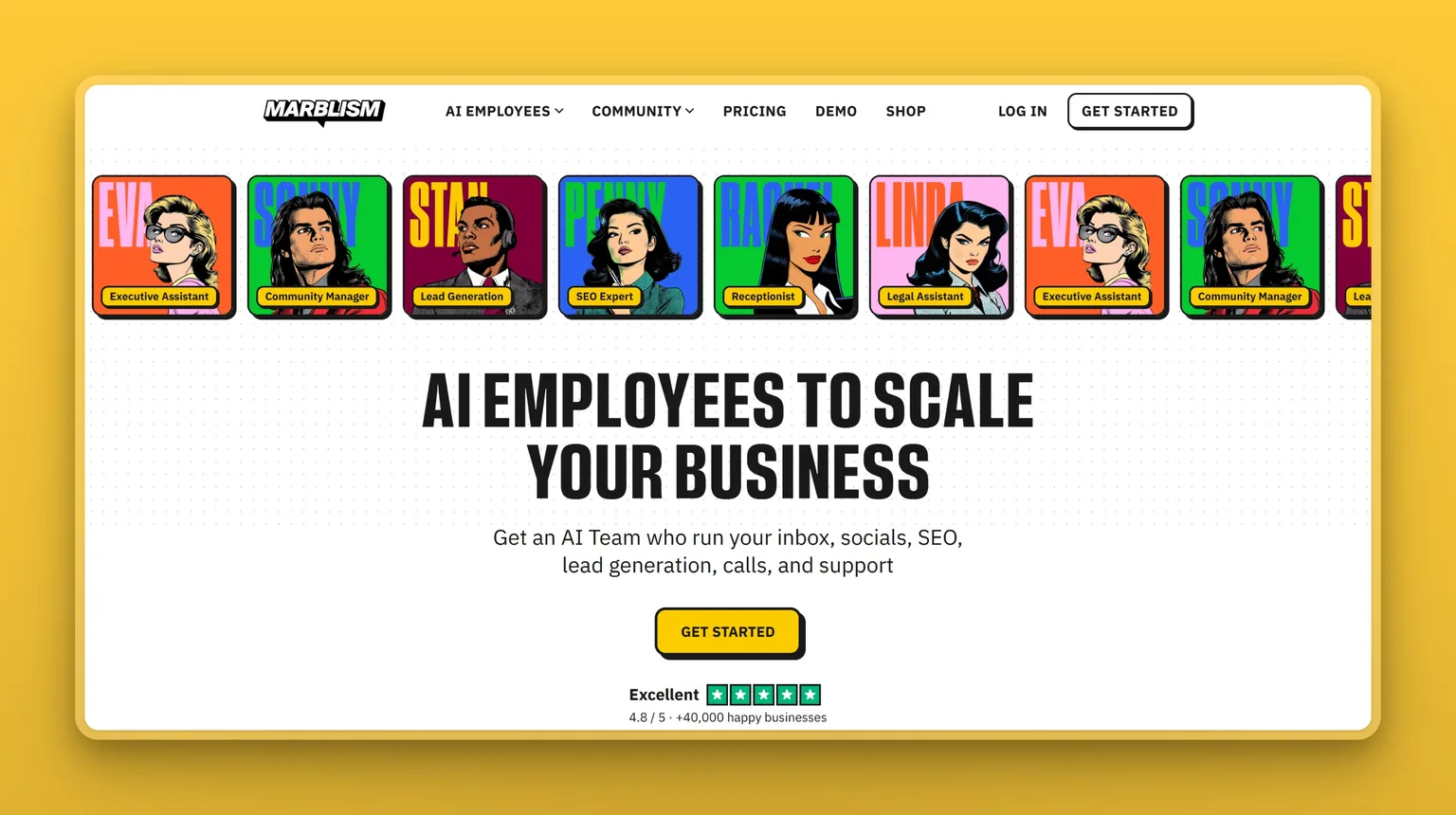
Marblism is not a persistent computer-use agent and does not give you a cloud desktop to drive. What it gives you instead is a team of 7 AI Employees, each handling a recognizable business role: Eva handles your inbox and calendar, Sonny writes and posts to social media, Stan runs lead generation and outreach, Penny handles SEO content, Rachel answers and books calls, Linda drafts and reviews contracts, and Walter builds and continuously tests your website. They learn your business, work 24/7, and check in for your approval before anything consequential goes out.
That is the honest trade: you get roles handled rather than an agent you operate. If your goal is a cloud computer your agent can drive, Marblism does not do that. If your goal is the inbox, calls, outreach, social, and content off your plate for $24 a month, it does.
Key Features
- 7 role-specific AI Employees covering inbox, social, sales, website, SEO, calls, and contracts
- Human-in-the-loop approval before email is sent, posts go public, contracts are signed, or outbound calls are made
- AI-to-AI collaboration: employees share context so a lead Stan finds is already known when Eva handles the reply
- Supports Gmail, Outlook, and any IMAP email; Instagram, LinkedIn, X, and Facebook for Sonny; WordPress, Webflow, Shopify, and Wix for Penny's auto-publishing
- Web-based, any device, any operating system, 100+ languages
- Unlimited team members and multiple businesses under one account
Pros
- One flat plan includes all 7 employees: no per-task meter, no per-role charge
- 40,000+ businesses use it; 4.8/5 on Trustpilot; Y Combinator W24
- Nothing consequential goes out without your approval by design
- No technical setup required: guided onboarding at ai.marblism.com/onboarding
Cons
- Not a general computer-use agent: does not run arbitrary apps on a cloud desktop
- 50 hours of AI work per month on every plan (quick tasks and chat do not count toward this); top-ups are available
- No free trial; 7-day money-back guarantee applies to all plans
Pricing
- $24/mo billed annually: all 7 AI Employees, all features
- $33/mo billed quarterly
- $44/mo billed monthly
- 7-day full money-back guarantee; cancel any time
User Reviews
Marblism holds a 4.8 out of 5 on Trustpilot. Users keep coming back to two things: how fast setup goes, and how much time each employee saves across the functions they were previously handling themselves.
"I like Marblism's approach to having distinct personalities with distinct skills. Instead of writing agents or workflows for all these tasks, you have agents that focus on being an EA, Blog Writer, et cetera… I'm just about a year into Marblism and have 3 businesses running with these "employees", and they enable me to spend much more time focusing on the business instead of admin tasks."
Thomas Spears, on Trustpilot
Best For
If you are the person covering inbox, calls, outreach, social, content, and contracts, and you want those roles handled rather than more tools to configure, this is the obvious place to start. If the bottleneck is one specific function rather than everything at once, a single-function tool may serve better.
vs Grok Bot: Grok Bot gives you a cloud computer your bots can drive. Marblism gives you named employees that handle whole functions and check in for your approval. Neither is a substitute for the other. For an owner covering inbox, calls, outreach, and social, Marblism charges a flat $24 a month for all 7 AI Employees with no usage meter running on top. Grok Bot's entry subscription starts at $20 a month on Cursor Pro, but usage beyond the included weekly allowance bills on token cost with no cap: the actual cost depends on how much your bots work. Marblism also has a four-year track record Grok Bot does not.
2. Hermes Agent: Grok Bot's persistent-bot architecture, free and on your own machine
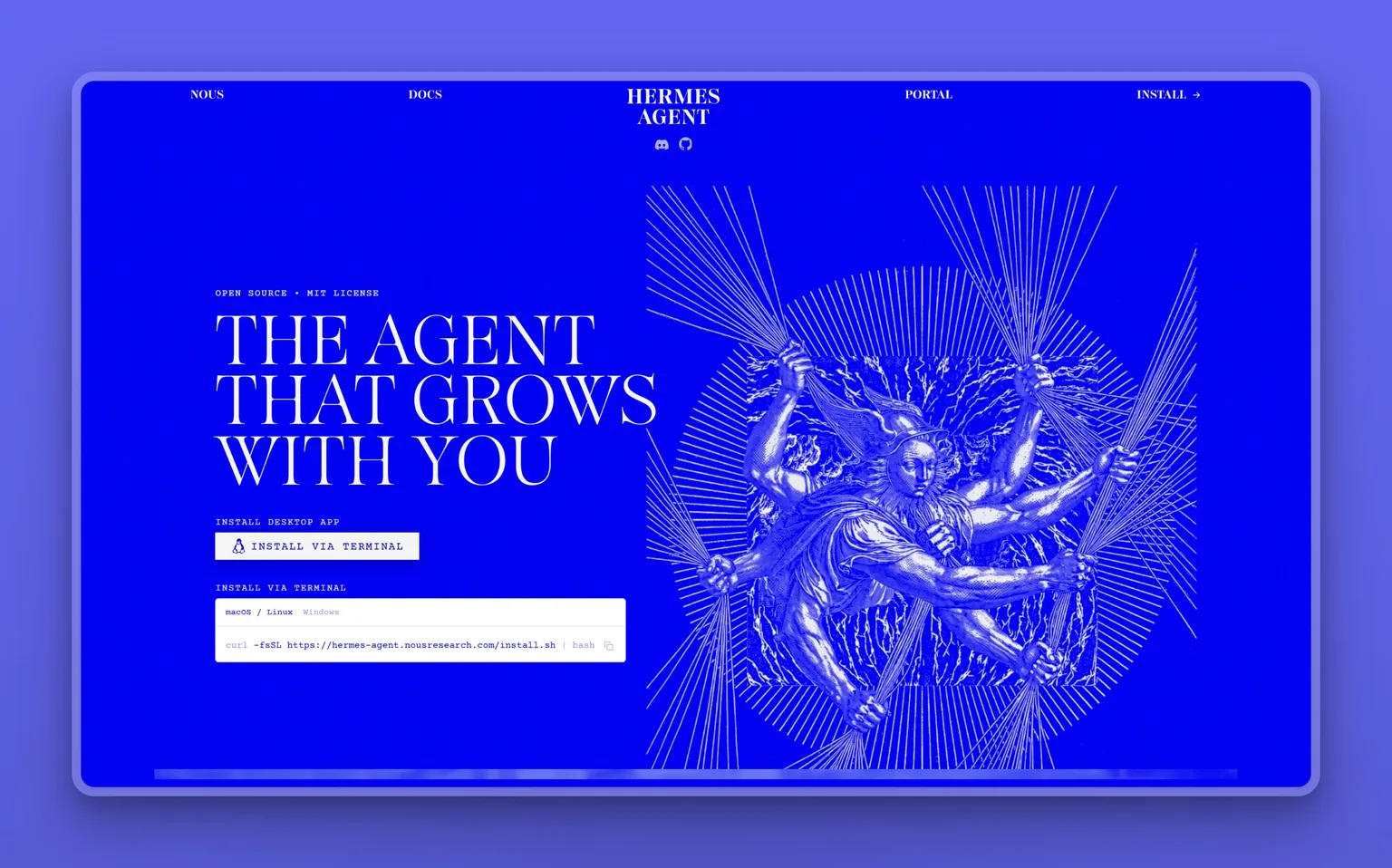
Hermes Agent, from Nous Research, is the closest structural match to Grok Bot on this list. Persistent bots with individual model selection, persistent memory, inter-agent communication, and scheduled routines: everything Grok Bot built, running on your own hardware instead of xAI's cloud, under an MIT license and at no cost.
Hermes launched on August 18, 2026, a week after Grok Bot. It is genuinely early: beta-stage stability, no mobile version, rough edges the community is still working out. For a developer who wants the persistent-bot architecture without the subscription or the shared-credential problem, this is the first place to look.
Key Features
- Persistent bots with per-bot model selection: you choose the model for each agent
- Persistent memory that builds within each bot over time
- Inter-agent communication: bots coordinate with each other
- Scheduled routines: set tasks to run on a recurring schedule
- Runs on your own machine with full data ownership
- MIT-licensed, free
Pros
- Closest structural match to Grok Bot's architecture, at $0
- Full model choice: pick which model each bot runs
- All data stays on your own hardware; no shared-credential architecture
Cons
- Desktop install required: no hosted or web-based option
- No mobile app
- Beta-stage stability: documented rough edges still being resolved by the community
- Requires technical comfort with desktop software and agent configuration
Pricing
- Free (MIT license; you provide your own model provider)
User Reviews
The GitHub repository holds 247k stars, a strong early signal from the developer community for a project that launched in August 2026.
Best For
Developers who want Grok Bot's persistent-bot architecture (persistent agents with model choice, memory, and scheduled routines) free and on their own hardware, without needing a mobile app or managed hosting.
vs Grok Bot: Hermes and Grok Bot share the same fundamental architecture: persistent bots with individual model selection, persistent memory, and coordinated routines. Hermes runs it free on your own machine. Grok Bot charges $20 a month and up and runs it on xAI's shared cloud computer, with usage metered on top of the subscription fee. For a developer who values data ownership and zero subscription cost, that is the comparison in full.
3. Manus: autonomous cloud agent for multi-step deliverables
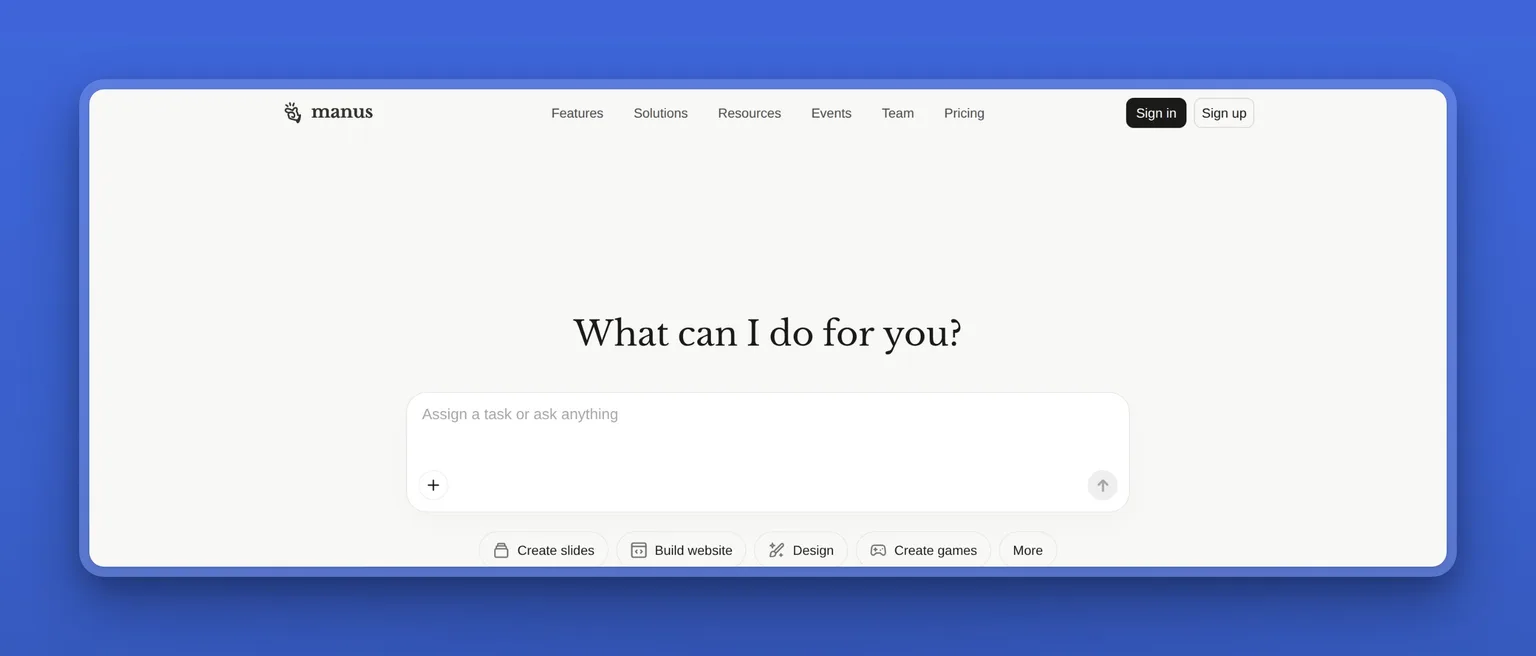
Manus is built on the same premise as Grok Bot: give it a goal and it delivers a finished result. Research a market, build a slide deck, compile a report, and Manus plans and executes every step on its own, using a browser operator for web tasks and parallel sub-agents for research-heavy work.
Worth knowing before you commit: Manus was acquired by Meta in December 2025 and is returning to independent operation in August 2026, with a data migration event that ran August 23 to 25, 2026 (data created during the Meta period was deleted). Check its current ownership status before signing up for a plan.
Key Features
- Autonomous multi-step execution from a single goal statement
- Manus browser operator for cloud-based web automation
- Wide Research mode: parallel sub-agents for complex research deliverables
- Mail Manus and Slack integration for workflow connectivity
- Scheduled and concurrent task execution
- Public API available
Pros
- Genuinely turns a one-line goal into a finished multi-step deliverable
- Entry price of $20/mo matches Grok Bot's Cursor Pro entry fee; unlike Grok Bot's open usage meter, Manus's credits are fixed at purchase
- Two years of product track record versus Grok Bot's weeks-old beta
Cons
- Credit-metered pricing: complex or long-running tasks can burn far more than the base plan's allowance
- Support is difficult to reach once credits are exhausted, per multiple reviewer accounts
- Trustpilot shows 1.2 out of 5, with 94% of reviewers rating it 1 star, citing unexpected charges and unreachable support
- Corporate status is in flux: verify before committing
Pricing
- $20/mo: Basic
- $40/mo: Plus
- $200/mo: Pro (includes dedicated cloud computer)
- Team and Enterprise: custom
User Reviews
Manus holds a 4.6 out of 5 on G2. The G2 sample is small. The Trustpilot picture reflects a different, larger pattern: 1.2 out of 5, with 94% of reviewers rating it 1 star, citing unexpected charges and unreachable support once credits run out.
"What stands out to me is that Manus can handle complete tasks instead of only answering prompts. I can give it a goal, and it organizes the work into a structured result, whether it's research, presentation content, or documentation. It reduces the need to switch between multiple tools, and the exported output is easy to continue working with."
- Muzammil, Founder and Interior/Graphic Designer, reviewing Manus on G2
Best For
Solo operators, consultants, and researchers who want to hand off a complete multi-step task and get a finished deliverable, and who can monitor credit spend closely. If you need predictable flat-rate billing or responsive support when a task runs over, this is not the right fit.
vs Grok Bot: Both Manus and Grok Bot accept a goal and work toward a finished result in the cloud. Manus's Basic plan costs $20 a month, matching Grok Bot's Cursor Pro entry fee, and Manus has two years of track record versus Grok Bot's weeks-old beta. The trade: Manus credits are a fixed allotment you can monitor; Grok Bot's usage runs without a cap. And Manus runs discrete projects rather than always-on persistent bots that compound context over time. For a specific deliverable today, Manus is more practical. For a persistent agent that owns a function across weeks, Grok Bot's model is closer.
4. Viktor: Slack-native AI coworker across 3,200+ business tools
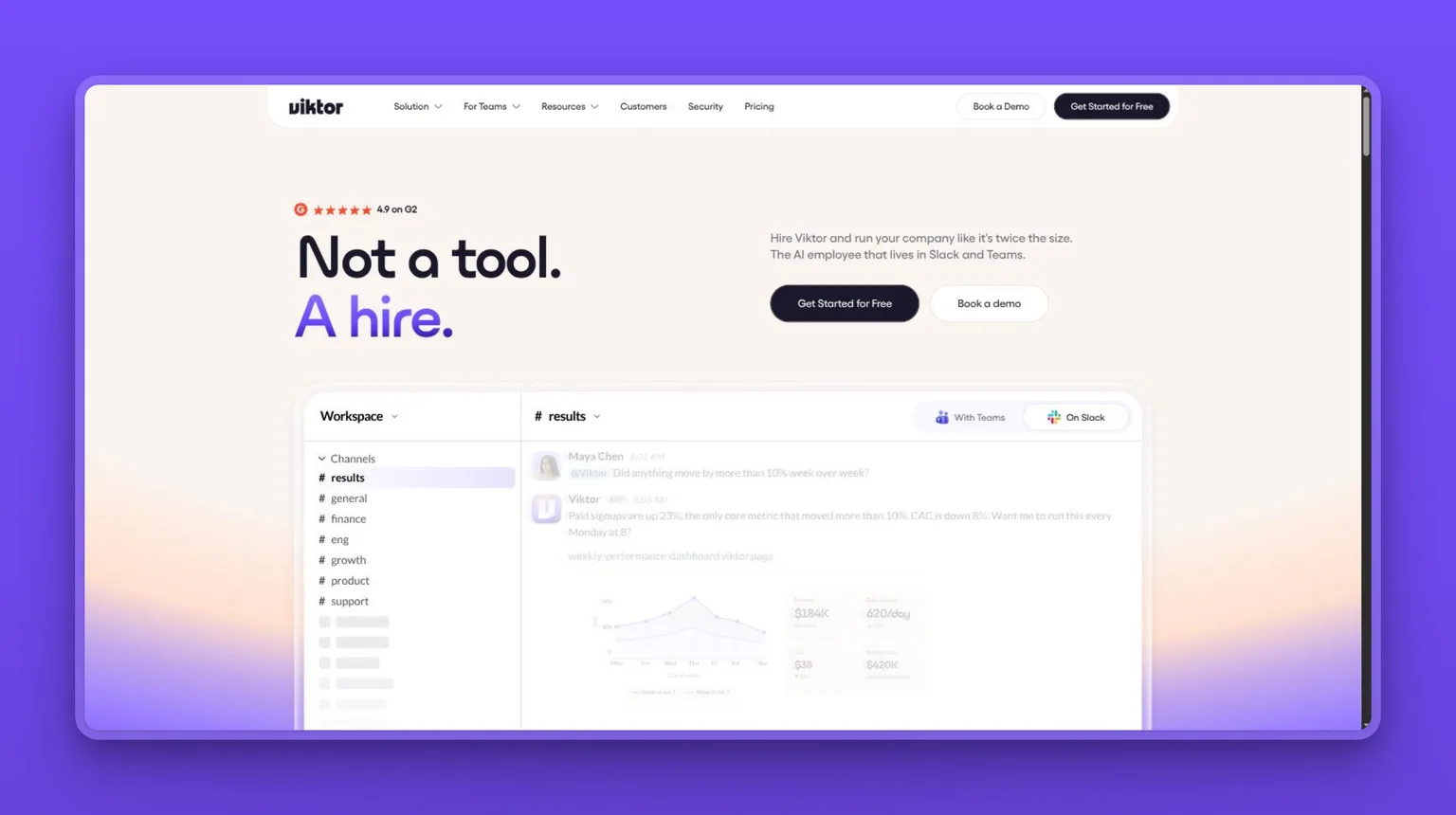
Viktor is an AI "employee" that lives inside Slack and Microsoft Teams. Send it a task and it executes across your connected tools, returning a finished result. Syncing customer data, generating a report, drafting and publishing a week of social posts: all of it from one message. It connects to 3,200+ business tools including CRMs, Google Workspace, WordPress, and custom APIs.
Viktor is the pick for teams that already run their business through Slack and want execution without switching apps. At 4.9 on G2 and 4.5 on Trustpilot, it is among the best-rated tools in this category.
Key Features
- Executes tasks across 3,200+ connected tools from a single Slack or Teams message
- Builds and delivers finished artifacts: PDFs, Excel files, slides, and social posts with branded graphics
- Proactive: flags issues and suggests automations without being asked
- Scheduled and autonomous 24/7 work
- Persistent memory across interactions within the workspace
- SOC 2, GDPR, CCPA, and CASA Tier 3 certified
Pros
- Free tier ($0, up to $100 in credits) lets you test before committing
- 4.9/5 on G2, 4.5/5 on Trustpilot: among the strongest ratings in the agent category
- SOC 2 and GDPR compliance ships today; Grok Bot's audit log does not
- Works inside the tools your team already uses
Cons
- Credit-metered pricing: bills can swing significantly depending on usage
- Correcting a Viktor output still burns credits, so iteration gets expensive
- Team plan ($50+/mo) is likely required for heavy usage beyond the free tier
Pricing
- $0/mo: Free tier (up to $100 in credits)
- Team: from $50/mo (20,000 credits)
- Enterprise: custom
User Reviews
Viktor holds a 4.9 out of 5 on G2 and a 4.5 out of 5 on Trustpilot. Users keep making the same point: Viktor actually does the work rather than handing it back. It is not a chatbot.
"I run a small energy and internet company with a team of four, and Viktor handles our daily customer data syncs from a wholesale portal that has no API (it logs in, downloads the CSV, and updates our CRM automatically), drafts personalized churn recovery emails in Gmail every morning before I'm at my desk, runs a 3-email drip sequence for our solar leads, generates and publishes our weekly social media content with branded graphics, and even ran a full SEO audit on both our websites and implemented the fixes directly in WordPress."
- Founder, Small-Business, reviewing Viktor on G2
Best For
Small teams and founders who run their business through Slack or Teams and want one AI coworker that executes across their whole connected stack. If flat-fee budgeting matters or your workflows require heavy back-and-forth correction, Viktor's credit meter is the friction point.
vs Grok Bot: Viktor lives inside Slack and Teams; Grok Bot requires managing bots on a cloud desktop. Viktor's free tier gives you $100 in credits before you pay anything; Grok Bot's entry subscription starts at $20 a month on Cursor Pro, with usage billed on top and no published cap. Viktor's SOC 2 and GDPR certification already ships; reviews of Grok Bot report its audit trail as coming, not live.
5. Perplexity Computer: research-grounded agent with inline citations
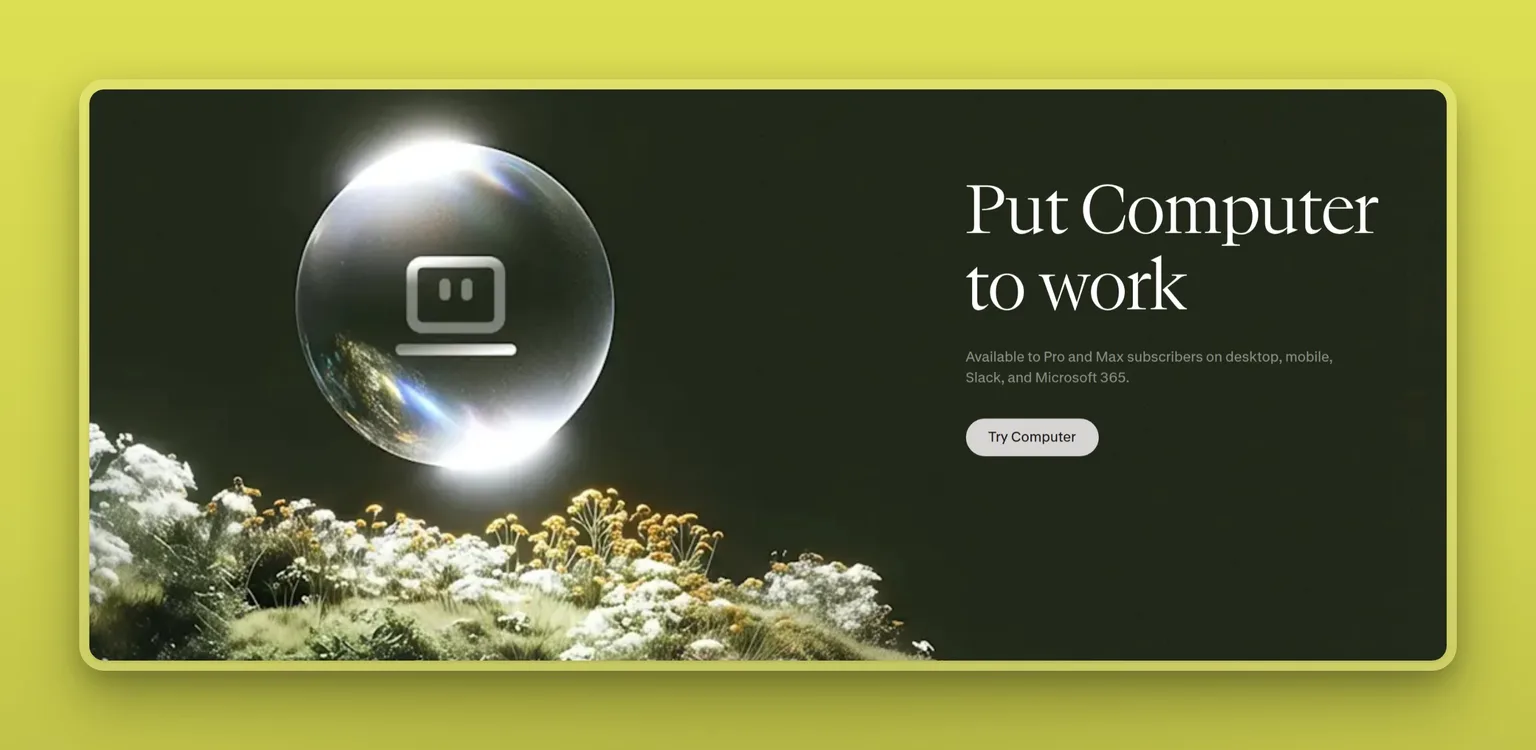
Perplexity Computer is a general-purpose AI agent that runs your apps and browser in the background and cites every claim it makes. That is what sets it apart: every answer carries a numbered source you can click through and check. It runs scheduled research tasks, automates multi-step browser workflows, builds reports, and connects to 400+ tools via connectors.
The Computer feature requires a Pro or Max subscription. The free plan covers search only.
Key Features
- Inline citations on every claim: clickable, numbered sources throughout
- Background and recurring tasks (Schedules) that run without supervision
- Parallel research across multiple sources simultaneously
- Connectors: Gmail, Slack, Notion, Google Calendar, and 400+ tools
- Custom Skills: reusable instruction sets for recurring task types
- Creates apps, websites, and formatted reports as outputs
Pros
- Citations on every claim: the direct counter to Grok Bot's "double-check sources" beta warning
- Users rate it 4.4/5 on G2 with 71% 5-star reviews
- Pro plan ($20/mo) matches Grok Bot's Cursor Pro entry price, but charges a fixed credit allotment rather than an uncapped usage meter
Cons
- Credit consumption is fast and unpredictable: users report burning through thousands of credits on single tasks, sometimes in under an hour
- Failed steps (a sandbox build that errors) can burn credits without completing the task
- Max plan ($200/mo) mirrors Grok Bot's top pricing without the persistent-agent architecture
Pricing
- $17/mo: Pro, billed annually (includes Computer)
- $200/mo: Max (higher Computer usage limits)
- Enterprise: custom
User Reviews
Perplexity, the parent product, holds a 4.4 out of 5 on G2, with 71% of reviews at 5 stars. The feature users single out consistently is the citations. It changed how they research.
"The inline citations are the feature that changed my habit. Every claim in an answer carries a numbered source I can click, so I am not trusting a confident paragraph on faith the way I had to with the first wave of chat tools."
- Chief Operations Officer, DEQUA Studio, reviewing Perplexity on G2
Best For
Researchers, analysts, and knowledge workers who want a cloud-based agent that cites its work. Monitor the credit meter closely on Pro for long or complex tasks, or step up to Max.
vs Grok Bot: Both are cloud-based agents capable of multi-step browser automation and research. Perplexity Computer's inline citations directly answer Grok Bot's "double-check sources" beta caveat. At $20 a month for Pro, it matches Grok Bot's Cursor Pro entry price, but Perplexity's credit limits are published and known in advance; Grok Bot's usage runs without a cap. The credit meter can still burn fast, but the limit is visible before you commit.
6. Lindy: no-code AI teammate you configure yourself
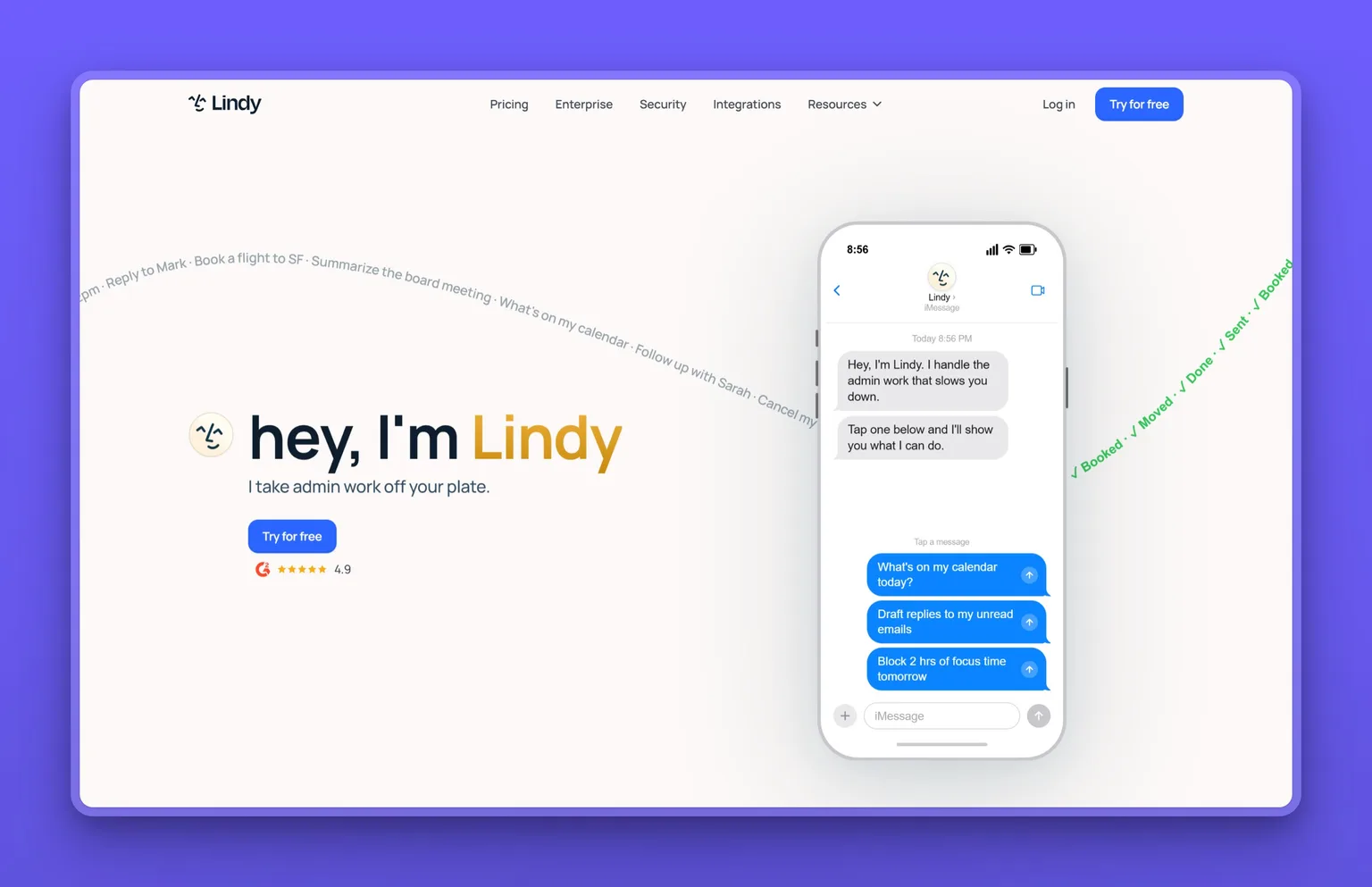
Lindy is a no-code AI teammate built around inbox management, meeting scheduling, notes, research, and CRM updates. The difference from a done-for-you service: you configure the workflows yourself. Lindy comes with 40+ built-in skills, connects to thousands of tools via MCP, and handles up to 5 inboxes on the base plan.
If Grok Bot's model is "brief a bot and it works," Lindy's model is "build the workflow yourself." That is the trade, and it is a real one.
Key Features
- Inbox management: triage, draft, and respond across up to 5 inboxes
- Meeting recording, notes, scheduling, and CRM sync
- 40+ built-in skills plus MCP for thousands of integrations
- Computer use included (no per-member persistent cloud machine between runs)
- Slack-native and iMessage/SMS support
- SOC 2 and HIPAA compliance at Enterprise tier
Pros
- Broad coverage across the executive-assistant use case: email, scheduling, research, and CRM
- No-code workflow builder: customization without engineering help
- Supports both Slack and iMessage/SMS
Cons
- The usage-credit meter drains faster than expected and only shows per-step costs after the fact
- Heavy multi-step or voice workflows can exhaust a month's credits in the first two weeks
- Meaningful support below the Enterprise tier is limited
- No per-member persistent cloud machine: computer-use context does not compound between runs
Pricing
- $29.99/mo: Plus
- $99.99/mo: Pro
- $199.99/mo: Max
- Enterprise: custom
User Reviews
Lindy holds a 4.9 out of 5 on G2. The reviews read similarly: Lindy takes the scheduling and inbox overhead off the plate. Setup is fast, and users are running agents in under an hour.
"Previously, I spent hours qualifying leads and scheduling meetings. With Lindy, I created an "assistant" that monitors my email, understands the context of a new conversation, checks if the lead fits our ideal profile, and, if so, suggests available times in my schedule. It's like having a dedicated employee working 24/7."
- Vera Lúcia H., admin at a small business, reviewing Lindy on G2
Best For
Solopreneurs and small teams who want a no-code AI assistant for inbox, scheduling, and CRM work and are comfortable configuring their own workflows. If you need predictable flat-rate billing on heavy, multi-step automations, the credit meter will frustrate you.
vs Grok Bot: Lindy asks you to build the workflow; Grok Bot asks you to brief a bot and let it work. Grok Bot's model compounds context over time; Lindy's computer use does not maintain a persistent machine between runs. At $29.99 a month, Lindy is a flat rate that covers its credit allotment. Grok Bot's Cursor Pro entry starts at $20 a month, but usage meters on top of that with no cap, so the real comparison is $29.99 all-in versus $20 plus whatever the bots consume.
7. Buzz: open-source workspace for developers running multiple agents
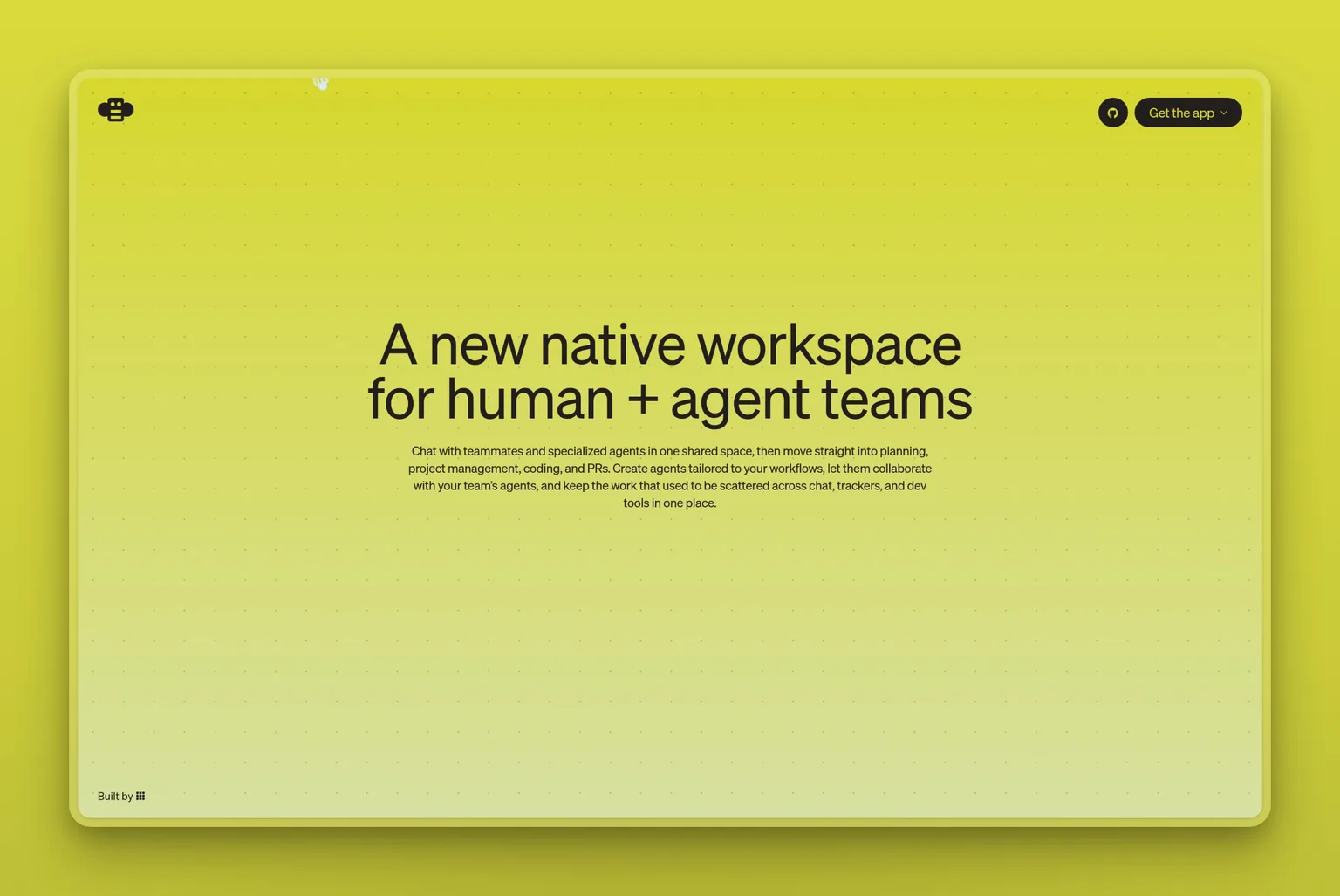
Buzz is an open-source human-agent collaboration workspace from Block, Inc. (Jack Dorsey). It runs on the Nostr protocol and works with any agent you bring: Claude Code, Codex, goose, and others. Buzz is the shared environment for humans and agents to work together. You bring the agents. At 33.6k GitHub stars, it has built real traction fast for a project this young.
Buzz is infrastructure you host, not a service you sign into. Docker and developer-level setup required. There is no hosted option.
Key Features
- Open-source workspace for human-agent collaboration (Apache 2.0)
- Agent-agnostic: works with Claude Code, Codex, goose, and other AI agents
- Built on the Nostr protocol for decentralized, self-sovereign communication
- 33.6k GitHub stars
- Self-hosted: all data stays under your control
Pros
- Free and open-source (Apache 2.0)
- Works with multiple AI agents simultaneously, not locked to one provider
- Full data ownership and infrastructure control
- Institutional backing from Block (Jack Dorsey)
Cons
- Requires Docker and technical setup: not suitable for non-technical users
- No hosted or cloud version
- You bring your own AI agents; Buzz does not include them
- Early-stage project: rough edges expected
Pricing
- Free (Apache 2.0; self-hosted)
User Reviews
Buzz holds 33.6k stars on GitHub. It is too new for G2, Capterra, or Trustpilot listings.
Best For
Developers and technical teams who want an open-source, self-hosted workspace to orchestrate multiple AI agents alongside human collaborators, with full stack ownership and no subscription.
vs Grok Bot: Buzz and Grok Bot sit at opposite ends of the hosting spectrum. Grok Bot is a managed cloud service where your bots run on xAI's infrastructure. Buzz is open-source infrastructure you host, where you bring your own agents. If you want to own the whole stack, Buzz is the answer. If you want a managed service that works out of the box, Buzz is not it.
8. OpenClaw: free, self-hosted agent with 29+ chat channels
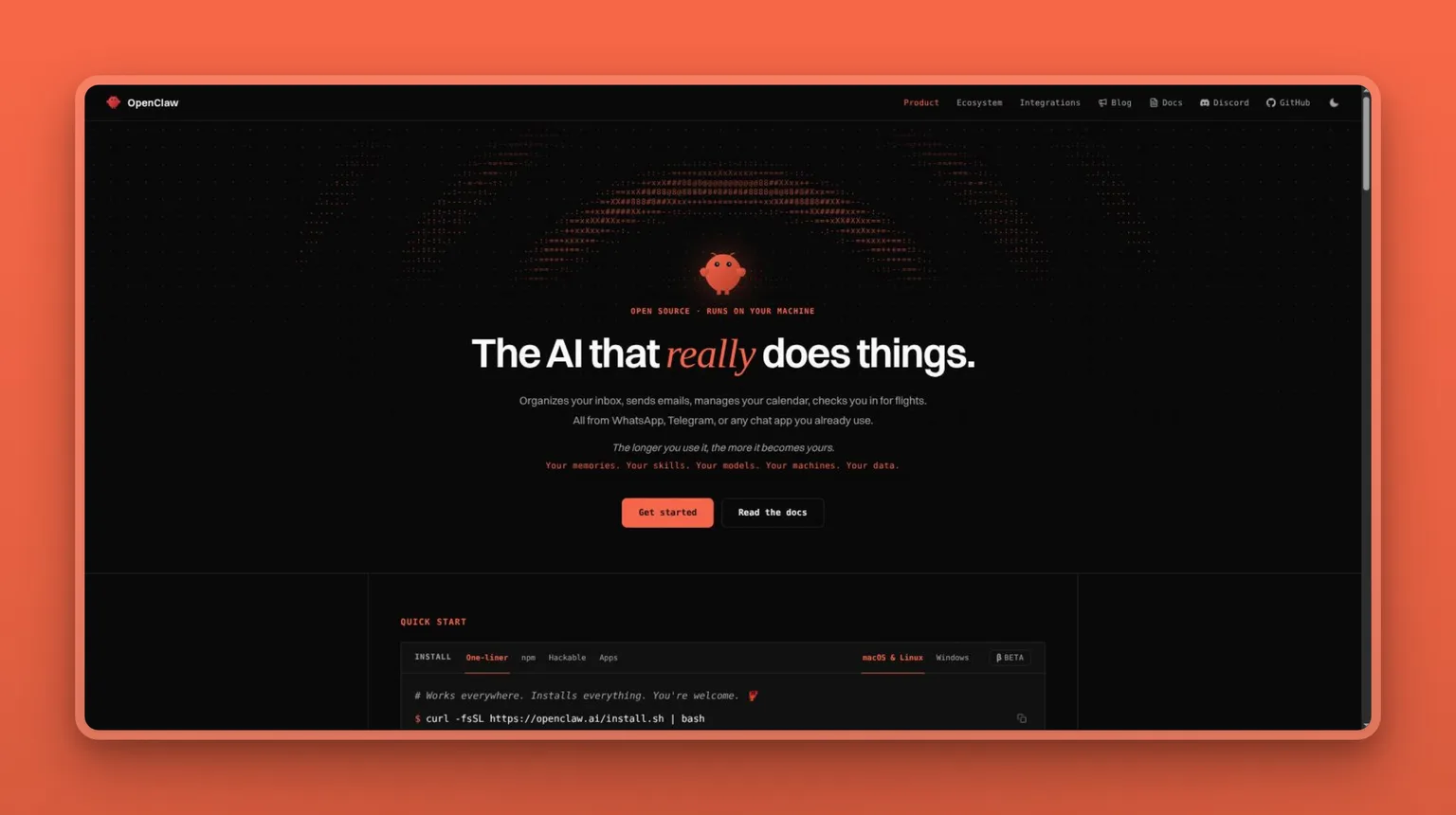
OpenClaw is an MIT-licensed, self-hosted personal AI agent that connects to 29+ messaging channels (WhatsApp, Telegram, Discord, Slack, iMessage, Signal, and more) and controls your inbox, calendar, files, and browser from your own hardware. It was the comparison Hacker News reached for the moment Grok Bot launched: the first substantive reply in the launch thread was "so like OpenClaw???" Lenny Rachitsky called Grok Bot "like OpenClaw, but super easy, reliable, and less scary to use." That is an accurate summary of both the appeal and the friction. If OpenClaw itself is the tool you are weighing up rather than Grok Bot, the best OpenClaw alternatives roundup compares its managed and self-hosted rivals directly.
Before you install it, the security picture matters. Third-party skills from the community marketplace run with real access to your accounts, so the security burden sits with you. Technical users who audit skills and sandbox the install get the full capability. Non-technical users who treat it as plug-and-play are trusting unvetted code with their logins.
Key Features
- 29+ messaging channel integrations (WhatsApp, Telegram, Discord, Slack, iMessage, Signal, and more)
- Self-hosted with persistent memory on your own hardware
- Browser control for web automation
- ClawHub marketplace for community skills and plugins: audit any third-party skill before installing
- Model-agnostic: connect your own model provider
- iOS and Android apps for remote access to your self-hosted agent
Pros
- Free under an MIT license
- Persistent memory that compounds across sessions, on your own hardware
- 29+ messaging channels: the broadest channel integration surface on this list
- Full control over which AI model powers the agent
Cons
- Developer-level setup required: not suitable for non-technical users
- Third-party skill marketplace has documented security exposure; audit any skill before installing
- Google Workspace auth and certain tool calls have been flagged as fragile during setup per user accounts
- Review base is too thin to be representative
Pricing
- Free (MIT license; you provide the model and hosting)
User Reviews
The Trustpilot profile is too thin to be representative. The most prominent signal is the Hacker News thread at Grok Bot's launch, where OpenClaw was the first name the community reached for.
Best For
Developers and technically capable users who want a self-hosted, model-agnostic agent with full control over their data, and who are willing to audit third-party skills and manage the setup themselves.
vs Grok Bot: Both give you an agent with access to your accounts and apps. OpenClaw runs on your own hardware for free; Grok Bot runs on xAI's cloud, starting at $20 a month on Cursor Pro with usage billed separately and uncapped. OpenClaw's 29+ channel integrations exceed anything Grok Bot ships today. The trade: OpenClaw requires developer setup and careful skill auditing; Grok Bot is managed. Still in early beta, though, Grok Bot's manageability advantage remains largely theoretical.
9. Claude Cowork: hand off file-based work tasks within Claude
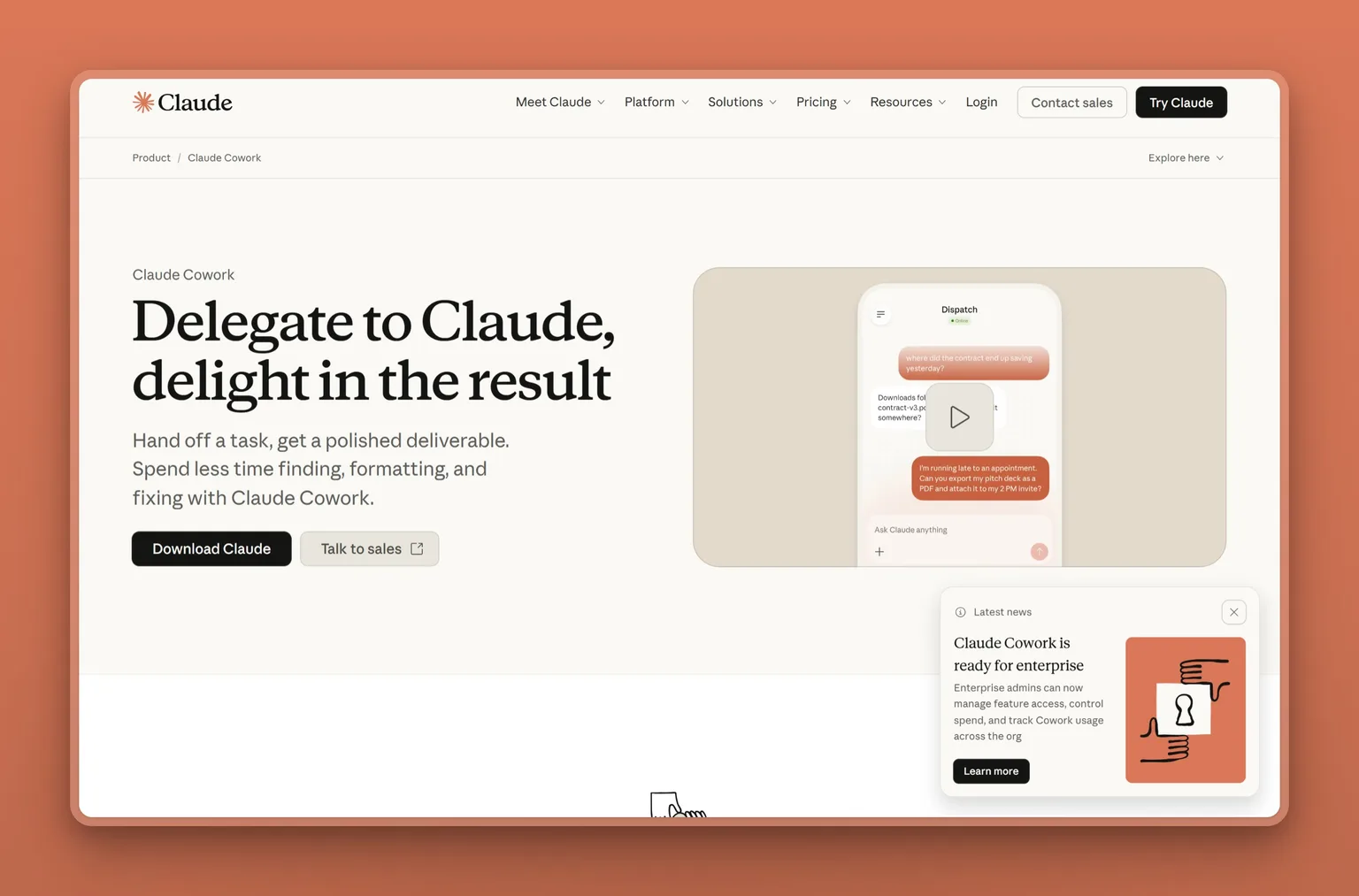
Claude Cowork is Anthropic's agentic work mode inside the Claude subscription, not a standalone product. You hand it a goal: clean up a folder structure, draft a report from documents, build a spreadsheet from inputs. It plans and executes the multi-step task with sub-agents, showing its work step by step. You review each major decision and approve or redirect before it continues. CNBC covered its February 2026 launch as Anthropic's move into agentic office work.
The difference from Grok Bot is this: Cowork executes a task and stops. There is no persistent agent running in the background.
Key Features
- Multi-step task execution from a single goal statement
- Parallel sub-agents for complex or large tasks
- Step-by-step work visibility: review and redirect at each major decision point
- Connects to files, Google Drive, Gmail, Microsoft 365, Slack, and more
- Can run unattended on schedule after the goal is defined
- Permission-gated: you control what it can access
Pros
- Available from $17 a month on Pro (annual): less than Grok Bot's $20 Cursor Pro entry, with no usage meter on top
- Step-by-step transparency: you see every decision before it is executed
- No shared-credential architecture: each workspace is isolated
- Available on Claude desktop, web, and mobile
Cons
- Not a persistent agent: executes a task and stops rather than working continuously in the background
- Multi-step agentic sessions burn through plan usage significantly faster than regular chat
- No standalone review profile: it is a feature of Claude, still rolling out
- Base Pro plan users report hitting usage limits quickly when running Cowork sessions
Pricing
- $17/mo billed annually (Pro, includes Cowork)
- $20/mo billed monthly (Pro)
- $100/mo: Max 5x
- $200/mo: Max 20x
- $20/seat/mo billed annually: Team
- Enterprise: custom
User Reviews
Cowork reviews live on the parent product's profile: Claude holds 4.6 out of 5 on G2, and the reviewers who mention Cowork by name describe handing it whole tasks rather than prompting turn by turn.
"Claude has the ability to handle my complex tasks without any issues. I can give it detailed instructions, and it follows them faithfully. The UI is intuitive, and I also like that I can use Cowork with Claude integrated while still using the desktop app to enter prompts for Cowork."
- Brooke H., CEO and founder of a small business, reviewing Claude on G2
Best For
Existing Claude Pro, Max, or Team subscribers who want to hand off a defined file-based or knowledge-work task and review the output step by step. Not the right pick for anyone wanting a persistent background worker or evaluating it as a standalone product.
vs Grok Bot: Claude Cowork executes a goal and delivers a result; Grok Bot runs bots that work continuously in the background. At $17 a month on annual Pro, Cowork costs less than Grok Bot's $20 Cursor Pro entry, and avoids the uncapped usage meter that runs on top of that subscription. Every step is visible for review, and there is no shared-credential architecture. The tradeoff is that it is a task-execution mode, not a persistent agent relationship.
10. ChatGPT Work: managed workspace for teams already on ChatGPT
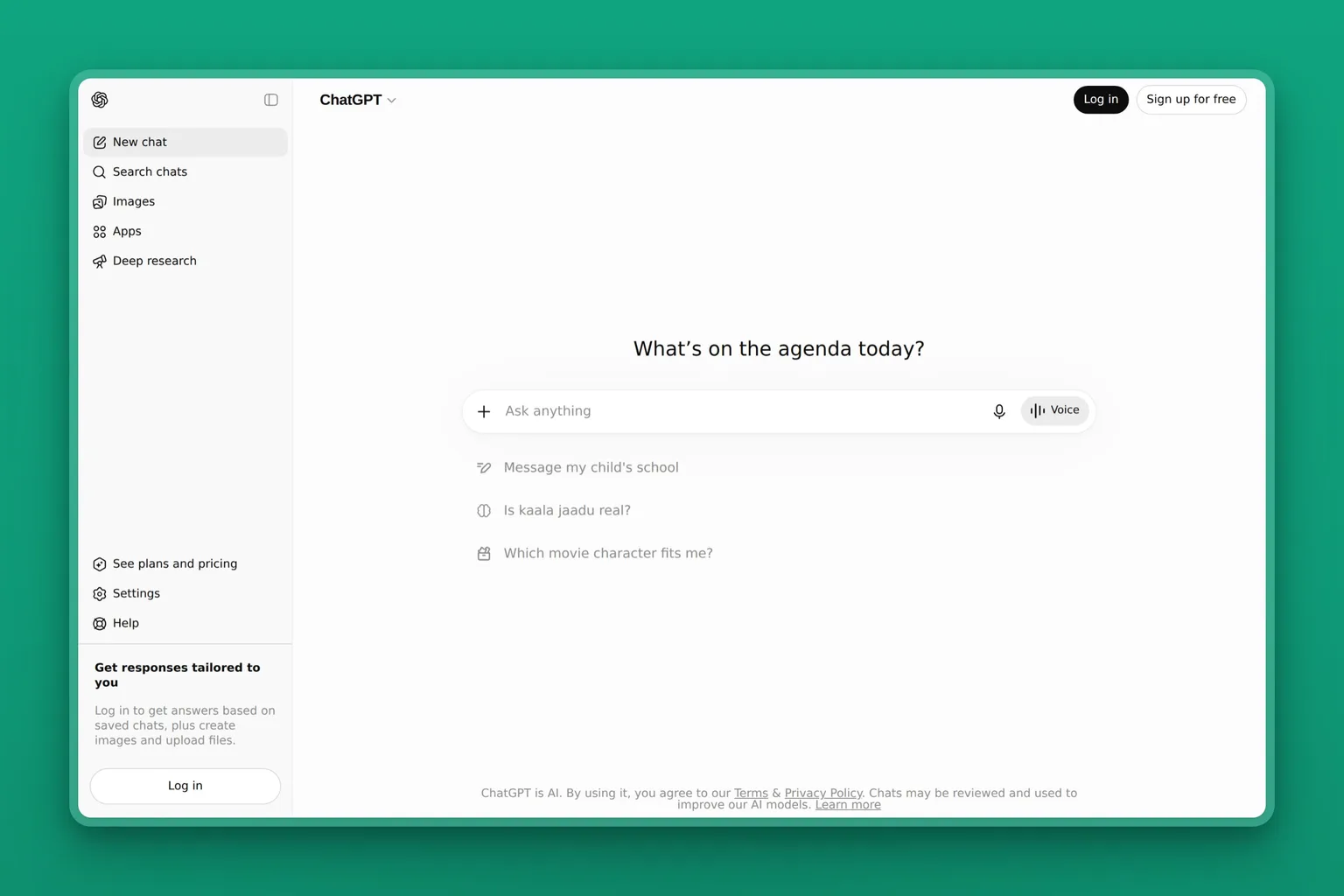
ChatGPT Business and ChatGPT Enterprise (commonly called ChatGPT Work in comparisons) are OpenAI's team-tier products for organizations that need centralized billing, SSO, admin controls, and privacy guarantees. Business starts at $20 per user per month (annual). Enterprise adds custom seat counts, extended context, and compliance controls.
ChatGPT Work is not a persistent autonomous agent. It is a managed workspace where your team uses ChatGPT with organizational controls. VentureBeat noted at Grok Bot's launch that OpenAI is repositioning ChatGPT Work as a tool for "longer, multi-step work and finished deliverables" directly in response to always-on-agent products like Grok Bot.
Key Features
- Connectors to Microsoft 365, Google Drive, Slack, GitHub, Linear, and Figma
- Custom team agents your organization can build and deploy
- SAML SSO, MFA, and centralized admin controls
- No training on your business data
- Codex for coding tasks
- Largest installed base of any AI tool on this list
Pros
- Least friction for teams already using ChatGPT: no learning curve or migration
- Strong organizational controls: SSO, admin panel, and no-training-on-data guarantees
- Connectors to the apps your team already uses
- $20/user/mo (annual) is a reasonable per-seat price for teams
Cons
- Not a persistent autonomous agent: it is a workspace you prompt, not a background worker
- Users cite confident factual inaccuracy as the most recurring complaint: "Inaccuracy" and "Inaccurate Responses" are the two most common negative tags on its own G2 profile
- Per-seat pricing compounds: a team of five at Business tier costs $100 a month before any Enterprise upgrades
Pricing
- $20/user/mo billed annually (Business)
- $25/user/mo billed monthly (Business)
- Enterprise: custom
User Reviews
Users highlight the convenience of having an AI assistant available across workflows without switching tools.
"I am constantly BLOWN AWAY by how HUMAN like CHATGPT is. Sense of humor, considerate, informative and 99% accurate... I downloaded the WINDOWS APP version, so now I have 'HIM' at my finger tips with just ALT-SPACEBAR no matter what I may have on the screen at the moment. The UI is amazing in that regard. No need to minimize nor switch windows, just pop up right over whatever I'm doing and potentially need help with."
- Steven M B., Los Angeles Board of Directors at a small business, reviewing ChatGPT on G2
Best For
Teams already standardized on ChatGPT who need centralized billing, SSO, and connectors to their existing tools, and for whom per-seat pricing is predictable and acceptable.
vs Grok Bot: Grok Bot's model is a persistent bot that works in the background indefinitely. ChatGPT Work's model is a managed workspace your team prompts. For most SMB teams, ChatGPT Work wins on price and stability. If you specifically need always-on background execution, that is the one use case Grok Bot serves better.
Grok Bot head-to-head comparisons
Grok Bot vs Buzz
Grok Bot is a managed cloud service starting at $20 a month on Cursor Pro, with usage metered separately and uncapped. Buzz is free, open-source (Apache 2.0), and self-hosted: you bring your own AI agents and run them on your own hardware. Pick Buzz if you want zero subscription cost, full stack ownership, and the freedom to swap model providers. Pick Grok Bot if you want a managed service that works without infrastructure setup. Buzz requires Docker and developer-level comfort. Grok Bot requires a paid subscription and tolerates an early-beta product.
Grok Bot vs Perplexity Computer
Both Grok Bot and Perplexity Computer are cloud-based agents that automate multi-step browser tasks and research, and both start at $20 a month (Cursor Pro for Grok Bot, Perplexity Pro for Computer). The billing difference matters: Perplexity publishes its credit limits in advance, while Grok Bot's usage runs on a separate uncapped meter. Perplexity Computer cites every claim with inline numbered sources. Grok Bot's beta warning tells you to double-check its output. Pick Perplexity Computer when the work needs cited, verifiable research. Pick Grok Bot when you need a persistent agent that compounds context across weeks of continuous work.
Grok Bot vs Hermes Agent
Hermes Agent (MIT-licensed, from Nous Research) and Grok Bot share the same fundamental premise: persistent bots with individual model selection, persistent memory, and coordinated routines. The difference is infrastructure. Hermes runs that architecture free on your own desktop; Grok Bot runs it on xAI's shared cloud computer, starting at $20 a month on Cursor Pro with usage billed separately and uncapped. Both launched in August 2026 and are still in early beta. Pick Hermes if you want the persistent-bot model at $0, with full data ownership and no subscription. Pick Grok Bot if you want a managed service that works without infrastructure setup and can tolerate an open usage meter. Free and self-hosted on your own hardware, or $20/mo managed on xAI's cloud. That is the whole decision.
Which Grok Bot alternative should you choose?
Here is how I would route it:
You want business roles handled without operating anything yourself. Marblism. 7 AI Employees, one flat plan, human-in-the-loop. Not a computer-use agent: the trade is explicit.
You want the Grok Bot persistent-bot architecture, free, on your own machine. Hermes Agent. MIT-licensed, desktop-based, brand new. Requires technical comfort and tolerates beta rough edges.
You need an autonomous cloud agent to produce a specific multi-step deliverable. Manus at $20/mo for discrete projects. Perplexity Computer at $20/mo Pro if you want inline citations on every claim. Both have credit meters to watch closely.
Your team lives in Slack and you want AI execution across your connected tool stack. Viktor. Free tier to start, SOC 2 and GDPR certified.
You want to build your own AI workflows without code. Lindy at $29.99/mo. Broad skill set; credit consumption is the recurring caveat.
You are a developer who wants open-source, self-hosted control. OpenClaw (MIT, 29+ channels, full agent) or Buzz (Apache 2.0, multi-agent workspace). Both require technical setup.
You already pay for Claude Pro or above. Claude Cowork is included and gives you task-based agentic execution with step-by-step review.
Your team is already standardized on ChatGPT Business. Stay there. ChatGPT Work already gives you the organizational controls and connectors you need.
When Grok Bot is actually the right call
Not everything points away from Grok Bot. Three specific situations make it a genuine first choice rather than a fallback.
You need a persistent managed cloud desktop for GUI-heavy workflows
If you specifically need a persistent cloud desktop your agents can drive across real macOS or Windows apps (signing into software that has no API, navigating complex multi-step GUI workflows), Grok Bot is the only managed product doing this at launch. Hermes Agent and OpenClaw do similar things on your own hardware, but require you to own the setup and infrastructure. If the work requires a real managed GUI environment, nothing else on this list fills that gap today.
A Bot can watch you do a job once and run it on its own from then on
The Grok Bot launch post introduced something none of the alternatives on this list match yet: a Bot watches you complete a workflow, saves it as a routine, and runs it on its own after that. xAI calls it "Show a Bot how it's done." If you would rather demonstrate a process once than write it out as a set of instructions, that is a real Grok Bot advantage. Configuring other agents takes writing; configuring this one can take a single demonstration.
Grok Bot is bundled in a Cursor or SuperGrok plan you are already paying for
If you are already paying for Cursor Ultra at $200 a month for the coding workflow, Grok Bot is bundled. The incremental cost of evaluating it is near zero. If your engineering team has Cursor Teams seats (Standard at $40 a seat or Premium at $120 a seat), Grok Bot is included in those plans and worth evaluating for non-code tasks, provided you are comfortable with the current shared-credential architecture and the absence of a spend cap.
For everyone else: Grok Bot access starts from $20 a month (Cursor Pro) or $30 a month (SuperGrok), but the subscription is not the whole cost. Grok Bot usage draws from a separately metered, uncapped pool on top. The product launched in August 2026 and is still in early beta. If you are not already on one of the eligible plans, the honest calculation is an entry subscription plus an open usage meter, on a product still working through its rough edges.
Bottom line on Grok Bot alternatives
Name the specific work that is costing you the most, then pick the tool that handles exactly that. Most people searching for Grok Bot alternatives do not need a persistent cloud computer. They need the work done.
For an SMB owner covering all of it alone, Marblism at $24 a month is the most direct fit; the decision tree above routes every other case.
The pattern I kept seeing: the people who regret switching to a new AI platform picked it before naming the problem. Name the problem first. The right tool follows from that.
Grok Bot alternatives FAQ
Choosing an alternative
What is the best Grok Bot alternative?
For SMB owners who want business roles handled rather than an agent to operate, Marblism is the pick: 7 AI Employees for $24 a month, no per-task meter. For the closest structural match to Grok Bot's persistent-bot architecture, Hermes Agent is free and runs on your own machine. For autonomous cloud-based deliverables, Manus starts at $20 a month.
What is the best Grok Bot alternative for small business?
For a small business, Marblism is the most direct fit: 7 pre-built AI Employees that handle your inbox, calls, outreach, social media, SEO content, website, and contracts for $24 a month. It is web-based, works on any device, and includes human-in-the-loop approval on every consequential action. Viktor offers a free tier if the work happens in Slack.
Should I build my own agent instead of buying one?
Building gives you full control and zero subscription cost, but the ongoing maintenance, tooling, model spend, and integration work add up fast. For a non-technical owner, building from scratch is unlikely to beat a $24-a-month tool that already ships finished work. For a developer who wants control without a subscription, OpenClaw or Hermes Agent are free starting points with active communities. The build path makes sense when none of the existing tools fits and the team can maintain it.
Pricing and availability
Is there a free Grok Bot alternative?
Yes. Three alternatives run free under open-source licenses: Hermes Agent (MIT-licensed, from Nous Research), Buzz (Apache 2.0, from Block), and OpenClaw (MIT-licensed). All three run on your own hardware with your own model provider. Viktor offers a free tier with up to $100 in credits before any charge applies. No free or freemium managed alternative does exactly what Grok Bot does (persistent bots on a cloud computer). The free options are self-hosted or credit-gated.
Is the Grok bot free?
No. The $0 Grok plan on xAI's pricing page explicitly excludes Grok Bot. Entry starts at $20 a month on Cursor Pro and $30 a month on SuperGrok; eight plans in total grant access, all paid. Both plans include weekly usage, and additional usage is billed on token cost with no way to cap spend. Three alternatives are completely free: Hermes Agent (MIT-licensed, self-hosted), Buzz (Apache 2.0, self-hosted), and OpenClaw (MIT-licensed, self-hosted). Viktor offers a free tier with up to $100 in credits.
How much does Grok Bot cost compared to alternatives?
Entry is $20 a month on Cursor Pro and $30 a month on SuperGrok; eight plans in total grant access. Additional usage is billed on token cost with no way to cap spend. By comparison: Marblism is $24 a month flat for all 7 AI Employees; Manus starts at $20 a month; Perplexity Pro (includes Computer) is $17 a month annual; Lindy starts at $29.99 a month; Claude Cowork is $17 a month annual. Hermes Agent, Buzz, and OpenClaw are free.
What platforms does Grok Bot run on?
Grok Bot runs on macOS (Apple silicon and Intel), Windows, Linux (Debian and Ubuntu), iOS, and Android (Google Play). Every open-source alternative on this list (Hermes Agent, Buzz, OpenClaw) also runs on Linux natively. Every cloud-based alternative (Marblism, Manus, Perplexity Computer, Viktor, Lindy, Claude Cowork, ChatGPT Work) is web-based and works on any device with a browser, including Android and iOS.
What is the cheapest way to access Grok Bot?
The cheapest paid route is Cursor Pro at $20 a month. SuperGrok at $30 a month is the next step. Both include weekly Grok Bot usage, but additional usage is billed based on token cost with no published allowance and no way to cap spend. The $0 Grok plan explicitly excludes Grok Bot, so there is no free route in. If cost is the deciding factor, three alternatives are completely free: Hermes Agent (MIT license), Buzz (Apache 2.0), and OpenClaw (MIT license), all self-hosted on your own hardware. Viktor offers a free tier with up to $100 in credits.
Security and setup
Can a team share Grok Bots?
Grok Bot's current architecture runs all bots under one account on a single cloud computer, meaning every bot shares the same machine, files, browser sessions, and logins. Per-bot access controls are listed as coming, not shipped. For teams, Viktor offers Slack-native execution with SOC 2 and GDPR compliance, and ChatGPT Work provides centralized admin controls, SSO, and no-training-on-data guarantees from $20 a user a month.
Does Grok Bot share your logins across every bot on its cloud computer?
Yes, at launch. Grok Bot's architecture runs all bots under one account on a single cloud computer with shared files and browser sessions. Per-bot isolated credentials are listed as a coming feature, not a current one. If credential separation is a security requirement, Marblism isolates each workspace at the app, database, queue, and object-storage layers, and Viktor holds SOC 2 and GDPR certification.
Can I self-host something that does what Grok Bot does?
Yes. OpenClaw is an MIT-licensed, self-hosted agent that connects to 29+ chat channels and controls your inbox, calendar, files, and apps from your own hardware. Hermes Agent (MIT-licensed) brings Grok Bot's persistent-bot architecture to your own machine. Buzz (Apache 2.0) is an open-source human-agent workspace for developers running multiple agents. All three require technical setup: Docker for Buzz, desktop install for Hermes, and developer-level configuration for OpenClaw.