11 Best AI Tools for Small Business (2026 Review)

Jesus Malo · CMO, Marblism

Best AI tools for small business include ChatGPT, Canva, Grammarly, Durable, HubSpot, Tidio, Fathom, Motion, Zapier, QuickBooks, and Marblism. Most are assistants: you drive them, and they help you do the work, from writing and design to bookkeeping. A few, like Lindy and Marblism, run a whole function on their own instead. If one job is hurting, a single-purpose tool built for it is cheaper (Canva about $12/mo, Grammarly about $12/mo on annual billing). If every job lands on you at once, Marblism's six AI Employees at $24/mo cover all six on one subscription.
TL;DR
Ten of these eleven are assistants you drive yourself; only Marblism runs whole functions and reports back. It is $24 a month for all six AI Employees, with a 7-day refund, and it takes the inbox, calls, follow-ups and contracts off your desk. The assistants start free or close to $12 a month on annual billing (ChatGPT $0, Canva about $12, Grammarly about $12). Pick an assistant if you would rather drive each task; pick Marblism if you would rather hand a whole function off.
| Tool | Best for |
|---|---|
| Marblism | The owner who is the whole company at once |
| ChatGPT | Everyday writing, thinking, and quick answers |
| Canva | Social posts, flyers, and decks without a designer |
| Grammarly | Sounding sharp in every email and proposal |
| Durable | Getting a real website online this week |
| HubSpot | Keeping track of leads and customers |
| Tidio | Answering website questions around the clock |
| Fathom | Remembering what was said on every call |
| Motion | A day that falls apart the moment something slips |
| Zapier | Getting the apps you already use to talk |
| QuickBooks | Keeping the books current without an accountant |
AI for small business covers a website chatbot, a design studio, a CRM, and an accounting app, and no single subscription does all four well. My take: the tool worth your money is the one whose price holds up and whose users back it up in their own reviews, not the one with the flashiest demo. They run different parts of the business, from a free chatbot to a full AI team, so you can jump straight to whatever is hurting most.
Table of contents
AI assistants vs AI employees: what each does for your business
More than half of small businesses now run on AI. In the U.S. Chamber of Commerce's 2025 Empowering Small Business report, 58 percent of small businesses said they use generative AI, up from 40 percent in 2024. The same report found 82 percent of small businesses using AI increased their workforce over the past year. The realistic payoff is a few hours back a day, not a smaller team.
AI for a small business is software that does or speeds up real work. It writes, designs, answers customers, tracks leads, takes meeting notes, moves data between apps, and keeps the books. The ones worth paying for either finish one of those jobs outright or strip out the manual steps between them. The best ones finish a job end to end: Fathom writes the meeting summary and action items, QuickBooks codes the expense straight from the bank feed.
AI tools split into two camps, and they cost very different things. Most are assistants. You sit down, prompt them, and they help you work faster. ChatGPT drafts the email, but you still send it. Canva makes the graphic, but you still post it.
The other kind is an AI employee: it runs a whole function on its own and comes back only when it needs your approval. It answers the call, chases the follow-up, and drafts the reply while you are doing something else. Marblism is the only AI-employee product in this specific lineup of eleven; Lindy is another example of the category, built around one executive-assistant role rather than a full team. Most of the other ten here are assistants you drive, though a few of them, Tidio, HubSpot, Zapier, and QuickBooks, run a single lane on their own.
With an assistant you stay in control of each task. With an AI employee you get the time back instead. It runs the job on its own and only comes back to you when a real decision needs your yes or no.
Eight of the eleven have a genuinely free tier you can start on today, and none needs a developer or more than an afternoon to set up. QuickBooks, Motion, and Marblism are the paid exceptions.
How to choose an AI tool: the six reasons owners cancel by month two
A tool can look great in a demo and still get cancelled by month two. Six reasons come up again and again, and four of them are visible on the pricing page before you ever sign up.
1. It hands you homework instead of finishing the job
Plenty of AI tools do the easy 80 percent and hand you back the part that actually matters. A tool that drafts a product description you then rewrite has not saved you much. One retail COO said as much of an AI writing tool on Capterra: "I struggled to consistently generate product descriptions following a simple formula... Not consistent in following the same prompt." Before you pay, work out what is still sitting on your desk once the tool reports it is finished.
2. The bill keeps changing every month
Credit systems and per-task billing are where the sticker price and the real bill part ways. With some tools you buy a credit pack, watch the balance drain over a weekend of ordinary use, and get no clear help when it runs dry. Favor tools with a flat price or a clear free tier, and read how the metered ones actually charge before you rely on one.
3. It sounds robotic and gets the facts wrong
The other big one is generic, robotic output, and with AI it comes with a real risk: the tool will state something false with complete confidence. That is fine when you are brainstorming and dangerous when it is drafting a client contract or a price quote. The protection is a person in the loop. The better tools draft and propose, and you are the one who checks before anything is sent, posted, or signed.
4. It doesn't fit the tools you already run
An AI tool that cannot reach your inbox, your calendar, or your customer list is just one more tab you have to remember. The ones worth keeping deliver their work where it already lives: the new lead shows up in your CRM with the conversation attached, the booked call lands on your calendar. Before you pay, check it plugs into the two or three systems your business genuinely runs on.
5. You can't reach a human when it breaks
Once your follow-up or your phone line depends on a tool, how fast you can get a human on the problem matters as much as the feature list. Annual lock-in makes this worse. Owners regularly report being charged for a full year with no warning. One Jasper user on Capterra called "being charged for an entire year upfront without being given the option to choose my billing preferences" a major drawback. Lean toward a real support channel and a money-back window over a long contract.
6. You can't try it before you pay
A real free tier lets you find out whether a tool fits on your own time, with no refund deadline running. Eight of the eleven here have one. QuickBooks Online, Motion, and Marblism do not, so with those three you are judging from a demo and a money-back window instead. If you are not sure yet, that alone is a reason to start on a free tool.
Match the tool to the job that is costing you
A few of these cover one job properly and you connect two or three of them yourself. Others run whole functions and report back. Pick the wrong kind and you overspend or overbuild.
| Your bottleneck | The kind of tool that fixes it | Tools in this guide |
|---|---|---|
| Every job in the business lands on you and nobody else is coming | An all-in-one AI team | Marblism |
| You need a hand with writing, planning, and quick answers | A general AI assistant | ChatGPT |
| Your posts, flyers, and emails need to look and read well | AI for design and writing | Canva, Grammarly |
| You have no website, or one you would rather not send people to | An AI website builder | Durable |
| Leads and customers slip through the cracks | An AI-powered CRM and website chat | HubSpot, Tidio |
| Calls blur together and busywork eats your day | An AI notetaker and an automation tool | Fathom, Zapier |
| Your schedule collapses whenever one thing runs late | An AI calendar that replans the day | Motion |
| The books are always behind | AI accounting software | QuickBooks |
One AI team for the whole small business
When you run the place alone, the problem is rarely a single task. It is the stack of them landing together. A customer is at the counter, a quote sits unanswered, a lead is going quiet, and a bill is overdue. You are the only one there for any of it. A single tool solves one of them.
An AI team is built for exactly this crush: each employee owns a function and runs it, then checks back only when a call is yours to make. A couple of tools now sell this shape, and they split on how much of the business they cover. Lindy is a single AI executive assistant at $49.99 a month, with a 7-day free trial, and it is strong on desk work: inbox triage, scheduling, meeting prep and follow-up. Marblism covers six roles on one plan instead, adding the phone, lead follow-up, contracts, and content, and it has no free trial.
Marblism: six AI Employees that run the work for you
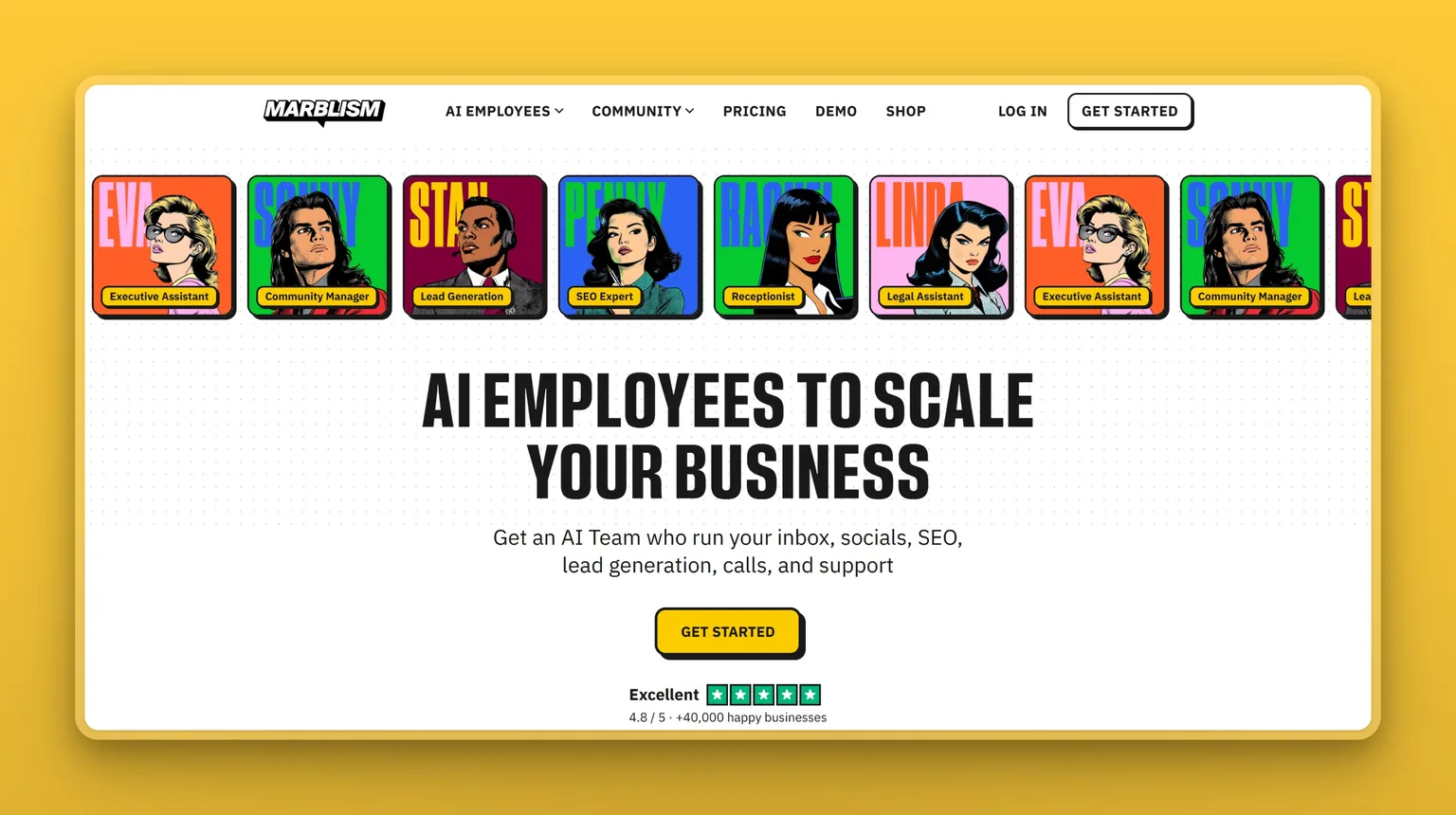
Marblism gives a small business six AI Employees on one subscription, each owning a function that usually keeps an owner working late. Eva, your AI Executive Assistant, handles the inbox, the calendar, and the booking back and forth. Rachel answers every call and books the appointment while you are busy. Stan keeps lead follow-up moving so nothing goes cold.
Sonny posts to your social channels, Penny writes blog content that ranks, and Linda drafts and reviews contracts in plain English to help you prepare, not to replace your lawyer. They work off the same shared record, so the lead Stan flags is already familiar when Eva drafts the reply.
The approval step is what makes it safe to hand over real work. Each of the six runs its function on its own, then stops for your yes or no on anything a customer will see. No email is sent, no post goes up, and no contract is signed until you approve it. That is the check that keeps a bad AI guess off your channels.
Key Features
- Six AI Employees on one login and one bill, so there is no stack of separate tools to keep track of
- Each owns a whole function end to end, not a single task you still have to drive
- Runs on its own between check-ins, including after hours
- Approval required before anything is sent, posted, signed, or called
Pros
- Owns whole functions end to end, so the recurring work runs itself
- Six roles on one flat plan and one login
- The approval step keeps confident AI mistakes out of your inbox and off your feed
- Setup is a conversation about your business, done in an afternoon
- Priced for an owner, from $24 a month
Cons
- No free plan or trial, and the $24 rate means paying about $288 up front for the year with only a 7-day window to change your mind (month to month is $44)
- Someone still has to approve what the employees queue up, so the inbox and the calls need a daily review pass
- Overkill if just one job flares up now and then
- It is not accounting software, so you still pair it with a bookkeeping tool
- The AI-Employee category is younger than the single-purpose tools it replaces
Pricing
All six AI Employees come with every plan, and the only thing that changes between plans is how often you are billed. Marblism runs $24 a month on annual billing, which is $288 for the year, or $33 quarterly and $44 month to month. Instead of a free trial there is a 7-day money-back window. Buy those same jobs piecemeal and each one carries its own bill: an answering service, a CRM seat, and a content tool are three separate subscriptions before you have covered contracts or social.
User Reviews
Marblism is rated 4.8 out of 5 on Trustpilot. In their reviews, owners describe the same shift: the inbox, the phone, and the chasing that used to eat their evenings now mostly handle themselves, with the owner approving what actually goes out. Marblism says customers save two or more hours a day once the team is running. That is the company's own number, so treat it as a target, not a promise.
I've been able to relax more in a few weeks with these AI employees than I did the last year with an office full of employees.
Oaty Scott, Marblism customer testimonial
Best For
Marblism fits the owner who is doing every job themselves and losing the evenings to it. Your problem may not be a single task but the pile of them at once: the receptionist, the assistant, the follow-up chaser, and the contract drafter. A team that owns those roles beats bolting on one more app.
If I had to turn on only two of the six first, I'd start with Eva and Rachel: the inbox and the phone are what cost a solo owner the most sleep. If you would rather stay hands-on with each task, a stack of single-purpose tools is the better fit.
Everyday AI assistant for a small business
The most common way a small business starts with AI is a general assistant. It is one chat window that drafts an email, rewrites an awkward paragraph, summarizes a long document, or talks through a decision. It is the cheapest, lowest-risk way in, and for a lot of owners it covers more than they expect.
ChatGPT: one flexible assistant for almost anything
ChatGPT is the tool most people mean by "AI" in the first place, and it is genuinely useful for the dozens of small writing and thinking jobs a business runs into that never justified their own software. Claude and Google Gemini do much the same thing with different strengths, and Perplexity is the pick when you want sourced answers from the live web.
Key Features
- Plain-language chat that drafts emails, quotes, proposals, and plans
- Rewrites copy for different customers, tones, and channels
- File uploads and web search on paid tiers for research and analysis
- Custom instructions that save your business's voice so drafts sound like you
- Snap a photo of a receipt or a competitor's flyer, or ask by voice between jobs, without stopping to type
Pros
- The free plan alone covers most of the writing a small business does in a week
- A usable draft of almost any message in the time it takes to write the prompt
- One subscription stretches across quoting, marketing, admin, and planning
- Enough small-business prompt examples online that you rarely start from a blank box
- The cheapest way to find out whether AI helps your business at all
Cons
- States wrong details with total confidence, so any figure or fact needs checking
- Sits idle until you prompt it, so nothing moves while you are serving a customer
- It cannot reach your inbox, calendar, or customer list without extra wiring
- On paid Plus a heavy session can quietly hit limits and drop you to a weaker model mid-task
Pricing
The Free plan is $0 and handles most everyday tasks. ChatGPT Plus is $20 a month and adds stronger reasoning, higher limits, and agent features. Business plans start around $25 per user a month for admin controls and data protection, so a small team can standardize on it.
User Reviews
ChatGPT holds a 4.6 out of 5 rating on G2. What owners keep citing is the range: the same window drafts a product description, reworks a customer email, and talks through a reply you are unsure about. The free tier is what makes it the near-universal first AI tool for a small business.
It helps with almost anything that I need help with in regards to my professional and personal life.
April V., loan processor at a small business, reviewing ChatGPT on G2
Best For
Start here if you have never paid for AI: a few dollars gets you one assistant for the hundred small writing and thinking jobs in a week. Run it daily for a month and watch what you keep opening it for, then buy a specialist only where a real bottleneck is left. Skip it as your always-on workhorse if you run heavy, back-to-back sessions on a budget. Paid Plus can throttle you to a weaker model mid-task, and the Pro tier that lifts the limits starts at $100 a month.
AI for marketing, content, and communication
Getting noticed used to mean hiring a designer and a copywriter. For a small business, three AI tools now cover most of it: one makes the visuals, one keeps the words clear and correct, and one puts you online in the first place. All three have genuine free tiers, so you can produce professional-looking marketing without a monthly retainer: Canva for the visuals, Grammarly for the words, Durable for putting it all online, a pairing our guide to using AI for small-business marketing walks through in a full campaign.
Canva: on-brand design without a designer
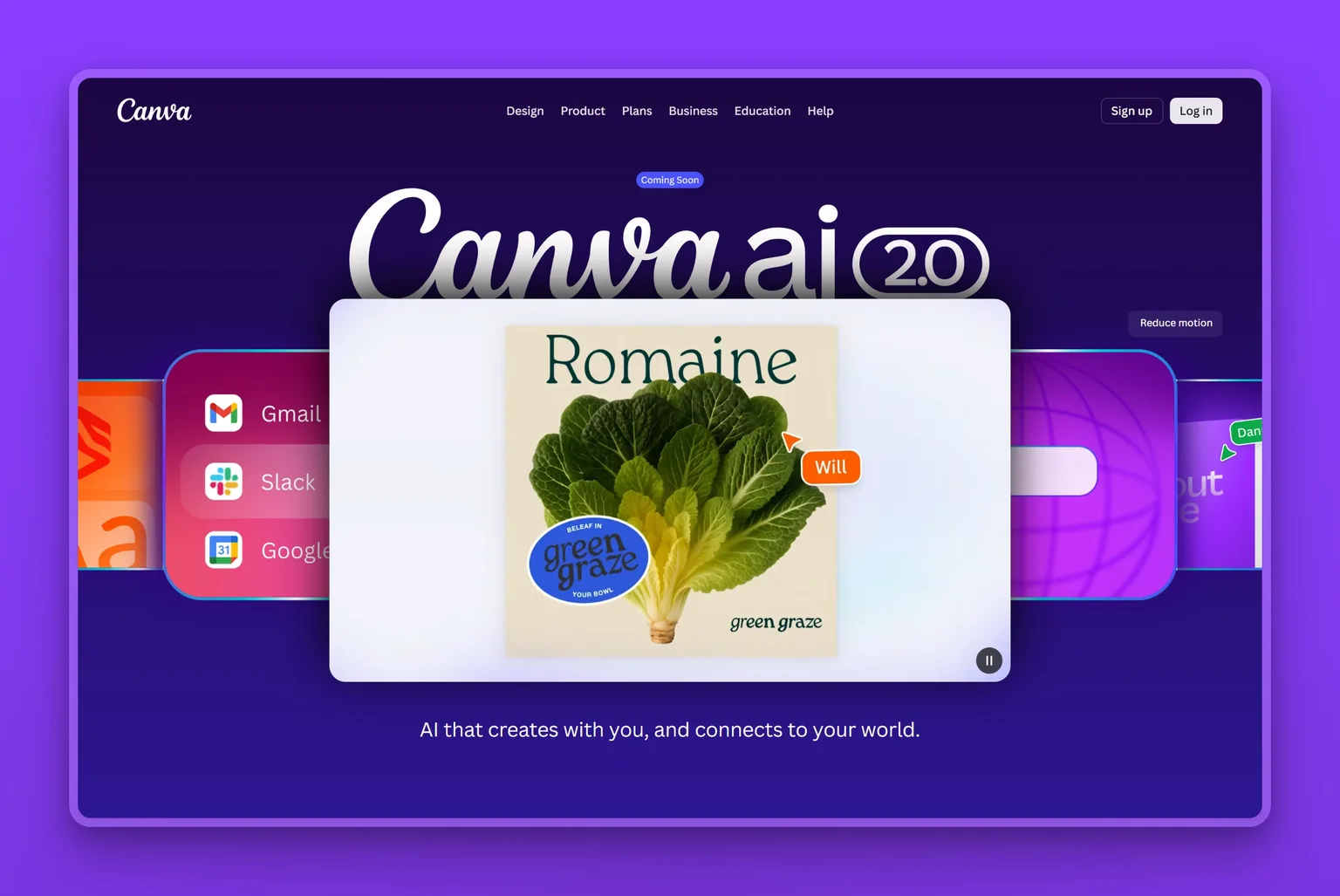
Canva is a drag-and-drop design tool, and its Magic Studio AI is what makes it fast for a non-designer. For an owner making their own marketing, it is the difference between an afternoon in a design app and ten minutes.
Key Features
- Magic Studio: text-to-design, text-to-image, and AI writing in one place
- Thousands of templates for social posts, flyers, menus, and decks
- Magic Resize to reformat one design for every channel at once
- Brand Kit so colors, fonts, and logo stay consistent across everything
- Background remover cleans up a product photo for a listing or ad, no separate editor needed
Pros
- Real free plan that covers a lot of a small business's design needs
- No design skill required; you start from a template and edit
- One prompt produces a full, editable design you can adjust
- Keeps your brand consistent across every post and document
- The pragmatic pick over heavier professional design software
Cons
- AI image generation still needs a human eye before it goes public
- Heavy AI use on the free plan hits monthly caps
- Popular templates mean your design can look like everyone else's without tweaks
- Reviewers flag auto-renewals, silent plan switches, and per-seat charges, with scripted support when you dispute them
- It designs; it does not schedule or run your social channels
Pricing
The Free plan includes templates and a monthly allowance of Magic Studio uses. Canva Pro is about $18 a month paying month to month, or $144 for the year on annual billing, which works out to about $12 a month. Either way it unlocks the Brand Kit, premium assets, and the full AI toolset. Canva Business runs about $25 per person a month for teams that need shared brand controls.
User Reviews
Canva holds a 4.7 out of 5 rating on Capterra. Small-business owners consistently call it the design tool that does one job well: quick, cheap, and good enough that no one can tell you made the graphic yourself.
You can create graphics, flyers, documents, presentations and it's all so easy to use. There is a wide resource of items to add to your designs and the best part is that there is a free version that does not lose value!
A small-business reviewer in leisure and travel, reviewing Canva on G2
Best For
The owner making their own social posts, flyers, and decks who wants them to look professional without hiring out. If design is a weekly job, Canva earns its plan fast; if you post rarely, the free tier is plenty. Skip the paid plan if you need designs that will not read as templated, or if you want your social channels actually scheduled and posted rather than just designed.
Grammarly: sharp writing everywhere you type
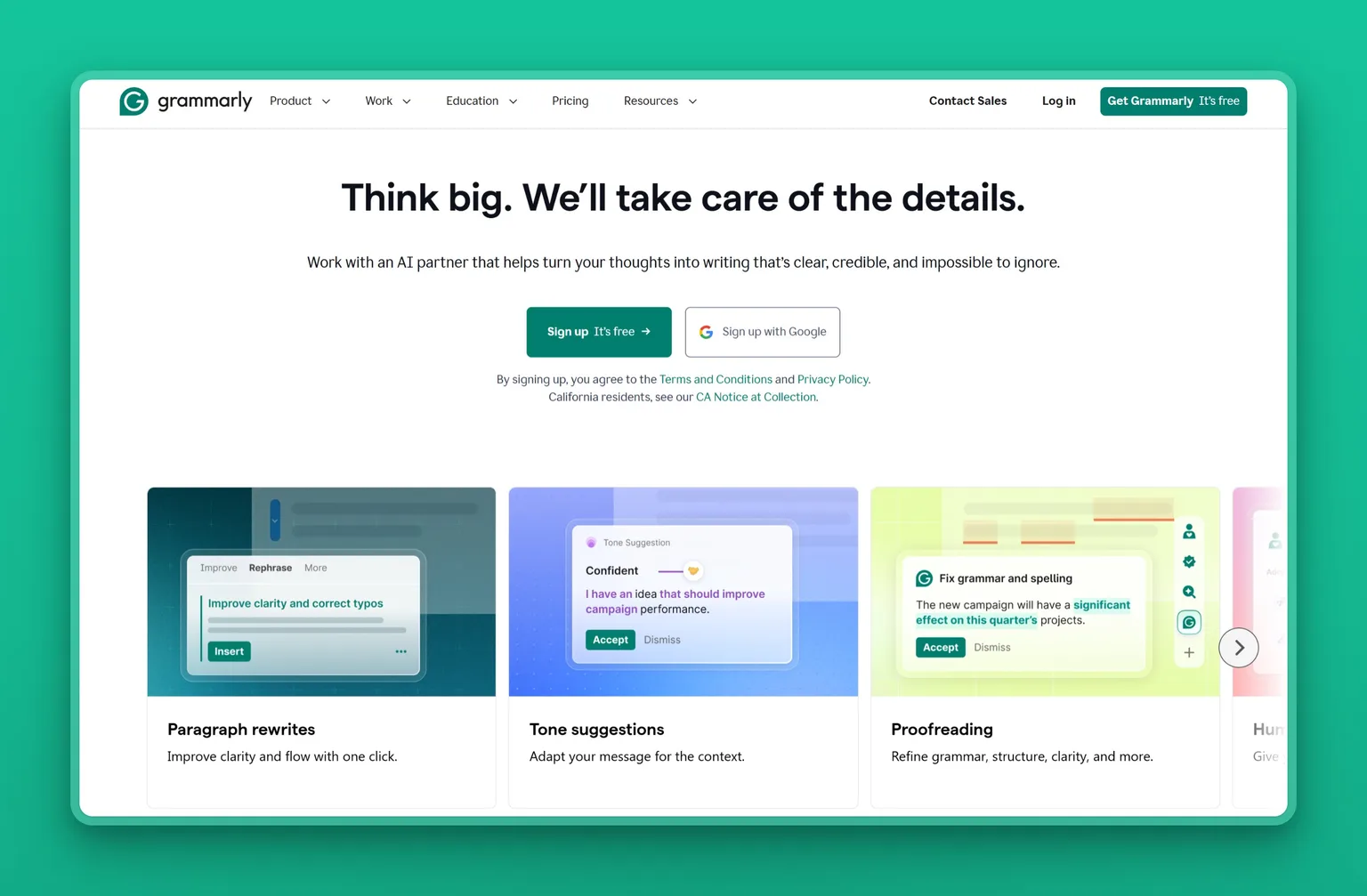
Grammarly is the quiet safety net for an owner whose writing is the customer's first impression: it catches the typo in a proposal or the wrong tone in a reply before a customer ever sees it.
Key Features
- Real-time grammar, spelling, and clarity fixes as you type
- Tone detection and adjustment so an email lands the way you meant
- Generative rewrites and drafting from a short prompt
- Works nearly everywhere you write: email, browser, docs, desktop
- Brand or style controls to keep your team's writing consistent
Pros
- Free tier covers the core grammar and spelling checks
- Works inside the email, browser, and docs you already write in
- Catches the embarrassing mistake before a customer does
- Tone adjustment helps a reply sound professional under pressure
- Fast to adopt; there is nothing to set up
Cons
- The best rewriting and tone features sit behind the paid tier
- Some owners feel basic grammar checking should not require the AI plan
- It can overcorrect, flattening a deliberate voice, and reviewers flag auto-renewals that are a hassle to cancel
- Overlaps with what ChatGPT can already do for you
Pricing
The Free plan handles grammar, spelling, and a monthly cap of AI prompts. Grammarly Pro is about $12 a month on annual billing, or $30 month to month, and lifts the AI limits with full rewriting, tone, and style controls. For larger teams, Enterprise (sold through Superhuman Go) adds organization-wide brand, security, and admin controls.
User Reviews
Grammarly holds a 4.7 out of 5 rating on G2. Owners treat it as the default polish layer. The recurring debate in reviews is price, since some feel the core checking should stay free rather than move under the AI tier.
It shows me what is wrong with my text, helps me write better and really improves my skill
Michaela G., social media advocate at a small business, reviewing Grammarly on G2
Best For
Anyone whose emails, proposals, and posts are the face of the business and needs them clean without a second read from someone else. If you already run everything through ChatGPT, the overlap is real, so try the free tier before paying, and skip the paid rewrites if you write in a strong, deliberate voice they tend to flatten.
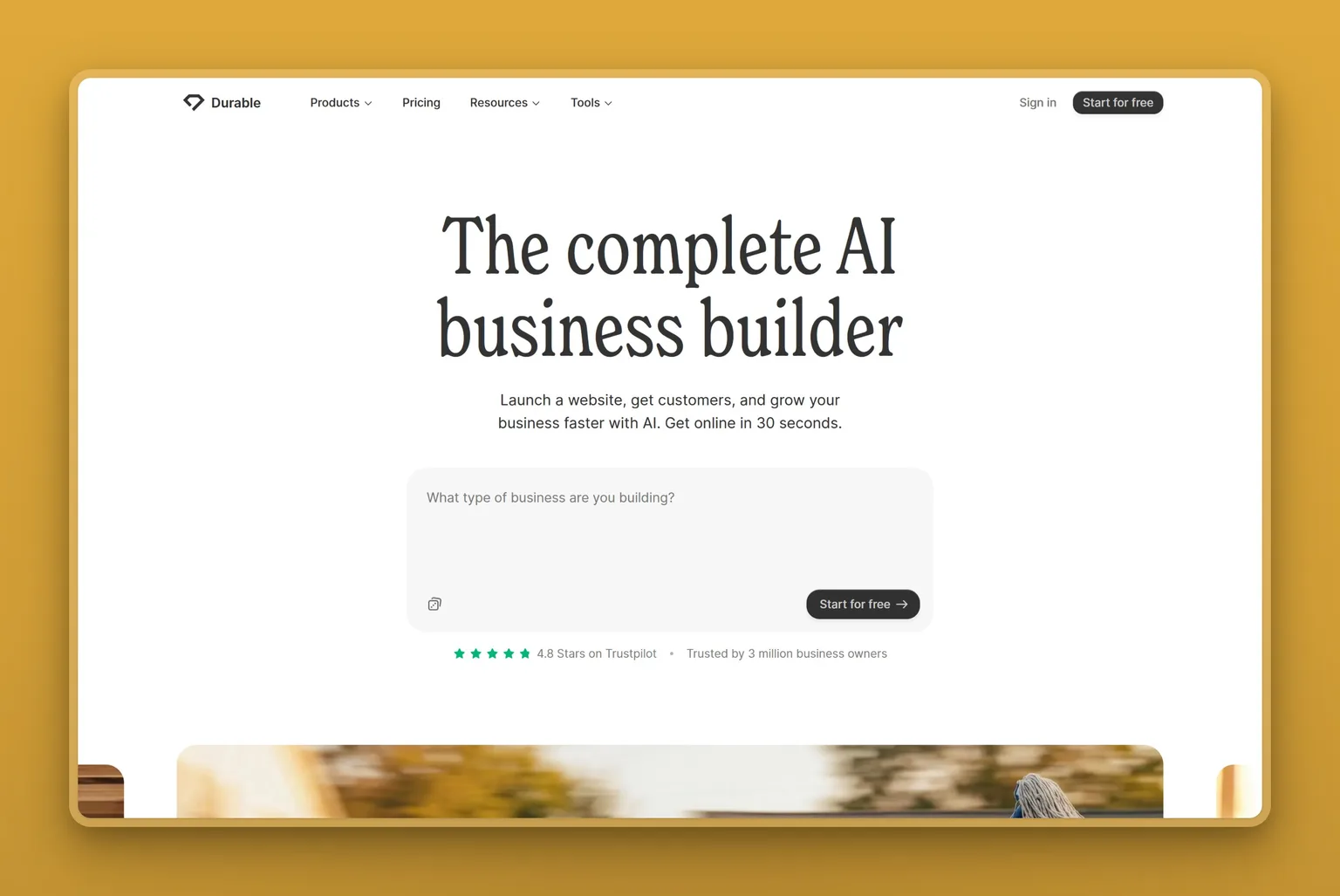
Durable: a business website live in about a minute
Durable builds a small-business website out of a few plain answers about what you do. For the owner who has been meaning to sort out a website for two years, it removes the part that stalls everyone, which is the blank page.
Key Features
- Generates a full site, copy and images included, from a description of your business
- Built-in CRM that captures leads and drafts AI replies to them
- Booking pages that sync to your calendar so customers schedule themselves
- Blog Writer and directory-listing agents that keep the site fresh for search
- Free custom domain, secure hosting, and unlimited traffic on paid plans
Pros
- The free plan puts a real, live site online, so you can test an idea before paying
- Fastest route from nothing to a working website for a non-technical owner
- Handles the SEO basics for you: metadata, headings, structured data, sitemap
- Booking and lead capture are built in, so the site brings in work on its own
- Costs less than a designer and less than most website subscriptions
Cons
- No-code by design, so there is little room for custom HTML or bespoke layout
- The company says it is not built for e-commerce, so an online store needs a different platform
- The generated copy and templates need editing or your site reads like every other Durable site
- Leaving can be slow: one owner publicly documented a weeks-long wait to get their domain released
Pricing
The Free plan puts a site on a durable.site subdomain with a small monthly allowance of AI images and chat. Durable's Launch plan is about $22 a month and adds a professional site, a free custom domain, unlimited bookings, and the AI agents that write posts and answer leads. Grow runs about $41 a month for unlimited team members and roughly ten times the AI usage. Paying annually takes about 15 percent off.
User Reviews
Durable holds a 4.7 out of 5 rating on Trustpilot. What owners keep describing is getting online the same afternoon they signed up, which is the entire promise. The sharpest complaints are about billing and about how long it takes to move a domain somewhere else.
Durable has become an essential part of my workflow. The platform is fast, intuitive, and genuinely reduces the friction of building and maintaining a professional online presence.
Hauls And beyond, reviewing Durable on Trustpilot
Best For
The owner with no website, no designer, and no patience for either. If you need a presence and a booking link this week, Durable gets you there for nothing and grows with you. Skip it if you sell products online, need a bespoke design, or already run a WordPress or Shopify site you are happy with.
AI for winning and keeping customers
Two jobs decide whether a small business grows: not losing the leads you already have, and answering the customers knocking right now. AI has moved into both. Both tools below are free to start. A CRM with AI keeps your list organized and your follow-up on time. An AI chat tool answers the routine questions on your website, so a real person is free for the ones that matter.
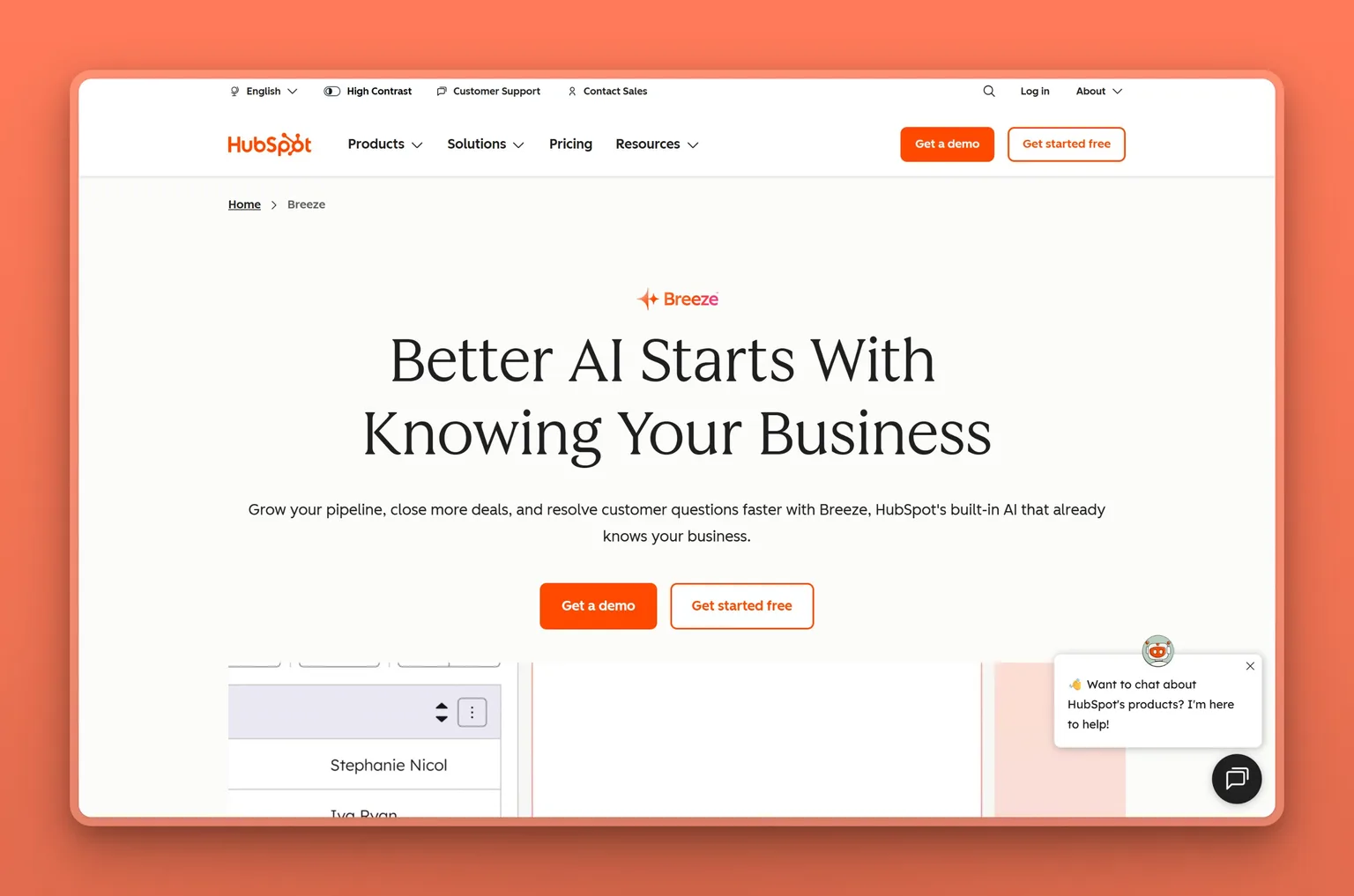
HubSpot: a free CRM that remembers your customers
HubSpot is a customer relationship manager, and its free tier is what makes it a fit for a small business. It is the antidote to the lead that goes cold because it got lost in your inbox.
Key Features
- Free CRM for contacts, deals, and a full history of every interaction
- Breeze Copilot drafts emails and answers questions about your pipeline
- AI lead scoring that surfaces the contacts worth your time first
- Email, calling, and meeting scheduling logged automatically
Pros
- Genuinely free CRM tier with no time limit, real for a small team
- Keeps every lead and customer in one organized place
- Breeze AI drafts and prioritizes so follow-up stops slipping
- Scales from a solo founder to a small sales team on the same system
- Large ecosystem of guides and integrations
Cons
- Costs climb fast once you need the paid Marketing or Sales Hubs
- The full platform is more than a one-person shop needs on day one
- AI credits and paid hubs make the real bill harder to predict
- Breeze AI only knows what is already in HubSpot, so its answers are only as good as your CRM data
- HubSpot's quoted results are its own marketing numbers, so verify them against your own use
Pricing
The core CRM is free for up to two users with no time limit. Paid Starter plans begin around $20 per seat a month, often discounted, and the professional hubs run into the hundreds per seat once you need advanced marketing or sales features. Breeze AI features draw on a credit allowance on top.
User Reviews
HubSpot holds a 4.4 out of 5 rating on G2. The free tier and how much it pulls into one place are what owners rave about. The catch they name just as often is cost creep, since the upgrades you actually want sit on higher-priced hubs. A common complaint is that a CRM can turn into busywork of its own, so lean on the AI and automation to keep it from becoming another chore.
I like how easy HubSpot Marketing Hub is to use while still being powerful.
Abdul R., employer engagement executive at a small business, reviewing HubSpot on G2
Best For
The owner who is losing track of leads and customers in scattered inboxes and spreadsheets and wants one system that remembers everything. Start on the free CRM and add paid hubs only when a specific job, like email marketing, clearly needs them. Skip it if your customer data already lives in an established CRM like Salesforce that your team will not leave. Breeze only knows what is in HubSpot, so its answers are only as good as the records you keep there.
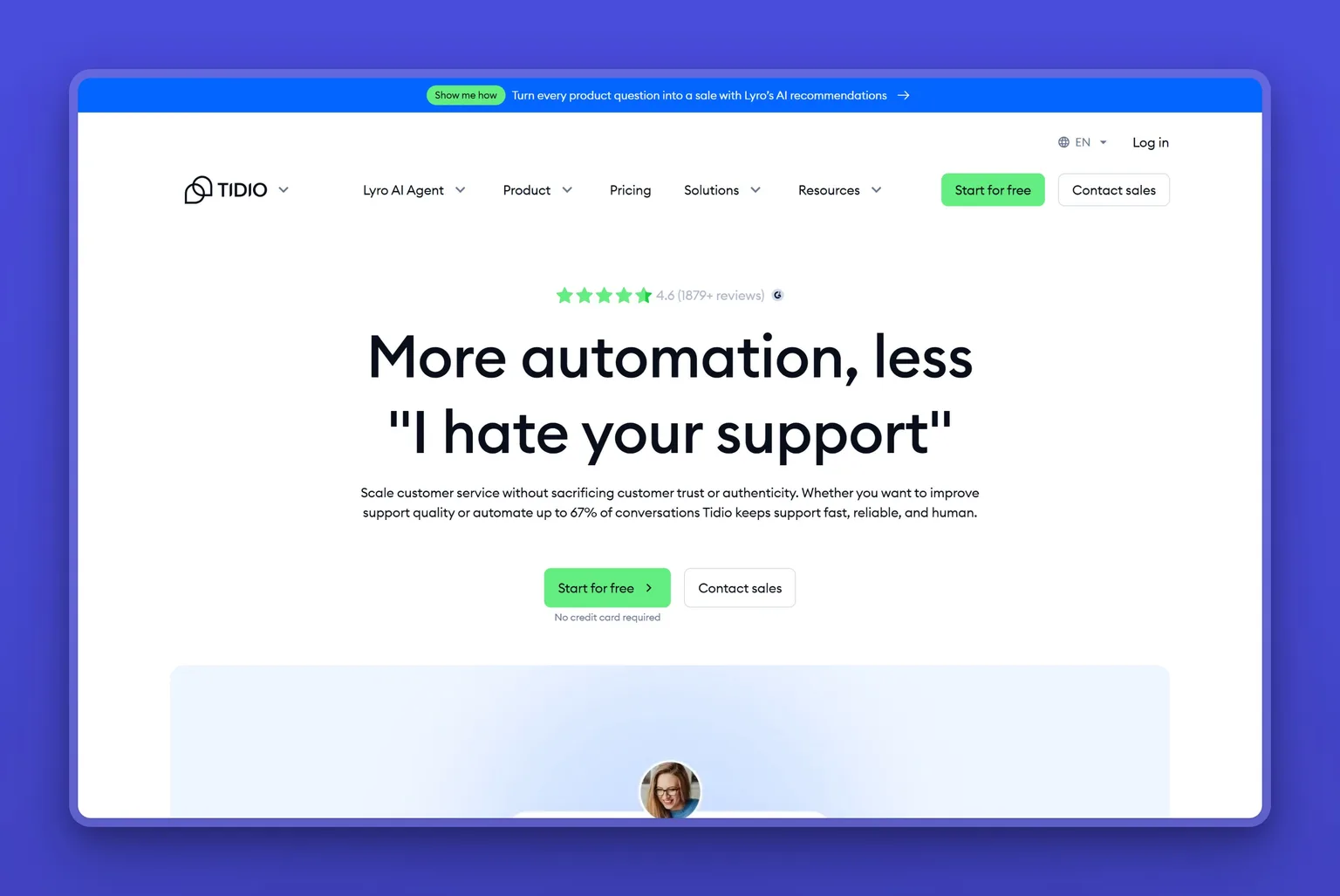
Tidio: answer website questions around the clock
Tidio is live chat and AI support for your website, built for small businesses rather than enterprises. Its Lyro AI answers common customer questions on its own, drawn from your own help content, so a visitor at midnight gets a real answer instead of a contact form. Tidio reports Lyro resolves up to 67 percent of routine questions without a human, which frees you for the ones that actually need you.
Key Features
- Lyro AI answers routine questions from your own content, 24/7
- Live chat with a shared inbox for the conversations that need a person
- Prebuilt flows for common jobs like order status and lead capture
- Product cards and cart recovery for online stores
- Integrations with Shopify, WordPress, and major email tools
Pros
- Free plan lets a small store try AI support before paying
- Answers the repetitive questions so you handle only the real ones
- Fast to set up on an existing website, no developer needed
- Built for small businesses from the ground up
- Captures leads around the clock, including after hours
Cons
- Lyro AI conversations and advanced flows are paid add-ons, so the real bill runs above the sticker
- The free Lyro allowance is a one-time credit that runs out for good
- Pricing transparency is the top complaint in reviews
- Answers are only as good as the help content you feed it
Pricing
The Free plan covers basic live chat and a small allowance of Lyro AI conversations. Paid plans start at about $24 a month on annual billing, or roughly $29 billed monthly. Lyro AI is sold as an add-on priced by conversation, so budget for the AI usage on top of the base plan. Read the add-on math before you commit, since it is where costs surprise people.
User Reviews
Tidio holds a 4.7 out of 5 rating on Capterra. Setup speed and around-the-clock coverage are the wins owners mention most. Pricing clarity is the sore point: the base plan looks cheap until you add Lyro and the flows on top.
I found Tidio really easy to use. What I liked about it is you can link a knowledge base to it, and it syncs well, having everything we needed.
Andrew O., design director at a small business, reviewing Tidio on G2
Best For
The online store or service business fielding the same customer questions all day that wants them answered without hiring a support person. If your questions are complex or high-stakes, keep a human close and let Lyro handle the routine ones. Skip it if you need a flat, predictable bill, because Lyro is priced per conversation and the cost moves with your traffic.
AI for meetings, projects, and automation
Behind the customer-facing work sits the admin that quietly eats a day. There are the calls you half-remember by evening, and the copy-paste shuffle of moving information between the apps you already pay for. Three AI tools take those off your plate: one captures every conversation, one rebuilds your schedule when it slips, and one connects everything else. Two of the three are free to start; only Motion is paid-only.
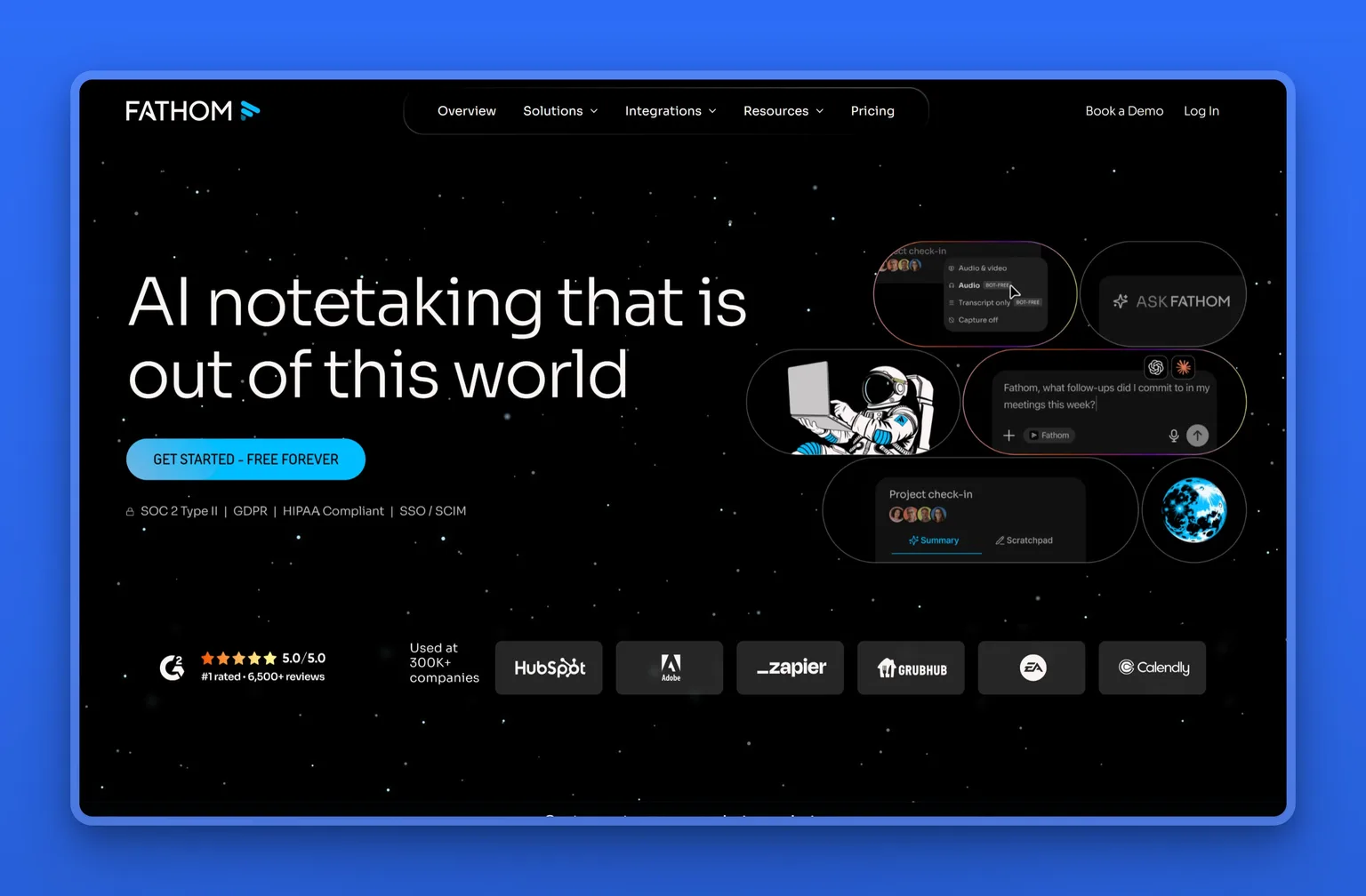
Fathom: never lose what was said on a call
Fathom sits in on your Zoom, Google Meet, and Teams calls, then hands you a transcript, a summary, and the action items without you typing a word. A sales call or a client kickoff turns into a searchable recap with clear next steps, instead of a page of half-legible notes you scrawled mid-conversation. Its free plan is unusually generous, which is why owners keep passing its name around.
Key Features
- Automatic recording, transcription, and AI summaries of every call
- Action items pulled from the conversation without you typing them
- Searchable history so you can check what a client said before you follow up
- Ask Fathom to query across past meetings
- Syncs summaries into HubSpot, Salesforce, and Slack on paid tiers
Pros
- Free plan records and transcribes as much as you want, with no meeting cap
- You stay present on the call while it handles every note
- The summary and next steps are waiting the moment you hang up
- A searchable record of every customer conversation
- Native CRM sync so notes land where your deals live
Cons
- The free plan gives unlimited basic summaries, but advanced summaries and AI action items need the paid Premium plan
- Captures video calls only; in-person and mobile meetings are out of scope
- Recording needs consent, which varies by state and country
- CRM sync sits on the paid plans, and it captures the call without acting on the follow-up
Pricing
Fathom's free plan is unusually generous: unlimited recording, transcription, and instant call summaries, free forever. For a solo owner, Premium is $16 per user a month and adds advanced summaries, AI-generated action items, and the conversational meeting assistant. The team plans start at $15 per user a month on Team (two-user minimum), with Business at $25 per user for CRM sync, deal insights, and coaching tools.
User Reviews
Fathom holds a 5.0 out of 5 rating on Capterra. What comes up again and again is how much you get on the free tier and how readable the summaries are. Plenty of owners say they moved over after another notetaker kept mishearing what was said.
Fathom allows me to be fully present during Zoom meetings instead of dividing my attention between the conversation and taking notes.
Braden S., principal at a small business, reviewing Fathom on G2
Best For
The owner or small team whose sales and client conversations happen on video and who wants them captured without thinking about it. Skip it if you meet customers mostly in person, if your buyers bristle at a recording bot joining the call, or if you would need fast human support the moment something breaks.
Motion: an AI planner for your tasks and calendar
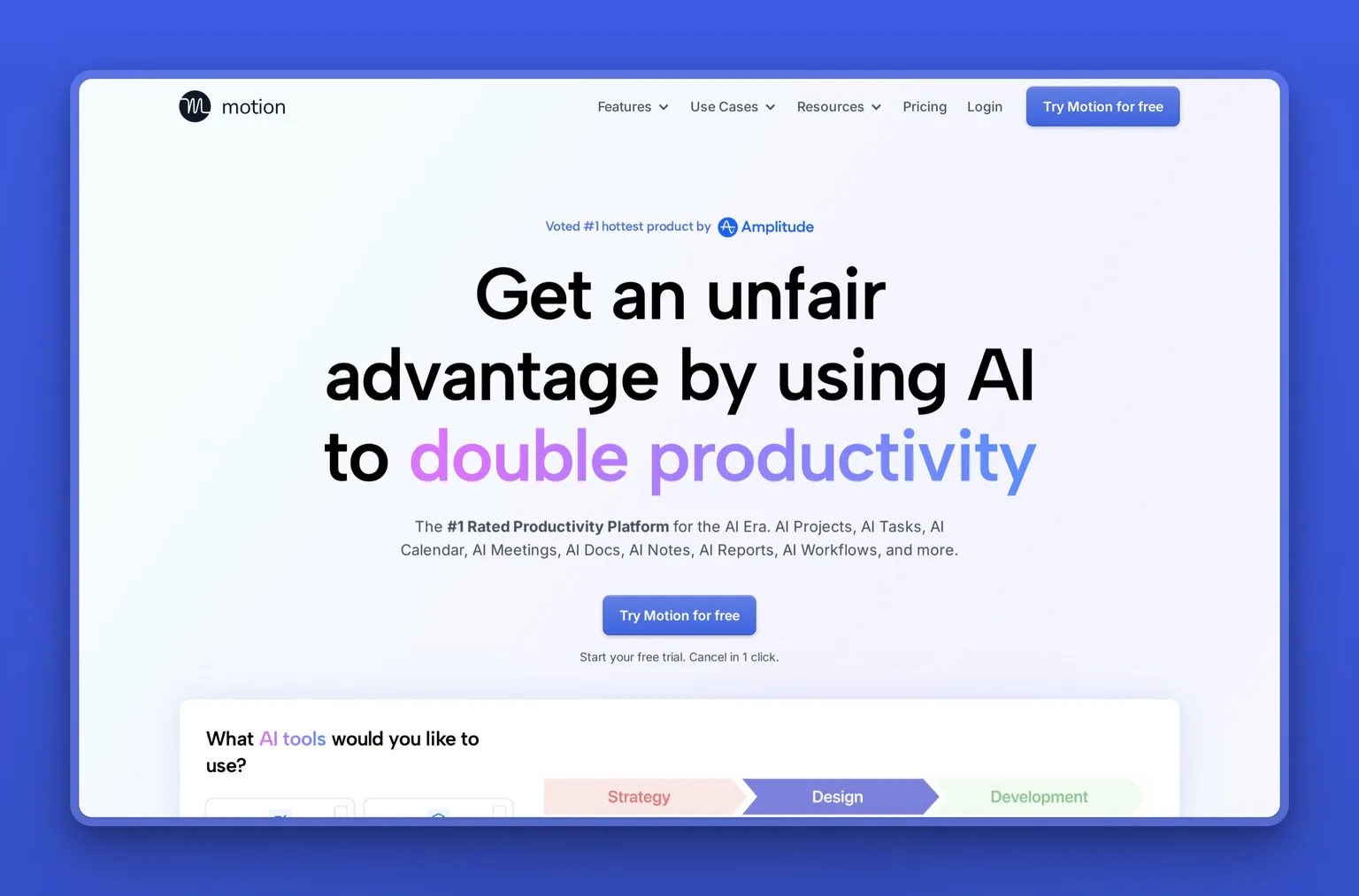
Motion takes your tasks, meetings, and deadlines and builds the actual schedule, then rebuilds it every time something moves. Instead of a to-do list you ignore, you get a calendar that tells you what to work on now and quietly pushes the rest. When a client call runs long or a rush job lands, it reshuffles the week around the deadlines rather than leaving you to re-plan the day.
Key Features
- AI task planner that time-blocks your to-do list into real calendar slots
- Automatic rescheduling when a meeting overruns or a priority changes
- One view across several calendars and accounts
- Works backward from deadlines and builds in buffer time
- Meeting scheduling, notes, and docs in the same app
Pros
- Turns an overwhelming task list into a decided, hour-by-hour day
- Replans on its own, so a disrupted morning does not cost you the afternoon
- Strongest when the work is deadline-driven and constantly interrupted
- Puts calendar, tasks, and notes in one place so you stop switching apps
Cons
- No free plan at all, only a trial, so you pay from day one to find out whether it fits
- Reviewers say the mobile app trails well behind the desktop version
- The AI does not explain why it scheduled something the way it did
- Some integrations need workarounds before they sync both ways
- Billing and cancellation are the most common complaints in its reviews
Pricing
There is no free tier, only a trial. Motion's Pro AI plan is $19 per seat a month on annual billing, with Business AI at $29 per seat adding team capacity planning, dashboards, and time tracking. Monthly billing costs meaningfully more, and both plans meter AI usage as credits, so heavy use pushes you toward the higher tier.
User Reviews
Motion holds a 3.8 out of 5 rating on Trustpilot, the lowest score in this lineup, and the split behind it matters. Owners who commit to it describe the scheduling as genuinely adaptive, rebuilding the day rather than just flagging a clash. The low scores are mostly about price, billing, and cancellation rather than whether the AI works.
I like that Motion finds the open spots on my calendar and places tasks in a way that already prioritizes them. I also like that I can reorganize things pretty easily if I need to.
Rachael H., nutritional consultant at a small business, reviewing Motion on G2
Best For
The owner whose problem is not a missing tool but a day that falls apart by ten in the morning, and who will pay to have it rebuilt automatically. I wouldn't let the 3.8 rating scare you off if your problem is the calendar rebuilding itself: the complaints are almost all about billing, not whether the scheduling works. Skip it if your schedule is fairly predictable, if you want to try before paying, or if you are shopping for a full project-management system. Motion is a layer over your time rather than a system of record for the work itself.
Zapier: connect the apps you already pay for
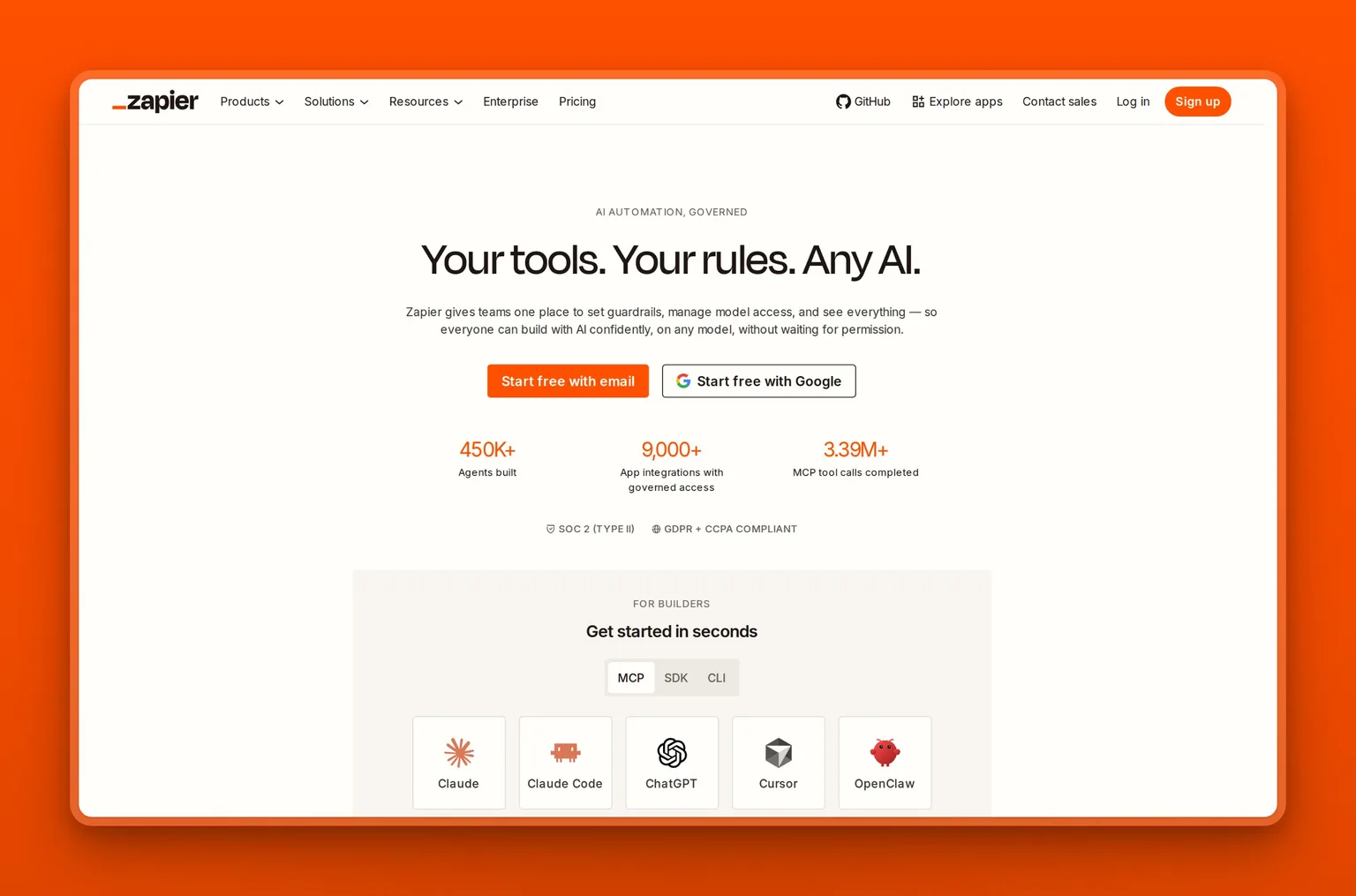
Zapier links the thousands of apps a small business already uses so information moves between them without you copying it by hand. A new form submission creates a CRM contact, a paid invoice posts to your accounting sheet, a booked call adds a task. Its newer AI features let you build these workflows, called Zaps, from a plain description, and add AI steps that draft or classify along the way.
Key Features
- Connects thousands of apps into automated, no-code workflows
- Multi-step Zaps with filters and paths for real business logic
- AI that builds a workflow from a plain-language description
- AI steps that draft, summarize, or categorize inside a workflow
- Prebuilt templates for common small-business handoffs
Pros
- Removes the copy-paste busywork between your tools
- No code, so an owner can build a working automation in minutes
- Connects almost anything, so you keep the apps you like
- Free tier is enough to automate your first few handoffs
- Templates mean you rarely start from scratch
Cons
- Per-task pricing climbs fast once your automations get busy
- A runaway workflow can burn tasks and rack up surprise charges
- Debugging a broken Zap can be fiddly
- Heavy users often migrate to cheaper tools like Make or n8n once bills rise
Pricing
The Free plan covers 100 tasks a month, enough to test a few automations. Paid plans start around $20 a month and scale by the number of tasks you run, so a busy account can climb quickly. If your volume gets high, Make and the self-hosted n8n are the usual lower-cost alternatives owners move to.
User Reviews
Zapier holds a 4.5 out of 5 rating on G2. A form that files itself into a CRM and a spreadsheet takes minutes to wire and then runs untouched, which is what owners rate it for. Cost at scale is the steady gripe, and the usual advice is to start on Zapier, then move to a cheaper engine once the task bill starts to sting.
It makes collecting and transferring data to my CRM easy and hands off.
Lisa B., operations manager at a small business, reviewing Zapier on G2
Best For
The owner tired of re-typing the same information between a form, a CRM, and a spreadsheet who wants the handoffs to happen on their own. If you only need one or two simple connections, start free and watch the task count before you upgrade. Skip Zapier as your main engine once you run high volume. Per-task billing climbs fast, and heavy automators usually move to Make or self-hosted n8n for a fraction of the cost.
AI for bookkeeping and accounting
The books are the job owners put off longest and regret most at tax time. Accounting software has quietly become one of the most useful places for AI in a small business. The work, sorting transactions and chasing payment, is repetitive and rule-based, which is exactly what AI does well.
QuickBooks: keep the books current on their own
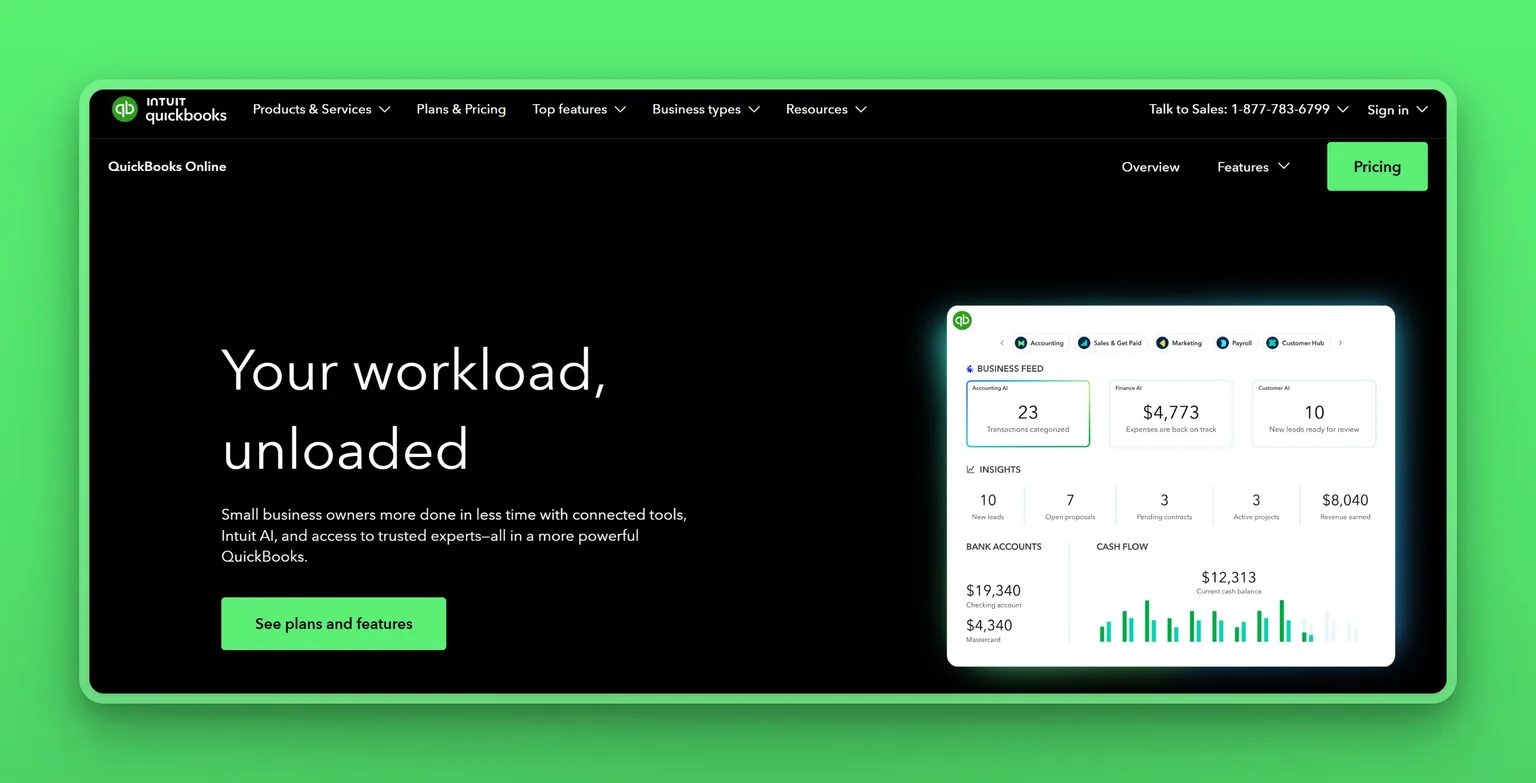
QuickBooks is the accounting standard for small businesses, and its Intuit Intelligence AI now handles the parts owners dread. It categorizes expenses automatically from your connected bank feed, drafts invoices, and sends payment reminders so you chase fewer overdue bills. Instead of a weekend of sorting receipts before tax season, the books stay close to current on their own, with you approving the edge cases.
Key Features
- Intuit Intelligence auto-categorizes expenses from your bank and card feeds
- Automatic invoice creation and payment reminders
- AI help drafting and interpreting financial reports
- Mileage, receipts, and 1099 contractor tracking
- Higher tiers add AI agents for payments and cash-flow tasks
Pros
- Automates the bookkeeping owners put off the longest
- Cuts the pre-tax-season scramble to near zero
- The standard your accountant almost certainly already uses
- Bank syncing keeps records accurate without manual entry
- Scales from a solo operator up to a small team with staff
Cons
- Genuinely a subscription with real per-tier costs, no free plan
- Prices rose across tiers recently, so check the current rate for your plan
- Support quality is the most common complaint in reviews
- The advanced AI agents sit on the higher, pricier tiers
Pricing
QuickBooks Online has no free plan. Simple Start is $38 a month, with Essentials at $75 and Plus at $115 as you add users and bill management. For a one-person business, QuickBooks Solopreneur is the cheaper sibling, with a free tier for the basics and a $20 Lite plan. Basic AI categorization is included across plans; the more advanced AI agents require the higher tiers.
User Reviews
QuickBooks Online holds a 4.3 out of 5 rating on Capterra. Owners rely on it for invoicing, expense tracking, and clean reports; the recurring frustration is customer support wait times when something breaks, so factor that into how you use it.
The interface is user-friendly, and the accounting sections are clearly laid out and easy to understand.
Tanu T., executive at a small business, reviewing QuickBooks Online on G2
Best For
Any small business that invoices customers and dreads the books. If you send invoices and track expenses, QuickBooks pays for itself in saved hours at tax time. A very simple side business with a handful of transactions may get by with a spreadsheet and ChatGPT for a while.
All 11 AI tools for small business at a glance
| Tool | Type | Standout strength | Free plan |
|---|---|---|---|
| Marblism | All-in-one AI team | Runs whole functions and checks with you | No, 7-day refund |
| ChatGPT | General assistant | Flexible help for almost any small task | Yes |
| Canva | Design | Prompt-to-design for non-designers | Yes |
| Grammarly | Writing | Clarity and tone fixes everywhere you type | Yes |
| Durable | Website builder | A working site and booking page in minutes | Yes |
| HubSpot | CRM | Free CRM; Breeze AI drafting and scoring on credits | Yes |
| Tidio | Customer support | Lyro AI answers routine questions 24/7 | Yes |
| Fathom | Meeting notes | Records and summarizes calls, generous free tier | Yes |
| Motion | Calendar and tasks | Time-blocks your work and replans when it slips | No, trial only |
| Zapier | Automation | Connects thousands of apps with no code | Yes |
| QuickBooks | Accounting | AI that codes expenses and chases invoices | No |
Which should you start with?
You do not need all eleven, and I would not start with more than one. Pick the single job costing you the most this month, and start there.
Is the problem that everything lands on you at once? Start with Marblism and let an AI team take whole functions off your desk.
Do you just want a cheap, flexible helper to try AI? Start with ChatGPT's free plan and learn what you reach for.
Is your bottleneck one specific job rather than the whole desk? Match it to the specialist: Canva for design, Grammarly for writing, Durable for a website, HubSpot for leads, Tidio for website support, Fathom for calls, Motion for a schedule that keeps slipping, Zapier for busywork, QuickBooks for the books.
Still cannot name the one job that hurts most? Run two free tiers for a week, usually ChatGPT plus one specialist, and add the next tool only when a different job is clearly still hurting.
Two of the eleven are safe to skip or keep free. If you already run everything through ChatGPT, you can pass on Grammarly; the overlap is real. And stay on Zapier's free plan until you genuinely blow past its 100 tasks a month, because that free tier covers a solo owner's first few automations.
Three AI starter stacks for a small business
Most owners run two or three of these together, not one. Match your stage, free, solo paid, or a growing team, to one of the three stacks below, and skip piling on subscriptions you never open.
Free stack: what you can run at $0
ChatGPT, Canva's free plan, Durable's free site, and HubSpot's free CRM. You get a general assistant, professional-looking marketing, a website, and a place to keep your customers, all for nothing. Nothing to cancel, so it is the cheapest way to find out what AI actually changes about your week.
Solo paid stack, mostly hands-off
Marblism running the recurring work, with ChatGPT alongside for one-off writing. Marblism owns the inbox, the calls, and the follow-ups as whole functions; ChatGPT handles the odd draft or proposal. Pick this when you would rather approve finished work than juggle five separate tools every day.
Growing team's stack
HubSpot to hold your leads, Tidio to answer website questions, Fathom to capture every sales call, and Zapier to connect them. Reach for this once it is customer volume rather than admin holding you back, and there are a couple of people to keep it running.
Your first two weeks with AI
Signing up takes two minutes; the adoption is what fails. The trap is subscribing to five and adopting none. A simple two-week test keeps you honest.
Week one: pick one bottleneck and measure it. Choose the single job that costs you the most time, and write down a rough baseline, say four hours a week answering the same customer questions. Then run one free tool against it: Tidio for those questions, Fathom for call notes, ChatGPT for drafting.
Week two: keep it or cut it. Check whether the tool actually gave those hours back. If it did, keep it and move to the next bottleneck. If it did not, cancel before any trial converts and try a different one. Add a second tool only once the first has clearly earned its place.
Start with the job that hurts most
The bottom line: pick one job and start this week. Marblism earns its place at a different moment, when it is not one job hurting but the whole desk, and you are the only person there to catch any of it. Adding a tenth login does not fix that; a team that runs the inbox, the calls, and the follow-ups does, and it still waits for your yes before anything reaches a customer. You can see how other small businesses run on it and read why an AI employee is the hire a small business actually needs before you decide.
Frequently asked questions
Picking your first tool
What is the best AI tool for a small business?
Work it out on price. One specialist runs about $12 a month on annual billing, so if a single job is hurting, buy the tool built for it: Canva for design, QuickBooks Online for the books at $38, Tidio for website questions. The whole six-function team runs $24. That is the real decision, one job or all of them, and the arithmetic answers it faster than any feature list.
What is the best AI tool for small business marketing?
Canva covers the visuals: social posts, flyers, and decks from a prompt, with Magic Studio for about $18 a month billed monthly. Durable covers getting a site live in the first place, generating pages and copy from a description for about $22 a month on the same basis. Between the two, most small-business marketing needs are covered without hiring a designer or a developer.
How do I know if an AI tool is actually saving me money?
Put a number on it before you subscribe. Write down the hours the job eats now, multiply by what your time is worth, and compare that to the tool's monthly price. A $24-a-month tool that saves three hours a week pays for itself many times over; one that saves twenty minutes does not. Re-check after two weeks of real use, and cancel anything that has not moved the number.
What it costs to run
Are there free AI tools for small businesses?
Yes. ChatGPT, Canva, Grammarly, Durable, HubSpot's CRM, Tidio, Fathom, and Zapier all have real free plans you can run a business on to start. You can assemble a working AI setup for nothing and start paying only where a tool has clearly earned it. QuickBooks, Motion, and Marblism are the paid exceptions, and Marblism offers a 7-day money-back guarantee instead of a free trial.
How much do AI tools for small business cost?
Most small-business AI tools run $0 to about $30 a month each, so a working stack costs $0 on free tiers, roughly $24 to $60 for a solo paid setup, and into the low hundreds for a growing team.
Risk, fit, and what to expect
What is the biggest risk of relying on AI in a small business?
It states wrong details with complete confidence. Anything a customer sees, a quote, a contract, a public post, needs your eyes before it goes out. Keep client data out of tools that train on your inputs unless you opt out. Tools that build in an approval step, Marblism among them, keep that check switched on by default.
Can AI replace employees in a small business?
Not the people who matter. AI is good at the repetitive work around a business: drafting, scheduling, answering the same question for the hundredth time, chasing an unpaid invoice, sorting receipts. It is weak at the judgment and the relationships that actually close a sale.
The U.S. Chamber of Commerce found 82 percent of small businesses using AI increased their workforce over the past year. Expect a few hours back a day, not a smaller payroll.
Which AI tools work with the software I already use?
Most connect to the common small-business stack, so confirm your core apps before you pay. HubSpot and Fathom sync with each other and with your email, Tidio drops into Shopify or WordPress, and Zapier exists to wire almost anything to anything. The two-minute check is whether your two or three must-have systems are on the list, so data flows without you re-typing it.
Do I need technical skills to use AI tools?
No. Every tool in this guide sets up from a browser with no code: Durable builds a site from a description, Tidio drops into Shopify or WordPress with a snippet, and Marblism arrives with the six roles already built. The only one that rewards patience is Zapier, where multi-step automations take an afternoon to think through.