9 Best Fyxer Alternatives Compared for 2026

Jesus Malo · CMO, Marblism

The best Fyxer alternatives in 2026 are Marblism, Serif, Superhuman Mail, Shortwave, Inbox Zero, SaneBox, Lindy, Missive, and Gmelius. Fyxer is an AI email assistant that files your incoming mail, leaves reply drafts waiting in your voice, and sends a notetaker into your meetings, and most people who leave it are not leaving over the drafting. They are leaving over the bill, the single seat, or the two inboxes it supports. If you want the inbox handled as one job among several rather than as a standalone subscription, Marblism is the closest fit.
Between June and July 2026, four unrelated people left Fyxer one-star reviews describing the same pattern: a bill that grew without their agreement, through seats they never added, a tier that jumped on its own, or a double charge. Fyxer bills per seat, and several reviewers report seats appearing on their subscription that they never added, so the price you agreed to is not always the price you pay.
None of that drops Fyxer below 4.1 out of 5 on Trustpilot, and the people who like it really like it. The right question is not whether the tool is good but what you are leaving over, because that decides which alternative fits. Billing that can add seats without you clicking anything is a design choice, and it is the one thing on this page I would rule a tool out over.
TL;DR
Marblism is the pick if email is one of several jobs you wanted off your plate, because it costs about what Fyxer Starter costs and hands you five more roles alongside the inbox. Serif is the name that comes up most in the Reddit thread Google ranks first for this search, and you can start it free before any paid plan.
Superhuman Mail is the fastest, and the one people who live in the inbox keep paying for. Inbox Zero does the same core job for ten dollars a month less. SaneBox is the answer nobody else gives you: it works with any email client, including Apple Mail.
Missive and Gmelius exist because Fyxer is one seat and a team inbox is not. If none of those five complaints matches your situation, staying on Fyxer is a perfectly good answer.
| Tool | Best for | Key strength |
|---|---|---|
| Marblism | Owners who want more than email handled | Six AI Employees on one flat price, unlimited team members |
| Serif | Switchers who want a free starting point | A free start with no card, Gmail and Outlook, the most-named pick in the top Reddit thread |
| Superhuman Mail | People who live in the inbox all day | Keyboard-first speed, 4.8 out of 5 on Product Hunt |
| Shortwave | Gmail users who want AI in the client itself | AI search and bundling built into a full Gmail replacement |
| Inbox Zero | Doing the same job for less | $20 a month against Fyxer's $30, plus bulk unsubscribe |
| SaneBox | Anyone not on Gmail or Outlook | Works with every email client, from $2.04 a month |
| Lindy | People who want rules Fyxer will not give them | A build-your-own assistant across inbox, calendar and 100+ apps |
| Missive | Teams sharing one inbox | Shared inboxes with email, SMS and social in one place |
| Gmelius | Google Workspace teams who will not leave Gmail | Shared inbox and an AI assistant layered inside Gmail |
What Fyxer does, and why people look elsewhere
Fyxer is an AI email assistant that connects to your Gmail or Outlook account and does three things: it sorts incoming mail into categories like "To Respond", "FYI" and "Marketing", it writes reply drafts in your writing style, and it sends a notetaker into your video calls that leaves a follow-up email waiting in your drafts folder. The company behind it is Fyxer AI Limited, a UK business, and the product now brands itself simply as Fyxer rather than Fyxer AI.
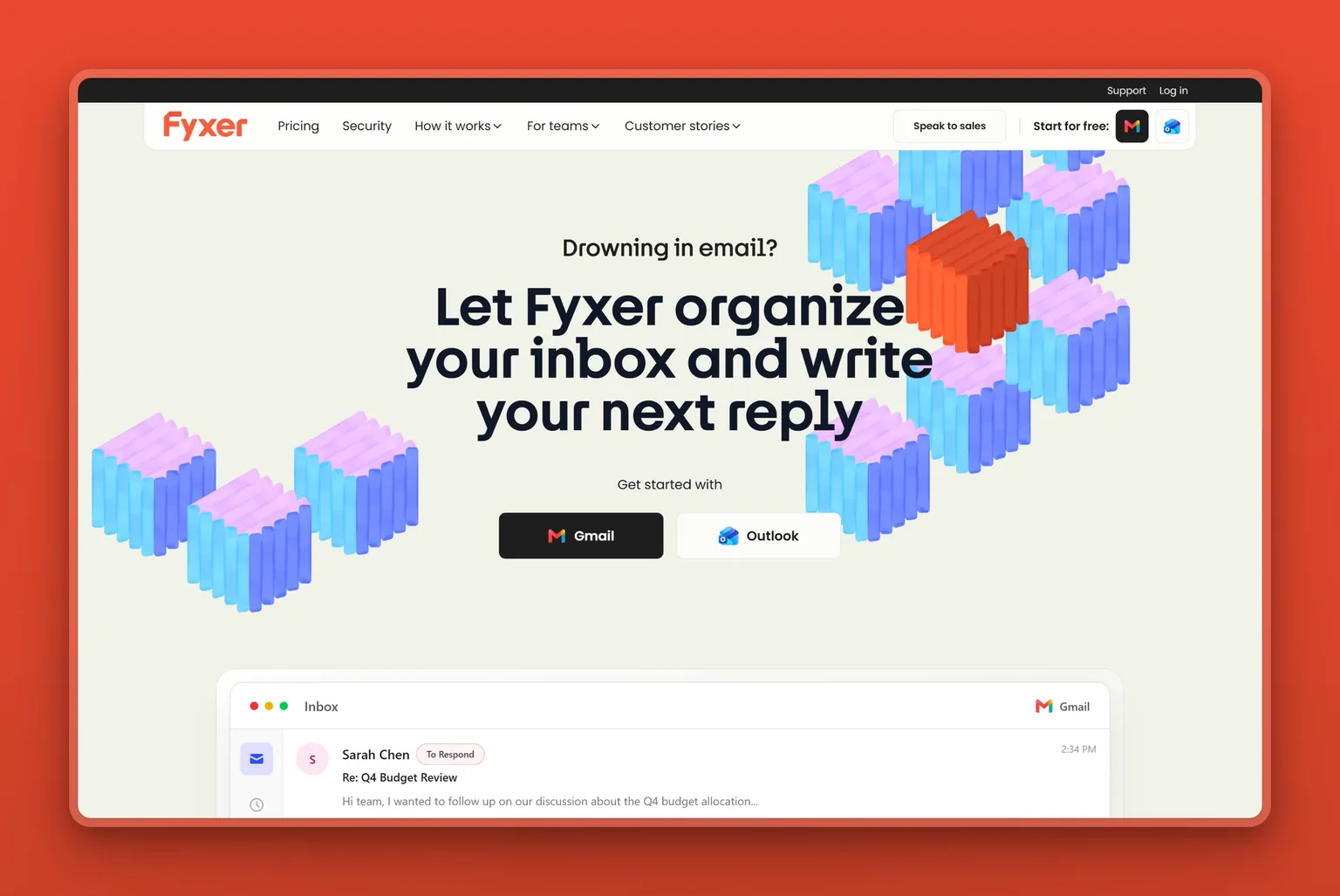
It is genuinely good at triage and drafting, which is what earns the 4.1 rating. Where it runs into trouble is billing, inbox coverage and the single seat, the three things reviewers name most. Two of those limits come straight from Fyxer's own pages, which is worth knowing before you compare anything.
The first: it never sends. Fyxer's own pages state that it cannot send emails on your behalf, only draft them. Every reply still waits for you. The second: it runs on Gmail and Outlook, and nothing else. If your business lives in Apple Mail, Fastmail, or anything self-hosted, Fyxer is not an option at any price.
Add the per-seat billing on top and three questions decide the choice. What will it actually cost me, which inbox does it run on, and how much of the work does it finish?
Why people leave Fyxer
The reviews cluster into five complaints, and the loudest one is money.
1. The bill grows seats you did not add
Four one-star reviews name it between June and July 2026, more than any other complaint in that window. One reviewer described being charged $2,400 after four seats appeared on their account, which they say happened because other people with a similar email domain signed up. Another signed up at £23 a month and found the plan had moved past £90. A third reported being double-billed and then missing the customer call booked to sort it out.
Fyxer charges per seat and a seat is one person. What the reviewers describe is seats they did not create: one says Fyxer told him people on a similar email domain had signed up. Fyxer's own pricing page says only an admin can change the roster, so the extra seats reviewers describe are not something Fyxer's documentation explains. Check your own seat count directly.
2. It drafts, but it will not send
Fyxer states this plainly: it drafts your emails and never sends them. For some people that is exactly right, and a real safety feature. For others, never sending is the whole disappointment, because what you wanted handled still comes back as a first draft you have to read, edit and send.
Answer that before anything else, because it decides whether SaneBox belongs on your list at all: it files mail and writes nothing.
3. Gmail and Outlook, or nothing
Fyxer supports Gmail and Outlook. That covers most business email, but not all of it, and there is no workaround. This is why "Fyxer alternative for Outlook" and questions about other providers come up constantly in search.
If you are on Outlook you have options here. If you are on Apple Mail, Fastmail or your own server, SaneBox is the tool built for you, since it filters inside whatever client you use. Proton is the one setup nothing on this page fixes, because its encryption exposes no IMAP for a filtering service to sit on.
4. The categories are its categories
Fyxer sorts mail into its own fixed buckets and learns from your corrections. One reviewer, an executive director at a small nonprofit, described the learning curve honestly: mail landing somewhere other than where they would have filed it, the line between "FYI" and "notification" taking a while to click, and occasional drafts that never appeared for messages it had marked as needing a reply.
One reviewer also had a meeting summary go out to every participant because a box was checked, and asked for something Fyxer does not currently do: different tones for different recipients, so a note to a friend does not read like a note to a prospect.
5. It is one seat, one person
Fyxer is built for an individual. The Starter plan connects one inbox and one calendar; Professional adds more inboxes for the same person. What it does not give you is a shared inbox, where two people work the same support or bookings queue and can see who has replied. Upgrading from Starter to Professional adds inboxes for the same person rather than a shared queue, so a two-person team hits the same wall on either plan.
What actually matters in a Fyxer alternative
Matching Fyxer feature for feature is the wrong test, because the feature you are leaving over is rarely the one you would have compared on. Ask these four questions instead.
1. Does it send, or only draft?
Fyxer answered this for you every day: it drafts and never sends. If that felt safe, Superhuman Mail, Shortwave and Inbox Zero keep the same behaviour. If it felt like extra work, Marblism prepares the reply and sends it once you approve. A $50 drafting tool and a $24 doing tool are not solving the same problem.
2. Which inboxes does it actually run on?
Fyxer runs on Gmail and Outlook and nothing else, so you already know what it feels like when the provider decides for you. Check coverage first, because it rules out most tools in one move. Shortwave and Gmelius are Gmail-side, Superhuman Mail, Serif and Inbox Zero match Fyxer's two, and SaneBox works with whatever you already use.
3. How does a seat become a bill?
Per-seat pricing is normal and fine, right up until seats can be created without you. Ask three things: who can add a seat, what happens when someone on your domain signs up, and whether you get told before the charge or after. If I could only ask one question of any tool on this page, it would be that one, because it is the question behind the $2,400 charge and the jump from £23 to £90 above. Flat pricing sidesteps the whole issue, because a plan with no per-seat line has nothing to inflate.
4. Is email the whole job, or part of it?
Email is often the loudest problem rather than the only one. If your week also has social posts, follow-ups, missed calls and content going unwritten, an email-only subscription solves a fifth of it and you are looking again in a month. Marblism covers all six of those jobs for close to what Fyxer Starter costs. Lindy can reach outside the inbox too if you are willing to build it, and Missive adds SMS and social, but everything else here is built around the inbox alone.
9 Best Fyxer Alternatives (Reviewed)
Seven of these tools serve the same person Fyxer serves, one owner with one inbox and too much mail. They differ on how much they finish, what they cost, and which email account they will actually connect to.
1. Marblism: Fyxer alternative for more than email
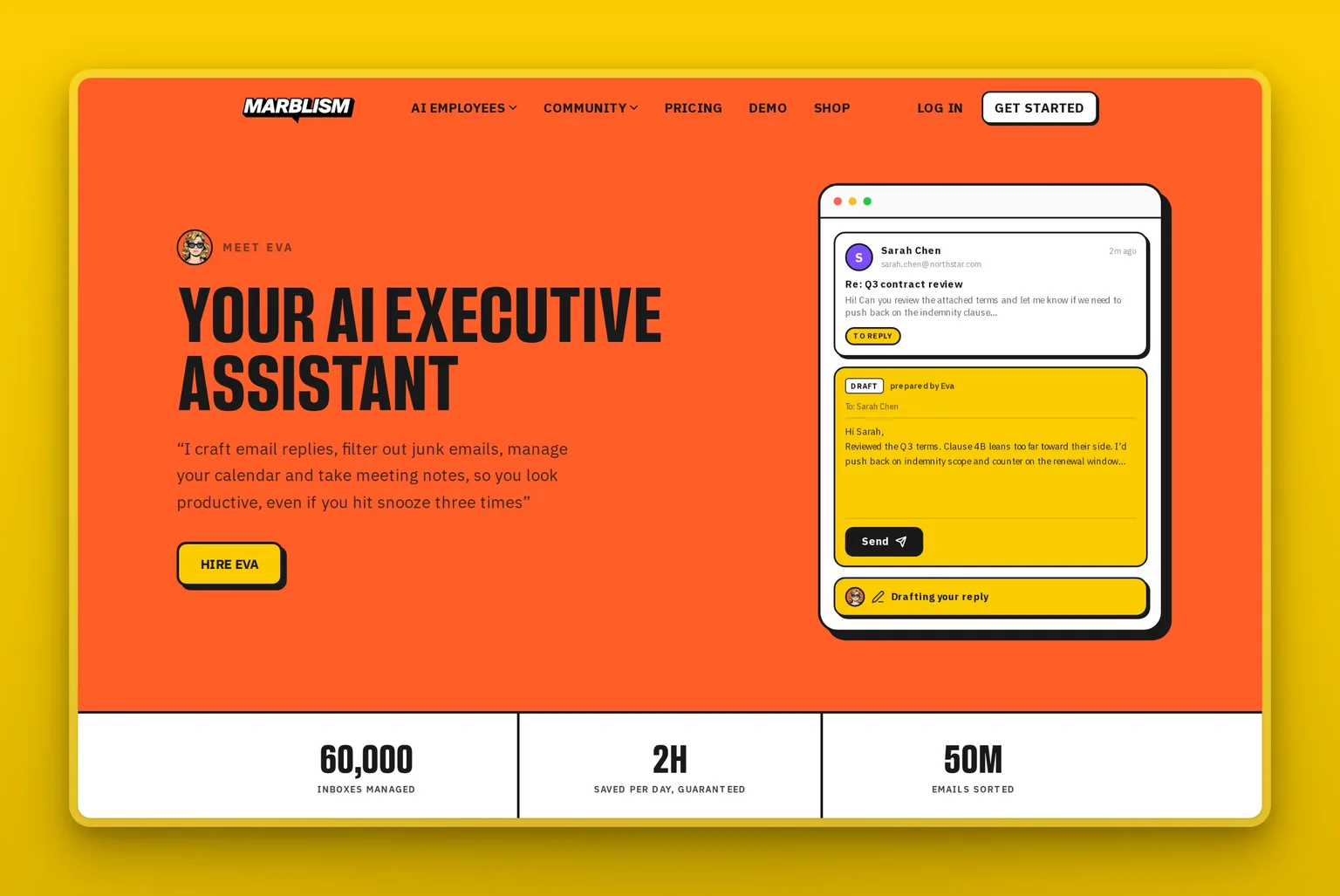
Marblism is an AI Employees platform, and the one that matters here is Eva, your AI Executive Assistant. Eva does what Fyxer does: triages the inbox, drafts replies in your voice, and runs the calendar. The difference is that the same price also buys five more roles. Fyxer sells you an email assistant. Marblism sells you a team, and email is one of its jobs.
Key Features
- Five more employees are included at no extra cost: Sonny on social, Stan on lead generation, Penny on SEO content, Rachel on phone calls, and Linda on contracts.
- They share one view of your business, so a lead Stan finds and a reply Eva drafts are working from the same context.
- Unlimited team members on every plan, so a second or third person does not change the price.
- Your approval before anything goes out, with the work prepared and waiting rather than half-finished.
- Connects Gmail, Outlook or any IMAP provider, so it reaches the inboxes Fyxer refuses.
- Fully managed in the cloud with nothing to install and no email client to replace.
Pros
- One flat price with no per-seat meter, so nobody can add a seat to your account and change your bill.
- About the same money as Fyxer Starter for five more job functions beyond the inbox.
- Cheaper than Fyxer Professional while covering considerably more ground.
- Adding teammates costs nothing, which is where per-seat tools get expensive fastest.
- Setup is conversational and takes well under an hour, with no rules to configure.
Cons
- Plans include 50 hours of AI work a month. A single person who lives in email all day may prefer an unlimited per-seat tool, and Fyxer is unmetered on drafting and notes.
- It is six defined roles, not a canvas. If you want to build custom email rules yourself, a builder fits better.
- There is no free plan or trial to test it with; the risk reversal is a 7-day money-back guarantee.
- Built for small businesses and solo operators rather than large enterprises with complex governance.
Pricing
Marblism is one plan at three billing frequencies: $24 a month billed annually, $33 quarterly, or $44 monthly. Every plan includes all six AI Employees, 50 hours of AI work a month, and unlimited team members. There is no free plan; the risk reversal is a 7-day money-back guarantee. For the comparison that matters here, Fyxer Starter on annual billing is $22.50 per user per month, so the two land within a dollar and a half of each other.
User Reviews
Marblism earns 4.8 out of 5 on Trustpilot, where it is marked Excellent. Owners keep coming back to the same thing: the work arrives done, and it keeps arriving even when a human teammate steps away.
"Marblism is a great addition to my team. My business partner is currently on maternity leave and Eva especially has helped me stay consistent with responding to my clients." Love Lé Experience, in a five-star review on Trustpilot
Best For
Pick Marblism if email was never really the whole problem. It fits the owner who wanted the inbox handled and also has social posts going out late, follow-ups going cold, and calls going to voicemail. If you genuinely only want email and nothing else, a cheaper focused tool like Inbox Zero or SaneBox will serve you better.
2. Serif: Fyxer alternative with a free start
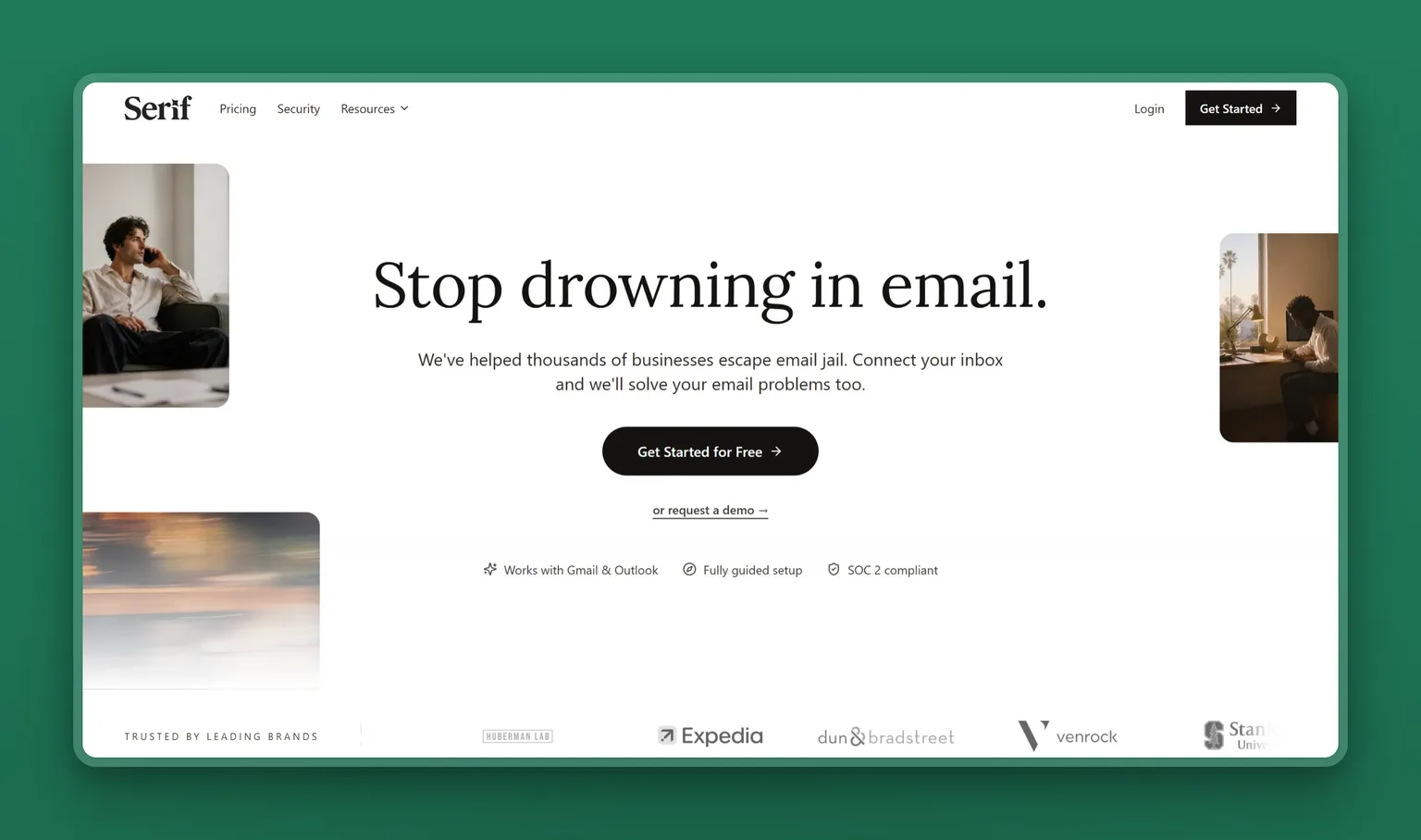
Ask Reddit what to use instead of Fyxer and Serif is the name that comes up most. In the r/ProductivityApps thread that Google ranks first for this search, more accounts recommend Serif than any other tool. The thread deserves a sceptical read, though: one participant points out that some of the Serif posts come from accounts since banned, and several other recommendations there are founders pitching their own products. Treat it as a lead worth trialling, not a verdict. The product itself triages and drafts like Fyxer, records meetings, and adds a task manager and a knowledge base.
Key Features
- Works with Gmail and Outlook, matching Fyxer's coverage exactly.
- "True Voice" writing on the mid tier, aimed at the tone problem Fyxer reviewers complain about.
- A meeting recorder is included, so leaving Fyxer does not mean losing meeting notes.
- SOC 2 Type 2, GDPR and HIPAA compliance stated on the pricing page.
Pros
- A free start with no card, and a 7-day full-access trial on every paid tier.
- Named more than any other tool by switchers in the top-ranking Reddit thread, caveats and all.
- Same inbox coverage as Fyxer, so switching does not mean changing email providers.
- Usage-tiered rather than seat-tiered on the individual plans, so a colleague signing up cannot change your bill.
Cons
- No credible public rating. Its Trustpilot profile carries two reviews posted under different names with word-for-word identical text, which is not a signal you can use.
- Lite starts at $30 a month, the same as Fyxer Starter monthly, so it is not the cheap option.
- The jump to real usage is steep: Standard is $50 and Pro is $200.
- Younger and less documented than Superhuman or SaneBox, so there is less independent evidence either way.
Pricing
Serif lets you start free with no card, then runs Lite at $30 a month, Standard at $50, and Pro at $200, with a Team plan at $50 per user and custom enterprise pricing. Paid plans come with a 7-day free trial. The tiers are usage multiples of each other rather than feature gates, so Standard is five times Lite's usage and Pro is twenty times.
Best For
Serif suits the switcher who wants to test before committing. The free start means you can run it against your real inbox for a week and see whether the drafts sound like you, which is the only test that matters. Skip it if you want a long track record: the product is young, and its public review base is too thin to lean on.
3. Superhuman Mail: Fyxer alternative built for speed
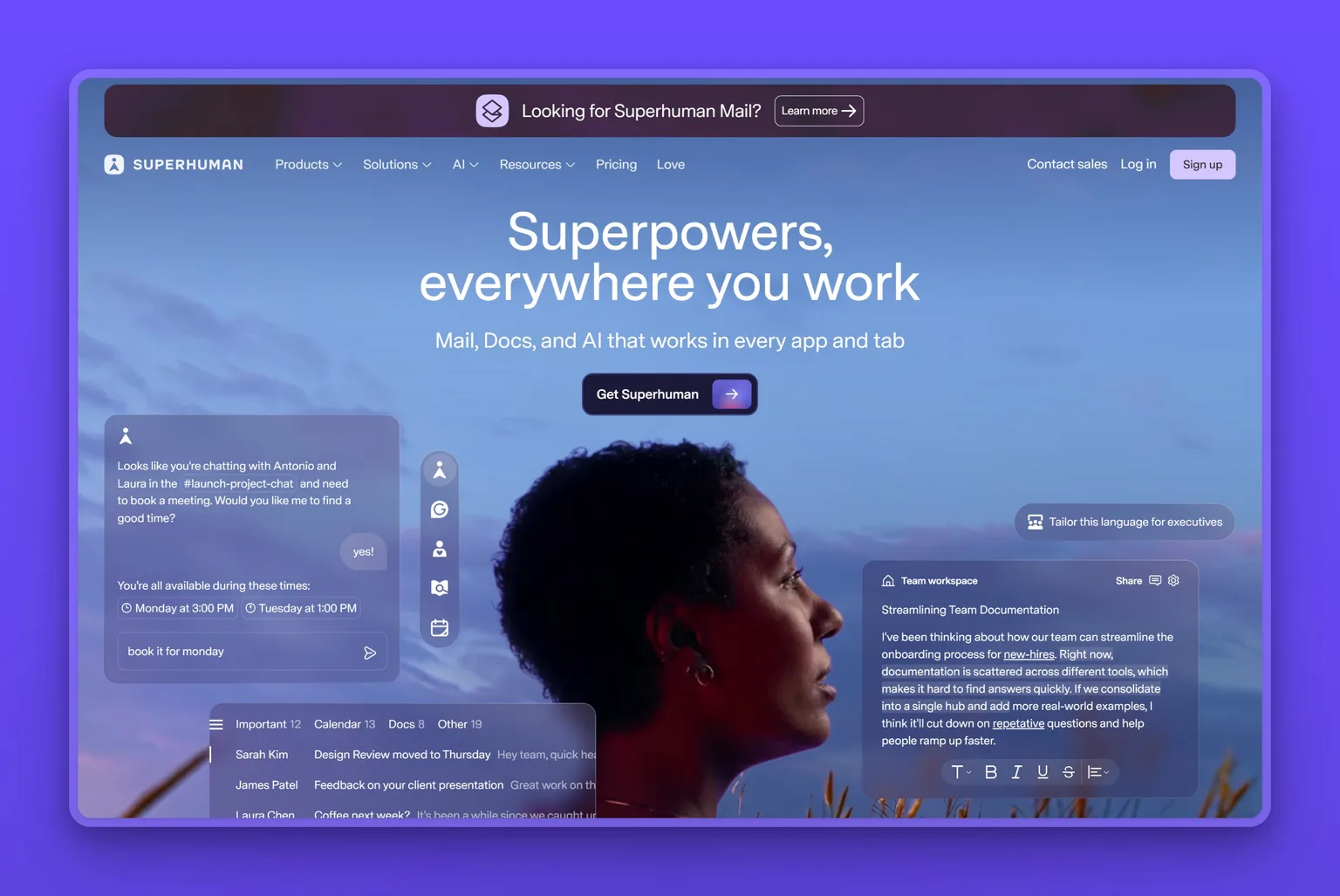
Superhuman Mail replaces your email client rather than layering onto it. Instead of adding AI to the client you have, it replaces the client with a faster one and puts the AI inside it. Keyboard shortcuts for everything, a split inbox, AI drafting, and an "Ask AI" layer over your mail. It is one of the three tools Google's AI Overview names on this search, alongside Shortwave and SaneBox, and Perplexity lists it too.
Key Features
- Auto drafts and Ask AI sit on the Business tier, plus custom auto labels, so the better AI costs the extra $8.
- Calendar and scheduling built in rather than bolted on, which replaces a separate scheduling tool.
- CRM integrations and a Superhuman Mail MCP endpoint on the higher tier.
- Seats are added by an admin from one billing screen, so nobody joins your bill on their own.
Pros
- Rated 4.8 out of 5 on Product Hunt, by reviewers who use it as their daily email client rather than as an add-on.
- Genuinely fast in a way a Gmail overlay cannot match, because it owns the whole interface.
- Works across Gmail and Outlook, so it matches Fyxer's coverage.
- A mature product with a long track record, unlike most of this SERP.
Cons
- More expensive than Fyxer Starter at $25 per member per month on annual billing, and $33 for the tier with the better AI.
- You have to learn a new client. The speed payoff only arrives after the shortcuts become muscle memory.
- It makes you faster at email rather than doing the email, so it does not answer "take this off my desk".
- Recent public cancellations cluster on price and on wanting a more agentic inbox, so the value question is real at high volume.
Pricing
Starter is $25 per member per month billed annually, and Business is $33, with 15% off for teams of five or more. Enterprise is custom and adds SSO, admin controls and a customer success manager. Annual billing saves 17% against monthly.
User Reviews
Superhuman Mail scores 4.8 out of 5 on Product Hunt. Users single out raw speed, the split inbox, and the quality of the AI drafting.
"Superhuman has really helped me tackle my inbox for the past two years… Honestly, sometimes getting to inbox zero is just impossible, and that’s where the split inbox feature saves the day." Fabio Caironi, founder at ByteNite, in a Product Hunt review
Best For
If your day is genuinely 200 emails and you are fast at your keyboard, this is the one that pays for itself. It suits founders, salespeople and executives whose email volume is the job rather than a distraction from it. Skip it if you were hoping to spend less time in an email client, not more time in a better one.
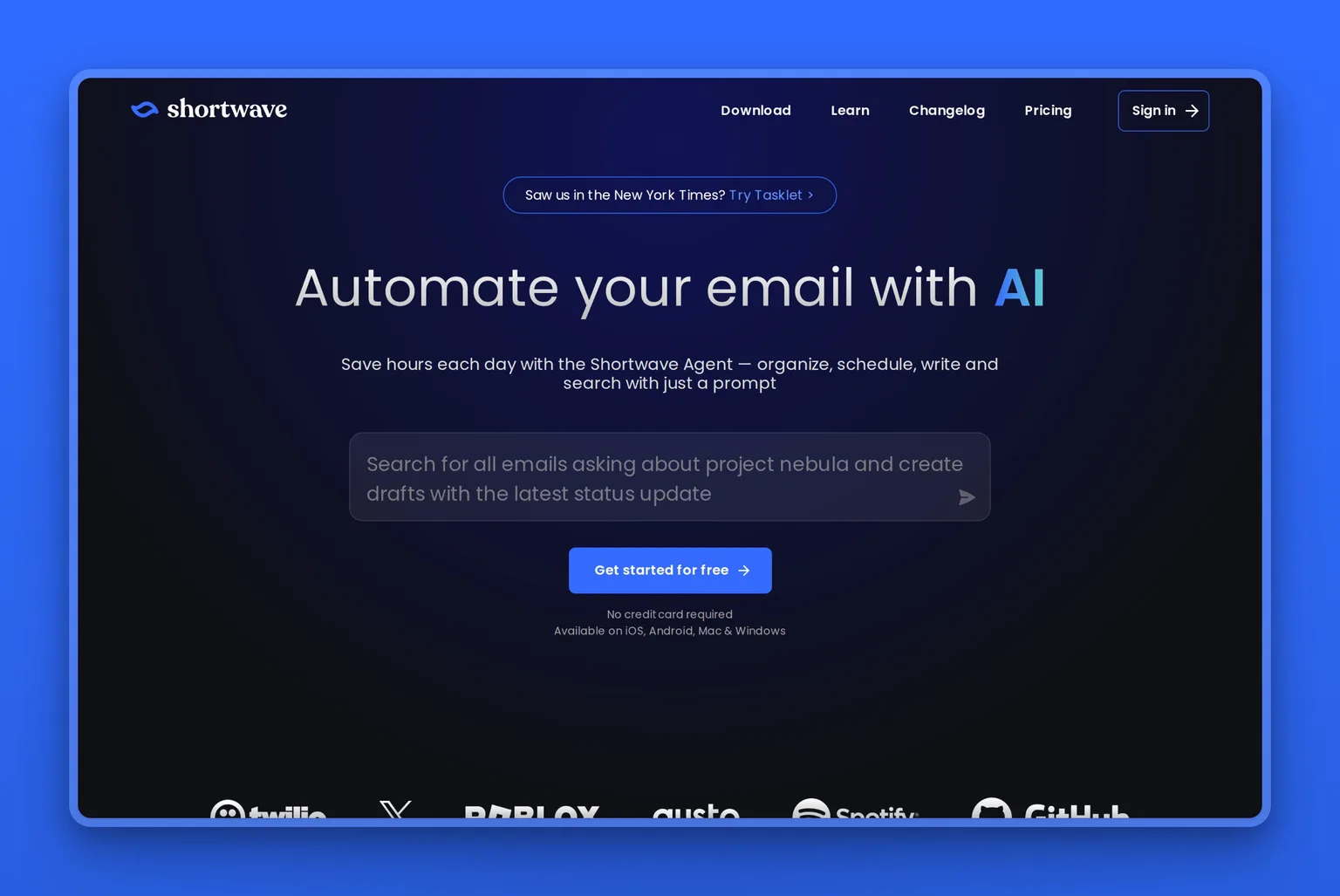
4. Shortwave: Fyxer alternative that replaces Gmail
Shortwave answers the complaint that Fyxer files mail into buckets you did not choose. It is an AI-first email app built on Gmail, and the filters that decide where a message lands are ones you write yourself rather than ones you correct after the fact. Google's AI Overview names it on both versions of this search.
Key Features
- AI bundling that groups newsletters, receipts and travel mail so the inbox shows what needs you.
- AI search across years of mail, using natural language or Gmail-style filters.
- Instant summaries of long threads and attachment analysis.
- AI filters that apply your own rules, from three on the entry tier up to fifty.
- Team features including thread sharing, comments, assignees and shared labels.
- CASA Tier 2 compliance and tracker blocking, with a privacy mode.
Pros
- A 14-day free trial, twice as long as Fyxer's, which is enough time to judge it properly.
- AI filters answer the "the categories are its categories" complaint directly, because you write the rules.
- The AI search over an email archive is genuinely better than what Gmail gives you.
- Sits on your existing Gmail account, so your mail stays where it is.
Cons
- Native support is Gmail and Google Workspace only. Outlook, Fastmail and Yahoo connect only by routing them through a Gmail account first.
- The team plans start at $30 per seat and the top tier is $120, so heavy AI usage gets expensive quickly once you are past the $18 personal tier.
- Most of the 68 reviews behind its 4.4 G2 rating arrived through G2 invitations and are flagged incentivized, so read the score with that in mind.
- Serious workflow automation lives in a separate sister product rather than in Shortwave itself.
Pricing
Shortwave has a free Individual tier, then Pro at $18 per seat per month, with the team plans running Business at $30, Premier at $45 and Max at $120. The differences are AI usage quota, search history depth and how many AI filters you get. The paid plans start with a 14-day free trial.
User Reviews
Shortwave holds 4.4 out of 5 on G2. What reviewers keep describing is the shift from a mailbox to a worklist, where a thread is either handled or still waiting on you.
"Shortwave turns my emails into a to-do list, which is what it is in the first place. This approach, together with all the smart tools and AI they have, makes it easier to handle my business emails, saves me time, and lets me focus on the important tasks." Gil P., a CPO, in another G2 review
Best For
The Gmail loyalist who wants a better Gmail. If your complaint about Fyxer was that it files mail its way rather than your way, Shortwave's AI filters hand that control back. The long trial makes it low risk to find out. If your mail lives on Microsoft 365, you can still connect it, but only by routing it through a Gmail account first, which is friction worth weighing before you commit.
5. Inbox Zero: Fyxer alternative for ten dollars less
Of everything on this page, Inbox Zero is aimed most directly at Fyxer, and it says so on its own site. It labels everything as it lands and leaves a reply written for you, the same core job Fyxer does, and it runs on Outlook as well as Gmail.
What it adds is cleanup, which Fyxer has no answer for at all. It is also open about what it gives up, because there is no meeting notetaker, and the notetaker is one of Fyxer's genuine strengths.

Key Features
- Bulk unsubscribe and bulk archive, which is the fastest way to fix an inbox that got away from you.
- Cold email blocking, aimed at the outreach that clutters a founder's inbox.
- Runs on Gmail, Google Workspace or Microsoft Outlook, so it matches Fyxer's coverage rather than narrowing it.
- Sorts and labels every email and drafts replies in your voice, the like-for-like with Fyxer.
- A knowledge base the assistant draws on, unlimited from the Plus tier.
- Email analytics and pre-meeting briefings on every paid tier.
- Slack integration, email digests and automatic attachment filing higher up.
Pros
- Cheaper than Fyxer on a like-for-like monthly comparison, $20 against $30.
- Bulk unsubscribe and analytics are real features Fyxer does not offer at any tier.
- A 14-day refund window on top of the free trial, so the downside is small.
- Honest about its own gap, which is rarer than it should be on this SERP.
- Self-hosting and on-premise deployment are on the table for anyone with a privacy requirement.
Cons
- No meeting notetaker. If the notes are half of why you pay Fyxer, this is not a straight swap.
- Only one email account on the entry plan; a second costs a tier upgrade.
- Priced per user, so it carries the same seat-multiplication risk as Fyxer at team size.
- Too few public reviews to draw a conclusion from, so you are judging it on the trial alone.
Pricing
Three tiers per user per month, cheaper on annual billing: Starter at $20 monthly or $18 annually, Plus at $35 or $28, and Professional at $50 or $42. Enterprise adds SSO, SCIM and on-premise deployment. All plans include a 7-day free trial, and there is a 14-day refund window after that.
Best For
Take Inbox Zero if the bill was your reason for leaving and you never used the notetaker much. It does the triage and drafting for a third less, and the bulk unsubscribe alone will make a dent in week one. Its open-source and self-hosting options also make it the pick for anyone with a privacy mandate. Skip it if the meeting notes are half of why you pay Fyxer, because there is no notetaker here at any tier.
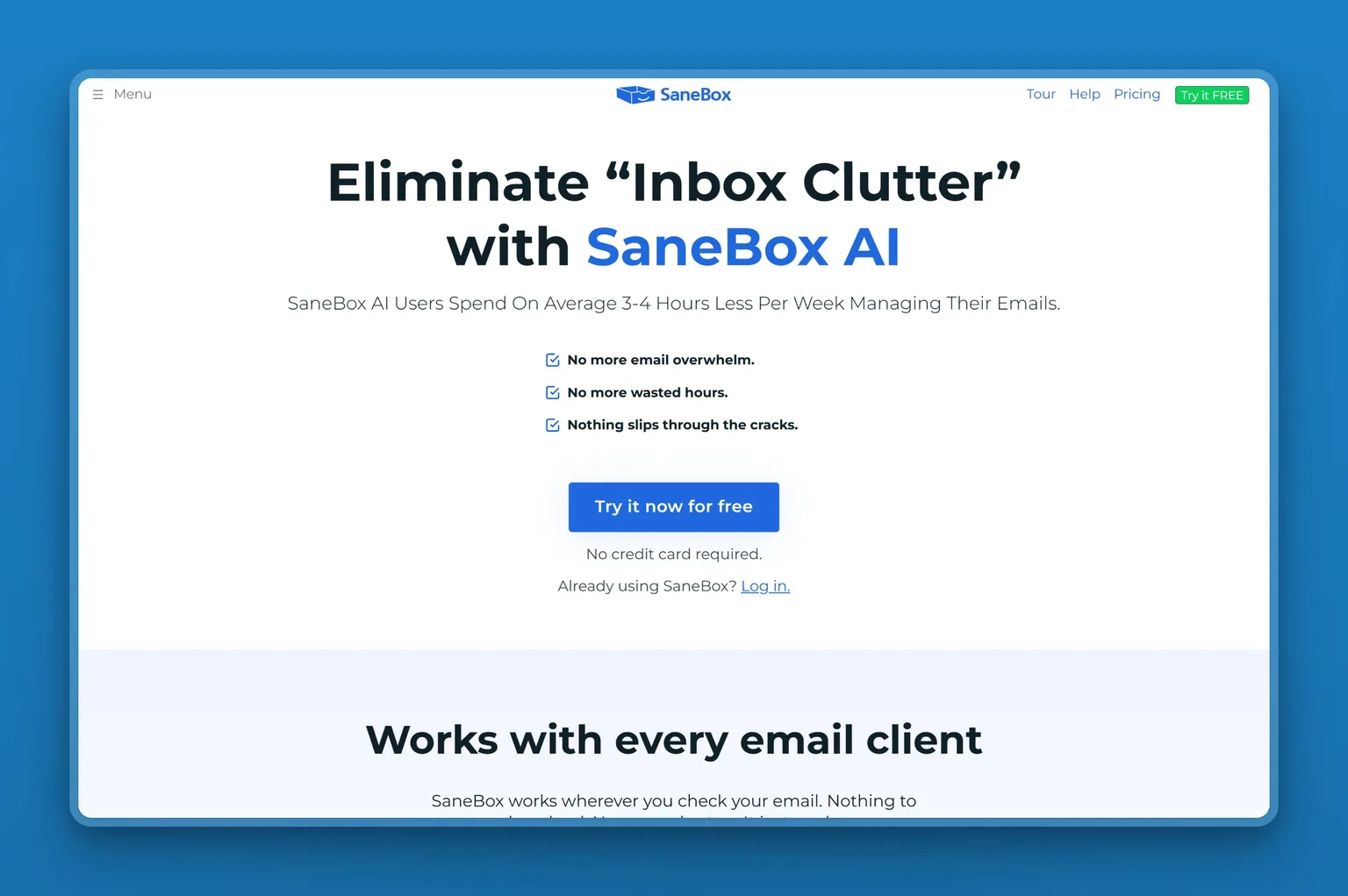
6. SaneBox: Fyxer alternative for any email client
SaneBox sits on the mail server rather than the client, so it filters whatever email you already use: Apple Mail, Fastmail, a self-hosted server, anything with IMAP. It has been doing filtering since long before AI email was a category, and it is the cheapest thing here by a distance.
Key Features
- Works with every email client rather than replacing one, which is unique in this lineup.
- Automatic filtering into folders, with a daily digest of everything it held back.
- A pick-your-features model: SaneLater for low priority, SaneBlackHole for senders you never want to see again, SaneNoReplies for messages you are still waiting on.
- Do Not Disturb, custom snooze, and follow-up reminders.
- Subject, domain and advanced filtering rules you define yourself.
- Support by email and chat, with phone support on the top tier.
Pros
- The only tool here whose whole job is filtering inside whatever client you already use, including Apple Mail, Fastmail, iCloud and any IMAP or Exchange account.
- Starts at $2.04 a month, roughly a fifteenth of Fyxer Starter.
- The highest Trustpilot score in this comparison, from a large and long-standing review base.
- 14-day free trial with every feature unlocked on up to four accounts, the second longest here.
- 25% off for education, non-profit and government.
Cons
- It files mail, it does not write it. There is no reply drafting and no meeting notetaker, so it is not a full Fyxer replacement.
- The cheap tiers are genuinely limited: Snack gives you one account and two features, not a trimmed version of everything.
- One reviewer notes a general AI assistant now does much of the same filtering for free, which is a fair challenge to the category.
- The interface shows its age next to the newer tools here.
Pricing
Three tiers on the two-year billing view: Snack at $2.04 a month for one account and two features, Lunch at $3.50 for two accounts and six features, and Dinner at $9.96 for four accounts and everything. Annual and monthly billing are also available at higher rates. The free trial runs 14 days with all features on up to four accounts.
User Reviews
SaneBox is rated 4.9 out of 5 on Trustpilot. What reviewers value is not cleverness but consistency: it quietly keeps the noise out of the way, year after year.
"I provide fractional services and end up with a new inbox with every client. The level of overwhelm I experienced with this was huge before I found SaneBox. Now my inboxes are all well managed, I don't miss important e-mails in the collection of spam and advertising, and my unread count has dramatically reduced." A Trustpilot reviewer
Best For
Two situations make SaneBox the right call. If you are not on Gmail or Outlook, start here: it is the one tool on this page built for that case. And if your real problem is volume rather than replies, SaneBox fixes that for pocket money, and you can pair it with whatever writes your drafts. Skip it if you want replies drafted at all, because it files mail and writes nothing.
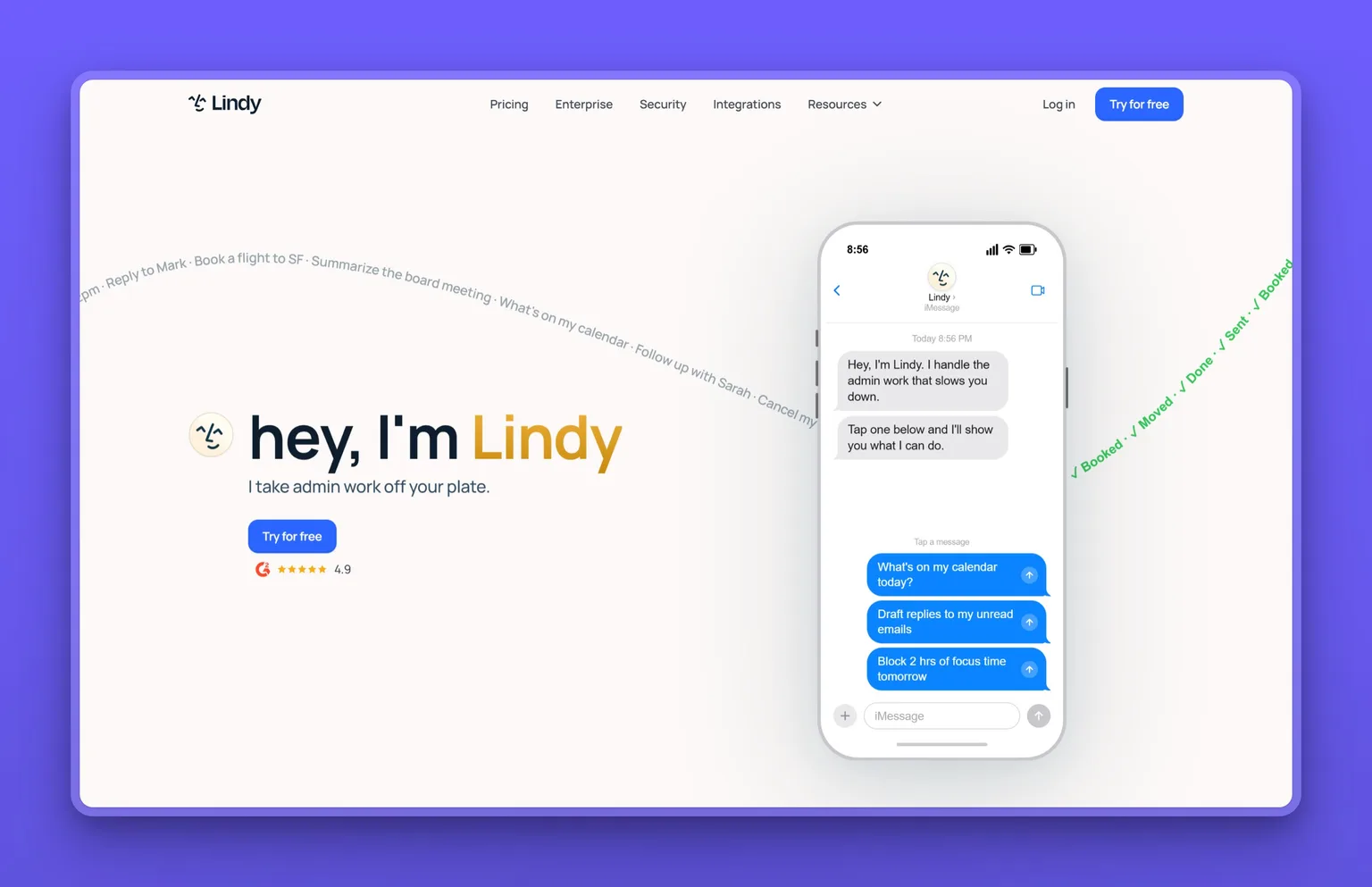
7. Lindy: Fyxer alternative you build yourself
Where Fyxer decides how your mail gets sorted, Lindy lets you decide. It has repositioned squarely onto this ground: its pricing page now opens with running your inbox, meetings, calendar and follow-ups, and anchors itself against the cost of a human assistant. Underneath it is still a builder, with more than a hundred integrations and the option to pick which model runs your assistant.
Key Features
- Email drafting, meeting scheduling, notetaking and meeting prep in one assistant.
- More than a hundred integrations, so the assistant can act outside the inbox.
- Chat with it over iMessage or SMS rather than only in an app.
- Choose the model it runs on from the Pro tier, which no other tool here offers.
- Computer use on higher tiers, letting it operate interfaces directly.
- Up to five connected inboxes on the top plan.
Pros
- Custom rules and workflows, the direct answer to Fyxer's fixed categories.
- Reaches beyond email into whatever else you connect, so it grows with the job.
- Priced per assistant rather than per seat, so nobody can add a seat to your bill.
- Free trial on every self-serve tier.
Cons
- The most expensive entry point here at $49.99 a month, well above Fyxer Starter.
- You are building, not buying. If Fyxer felt like work to configure, this will feel like more.
- Tiers are usage multiples metered in credits, and it is hard to predict how far a month of credits goes until you run your own workload, so heavy use pushes you to $99.99 or $199.99 quickly.
- Its 4.9 rating comes from a G2 base of workflow-automation buyers rather than people who only wanted their inbox handled, so the praise may not be about the job you are hiring it for.
Pricing
Four tiers: Plus at $49.99 a month, Pro at $99.99, Max at $199.99, and custom enterprise pricing. The differences are usage, connected inboxes, computer use and model choice. Every self-serve tier offers a free trial; Enterprise is a sales conversation.
User Reviews
Lindy is rated 4.9 out of 5 on G2. What reviewers praise is the reach: once the agents exist, they run across the tools you already use.
"The interface is clean and straightforward, and within minutes I had agents up and running that save me hours of work each week. It feels like having a personal team of assistants, but without the complexity." Charlotte B., a business intelligence specialist, in another G2 review
Best For
Choose Lindy if you left Fyxer because it would not bend. You want mail routed by your logic, follow-ups fired on your schedule, and the assistant reaching into the other tools you use. Expect to spend an afternoon setting it up, and expect that to be the point. Skip it if you want a finished product for one flat price: a solo owner who just wants the inbox handled is paying builder prices for assembly work.
Fyxer gives one person an assistant. Missive and Gmelius do the opposite, letting two or more people work the same inbox without stepping on each other, which is the first real problem most growing businesses run into.
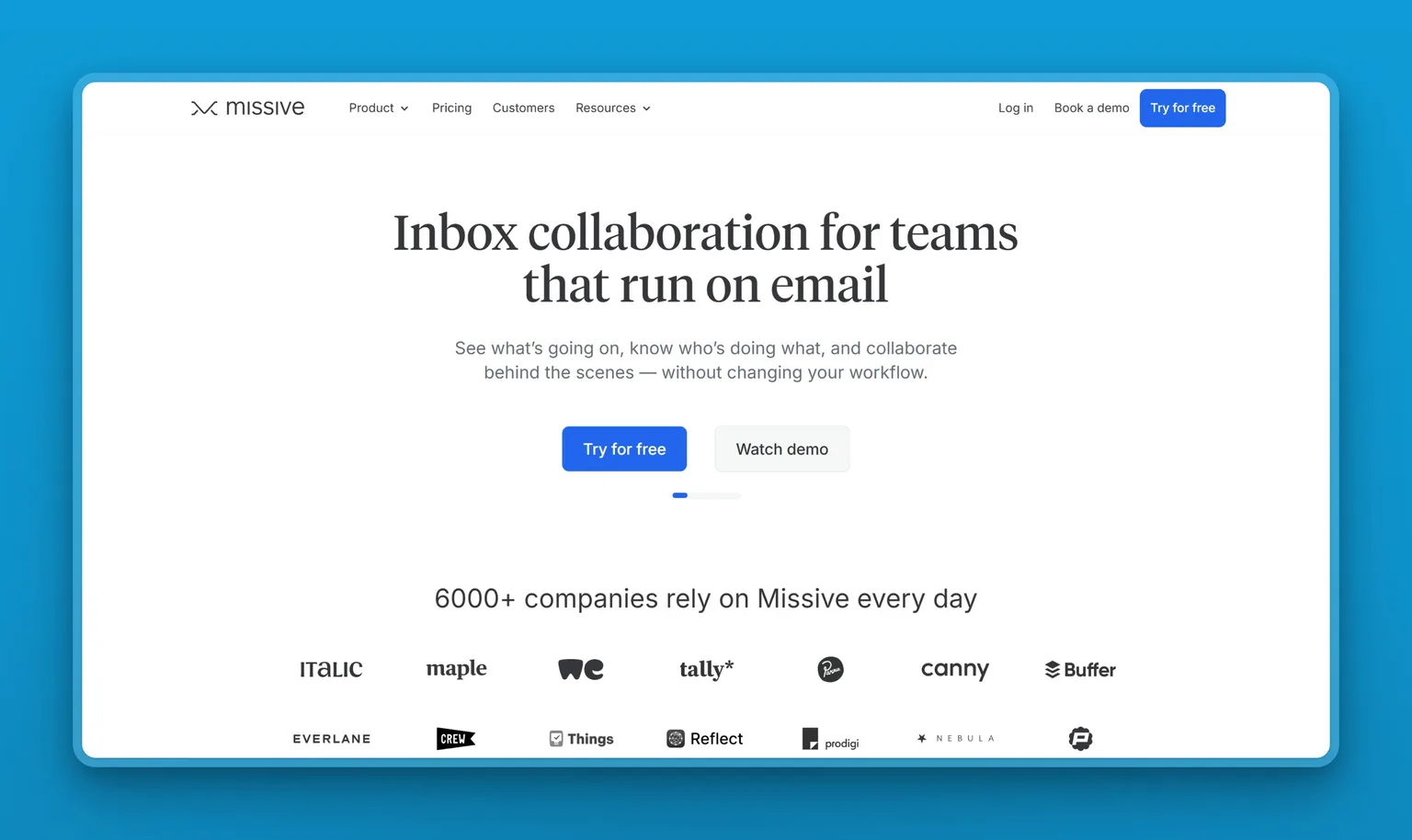
8. Missive: Fyxer alternative for shared inboxes
Missive does the one thing Fyxer structurally cannot, which is put two people on the same address without them tripping over each other. It is a shared inbox with a chat layer on top, so the discussion about a message sits on the message rather than in a separate Slack thread nobody can find later.
Key Features
- Shared inboxes and team spaces where everyone sees the same conversations.
- Internal chat attached to an email thread, so the discussion sits with the message.
- Email, SMS and social accounts in one queue rather than three tools.
- Assignments and tasks so it is always clear whose reply it is.
- Rules and automations plus API access from the middle tier.
- SOC 2 Type II compliance from the entry plan.
Pros
- A 30-day free trial with no credit card, by far the most generous offer in this comparison.
- Starts at $14 per user, less than half Fyxer Starter monthly.
- Solves the collision problem that Fyxer structurally cannot.
- Handles channels beyond email, which matters if customers message you three different ways.
- A claimed Trustpilot profile open since 2020, with reviewers repeatedly describing features shipped after they asked.
Cons
- The AI is an add-on to a collaboration tool rather than the product itself, and there is no meeting notetaker.
- Overkill for one person, and the shared-inbox model adds friction if nobody is sharing.
- Long-time users report the interface changing direction more than they would like.
- API access and automations are gated above the entry tier.
Pricing
Three tiers per user per month, billed yearly: Starter at $14, Productive at $24, and Business at $36. Yearly billing saves 20%. The trial runs 30 days and does not ask for a card.
User Reviews
Missive carries 4.5 out of 5 on Trustpilot. Users say they asked for something and saw it built.
"I had trouble tracking and locating my notifications, such as comments. When I reached out to their team, they created the notification bell feature, which made everything much easier for me." Nadine Sibunga, in a Trustpilot review
Best For
Any business where more than one person answers the same address. A clinic with a bookings inbox, an agency with a client queue, a shop where two people cover support. If that is you, the collision problem is costing you more than the drafting ever will. Skip it if you are one person, because the shared queue is the whole point and you would be paying for collision handling nobody needs.
9. Gmelius: Fyxer alternative layered inside Gmail
Some teams will not move off Gmail, and Gmelius is built for exactly that. It is the closest thing on this page to Fyxer plus a team layer, because it brings its own AI assistant and a shared queue without asking anyone to leave the Gmail interface they already know. It holds 4.4 out of 5 on G2, drawn from a review base built up over years.

Key Features
- Meli, an AI assistant that drafts replies, classifies mail, schedules meetings and chases follow-ups.
- Shared inboxes and shared Gmail labels, with assignment and open or closed states.
- Automation rules, round-robin and load-balanced assignment for a real support queue.
- Response-time SLA rules and email analytics.
- Kanban boards over email, plus notes and mentions on threads.
- Integrations with Salesforce, HubSpot, Slack, Trello, Zapier and more.
Pros
- The one product here that sells an AI assistant and a shared inbox together, at $25 per user on yearly billing for the Growth tier; the $19 Meli tier is the assistant on its own.
- Nobody has to learn a new email client, which removes most of the switching cost.
- Non-profit discounts of 30% to 50% on the Growth tier and above, at five or more users.
- Long-established with a substantial review base behind it.
Cons
- Gmail and Google Workspace only. A user is defined as a Google account, so there is no Outlook path at all.
- Priced per user, so a growing team scales the bill the same way Fyxer does.
- Everyone on the team has to sit on the same plan.
- The feature list is broad enough that a small team will pay for capability it never uses.
Pricing
Four tiers per user per month, cheaper on yearly billing: Meli at $19 yearly or $21 monthly, Growth at $25 or $33, Pro at $40 or $50, and custom enterprise pricing above 50 users. The 7-day free trial starts you on Growth.
Best For
Google Workspace teams who want Fyxer's assistant and a shared queue without anyone changing how they work. If your team lives in Gmail and always will, this is the least disruptive move on the page. Skip it if anyone on the team is on Outlook, because a Gmelius user is a Google account and there is no path around that.
9 Fyxer alternatives at a glance
| Tool | Works with | Drafts replies | Standout feature | Best for |
|---|---|---|---|---|
| Marblism | Gmail, Outlook, any IMAP provider | Yes | Five more AI Employees beyond the inbox | Owners whose problem is bigger than email |
| Serif | Gmail, Outlook | Yes | A free start with no card | Switchers who want to try before paying |
| Superhuman Mail | Gmail, Outlook | Yes | Keyboard-first speed | High-volume senders |
| Shortwave | Gmail | Yes | AI filters you write yourself | Gmail users who want control over sorting |
| Inbox Zero | Gmail, Outlook | Yes | Bulk unsubscribe and analytics | Cutting the bill without losing triage |
| SaneBox | Any email client | No | Filtering that works outside Gmail and Outlook | Apple Mail, Fastmail and self-hosted users |
| Lindy | Gmail, Outlook | Yes | Custom rules and 100+ integrations | People who want to build their own logic |
| Missive | Any provider, plus SMS and social | Yes | Internal chat on email threads | Teams answering one shared address |
| Gmelius | Gmail, Google Workspace | Yes | Shared inbox plus an AI assistant inside Gmail | Workspace teams who will not switch clients |
Fyxer vs Marblism: the direct comparison
Fyxer and Marblism land within two dollars of each other on annual billing and solve different sizes of problem. Fyxer Starter is $22.50 per user per month for triage, drafting and the meeting notetaker, unmetered. Marblism is $24 a month flat for six AI Employees, 50 hours of AI work a month, and unlimited team members.
| Fyxer | Marblism | |
|---|---|---|
| Price on annual billing | $22.50 per user per month | $24 a month, flat |
| How seats work | Per person; reviewers report unexpected seats appearing | No seats; unlimited team members on every plan |
| What you get | Email triage, drafts in your voice, a meeting notetaker | Eva on email and calendar, plus social, lead generation, content, calls and contracts |
| The limit | Drafts only, never sends; Gmail and Outlook only | 50 hours of AI work a month, with top-ups after that |
| Risk reversal | 7-day free trial | 7-day money-back guarantee, no trial |
The honest split: a single heavy emailer who wants unmetered drafting and meeting notes keeps Fyxer. An owner whose problem is wider than the inbox gets more per dollar from Marblism, as long as 50 hours of AI work a month covers the workload.
Names worth skipping
You will see four more names on other alternatives lists: DragApp, HeyHelp, ActorDo and this+that. Each of them publishes that list, and none of them names a case where its own product is the wrong answer, so weigh those lists accordingly.
That is a caveat about the lists rather than the products. DragApp and Hiver both do Gmail shared inboxes well, and either is worth a look if a shared queue is the reason you are leaving.
Microsoft Copilot comes up constantly for teams on Outlook. If you already pay for Microsoft 365 it is worth trying before you buy anything, though it assists rather than runs your inbox. Notion AI and Reclaim appear on several roundups but solve notes and scheduling, not email. Slashy turns up in the same Reddit thread, but the only account recommending it there is its own founder, so treat it as a lead to trial rather than a switch anyone has reported making. For the wider category beyond Fyxer's direct rivals, the best AI executive assistants roundup covers it.
Which Fyxer alternative should you choose?
If the bill is the problem, choose Inbox Zero to keep the same job at $20 a month, or Marblism for flat pricing that a new seat cannot inflate. SaneBox is cheaper still if filtering alone would fix it.
If you want a free option first, choose Serif. You can start it free with no card, and it is the most-named switch destination in the Reddit thread that ranks first for this search.
If you are on Outlook, choose Serif, Superhuman Mail or Inbox Zero, which all cover Outlook the way Fyxer does. Marblism works with Microsoft accounts too. Shortwave and Gmelius are Gmail-side only.
If you are not on Gmail or Outlook at all, choose SaneBox: it filters inside any email client, including Apple Mail, and it is built for exactly this case. Marblism connects any IMAP provider too, and it is the option here that drafts rather than only files. Missive can also connect an IMAP account if what you actually need is a shared team inbox.
If more than one person answers the same inbox, choose Missive for a shared queue across email, SMS and social, or Gmelius if the team will not leave Gmail.
If you hated how it filed your mail, choose Shortwave for AI filters you write, or Lindy if you want to build the whole workflow yourself.
If email was never the whole problem, choose Marblism. Eva runs the inbox, and five more AI Employees handle social, outreach, content, calls and contracts on the same plan.
How to switch off Fyxer without losing anything
Moving is straightforward, but do it in this order. Most of the billing complaints come from what happens after you think you have left.
- Open your Fyxer dashboard and count the seats. Before anything else, check how many seats are on your subscription and whether you recognise every one. This is the step the one-star reviews are all missing.
- Run the new tool alongside Fyxer for a week. Do not cancel first. Most tools here give you 7 to 30 days free, so use the overlap to see whether the drafts actually sound like you.
- Do not let two tools sort the same inbox. Switch Fyxer's categorization off before the new tool starts filing. Two systems filing the same mail leaves you with folders that disagree, and you spend the trial week sorting that out instead of deciding whether the drafts sound like you.
- Cancel through the dashboard, then confirm the charge stopped. Deleting your Fyxer account reverts the inbox to how it was. Check your card statement on the next billing date rather than assuming.
- Export anything you need from the notetaker. Meeting notes and recordings live in Fyxer. If you want them, pull them before the account closes.
When Fyxer is still the right call
Fyxer earns its 4.1 rating, and for a specific person it is still the best answer on this page. One reviewer who has used it for a year put the trade honestly, saying it is an expensive service but that they have never hit a metered limit on drafting or note-taking, and that the premium pays for real human support.
"The bottom line is that if email management is your primary objective, Fyxer should receive your strong consideration. On the other hand, if an AI meeting notetaker is what you would value most, there are better and cheaper options." A Trustpilot reviewer
Stay if you are one person on Gmail or Outlook, you use both the drafting and the notetaker, your seat count is stable, and the price does not bother you. That profile, one Gmail or Outlook user drafting and taking notes daily on a stable seat count, is the one Fyxer was built for. It is just not the only profile buying Fyxer.
Which one I would actually pick
The recommendation splits on one thing: whether email was the whole problem or just the loudest part of it. If it was the whole problem, take the focused tool from the router above that fixes your specific complaint. Each of those beats Marblism at the one job it is built for.
If email was the loudest part of a bigger problem, Marblism is the one I would pick. For roughly what Fyxer Starter costs on annual billing, Eva runs the inbox and the calendar, and five more AI Employees handle social, lead generation, content, calls and contracts. Nobody can add a seat to your account, because there are no seats.
The 50-hour ceiling is the one number to check before switching, and it covers AI work across all six employees rather than email alone. A single power user in email all day may genuinely be better off paying Fyxer for unmetered drafting. If you want the workflow behind that before you commit, read Reaching Inbox Zero with an AI executive assistant next.
"How did I ever manage without my six Marblism employees?… Eva is a great Executive Assistant who handles booking all my appointments, manages my emails, and even drafts responses." Steve Bull-Fretwell, in a Trustpilot review
Frequently asked questions
About Fyxer
Is Fyxer AI worth it?
For one person on Gmail or Outlook who uses both the email drafting and the meeting notetaker, yes. Fyxer holds 4.1 out of 5 on Trustpilot and does its core job well. It is worth less if you only wanted triage, since cheaper tools do that, and it is a poor fit for a team, because it is built around a single seat rather than a shared inbox.
Does Fyxer work with Outlook?
Yes. Fyxer connects to both Gmail and Outlook, and those are the only two providers it supports. There is no path for Apple Mail, Fastmail or a self-hosted server, and Proton is beyond every tool here because its encryption exposes no IMAP. If that is your setup, SaneBox is the tool in this comparison built for it, since it sits on the mail server rather than replacing the client. Marblism and Missive both connect any IMAP account too, Marblism to draft your replies and Missive to run a shared team inbox.
How much does Fyxer cost per month?
Fyxer Starter is $30 per user per month billed monthly, or $22.50 billed annually. Professional is $50 monthly or $37.50 annually and adds multiple inboxes, scheduling and a HubSpot integration. Enterprise is custom priced with a 50-seat minimum. There is a 7-day free trial and no free plan. Pricing is per seat, a seat is one person however many inboxes they connect, and several reviewers report being billed for seats they did not add, so check the seat count on your own subscription.
Choosing an alternative
What is better than Fyxer AI?
Different tools, depending on what you are leaving over. Superhuman Mail is rated higher at 4.8 out of 5 and is faster, and Inbox Zero does the same triage and drafting for $20 a month instead of $30. SaneBox works with any email client, which Fyxer cannot, and Missive and Gmelius give a team a shared inbox. Marblism costs about the same as Fyxer Starter on annual billing but covers social, lead generation, content, calls and contracts alongside email.
What do Fyxer users switch to on Reddit?
Serif is the name that comes up most. In the r/ProductivityApps thread that Google ranks first for this search, more accounts recommend Serif than any other tool, though the thread deserves care: one participant flags that some of the Serif posts come from accounts since banned, and several recommenders there are founders pitching their own products. Serif does let you start free with no card, which keeps the cost of testing that lead at zero.
Are there free Fyxer alternatives?
Serif, Shortwave and Missive all let you start free without a card, though Serif puts its AI drafting on the paid Lite tier and above. Everything else runs on a trial. SaneBox gives 14 days, Inbox Zero, Gmelius and Fyxer itself give 7, and Lindy gives one on every self-serve tier. Superhuman Mail advertises no trial on its pricing page, and Marblism has no free plan or trial either, though it does offer a 7-day money-back guarantee. Inbox Zero can also be self-hosted, which removes the subscription at the cost of running it yourself.
What is the best Fyxer alternative for teams?
Missive and Gmelius are the two built for it. Missive works with any provider and adds SMS and social alongside email, so it suits a team whose customers message several ways, and it starts at $14 per user a month on yearly billing. Gmelius stays inside Gmail, which makes it the least disruptive option for a Google Workspace team, at $19 per user a month yearly. Marblism is the answer if the seat count is the problem rather than the shared queue, because every plan includes unlimited team members at one flat price.
Cost and switching
Why did my Fyxer bill go up on its own?
The most common cause reported by reviewers is extra seats. Fyxer charges per person, and several reviewers describe discovering multiple seats they did not create, with charges that followed automatically. One says Fyxer attributed it to other people on a similar email domain signing up, though Fyxer's own pricing page states that only an admin can change the roster. Check the seat count in the Fyxer dashboard, and check it before a renewal date rather than after.
What is the cheapest Fyxer alternative?
SaneBox at $2.04 a month on two-year billing, though it only filters and does not draft replies. Among tools that actually draft, Inbox Zero and Shortwave Pro tie at $18 per user per month, Inbox Zero on annual billing and Shortwave on its personal tier, with Gmelius just above at $19 on yearly billing. Marblism is $24 a month on annual billing and includes five more roles beyond email, which changes the comparison from price per tool to price per job.
What happens to my inbox when I cancel Fyxer?
Nothing is lost. Fyxer's own FAQ says deleting your account puts the inbox back the way it was, so the categories it applied come off and your mail stays where it always was. What does not undo itself is the billing, which is why the switch-off steps above start with counting your seats rather than cancelling.