Best AI Agents for Small Business in 2026

Jesus Malo · CMO, Marblism

TL;DR: The best AI agents for small business are the ones that finish a job without you running them daily. For a business handing off inbox, calls, social and leads at once, I pick Marblism. For after-hours calls only, go straight to Rosie. If your team already runs HubSpot, Breeze agents are the natural next step.
Finding an AI agent is easy. Finding one that finishes the job while you're on a ladder or at dinner is harder. Each of the 8 comes with pricing, real user quotes, and a straight call on who it fits.
Key takeaways: AI agents for small business by job
| First job to hand off | Agent that fits it | Starting price |
|---|---|---|
| After-hours phone calls | Rosie | $49/mo |
| Inbox + calendar | Lindy | $49.99/mo |
| Customer support (outcome-based) | Fin by Intercom | $0.99 per resolved outcome |
| Lead outreach | Marblism (Stan) | $24/mo (annual) |
| Multiple roles at once | Marblism | $24/mo (annual) |
| Customer messaging + reviews | Podium | $399/mo |
| Teams already on HubSpot | HubSpot Breeze | From $7/mo/seat (Starter, billed annually, $10/mo/seat billed monthly) |
| Multi-step project work | Manus | $20/mo |
What to look for in an AI agent for your small business
You're not shopping for a feature list. You want proof the tool actually finishes the work on its own. 3 questions cut through the noise fast: what does it complete without you approving every step, what does the bill look like when it's running daily, and how long before it's live?
If you want apps that help you do the work yourself, our best AI tools for small business guide covers those.
A tool that handles 1 job is useful. A tool that handles 7 jobs changes how your whole week runs. How many roles a platform covers is what actually separates adding one tool from replacing a week of admin. Some platforms ship pre-built employees for specific functions (inbox, calls, social, leads), others give you defined agent categories for support, sales or ecommerce, and others let you build whatever you connect.
The 4 things that separate a keeper from the rest:
- The job it finishes without babysitting. If you have to approve every action, the agent is a drafting assistant, not an employee.
- What the bill looks like at real usage. Credit-metered tools can be generous for occasional use and expensive if an agent runs dozens of tasks daily. Know the model before you commit.
- Setup time. A tool that takes a developer and a month is not the same as a tool that reads your website and answers calls in minutes.
- Human handoff when it fails. An AI agent will hit something it cannot handle. The question is whether it routes that to you cleanly or leaves the caller with silence.
Most owners overestimate how many tools they need and underestimate what running each one actually costs. One platform that covers the jobs you'd otherwise handle yourself is cheaper, in time and money, than 4 single-purpose tools you have to check every day.
Done-for-you vs. build-your-own: the split that matters when choosing an AI agent for small business
Before you read the roster, make one decision: do you want an agent that works the day it goes live, or one you configure to fit your exact setup?
Done-for-you platforms (Marblism, Rosie, Podium, Fin by Intercom) come pre-built around your business content. Rosie can be running in as little as 10 minutes and Fin in hours. Marblism's 7 AI Employees cover pre-built roles across inbox, calls, social and leads. You give up some flexibility and get a fast start instead.
Build-your-own tools (Lindy, Zapier Agents, Manus) let you shape what the agent does. Lindy lets you pick the AI model per task and connects to Gmail, Slack, Notion, HubSpot and 1,500+ more tools. Zapier Agents reaches 9,000+ apps. Manus runs multi-step research and deliverable work in a cloud sandbox. These cost you time upfront in exchange for a setup that fits your exact stack.
A plumber who misses calls needs Rosie live this afternoon, not a configurable agent they spend a weekend building. A founder with a specific CRM workflow and 6 connected apps will likely get more from Zapier or Lindy. Pick the trade-off that fits your situation before you read the rest.
8 Best AI Agents for Small Business
These are the 8 tools that hold up.
1. Marblism: 7 AI Employees that run your whole business
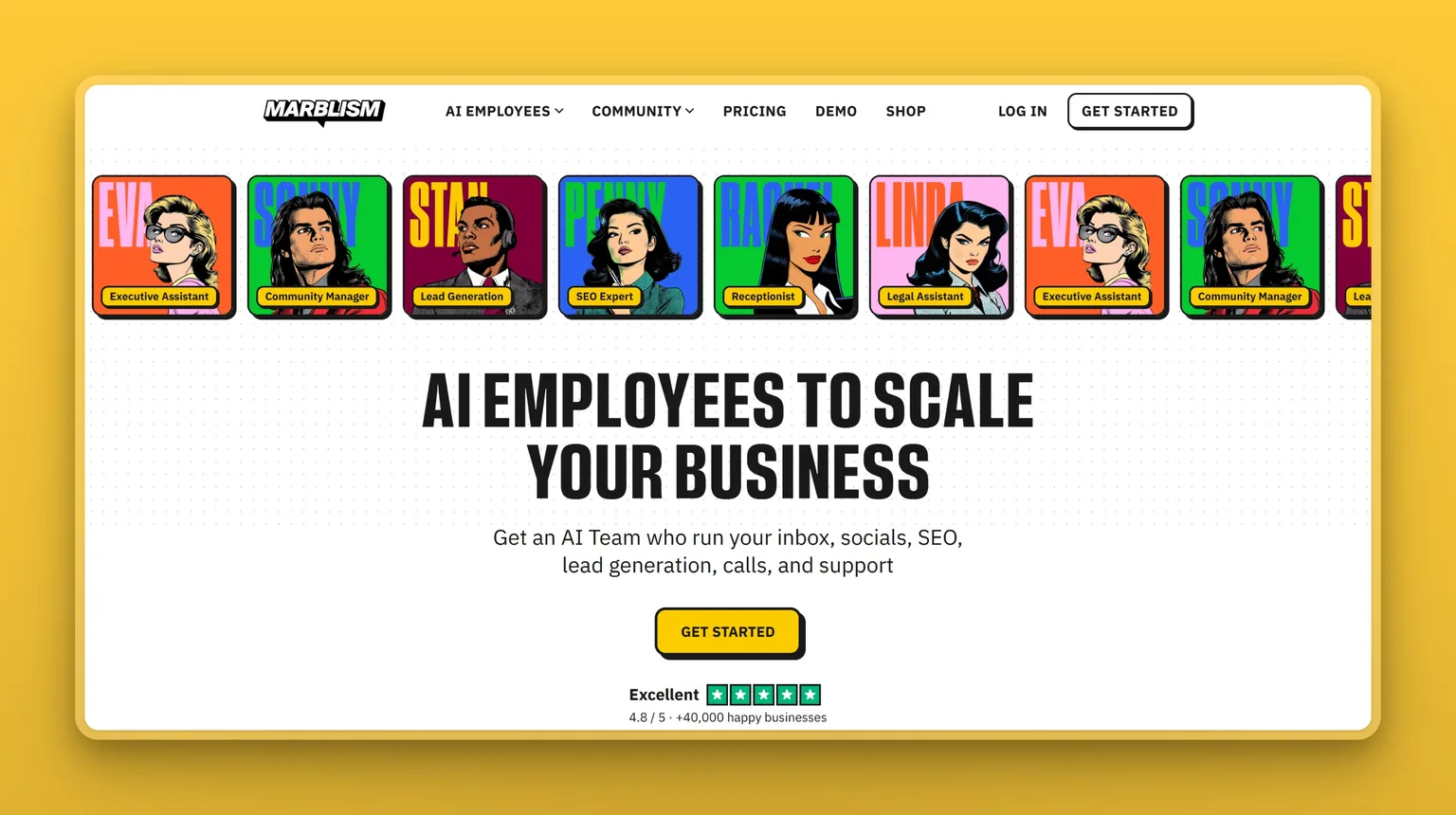
Marblism is an AI Employees platform that runs a business's inbox, social media, SEO, lead generation, phone calls, website and support. All 7 AI Employees come on every plan, and they work inside Gmail, Outlook, LinkedIn and the tools you already use.
7 employees, one plan, one price: $24 a month billed annually, or $44 month to month. Eva handles email and calendar, Sonny runs social, Stan searches a database of 700 million leads and books calls, Penny writes SEO content, Rachel answers the phone around the clock, Walter builds and updates the website, and Linda reviews contracts. If those 7 jobs are eating your week, one Marblism plan takes all of them off your plate.
Key Features
- 7 pre-built AI Employees covering inbox, social, SEO, leads, calls, website and contracts, all on every plan
- Eva drafts email replies in your voice, takes meeting notes, chases follow-ups and manages your calendar, works with Gmail, Outlook and any IMAP provider
- Rachel answers calls 24/7 in 30+ languages, books appointments into Google and Outlook calendars in real time, and transfers urgent calls to your cell
- Stan accesses a database of 700 million leads, sends personalized cold emails from your own inbox, runs multi-step follow-up sequences and handles LinkedIn automation
- Sonny watches TikTok, Instagram and LinkedIn daily for trends, then creates photos, videos and posts in your tone
- 50 hours of work per month included. Hours are only consumed by advanced AI actions, and chat and quick tasks do not use them
- Data encrypted in transit (TLS 1.2+) and at rest (AES-256), CASA Tier 2 verified, never used to train AI models
Pros
- Every plan includes all 7 AI Employees, unlimited team members and unlimited businesses
- Connects to Gmail, Outlook, Instagram, LinkedIn, Facebook, Google, TikTok, YouTube, WordPress, Shopify, Webflow, Wix, Zoom, Teams and more without new software
- Multiple businesses managed under one account, each with its own AI agents and settings
- Marblism reports more than 40,000 businesses on the platform, from solopreneurs to agencies
- 7-day money-back guarantee on every plan
Cons
- No free trial. The money-back guarantee is a refund policy, not a trial period
- The yearly plan ($24/mo) costs less than the monthly plan ($44/mo). Additional hours beyond the 50 included can be purchased as flexible top-ups
- A few Trustpilot reviewers report weaker results from Stan's lead outreach. Test it on a small campaign before you scale up
Pricing
- $24/mo (billed annually), all 7 AI Employees, 50 hours/mo, unlimited team members, unlimited businesses
- $44/mo (billed monthly), same features as above
- 7-day money-back guarantee on all plans. No free trial listed
User Reviews
Marblism holds a 4.8 out of 5 on Trustpilot. Users praise how quickly setup takes, the hours saved on admin and social media tasks, and the quality of support from the team. The recurring theme is that the AI Employees learn the business quickly and feel like a real team rather than a set of tools to manage.
"I am saving hours upon hours of work- this team is unbelievable and knows my business so I can count on Marblism!", Reviewer on Trustpilot
Best For
Marblism fits a solo operator or small team who wants multiple roles handled at a predictable monthly cost, not a set of agents to configure and monitor. If your week is disappearing into email, social, calls, leads and content, this is the one plan that replaces all of it. A business that only needs one job covered and already has tools for the rest will get less from it than one handing off 4 or 5 jobs at once.
2. Lindy: a configurable AI teammate for inbox and scheduling
Lindy lets you pick your own AI model, build your own workflows and connect the tools already in your stack. You can start from its 40+ ready-made skills or configure each workflow yourself, so the setup fits your exact stack rather than a generic business profile. It connects to Gmail, Slack, Notion, HubSpot and 1,500+ more integrations, supports MCP, and adapts to the work you actually do.
Lindy ships with 40+ skills: research, data analysis, decks and dashboards. Schedule routines on repeat, record and share meetings across your team, and pick the AI model for each task. Memory stores in plain files you can open and edit yourself. Nothing irreversible runs without your approval. If you have a specific workflow and existing tools, this is how you wire it all together your way.
Key Features
- Connects to Gmail, Slack, Notion, HubSpot and 1,500+ integrations, with MCP support
- 40+ built-in skills including research, data analysis, decks and dashboards
- Schedule routines on repeat: daily briefs, weekly reports, Friday nudges
- Records and shares meetings. Query a shared meeting library any time
- Model selection: pick the AI model for each task
- Memory stored in plain files the user can open, read and edit
- Available in Slack, iMessage and the browser
Pros
- Generous free tier to test before paying
- Model selection gives access to the best model for each task
- Nothing irreversible runs without the user's approval
- Any skill can be saved and reused by the whole team
- A 7-day free trial with $50 in credits, no credit card required
Cons
- Credit-metered billing: 5,000 credits per month on the Team plan, and credits do not roll over monthly
- Every active user in a workspace is billed separately, from $49.99/mo, which adds up quickly for a growing team
- One early user reported that a month's credits ran out in a single day of heavy use. If you plan to run agents at high daily volume, estimate your expected credit spend before committing
- Setup requires the owner's time to configure workflows. This is a build-your-own tool, not a done-for-you one
Pricing
- Free: $0, includes $50 in credits (expires in 7 days), no credit card required
- $49.99/mo per user (Team plan), 5,000 credits/mo, top-ups available at $10 per 1,000 credits
- Credits refresh monthly and do not roll over. Top-up credits last until used
User Reviews
Lindy holds a 1.7 out of 5 on Trustpilot. Users who praise it describe genuine automation of repetitive tasks and easy agent configuration.
"I was skeptical at first, but this AI platform is the real deal. I was able to automate repetitive tasks and free up my team for higher-value work. The AI agents are easy to configure, and the results are impressive.", Reviewer on Trustpilot
Best For
An owner who already knows which tools they want to connect and wants to build their own workflows rather than use pre-built ones will get the most from Lindy. The credit model works well for structured, occasional use. If you plan to run agents at high daily volume, map your expected daily task count against the plan's monthly credit pool before you pay.
3. Rosie: an AI receptionist built for local service businesses
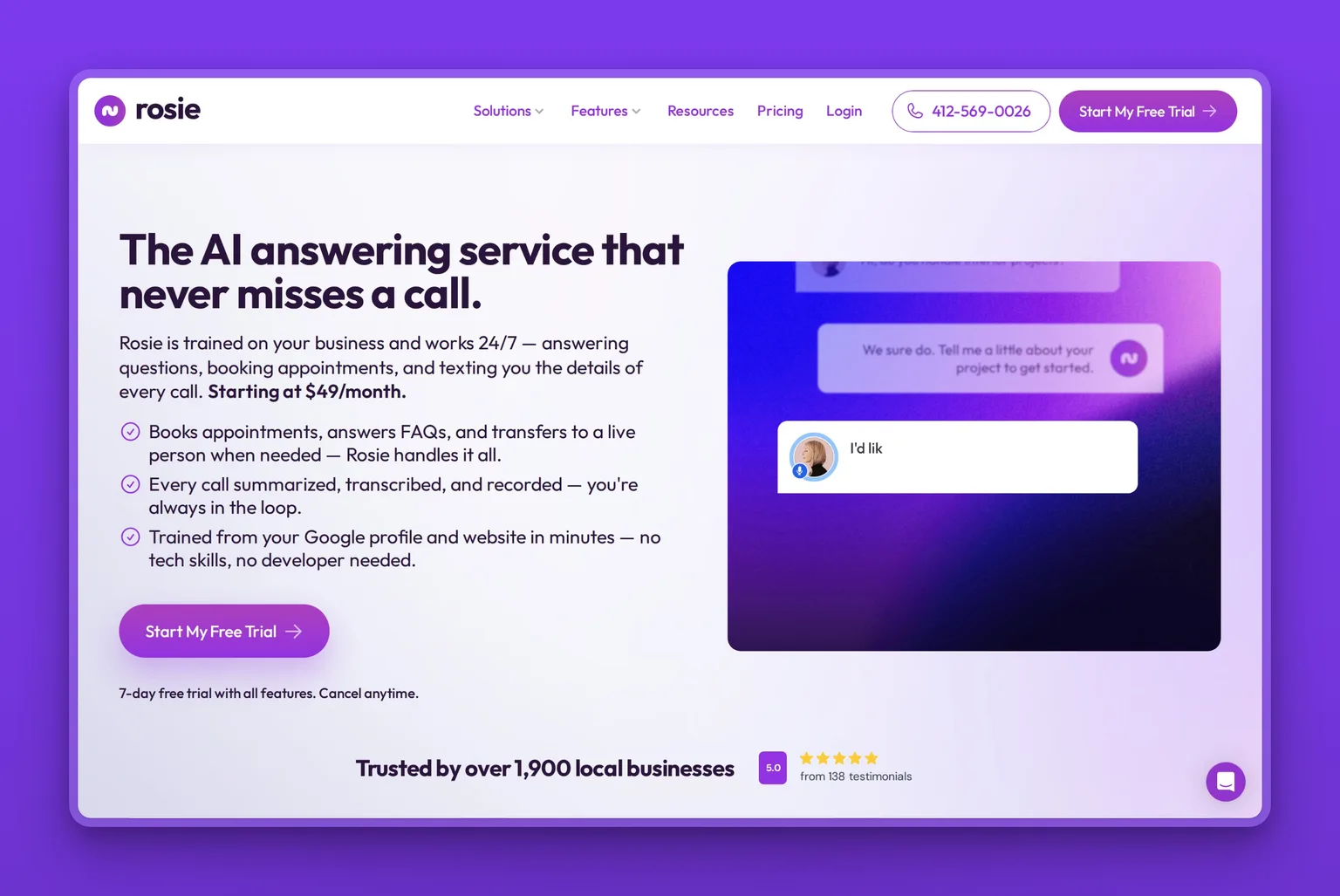
The home-services, legal, trades or salon owner who misses after-hours calls and loses work to voicemail is exactly who Rosie was designed for. It answers calls 24/7, books appointments, and texts the business owner the details of every call. It trains itself from the business's website and Google Business Profile in minutes, with initial setup taking as little as 10 minutes.
Its focus is phone calls. For a plumber who can't answer at 9pm, or a salon that loses bookings to unanswered Saturday calls, that one job is worth more than a dozen AI features that never run. Setup requires no developer, no tech skills and no change to an existing phone number. Businesses get a Rosie number and forward calls to it when they want Rosie to answer.
Key Features
- Answers calls 24/7, books appointments, texts call details to the owner after every call
- Auto-trained from a business's website and Google Business Profile in minutes, no developer needed
- Speaks fluent English and Spanish on every call. 10+ voice choices with a custom agent name and greeting
- Filters spam and sales calls automatically. Handles warm and cold transfers to the owner or team
- Every call logged with an AI summary, full transcript and recording. Instant notifications via email, text and mobile app
- Website chat widget included on every plan at no extra cost, using the same knowledge base as the phone setup
- Direct calendar booking available on Scale plan and higher. Professional plan sends booking links by text
- Conditional call forwarding supports after-hours and overflow-only use
Pros
- Setup in as little as 10 minutes with no developer needed
- No change to the existing business phone number
- Automatic plan upgrade if minute limits are exceeded, with no per-minute overages and no missed calls
- 7-day free trial on all features, cancel anytime, no contracts
- Enterprise-grade encryption for calls, transcripts and recordings. Call content never used to train external AI models
Cons
- Direct calendar booking requires the Scale plan ($149/mo). The Professional plan ($49/mo) sends booking links by text only
- Its focus is phone calls, with a website chat widget included on every plan. A business that also needs inbox, social or lead outreach should look at a second tool
- The Apple App Store rating of 3.5 out of 5 is from a small sample of 11 ratings. Treat it as early signal rather than a settled verdict
Pricing
- $49/mo (Professional, monthly), 250 minutes/mo, custom message taking (2 scenarios), appointment link by text, spam detection, website chat widget. $41/mo billed annually
- $149/mo (Scale, monthly), 1,000 minutes/mo, direct calendar booking, warm transfers, live call transfers, texting callers during calls. $124/mo billed annually
- $299/mo (Growth, monthly), 2,000 minutes/mo, unlimited message taking, waterfall transfers, custom agent training, white-glove onboarding, priority support. $249/mo billed annually
- 7-day free trial with all features on every plan. Cancel anytime, no contracts or cancellation fees
User Reviews
Rosie holds a 3.5 out of 5 on the Apple App Store. One reviewer praises it for covering calls after hours, once the owner has left the shop. The sample is small, so treat it as early signal rather than a settled verdict.
"SO much better (and cheaper) than the call center we were using. We are very happy!!", Reviewer on Apple App Store
Best For
Rosie is the right pick for a local service business, home services, law, trades or automotive, that misses after-hours calls and loses jobs to voicemail. If calls are the single job costing you the most work right now, the Professional plan at $49/mo is the fastest path to having them handled. It handles that one job well, and setup can take as little as 10 minutes. A business that also needs inbox, lead outreach or social covered should pair it with a broader platform or start with Marblism instead.
4. Podium: AI employee for customer messaging and reputation
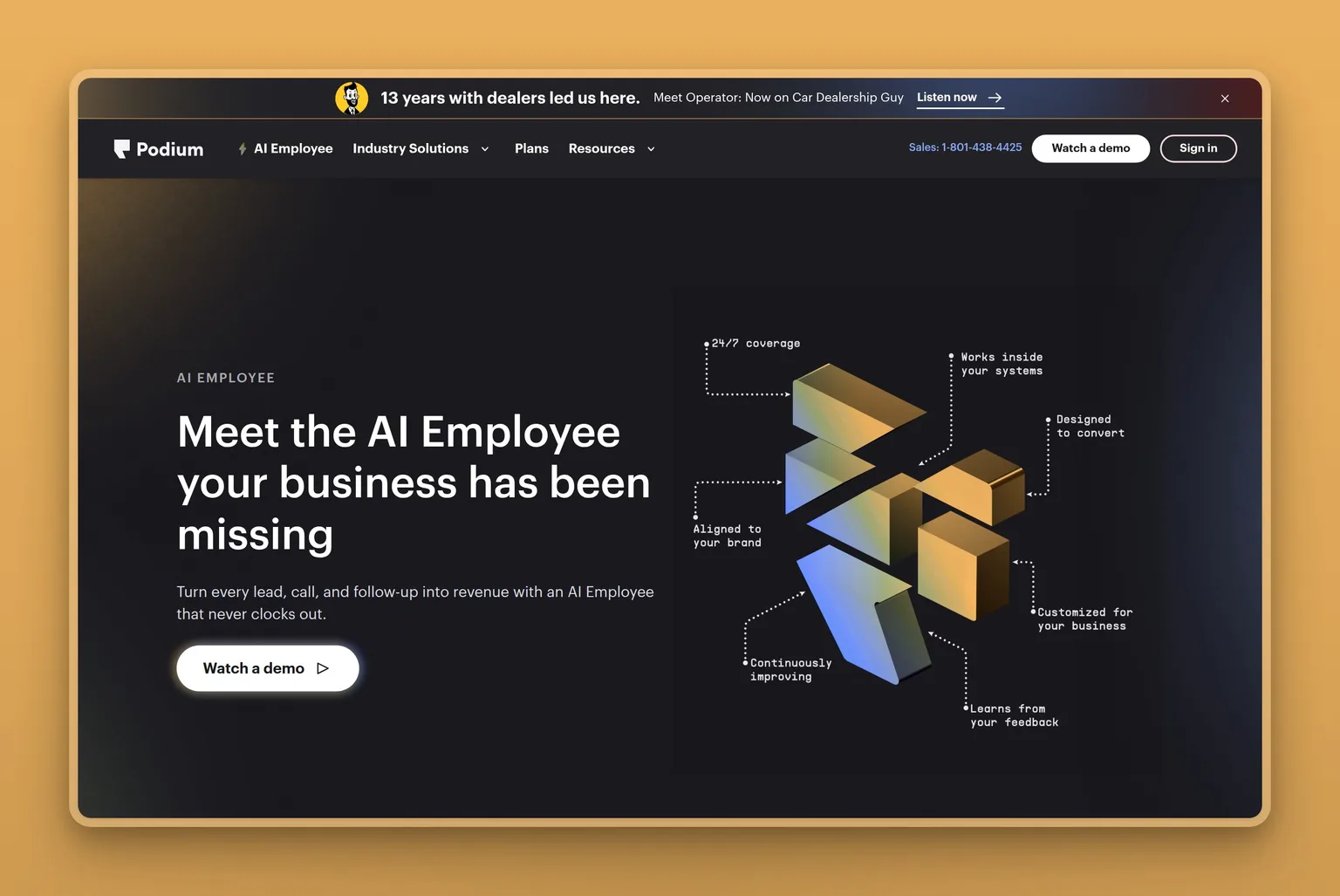
Podium is built for a service business that wants one inbox for phone calls, texts, email and social, plus an AI Employee that books appointments and re-engages past customers, with review management on the platform. Its AI Employee has helped over 10,000 businesses, influenced over $3 billion in sales, and handled over 1 million after-hours leads.
The price is the filter. Podium Core starts at $399 per month. That is a platform investment, not a plugin. It earns its price for the business where missed leads and thin review counts cost more than the plan, which is often true for automotive, aesthetics, home services and retail where online reputation directly drives walk-ins.
Key Features
- AI Employee responds instantly 24/7 using playbooks tailored to the business. Books directly on the calendar with no human handoff required
- Works across phone calls, text, email and social from one centralized inbox
- Real-time access to the calendar, customer records and workflows to book, confirm and follow up
- Proactively re-engages past customers to keep the business top of mind
- AI Studio gives a complete view of AI Employee performance, a sandbox to test changes before they go live, and escalation rules for when a human steps in
- 200+ platform integrations
- AI Concierge, AI Reputation Specialist and AI Phone Call Summaries on Pro plan
Pros
- Unified inbox for all channels (calls, text, email, social) eliminates the cost of missed leads across multiple surfaces
- One Trustpilot reviewer reports review totals jumping after using its review generator
- AI Salesperson, AI Marketer and AI Scheduler available on Signature plan for businesses ready to scale
- Over 100,000 businesses use Podium
Cons
- Core plan starts at $399/mo, Pro at $599/mo: a significant investment for a business that only needs one job covered
- Phones add-on is $30/user/mo for 1 to 4 users ($25/user/mo for 5 or more) on top of the base plan
- Bulk messages are capped monthly (250 credits on Core, 500 on Pro). Signature is custom and higher limits are available
Pricing
- $399/mo (Core), consolidated lead conversion platform, review management with AI responses, basic automations, mobile app, 200+ integrations
- $599/mo (Pro), adds AI Concierge, AI Reputation Specialist, AI Phone Call Summaries, automatic lead routing, advanced automations, text marketing
- Custom (Signature), adds AI Scheduler, AI Salesperson, AI Marketer, advanced multi-location management
- AI Employee available as an add-on on any plan
- Phones add-on: $30/user/mo (1 to 4 users), $25/user/mo (5 or more users)
User Reviews
Podium holds a 4.0 out of 5 on Trustpilot. Users praise ease of use for customer messaging and review generation as the most impactful feature. One Trustpilot reviewer praises the AI bot for setting real morning appointments instead of just logging late-night inquiries.
"The 24/7 AI bot on the site is surprisingly good too, mostly because it actually sets real morning appointments instead of just logging late-night junk leads.", Reviewer on Trustpilot
Best For
The service business where missed leads and a thin review count cost more than the plan price is where Podium earns its keep. It makes the most sense when the business already handles volume across multiple channels and needs one place to manage all of it. A business that only needs after-hours calls covered can get that from Rosie at a fraction of the cost.
5. Fin by Intercom: outcome-based AI agent for customer support
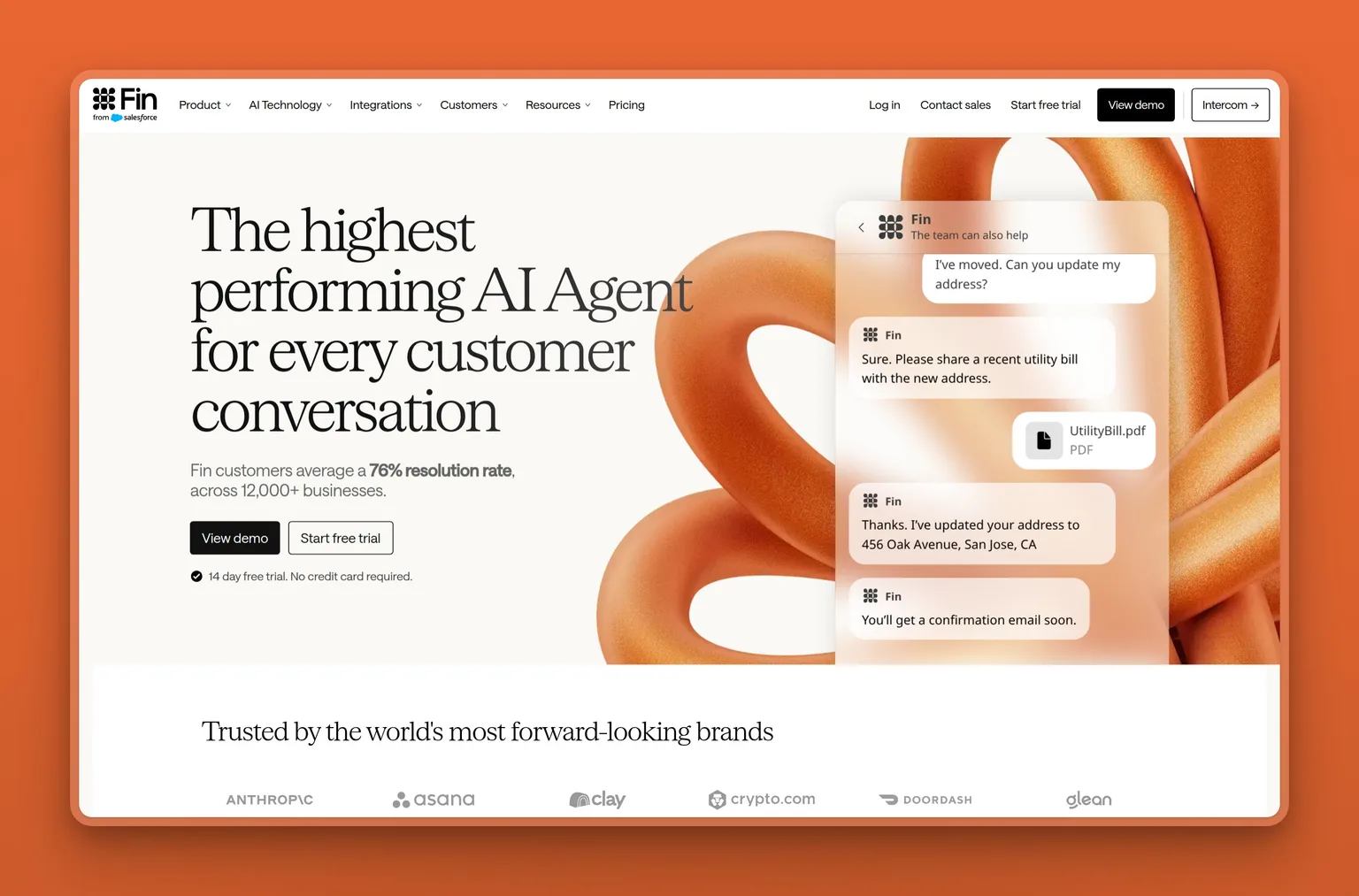
Fin by Intercom charges per resolved outcome, which means the bill tracks directly with results. Cost tracks results: you pay per outcome, with a 50-outcome monthly minimum when Fin runs on your current helpdesk, or from $0.99 per outcome plus $29 per seat a month on Intercom's own helpdesk. For a business with unpredictable support volume, that pricing model removes the risk of paying for capacity you do not use.
Fin averages a 76% resolution rate across more than 12,000 businesses, with a 1% average monthly improvement as the system learns. It covers service, sales, ecommerce and customer success roles, works across chat, email, voice, social, Slack and API channels, and can be set up in hours trained on a help center, website, PDFs, Notion, Confluence, Box and more.
Key Features
- Outcome-based pricing: pay $0.99 only when Fin resolves an issue end to end or executes a configured Procedure
- 76% average resolution rate across 12,000+ businesses. Improves by 1% per month on average
- Covers service, sales, ecommerce and customer success roles
- Works across chat, email, voice, social, Slack and API channels
- Integrates with Slack, Shopify, Stripe and more. Natively integrated with Intercom, supported on Salesforce, HubSpot and Freshdesk
- Fin includes Operator, an AI agent that finds insights, recommends improvements and makes changes to Fin with the user's permission
- SOC 2, ISO 27001, ISO 27701, ISO 42001, HIPAA and AIUC-1 certified
- 14-day free trial, no credit card required, unlimited outcomes during trial
Pros
- Fin gets better the more it is used. 1% average monthly resolution rate increase
- Operator AI surfaces insights and recommends improvements automatically
- Startups can get 93% off Intercom and a full year of Fin free through Fin's Early Stage Program
- Setup in hours, trained on existing help content
Cons
- 50 outcomes per month minimum when Fin is used with any helpdesk
- Voice is custom-priced and available only to select customers through the sales team. It is not self-serve
- The Pro add-on (includes Operator) costs from $100/mo on top of outcome fees. The Copilot add-on is $35/user/mo
- Billed in US dollars only. No other currencies supported
- Very small teams should check expected monthly volume against the 50-outcome minimum before signing up
Pricing
- $0.99 per outcome (any helpdesk), 50 outcomes/mo minimum. Resolutions, procedure handoffs, disqualifications and self-serve routings are $0.99 each. Qualifications are $9.99 each
- From $0.99/outcome + $29/helpdesk seat/mo (with Intercom helpdesk)
- From $100/mo (Pro add-on), includes Operator and advanced AI features
- $35/user/mo (Copilot add-on), personal AI assistant in the inbox
- 14-day free trial, no credit card required
User Reviews
Intercom, Fin's maker, holds a 2.9 out of 5 on Trustpilot for its platform as a whole. Users who rate it positively praise the platform's power and the time it saves support teams. One team moved 100% of their customer interactions to Fin after an extended trial.
"Fin is by far one of the best platforms in the customer support and customer experience space and their way of thinking products especially the AI like Operator it tells us how much effort they're putting into innovations developing.", Reviewer on Trustpilot
Best For
Fin fits a business with real support volume and unpredictable month-to-month demand, where outcome-based billing removes the risk of paying for capacity not used. A business handling ecommerce, SaaS onboarding or customer success conversations will find the 4 role categories a natural match. Very small teams with fewer than 50 resolved conversations per month should check whether the minimum applies before starting a paid plan.
6. HubSpot Breeze agents: AI agents for teams already on HubSpot
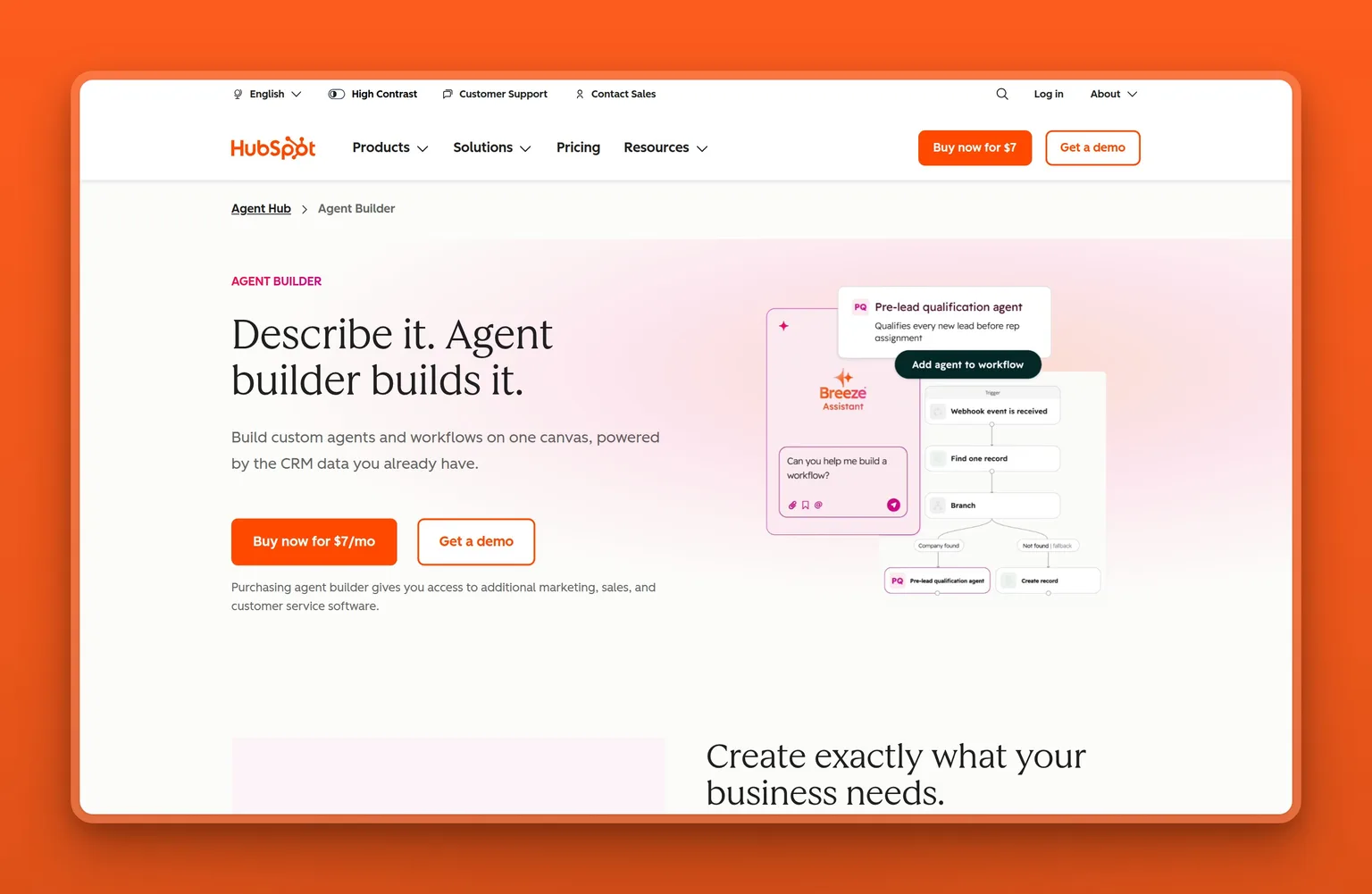
HubSpot launched Agent Hub and Agent Builder in public beta for all Professional and Enterprise customers, giving go-to-market teams one place to see and manage every agent running across marketing, sales and service. Agent Builder lets teams create custom agents and automations built on CRM data, using natural language, with no coding required.
The condition is the point: Breeze agents are compelling only if the business already runs HubSpot as its CRM. Buying HubSpot to get the agents inverts the decision. The agents are the bonus, not the reason. The platform is trusted by 306,000 customers worldwide, and the Customer Agent achieves a 70% average resolution rate, with top teams reaching 90%.
Key Features
- Agent Hub gives marketing, sales and service teams one place to see and manage every agent across the business
- Agent Builder creates custom agents and workflows on one canvas, powered by CRM data, no coding required
- Customer Agent resolves support questions across chat, email, voice, WhatsApp and Facebook Messenger. Hands off to human agents with full context
- Customer Agent achieves 70% average resolution rate (top teams reach 90%). Teams using it close 74% more tickets on average
- Agent Builder integrates with HubSpot CRM data including deal history, contact records, call transcripts and buying signals
- Connects to over 2,000 apps and web services
- Third-party AI providers contractually prohibited from training on customer data. SOC 2 Type 2 validated
Pros
- One unified platform for agents across marketing, sales and service
- Customer Agent is trained on the business's own knowledge base, website, CRM data and historical conversations
- Agent Hub and Agent Builder available to all Starter, Professional and Enterprise customers
- Custom agent workflows on Starter edition include no extra cost for automation
- 5,000 HubSpot Credits included monthly on Professional. 10,000 on Enterprise
Cons
- Customer Agent requires a Professional or Enterprise HubSpot subscription. The Professional plan starts at $1,300/mo billed annually
- Custom agents consume HubSpot Credits per action unit. Credits reset monthly and do not roll over
- A business buying HubSpot primarily to access the agents is paying for far more CRM than the agents alone justify
- Trustpilot reviews for HubSpot as a platform trend negative. The positive signal for Breeze agents specifically comes from users already satisfied with HubSpot as a CRM
Pricing
- $7/mo/seat (Starter, billed annually, $10/mo/seat billed monthly), includes 500 HubSpot Credits/mo. Agent Hub available
- $1,300/mo (Professional, billed annually, 6 seats included), unlocks Customer Agent. Includes 5,000 HubSpot Credits/mo
- $4,700/mo (Enterprise, 8 seats included), includes 10,000 HubSpot Credits/mo
- Customer Agent: $0.50 per messaging resolution, $0.50 per voice minute
- Additional HubSpot Credits: $0.010 per credit, in packs or pay-as-you-go
User Reviews
HubSpot holds a 1.5 out of 5 on Trustpilot, and that rating reflects HubSpot as a company and CRM platform, not the Breeze agents specifically. The positive signal comes from users who recommend HubSpot for small businesses looking for a CRM system and from those who praise the AI enhancements as tools that save time and help teams work smarter.
"Extremely happy with their services. If you are a small business who are looking for a CRM system use Hubspot.", Reviewer on Trustpilot
Best For
HubSpot Breeze agents make sense for a team already using HubSpot Professional or Enterprise as its CRM, where adding agents is a natural extension of the existing setup. A small business shopping for an AI agent and considering HubSpot primarily to get Breeze should weigh whether the full CRM cost is justified by the business's other needs. For a team on Starter, the agents are accessible but Customer Agent requires an upgrade to Professional.
7. Zapier Agents: AI teammates across 9,000 connected apps
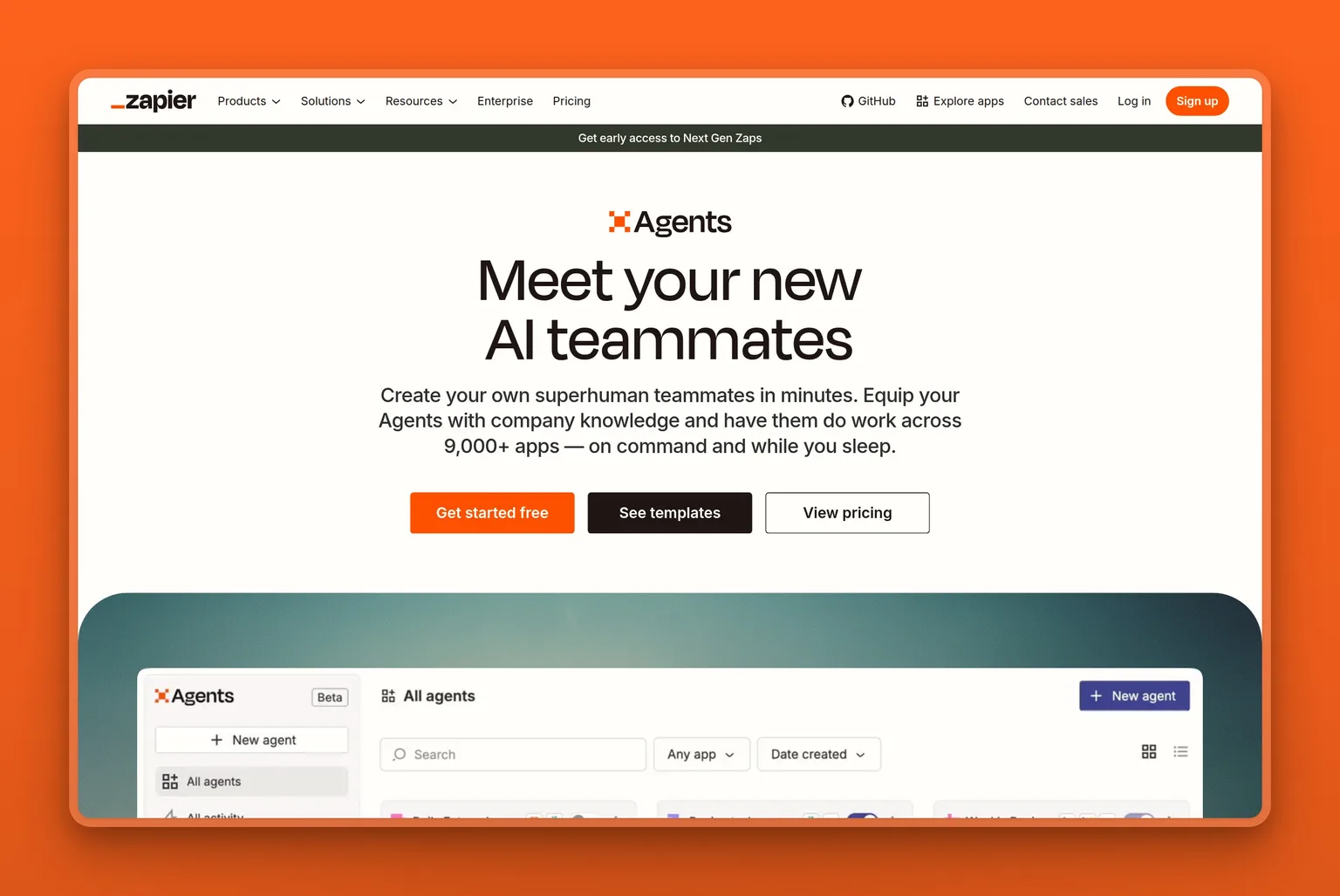
Zapier Agents is the right pick for an owner whose work already lives across multiple apps and who wants an AI agent to act across all of them. The platform is trusted by 3.4 million companies, and Agents can connect to over 9,000 apps, browse the web on the owner's behalf, respond to commands in a Chrome Extension, and run automated behaviors.
A free tier with 400 activities per month is a genuine starting point. This is not a teaser. It is enough to test a real workflow. The trade-off is setup time. Zapier Agents can only take actions in apps the user has connected and use the triggers and actions the user has configured. For an owner who wants a pre-built employee that works on day 1, the done-for-you tools on this list are a better fit.
Key Features
- Create AI-powered teammates that act across apps using company knowledge
- Agents can browse the web, interact via Chrome Extension, and connect to live data sources
- Pre-built templates for sales email writing, SEO blog writing, expense classification, lead enrichment, IT helpdesk Slack responses and more
- Agent activities (actions in behaviors or chat, web browsing, knowledge lookups) are shared across the team on Team accounts
- All Zapier platform plans include basic access to Agents. Premium add-ons available for purchase
Pros
- Free tier (400 activities/mo) is a real starting point, not a trial with a countdown
- Integration breadth is far wider than the app counts published for Lindy, HubSpot and Podium, which suits owners with complex, multi-app workflows
- Pre-built templates reduce setup time for common business tasks
- Agents Pro costs $33.33/mo billed annually ($400 a year) for 1,500 activities a month
Cons
- Agents can only act in apps the user has connected. Setup requires the owner's time to configure each connection
- Pre-built templates give starting points, but every workflow still requires configuration before it runs
- Enterprise accounts: Zapier Agents does not currently support app and action restrictions that may be in place on an Enterprise account
- Billing complaints in Zapier's broader reviews relate to the platform generally (automatic renewals, refund policies), not Agents specifically. Worth noting before committing to annual billing
Pricing
- Free: 400 activities/mo, forever free
- $50/mo (Agents Pro, billed monthly), 1,500 activities/mo
- $33.33/mo (Agents Pro, billed annually, $400/year), 1,500 activities/mo
User Reviews
Zapier holds a 1.3 out of 5 on Trustpilot, and that rating is about Zapier's platform broadly, not Agents specifically. The positive reviews praise far greater customisability than simpler automation tools and the ability to connect all major apps. One reviewer at a digital agency describes using it daily to process leads and support requests. The billing complaints are about the broader Zapier platform and are worth reading before committing to annual billing.
"This is an excellent service, far more customisable than IFTTT. It links with all the major apps and makes life a lot easier performing a few critical functions that run my personal productivity ecosystem.", Reviewer on Trustpilot
Best For
Zapier Agents fits an owner whose work already runs across 5 or more apps and who wants an AI agent that can act across all of them, not just one. The free tier makes it genuinely risk-free to test a single workflow. An owner who wants a pre-built employee that answers calls, handles inbox or posts to social from day 1 should start with a done-for-you tool instead.
8. Manus: an autonomous AI agent for multi-step deliverable work
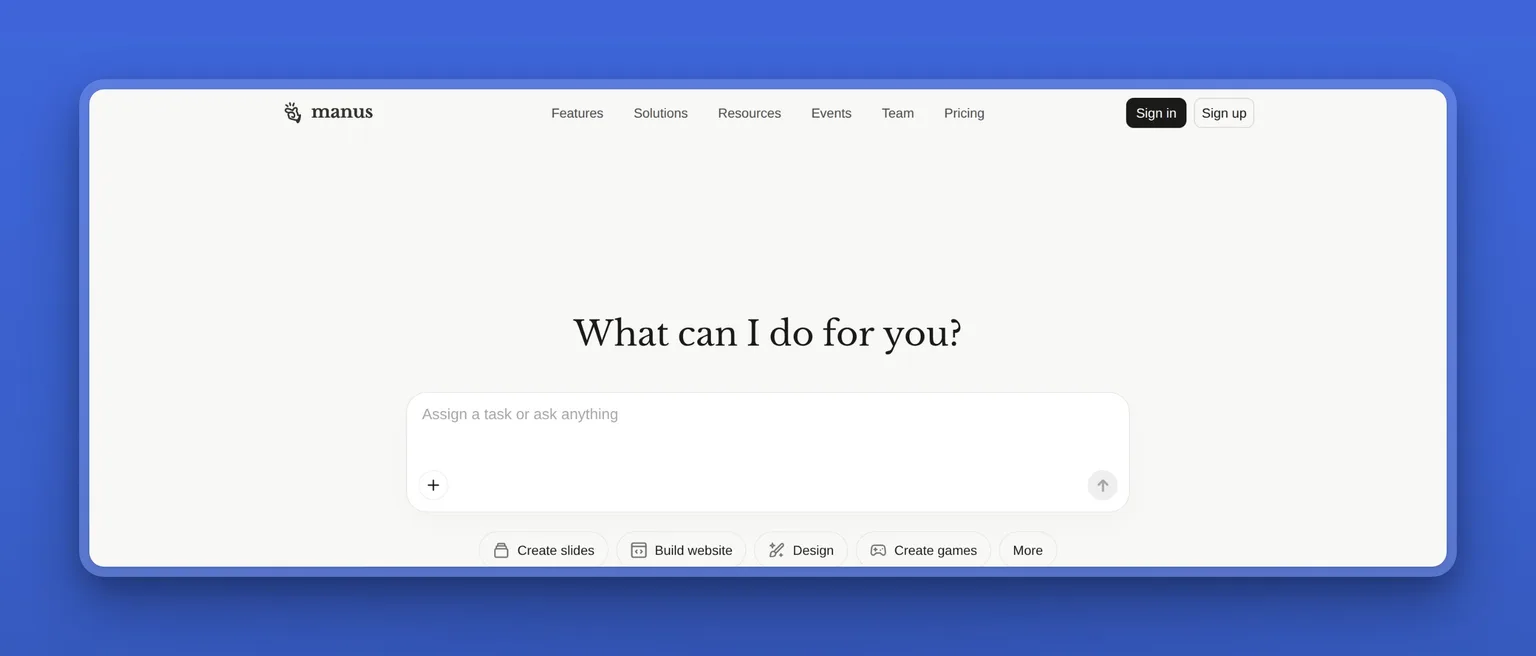
Manus is for a founder who needs a cloud agent to research, build and deliver a complete output, not one that handles standing business roles. It operates in a sandbox environment with internet access, a persistent file system and the ability to install software. It plans, executes and delivers production-ready results without the owner managing every detail.
The use case is project-based work: a competitive analysis, a full-stack website prototype, a detailed report, a slide deck. Manus earns its place for work where the owner would otherwise spend hours, not for recurring operations like answering calls or posting to social.
Key Features
- Autonomous agent that plans, executes and delivers complete work products in a sandbox environment
- Internet access, persistent file system, ability to install software and create custom tools
- Credit-based system: credits consumed based on complexity and resources required for each task
- 300 refresh credits every day on the individual paid plans. Unused plan credits reset monthly. Purchased add-on credits never expire
- 20 concurrent tasks and 20 scheduled tasks on the individual paid plans
- SOC 2 Type II, ISO 27001 and ISO 27701 certified. Formal agreements with all LLM providers ensure no data used for model training
- Available as mobile app and desktop app. Slack integration available
- Team plan includes shared projects, skills and instructions, and an admin dashboard with usage tracking and audit logs. SSO is included from 30 seats and costs a flat $150 for smaller teams
Pros
- Handles multi-step tasks end to end: research, slides, websites, images, videos and charts
- Daily credit refresh (300 credits per day) on individual paid plans provides a safety net against running dry mid-month
- Free plan available for exploring core capabilities
Cons
- Large tasks take time. One G2 reviewer notes that long projects can also miss details from earlier instructions. Check outputs on multi-stage deliverables before treating them as final
- Credit system complexity: understanding what a given task will cost in credits requires some experience with the platform
- Built for deliverable work, not standing business operations. Not the right tool for inbox, calls or social
Pricing
- Free: limited monthly credits, core capabilities, for individuals exploring the tool
- $20/mo (billed monthly), 4,000 credits/mo, 300 daily refresh credits, 20 concurrent tasks, 20 scheduled tasks
- $17/mo (billed annually), same features as $20/mo plan
- $40/mo (billed monthly), 8,000 credits/mo
- $200/mo (billed monthly), 40,000 credits/mo
- $20/seat/mo (Team plan), 4,000 credits/seat/mo pooled, shared projects, admin dashboard, audit logs, SSO included from 30 seats ($150 flat below that)
User Reviews
Manus holds a 4.6 out of 5 on G2. Users praise its ability to handle multi-step tasks and produce detailed reports, its intuitive interface, and its versatility across project types. One G2 reviewer names 2 cons: large tasks can take a while to run and long projects can miss details from earlier instructions. Both are worth planning for before handing a complex, multi-stage project to Manus.
"What I like most about Manus is that it genuinely feels like a real AI agent, not just another chatbot. I can assign it tasks and it carries them through end-to-end without needing constant hand-holding.", Reviewer on G2
Best For
Manus is the right pick for a founder or solo operator who needs a cloud agent to complete project-based work: research deliverables, website prototypes, competitive analyses, slide decks. It is not a standing employee and not built for recurring operations. A business looking to hand off inbox, calls or social posting should use a done-for-you tool instead.
AI agents for small business compared by price and job covered
| Tool | Starting price (annual) | Jobs it covers | Setup level | Best for |
|---|---|---|---|---|
| Marblism | $24/mo | Inbox, calls, social, SEO, leads, website, contracts (7 roles) | Quick | Multi-role small business owner |
| Rosie | $41/mo | Phone calls, appointment booking | Quick | Local service business, calls only |
| Lindy | $49.99/mo/user | Gmail and connected apps, scheduled routines, custom workflows | Configure | Owner with specific tools to connect |
| Fin by Intercom | $0.99/outcome | Customer support, sales, ecommerce, customer success | Configure | Business with unpredictable support volume |
| Manus | $17/mo (annual) | Multi-step deliverable work, research, projects | Quick | Project-based founder work |
| Zapier Agents | Free / $33.33/mo annual | Tasks across 9,000+ apps, limited to the apps you connect | Build | Owner with multi-app workflows |
| Podium | $399/mo | Customer messaging, reputation, booking (one inbox) | Configure | Service business with volume across channels |
| HubSpot Breeze | $7/mo/seat (Starter, annual) | Marketing, sales and service agents (on HubSpot CRM) | Configure | Team already on HubSpot Professional or Enterprise |
Covering 3 core jobs (calls + inbox + lead outreach) with separate tools vs. one platform:
Using Rosie Professional ($41/mo billed annually) for calls, Lindy Team ($49.99/mo) for inbox, and Zapier Agents Pro ($33.33/mo billed annually) for lead outreach separately costs approximately $124 a month and requires configuring and managing 3 separate tools. Marblism covers all 3 jobs plus 4 more (social, SEO, website, contracts) at $24/mo annually. If you're running all 3 jobs solo, I'd take the single platform: it saves roughly $100/mo and gets you down to one service instead of 3.
How to pick the right AI agent for your small business
If you're a solo operator or small team trying to cover several roles at once, I'd start with Marblism's yearly plan at $24/mo. It includes all 7 AI Employees, and it's the pick when the owner is still the one handling inbox, calls, social, and leads themselves.
3 conditions override that default:
-
Calls only, tight budget. If after-hours calls are the one job costing you the most and you don't need inbox, social, or leads covered, go straight to Rosie at $41/mo annually. It handles that one job well, and setup can take as little as 10 minutes.
-
Team already on HubSpot Professional. If the business already runs HubSpot and the CRM data is already there, Breeze agents are the lower-friction next step. Don't buy HubSpot to get the agents. The condition is that HubSpot is already the CRM.
-
High-volume support, outcome-based billing preferred. For a business with real support volume and unpredictable month-to-month demand, Fin's $0.99-per-outcome pricing removes the risk of paying for capacity not used. Check that your monthly resolved conversation count exceeds the 50-outcome minimum before you start a paid plan.
If you're still not sure, start with whichever tool covers the one job eating the most of your time right now. Run it for a month. The owner who tries to hand off all 7 jobs on day 1 and the owner who picks the one job they hate most both end up in the same place. The second gets there faster.
I'd pick Marblism for a business handing off more than 1 role. Rosie for calls only. For support volume that varies month to month, Fin's outcome pricing is the honest choice.
Bottom line: the best AI agent for your small business
If you want inbox, calls, social, SEO, leads, website and contracts handled at a predictable monthly cost, Marblism is my pick. At $24/mo billed annually for 7 AI Employees, it covers 7 roles on one plan. Rosie ($41/mo), Lindy ($49.99/mo) and Zapier Agents ($33.33/mo), on their lowest paid plans, add up to about $124 a month for calls, inbox and lead outreach. Rosie's Professional plan, built around calls (it also includes a website chat widget and booking links by text), costs $41/mo billed annually. The 7-day money-back guarantee keeps the commitment low.
If calls are the only job you want to hand off and you have no need for inbox, social or leads, go straight to Rosie at $41/mo annually. It is built for that one job, and initial setup can take as little as 10 minutes.
Skip Marblism if you only need one specific job covered and already have a tool you like for everything else. If outcome-based support resolution is the only role to hand off, Fin is the better call. If you are already deep in HubSpot Professional, look at Breeze agents first.
Start with whichever employee covers the job you most want off your plate.
AI agents for small business: FAQ
What can an AI agent do for a small business?
Recurring jobs are where AI agents do their best work: answering phone calls and booking appointments, managing and replying to inbox email, handling customer support conversations, running multi-step lead outreach sequences, and delivering complete work products like research reports and website prototypes.
The tools in this list each cover a slice of that. Marblism's 7 AI Employees run inbox, calls, social, SEO, leads, website and contracts. Rosie answers calls and books appointments. Fin by Intercom resolves customer support conversations across chat, email and voice. Zapier Agents can take actions across apps you connect. Manus plans, executes and delivers complete work products like research reports and website prototypes.
How much do AI agents cost for a small business?
The range runs from free to several hundred dollars per month. Zapier Agents has a free tier at 400 activities per month. Manus starts at $17/mo billed annually. Marblism costs $24/mo billed annually for all 7 AI Employees. Lindy's Team plan starts at $49.99/mo per user. Rosie Professional costs $41/mo billed annually. Podium Core starts at $399/mo. Fin by Intercom charges $0.99 per resolved outcome with a 50-outcome monthly minimum when used with any helpdesk.
The billing model matters as much as the sticker price. Fixed-price tools (Marblism, Rosie, Podium) are more predictable, though each has limits on hours, minutes or message credits that can move the bill. Credit-metered or outcome-based tools like Lindy, Zapier Agents, Fin, and Manus can be cheaper at low volume and more expensive as usage grows. Figure out which model fits your actual usage before you commit to a plan.
Which AI agent is best for after-hours calls?
I'd pick Rosie for after-hours calls. It answers 24/7, books appointments, texts call details to the owner, and can be set to handle only after-hours and overflow calls via conditional call forwarding. The Professional plan starts at $41/mo billed annually.
If you want calls covered as part of a broader set of roles, Marblism's Rachel answers calls in 30+ languages, books appointments into Google and Outlook calendars in real time, and transfers urgent calls to the owner's cell or office line, all on the $24/mo annual plan.
Do AI agents replace employees or support them?
They take over the work that runs on repeat. The owner still sets the context, approves the exceptions, and handles the edge cases. Marblism's 7 AI Employees run business functions on every plan. Lindy runs nothing irreversible without your approval. Fin by Intercom resolves conversations and hands off anything it cannot resolve through a connected helpdesk.
The real question is not replacement versus support. It is which recurring tasks you no longer have to touch personally.
Is there a free AI agent for small business?
Yes. Zapier Agents has a free tier that runs automated behaviors up to 400 times per month, with no expiration. Manus offers a free plan with limited monthly credits for individuals exploring the tool. Lindy's free plan includes $50 in credits with no credit card required, though those credits last 7 days.
After the free periods, paid coverage for most core jobs starts between $17 and $50 per month. Zapier and Manus are genuine starting points to test a real workflow. Lindy's free credits are time-limited and some features require a paid plan, so treat it as a trial window rather than a permanent free tier.