Best AI Email Assistant: 13 Tools Compared (2026)

Jesus Malo · CMO, Marblism

TL;DR: The best AI email assistant is the highest level you actually trust with customer email, on the provider you already use.
If it is volume without noise control, pick a tool that sorts and filters what arrives and writes only when you ask. If it is slow drafting rather than message count, pick a tool that writes replies for your approval. If you want the inbox off your plate entirely, pick a tool that runs the role as a standing job. Then filter by provider, because a tool that only works with Gmail is worthless if you run Outlook.
For this guide, I compared 13 AI email assistants on price, provider support and what each one actually handles, and the same question kept surfacing: how much of your inbox you are willing to hand over.
What an AI email assistant actually does
An AI email assistant handles part or all of the work that piles up in your inbox. How much it handles depends on the tool, and the range is wider than most people expect. A tool at one end of that range sorts the noise out of your inbox and never drafts a word unless you ask. A tool at the other end runs the inbox as a standing job rather than helping with one piece on request. The 13 tools in this guide fall across three levels, and each level hands over more of the role.
Level 1: sorts and filters, writes only when you ask
A level 1 tool watches your inbox and moves the noise before you ever see it, so the messages waiting for your attention are the ones that actually need it. If the tool has a drafting feature, it sits silent unless you open it. Nothing appears in your compose window you did not ask for.
SaneBox is the clearest example. It moves unimportant mail out of the inbox and digests it, and does no AI reply drafting at any tier. Your replies stay entirely in your hands.
If your problem is volume rather than slow writing, this is the level that fixes it without asking you to trust a machine with your words.
And if you want to try that sorting job by hand before paying for a tool: set up Focused Inbox, action folders, categories, and rules yourself (see how to organize Outlook email for the step-by-step).
That trust gap is not hypothetical. As one r/productivity commenter put it:
"I haven't gotten to the point yet where I trust AI to draft replies for me. I'm finally happy that there are a few solutions which filter out unwanted mail (cold inbound, not just Spam) before I have to waste a few minutes each day being annoyed by the interruption."
u/pcmixer, r/productivity
Level 2: drafts replies unprompted and waits for your approval
A level 2 tool does everything level 1 does, then goes further. It categorizes your inbox, reads the thread, and writes a full reply into your drafts folder on its own. You did not ask for that specific draft. The tool saw mail arrive, judged it worth answering, and wrote the reply without being told.
You read the draft, adjust the tone or cut a sentence, and send it yourself. Nothing leaves your outbox without you pressing the button.
The writing work shifts from starting at a blank compose window to editing something that already sounds close to how you write. Most of the tools on this list sit at this level, which is why the broader category is also called AI email automation software.
Level 3: runs the whole role
A level 3 tool does not just help with one task when you ask. It owns the inbox, the calendar and the follow-ups as a standing job. It works the role continuously rather than waiting for you to open it.
Marblism's AI Employees platform is built around this idea. Its executive assistant, Eva, covers inbox, calendar and meeting notes as a standing role rather than a tool you open when you remember to. The difference between the two level 3 tools in this guide is send authority. Carly AI sends email on your behalf. Marblism's Eva prepares drafts in your inbox and waits for your approval before anything goes out. Both own the role, but one acts autonomously and the other keeps you in the loop.
Choosing an AI email assistant means deciding how much of your inbox you are willing to hand over.
Some people want a quieter inbox but will never let a machine sign their name. Others want to stop thinking about email entirely. Both are valid starting points, and the right tool depends on which one is yours.
Key takeaways for choosing an AI email assistant
Seven inbox problems, seven starting points, and the reason each one fits.
| If your problem is | Start with | Why |
|---|---|---|
| Too much mail arrives and none of it is sorted | SaneBox | Sorts unimportant mail out of the inbox on any IMAP provider, from $4.54/mo paid biyearly |
| You don't want a third party holding your mail | Inbox Zero | The one open-source tool on this list, so you can self-host it on your own infrastructure, or use the hosted version from $18/user/mo billed annually |
| You live in Gmail and want the smartest search and drafting | Shortwave | Gmail and Google Workspace only, free tier then from $18/seat/mo |
| You want replies waiting in your voice every morning | Fyxer AI | Drafts from your past conversations across Gmail and Outlook, from $22.50/user/mo billed annually |
| You already pay for Microsoft 365 | Microsoft 365 Copilot for Outlook | Adds drafting and summarizing inside Outlook for $21.00/user/mo list, paid yearly |
| Your team shares one inbox | Missive | Shared inboxes across email, SMS and WhatsApp, from $14/user/mo billed yearly |
| You want the inbox off your plate entirely | Marblism | Eva runs inbox, calendar and meeting notes as a standing role, from $24/mo billed annually |
How to choose an AI email assistant
You can narrow any AI email assistant shortlist to 2 or 3 real contenders with four questions. Ask them in this order. Each one eliminates options before you spend time reading feature lists. The goal is to filter by what rules a tool out, not by what makes it sound appealing.
Your AI email assistant has to work with the email provider you already use
If the tool does not connect to your mail provider, nothing else about it matters. Several of the strongest AI email assistants are locked to a single provider. Shortwave, Cora and Gemini for Gmail are Gmail and Google Workspace only. Microsoft 365 Copilot is Outlook and Microsoft 365 only.
Check provider support first. It is the fastest way to shorten the list, and it takes about ten seconds.
Decide how much of your inbox the AI email assistant handles
Before you compare feature lists, pick the line where you stop handing over control. That single decision eliminates more tools than any spec sheet. Some tools sort and filter what arrives and write only when you ask them to. Others draft replies unprompted and wait for your approval before anything goes out. A few go further and act on your behalf.
Cora writes drafts into the Drafts folder and cannot send or delete. Marblism's Eva prepares drafts in your inbox and cannot send email on your behalf by design. Carly AI has its own email address and sends on your behalf.
If you want to review every reply before it leaves, a tool that sends autonomously is the wrong pick. If you want the inbox fully managed without you, a tool that only drafts will always feel too limited. Settle this question first and the feature lists start reading themselves.
Pick an AI email assistant whose price stays flat when your inbox gets busier
Look for a pricing model that does not punish a full inbox. Three cost shapes exist in this category, and they behave differently when your email volume grows.
Flat per seat charges the same amount regardless of how much mail comes in. Shortwave costs $18/seat/mo, Superhuman Mail costs $25/member/mo billed annually and Missive costs $14/user/mo billed yearly.
Credit-metered pricing ties your bill to usage. Carly AI Personal costs $35/mo and includes 200 credits a month. The pricing page does not state what one credit buys, so you cannot predict the bill from your volume alone.
Bundled into a plan you already pay for. Microsoft 365 Copilot is an add-on at $21.00/user/mo list paid yearly. Gemini for Gmail is bundled into Google Workspace from $7/user/mo.
If your inbox spikes during a busy month, a flat rate keeps the bill predictable. A credit meter does not.
You can see what the AI email assistant did to your inbox
The tool should write down which mail it moved, which reply it drafted and where you can check both. An AI that rearranges your inbox without a clear log creates a different problem than the one it solved.
"Inaccurate AI, poor product, and refusal to provide my own data... The AI is unable to accurately answer basic questions about meetings it recorded itself. At one point I nearly acted on incorrect information it provided about a meeting — which would have cost me a client relationship. For a tool whose entire value proposition is accurate meeting intelligence, this is a fundamental failure."
Ernesto Perez, 1-star Trustpilot review of Fyxer AI
That review describes a meeting recorder, not an email tool. But the failure mode is identical: an AI that touches your communication without showing its work leaves you one bad decision away from a real problem. Before you commit to any tool on this list, confirm it logs every action somewhere you can review.
AI email assistants handle the repetitive half of the inbox and a person handles the rest
An AI is cheapest and fastest at the repetitive half of the inbox: sorting, filing and first drafts. Judgment calls, relationship messages and anything that needs a phone call still land on a person. Most teams end up using both. The AI clears the routine volume, and a person steps in for the messages that carry real stakes. The full comparison between AI assistants and human virtual assistants breaks down exactly where the line falls.
If email is only part of the problem and you need calendar, meetings and admin covered too, the AI executive assistants roundup covers tools built for the whole role.
Your email provider determines which AI email assistants you can use
Provider support is the fastest filter on this list and the hardest gate. Most of the 13 tools reviewed here lock to one or two email providers, so checking the table below against your own inbox will cut the roster roughly in half before you read a single review.
Gmail is the best-served provider by a wide margin. 12 of the 13 tools work with it. Three work with nothing but Gmail and Google Workspace: Shortwave, Cora and Gemini for Gmail. The single tool that does not support Gmail at all is Microsoft 365 Copilot, which is an add-on to a Microsoft 365 plan and exists only for people already inside that stack. If you are on Gmail, compatibility is not your bottleneck.
Outlook has strong but narrower coverage. Superhuman Mail, Fyxer AI, Inbox Zero, Microsoft 365 Copilot, Missive, Canary Mail, Spark Mail, Carly AI and Marblism all connect directly, and SaneBox reaches Outlook over IMAP. That gives you 10 of the 13. Every tool on that list also works with Gmail except Microsoft 365 Copilot, so if you ever switch providers your tool will follow. If you want the provider-specific playbook rather than a tool comparison, the Outlook email AI guide covers that ground.
If you are not on Gmail or Outlook, the field narrows to five tools. SaneBox works with any IMAP provider including Apple Mail, Fastmail, iCloud and self-hosted mail, but explicitly not Proton. Spark Mail syncs iCloud, Exchange, Yahoo and IMAP accounts alongside Gmail and Outlook, and Canary Mail covers iCloud, Exchange and IMAP. Missive connects Gmail, Outlook, Exchange, iCloud and IMAP. Marblism's Eva works with Gmail, Outlook and any IMAP provider, making it one of the widest-reaching options here. If you run Apple Mail, Fastmail or iCloud, those five are your shortlist.
Find your provider in the table below. A "No" in your column means skip that tool's review.
| Tool | Gmail | Outlook | Other providers |
|---|---|---|---|
| SaneBox | Yes | Yes | Apple Mail, Fastmail, iCloud, self-hosted, any IMAP (not Proton) |
| Spark Mail | Yes | Yes | Exchange, iCloud, Yahoo, IMAP |
| Canary Mail | Yes | Yes | iCloud, Exchange, IMAP |
| Shortwave | Yes | No | None |
| Superhuman Mail | Yes | Yes | None |
| Fyxer AI | Yes | Yes | None |
| Cora | Yes | No | None |
| Inbox Zero | Yes | Yes | None |
| Microsoft 365 Copilot | No | Yes | None |
| Gemini for Gmail | Yes | No | None |
| Missive | Yes | Yes | Exchange, iCloud, IMAP |
| Carly AI | Yes | Yes | None |
| Marblism (Eva) | Yes | Yes | Any IMAP provider |
Hire Eva, Your AI Executive Assistant
13 Best AI Email Assistants in 2026
The 13 tools below run from the lightest touch to the fullest hand-over of the role, and the order is not a quality ranking. The ones that only sort and filter come first. The ones that draft every reply for your approval sit in the middle. And the ones that run the whole role on their own close the list.
| Tool | How much it takes over | Starting price | Rating |
|---|---|---|---|
| SaneBox | Sorts and filters, no drafting | $4.54/mo (Snack, paid biyearly) | 4.8 out of 5 on Trustpilot |
| Spark Mail | Sorts and filters, AI writing on request | Free tier, then $8.25/user/mo (Plus, billed yearly) | 2.4 out of 5 on Trustpilot |
| Canary Mail | Sorts and filters, AI writing on request | Free tier, then $3/mo (Growth, billed annually at $36/yr) | 4.5 out of 5 on G2 |
| Shortwave | Organizes and drafts for your approval | Free tier, then $18/seat/mo (Pro) | 4.4 out of 5 on G2 |
| Superhuman Mail | Organizes and drafts, and can send on your behalf if you let it | $25/member/mo (Starter, billed annually) | 4.8 out of 5 on G2 |
| Fyxer AI | Organizes and drafts for your approval | $22.50/user/mo (Starter, billed annually) | 4.1 out of 5 on Trustpilot |
| Cora | Screens, briefs and drafts for your approval | $20/mo (Professional, billed annually at $240/yr) | No public rating |
| Inbox Zero | Sorts by your rules and pre-drafts replies | $18/user/mo (Starter, billed annually) | 5.0 out of 5 on G2 |
| Microsoft 365 Copilot for Outlook | Drafts and summarizes inside Outlook | $21.00/user/mo list, paid yearly, as an add-on ($18.00/user/mo promotional) | 4.2 out of 5 on G2 |
| Gemini for Gmail | Drafts and summarizes inside Gmail | Bundled into Google Workspace from $7/user/mo (Business Starter, annual) or Google AI Plus $4.99/mo for a personal account | No public rating |
| Missive | Routes and drafts inside a shared team inbox | $14/user/mo (Starter, billed yearly) | 4.5 out of 5 on Trustpilot |
| Carly AI | Acts on the email you route to it and sends on your behalf | Free tier, then $35/mo (Personal) | No public rating |
| Marblism (Eva) | Runs inbox, calendar and notes as a standing role, drafts wait for your approval | $24/mo (billed annually) | 4.8 out of 5 on Trustpilot |
1. SaneBox: filters unimportant mail out of your inbox
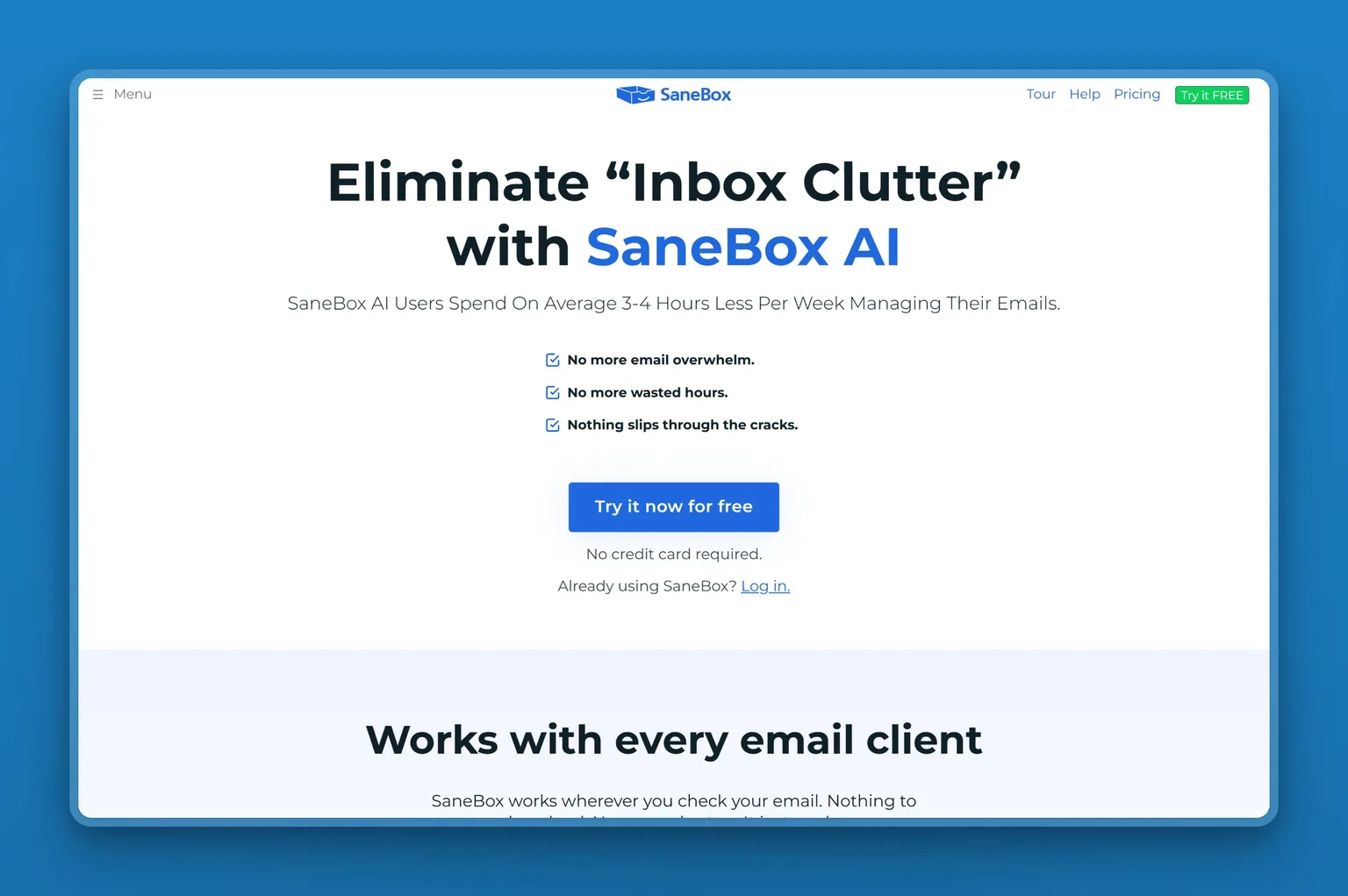
SaneBox handles the filtering job most assistants skip. It sits on top of any IMAP inbox and quietly moves low-priority mail out of your main view. The SaneLater folder learns which senders matter by watching where you move messages. Correct it once and it remembers.
It does not draft replies and does not send anything on your behalf. If your real problem is a flooded inbox rather than slow writing, SaneBox clears it for less than five dollars a month.
Key Features
- SaneLater auto-sorting moves unimportant mail out of the inbox and digests it once a day so you process everything that lands without the noise up front
- Daily Digest and Deep Clean surface old threads worth closing and subscriptions worth killing
- SaneBlackHole lets you kill a sender permanently with one drag
- SaneNoReplies flags threads where you are waiting on someone else
- Reminders, snooze, attachment handling and domain filtering round out the triage toolkit
- Works with any IMAP client including Apple Mail, Fastmail, iCloud and self-hosted setups, but not Proton
Pros
- The lightest touch on this list, so it leaves you in control of what gets written
- Pricing starts around four dollars a month and lands well below every drafting assistant
- Setup takes minutes because it trains on your existing folder moves rather than asking you to build rules
Cons
- No AI reply drafting at any tier, so you still write every response yourself
- It sorts mail into folders, which means you still process everything that lands even if you do it later
- It does not work with Proton
- Multi-account users are pushed up tiers because features are allotted per email account rather than pooled
Pricing
- $4.54/mo (Snack, paid biyearly): 1 email account and 2 features
- $7.46/mo (Lunch, paid biyearly): 2 email accounts and 6 features per account
- $22.04/mo (Dinner, paid biyearly): 4 email accounts and all features
- Free for 7 days
- Annual and monthly rates run higher ($5.42 / $9.49 Snack, $9.08 / $15.99 Lunch, $26.58 / $42.99 Dinner)
- Feature allotments are per email account
User Reviews
SaneBox holds a 4.8 out of 5 on Trustpilot. Users describe it as the thing that cut inbox overwhelm by filtering unimportant mail out of sight, name the Daily Digest specifically, and praise fast setup and support. Several note the initial setup is quick once done, and while the interface feels dated to some, the service itself works well.
"SaneBox saves me a lot of time and is flexible enough to fit how I actually manage email. I use Messy Mode because I still like seeing emails as they come in, while letting SaneBox help organize everything in the background."
Omari Allen, 4 stars, Trustpilot
Best For
SaneBox fits the person who wants their inbox cleaned up but does not want an AI writing on their behalf. If you manage several client inboxes or run a fractional business where each engagement brings a new email account, the way SaneBox trains itself on your existing sorting behavior means you get triage without building rules from scratch every time.
2. Spark Mail: cross-platform client with AI writing built in
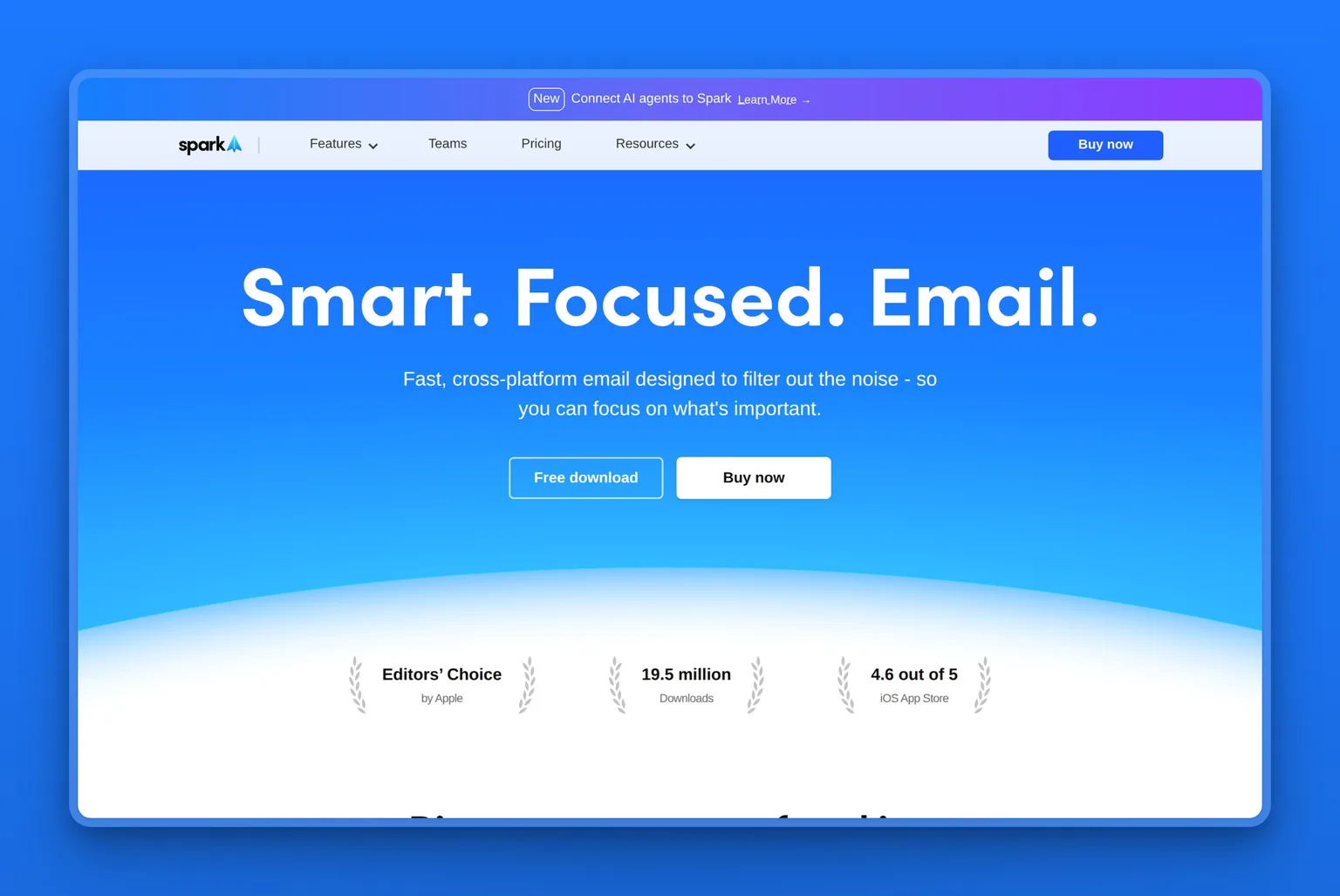
Spark Mail is a cross-platform email client with AI writing, summarization and inbox-organization tools built to filter noise. It unifies several accounts across Gmail, Outlook, Exchange, iCloud, Yahoo and IMAP, and adds the Spark +AI writing assistant on top. The Smart Inbox and Priority views sort what matters, and Gatekeeper screens senders before they reach you.
It syncs across Windows, Mac, iOS, Android and Apple Watch, so you get the same filtered view and shared threads no matter where you open mail.
Key Features
- Smart Inbox and Priority organize mail by importance and let you focus on what needs a response first
- Gatekeeper sender screening blocks unknown senders out of view until you approve or reject them
- Group by Sender and Domain collapses threads from the same source so promotional mail does not flood the list
- Send Later, Snooze and Set Aside handle timing and follow-up without plugins
- The Spark +AI writing assistant drafts replies, summarizes threads and translates messages on request
- AI Meeting Notes extracts action items and decisions from meeting threads, capped at 40 a month on Plus and unlimited on Pro
- Auto-Labels and Auto-Drafts are marked as coming soon on the Pro plan
- Team shared threads and delegation route mail inside a group
- Syncs across Windows, Mac, iOS, Android and Apple Watch over IMAP, iCloud, Exchange, Outlook, Yahoo and Gmail
Pros
- The free tier gives you the core inbox-organization tools and multi-account sync without paying anything
- Cross-platform coverage is the widest on this list, so you get the same view on a Windows laptop, an iPhone and an Apple Watch
- Group by Sender and Gatekeeper cut noise fast for anyone buried under newsletters and cold outreach
Cons
- The Trustpilot score sits at 2.4 out of 5, the lowest of every rated tool on this list
- One five-star reviewer still calls the built-in AI the weak point next to dedicated writing tools
- AI Meeting Notes are capped at 40 a month on Plus, so heavy meeting users burn through the limit fast
Pricing
- Free: $0
- $8.25/user/mo (Plus, billed yearly at $99, list $120)
- $16.58/user/mo (Pro, billed yearly at $199, list $240)
- Enterprise: custom
User Reviews
Spark Mail holds a 2.4 out of 5 on Trustpilot. Users keep coming back to how it declutters several accounts at once, blocks senders out of view and groups mail by sender, and to how smoothly it runs across Mac and iOS.
"I've finally found an email app that meets all my needs, and I have tried many. I have 5 email accounts that I use regularly, and Spark allows me to choose which accounts to receive notifications for. It effectively filters emails, allowing me to easily avoid seeing unwanted messages. I especially appreciate the block feature, which sends messages from a blocked sender to a separate folder without notifying me. Moreover, it has a great focus filter integrated deeply into iOS with the focus feature."
A Trustpilot reviewer, permalink
Best For
Spark Mail fits the person managing several email accounts who wants one app that works the same way on every device they own. If you are juggling a work Gmail, a personal iCloud account and a side-business Outlook address, and you check mail on a Mac, a Windows machine and an iPhone, Spark unifies the view and keeps senders you have already blocked out of sight everywhere.
3. Canary Mail: encryption and phishing protection in one client
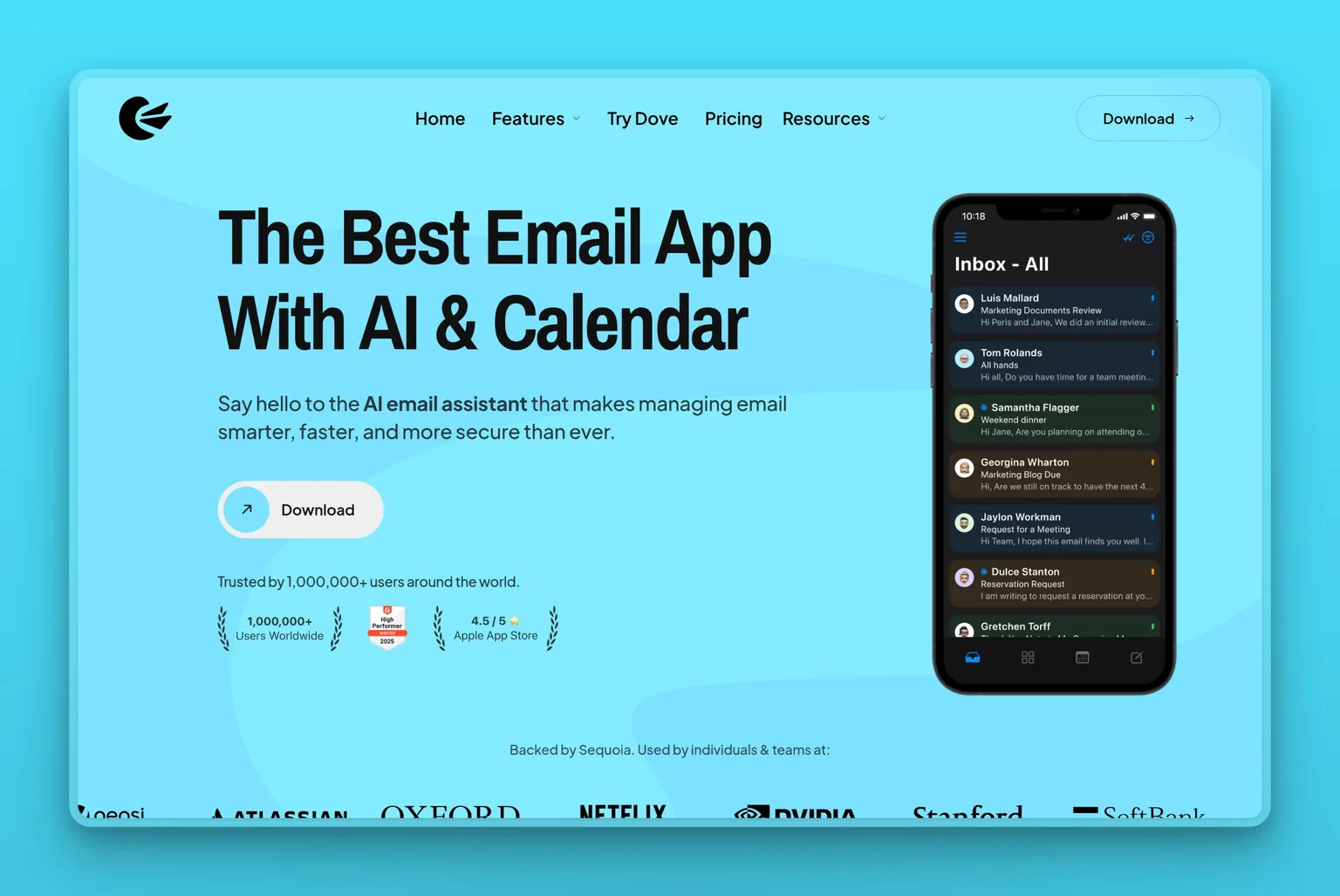
Canary Mail is an AI-native cross-platform client that unifies Gmail, Outlook, iCloud, Exchange and IMAP accounts and adds encryption and phishing protection. It is built for the person who wants security features most email apps treat as add-ons. PGP end-to-end encryption and HIPAA SecureSend sit alongside phishing, ransomware, impersonation and BEC protection on the Pro+ tier.
The AI email writer and thread summarization handle the drafting and triage work, but the reason most people pick Canary is the security layer.
Key Features
- AI email writer drafts replies and thread summarization condenses long threads into the key points
- Auto-categorization sorts mail by type so you can batch-process newsletters, receipts and client threads separately
- Unified inbox brings Gmail, Outlook, iCloud, Exchange and IMAP accounts into one view
- PGP end-to-end encryption and HIPAA SecureSend protect sensitive threads
- Phishing, ransomware, impersonation and BEC protection sit on Pro+ and scan every incoming message
- Read receipts, one-click unsubscribe, snooze and pin handle follow-up and cleanup
- Bulk cleaning lets you delete or archive hundreds of threads at once
- Native apps on Mac, iOS, Windows, Android and Chrome
Pros
- Security features most clients skip are built in rather than bolted on, so you get PGP encryption and phishing protection without switching apps
- The unified inbox handles several providers in one place, and the AI categorizes mail automatically
- Bulk cleaning and one-click unsubscribe make it easy to clear a backlog fast
Cons
- The security features most people want it for sit on Pro+, so the free tier and Growth tier do not include phishing or ransomware protection
- The free tier is limited to 2 devices, which pushes multi-device users onto a paid plan
- Its AI writes and summarizes rather than running triage for you, so you still decide what gets a reply
Pricing
- Free: $0 for 2 devices
- $3/mo (Growth, billed annually at $36/yr)
- $100/yr (Pro+), which the pricing page shows as $10/month with two months free
- There is no monthly billing option: paid plans are yearly, or a one-time lifetime purchase at $100 for Growth and $300 for Pro+
User Reviews
Canary Mail holds a 4.5 out of 5 on G2. Users point to how much it handles in one app, managing several accounts with labels, folders, snooze, pin and send-later, with the AI as an option rather than the point, and one says it finally replaced the clients they had been juggling.
"What I like about Canary is that it offers all the good points of the above mentioned emails clients and none of the disadvantages. Robust snoozing, sending and deleting delays, Send later.... all the bells and whistles. It also gives perfect access to labels and folders. There are two ways of highlighting important emails: (1) you can favorite senders/domains (2) you can pin emails for follow up."
Content Specialist, Small-Business, on G2
Best For
Canary Mail fits the person who needs encryption and phishing protection as table stakes, not nice-to-haves. If you are in healthcare, legal, or another field where client confidentiality means PGP and HIPAA compliance, Canary puts those controls in the same app that handles your Gmail, Outlook and Exchange accounts. And if you are managing several inboxes and want the AI to categorize and summarize threads without taking over the writing, the way Canary keeps the AI optional rather than mandatory means you stay in control.
4. Shortwave: AI-organized inbox with voice-matched drafting
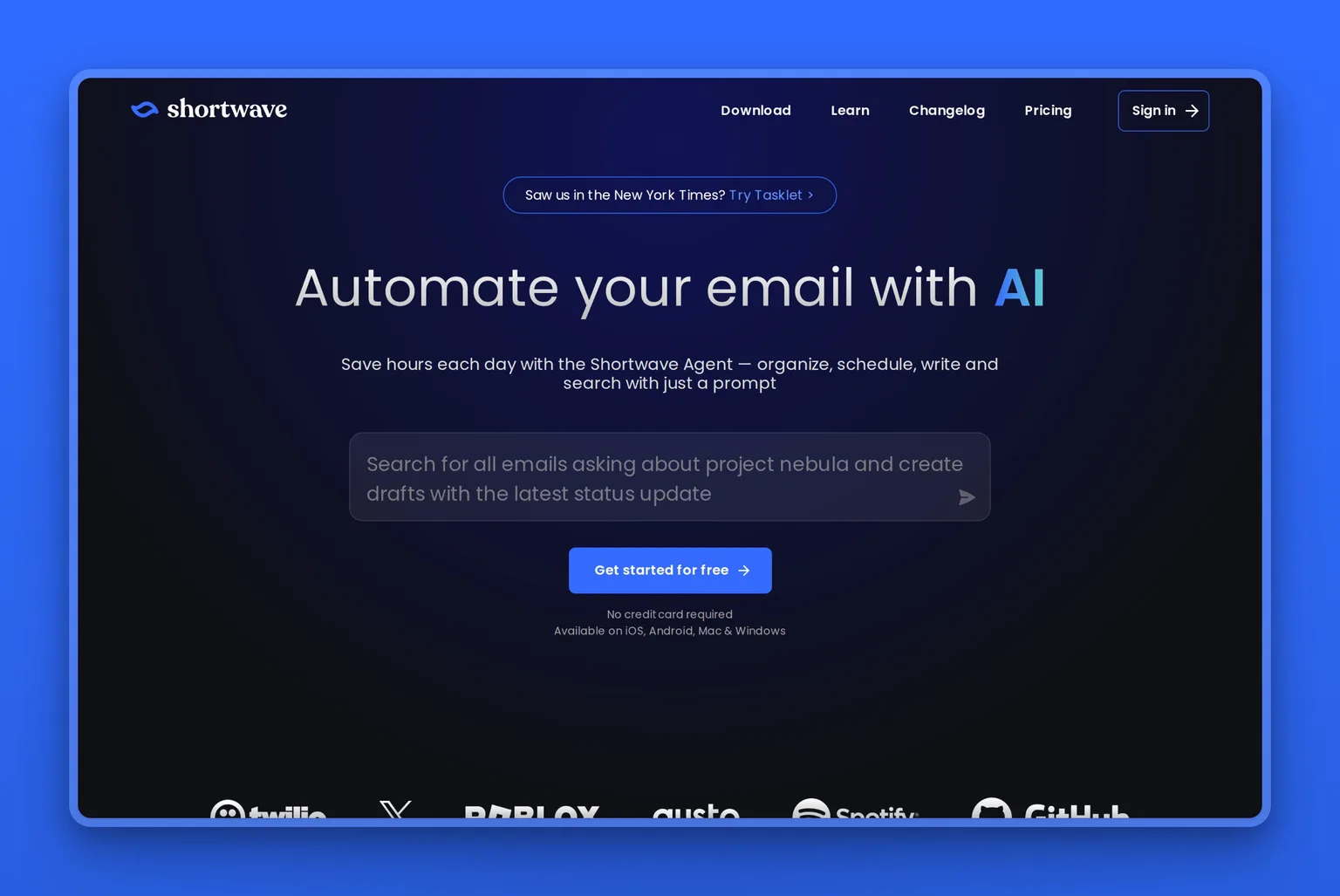
Shortwave is an AI-native client for Gmail and Google Workspace that reorganizes your inbox around what actually needs attention and drafts replies that sound like you. It learns your voice by watching the mail you send, so the drafts it suggests match the way you already write. The AI search understands plain language, which means you can ask for the email about next quarter's budget rather than guessing keywords.
The inbox stays organized without rules you have to set. Shortwave splits threads into todos, bundles related mail together, and moves low-priority senders out of the main view automatically. Teams can share threads and labels, and tracker blocking keeps read receipts and spy pixels out.
Key Features
- AI-organized inbox that splits todos, bundles related threads, and surfaces what needs attention first
- Natural-language search across mail and attachments that understands questions like "contract from the law firm last month"
- Voice-matched drafting and rewriting trained on your past conversations
- Thread summaries and AI integrations that let the assistant browse the web and pull context
- Shared threads and labels for teams, plus spy-tracker blocking
- Shortwave says it has passed CASA Tier 2 security certification
Pros
- The AI search finds old mail faster than scrolling or keyword guessing, and users single out how precise it is
- Drafts match your actual writing style after the assistant learns from your sent mail
- Works as a full replacement Gmail client with shared team features built in
- The CASA Tier 2 certification Shortwave reports, plus tracker blocking, cover the privacy concerns that come with letting an assistant read everything
Cons
- Gmail and Google Workspace only, so a second account on Outlook or another provider stays outside it
- The free plan caps AI usage, keeps only 90 days of search history and signs your mail with a Shortwave footer, so real use starts at $18 a seat and team features at $30
- The top tier runs $120 per seat per month, which is steep for an inbox assistant even with the full feature set
Pricing
- Free (Individual): basic intelligence, a limited AI quota, 90 days of search history, and a "Sent with Shortwave" signature
- $18/seat/mo (Pro, Individual): standard intelligence, 3 years of AI search history, AI web browsing, and personalized AI writing
- $30/seat/mo (Business): AI inbox organization, voice-matched drafting, natural-language search, and shared team threads
- $45/seat/mo (Premier): everything in Business with priority support
- $120/seat/mo (Max): the full feature set plus dedicated account management
- 14-day trial with no card required
User Reviews
Shortwave holds a 4.4 out of 5 on G2. One reviewer describes getting hooked on working to an empty inbox, and singles out how precisely and quickly the AI search finds old mail and how much the AI rewriting improves what they send.
"Shortwave is all about leaving your inbox empty. if you get into that mode of work you get addicted. Shortwave search capabilities are awesome as you can elaborate and ask the AI more precisely what email you are looking for specifically, and it's fast. I also like the AI tweaking my emails and making them better. I never send an email anymore without AI upgrading my emails, making them more professional, elaborative, and clear."
Sr. Product Manager, Information Technology and Services, Small-Business, on G2
Best For
Shortwave fits teams that live in Gmail and Google Workspace and want the inbox managed without leaving Google's ecosystem. If you already pay for workspace seats and the AI search and voice-matched drafting justify another $30 per person, this is the strongest Gmail-native option that handles both organizing and drafting in one tool.
5. Superhuman Mail: speed and keyboard-driven AI drafting
Superhuman Mail is an AI-native client for Gmail and Outlook built around a fast keyboard-driven interface and an inbox assistant that drafts multi-step workflows. It pairs speed with AI triage, so the assistant auto-drafts replies while you work through the inbox with shortcuts. The keyboard focus is the identity. Every action is a shortcut, and the interface is stripped down to what moves mail fastest.
Auto Drafts and Ask AI sit on the Business plan, not Starter, which means the AI most buyers want lives at $33 per member per month billed annually rather than the $25 entry tier. The assistant learns your voice, remembers your clients and preferences, and handles drafting while follow-up reminders and read statuses keep nothing from slipping.

Key Features
- AI triage with auto-drafting and multi-step email workflows that handle the reply before you see the thread
- Superhuman says the assistant will send fully written emails on your behalf and run complete workflows end to end when you let it
- Split Inbox that separates important mail from everything else automatically
- Auto Drafts and Ask AI on Business and above, trained on your past conversations
- Follow-up reminders and read statuses so nothing falls through
- Snippets for canned replies, calendar-aware scheduling, and shared team threads
- MCP and CRM integrations that pull context from your tools
Pros
- The keyboard shortcuts and speed save time even before the AI gets involved, and users credit both for the hours they get back
- Auto-drafting and reminders catch the mail that would otherwise slip, and the assistant remembers clients and preferences
- Works across Gmail and Outlook, so you can manage both in one interface
- Teams of 5 or more get 15 percent off Business seats
Cons
- The AI features most people are buying it for, Auto Drafts and Ask AI, sit on Business at $33 per member per month rather than Starter
- Paying monthly costs $30/member/mo on Starter and $40 on Business, so the headline rates only hold if you commit for a year
- Users report the mobile app trails the desktop experience
Pricing
- $25/member/mo (Starter, billed annually): keyboard-driven interface, Split Inbox, follow-up reminders, read statuses, and snippets, but not Auto Drafts or Ask AI
- $33/member/mo (Business, billed annually): everything in Starter plus Auto Drafts, Ask AI, and 15% off for teams of 5 or more
- Enterprise (custom): Business features with dedicated support and custom integrations
- $30/member/mo (Starter) and $40/member/mo (Business) if you pay monthly instead, which the pricing page prices as 17% more than annual
User Reviews
Superhuman Mail holds a 4.8 out of 5 on G2. Users credit the speed and the keyboard shortcuts for the time saved, and the auto-drafting and reminders for the mail that no longer slips.
"As a chartered accountant running a busy practice, Superhuman has genuinely changed how I manage my inbox day-to-day. The AI assistant is the standout feature - I use it constantly to draft client emails in my own tone, chase overdue information politely, and even help with tax planning queries on the fly. It remembers my preferences, my clients, and my writing style, which saves a huge amount of time."
Director, Small-Business, on G2
Best For
Superhuman fits people who already work in keyboard shortcuts and want AI drafting layered on top of a fast interface. If you spend enough time in email that shaving seconds off every action adds up, and you need the assistant to draft in your voice rather than just sort, the $33 per month Business plan justifies itself quickly. If you only want basic organization and can skip the AI, the $25 Starter tier works, but most buyers are here for Auto Drafts.
6. Fyxer AI: inbox organizing and meeting notes across Gmail and Outlook
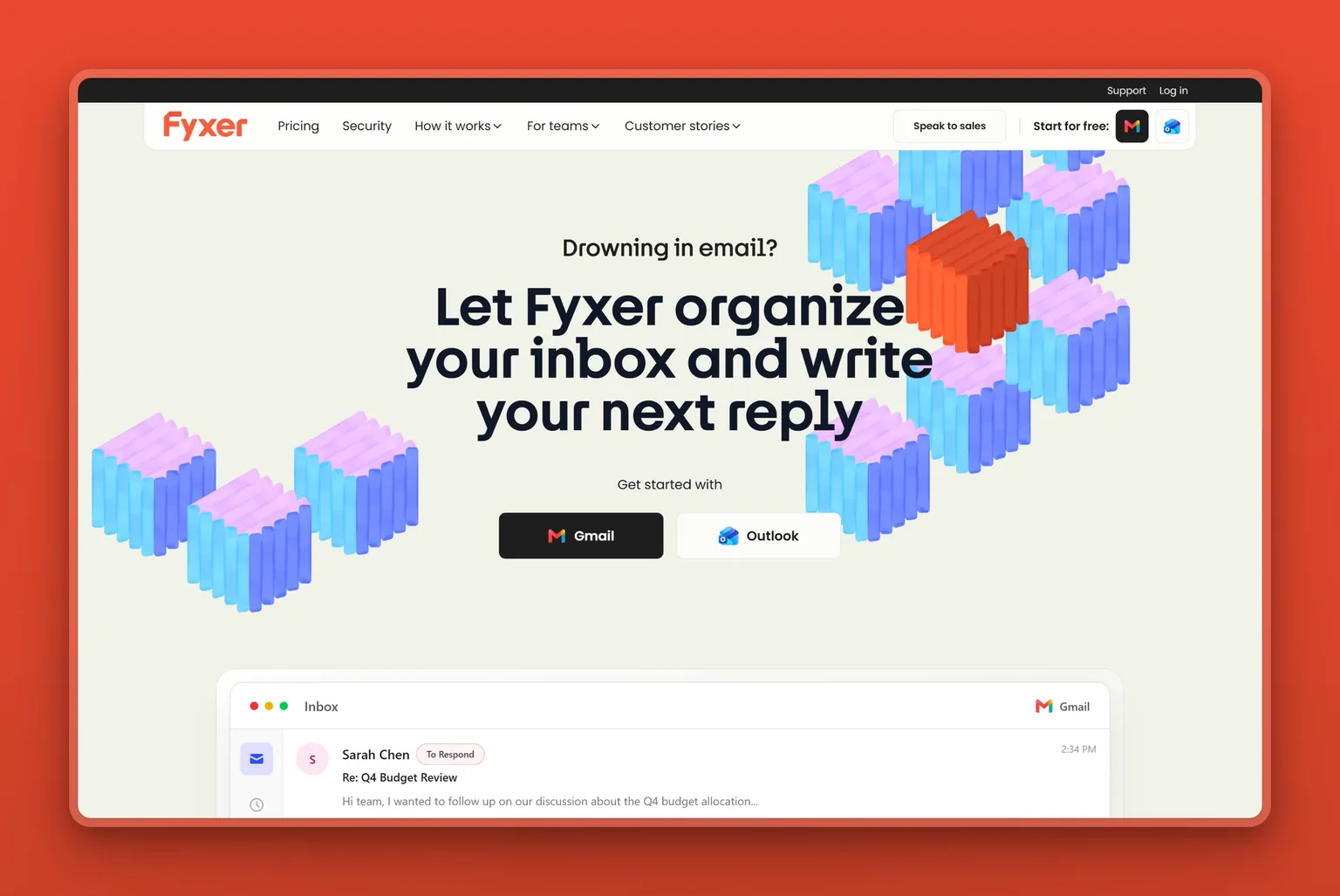
Fyxer AI is an email assistant that organizes the inbox, drafts replies in your voice, and takes meeting notes, working across both Gmail and Outlook. The Draft Writer trains itself on your past conversations so the replies it suggests already sound like you. The Inbox Organizer surfaces urgent mail first and categorizes everything else instantly, and the Meeting Companion records calls and generates notes automatically.
Fyxer Chat and cross-timezone scheduling sit on the Professional plan at $37.50 per user per month billed annually, not Starter. The trial runs 7 days. It is priced per user rather than per mailbox, so the bill grows with the team even if several people share one inbox.
Key Features
- Inbox Organizer that surfaces urgent mail first and categorizes everything else automatically
- Draft Writer trained on your past conversations so replies match your voice
- Meeting Companion notetaker that records calls and generates summaries
- Instant categorization across Gmail and Outlook without manual rules
- Fyxer Chat and cross-timezone scheduling on Professional and above
Pros
- Automatic categorization and drafts that sound like you save hours a week, and users point to the time back as the main win
- The meeting notetaker and fast support come up repeatedly in reviews
- Works across both Gmail and Outlook in one tool
- The Draft Writer learns from your sent mail so the voice-matching improves over time
Cons
- Chat and cross-timezone scheduling are Professional-only at $37.50 per user per month annual, not on Starter
- The trial is only 7 days, which is short for testing whether the voice-matching and categorization fit
- Priced per user rather than per mailbox, so adding teammates grows the bill even when they share one inbox
- One Trustpilot reviewer reports being charged almost twice the normal monthly amount after same-domain colleagues were added as paid seats automatically
Pricing
- $22.50/user/mo (Starter, billed annually, $30 monthly): Inbox Organizer, Draft Writer, Meeting Companion, and instant categorization
- $37.50/user/mo (Professional, billed annually, $50 monthly): everything in Starter plus Fyxer Chat and cross-timezone scheduling
- Enterprise (bespoke from 50 seats): Professional features with custom integrations and dedicated support
- 7-day trial
User Reviews
Fyxer AI holds a 4.1 out of 5 on Trustpilot. Users point to the hours a week they get back from automatic categorization and drafts that already sound like them, and the meeting notetaker and fast support come up repeatedly.
"Fyxer has been a huge help with keeping my inbox clean and organized. It saves me several hours a week with the draft emails responses it composes."
A Trustpilot reviewer, permalink
Best For
Fyxer fits small teams that work across both Gmail and Outlook and want one tool that handles inbox organization, voice-matched drafting, and meeting notes together. If you need the assistant to cover email and calls in one place, the $22.50 per user Starter plan covers it. If you need Chat or cross-timezone scheduling, budget for Professional at $37.50.
7. Cora: an AI chief of staff that screens and briefs twice daily
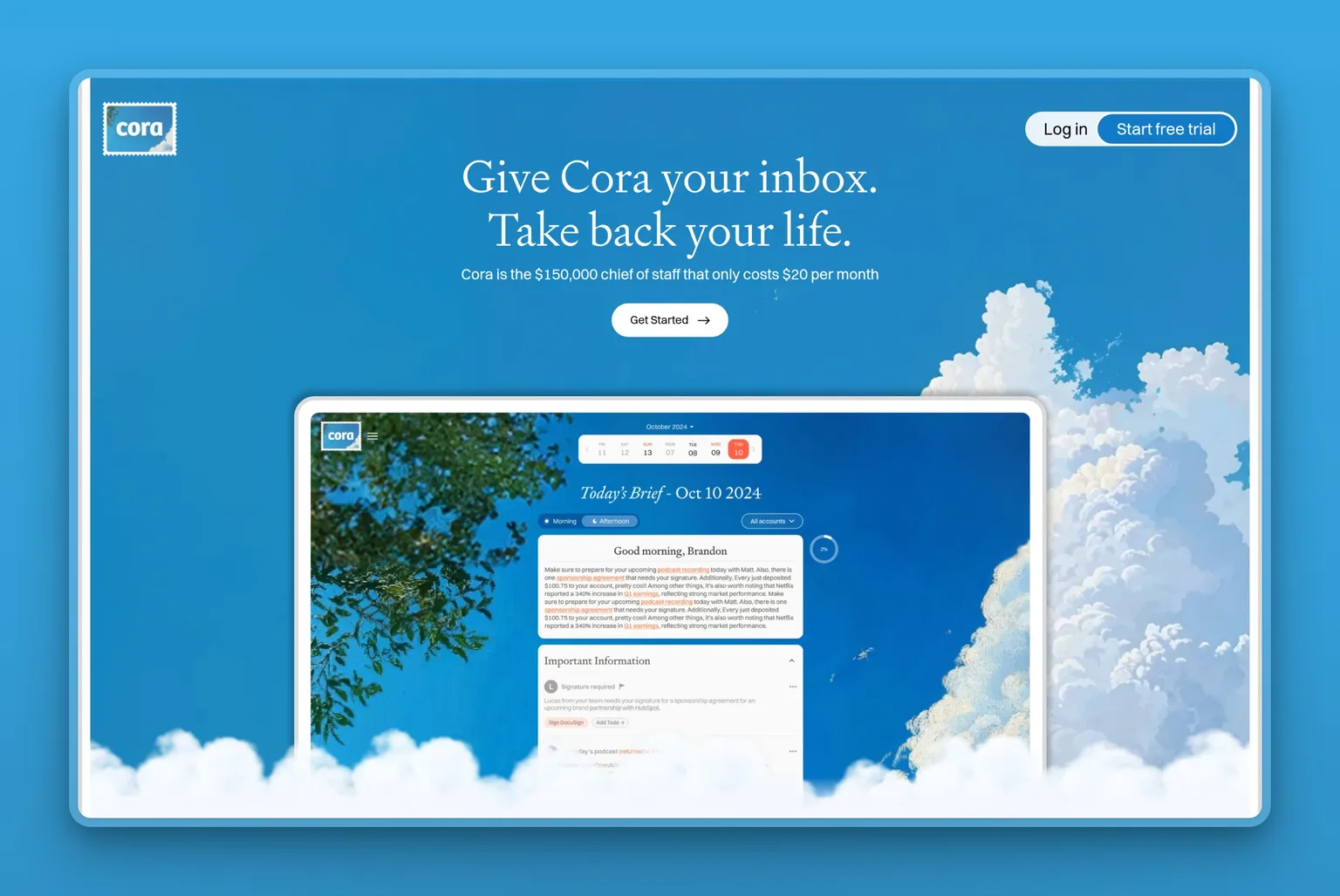
Cora is an AI chief of staff for a Gmail inbox that screens mail, drafts replies for review, and briefs you on everything else twice a day. It does not send or delete anything on its own. Instead it shows you only what it judges important, puts drafted responses into your Drafts folder, and sends a Brief covering the rest by email and web. The twice-daily cadence means you see non-urgent mail on Cora's schedule rather than yours, which is the appeal for anyone trying to break the all-day inbox habit.
It learns your priorities from email patterns and can be corrected by chat. Cora says it does not train on user data and is Google Verified and CASA Tier 2.
Key Features
- Screens the inbox and shows only what it judges important
- Drafts responses in your voice into the Drafts folder, never auto-sent
- A twice-daily Brief by email and web covering everything Cora filtered
- Learns your priorities from email patterns and can be corrected by chat
- Gmail and Google Workspace only
- Cannot send or delete mail, so anything past the draft is still your job
Pros
- The twice-daily brief keeps the inbox from being an all-day surface
- Drafts wait in your Drafts folder for review before anything goes out
- Google Verified and CASA Tier 2, and Cora says it does not train on user data
- Available inside the Every bundle for $20/mo
Cons
- Gmail and Google Workspace only
- It cannot send or delete, so anything past the draft is still your job
- Paying monthly costs $25 for Professional and $49 for Unlimited, so the $20 rate needs a year up front
- The twice-daily brief means you see non-urgent mail on Cora's schedule rather than yours
Pricing
- $20/mo (Professional, billed annually at $240/yr): 2 accounts
- $39/mo (Unlimited, billed annually at $470/yr)
- Month to month: $25/mo (Professional) and $49/mo (Unlimited)
- Available inside the Every bundle at $20/mo
- 7-day free trial
Best For
Cora fits owners who want the inbox screened down to what matters and are comfortable checking mail twice a day instead of continuously. If you need to send replies yourself or work across providers, it will not close the loop.
8. Inbox Zero: open-source AI sorting and pre-drafted replies
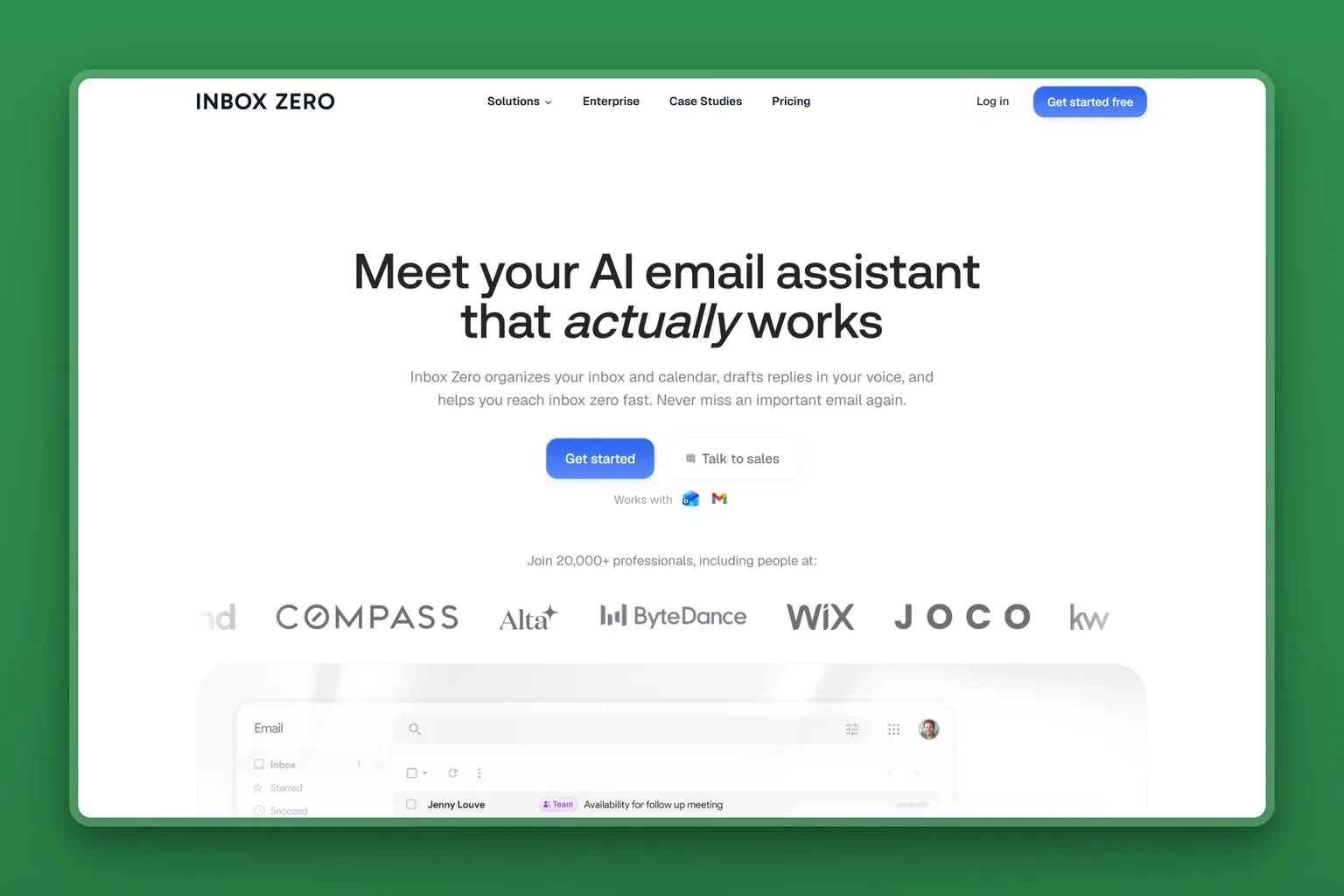
Inbox Zero is an open-source AI email assistant that sorts the inbox and pre-drafts replies in your voice across Gmail, Google Workspace and Outlook, and can be self-hosted. The code is open source on GitHub and the app runs on the web and through Slack and Telegram. It is the one tool on this list you can run on your own infrastructure if third-party access to the inbox is a problem.
The automatic sorting and labeling puts incoming mail into Newsletter, To Reply, Marketing, Calendar, Notification, Cold Email, Team, Urgent or your own categories. AI Rules are written in plain English. The cold email blocker and bulk unsubscribe handle the volume problem before the inbox even opens.
Key Features
- Automatic sorting and labeling into Newsletter, To Reply, Marketing, Calendar, Notification, Cold Email, Team, Urgent or your own categories
- Pre-drafted replies in your tone, with AI Rules written in plain English
- Reply Zero, bulk unsubscribe and archiving, and a cold email blocker
- Email analytics, meeting briefs, and smart filing to Drive or OneDrive
- Runs on the web and through Slack and Telegram
- The code is open source on GitHub and the app is self-hostable
Pros
- Open source and self-hostable for teams that need control over where email data lives
- Works across Gmail, Google Workspace and Outlook
- AI Rules in plain English mean you write the logic without coding
- The cold email blocker and bulk tools clear volume before the inbox opens
Cons
- Paying yearly saves only 10% on Starter, a thinner discount than most tools on this list offer
- Self-hosting is a real project, and one reviewer called the setup cumbersome
- The rating comes from a very small sample, so it should carry less weight than a score built on hundreds of reviews
Pricing
- $18/user/mo (Starter, billed annually): $20 if you pay monthly
- $28/user/mo (Plus, billed annually): $35 monthly
- $42/user/mo (Professional, billed annually): $50 monthly
- Enterprise: custom
User Reviews
Inbox Zero holds a 5.0 out of 5 on G2. The reviewer who wrote it up credits how fast the developers ship fixes and features, and the sorting that pulls the mail worth answering out of the noise while still allowing manual filters.
"I am impressed with the responsiveness of the developers at Inbox Zero. They address my issues promptly, and not only do they fix them, but they also add new features I didn't even know I wanted. This level of support dramatically enhances my user experience. Additionally, Inbox Zero effectively handles sorting of job application emails by automatically filtering out rejections and highlighting important move-forward emails."
Founding Full-Stack Developer, on G2
Best For
Inbox Zero fits teams that need the inbox sorted and replies pre-drafted but want the code on their own infrastructure or need to verify exactly what the tool does under the hood. If self-hosting sounds like a project rather than a feature, the hosted plans deliver the same sorting and drafting without the setup.
9. Microsoft 365 Copilot for Outlook: AI drafting inside the Microsoft stack
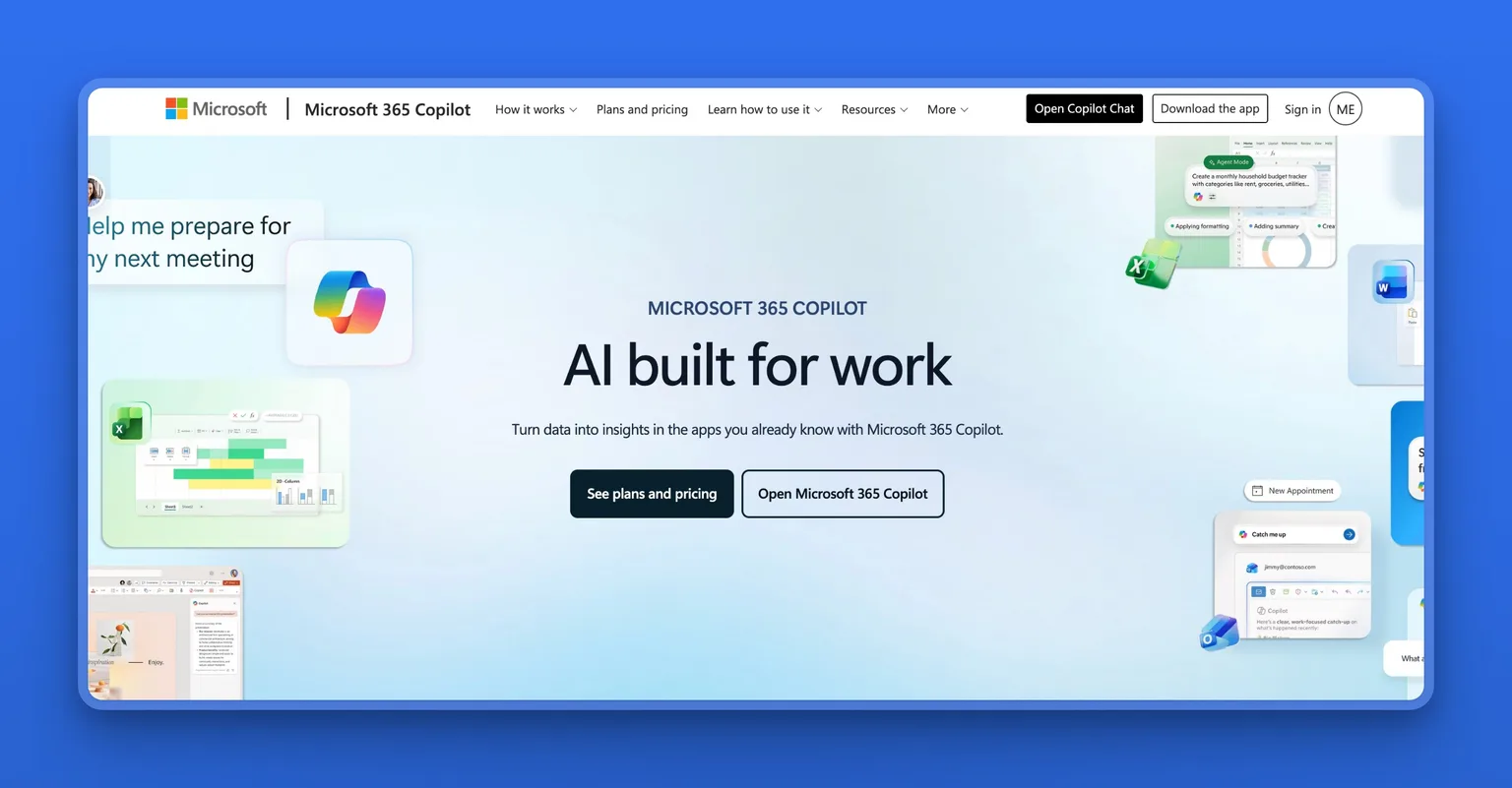
Microsoft 365 Copilot for Outlook is Microsoft's AI assistant inside Outlook and the rest of Microsoft 365, grounded in your organization's own data. It drafts replies, summarizes threads, and prioritizes the inbox inside Outlook. Chat and Cowork are grounded in work data. It inherits Microsoft 365 permissions, sensitivity labels and retention, and Microsoft says prompts are not used to train its models.
The appeal for businesses already on Microsoft 365 is that they are not signing up with a new company or handing email to a third party. Copilot already has access to what the organization already trusted it with. It reaches across Outlook, Word, Excel and Teams, so the same assistant that drafts the email also summarizes the meeting and pulls the data.
Key Features
- Drafting, thread summarizing and prioritization inside Outlook
- Chat and Cowork grounded in work data, with enterprise search
- Pre-built and custom agents, plus Copilot Notebooks
- A choice of model
- Inherits Microsoft 365 permissions, sensitivity labels and retention
- Microsoft says prompts are not used to train its models
Pros
- Already inside the Microsoft 365 stack, so no new company to evaluate or contract with
- Reaches across Outlook, Word, Excel and Teams with the same assistant
- Grounded in the organization's own data with existing permissions and retention
- Meeting summaries and action items are what users single out
Cons
- It is an add-on, so the real cost is the Microsoft 365 plan plus Copilot
- Outlook and Microsoft 365 only
- Billed yearly
Pricing
- $21.00/user/mo (Copilot Business add-on) list, paid yearly, currently offered at a promotional $18.00/user/mo
- $23.50/user/mo (Business Standard with Copilot)
- $32.00/user/mo (Business Premium with Copilot)
User Reviews
Microsoft 365 Copilot holds a 4.2 out of 5 on G2. Users value the speed and clarity of its answers and how far it reaches across Outlook, Word, Excel and Teams, and single out meeting summaries and action items.
"Microsoft 365 Copilot has become a trusted companion for organizations and schools to get things done. It helps with tasks like analyzing data and logs, reviewing content, and providing a strong search experience with useful results... It integrates easily with many products in the Microsoft suite, such as Outlook, Word, Excel, and MS Teams."
Architectural Staff, Enterprise, on G2
Best For
Microsoft 365 Copilot is right for an owner already paying for Microsoft 365, wrong for anyone who would have to buy into the stack to get it. If the organization is already on the Microsoft plans and the real question is whether to add Copilot, the meeting summaries and cross-app reach are the usual reasons teams say yes.
10. Gemini for Gmail: Google's AI built into the inbox
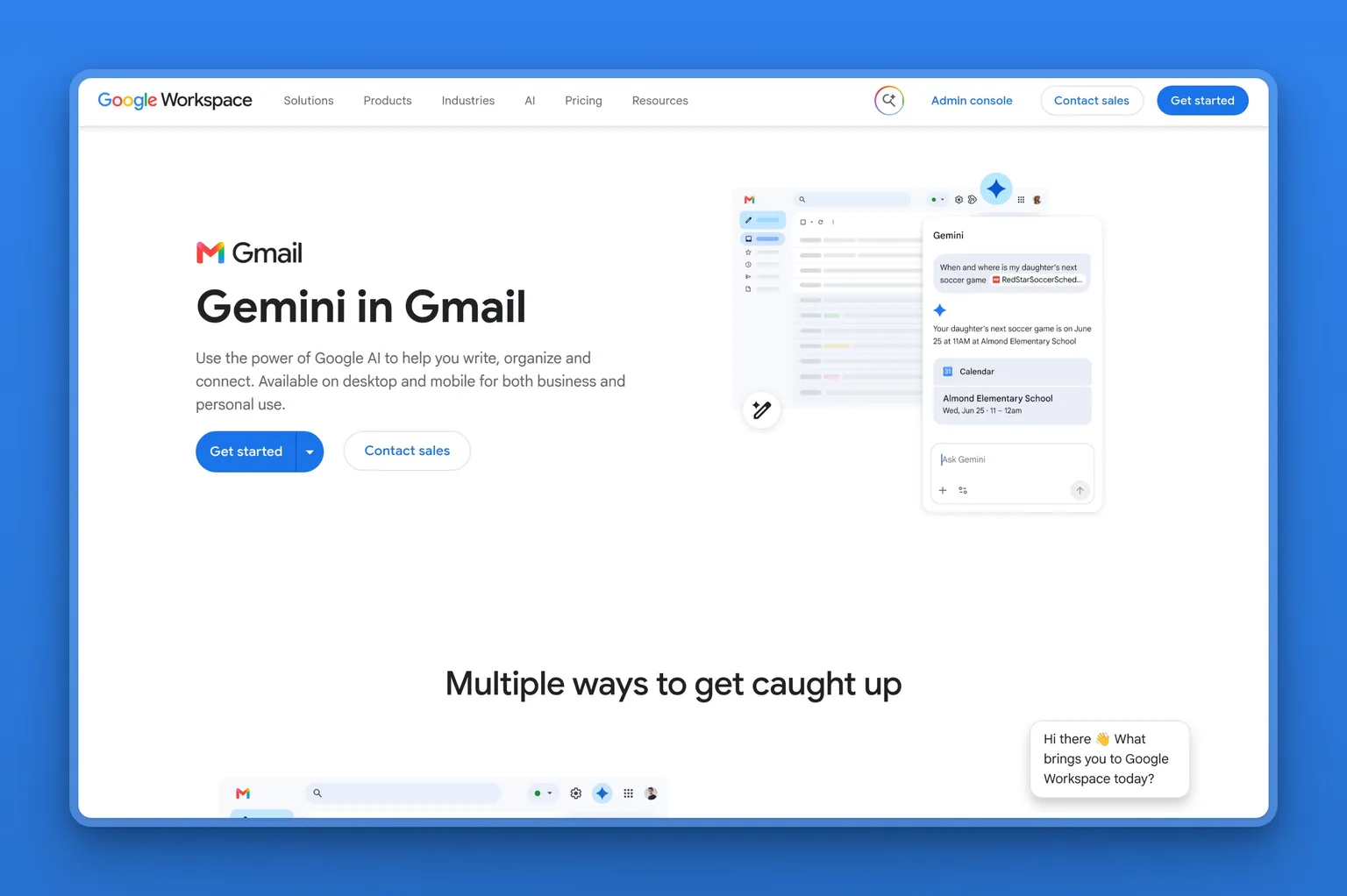
Gemini for Gmail is Google's own AI assistant that lives directly inside Gmail. It drafts replies, summarizes threads, and answers questions about what is sitting in your inbox. There is no separate app to open and no separate inbox to check. The assistant shows up as a sidebar panel and inline buttons where you already work.
Key Features
- Help me write and reply buttons that draft full messages inline, right where you compose
- Thread summarization that condenses long chains into a few sentences
- Natural-language search across your inbox and Google Drive, so you can ask for what you need instead of filtering
- Ask your Gmail inbox overview that surfaces patterns and priorities from your messages, available only on AI Pro and AI Ultra plans in the US
- Proofreading across Google apps, not just Gmail
- One master toggle to turn all of it on or off, no per-feature controls
Pros
- Already installed if you use Gmail or Google Workspace, nothing to set up
- Drafts and summarizes without leaving the inbox
- Natural-language search works across Gmail and Drive in one query
- Google's own product, so it stays updated with Gmail feature changes
Cons
- Gmail and Google Workspace only
- The only control is one master toggle, so you cannot tune what it does where
- The Ask your Gmail inbox experience is limited to AI Pro and AI Ultra plans and to the US
- What it adds is drafting, summarizing and search, so filing and reply handling stay where they were
Pricing
- $7/user/mo (Business Starter, annual billing): includes Gmail, Calendar, Meet, Drive, and Gemini built in
- $14/user/mo (Business Standard, annual billing): more storage and recording
- $22/user/mo (Business Plus, annual billing): advanced security and compliance controls
- Enterprise: custom pricing with dedicated support
- On a personal account: Google AI Plus $4.99/mo, AI Pro $19.99/mo, AI Ultra from $99.99/mo
Best For
If you live in Gmail and want drafting and summarizing built into the app you already use, Gemini does that work without asking you to switch. It fits teams already on Google Workspace who want AI assistance without changing their inbox. The catch is that you get a single on-off toggle for all of it, so if you want more control over when and where the AI shows up, pick a tool with per-feature settings.
11. Missive: shared team inbox with AI watching every thread
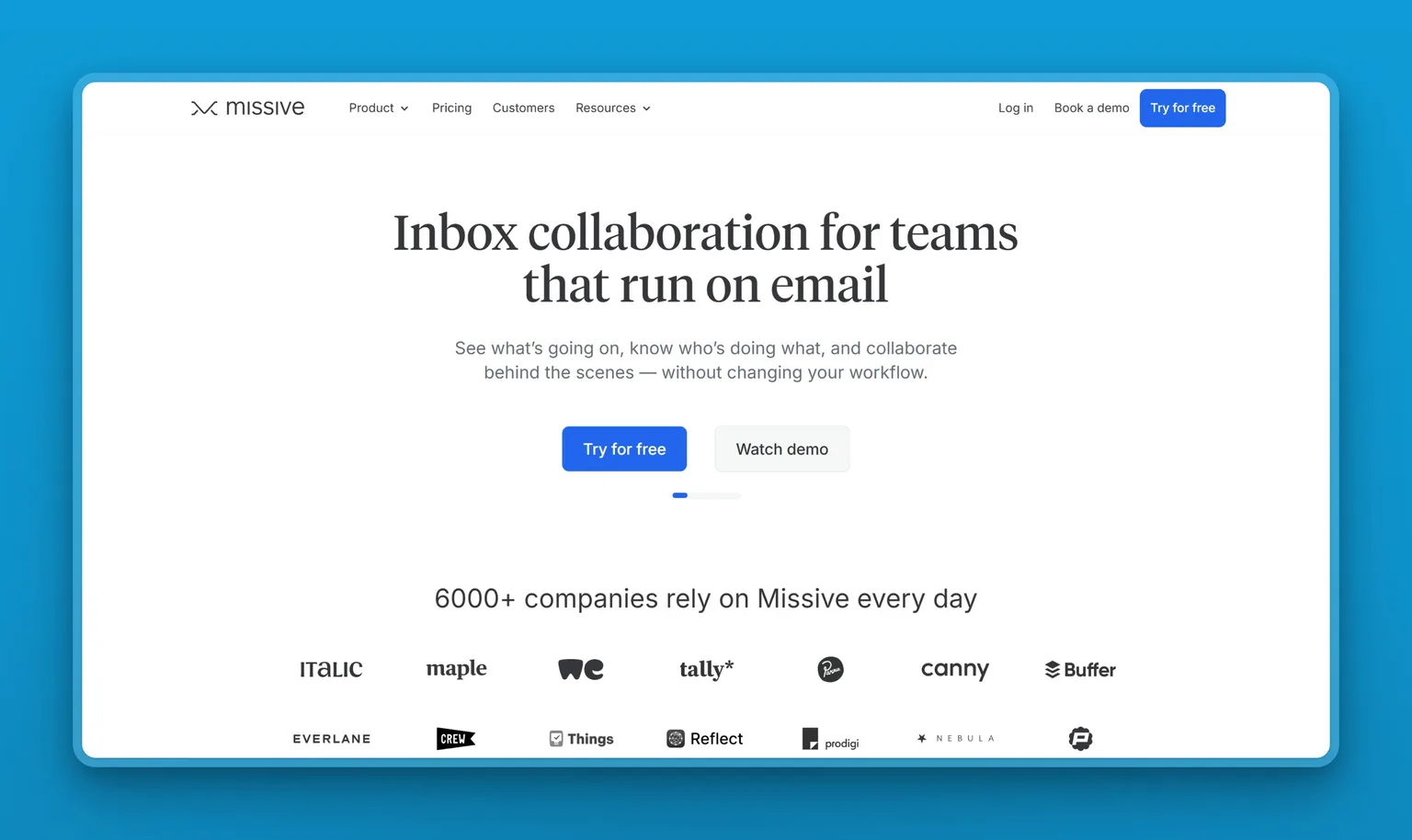
Missive is inbox collaboration software that turns email, SMS, WhatsApp and social messages into one shared team workspace. The AI assistant is one piece. The real job is giving a support or operations team one place where everyone can see, delegate, and discuss every incoming message without forwarding or CCing.
Key Features
- Shared team inboxes where internal discussion threads live inside the email itself, so the team talks about the message without cluttering the customer's view
- Email to task with assignment and due dates, turning a question into a tracked work item
- Rules and automations that route, tag, and assign messages based on sender, subject, or content
- An AI assistant with MCP support for Stripe, Notion, Linear and CRM tools, and a choice of model provider or your own API key
- 25 or more integrations with calendars, project tools, and customer databases
- Missive says it holds SOC 2 Type II certification, with SAML SSO and IP restriction on higher tiers
Pros
- Shared inbox built for collaboration, not forwarding chains
- Internal discussion stays threaded with the email, so context is never lost
- AI assistant with MCP support for connecting tools like Stripe and Notion
- Bring your own model provider or API key instead of being locked to one
- Rules and automations handle routing and tagging without manual sorting
Cons
- There is no permanently free tier, so past the trial every seat is paid
- It is priced per user and billed yearly
- Paying monthly costs $18, $30 and $45 per user, so the yearly rates need a year up front
- It is built for teams, so a solo operator pays for collaboration they will not use
Pricing
- $14/user/mo (Starter, billed yearly at 20% off): shared inboxes, assignments, and basic integrations
- $24/user/mo (Productive, billed yearly): rules, automations, and the AI assistant
- $36/user/mo (Business, billed yearly): SAML SSO, IP restriction, and priority support
- Month to month: $18, $30 and $45 per user
- 30-day free trial with no credit card required
User Reviews
Missive holds a 4.5 out of 5 on Trustpilot. Users value being able to delegate, tag and discuss a thread internally without forwarding it, having email, SMS and team chat in one place, and the automations and integrations around it. They call out fast support.
"I absolutely love Missive. I have been using it quite some time now, since they were just in the start-up phase. […] Lots of functionality and lots of integrations: from Todoist (or similar) to openAI or API access. Also an absolute must for teams: affordable plans for a very broad package of team functionality: delegating conversations, tagging each other, discussing conversations, managed signatures, managed responses (templates), and shared inboxes."
Max, reviewing Missive on Trustpilot
Best For
Missive fits support teams, operations teams, and customer success teams who answer one shared inbox and need to hand threads back and forth without losing context. If you are a solo operator who just wants AI drafting, the collaboration features are overhead you will not use. But if your real problem is three people answering the same customer twice because no one knew someone else was already on it, Missive solves that and adds the AI on top.
12. Carly AI: an AI assistant with its own email address that you CC on work
Carly AI gives you an AI assistant with its own real email address that you CC on the emails where you need help. It schedules meetings, triages and replies to email, sends follow-ups, runs research and keeps business tools updated.
Every agent has its own name, email address, integrations, permissions and files. You can build multiple agents, each trained on different policies and connected to different tools.

Key Features
- More than 200 integrations across 45 or more categories, including Gmail, Outlook, Google Calendar, Slack, HubSpot, Salesforce, Notion, QuickBooks and Jira
- Custom skills trained on your policies, templates and standard procedures
- Scheduled recurring tasks
- Persistent memory of contacts and preferences
- Unlimited emails and calendars on Google and Microsoft
- Every agent carries its own name, permissions and integration set
Pros
- You stay in control of what work the assistant sees
- Each agent can specialize in a different function
- The integration library covers most business tools
- Scheduled tasks run automatically
Cons
- AI work is credit-metered at 200 credits a month on Personal and the pricing page never states what a credit buys, so heavy use has no knowable monthly cost
- It works by being copied in rather than living in your mailbox
- It sends on your behalf, which is the point and also the risk if you wanted a review step
Pricing
- Free: $0 with 10 workflows and no cap on runs, plus full multi-calendar view
- $35/mo (Personal): unlimited workflows, unlimited custom agents and 200 credits a month
- $35/seat/mo (Organization): adds your own email domain, custom branding, pooled credits and admin controls
- Enterprise: custom pricing
Best For
Carly AI fits teams that want an assistant they can route specific work to without changing how they use their inbox. If you want something that triages everything automatically or need to know what your monthly cost will be on a busy month, this is the wrong tool.
13. Marblism: an AI executive assistant that runs inbox, calendar and notes as a standing role
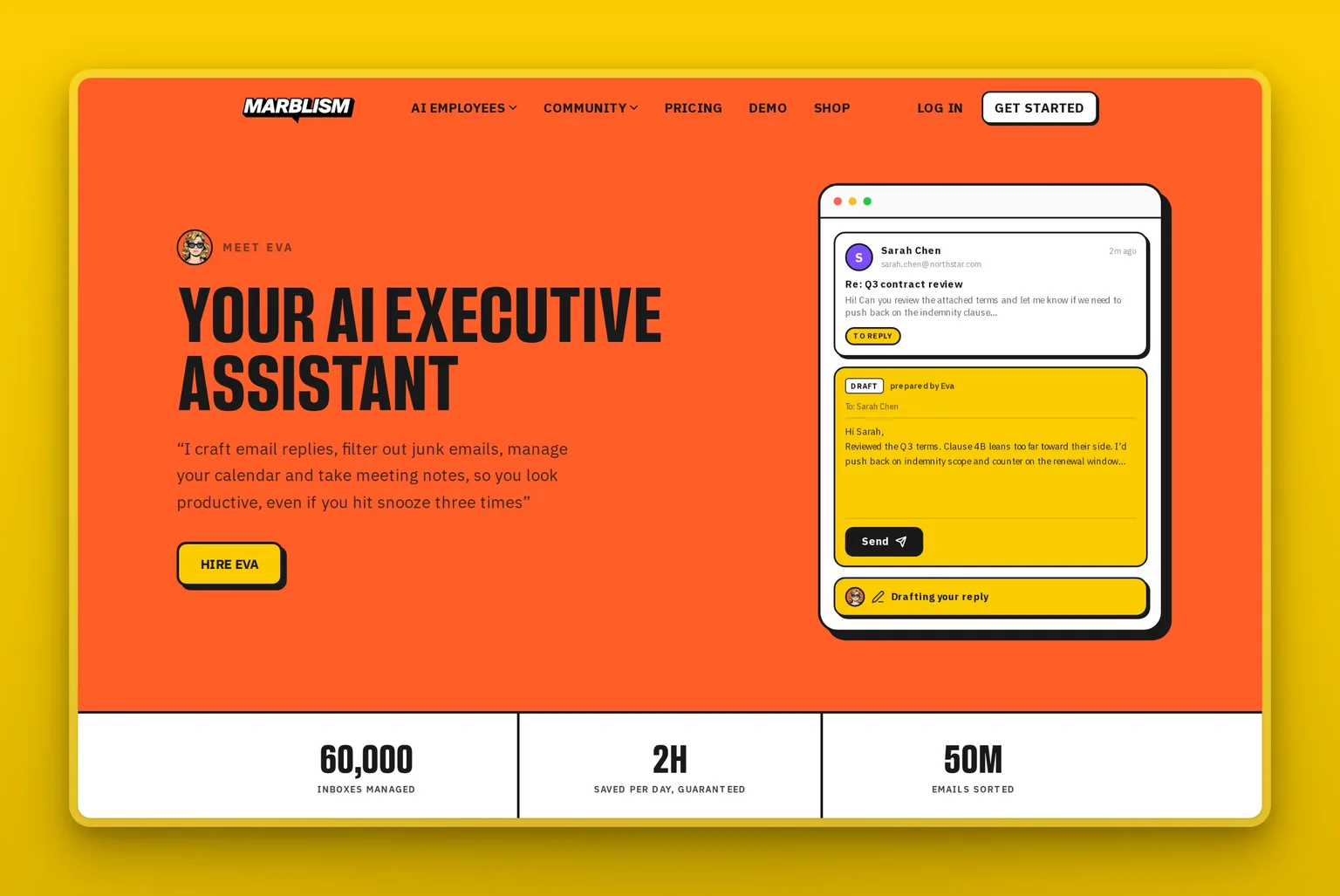
Marblism is an AI Employees platform where Eva, the AI executive assistant, takes the inbox as a standing role alongside calendar and meeting notes. Eva reads incoming mail, filters spam, newsletters and cold outreach, and labels the rest into categories like To reply, FYI and Marketing. It drafts replies in your voice that wait in your inbox for approval. It suggests times from your real availability and books and confirms appointments. It joins calls and delivers a summary when they end. Marblism reports that Eva saves owners 2 or more hours a day on the inbox.
Teams get all six AI Employees on one plan, and they share context across the work. See how businesses use it at the customer stories page.
Key Features
- Filters spam, newsletters and cold outreach, then labels the rest into categories like To reply, FYI and Marketing
- Drafts replies in your voice that wait for approval
- Books and confirms appointments from your real availability
- Joins Google Meet, Zoom and Microsoft Teams calls and delivers a summary when they end
- Works with Gmail, Outlook and any IMAP provider plus Google and Outlook calendars
- All six AI Employees included on every plan
Pros
- The inbox stays organized without you sorting
- Replies are drafted in your voice, so you approve rather than write
- Calendar and meeting notes are handled by the same assistant
- Every plan includes the full platform regardless of billing cycle
Cons
- There is no free trial, only a 7-day money-back guarantee
- Eva cannot send email on your behalf by design, so drafts wait for your click
- AI work is capped at 50 hours a month per plan with top-ups
- SAML SSO and SCIM provisioning are not available
Pricing
- $24/mo billed annually
- $33/mo billed quarterly
- $44/mo billed monthly
- Every plan includes all six AI Employees, unlimited team members and 50 hours of AI work a month with top-ups
- 7-day money-back guarantee, no free trial
User Reviews
Marblism holds a 4.8 out of 5 on Trustpilot. Users keep describing the same two things: an inbox that stays clean without them and replies drafted in their voice waiting for approval, alongside the calendar being handled.
"Eva (Executive Assistant) keeps my inbox clean and my schedule on track…"
Dalson Samuel, founder of IM Branding, on Trustpilot
Best For
Marblism fits the owner who wants the inbox off their plate as a standing job rather than a tool they operate, and who also wants calendar and meeting notes covered. It is the wrong choice for anyone who only wants noise filtered, or who wants an assistant that sends without them.
What every AI email assistant still gets wrong
Every tool on this list improves the inbox. None of them solves it completely, and most of the frustration comes from expecting them to. 5 capability limits show up across the category, and knowing them before you buy keeps expectations honest.
Drafts still sound like a template, not like you
Level 2 tools write replies quickly, but speed is not the same as accuracy. If you rewrite the draft every time, the time saved vanishes. One Reddit user described the pattern:
"So I've been using Fyxer for a few months now to help manage my inbox and it's... fine? But I feel like it's not really keeping up... The drafts it generates feel pretty generic and I always end up rewriting them anyway, which kind of defeats the purpose. I've lost a deal before just because a follow-up fell through the cracks and it's embarrassing."
u/Flat-Description-484, r/ProductivityApps
That is the failure mode that cancels the time saved. A draft generic enough to need a full rewrite is a draft you wrote twice.
Categorization breaks, and you may not notice
Automatic sorting works until it stops. Fyxer's own status page logged an incident where email categorization stopped working entirely. The risk is not the outage itself. It is that a sorting failure is silent: important mail lands in the wrong folder and you never see it. Whatever level you buy, keep a way to check the mail the tool decided you did not need.
Filtering is not triage
A level 1 tool moves low-priority mail out of sight. Whether it writes nothing at all or writes a reply when you ask for one, everything that lands in your inbox still has to be read, weighed, and answered by you. If the real bottleneck is writing replies rather than sorting them, a level 1 tool will not change your workload.
Best AI features sit one plan above the price you compared
Drafting tools split their strongest capabilities across tiers. Superhuman puts Auto Drafts and Ask AI on its Business plan. Fyxer reserves Chat and scheduling for Professional. The feature a buyer is actually shopping for often lives one tier up from the starting price they compared. Check what the plan you are buying includes before you compare prices.
Single-provider support is a capability limit, not a preference
Shortwave works with Gmail and Google Workspace only. If you also use an Outlook or IMAP mailbox, a Gmail-only tool cannot reach it, and adding a second assistant for the other account doubles the subscription and splits your workflow. Before you commit, confirm the tool supports every provider you actually send from.
Which AI email assistant to pick by how much you want automated
The right AI email assistant depends on two things: how much of the inbox you are ready to hand over and which email provider you already use. Start from that intersection, not from a feature list.
If you only want the noise filtered, the choice splits on whether you ever want AI writing. SaneBox works on any IMAP provider and does no drafting at any tier. If you also want a new client with that filtering built in and AI writing available when you ask for it, Spark Mail or Canary Mail both sort and filter and add writing on request. That on-request writing is a plus when you need a draft and the wrong fit if you never want AI touching your replies.
If you want replies drafted and waiting for your approval, the choice splits by provider. Shortwave or Cora if you are Gmail-only. Superhuman Mail or Fyxer AI if you need both Gmail and Outlook. Microsoft 365 Copilot if you already pay for Microsoft 365. Gemini for Gmail if you already pay for Google Workspace. Missive if a team shares the inbox. Inbox Zero if you want the code open and self-hostable.
If you want the inbox handled as a standing role rather than a tool you open when you remember, two options sit at the far end of the list. Carly AI when you are happy for an agent to send on your behalf. Marblism when you want the whole executive-assistant job covered and drafts still waiting for your click before anything goes out.
The simplest rule I can leave you with: pick the highest level you would actually trust with a customer email today, on the provider you already use, and move up a level when it earns it. Most people overestimate how much they want automated and underestimate how quickly they adapt once the tool proves itself. Start where you are honest about your comfort, not where you are ambitious about your workflow.
Frequently asked questions about AI email assistants
What an AI email assistant does with your inbox
Can an AI email assistant send emails for you, or only draft them?
It depends on the tool, and this is the single most important thing to check before you commit. Most tools in this roster draft replies and wait for you to hit send. Cora writes into your Drafts folder and cannot send or delete anything. Marblism's Eva prepares drafts in your inbox and cannot send on your behalf by design. At the other end, Superhuman says its assistant will send fully written emails on your behalf when you allow it, and Carly AI has its own email address and sends on your behalf, including follow-ups. The gap between "writes a draft" and "sends a reply" is the gap between a writing aid and an autonomous agent.
How does an AI email assistant connect to your inbox?
There are four routes, and which one a tool uses shapes what it can do. Some connect to your mailbox account and work on the server side. SaneBox does this over IMAP with any provider, which is why it works where others do not. Some replace your mail app entirely with their own client: Shortwave, Spark Mail and Canary Mail take this approach. Others are built into the provider you already use: Gemini inside Gmail and Microsoft 365 Copilot inside Outlook. And some have their own email address that you copy in, which is how Carly AI works. Marblism connects to Gmail, Outlook or any IMAP provider, and its access tokens are encrypted and stored separately.
Can ChatGPT organize my emails?
ChatGPT connects to Gmail and Outlook email and calendar through its apps and connectors. The difference between ChatGPT and the tools in this comparison is that ChatGPT reaches into your mailbox when you ask it to, inside a conversation you start, while the tools in this roster work on mail continuously as it arrives, sorting and labeling and pre-drafting without being asked. If your problem is sorting volume, SaneBox handles it at $4.54/mo paid biyearly. If you want drafts inside your provider, Gemini for Gmail and Microsoft 365 Copilot both work without leaving the app you already use.
What is the difference between an AI email assistant and an AI email generator?
A generator writes text on request and stops there. An assistant connects to the mailbox and acts on it: sorting what arrives, drafting the reply in place and, at the top of the range, scheduling and following up on its own. If you only need help writing individual emails, a generator tool may be all you need. If you need something that lives inside your inbox and works on the messages as they arrive, that is what the 13 tools in this roster do.
What an AI email assistant costs
Is there a free AI email assistant?
Several in this roster offer a free tier. Spark Mail and Canary Mail both start at $0, though Canary Mail limits the free plan to 2 devices. Carly AI is free with 10 workflows and no cap on runs. Inbox Zero is open source and self-hostable, with hosted plans starting at $18/user/mo billed annually. These free tiers cover sorting and light writing. Nothing free in this roster drafts and files your mail unattended. If that is what you need, expect to move to a paid plan.
How much does an AI email assistant cost?
Sorting tools start lowest: Canary Mail at $3/mo billed annually and SaneBox at $4.54/mo paid biyearly. Drafting tools cluster between $18 and $37.50 per user per month. Shortwave and Inbox Zero both start at $18 a seat, Cora at $20, Fyxer AI at $22.50 billed annually and Superhuman Mail at $25 billed annually. Provider-native AI is bundled into what you already pay: Microsoft 365 Copilot at $21.00/user/mo list paid yearly on top of a Microsoft 365 plan, and Gemini inside Google Workspace from $7/user/mo. Whole-role tools that run the inbox end to end cost $35/mo for Carly AI Personal and $24/mo for Marblism billed annually. The right starting point is the job you need done, not the sticker price. Decide whether you need sorting, drafting or someone running the whole inbox, and the budget range narrows itself.
Safety and fit when choosing an AI email assistant
Are AI email assistants safe with your email data?
Every tool handles data differently, and the claims come from the companies themselves. Microsoft says Copilot prompts are not used for training and that it inherits your Microsoft 365 permissions, sensitivity labels and retention. Cora says it does not train on user data and is Google Verified and CASA Tier 2. Missive lists SOC 2 Type II compliance on every plan, with SAML SSO and IP restriction on higher tiers. Marblism never uses customer data to train models, encrypts data with AES-256 at rest and TLS 1.2+ in transit, and deletes workspace content within 30 days of cancellation. The practical test for any tool is simpler than any certification: check what it writes down about what it did, and whether you can read that record before anything goes out.
What is the best AI email assistant for a small business owner?
It depends on how much of the inbox you want to hand over, and for a 1 to 20 person business the shortlist is small. If the problem is volume, SaneBox at $4.54/mo paid biyearly sorts and filters without touching your replies. If you want drafts across Gmail and Outlook, Fyxer AI at $22.50/user/mo billed annually or Superhuman Mail at $25/member/mo billed annually both cover it. If you want the inbox, calendar and meeting notes covered as a single role, Marblism at $24/mo billed annually handles all three. In every case, confirm the tool supports the email provider your team actually uses before committing to a paid plan.