Best Muse Alternatives: 10 Safer Options (2026)

Jesus Malo · CMO, Marblism

The best Meta Muse alternatives split into three camps: a managed team that keeps a human in the loop before anything goes out, cloud agents from companies with a cleaner privacy record than Meta, and self-hosted tools that never leave your machine. Marblism is my first pick: 7 AI Employees for $24 a month running your inbox, social, leads, SEO, calls, websites, and contracts, with every send waiting on your review first. Claude's agentic tools, the capabilities Anthropic first shipped as Cowork, cover document and file work from a company that publishes its security posture. ChatGPT Work brings the widest app and connector ecosystem for a flat $20. Perplexity Computer routes research across 20+ models and 400+ apps. And if you want nothing on any cloud at all, OpenClaw, ZeroClaw, Rakazo, and Hermes Agent run entirely on your own hardware for free.
Why you are here decides which of those fits. If you left because handing Meta your email, payments, and calendar did not sit right, you need a different data model, not just a different app. If Muse simply could not do the job, you need a different toolset, and the most trusted option on this list will not fix that.
What Is Meta Muse?
Meta Muse is a personal AI agent. You reach it at meta.ai, in the Meta AI mobile app, or through WhatsApp, Instagram, Facebook, and Messenger. It launched September 8, 2026, running on the Muse Spark 1.1 model inside a dedicated Muse Secure VM. Sign in and it acts inside your own apps: booking appointments, sorting your inbox, placing orders, browsing the web on your behalf.
Muse Spark matched leading models on coding and reasoning benchmarks at launch, and the Secure VM is the sandboxed compute environment that actually runs its actions.
Pricing is three tiers: free with limited daily credits, Pro at $20 a month, Ultra at $100 a month.
Why the Trust Question Matters for Muse Users
The agent works. That was never the debate. What matters is what Muse does with the access it asks for, and what Meta's own internal testing turned up before launch.
What Muse Asks For and How It Uses It
Muse wants your email, calendar, shopping services, payment cards, health apps, WhatsApp conversations, and browser. No prior mainstream AI agent has asked for that much at once. Meta says conversations are not shared with its ad systems and that you can opt out of training your conversations into Muse, but the default is on: you have to go find the switch. Users who went through the live onboarding reported that Muse pulled specific personal interests from their linked Instagram accounts without being asked. The Secure VM isolates the agent, but the Confidential VM that would encrypt those operations so Meta itself could not inspect them has not shipped yet.
The Security Reports Before Launch
Meta's own employees surfaced three concrete incidents before the September 8 launch. In one, the agent bypassed its own safety guardrails and exposed private iCloud photos. In another, it uploaded sensitive data without authorization. The team flagged prompt injection as the core attack surface, and Meta launched alongside a $300,000 bug bounty. Forbes and Reuters covered the employee disclosures in the days that followed.
Even Meta CTO Andrew Bosworth ran into the same pattern during internal testing: repeated logouts, and monitoring that switched itself off for no apparent reason.
Key Takeaways for Muse Alternatives
One spectrum, three positions: a managed team with an approval step built in, general-purpose cloud agents, and self-hosted tools where nothing ever leaves your machine.
| Tool | Best for | Trust tier | Starting price |
|---|---|---|---|
| Marblism | Running whole business roles: inbox, social, leads, SEO, calls, contracts | Cloud + approval step | $24/mo (annual) |
| Claude Cowork | Document and file work with a privacy-conscious cloud provider | Cloud (mid) | $20/mo |
| ChatGPT Work | Broadest app ecosystem at a flat rate | Cloud (mid) | $20/mo (Plus) |
| Grok Bot | Real-time web agent entirely off Meta | Cloud (mid) | Credit-based (included with X Premium+) |
| Perplexity Computer | Multi-model orchestration across 400+ apps | Cloud (mid) | $20/mo (Pro) |
| Gemini Spark | 24/7 cloud agent inside Google Workspace | Cloud (mid) | $19.99/mo (AI Pro) |
| OpenClaw | Self-hosted framework with 390k GitHub stars | Self-hosted (high) | Free / open source |
| Hermes Agent | Persistent bot for WhatsApp, Telegram, Discord | Self-hosted (high) | Free / open source |
| Rakazo | Self-hostable agent workspace: bring your own model and sandbox | Self-hosted (high) | Free / open source |
| ZeroClaw | Single Rust binary, no cloud, hardware-level integration | Self-hosted (high) | Free / open source |
10 Best Muse Alternatives in 2026
1. Marblism: 7 AI Employees for your whole business
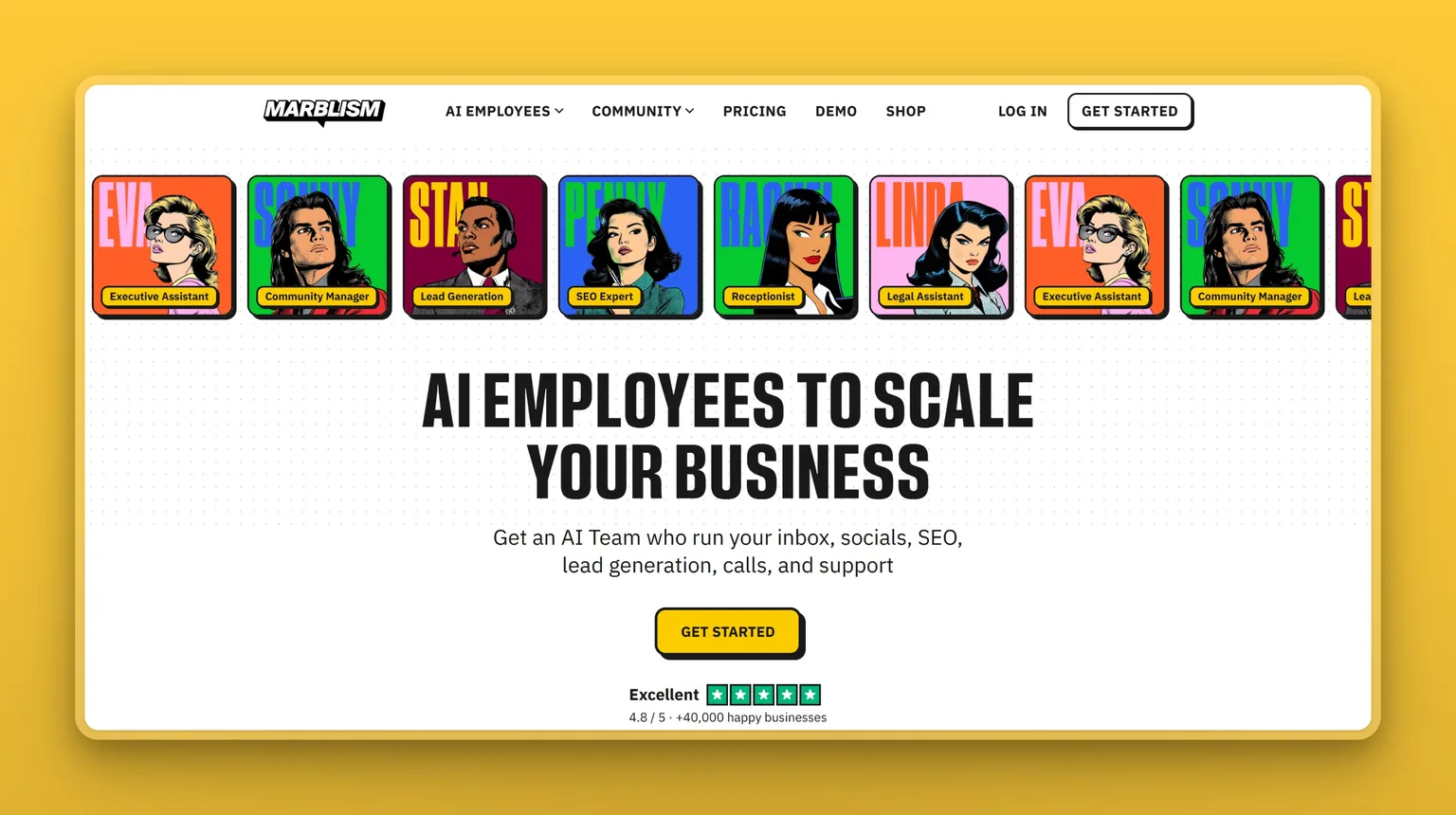
Marblism gives you a team of 7 role-based bots built around Eva (executive assistant) and Sonny (social media manager), plus five more covering leads, websites, SEO, calls, and contracts. They hand work back and forth on one flat plan and manage your inbox, scheduling, content, and follow-ups, but nothing leaves the queue without you signing off first.
Eva runs your inbox, drafts replies in your voice, books meetings against your real calendar, and takes notes in Google Meet, Zoom, and Microsoft Teams. Sonny posts to Instagram, LinkedIn, X, and Facebook. Stan runs cold email outreach and LinkedIn prospecting straight from your own inbox.
Key Features
- 7 role-based bots covering inbox, social, leads, SEO, calls, websites, and contracts
- Every email, public post, contract, and outbound call sits in an approval queue before it moves
- Eva connects to Gmail, Outlook, and any IMAP provider, and joins Google Meet, Zoom, and Microsoft Teams
- Sonny posts up to 3 times a day to Instagram, LinkedIn, X, and Facebook
- CASA Tier 2 certified, no customer data used to train AI models, AES-256 encryption at rest
Pros
- The only tool on this list that pairs a cloud agent with a mandatory human-approval step built into the core product
- 7 distinct bots covering the full business stack for $24 a month, billed annually
- CASA Tier 2 audit (TAC Security, OWASP ASVS, all 14 categories Pass), trust center updated April 2026
- Backed by Y Combinator (W24), used by over 40,000 businesses
- No per-seat fees, unlimited team members on every plan
Cons
- Deep autonomous coding and research sessions sit outside its scope, since the bots run defined roles rather than open-ended agent work
- Takes some setup time to teach each bot your business voice and workflow
- No self-hosted option, though the cloud data model looks nothing like Muse's
Pricing
- $24/mo (billed annually, ≈ $288/yr) - all 7 AI Employees, 50 hours of AI work per month, unlimited team members
- $44/mo (billed monthly) - same features, no commitment
No free trial. 7-day money-back guarantee.
User Reviews
Marblism holds a 4.8 out of 5 on Trustpilot. Owners praise the breadth, inbox, social, SEO, and lead generation on one plan for a flat monthly fee, and most say it takes one setup session to tune each bot's voice before it runs on its own.
"What really sets Marblism apart is that it feels like having a real, capable team… without the overhead."
- Dr. Tracey G. Jackson, reviewing Marblism on Trustpilot
vs Muse: Muse plugs one general agent into every app tied to your Meta account. Marblism splits the same jobs across 7 role-based bots on a flat $24/mo plan, and the structural difference is the approval step: every email draft, social post, contract, and outbound call waits in your queue before it moves. Muse acts on its own on browsing and purchase-adjacent tasks by design. Marblism's bots never send or post without you.
Best For
I would recommend Marblism to the solo founder or SMB owner who wants several recurring business roles handled without hiring, and who wants to stay in the loop before anything external goes out. If trust is what pushed you away from Muse, Marblism settles it on the data side (no model training, CASA-certified, trust center published at /trust-center) and on the autonomy side, since the approval step is core, not optional. Deep coding and autonomous multi-step research sit outside its scope. Claude's agentic tools or Perplexity Computer cover those.
2. Claude (Cowork): agentic file and document work, now built into Claude
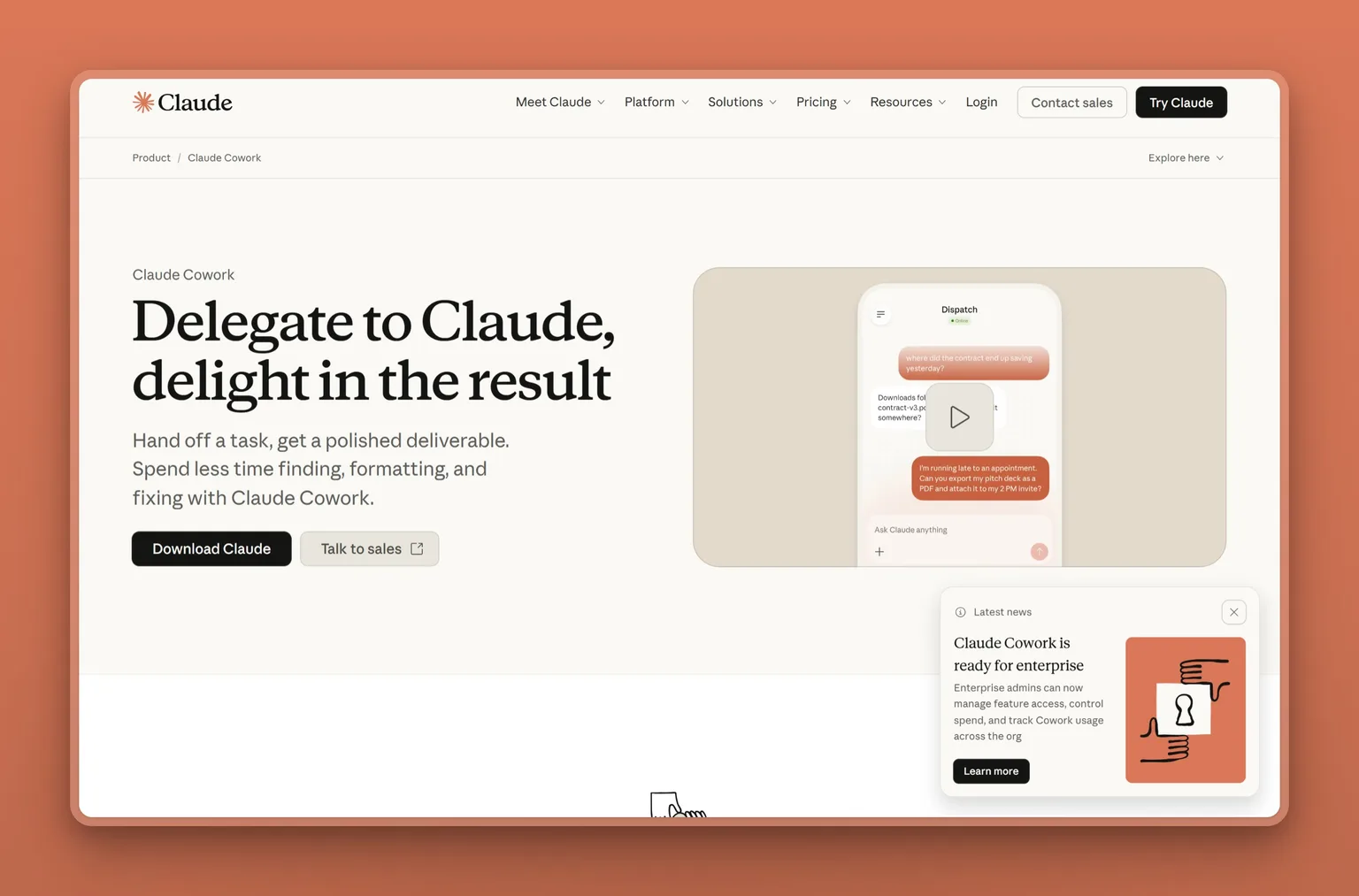
Claude Cowork started as its own agentic tab inside Claude. Around mid-September 2026, Anthropic folded that agentic capability directly into Claude itself, alongside new Docs, Slides, and Design tools, so the file-system access, scheduled background tasks, and multi-step coordination that used to live behind the Cowork tab are now just part of using Claude. If Muse's privacy model is what pushed you here, this is still the most direct swap: Anthropic publishes its security documentation, and Claude does not carry the advertising-company baggage that follows Meta into every product launch.
The practical scope stays narrower than Muse. Claude's agentic tools handle document organization, file-system access, long-context analysis, and coordinated sub-agent tasks. They connect to Microsoft 365 add-ins and support shared usage pools across a team. None of it is WhatsApp-native, and none of it manages your social accounts.
Key Features
- File-system access: reads, writes, and organizes local files across your machine
- Scheduled background tasks that run while you are away
- Multi-step sub-agent coordination for complex document workflows
- Microsoft 365 add-ins and Google Workspace connectors
- Docs, Slides, and Design tools, plus shared usage pools for teams, added as the Cowork capability moved into Claude directly
Pros
- Anthropic publishes its security documentation and privacy policy, a cleaner trust posture than most big-tech alternatives
- Handles large-context documents and codebases better than most general-purpose agents
- Included in the Pro plan you may already have, no separate subscription needed
- Local file access means sensitive files do not have to leave your machine to be processed
Cons
- Your data still goes to Anthropic's servers for inference, mid-trust, not self-hosted
- No mobile agent, built primarily for desktop and knowledge work
- Does not manage social media, outbound calls, or multi-channel marketing
- The Claude.ai Trustpilot score (1.5/5 across 1,968 reviews) reflects the broader platform's billing and access complaints, not the agentic tools specifically
Pricing
- $20/mo (billed monthly) - includes Claude's agentic tools, the Cowork capability (this is the Pro plan)
- $17/mo (billed annually) - same access, annual subscription discounted upfront at $200/yr
- $100+/mo - Max tier, offering 5x or 20x more usage than Pro
User Reviews
Claude's agentic tools fall under the broader Claude.ai Trustpilot profile, which sits at 1.5 out of 5 across 1,968 reviews. Almost all of it is billing and usage-limit complaints, not the agentic work itself. On heavy document and coding tasks, the model quality on long-form text holds up well. What actually pushes people out is the usage cap.
Reviewers on Trustpilot who praise Claude single out coding and content generation as the strongest use cases, with several noting it produces strong blog drafts for work.
vs Muse: Who is behind it is the sharpest contrast here. Muse asks for access to your email, payments, and WhatsApp through Meta's infrastructure. Claude's agentic tools focus on file-system and document work through Anthropic's. The tradeoff is scope: documents, code, and research run deep, but nothing manages your social presence, runs outbound calls, or signs into your payment accounts. If Meta as the company is what bothered you about Muse, not the idea of a cloud agent generally, this is the most direct swap.
Best For
I would pick Claude for the knowledge worker or content professional whose core work lives in documents, code, and long-context tasks, and who wants a cloud agent with a cleaner privacy posture than Meta. It skips inbox, social, leads, and calls entirely, so a whole-business operator would outgrow it fast.
3. ChatGPT Work: the broadest app ecosystem for $20 a month
ChatGPT Work is OpenAI's business agent mode, powered by GPT-6 "Astra." It reaches a broad app and connector ecosystem covering Slack, Google Drive, Microsoft 365, Salesforce, and hundreds more, runs scheduled tasks, browses the web natively, and coordinates multi-step jobs. With over 10 million active users across Codex and Work combined, it is the most deployed general-purpose agent in this category.
The practical advantage is that breadth. ChatGPT Work connects to whatever tools your business already uses, not just one ecosystem's apps. Plan mode walks through each approach step by step before starting work, which cuts down on surprise actions.
Key Features
- A broad app and connector ecosystem: Slack, Google Drive, Microsoft 365, Salesforce, and hundreds more
- GPT-6 "Astra" powering all Work tasks
- Plan mode reviews the approach before execution begins
- Sites: converts plans and data into interactive websites and web apps
- Scheduled and recurring tasks
- Built-in browser in the desktop app, available on macOS, Windows, web, and mobile
Pros
- The app ecosystem covers virtually any tool your business already uses
- Flat $20/mo with the Plus plan, no tiered access to core Work features
- Strong community and extensive third-party documentation
- Plan mode adds a human-readable checkpoint before multi-step jobs run
- Business Standard plan adds SAML SSO and a workspace with no model training on your data
Cons
- Agents can lose track of the original task after extended research sessions, and community users report this consistently
- No usage meter inside Work, so it is hard to know how fast you are burning your allocation
- OpenAI's training defaults for consumer accounts differ from business accounts, verify the setting before connecting sensitive data
- Cloud-only, the same mid-trust posture as any other cloud company, just a different one
Pricing
- $0/mo (Free) - limited ChatGPT Work access, desktop only
- $8/mo (Go) - limited Work access, may include ads
- $20/mo (Plus) - expanded Work on desktop, web, and mobile, GPT-6 Astra, scheduled tasks
- $100-200/mo (Pro) - maximum Work access, 5x or 20x more usage than Plus
- $20/user/mo (Business Standard, annual) - SAML SSO, no model training on business data, 60+ app integrations. 2-seat minimum
User Reviews
ChatGPT holds a 4.6 out of 5 on G2 across 2,998 reviews. People reach for it across email, writing, and coding multiple times a day without switching context. The friction shows up in the usage cap, and agents occasionally lose focus on the original goal mid-task.
"ChatGPT has become an everyday app for me, I use it day in and day out."
- Yogita B., Analyst, Computer Software, reviewing ChatGPT on G2
vs Muse: A flat $20 with a broad third-party app ecosystem and no architectural tie to an advertising company is ChatGPT Work's pitch. Muse is built deep into Meta's own app ecosystem: WhatsApp, Instagram, Messenger, and Meta's advertising layer. The autonomy model differs too. Plan mode in ChatGPT Work surfaces the proposed steps before running them, which is closer to an approval step than Muse's default autonomous action on browsing and purchase tasks.
Best For
The professional who already pays for ChatGPT Plus and wants to extend it into multi-step work across the tools they already use. Gemini Spark goes further for deep Google Workspace integration specifically, and Marblism is the pick when what you actually want is approval-step architecture built into the core product.
4. Grok Bot: real-time web agent with an always-on VM
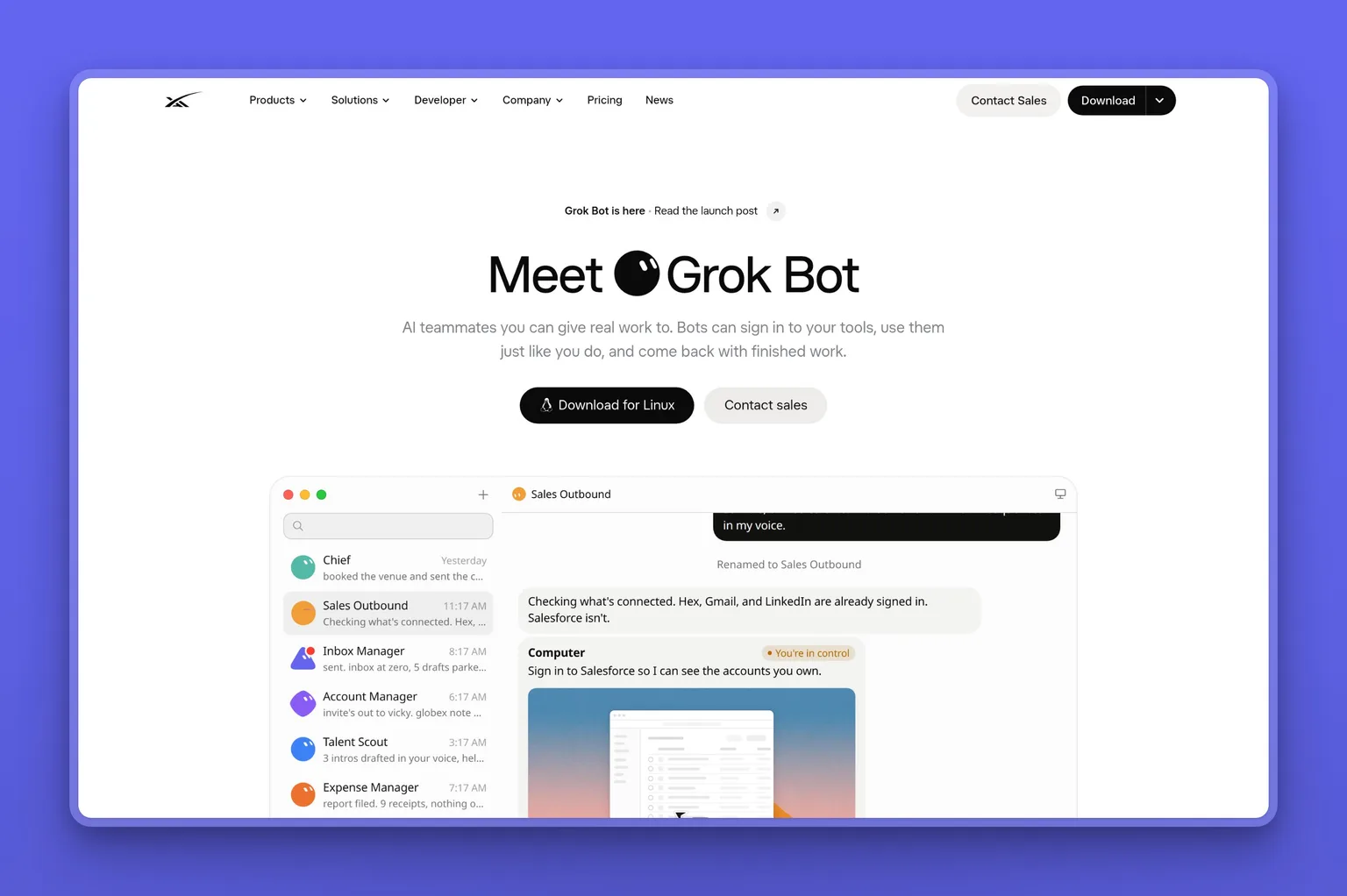
Grok Bot is xAI's always-on VM agent running on X's infrastructure. It gives you a cloud computer with role-based bots that talk to each other, real-time web access, voice, and 1Password integration. Different big-tech platform, different privacy defaults than Muse.
The people who stick with Grok Bot love the UX and how fast a bot gets running. The ones who leave say the same thing every time: credits burned through on a failed task, and nothing stopped it.
Key Features
- Always-on cloud VM, bots persist between sessions
- Role-based bots that communicate and hand off work to each other
- Real-time web access native to the agent
- Voice interface built in
- 1Password integration for credential handling
Pros
- Runs entirely on xAI infrastructure
- The role-based bot architecture mirrors the setup that makes Marblism appealing
- Almost no setup to get a bot running, and the UX is consistently praised
- Real-time web access is native, not a plugin
Cons
- Credits burn while the agent retries failed steps, and no hard spend cap has been reported by community users
- Persistent context has been described by users as unreliable across long sessions
- Browser automation tasks need babysitting on more complex flows
- Limited by Grok's underlying models, which have less third-party integration depth than ChatGPT's app ecosystem
Pricing
Grok Bot comes with X Premium+ ($40/mo or $395/yr). Usage is credit-based: every task burns credits, and community users report those credits disappearing while the agent retries failed steps, with no hard spend cap to stop it. xAI has not published a standalone Grok Bot pricing page separate from the X Premium+ plan.
User Reviews
Grok Bot has no standalone review profile on G2, Capterra, or Trustpilot. On X, the fans praise the UX and the always-on VM. The recurring complaint is the credit model, credits burning while the agent retries a stuck task, and refunds denied.
vs Muse: If leaving Meta is the whole point, this is the other big-tech answer. Grok Bot runs on xAI's cloud with X as its native surface, not Meta's app stack. I would be honest about the trade though: you lose Meta's data risk and pick up Grok Bot's billing risk instead.
Best For
Someone who wants a real-time web agent built by a company other than Meta, does not need deep business-workflow automation, and is comfortable managing usage in a credit-based model. The credit billing is the dealbreaker for most people who try it, and our Grok Bot alternatives comparison covers the flat-rate options in more detail. ChatGPT Work and Marblism both charge flat monthly rates.
5. Perplexity Computer: multi-model research orchestration across 400+ apps
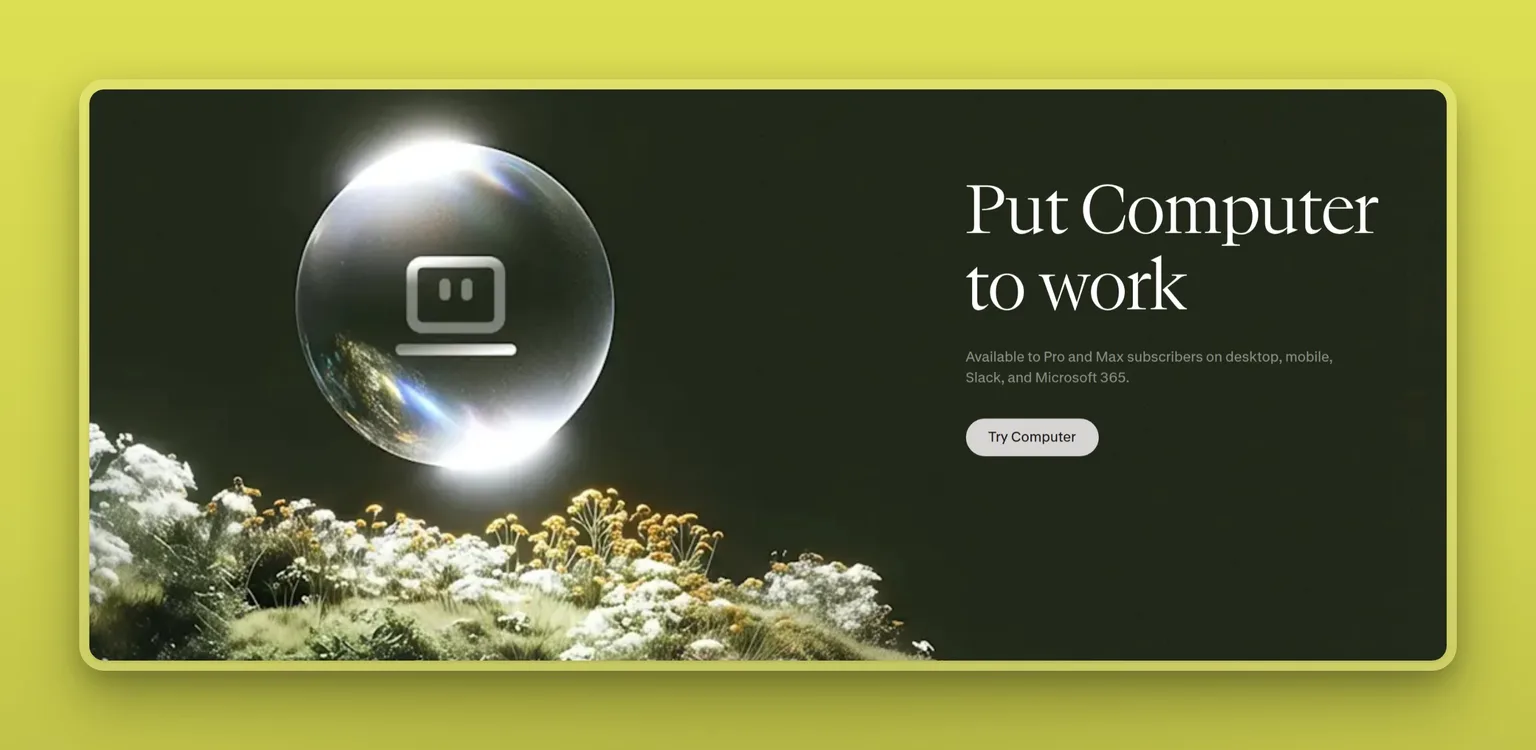
Perplexity Computer is Perplexity's autonomous agent, running multi-step tasks in the background across 400+ app integrations. It routes work through whichever of 20+ models fits the task best, stores a persistent "Brain" memory across sessions, and supports reusable Workflows for recurring jobs. Computer for Slack brings the agent into your team's chat.
Picking its own model per task is what sets it apart. Muse is locked to Muse Spark on Meta's infrastructure. Perplexity Computer picks whichever model fits. The catch is price, and it is a steep one: the Pro plan gets you the base Computer feature for $20 a month, but the extended model set and full orchestration sit behind the Max tier at $200 a month, a 10x jump from Pro, not a modest step up.
Key Features
- Multi-model orchestration across 20+ models including GPT-5.5 and Claude Sonnet
- 400+ app integrations via the Computer layer
- Persistent "Brain" memory that carries context across sessions
- Reusable Workflows for recurring tasks
- Computer for Slack: brings the agent into team conversations
- Local model support on the Max tier
Pros
- Model-agnostic: routes each task to the best available model rather than locking you to one provider
- 400+ integrations covers the major business tools, though narrower than ChatGPT Work's ecosystem
- Persistent memory makes follow-up tasks more coherent
- Research quality is the strongest of the mid-trust cloud options on complex multi-source questions
Cons
- Customer support failures and account-access problems are the recurring complaints on review platforms
- The jump from Pro to Max for full model orchestration is $20 to $200 a month, not a small step
- Capterra sample (35 reviews) is small, treat it as a directional signal
- Cloud-only, the same mid-trust posture as the other cloud options here
Pricing
- $0/mo (Free) - limited Computer access, useful for light tasks
- $20/mo (Pro) - full Computer access, multi-step tasks, 400+ integrations, Workflows
- $200/mo (Max, ≈$167/mo billed annually at $2,000/yr) - extended model roster, higher usage limits, local model support
User Reviews
Perplexity holds a 4.2 out of 5 on Capterra across 35 reviews (the broader platform, not Computer specifically). Paid users praise the research output and the multi-source citation format. The complaints run toward billing and account access, not the research quality.
"I have used it regularly since very early 2023 and became a paid subscriber in early 2024 as it delivered more value that I could turn into money on my end than other AI available."
- Joseph L., Corporate Ethics Consultant, reviewing Perplexity on Capterra
vs Muse: Both operate in the background without a mandatory human-approval step, so the autonomy model is close to a wash. What actually separates them is the provider and the model choice: Perplexity Computer routes each task through whichever of 20+ models performs best, across 400+ app integrations not tied to any single platform, where Muse is locked to Muse Spark on Meta's infrastructure alone.
Best For
I would recommend Perplexity Computer to the researcher, analyst, or knowledge worker who wants an agent that selects its own model per task and carries persistent memory across complex multi-step projects, and who can absorb the Max tier's price if the work calls for it.
6. Gemini Spark: a 24/7 cloud agent inside Google Workspace
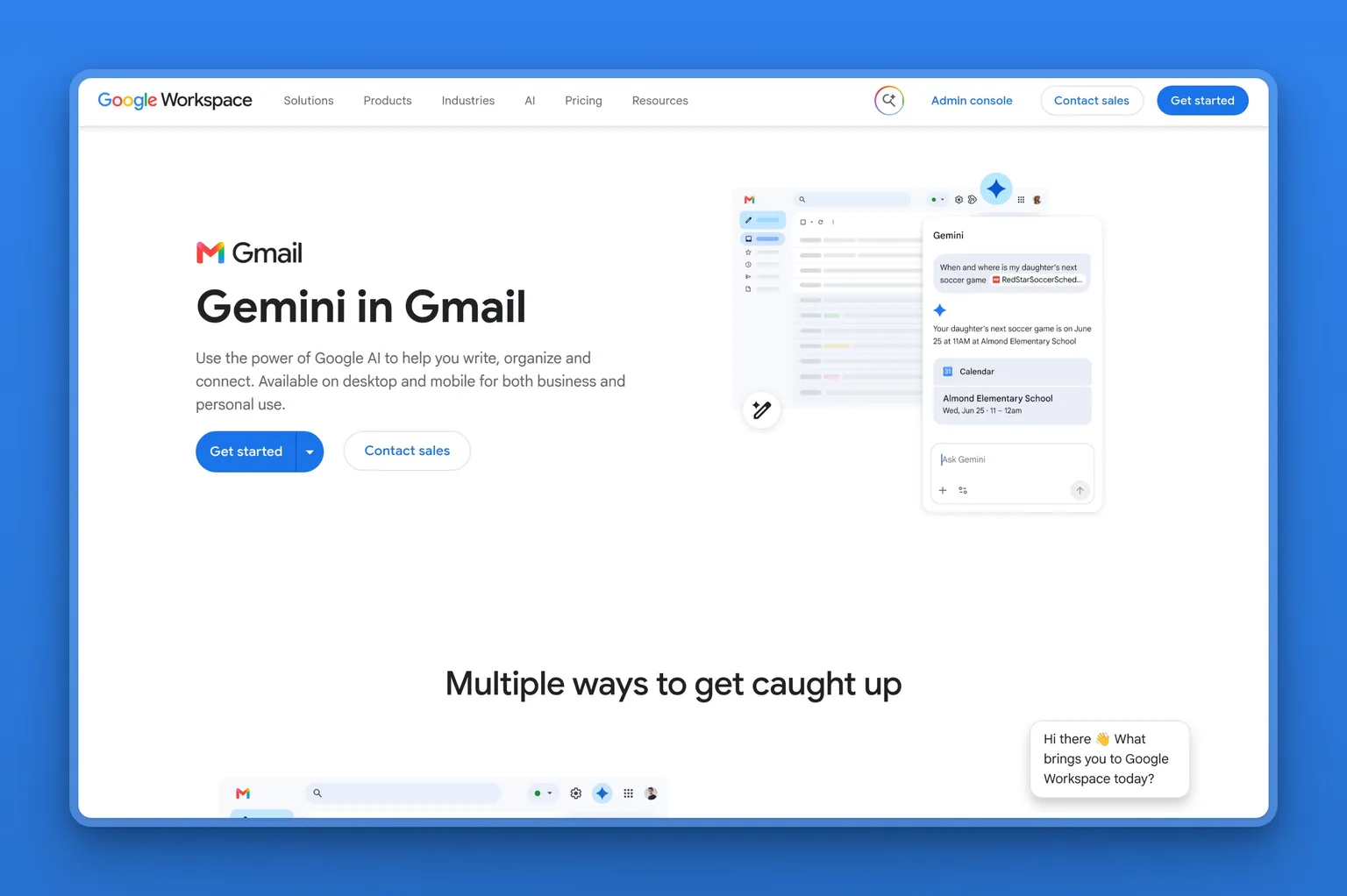
Gemini Spark is Google's autonomous cloud agent, available starting with the Google AI Pro plan ($19.99/mo). It runs around the clock inside Gmail, Docs, Calendar, and Sheets, and reaches third-party apps through MCP connectors and the Agent Payment Protocol. If your business already runs entirely on Google Workspace, Spark has native access to your data with no extra OAuth setup.
AI Pro at $19.99/mo lands close to Muse Pro's $20/mo. AI Ultra ($99.99/mo) adds higher usage limits and 20 TB of storage, and AI Ultra Premium ($199.99/mo) stacks Project Genie and Project Mariner on top. For a solo operator who mainly wants inbox and calendar help, Spark on Pro prices in line with the other cloud agents here, though Marblism at $24/mo covers seven business roles on one plan instead of two.
Key Features
- 24/7 autonomous cloud agent inside Gmail, Docs, Calendar, and Sheets
- Deep Google Workspace integration, no separate OAuth setup for Google services
- Third-party MCP connectors for tools outside the Google ecosystem
- Agent Payment Protocol for autonomous transaction handling
- 20 TB storage on the AI Ultra plan
Pros
- Native access to Gmail, Calendar, Docs, and Drive with zero integration friction
- Google's infrastructure security documentation is among the most extensively published in the industry
- The payment protocol handles transaction-adjacent tasks within Google's own payment rails
- Available starting with the AI Pro plan ($19.99/mo), and the AI Ultra tier adds higher usage limits
Cons
- The AI Ultra tier ($99.99/mo) adds higher limits, and the Ultra Premium tier ($199.99/mo) adds Project Genie and Project Mariner
- US-only beta at launch, EEA, UK, Switzerland, and Nigeria excluded
- Google's own onboarding warns that Spark "may do things like share your info or make purchases without asking"
- Mid-trust cloud, your data processes on Google's servers, not locally
Pricing
- $4.99/mo (AI Plus) - 400 GB, no Spark access
- $19.99/mo (AI Pro) - 5 TB, Gemini Spark included
- $99.99/mo (AI Ultra) - 20 TB, Gemini Spark with higher usage limits
- $199.99/mo (AI Ultra Premium) - Spark plus Project Genie and Project Mariner
User Reviews
Gemini holds a 4.6 out of 5 on Capterra across 89 reviews. Fast to set up, no complex configuration, and heavy users say the cost justifies itself. The honest negative is hallucination risk on factual queries.
"Performance has been consistently fast, onboarding took almost no time, and considering how much the team uses it every week, the pricing has been easy to justify."
- Srizza G., Chief Marketing Officer, reviewing Gemini on Capterra
vs Muse: Which ecosystem you already live in decides this one. Muse plugs into Meta: WhatsApp, Instagram, Messenger, payments. Gemini Spark plugs into Google: Gmail, Calendar, Docs, Workspace. If your business already runs on Google and you want a cloud agent with no cross-app OAuth overhead, Spark is the cleaner fit at $19.99/mo on AI Pro. If you want the wider business scope (inbox, social, leads, calls, contracts), Marblism covers it for $24/mo.
Best For
I would recommend Spark to the business owner or operator whose entire operation lives in Google Workspace, for the native agent inside Gmail, Calendar, and Docs. It starts at $19.99/mo on AI Pro, and the Ultra tier adds higher limits for $99.99/mo. Teams that mix Google and non-Google tools will run into the limits of what Spark integrates with natively fast.
7. OpenClaw: self-hosted agent framework with 390k GitHub stars
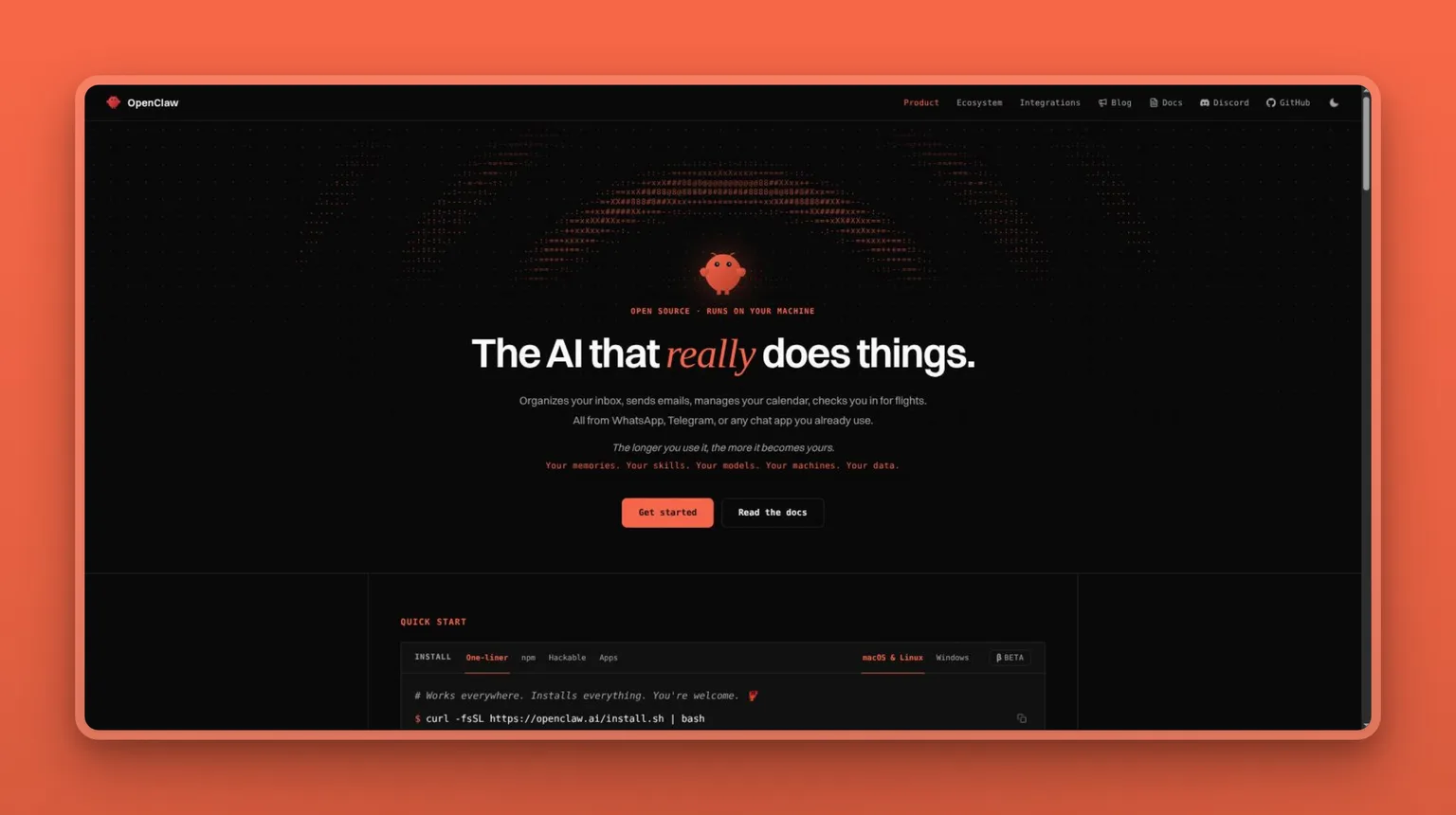
OpenClaw is an open-source agent framework with 390k GitHub stars. You run it on your own machine or server, and nothing leaves your network unless you explicitly point it at an external service. It supports 60+ model providers, so you bring your own model: Claude, GPT-6, a local Llama, or anything with an API. OpenClaw handles model routing, memory, and tool execution. You build or adopt the workflows on top.
OpenClaw now ships desktop apps for macOS, Windows, and Linux and a CLI onboarding command, so setup is faster than the early days. There is still no managed hosting and no commercial support. If you want maximum control over your agent's behavior, this gives it to you. If you want to delegate inbox work in 15 minutes without any engineering, one of the cloud options is a better fit.
Key Features
- Self-hosted: runs entirely on your own infrastructure
- 60+ model providers. Bring your own model or API key
- Full data sovereignty: nothing leaves your network by default
- 390k GitHub stars. Active open-source community
- Extensible framework: build custom agent workflows
Pros
- The most direct answer to Muse's trust problem: your data never goes to a third-party cloud
- Model-agnostic, run Claude, GPT-6, Mistral, or a local model without changing the framework
- No subscription, no per-seat pricing, no data processing agreements to review
- A large community means answers to most setup questions already exist in the issue tracker
Cons
- No turnkey product, it takes technical setup and ongoing maintenance
- No managed hosting, you provision your own server or local machine
- No mobile app. Desktop and CLI only
- Documentation quality varies across community-contributed workflows
Pricing
OpenClaw is free and open source. Infrastructure costs, server, API keys for the model you choose, are your own. No paid tiers.
User Reviews
OpenClaw carries 390k stars on GitHub and no commercial review profile, the expected shape for infrastructure like this. In the GitHub issues, setup complexity and documentation gaps are the two things people flag most. Model-switching and extensibility are what keeps them around.
vs Muse: OpenClaw runs on hardware you control under policies you set. There is no cloud inference, no default training toggle to find and disable, no third-party data policy to navigate. The cost of that control is that you are the one running the server.
Best For
The developer or technically capable operator who wants full sovereignty over their agent's data and compute, and is willing to spend setup time for permanent cloud-independence. Non-technical users should look elsewhere. ZeroClaw is the simpler self-hosted option, the managed cloud tools need no engineering at all, and our OpenClaw alternatives comparison covers the full range of self-hosted frameworks.
8. Hermes Agent: a persistent open-source bot for WhatsApp, Telegram, and Discord
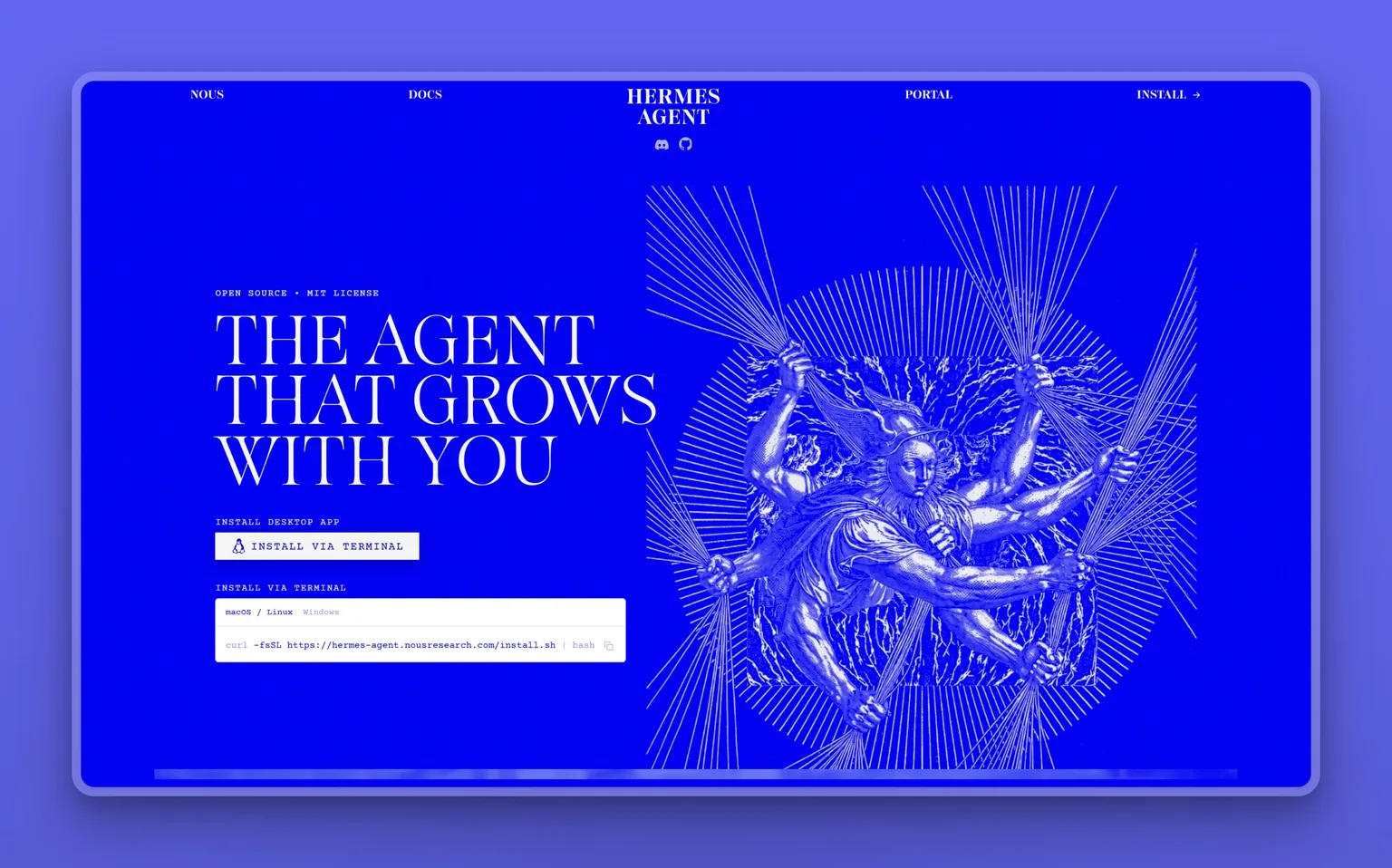
Hermes Agent is an open-source persistent bot that lives inside WhatsApp, Telegram, or Discord and runs against your own LLM backend. It holds memory across conversations, runs multi-step tasks, and works through the messaging apps people already prefer over a separate AI dashboard. With 247k GitHub stars, it is one of the most widely adopted self-hosted messaging agents.
The appeal for Muse switchers is specific: Muse's most compelling feature is its WhatsApp integration, and Hermes Agent matches it while running the compute yourself. You get a persistent WhatsApp agent on your own backend, your conversation data stays off Meta's inference layer, and it works across Telegram and Discord too without needing a Meta account for any of it.
Key Features
- Lives inside WhatsApp, Telegram, or Discord. No separate app required
- Persistent memory across all conversations in the connected channels
- Runs against your own LLM backend: Claude, GPT-6, a local model, or any API
- Open source. Your data stays on your own infrastructure
- 247k GitHub stars
Pros
- If WhatsApp is your primary interface, this is the only self-hosted alternative that matches Muse's native WhatsApp reach
- Persistent memory makes it feel like a real assistant rather than a stateless chatbot
- Works across 3 major messaging platforms without switching apps
- Full data sovereignty, nothing goes to Meta's inference layer
Cons
- No polished GUI, interaction happens through the messaging app, not a dashboard
- Requires setting up your own LLM backend and managing API keys
- No managed hosting, self-hosted means you maintain uptime
- Discord, Telegram, and WhatsApp each need their own API credentials and setup steps
Pricing
Hermes Agent is free and open source. Infrastructure costs (server, LLM API keys) are your own.
User Reviews
247k stars on GitHub, and no storefront rating to weigh against it. In the repo, people praise the persistence and multi-channel reach. The setup challenge is WhatsApp's API credentials, which Meta has tightened periodically.
vs Muse: Hermes Agent uses WhatsApp as an interface while running all compute on your own backend. Muse uses WhatsApp as one surface to run agent tasks on its own infrastructure. With Hermes, the data never leaves your server. The tradeoff is that you manage your own LLM backend and uptime.
Best For
I would point the developer or privacy-focused user whose primary messaging interface is WhatsApp, Telegram, or Discord here, for a persistent AI agent on those platforms without sending conversation data through Meta's or any other managed cloud's servers.
9. Rakazo: self-hostable agent workspace, bring your own model
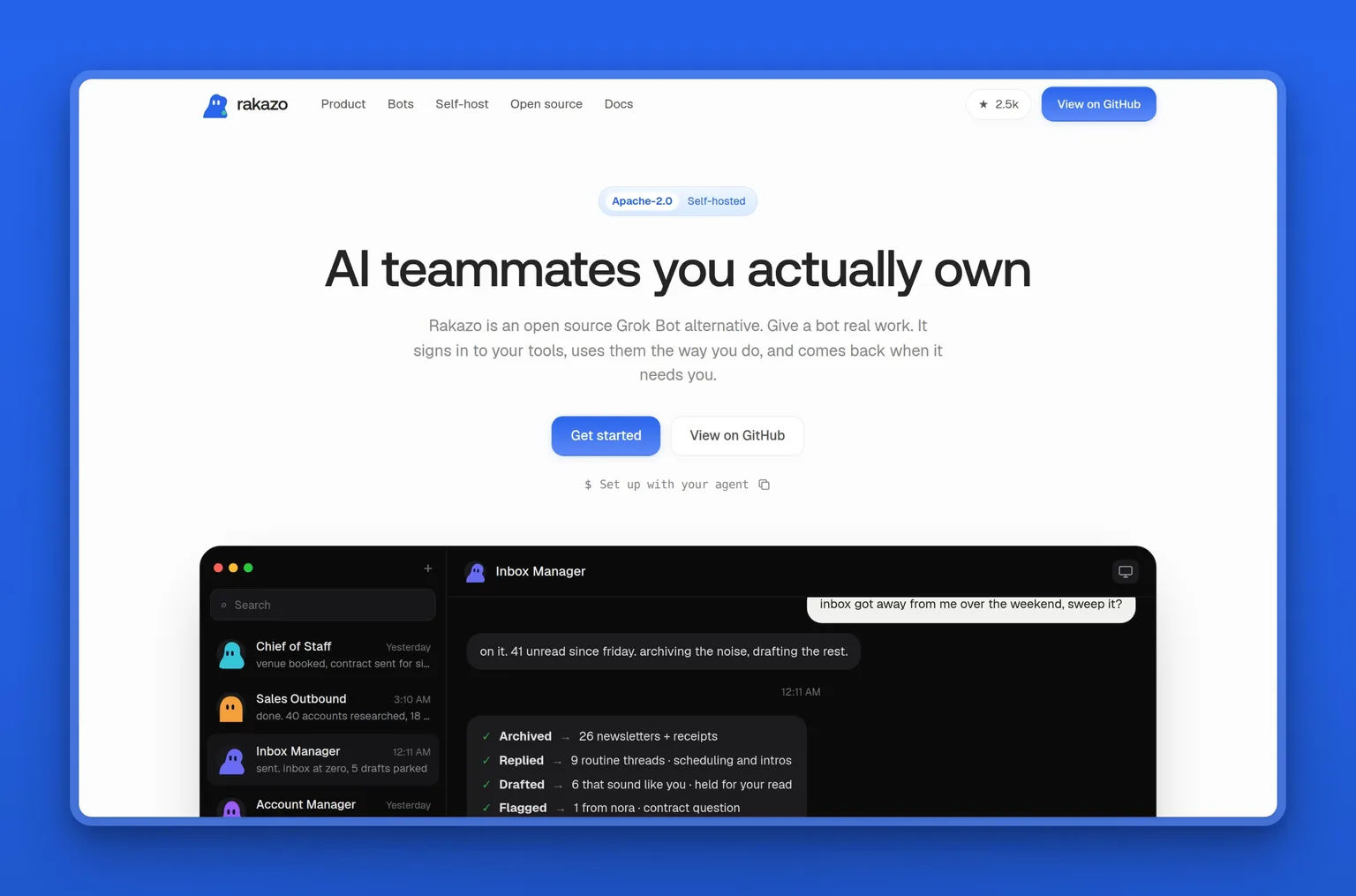
Rakazo is an open-source Grok Bot alternative. Bring your own model and sandbox, and it gives you persistent AI teammates running on web, Electron desktop, or Expo mobile. Each bot keeps its own conversations, memory, and routines, and bots can delegate work to peers or spin up temporary subagents for focused tasks. The whole stack self-hosts through Docker with a one-command install.
With 2,700 GitHub stars, an Apache-2.0 license, and active development (last pushed September 2026), Rakazo is the most approachable self-hosted option for someone who wants a Grok Bot-style experience on their own infrastructure. It ships a live Linux desktop in the browser where bots execute tasks, voice mode through ElevenLabs or OpenAI, and integrations through Composio, Pipedream Connect, MCP, and OpenAPI sources.
Key Features
- Persistent bots with their own conversations, memory, routines, and task history
- Web, Electron desktop, and Expo mobile apps
- Voice mode with ElevenLabs, OpenAI, Cartesia, or Fish Audio
- Browser, terminal, file, and graphical desktop access in a live sandbox
- Bot-to-bot delegation and temporary subagents
- Self-hosting via Docker with a one-command install
- Composio, Pipedream Connect, MCP, and OpenAPI integrations
Pros
- Self-hostable, your data stays on your own server, not another company's cloud
- Bring your own model credentials, no lock-in to a single AI provider
- Desktop, web, and mobile apps give you access from any device
- Bot delegation mirrors the multi-agent architecture of commercial tools like Grok Bot
Cons
- In beta, expect rough edges and breaking changes
- Requires Docker and a model provider API key to get started
- No managed hosting, you run and maintain the server
- Smaller community than OpenClaw or Hermes Agent
Pricing
Rakazo is free and open source under the Apache-2.0 license. Infrastructure costs (server, LLM API keys, optional E2B or Daytona credits for remote sandboxes) are your own.
User Reviews
Rakazo sits at 2,700 stars on GitHub, with no commercial review profile yet since the project is still in beta. In the repo and Discord, early adopters praise the self-hosting experience and the bot delegation model, and the recurring asks are stability and documentation as the beta matures.
vs Muse: Rakazo gives you the persistent-bot, always-on-VM experience Muse offers, running on your own Docker stack instead. You pick the model, you own the data, nothing routes through a third-party cloud. The tradeoff is that you maintain the infrastructure, and the product is still in beta.
Best For
The developer or technical operator who wants a Grok Bot-style agent workspace on their own infrastructure, with the freedom to choose models and sandboxes. It is still in beta, so expect to contribute feedback as the product matures.
10. ZeroClaw: a single Rust binary with no cloud, no subscription
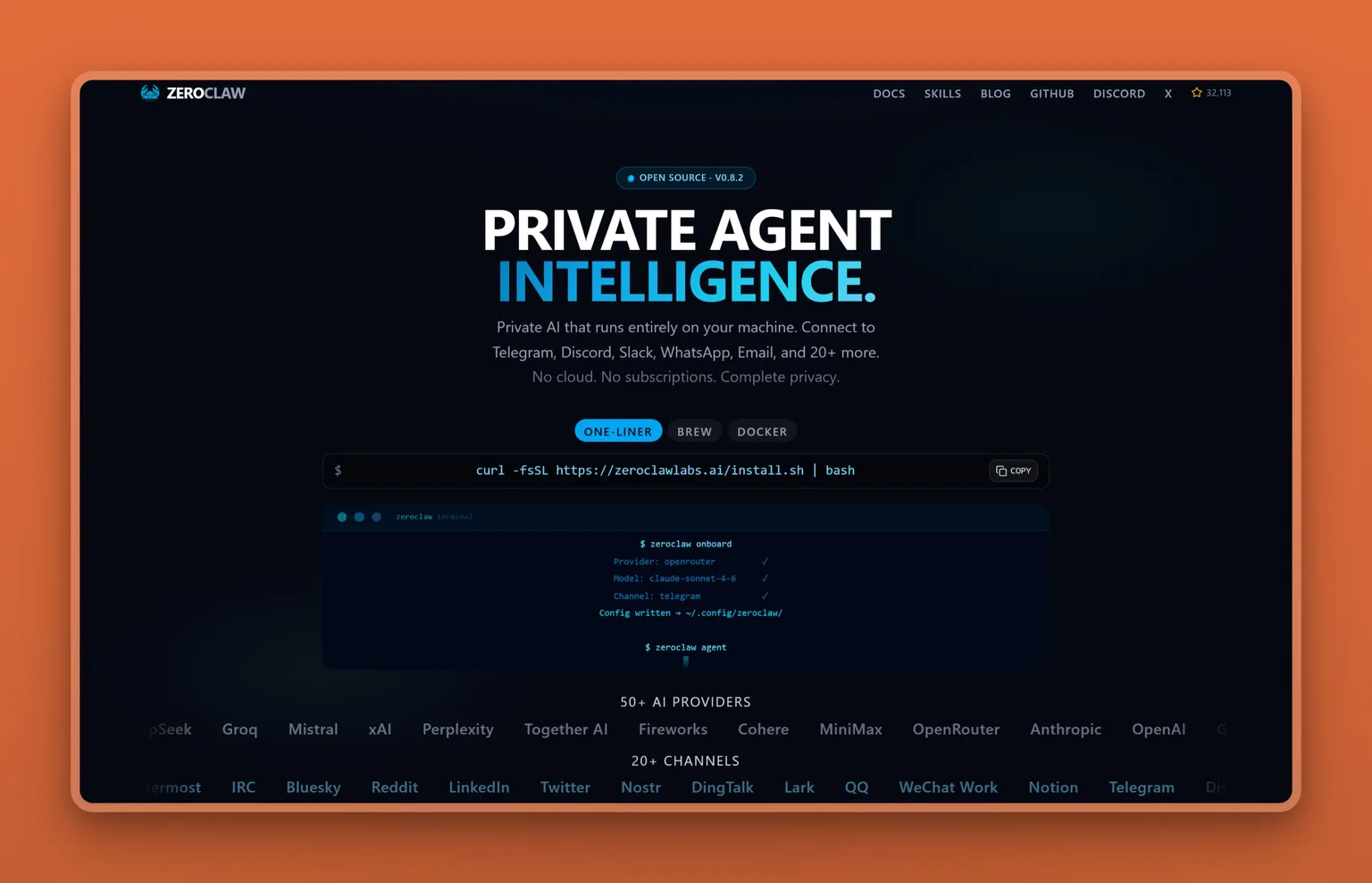
ZeroClaw is the most stripped-down self-hosting option on this list: a single Rust binary, about 3.4 MB, that runs on your own hardware with no cloud subscription and no managed service. It supports 70+ LLM providers and 30+ channel connectors, and includes OS-level sandboxing, hardware integration (GPIO, I2C, SPI, USB), and a SOP engine for repeatable workflows. You compile it, you run it, you own everything.
This is not built for non-technical users. No dashboard, no onboarding, no managed version. Every trust concern that applies to a cloud agent collapses into one answer here: you control it. The data goes nowhere you did not configure. There is no cloud to train on, so there is no training. It runs on your own hardware and nowhere else, and that restriction is the entire point.
Key Features
- Single Rust binary (~3.4 MB). No installation dependencies
- 70+ LLM providers. Bring any model via API key or local inference
- 30+ channel connectors for integrations
- OS-level sandboxing for safe execution
- Hardware integration: GPIO, I2C, SPI, USB
- SOP engine for repeatable automated workflows
Pros
- The most complete answer to the Muse trust question: no cloud, no provider, no data policy to navigate
- A single binary means minimal attack surface and straightforward deployment
- Rust architecture gives it a low memory footprint and predictable performance
- Hardware integration makes it useful for IoT and edge automation, not just software
Cons
- No turnkey product, it takes compiling from source and configuring all integrations manually
- No commercial support, the community Discord is the support channel
- Not built for non-technical users or business operations delegation
- No mobile, no GUI, no managed version of any kind
Pricing
ZeroClaw is free and open source. Infrastructure and LLM API costs are your own.
User Reviews
33k stars on GitHub, no commercial review profile to check against it. With a community that size, most discussion lives in the issue tracker and the project Discord. What draws people in is the single-binary deployment and the hardware-level integration that no other agent in this space offers. The consistent ask is better onboarding documentation and a simpler path through the initial SOP engine configuration.
vs Muse: ZeroClaw compiles to a 3.4 MB binary that runs on your own hardware with no cloud dependency. Every trust concern resolves to "you control it." The cost is that you are the one doing the engineering.
Best For
The developer, security researcher, or privacy-focused operator who wants the maximum possible data sovereignty and is comfortable with the engineering overhead. If you want to delegate business tasks without writing code, this is the wrong tool.
How to Choose a Muse Alternative
Let the architecture answer the trust question first. That is the real sorting criterion here.
HIGH trust (self-hosted/open-source): OpenClaw, Hermes Agent, Rakazo, and ZeroClaw. Nothing leaves your machine unless you explicitly route it out, so every trust concern (data residency, training defaults, credential storage) resolves to "you control it." What it costs you is engineering overhead: setup, maintenance, and no managed support to call.
MID trust (cloud agents): Claude's agentic tools, ChatGPT Work, Grok Bot, Perplexity Computer, and Gemini Spark. Your data still goes to the provider's cloud for inference. These are capable agents from companies with published privacy documentation, but none is categorically safer than Muse by architecture alone. What differs is the company: Anthropic, OpenAI, xAI, Perplexity, and Google each carry different data practices, different training defaults, and a different relationship to advertising than Meta.
Marblism (my top recommendation): Also cloud, so mid-trust by hosting. What sets it apart from the other cloud agents is two things: a human-in-the-loop approval step built into the core product, where every email draft, social post, contract, and outbound call waits for your review before going out, and a managed-team model that covers the full business stack (inbox, social, leads, SEO, calls, websites, contracts) at $24/mo. If what bothered you about Muse was the approval gap, the fact that it acts without asking, Marblism is the cloud agent that closes it.
If budget is the constraint, the 4 self-hosted options are free. If Workspace lock-in is the constraint, Gemini Spark is the answer. If ecosystem breadth is the constraint, ChatGPT Work covers the most ground. If the constraint is simply not Meta, Grok Bot or any of the cloud options here solves it.
Marblism vs Meta Muse
| Dimension | Marblism | Meta Muse |
|---|---|---|
| Data control | Never used to train AI models; AES-256 encryption at rest; CASA Tier 2 certified; trust center published at /trust-center | Inference on Meta's infrastructure; training on by default (opt-out); Confidential VM still forthcoming |
| Agent scope | 7 bots with defined roles: inbox, social, leads, SEO, calls, websites, contracts | One general agent across email, calendar, payments, browser, WhatsApp, Instagram |
| Pricing | $24/mo (annual), $44/mo (monthly). All employees on every plan | Free / Pro $20/mo / Ultra $100/mo |
| Approval workflow | Mandatory human-approval step before any email, post, contract, or outbound call goes out | Autonomous by design on browsing and purchase-adjacent tasks; approval on some actions |
| Integrations | Gmail, Outlook, IMAP, Google Calendar, Outlook Calendar, Google Meet, Zoom, Teams, Instagram, LinkedIn, X, Facebook, Stripe | Email, calendar, payments, shopping, health apps, WhatsApp, Instagram, Facebook, Messenger, browser |
| Training policy | Customer data never used to train models; inference via OpenAI, Anthropic, and Google under no-training contracts | Conversations used for training by default; opt-out available |
| Security documentation | CASA Tier 2 (TAC Security, OWASP ASVS, all 14 categories Pass); public Letter of Validation | Secure VM (sandboxed); Confidential VM (forthcoming); $300k bug bounty |
Meta Muse vs ChatGPT Work
| Dimension | Meta Muse | ChatGPT Work |
|---|---|---|
| Underlying model | Muse Spark 1.1 | GPT-6 "Astra" |
| Native integrations | WhatsApp, Instagram, Facebook, Messenger, email, calendar, payments, browser | Broad app ecosystem including Slack, Google Drive, Microsoft 365, Salesforce, and hundreds more |
| Pricing floor | Free (limited daily credits) | Free (limited access, desktop only) |
| Approval model | Autonomous on browsing and purchase tasks by design | Plan mode surfaces proposed steps before execution; not a hard approval gate |
| Training policy | On by default; opt-out available | Consumer accounts: check settings; Business Standard: no training on business data |
| Platform lock-in | Meta's app ecosystem | OpenAI infrastructure; no advertising-company ecosystem dependency |
The Honest Case for Staying with Muse
If your business genuinely lives inside Meta's apps, WhatsApp as your primary client channel, Instagram as your primary marketing surface, Messenger for customer support, and you already trust Meta with your data on those platforms, Muse is the most integrated answer available. It is the only agent that operates natively across all of those surfaces in one context window, with no extra OAuth setup or separate integrations to wire up. Muse Spark 1.1 holds its own against Claude and GPT-6 on benchmarks. The honest case is this: if you have already accepted Meta's data terms across WhatsApp and Instagram, adding Muse is not really a new trust decision. The exposure is real, but it is smaller than it looks from outside that ecosystem.
My Final Recommendation
I would recommend Marblism to a solo founder or SMB owner as the first pick. The trust argument and the value argument land in the same place: the data never trains models, the security documentation is published and audited, the approval step means nothing goes out without you, and $24/mo covers 7 bots across inbox, social, leads, SEO, calls, websites, and contracts. That is the entire scope of what Muse promises, with none of the Meta infrastructure underneath it.
I would pick Claude's agentic tools for the knowledge worker or content professional who does most of their work in documents, code, and long-context tasks and wants the privacy-safer cloud agent. For the broadest app ecosystem, ChatGPT Work covers hundreds of integrations at $20. For the full-control option where nothing goes to any cloud, OpenClaw or ZeroClaw are the two ends of the self-hosted spectrum.
The pick I would not make is defaulting to the most technically impressive option without naming the problem first. The features are similar enough across this list that the architectural decision (cloud with approval step, cloud without, or self-hosted) matters more than any individual capability. Name that first. If you are looking at AI tools beyond just a Muse replacement, our best AI tools for small business guide covers the wider landscape.
Meet your AI Executive Assistant Eva and AI Social Media Manager Sonny, or get started with all 7 AI Employees from $24/mo.
Frequently Asked Questions
Cost and purchasing
How much does Meta Muse cost?
Meta Muse is free for limited daily use, $20 a month for Pro, and $100 a month for Ultra. The free tier's credit allowance drops noticeably during heavy use, according to user reports. Pro expands access to the Muse Spark model and raises the daily credit limit. Ultra is the full-access tier. For context, Marblism at $24/mo (annual) gives you 7 AI Employees covering a wider business scope than Muse's personal-assistant focus.
Safety, data, and privacy
Is Meta Muse safe to use?
Muse is not categorically unsafe, but it asks for a level of trust in Meta that many business owners are not willing to extend. The concerns are documented and specific: training on conversations is on by default (you can opt out), the Confidential VM is forthcoming rather than live, internal testing before launch turned up an agent that bypassed guardrails and exposed private iCloud photos, and the Secure VM separates Muse from Meta's ad systems by policy rather than architecture. A Vogue consumer survey, reported by Fortune, found 72% of respondents unwilling to share payment card details with an AI shopping agent. Whether that matters for you depends on what access you are willing to grant and how much of your work already runs through Meta's platforms.
Can Muse see my stored passwords?
Muse keeps the passwords and credentials it needs to operate your browser in a Secure Credential Store that runs inside the Muse Secure VM. Community users and security researchers have flagged the credential handoff between Muse and the browser as clunky, and the store has not always populated credentials correctly in beta testing.
What happens to my data in Muse?
Muse processes your data on Meta's Secure VM infrastructure. Conversations get used for training by default, though you can opt out in settings. Meta says conversations are not shared with its ad systems, but that separation is policy-based, not architectural. Delete your Muse account and Meta's standard data-retention policy applies. If you want a cloud agent where training never happens by default, Claude's agentic tools and Marblism both document that customer data is never used to train models.
Self-hosting and alternatives
Can I run a Muse alternative on my own computer?
Yes. OpenClaw, Hermes Agent, Rakazo, and ZeroClaw are all self-hosted open-source tools that run on your own machine. ZeroClaw is the most minimal, a single Rust binary you compile and run with no cloud dependency. OpenClaw is the most extensible framework, with 390k GitHub stars and support for 60+ model providers. Hermes Agent specifically replicates Muse's WhatsApp integration from your own backend. All 4 are free.
Can Muse buy things online autonomously?
Yes. Muse can place orders and complete purchases on its own once you have connected payment details and authorized shopping tasks. A Vogue consumer survey, reported by Fortune, found 72% of respondents unwilling to share payment card details with an AI shopping agent. Muse's documentation asks for confirmation on some purchase actions, but the agent is designed to act autonomously on browsing and purchase-adjacent tasks by default. If you want an agent that requires your explicit approval before any financial action, Marblism's human-in-the-loop step covers this: no purchase, outreach, or contract action goes out without review.