OpenAI Dots Alternatives: 10 Compared (2026)

Jesus Malo · CMO, Marblism

TL;DR: The best OpenAI Dots alternatives are Marblism, Grok Bot and OpenClaw. For small-business owners who want roles handled start to finish, Marblism gives you 7 AI Employees from $24 a month on the yearly plan and that is my pick. Grok Bot is the closest hosted match at $20 a month: a cloud agent on a cloud computer that keeps going after you close the tab. If you want the agent off everyone's cloud, OpenClaw is free and runs on your own machine. And if you are in the EEA, the UK or Switzerland on a Pro plan, dots is off the table, but most of the tools below are not.
OpenAI started rolling out dots on September 29, and if you are on a Pro plan in the EEA, the UK or Switzerland, you cannot have one. If you are anywhere else, the cheapest plan that includes a dot is $100 a month.
What OpenAI Dots is and what it costs
So what is a dot, in plain terms? It is an AI agent that lives inside your ChatGPT account. OpenAI gives it its own computer in the cloud, and it keeps working on whatever you handed it after you walk away: it reads, researches, drafts, and pings you in ChatGPT, Slack or Teams when it needs a decision. OpenAI's launch post puts it as "an always-on agent inside ChatGPT that takes on ongoing responsibility". The first dot comes free with a Pro or Business Premium plan, and talking to it does not eat your ChatGPT limits.
The pricing tiers that include a dot:
| Plan | Price | What you get |
|---|---|---|
| Pro 100, 200 and 500 | $100, $200 and $500/mo | Dots in eligible markets |
| Business Premium | $100/seat/mo (annual, 2-seat workspace minimum) | Dots across all supported ChatGPT regions, 5x more usage than Standard, no 5-hour limit |
| Enterprise | Admin-enabled beta | Dots when workspace admin enables it |
If you are outside those regions and can spend $100 a month, dots is available to you. The rollout is gradual and not open to users under 18. If either condition does not hold, the alternatives below are the path, unless Business Premium fits you: $100 a seat a month billed annually ($125 monthly), a workspace of at least 2 seats, so $120 a month at the least, and dots in every supported region.
Three reactions from the first week stuck with me. Once an agent holds your integrations and your work history, leaving gets harder. That is the real lock-in here. Nobody in those early threads named something a dot does that OpenClaw, Hermes or Muse cannot. And Pro users in Europe found out from the help page that they are not invited.
Which OpenAI Dots alternative for which problem
Eight situations bring people here. The right tool depends on which one is yours.
| Situation | Tool | Entry price |
|---|---|---|
| Locked out as a Pro user in the EEA, UK or Switzerland | OpenClaw, Hermes Agent, OpenDots, Grok Bot, Lindy, Claude Cowork, Perplexity Computer, Marblism | Free to $24/mo |
| Priced out below $100/mo | All 10: Marblism, Grok Bot, Meta Muse, Perplexity Computer, Gemini Spark, Claude Cowork, Lindy, OpenDots, Hermes Agent, OpenClaw | $0 to $24/mo |
| Want business roles handled, not an agent to direct | Marblism | from $24/mo (yearly) |
| Want a persistent cloud agent with a browser and a filesystem | Grok Bot | From $20/mo (Cursor Pro) |
| Want a free personal agent in the US or Canada | Meta Muse | Free for most use |
| Want full hardware control, no subscription | OpenClaw, Hermes Agent | Free |
| Want research with citations in every output | Perplexity Computer | From $20/mo (Pro) |
| Want document and file work handed off | Claude Cowork | From $17/mo (Pro, annual) |
What the alternatives already offer that dots do not
Eight OpenAI Dots alternatives are available in Europe and the UK
Pro users in the European Economic Area, Switzerland, and the UK cannot use dots. Business Premium lifts that restriction, but it is a team product: $100 per seat per month billed annually and a 2-seat workspace, so at least $120 a month.
For Pro users in those regions, the practical alternatives are the self-hosted tools (OpenClaw, Hermes Agent, OpenDots) and Marblism, Grok Bot, Lindy, Claude Cowork and Perplexity Computer, none of which state a region restriction on their own pages. The other two are out: Meta Muse is US and Canada only, and Gemini Spark is not offered in these regions.
Every OpenAI Dots alternative here starts below $100 a month
Everything on this list starts below a dot's $100. Most of it a lot lower. Each tool's pricing is in its own Pricing block below.
Four OpenAI Dots alternatives let you choose the model
Every dot runs on GPT-6 Astra. If the model matters to you, Perplexity Computer picks the best model for each query from GPT, Gemini, Claude and NVIDIA Nemotron, and lets you set a preferred one. Hermes Agent supports any OpenAI-compatible provider, switchable with one command. OpenDots takes any OpenAI-compatible model provider. OpenClaw swaps models and agent plugins the same way. Those 4 are the most direct answer if model flexibility is what you need.
Self-hosted OpenAI Dots alternatives keep your data on your hardware
Each dot has its own cloud computer with sandboxed environments on OpenAI's infrastructure. An always-on agent that holds your integrations and work history is essentially your computer in the cloud. The lock-in that comes with that is real: the longer it runs on a given platform, the harder switching becomes.
Self-hosted tools are the clean answer. OpenClaw stores state, memory, and credentials on your own hardware. Models are plugins you swap without changing anything else. Hermes Agent keeps conversations, memory, and skills locally in ~/.hermes/. OpenDots is a self-hosted template you run yourself, though conversations require CopilotKit Intelligence.
Three OpenAI Dots alternatives were in public use before dots launched
Dots began rolling out on September 29. Grok Bot launched August 11, and OpenClaw has built up 391.5k GitHub stars. Hermes Agent has 251.8k. OpenDots was announced October 1, so it is as new as dots.
In dots' first week, one early user reported the cloud machine dying multiple times with no support for preview links, while competing tools handled similar workloads end to end. A tool with months of public use behind it carries less of that risk.
How to choose an OpenAI Dots alternative
There are 3 tracks. Pick the one that matches how much you want to operate the thing yourself, and the right tools become obvious.
| Done-for-you | Managed agent | Self-hosted | |
|---|---|---|---|
| Who owns the output | The role owner (an AI Employee) | You direct, agent executes | You own everything |
| What you operate daily | Approve before send | Set goals, review results | Configure, maintain server |
| What happens when you stop paying | Roles stop. Output you approved stays | Varies by maker. Gemini Spark pauses schedules and removes access. Lindy keeps the workspace active to the end of the paid cycle. Grok Bot, Perplexity, Claude Cowork and Meta Muse do not publish what happens. | Your install stays on your hardware (OpenDots conversations still need CopilotKit Intelligence) |
| Who can pick up the work | Any team member on the account | You | Anyone with server access |
| Matching tools | Marblism | Grok Bot, Perplexity Computer, Gemini Spark, Lindy, Claude Cowork, Meta Muse | OpenClaw, Hermes Agent, OpenDots |
Left to right is how much of the work stays with you: Marblism is the only tool here where you hand off a role instead of directing an agent or running a server.
Done-for-you OpenAI Dots alternatives: AI Employees that own a role
On this track, an AI Employee owns a role. It works toward that role, surfaces anything that needs your approval, and no action goes out without your say-so. You are handing off a function, not directing an agent toward a goal. Marblism is the tool for this track.
Managed-agent OpenAI Dots alternatives: cloud agents you direct
You set a goal, the agent works in the cloud, and you review the result. The agent connects to your tools. Grok Bot, Claude Cowork, Meta Muse and Gemini Spark also give it a browser. Gemini Spark works natively in Gmail, Calendar and Drive. Grok Bot records workflows and runs them on its own. Perplexity backs every answer with sources. Lindy is where I'd go if event-triggered workflows across many tools are what you need.
Self-hosted OpenAI Dots alternatives: agents on your own hardware
Your data stays on hardware you control, with one exception: OpenDots conversations run through CopilotKit Intelligence. You are responsible for setup and maintenance. OpenClaw keeps state, memory and credentials on your hardware. Hermes Agent stores conversations, memory and skills locally. OpenClaw, Hermes Agent, and OpenDots are the tools here. Setup varies: OpenClaw installs with a one-liner, Hermes Agent has a desktop app for macOS and Windows, and OpenDots needs Node.js 24 and npm.
10 best OpenAI Dots alternatives in 2026
Start at the top if you want work handled rather than directed. The managed agents come next, and the list ends with the three you host yourself. Each block closes with a direct comparison to OpenAI Dots.
1. Marblism: OpenAI Dots alternative with 7 AI Employees for business roles
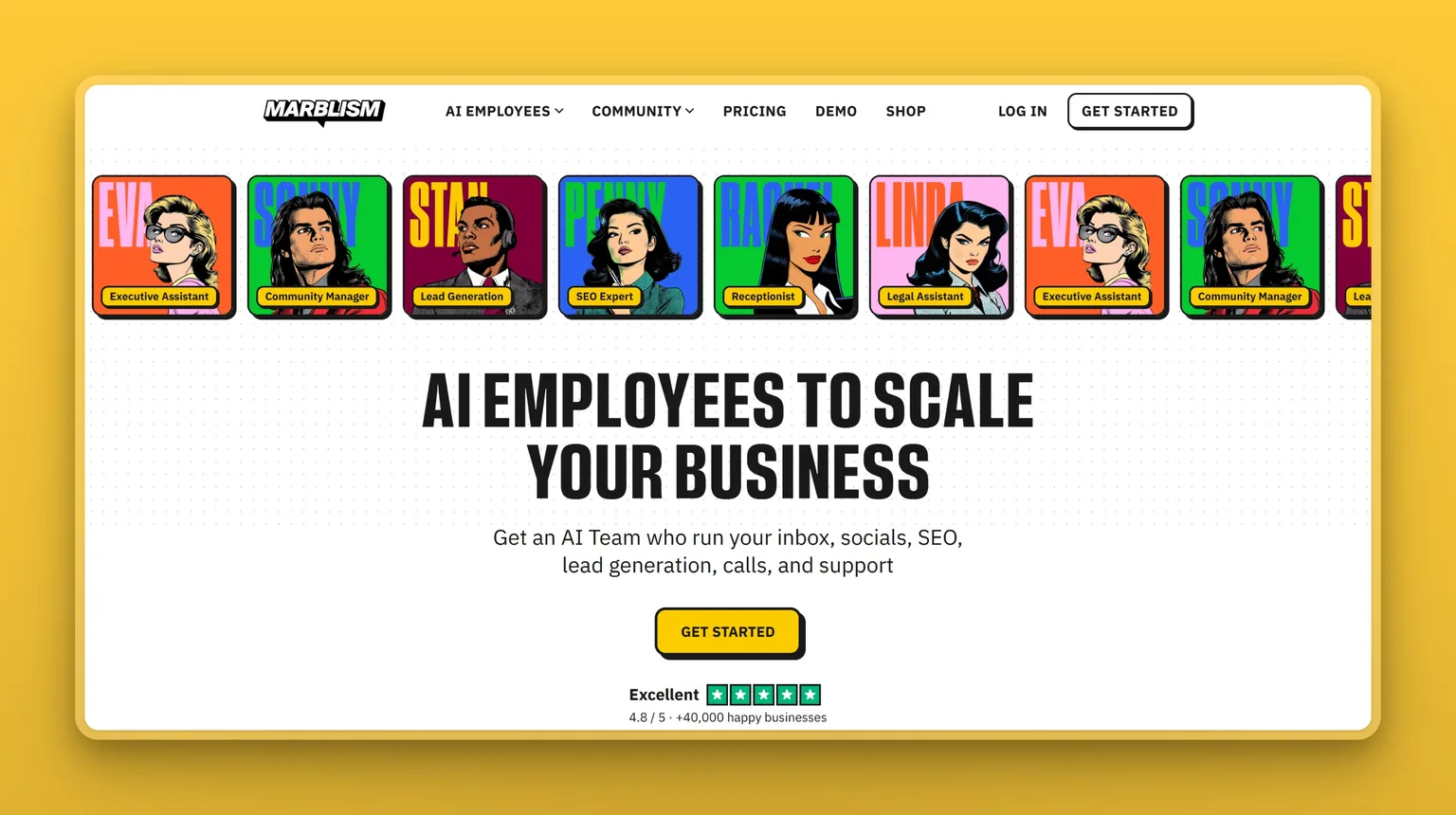
If you want a business role handled start to finish rather than an agent you aim at goals, Marblism is the place to start. You get all 7 AI Employees on every plan: Eva (executive assistant), Sonny (social media), Stan (lead generation), Penny (SEO and content), Rachel (receptionist), Walter (website builder) and Linda (legal assistant). They run off one record of the business, so a lead Rachel qualifies is already in front of Stan when he follows up, and in front of Eva when she prepares the meeting.
Nothing is sent, posted, signed or called without your approval. You get 50 hours of AI work per month, reset monthly, spent only on advanced actions. Chat and quick tasks don't touch the clock.
Key Features
- All 7 AI Employees included on every plan, each owning its own business role
- Shared context across the whole team: one record, not siloed agents
- Your approval is required before any action goes out
- 50 hours of AI work a month, reset monthly, with top-ups available
- Rachel supports local phone numbers in the US, Canada, the UK, Mexico and Australia, answers in multiple languages, and syncs with Google and Outlook calendars
- Stan connects to a 700M+ leads database and runs email and LinkedIn outreach once you approve it
Pros
- Flat-rate pricing with unlimited team members and unlimited businesses per account
- Chat and quick tasks don't consume hours. Only advanced actions draw down the 50 monthly hours
- Approval-before-send model removes the risk of an agent acting without your sign-off
- Trusted by over 40,000 businesses
Cons
- No free plan or free trial. Entry is through a paid subscription with a 7-day money-back window. On the yearly plan the entry rate is $24 a month ($288 up front), while the monthly plan is $44 a month
Pricing
- $24/mo (yearly, billed $288 up front), all 7 AI Employees, 50 hours/mo, unlimited seats and businesses
- $33/mo (quarterly), same features
- $44/mo (monthly), same features
- 7-day money-back guarantee on all plans
User Reviews
Marblism holds a 4.8 out of 5 on Trustpilot from 1,161 reviews. Users credit the breadth most: one account covers website building, social media, receptionist calls, lead outreach and content in parallel. Support comes up almost as often, usually with the support person thanked by first name.
"Sonny runs 3 client social media accounts on autopilot, Penny writes SEO blogs for my personal brand, and Eva handles my emails… As a solo digital marketer, it's like having a writer, designer, and social manager in one platform."
Faisal Saleh Hayat on Marblism
Best For
I'd pick Marblism if you want a business function handled end to end, not walked through step by step. You're a solopreneur running social media, lead generation, inbox management and a receptionist line, and you'd rather approve the output than supervise the work. It is the closest you get to a team without the headcount.
vs OpenAI Dots: $24 a month on the yearly plan ($44 monthly) against $100 for the cheapest plan that includes a dot. Marblism's 7 AI Employees each own their own role, working from one shared business record. A dot is a generalist you direct. Every Marblism action waits for your sign-off.
2. Grok Bot: OpenAI Dots alternative with a persistent cloud agent and workflow recording
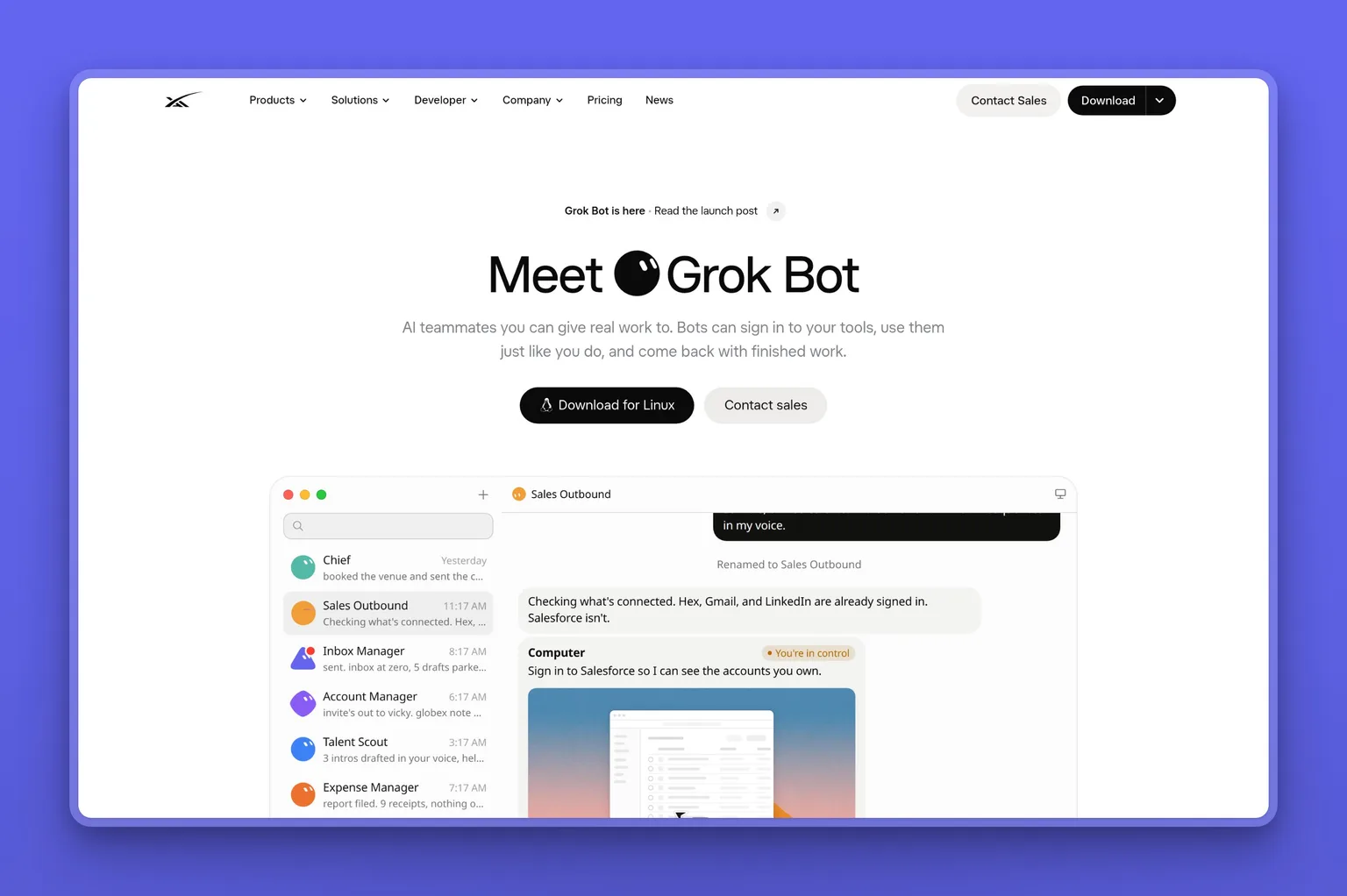
The closest hosted thing to a dot on this list is Grok Bot. Bots work on a computer in the cloud, sign into the tools you already use, finish jobs end to end, and only come back when something needs your approval. Where dots give each agent its own isolated machine, all your Grok bots share one persistent cloud computer, with isolation per user rather than per bot. That structure is what lets bots hand work off and keep context between them without you managing the handoff.
The workflow-recording feature is what makes Grok Bot worth a second look. Show a bot a workflow once, it saves it as a routine and runs it on its own next time. Bots run in parallel, 24/7, even when your laptop is closed.
Key Features
- Your bots share one persistent cloud computer with a browser, files and app logins
- Workflow recording: walk through a task once and the bot runs it on its own next time
- Parallel bots in a group thread pass work between themselves without your involvement
- Bots run 24/7 in the cloud, with apps for macOS, Windows, Linux and iOS
- Supports Gmail, Google Calendar, Google Drive, Slack and MCP servers
- Auto Review checks risky actions (shell commands, plugin calls, computer use) before they run
Pros
- Included on paid Cursor plans (Pro at $20/mo) and SuperGrok, so entry is well below dots' $100 floor
- Shared cloud computer lets bots collaborate and hand context off without starting over
- Workflow recording removes the need to re-describe a task you've done before
- 4.9 out of 5 on the App Store across a large review base
Cons
- On-demand token usage is the cost to watch: always-on agents draw on a lot of tokens, and enabling on-demand means charges can run past your weekly included allowance
- All bots share one cloud computer: a well-designed feature for handoffs, but it means isolation is per user, not per bot
- Linking a SuperGrok or X Premium+ subscription grants usage but doesn't stack on top of an existing Cursor plan that already includes Grok Bot
- Legacy, request-based Cursor pricing requires opting into usage-based pricing before Grok Bot is available
Pricing
- $20/mo (Cursor Pro, billed monthly), Grok Bot access with weekly usage included
- $30/mo (SuperGrok, billed monthly), Grok Bot with weekly usage
- $25/mo ($300/year, SuperGrok annual), lower annual rate
- On-demand usage available when weekly included usage runs out, billed through Cursor
User Reviews
Grok Bot holds a 4.9 out of 5 on the App Store from 9.5K ratings. Most users run several bots, one each for email, a business function, subscriptions and personal tasks. What they mention most is that the background work that used to slip through the cracks now gets done.
"This is by far one of the most helpful useful and user-friendly AI applications out there. If you procrastinate or there's certain things that you struggle to get done or you carry a large cognitive load with all the different things going on in your life, this app will relieve that burden and help you succeed in all those areas as well as make you feel superhuman."
User on App Store
Best For
I'd pick Grok Bot if you want a cloud agent that runs workflows on its own and you're already in the Cursor or SuperGrok ecosystem. You want dots-level always-on behaviour without the $100 Pro floor, and you're comfortable with token-based usage as the cost model. For more cloud agents at this price point, see our Grok Bot alternatives guide.
vs OpenAI Dots: Both give you a persistent cloud agent that runs 24/7 and connects to tools. The difference is ecosystem: dots lives in ChatGPT's plugin network. Grok Bot lives in Cursor's ecosystem, and bots share one cloud computer rather than each getting an isolated one. Cursor Pro at $20/mo is a fifth of dots' entry.
3. Meta Muse: free OpenAI Dots alternative for the US and Canada
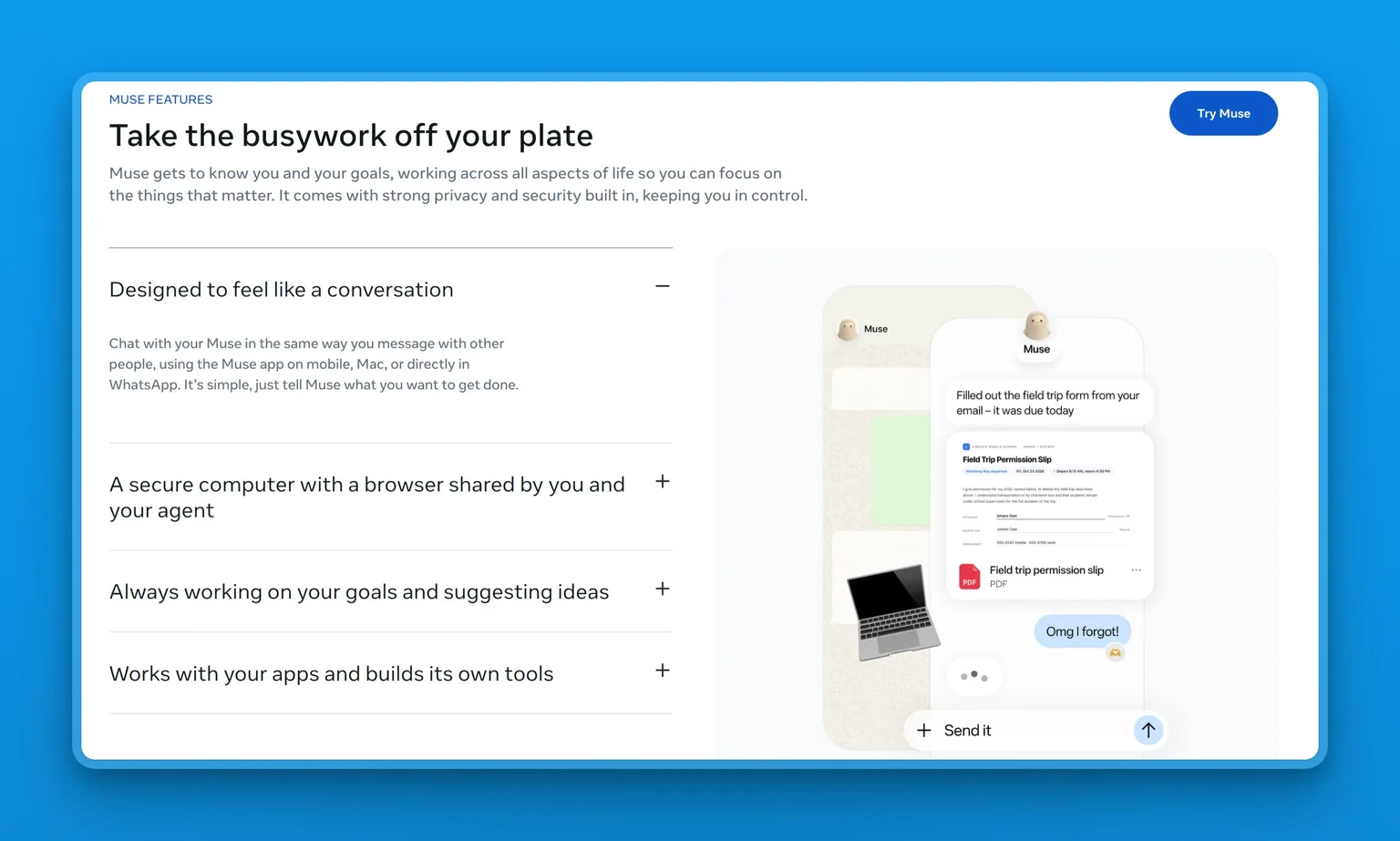
Close the app and Muse keeps going. It runs on Muse Secure VM, a dedicated virtual machine with its own browser, and it returns when something changes or needs your approval, whether that's before it sends an email or makes a purchase. It's available in the US and Canada, free for most use, and Meta says it is the first AI agent covered by Stripe Link's purchase protections, including free coverage for damaged or lost items, price drops and no-fee returns.
Muse is powered by Muse Spark, Meta's most capable model, and doesn't share your conversations or VM data with Meta's ad systems.
Key Features
- Runs on a dedicated, isolated Muse Secure VM in the cloud with its own browser
- Continues working after you close the app. Returns when approval is needed
- Checkout via Stripe Link with purchase protections: free coverage for damaged items, price drops, no-fee returns
- Sentinel agent runs on the same VM, kept apart at the system level, and approves every outbound action
- Available on iOS, Android and muse.ai. Computer use on Mac lets Muse drive any app
- Supports custom connectors plus 15+ third-party tools including Slack, Shopify, Notion and QuickBooks
Pros
- Free for most personal use
- Meta says Muse is the first AI agent covered by Stripe Link's purchase protections
- Muse has no visibility into your passwords or payment methods. Credentials go into secure storage
- Muse Confidential VM is coming, where the whole VM is encrypted with a key only you hold
Cons
- Available in the US and Canada. Readers outside those markets will need another option from this list
- Free tier has token limits. Heavy use requires a paid plan
Pricing
- Free: most personal use, limited tokens
- $20/mo, Power plan, 500M Muse tokens per week
- $100/mo: Maximum plan, 3B Muse tokens per week
User Reviews
Muse holds a 4.9 out of 5 on the App Store from 204K ratings. Users keep coming back to how proactive it is: it messages you first, not the other way around. The common experience is someone who expected a chatbot and found it picking up their subscriptions, clearing their inbox, and connecting to their bank and social accounts in the first session.
"She also messages me to remind me of things I was thinking of starting or makes suggestions of things I might want to try to help my life. Offering all of this help while having conversations like two humans would have."
User on App Store
Best For
I'd pick Muse if you're in the US or Canada and want a personal agent that handles real tasks, browses the web, makes purchases with protections, and doesn't share your data with ad systems. Start free and decide whether $20 a month is worth it from there. See our Muse alternatives guide for more personal agent options.
vs OpenAI Dots: Muse is free to start. Muse runs on Meta's VM. Dots runs on OpenAI's cloud.
4. Perplexity Computer: OpenAI Dots alternative with cited research and multi-model selection
When cited research needs to be baked into every output, no other tool on this list matches what Perplexity Computer delivers. Where a dot runs on one model, Perplexity Computer orchestrates multiple models, including GPT, Gemini, Claude and NVIDIA Nemotron, and selects the best one per query. Every answer comes with its sources.
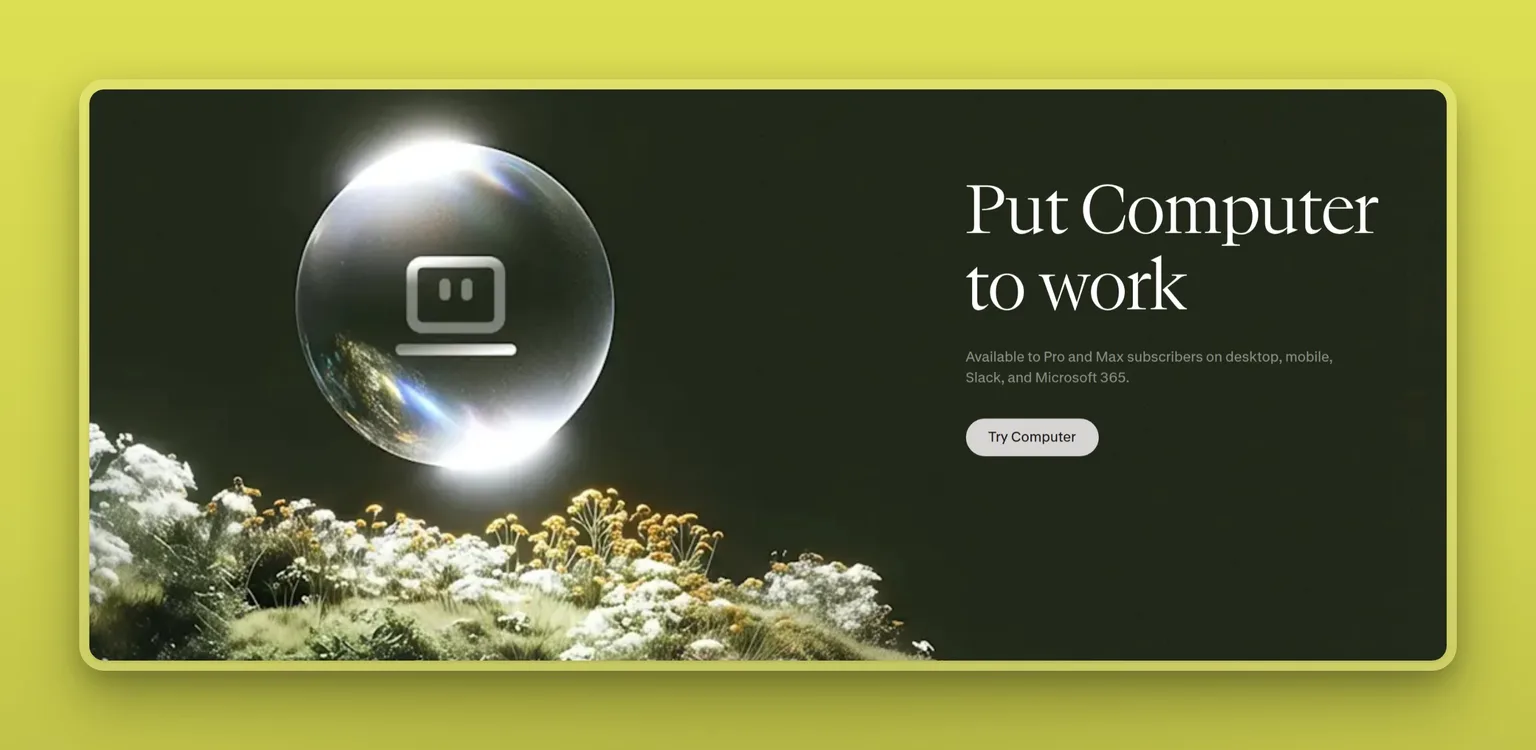
Computer is available on Pro and Max subscribers on desktop, mobile, Slack and Microsoft 365. It runs tasks asynchronously in the background, supports scheduled recurring jobs, and uses domain-specific sub-agents for market research, financial analysis and news monitoring.
Key Features
- Multi-model selection: orchestrates GPT, Gemini, Claude and Nemotron per query
- Search-native intelligence: built for accurate, cited information
- Scheduled Tasks run unattended in the cloud on hourly, daily, weekly or monthly cadences
- Effort mode (Light to Ultra) controls how deeply the model reasons and how many credits it uses
- Portable Computer (local inference, a separate product from the Personal Computer desktop app) runs on supported NVIDIA hardware with local files and no credit consumption
- Authenticated integrations with Gmail, Outlook, GitHub, Linear, Slack, Notion and more
Pros
- Starts at $20/mo (Pro), far below the $100 dots floor
- Model flexibility means you're not locked to one provider's output quality
- Tasks pause rather than cancel when credits run out. Work resumes automatically once credits are available
- Personal Computer desktop app gives local file access on Mac and Windows
Cons
- Pro plan includes no monthly credits, only weekly Computer usage. Credits for deeper tasks require purchase or a Max plan at $200/mo
- Credit consumption is unpredictable for complex tasks. Heavy or Ultra-effort work can run through a budget quickly
- Effort mode is not available in the macOS and Windows desktop apps
- Answers with confidence even when the underlying sources are thin
Pricing
- $20/mo (Pro, individual, monthly), weekly Computer usage included, no monthly credits
- $167/mo (Max, billed annually), 10,000 credits/month
- $200/mo (Max, billed monthly), 10,000 credits/month
User Reviews
Perplexity holds a 4.4 out of 5 on G2 from 360 reviews. People praise two things: how fast the research is, and that every claim comes with its source. The ones doing deep research say it makes them look prepared in half the time.
"Very clean and easy to work with. The deep research is also pretty fast and accurate."
User on G2
Best For
I'd pick Perplexity Computer when cited research in every answer is non-negotiable. Per-query model selection and a source on every answer are what set it apart from the other managed agents on this list.
vs OpenAI Dots: Dots runs on one model. Perplexity Computer picks the best one for each query and lets you set a preferred one. Both run tasks in the background, and every Perplexity answer comes with its sources.
5. Gemini Spark: OpenAI Dots alternative for personal Google accounts
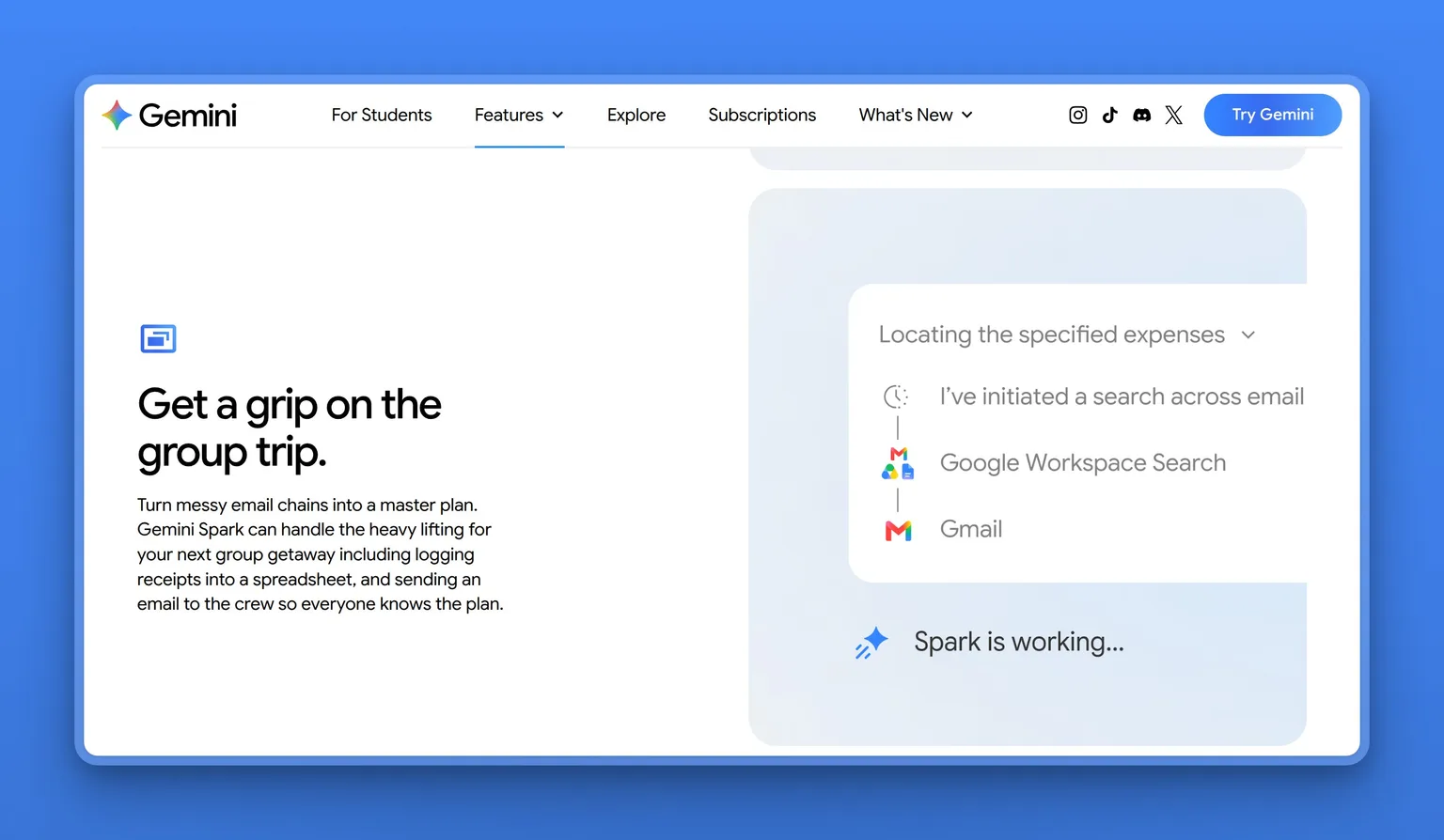
Your work already lives in Gmail, Calendar and Drive, and you want an agent that runs there without a plugin layer between the two. Gemini Spark connects natively with Gmail, Calendar, Drive, Docs, Sheets, Slides, YouTube and Google Maps, and keeps running 24/7 in the background even when your phone and laptop are off. Define Skills for repeated instructions and Schedules for time-based or conditional triggers, and Spark handles the automation without you setting it up twice.
Key Features
- 24/7 background operation, including when phone and laptop are off
- Connections to Google Workspace apps including Gmail, Calendar, Drive, Docs, Sheets, Slides, Keep and Tasks
- Skills define reusable instructions for things you do often. Schedules set time or conditional triggers
- Can browse the web via local Chrome or a remote browser in the cloud
- Supports third-party Connected Apps including Dropbox, Zillow, Canva and Instacart
- Up to 15 tasks running simultaneously
Pros
- Starts at $19.99/mo (Google AI Pro), well below the $100 dots floor
- Deep Workspace integration means no glue layer between your agent and your work files
- No coding required. Plain conversation is the interface
Cons
- Not available in the EEA, Nigeria, Switzerland or the UK, which overlaps with the dots Pro restriction (EEA, Switzerland and the UK)
- Experimental feature in early development: requires supervision and can take unintended actions
- Personal Google Accounts only. Not available on work or school accounts
- If you cancel or downgrade, schedules are paused and access to Spark is lost
- Detailed multi-step analysis still needs a human check and accuracy on complex queries can fall short
Pricing
- $19.99/mo (Google AI Pro, monthly), Gemini Spark access
- $99.99/mo (Google AI Ultra, 5x tier), higher usage limits
- $199.99/mo (Google AI Ultra, 20x tier), highest usage limits
User Reviews
Gemini holds a 4.4 out of 5 on G2 from 628 reviews. Most users are on Google Workspace, and what they praise is the time saved on document-heavy work: PDF analysis, spreadsheet scripting and report summaries that took hours and now take minutes.
"Performance-wise, the streaming response speed is blazing fast and has drastically improved my workflow; instead of spending an entire afternoon manually combing through 80-page PDF reports or debugging multi-file Python scripts, I can drop them straight into the chat and get the exact functions and answers I need in seconds, easily saving me 6 to 8 hours each week."
User on G2
Best For
Your work runs in Gmail, Calendar and Drive, you want a background agent that operates there natively, and cross-platform reach is not the point. At a fifth of the dots price, Gemini Spark is where I'd go when a personal Google account is already your stack and you don't want a plugin layer sitting between the agent and your files.
vs OpenAI Dots: Gemini Spark is missing from the same regions as dots on Pro (and from Nigeria), so it doesn't solve that problem. I'd pick it over dots when your work genuinely lives in Gmail, Calendar and Drive on a personal Google account and native integration matters more than a broader app reach.
6. Claude Cowork: OpenAI Dots alternative for document and knowledge work
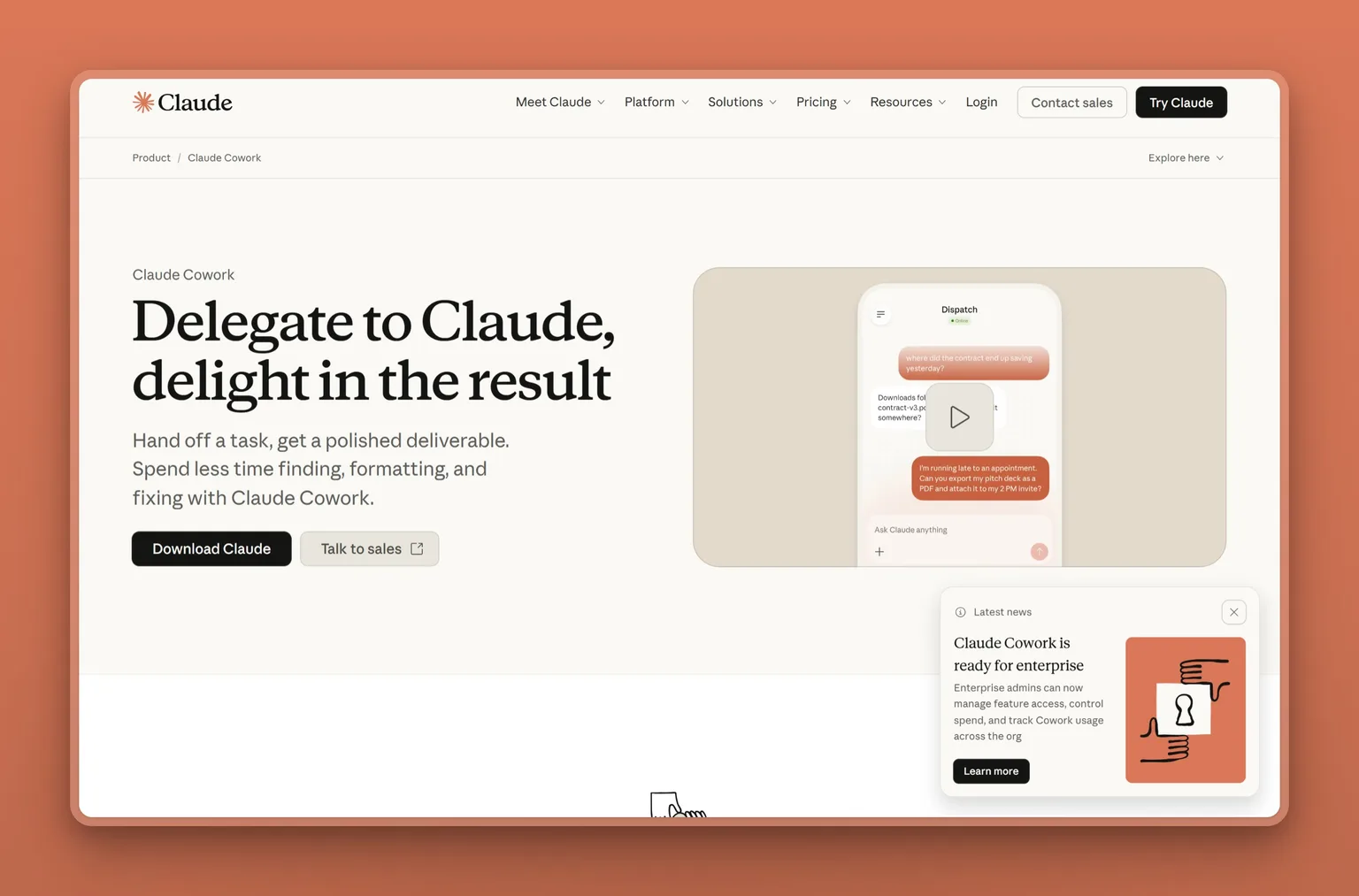
Claude Cowork handles non-coding knowledge work: research, analysis, document creation and multi-step tasks. It runs the same agentic architecture as Claude Code, without a terminal in sight. Give it a goal, it works across the files and tools you specify, and you come back to polished output.
Sessions run in the cloud on Anthropic's servers inside an isolated environment and keep going even after you close your laptop. The built-in browser handles web tasks in the Cowork side panel, separate from your own tabs.
Key Features
- Runs on the same agentic architecture as Claude Code, no terminal needed
- Built-in browser in the side panel for opening sites, reading pages, clicking and filling forms
- Sub-agent coordination breaks complex work into parallel workstreams
- Produces Excel spreadsheets with working formulas, PowerPoint presentations and formatted documents
- Scheduled recurring tasks run unattended in the cloud
- Supports plugins that bundle skills, connectors and sub-agents into one install
Pros
- Starts at $17/mo (Pro, annual), well below the $100 dots floor
- Available on desktop, web and mobile. Sessions follow you across devices
- Deletion protection requires explicit permission before any files are permanently deleted
Cons
- Agentic tasks consume more usage capacity than regular chat. The Pro plan's limits run down faster with Cowork
- Session sharing is not supported. Individual artifacts can be shared but not the session itself
- Cloud sessions on Team and Enterprise plans are in beta. The desktop app adds local file access that web and mobile can't reach
Pricing
- $17/mo (Pro, annual, $200 billed up front), Cowork included
- $20/mo (Pro, monthly), Cowork included
- $100/mo (Max 5x), more usage
- $200/mo (Max 20x), highest individual usage
User Reviews
Claude holds a 4.6 out of 5 on G2 from 485 reviews. The people who use it most describe a full ecosystem: code work in Claude Code, delegated multi-step tasks in Cowork, research and brainstorming in Claude Chat. The thing that keeps coming up is having all of it in one place.
"I use Claude Code for coding and navigating codebases, Cowork for delegating tasks and getting multi-step work done, and Claude Chat for research, design, brainstorming, and general problem-solving. Having all of these capabilities in one ecosystem has made a real difference in how I approach my work."
User on G2
Best For
You'd want Cowork when the day is research, analysis and document creation rather than system admin or role management. If that's the shape of your work, it runs inside a product you probably already trust.
vs OpenAI Dots: Both run cloud tasks in the background. Cowork is built specifically for non-coding knowledge work and document output. Dots is a generalist.
7. Lindy: OpenAI Dots alternative for event-triggered workflows
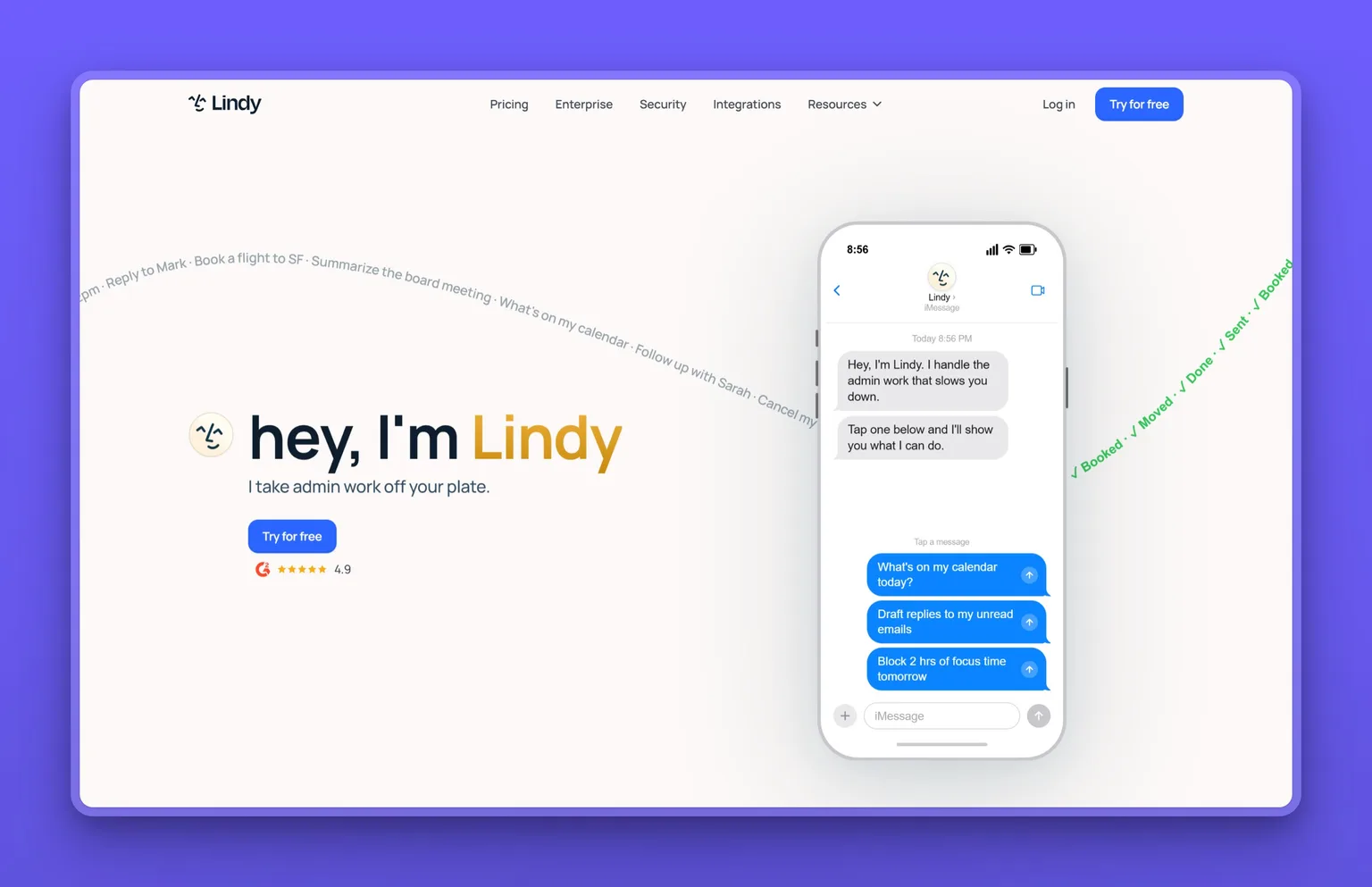
A trigger starts a routine in Lindy: an email arrives, a meeting ends, a Slack message appears, and Lindy acts. It reaches 1,500+ integrations including Gmail, Slack, Notion and HubSpot (plus MCP support), ships with 40+ built-in skills covering research, data analysis, decks and dashboards, and lets teams save their own. Approval is required before any action with outside impact, and your data is never used to train models.
Credits are pooled at the workspace level, where admins can cap how much any one person pulls.
Key Features
- 1,500+ integrations including Gmail, Slack, Notion and HubSpot, plus iMessage access to your assistant
- 40+ built-in skills: research, data analysis, decks and dashboards, plus built-in routines for meeting recording and scheduling
- Event-triggered routines fire on conditions like an email received, a Slack message or a meeting ending
- Credit pooling at the workspace level with per-user spend caps
- Memory lives in plain files you can open, read and edit like a document
Pros
- Starts free ($50 in credits, 7-day window) with no credit card required
- Requires approval before any action with outside impact. Read-only lookups don't require it
- GDPR, SOC 2 and PIPEDA compliant, with HIPAA on the Enterprise plan. Data is never sold or used to train models
- 4.9 out of 5 on G2
Cons
- Monthly plan credits don't roll over. Unused plan credits expire at the billing cycle, though top-up credits carry over
- Every active user in a workspace is billed from $49.99/mo, so team cost scales with headcount
Pricing
- $0/mo (Free), $50 in credits, 7-day window, no credit card required
- $49.99/mo (Team), 5,000 credits/month with top-ups at $10 per 1,000 credits
- Custom (Enterprise), HIPAA, SSO, SCIM, audit logs, dedicated support
User Reviews
Lindy holds a 4.9 out of 5 on G2. Most users automated something they used to do by hand every week. Meeting notes, call summaries, and CRM updates are the three things that come up most. The no-credit-card free start comes up often. Once one workflow is live, users say the same triggers fire reliably every week.
"I really like Lindy for its ease of use in building AI workflows. The platform makes it simple to create and customize AI agents for specific business needs, which is fantastic. I appreciate how Lindy automates tasks that used to require manual effort, especially when it comes to summarizing calls or making call notes."
User on G2
Best For
I'd go with Lindy when the job is a known, repeatable workflow: email triage, meeting notes, follow-ups, CRM updates. It fires on events, connects 1,500+ tools, and doesn't need a developer on staff.
vs OpenAI Dots: Dots is a generalist always-on agent. Lindy is built for structured workflows fired by events: an email arrives, a meeting ends. Dots reaches more apps (over 4,000 against Lindy's 1,500+), and Lindy starts free.
8. OpenDots: open-source OpenAI Dots alternative you self-host
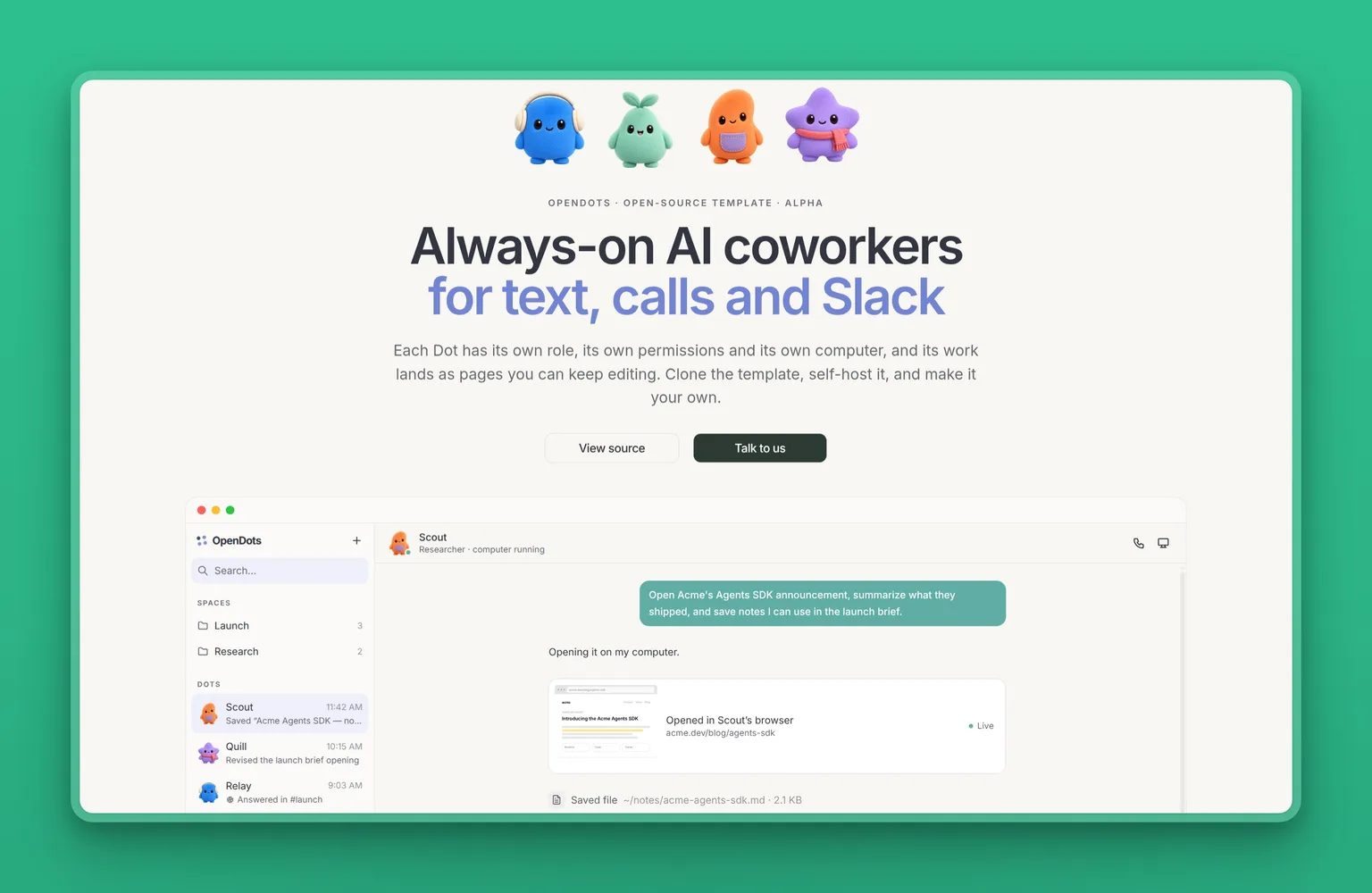
Clone it, run it yourself, and own every piece of it. OpenDots is an open-source, MIT-licensed template released by CopilotKit on October 1, 2026. Each Dot is a specialist with its own role, permissions, conversations and, optionally, its own computer. Bring any OpenAI-compatible model and configure the conversation service yourself. CopilotKit Intelligence is required for chat. A free Developer plan qualifies for a renewable 30-day local evaluation license.
Key Features
- Fully self-hostable, MIT-licensed template: you configure the model provider, the conversation service, and any channels or speech providers you want
- Supports any OpenAI-compatible model provider
- Each Dot can have an isolated computer with its own browser profile and workspace files that persist across restarts
- Computer access is off by default. You grant it one Dot at a time
- Supports voice calls (WebRTC), Slack integration via managed Channels SDK, and scheduled recurring work
- Human-in-the-loop review: when you ask a Dot to show a draft first, a review card pauses for Approve and save or Decline before the page is saved to a Space
Pros
- The template is free and MIT-licensed. You host it and pay your own model usage. Conversations need CopilotKit Intelligence, whose free Developer plan qualifies for a renewable 30-day local evaluation license and whose paid plans start at $39 a month
- Automatic Learning turns conversations into reusable skills that the Dot loads on its own after review
- 4.0k stars on GitHub
Cons
- Currently in alpha, single-owner by design. Shared editing, invitations, file uploads and multi-Dot group conversations are listed as further work
- CopilotKit Intelligence is required for conversations
- Requires Node.js 24 and npm. Setup is a developer task, not a no-code experience
Pricing
- Free template (MIT license, self-hosted). Conversations need CopilotKit Intelligence (free Developer plan with a renewable 30-day local evaluation license, paid plans from $39/mo)
- CopilotKit Intelligence Pro: $39/mo
- CopilotKit Intelligence Team: $100/seat/mo
- CopilotKit Intelligence Enterprise: custom
User Reviews
OpenDots holds 4.0k stars on GitHub. Released the same week as dots, it reached those stars in days. What draws developers to it: you bring your own model, the template is yours to extend, and each Dot can get its own isolated computer with a browser and files that persist across restarts. The first thing people ask about is the cloud dependency: CopilotKit Intelligence is required for conversations.
Best For
I'd pick OpenDots if you want the dots architecture on infrastructure you control and the alpha constraints are acceptable: single owner for now, no file uploads yet. You bring your own model.
vs OpenAI Dots: OpenDots mirrors the dots architecture but you run it yourself with any OpenAI-compatible model. You give up the ChatGPT interface and the ecosystem of over 4,000 apps. You gain control over where it runs, any OpenAI-compatible model, and the ability to extend the template as you need.
9. Hermes Agent: free open-source OpenAI Dots alternative across 20+ platforms
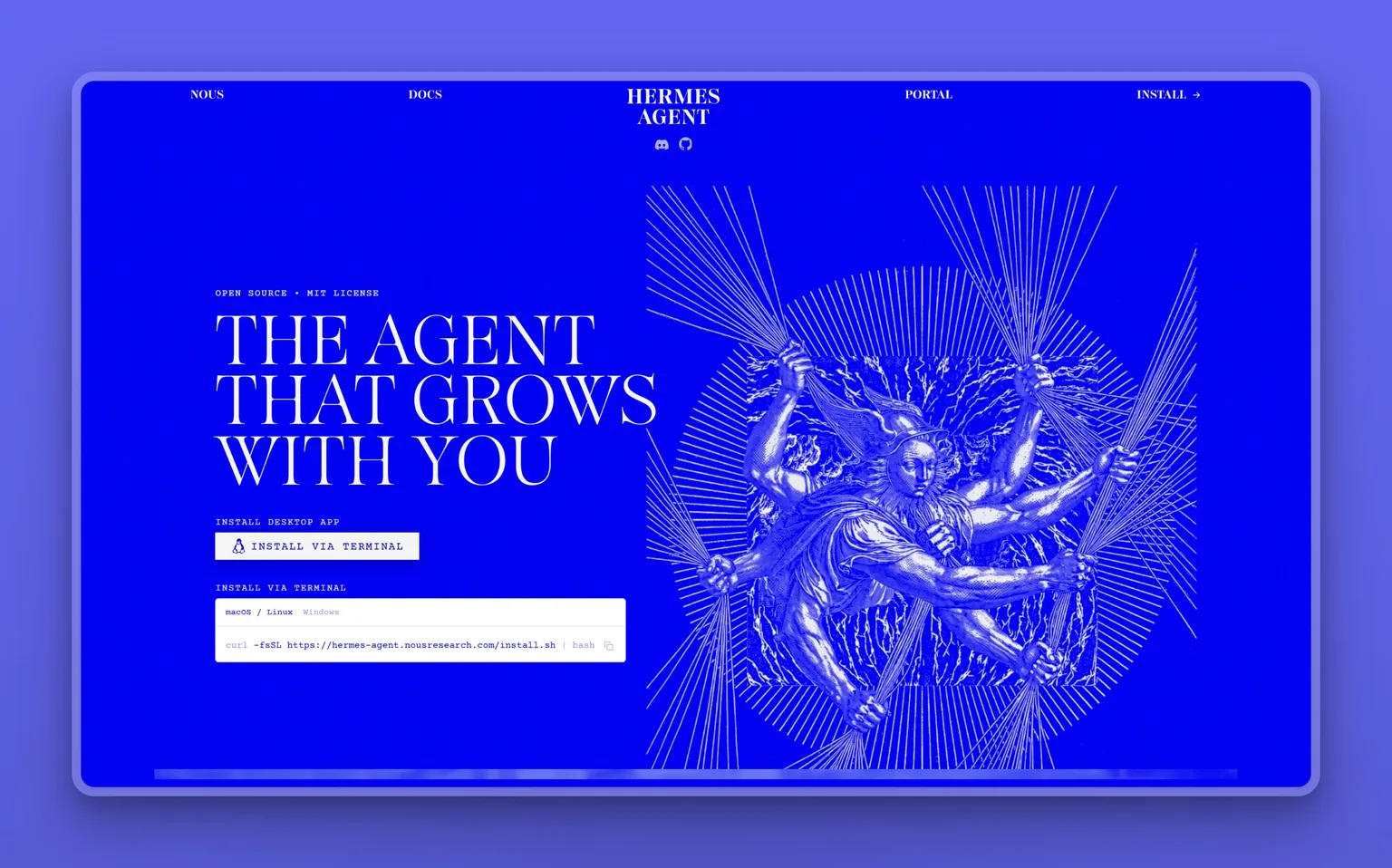
Every platform you already message on, one agent, one memory that gets sharper over time. Hermes Agent is built by Nous Research and connects to 20+ messaging platforms including Telegram, Discord, Slack, WhatsApp, Signal, Email and CLI from a single gateway. It creates skills from experience, improves them during use, nudges itself to persist knowledge, and builds a deepening model of who you are across sessions. Conversations, memory and skills are stored locally in ~/.hermes/.
Hermes Agent supports any OpenAI-compatible model provider, switchable with one command.
Key Features
- Self-improving learning loop: creates skills from experience and loads them automatically next time
- 20+ messaging platforms from one gateway: Telegram, Discord, Slack, WhatsApp, Signal, Email, Microsoft Teams, Google Chat and more
- Supports any OpenAI-compatible model, including Nous Portal, OpenRouter, OpenAI, Anthropic and Google
- 7 terminal backends: local, Docker, SSH, Daytona, Singularity, Modal and Vercel Sandbox
- Skills compatible with the agentskills.io open standard. Shareable and community-contributed
- Stores conversations, memory and skills locally in ~/.hermes/. Collects no telemetry, usage data or analytics
Pros
- Free and MIT-licensed. Cost is only your model API usage
- Model flexibility means no lock-in to any one provider
- Reaches 20+ messaging platforms from one gateway
- 251.8k stars on GitHub
Cons
- No hosted tier by default. Requires setup on macOS 12+, Windows 10/11 or Linux. Hermes Cloud offers hosted always-on instances with daily pricing for those who want managed hosting
- Nous Portal free tier is free-models-only with standard rate limits. Paid portal access adds cost on top of the agent itself
Pricing
- Agent: free (MIT license)
- Nous Portal Free: $0/mo, free models only, standard rate limits
- Nous Portal Plus: $20/mo, 200+ models, $22 monthly credits with 10% bonus
- Nous Portal Super: $100/mo, higher credits
- Nous Portal Ultra: $200/mo, highest credits
User Reviews
Hermes Agent holds 251.8k stars on GitHub. People who have run it for a while praise the self-improving loop most: the agent creates skills from experience and loads them automatically on future tasks, so repeated work gets faster over time. Multi-platform reach comes up alongside that: one agent working across Telegram, WhatsApp, Discord, Slack and email. People who switched from OpenClaw say it is more polished.
Best For
I would try Hermes Agent first if you work across Telegram, Slack, WhatsApp and email and want one agent that learns and improves over time. Free, model-flexible, and with a multi-channel reach that puts it ahead of most tools on this list at this price.
vs OpenAI Dots: Dots has its own cloud VM. Hermes runs on your own machine or a server you control. Hermes supports any OpenAI-compatible model. Dots runs on one. For technical users, the trade-off is a managed cloud computer against full model and data control.
10. OpenClaw: free self-hosted OpenAI Dots alternative with 29 channels
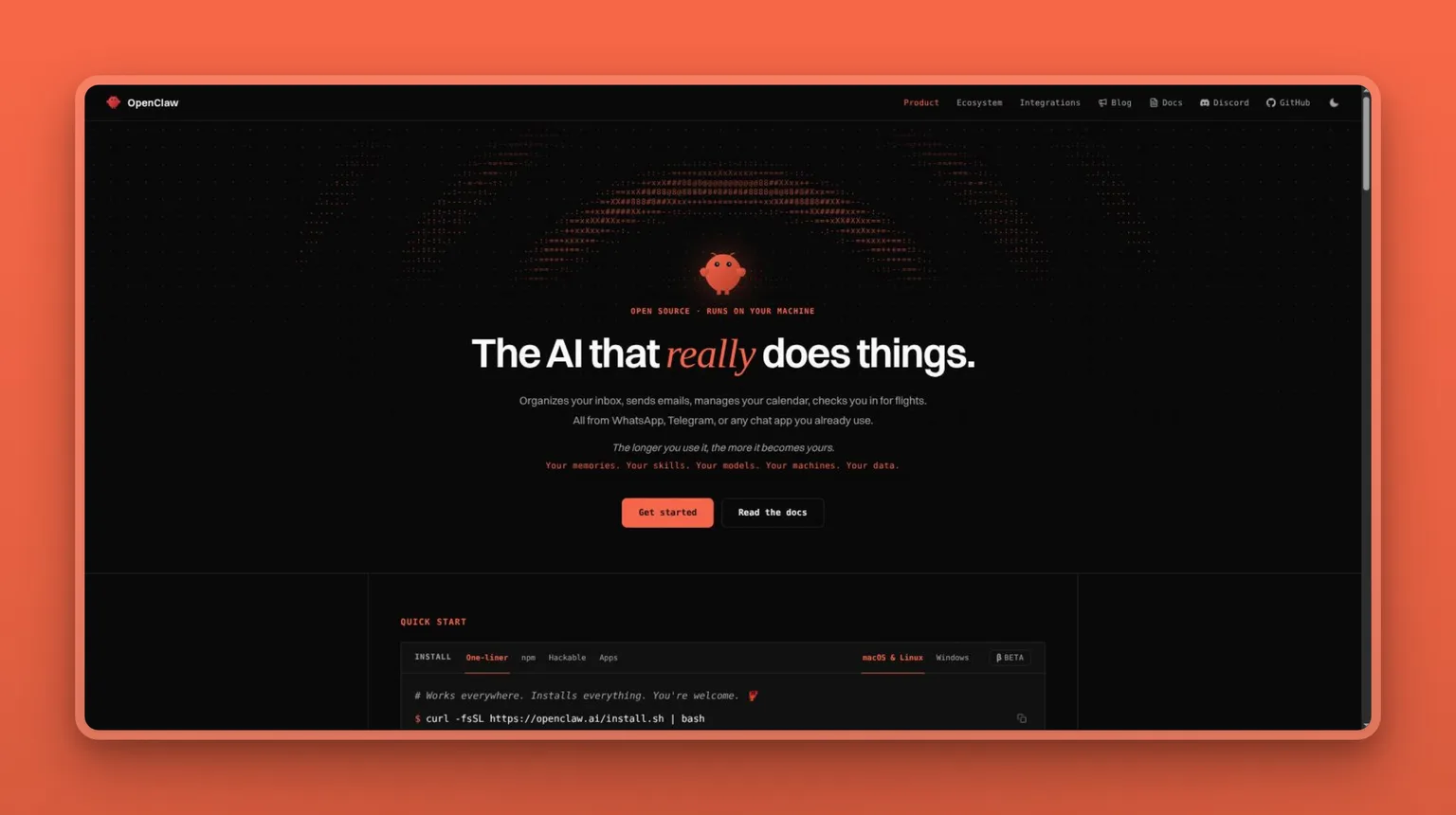
No subscription and complete hardware control is the case for OpenClaw. It runs on your own computer, connects to 29 channels including WhatsApp, Telegram, Discord, Slack, Signal and iMessage, has persistent memory, and can browse the web, read and write files, and run shell commands. State, memory and credentials live on your hardware. Models and agent plugins (Claude, Codex, local models) can be swapped without changing anything else.
OpenClaw is stewarded by the OpenClaw Foundation, an independent US 501(c)(3), and is MIT-licensed. There is no enterprise edition and no paid version.
Key Features
- 29 supported channels: WhatsApp, Telegram, Discord, Slack, Signal, iMessage and more
- State, memory and credentials live on your own hardware
- Full system access: web browsing, form filling, file reads and writes, shell commands. Full or sandboxed mode is your choice
- Persistent memory across conversations. Remembers preferences, projects and people
- Team gateway: shared sessions with live presence and commits credited to individuals
- Models and agent plugins are swappable without changing anything else
Pros
- No subscription, no hosted tier, no token: the agent is free, and the only bill is your model provider's
- State, memory and credentials live on your hardware. By default OpenClaw itself sends only a daily version check, which you can turn off
- 391.5k stars on GitHub
- Can be self-hosted on a VPS with as little as 1 vCPU and 1 GB RAM
Cons
- macOS desktop app requires macOS 15 or later
- No hosted option. If you want someone else to maintain the infrastructure, this isn't the tool
- No enterprise edition
Pricing
- Free (no subscription, no hosted tier)
- API costs for your chosen model provider apply (no subscription required for the agent itself)
User Reviews
OpenClaw holds 391.5k stars on GitHub. The community is highly active, with over 50,000 resolved issues. The praise is for workflows that keep running while you sleep, a Telegram interface that feels like texting a coworker rather than operating a developer tool, and pointing it at any model without changing anything else.
Best For
You'd go to OpenClaw when hardware control is non-negotiable and the subscription is off the table. Free, 29 channels, MIT-licensed, and you swap models without changing anything else.
vs OpenAI Dots: Dots gives you a managed cloud computer and connections to over 4,000 apps through OpenAI's plugin ecosystem inside ChatGPT. OpenClaw gives you 29 chat channels, your own hardware, and full control over every component, for free. The trade-off is real: dots is easier to start, OpenClaw takes more setup and upkeep but is completely yours.
OpenAI Dots head-to-head: Grok Bot and Marblism compared
Two tools in this roster are worth comparing directly against dots: Grok Bot because it is the closest hosted match, Marblism because it takes the opposite approach.
OpenAI Dots vs Grok Bot
Both are persistent cloud agents that run 24/7, connect to tools and handle tasks in the background, and both keep approval decisions for risky actions with you. The difference is ecosystem and how isolation works.
Dots lives inside ChatGPT and plugs into over 4,000 apps through OpenAI's plugin network. Each dot gets its own isolated cloud computer.
Grok Bot lives inside Cursor's ecosystem and plugs into the same MCP servers, plugins and skills as Cursor. All your bots share 1 persistent cloud computer, isolated per user rather than per bot. The on-demand token cost is the thing to watch.
Pick OpenAI Dots if: you're already inside ChatGPT's ecosystem and want the plugin reach with no additional setup.
Pick Grok Bot if: you're in Cursor or SuperGrok, you want an agent that enters at $20/mo (Cursor Pro), or you want bots that can hand work off to each other through a shared cloud computer.
OpenAI Dots vs Marblism
Dots and Marblism both take work off your plate, but they split it differently.
A working week with Marblism: you hand each AI Employee its role, it works from one shared record of the business, and nothing goes out until you approve it. A working week with dots: you direct each agent toward a task, it runs on OpenAI's cloud, and you pick it back up when it pings you. Marblism at $24 a month on the yearly plan covers seven roles. A dot starts at $100 a month.
Stop paying for Marblism and the roles stop, but every output you approved stays with you. OpenAI's page doesn't say what you keep if you stop paying for the plan. Marblism has no region restriction on the product itself (Rachel's local phone numbers cover the US, Canada, the UK, Mexico and Australia). Dots on a Pro plan does. Every Marblism action waits for your sign-off before it goes out.
Pick OpenAI Dots if: you want a single generalist agent you can direct toward any task and you're already on a Pro plan.
Pick Marblism if: you want specific business roles handled without directing an agent through each one, or the $100 dots floor is more than you want to spend.
Which OpenAI Dots alternative fits your situation
- Locked out of the EEA, UK or Switzerland on Pro: the three self-hosted tools, Marblism, Grok Bot, Lindy, Claude Cowork and Perplexity Computer.
- Priced out below $100/mo: Marblism on the yearly plan handles 7 business roles. Grok Bot at $20/mo (Cursor Pro) is the nearest cloud-agent equivalent. If any subscription is too much, OpenClaw and Hermes Agent are free.
- Want business roles handled, not directed: Marblism, where each of 7 AI Employees owns its own business role and every action checks back with you before it goes out.
- Want a cloud agent with a browser and filesystem: Grok Bot runs persistent cloud bots that record and replay workflows, starting at $20/mo.
- Want something free and personal in the US or Canada: Meta Muse, free for most use, with Stripe Link purchase protection built in.
- Want research with citations in every output: Perplexity Computer at $20/mo, with multi-model selection and search-native intelligence.
- Want document and file work handed off: Claude Cowork at $17/mo (annual), built for knowledge workers who want files and documents handled without a terminal.
- Want nothing on a cloud you don't control: OpenClaw or Hermes Agent, both free and MIT-licensed.
When OpenAI Dots is worth the price
Three situations where I'd stay with dots, price and region restriction included.
Proactive background research on a managed cloud computer
Every dot gets a sandboxed cloud environment, and when you aren't actively working with it, it runs proactive background research using read-only tools. Those tools can't send messages, change app content or control your browser or computer during background research. Auto-review checks risky actions against your instructions and safety requirements before they execute. If you want a genuinely always-on research agent with clear guardrails, the architecture holds up.
Over 4000 apps inside ChatGPT from the first dot
The first dot is included in your Pro or Business Premium plan, and from day one it connects to over 4,000 apps through OpenAI's plugin ecosystem, which already lives inside ChatGPT. If you live in ChatGPT and your tools are already there, dots drops its agent layer on top without any migration.
Business Premium lifts the OpenAI Dots region restriction
Business Premium users get access across all supported ChatGPT regions. If the EEA, UK, or Switzerland restriction is blocking you on Pro, Business Premium at $100 per seat per month (annual, 2-seat workspace minimum) removes it and adds 5x more usage than a Standard seat with no 5-hour usage limit. For teams that need dots and are in those regions, that's the path forward.
Outside those 3 situations, I'd look hard at alternatives. A $100/mo floor and a product still in its first weeks of public availability are a real combination to weigh.
My verdict on OpenAI Dots alternatives
The right test before you pay $100 a month: name one business job a dot would do for you that a Marblism AI Employee does not already own. Lead follow-up, social posts, the inbox, receptionist calls, SEO content: each has an Employee on the $24 plan. If you can name something specific, you have your answer. If the honest answer is "not much beyond a managed VM", that is an answer too.
That is why my pick for small-business owners is Marblism: 7 AI Employees for $24 a month on the yearly plan ($44 month to month), approval required before anything is sent, and one shared record of your business so the team works together. If your real problem is covering business roles start to finish rather than running one-off tasks, it's where I'd go.
If you want a persistent cloud agent and you're in the Cursor or SuperGrok ecosystem, Grok Bot is the right runner-up, included from $20/mo with Cursor Pro. If you want no subscription and the agent on your own machine, OpenClaw is free.
Stay with dots if you're already on a Pro plan, you live inside ChatGPT, and the plugin reach is something no alternative gives you cleanly.
Frequently asked questions about OpenAI Dots alternatives
Choosing an OpenAI Dots alternative
What is the best OpenAI Dots alternative?
It depends on the job. For small-business owners who want roles handled rather than directed, Marblism is my pick: 7 AI Employees that each own their own business role, and every action waits for your sign-off before it goes out. If you want a persistent cloud agent that records and replays workflows on its own, Grok Bot is the stronger call, included from $20/mo with Cursor Pro. If subscription cost is the dealbreaker, OpenClaw runs free on hardware you control.
What is the best free OpenAI Dots alternative?
OpenClaw and Hermes Agent are both free and self-hosted under MIT licenses. You pay only for whatever model API you connect. Meta Muse is free for most personal use in the US and Canada. Lindy has a free tier that comes with $50 in credits, valid for 7 days.
Should I build my own agent instead of using one of these?
OpenDots and Hermes Agent are the right starting points if you want to build rather than buy. OpenDots is a fully self-hostable template you clone and configure. Hermes Agent is open-source with a built-in learning loop. Building your own makes sense when you need a workflow none of these tools fit. When the job is a known business role, a platform gets you to working faster than a custom build will.
What is the difference between a dot and a traditional chatbot?
A dot runs 24/7 on its own cloud computer, takes actions in real tools (files, apps, the web), and keeps working between conversations. A chatbot waits for a prompt within a session and responds to it.
Access and availability for OpenAI Dots
Is OpenAI Dots available in the EU?
No, not for Pro users. Dots are unavailable to Pro users in the European Economic Area, Switzerland, and the UK. Business Premium removes that restriction at $100 per seat per month billed annually, with a 2-seat workspace minimum. Pro users in those regions have the three self-hosted tools, Marblism, Grok Bot, Lindy, Claude Cowork and Perplexity Computer.
How much does OpenAI Dots cost?
The plans that include a dot: Pro 100 at $100/mo, Pro 200 at $200/mo, Pro 500 at $500/mo, and Business Premium at $100 per seat per month billed annually (or $125 billed monthly), with a 2-seat workspace minimum. Enterprise plans include dots when the workspace admin enables it. The first dot is included in your plan at no extra cost.
What is the difference between Pro and Business Premium for OpenAI Dots?
Pro excludes the EEA, the UK and Switzerland. Business Premium covers all supported ChatGPT regions, costs $100 per seat per month billed annually with a 2-seat workspace minimum, includes 5x more usage than Standard seats, and has no 5-hour usage limit.
Privacy and setup for OpenAI Dots
Can I run an OpenAI Dots alternative on my own computer?
Yes, for OpenClaw, Hermes Agent and OpenDots. OpenClaw installs on macOS and Linux via a one-liner and runs on Windows too. Its macOS desktop app needs macOS 15 or later. Hermes Agent has a desktop app for macOS 12+ and Windows 10/11. OpenDots requires Node.js 24 and npm. OpenClaw and Hermes Agent run on hardware you control with no subscription required. OpenDots needs CopilotKit Intelligence for conversations, and its free Developer plan covers a renewable 30-day evaluation license.
Does a dot share my credentials across OpenAI's systems?
A dot's own context does not retain credentials, images or screenshots. When signing into supported websites, a dot can use saved passwords without passing them to the model. Each dot runs in its own sandboxed environment, isolated from other users' cloud environments. Sensitive tasks like changing a password stay with you.
Does deleting a dot delete my files?
When you delete a dot, its context goes with it: conversations, saved memories and scheduled tasks. Files, Codex threads and ChatGPT conversations the dot created are stored separately and stay intact.