8 Blaze AI Alternatives for Small Business (2026)

Jesus Malo
CMO, Marblism
August 17, 2026

The best Blaze AI alternatives depend on which limit stopped you: Blaze's plans jump from $79 to $149 with hard caps on accounts, credits, and users, then leap to $2,499 with nothing in between. The right alternative is the one that lifts the specific constraint that caught you, whether that was posting accounts, credits, users, or a generator that hands the work back to you instead of finishing it.
Blaze AI does a genuine job for a specific buyer: brand-voice social posts, blog drafts, and email copy for a small team running its own content. The plan structure is what trips people up. The $79 Starter and $149 Growth plans are AI content generators you direct. The All-In-One tier is a done-for-you local-business marketing operation. Those are not two versions of the same product.
After going through a few hundred reviews for this guide, one thing kept standing out: the people who regret switching are the ones who picked a tool before naming the problem. The credit limit and the posting-account limit are different problems. They have different answers.
TL;DR: which Blaze AI alternative lifts which limit
The tool you need depends on the specific Blaze AI limit you hit. If the problem is that Blaze generates content and hands it back to you rather than finishing the job, Marblism's Sonny runs your social accounts and Penny runs the SEO blog, and neither hands work back. If you are burning through the 600-credit monthly budget on blog posts, Jasper AI drops the credit meter for a per-seat subscription.
If the limit is three posting accounts, Simplified matches Blaze's all-in-one shape with seven accounts and 10,000 credits a month, or Buffer handles scheduling across as many channels as you set up without a credit meter. If the posts you publish never rank in search or appear in AI answers, Surfer optimizes content for that specific gap.
If you need more than one seat on the Starter tier and you run sales and marketing workflows together, Copy.ai seats five people on a single plan. If the limit is the price itself, ChatGPT starts at nothing.
Table of contents
What is Blaze AI and what do $79, $149 and $2,499 actually buy?
What Blaze AI is now
Blaze AI started as an AI writing tool and has repositioned into a broader marketing platform. Its homepage now covers social media, paid ads, landing pages, reputation management, and an AI receptionist. The pricing page makes the split clear: two self-serve tiers where you direct the AI and approve each step, and a third tier that runs your entire marketing funnel for you.
Those are two different products under one brand name. The $79 and $149 plans are AI content generators you operate, with hard limits on accounts, credits, and users. The All-In-One tier is a done-for-you local-business marketing system that adds an AI receptionist, Google Business Profile ranking, search ads, and inbound lead qualification. Nothing between $149 and the All-In-One tier exists on the pricing page.
That matters for this comparison because Blaze AI still gets treated as a plain AI writing tool and measured against other AI writing tools. The tools that genuinely replace the $79 and $149 plans are the ones on this list. The tools that replace the All-In-One tier do not exist as individual alternatives, because that tier bundles capabilities that six separate tools would cover.
Blaze AI pricing: what each plan includes
| Plan | Price | Posting accounts | Credits / month | Users | Ad campaigns |
|---|---|---|---|---|---|
| Starter | $79/mo | 3 | 600 | 1 | Yes (automated) |
| Growth | $149/mo | 10 | 1,500 | Unlimited | None |
| All-In-One | $2,499/mo | Unlimited | Unlimited | None | Google + GMB search ads |
Both self-serve plans include a 7-day free trial with no credit card required. No general annual discount applies to a standard buyer. The 20% discount is gated to non-profits and education.
Starter is the plan most people searching "Blaze AI alternatives" are on. Three posting accounts means three social profiles total, not three platforms, so a business running Instagram, LinkedIn, and Facebook is already at its limit before adding X or a second brand account.
Six hundred credits a month sounds generous until you account for the per-asset cost: a static social post costs 1 credit, an email costs 3, a blog post costs 3, an AI video costs 15. A month with 40 videos alone would consume the entire budget.
Growth raises the credit budget to 1,500 and removes the seat limit, making it the right plan for a small team with multiple people touching the content. The jump from Starter to Growth is $70 a month, and that is the one clean step the pricing page supports.
The All-In-One tier is a local-services product. It covers Google Maps ranking, search ads that target people close to booking a local job, inbound leads sorted by which service they need and whether they are in your service area, and automatic follow-up requesting reviews after a job wraps. A solopreneur with a coffee brand or a SaaS startup is not the buyer that plan describes.
Two limits people hit on Blaze AI
Blaze AI's plan limits: 3 accounts, 600 credits, 1 user
The three plan constraints interact in a way that catches people. One user on Starter means you are the only person who can operate the tool. A VA or a co-founder cannot log in without upgrading to Growth. Three posting accounts means the tool tops out at three social profiles, full stop.
And 600 credits runs out faster than the plan suggests. One Trustpilot reviewer described the mechanic directly: "Its expensive and what they don't tell you is that when they generate something and its not accurate or relevant, you end up having to pay every time you regenerate to create more accurate content." Every failed generation charges the same credits as a successful one.
Blaze AI's capability limits: what only the All-In-One tier does
Everything in the done-for-you tier, including the AI receptionist, Google Business Profile management, search ads, inbound lead qualification, and automated client reviews, is gated to the All-In-One tier. None of it is available on Starter or Growth. If these capabilities are what you were expecting when you signed up, you were reading the marketing for one product while paying for another.
Which are the 8 best Blaze AI alternatives for small business?
1. Marblism: the AI employees that do the work Blaze AI hands back to you
Marblism is an AI employees platform built for small businesses and solopreneurs. Blaze AI's Starter and Growth plans are generators you operate: you direct each campaign, approve each piece, and the output comes back to you for editing and posting.
Marblism's Sonny handles running social: posting to Instagram, LinkedIn, X, and Facebook in your brand voice, up to three times a day, on the schedule you set. Penny handles running the SEO blog: keyword research, full-length SEO-optimized articles, and auto-publishing to your site on a cadence you choose.
This is the one place in this article where the "suggests versus finishes" distinction is the actual argument: Blaze hands you a draft and waits for your next move. Sonny and Penny queue outputs for your approval and, once you approve, they post or publish. You can also set them to run on autopilot. Neither has a credit meter.
Both learn your voice from your past content and from your feedback on each output. The difference is structural, not a matter of output quality, and it only matters if the time you were spending on Blaze was editing and posting rather than reviewing.
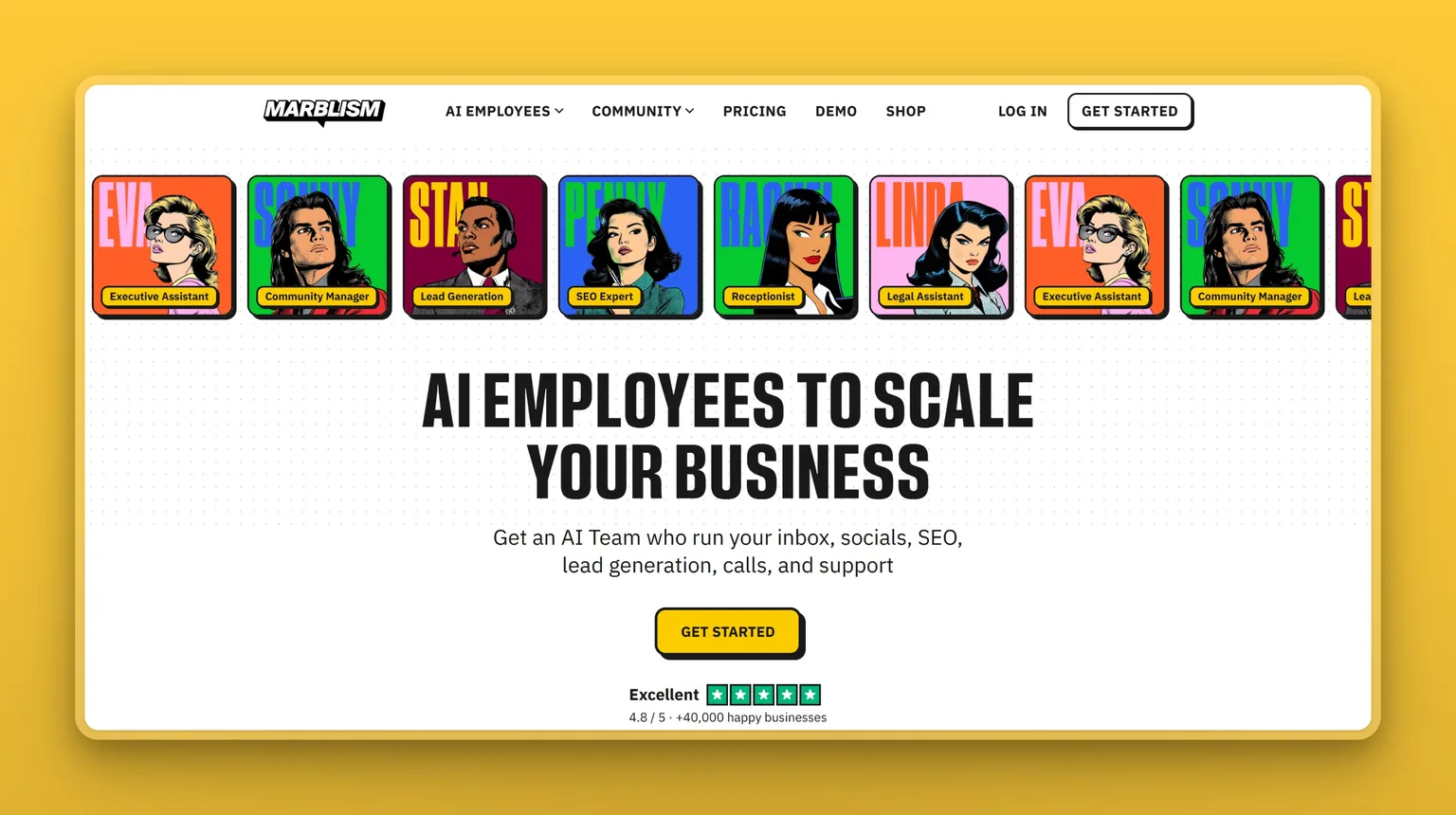
Sonny demo (AI Social Media Manager) in action:
Penny demo (AI SEO Blog Writer) in action:
Key Features
- Sonny writes and auto-posts to Instagram, LinkedIn, X, and Facebook up to 3×/day, learning which formats and topics drive engagement on your accounts
- Penny researches keywords, writes full SEO-optimized articles in your voice, and auto-publishes to WordPress, Webflow, Shopify, and Wix on a daily or weekly cadence
- Both employees improve from your feedback: correct a post once and the next draft reflects it
- AI-to-AI collaboration: Penny and Sonny share context so your blog content and social distribution stay aligned
- All AI Employees included on every plan, with unlimited team members and unlimited businesses
Pros
- No credit meter: 50 hours of AI work per month covers all advanced actions across all employees; quick tasks and chat do not count against it
- Sonny and Penny run on autopilot or approval-gate mode, user-set
- One subscription covers social and SEO blog alongside five other roles, so the buyer who later needs inbox or lead-gen coverage does not add another tool
Cons
- No credit-card-free trial: Marblism offers a 7-day money-back guarantee but not a free trial the way Blaze's self-serve plans do
- Sonny supports four platforms (Instagram, LinkedIn, X, Facebook); TikTok and Pinterest are not currently in the lineup
- The approval-gate model is not step-by-step prompt control: if you want to direct each output sentence by sentence, a generation-focused tool gives you more granularity
Pricing
- $24/mo (billed yearly): all 7 AI Employees, unlimited team members, 50 hours AI work/month, 100+ languages
- $33/mo (billed quarterly): same inclusions
- $44/mo (billed monthly): same inclusions
- 7-day money-back guarantee, no questions asked
User Reviews
Marblism holds a 4.8 out of 5 on Trustpilot. Users who come from content-creation tools consistently describe a shift in where their time goes: the weekly posting and writing work stops landing back in their queue. You can see how businesses use it in their own words.
"We've been using Marblism to manage multi-channel campaigns (LinkedIn, email, blog content)… Having dedicated AI employees for sales, social, and SEO under one hood makes execution fast and simple."
Simeon Soname, reviewing Marblism on Trustpilot
Best For
Marblism is the right pick if the Blaze AI limit you hit is not a number: it is that the work keeps coming back to you. A solopreneur running social accounts and a blog alongside everything else their business demands is exactly the buyer this is built for. If you want to direct each piece of content individually and approve line by line, the approval-gate model will feel like less control than you are used to, and one of the generation-first tools on this list will serve you better.
2. Jasper AI: when Blaze AI's 600 credits will not cover the blog
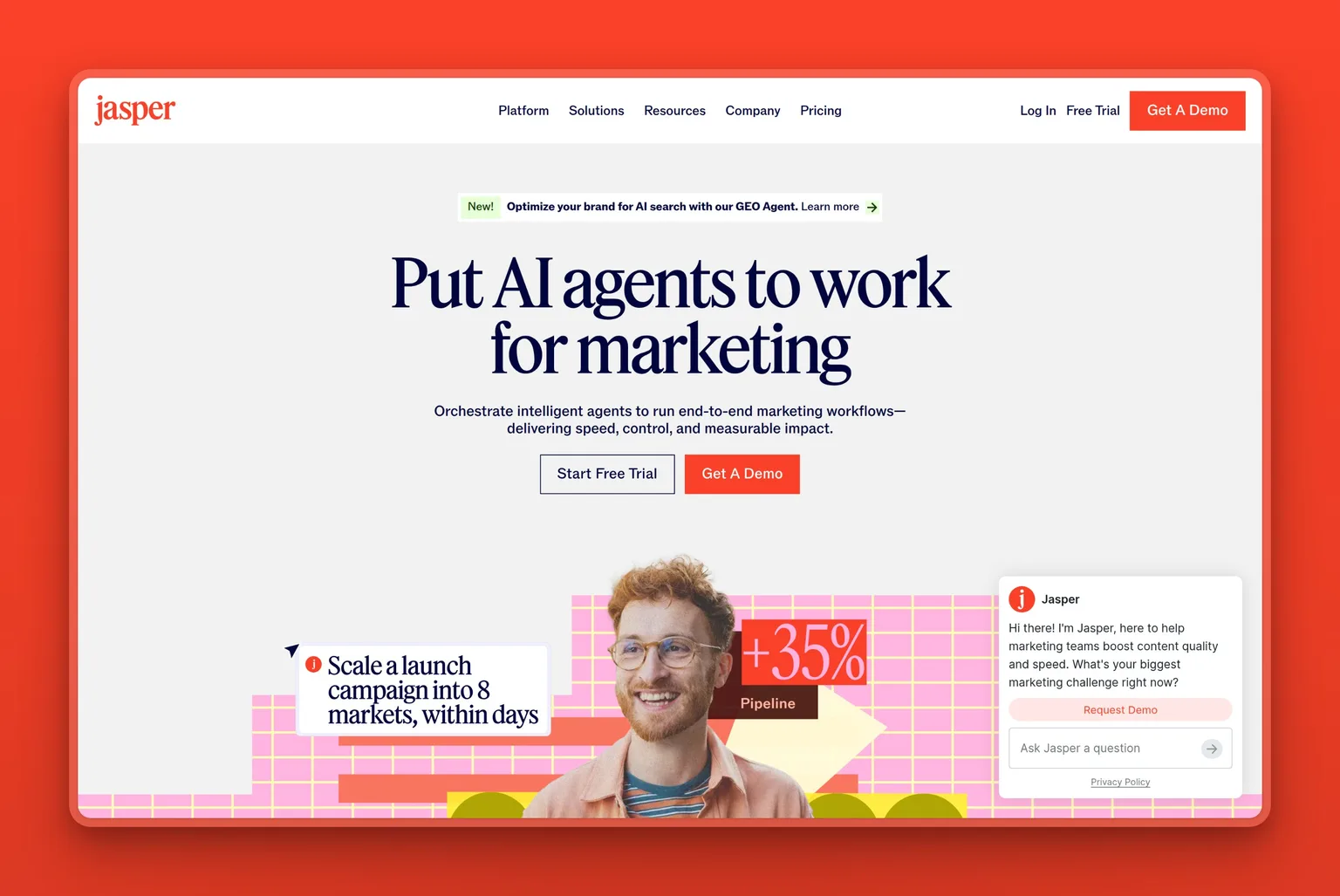
Jasper AI is an AI workspace and execution platform aimed at marketing teams that need governed, high-volume content production. If your Blaze AI problem is that 600 credits does not cover what your blog actually demands, Jasper's Pro plan has no credit meter: you pay per seat, not per word or per output.
The trade-off for a solo founder is real: per seat starts at $59 a month per person billed yearly, and users who pause a subscription for a month and reactivate lose paid unused time with no exceptions, per G2 reviews. The billing model rewards consistent year-round use.
What Jasper genuinely does well is brand governance at volume. Its Brand Voice feature learns your tone from sample content, and the Jasper IQ knowledge base stores product info, audience profiles, and guidelines that every generation draws from. For a team producing dozens of blog posts a month across multiple contributors, that governance layer is what makes the per-seat price feel justified. For a solo founder who publishes two posts a month, it is the wrong shape.
Key Features
- No credit meter on Pro: create as many blog posts, social captions, emails, and marketing campaigns as the month requires
- Brand Voice and Knowledge Base (Jasper IQ) keep tone and product facts consistent across every generation and every contributor
- 100+ specialized marketing agents, including an SEO agent and a GEO Agent that targets citation in AI answers
- Canvas editor for long-form content; Grid for generating multiple content variations in one pass
- 7-day free trial on Pro, no commitment
Pros
- Unlimited generation removes the anxiety of watching a credit counter on a busy content month
- Brand Voice is one of the stronger tone-governance implementations in this category
- The GEO Agent targets AI-answer citation, increasingly where distribution happens for content-heavy businesses
Cons
- $59 per seat per month (billed yearly) is a high floor for a solo founder who does not need it every month: no natural pause option without billing consequences
- Output reads generic without the Brand Voice layer properly configured, per G2 reviews; the setup investment is real
- Business pricing is custom: if you outgrow Pro there is no self-serve step up
Pricing
- $59/seat/mo (billed yearly): 1 seat, 2 Brand Voices, 5 Knowledge assets, unlimited generation
- $69/seat/mo (billed monthly): same inclusions
- Business: custom pricing, contact sales
- 7-day free trial on Pro
User Reviews
Jasper AI holds a 4.7 out of 5 on G2 across more than 1,200 reviews. What power users keep coming back to is how quickly structured content arrives from a simple prompt and how the Brand Voice layer keeps multi-contributor output coherent across a busy content calendar.
"What I like about Jasper is how quickly it generates well-structured content from simple prompts. It helps me create blog posts, social media content, emails, and marketing copy in a fraction of the time it would take to write from scratch. The brand voice feature is especially useful because it helps maintain a consistent writing style across different projects."
Freelance, Media Production, Small-Business, reviewing Jasper AI on G2
Best For
Jasper AI is the right pick if your Blaze AI problem is credit volume and you run a content-heavy marketing operation with multiple people contributing to a shared brand. Solo founders who publish infrequently or want to pause billing in slow months will find the per-seat pricing works against them. The $59 floor is real, and there is nothing between Pro and Business.
3. Simplified: the Blaze AI all-in-one shape with 7 social accounts instead of 3
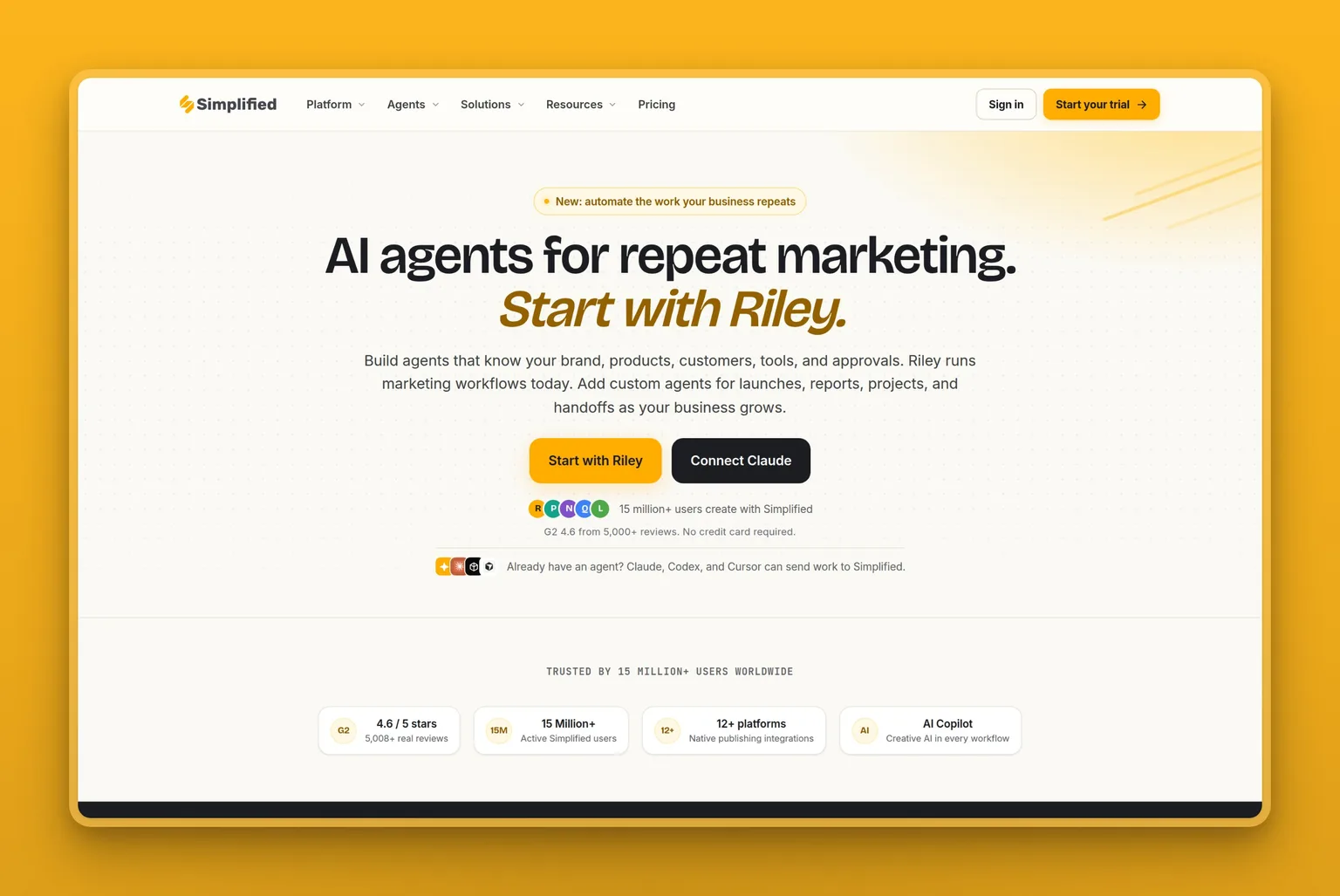
Simplified is an all-in-one content platform covering AI copywriting, design, video, and social scheduling, shaped almost identically to Blaze AI in what its entry tier is trying to do. The meaningful difference at Pro level is the account count and the credit budget. Simplified's Pro plan supports 7 social media accounts against Blaze's 3, and gives you 10,000 AI generation credits a month against Blaze's 600. On those two numbers alone, if you are hitting Blaze's account limit or burning through its credit budget, Simplified offers the same all-in-one shape with a bigger meter.
The credit caveat applies here too. Simplified's tier structure runs on credits, and users consistently burn through them faster than expected, sometimes within days on an active content month, according to reviews. If your frustration with Blaze AI was credit anxiety, Simplified replaces one credit meter with another. It just starts the month higher.
Key Features
- 7 social accounts and 10,000 AI generation credits on the Pro tier, against Blaze's 3 accounts and 600 credits
- AI copywriting, design tools, video repurposing, and social scheduling in one workspace
- AI agent that plans, creates, and publishes under approval gates: similar in structure to Blaze's campaign flow
- Publishes natively to 12+ social platforms
- $1 trial for 7 days on Pro and Business plans
Pros
- The account and credit jump over Blaze Starter is substantial: the all-in-one shape is preserved, just bigger
- Design tools go further than Blaze's: templates, brand kits, and AI image generation in the same workflow
- 15 million-plus active users on the platform suggests stable, actively developed software
Cons
- No verified USD plan price for a standard buyer: the pricing page geo-serves local currency in some regions; confirm the current USD price before committing
- Another credit system means another counter to monitor: active users report hitting the limit quickly on heavy content months
- Business and Growth tier prices in USD were not verifiable at time of research; plan units are confirmed, price is not
Pricing
- Pro USD price not verified at time of research; the pricing page geo-served Brazilian Real. Verify the figure at checkout
- Plan units verified: Pro = 7 social accounts, 1 seat, 10,000 credits, 1 AI agent
- Business: 15 accounts, 3 seats, 30,000 credits
- Growth: 30 accounts, 5 seats, 100,000 credits
- Enterprise: custom
User Reviews
Simplified holds a 4.6 out of 5 on G2 across more than 5,000 reviews. Users describe it as genuinely practical for solo creators and small teams producing daily visual content, with AI tools that handle enough of the image and text work that the time-to-first-post is low.
"I mainly use Simplified to create visual content like diet tips, educational posts for online classes, and simple clinic related creatives. Simplified is very simple and practical for regular content work… I can create a design quickly without spending much time on setup or editing. One thing that helps a lot is the AI feature. The AI image and text tools feel quite realistic and understand the basic idea I want to convey."
Manager and Dietician, Medical Store Owner, Content Creator, reviewing Simplified on G2
Best For
Pick Simplified if your Blaze AI problem is specifically the 3-account and 600-credit limits and you want an all-in-one design-plus-copy workspace with room to grow. Skip it if you want predictable uncapped monthly output volume. There is still a credit limit, and you will hit it eventually if you produce at scale. Confirm the USD price at checkout before committing.
4. Buffer: when the Blaze AI limit you hit is 3 posting accounts
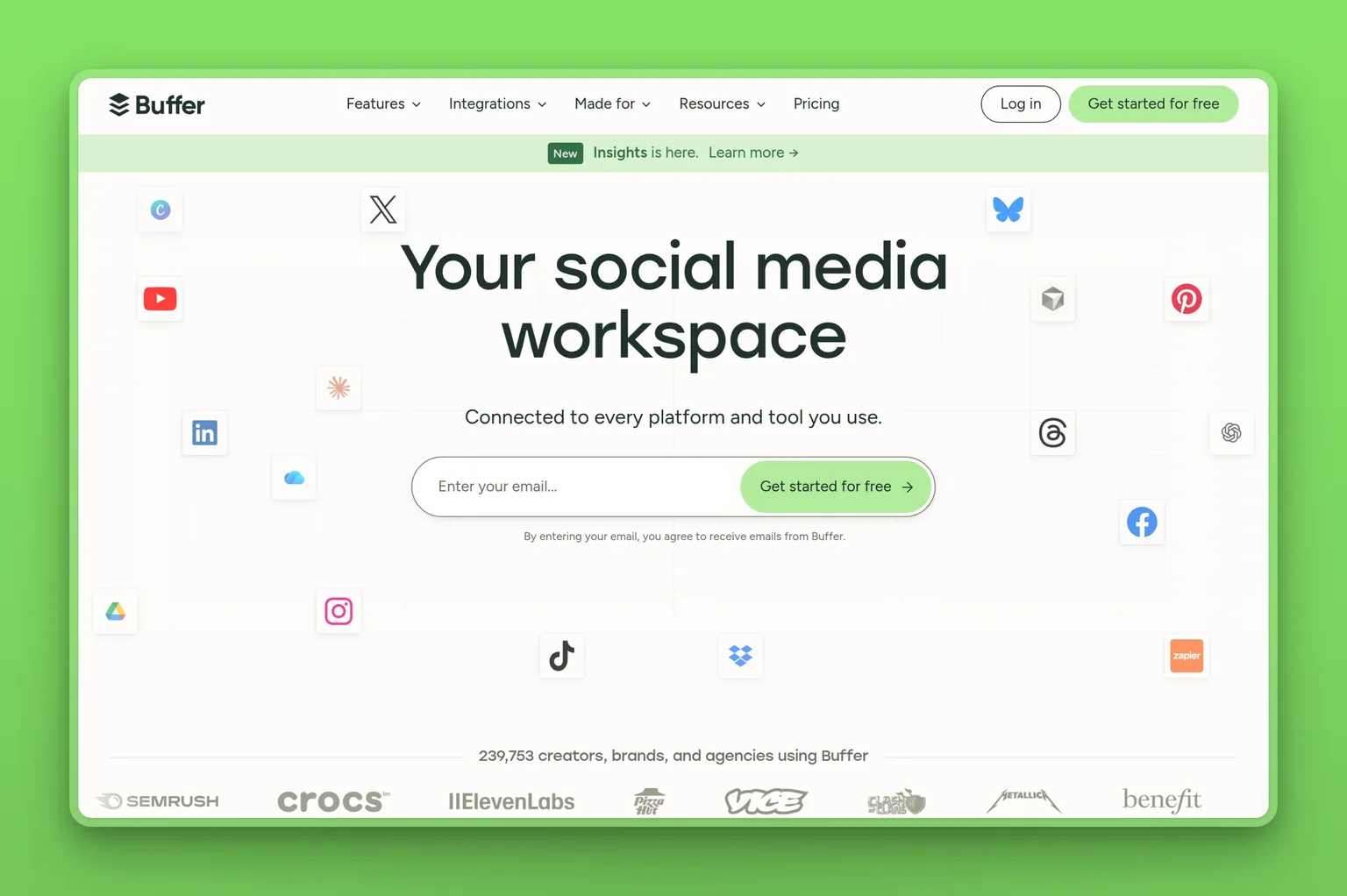
Buffer is a social media scheduling and analytics platform, and it is the only tool on this list that addresses Blaze's 3-account limit at a price point that makes the comparison immediate. Its Free tier connects 3 channels at zero cost. Every paid tier above that is priced per channel, so you add accounts as your footprint grows without restructuring the subscription.
What Buffer does not do is write the content. It ships with an AI Assistant described as unlimited credits for refining and repurposing what you bring to it, but the assistant is a writing helper, not a content generator that builds a campaign from your brand brief. If you are leaving Blaze because the writing quality was not good enough, Buffer does not solve that problem. It removes the 3-account wall; the writing problem stays with you.
Key Features
- Per-channel pricing scales with your account footprint: pay only for the channels you actually connect
- Free tier connects 3 channels with 10 scheduled posts per channel at no cost, indefinitely
- AI Assistant on all tiers including Free: unlimited credits for refining and repurposing content
- Supports LinkedIn, Instagram, Facebook, X, TikTok, Pinterest, YouTube, Threads, Bluesky, Google Business Profile, and more
- 14-day free trial on paid plans; Free tier is a permanent option, not a time-limited trial
Pros
- The free tier is a genuine permanent plan: if 3 channels and 10 scheduled posts covers your needs, there is no cost
- Per-channel pricing means you only pay for what you connect: no phantom charges for features you never use
- The visual content calendar gives a clear at-a-glance view of what is queued across all accounts
Cons
- Does not generate original content: you supply the posts, Buffer schedules and distributes them
- Analytics on the Free tier cover 30-day history only; advanced reporting requires a paid plan
- Per-channel costs add up quickly for a business running 8+ social accounts across multiple brands
Pricing
- Free: 3 channels, 10 posts per channel, 1 user, AI Assistant
- $5/mo per channel (billed yearly): unlimited posts, advanced analytics, AI Assistant with unlimited credits
- $10/mo per channel (billed yearly): everything in Essentials plus unlimited team members and content-approval workflows
- 14-day free trial on paid plans
User Reviews
Buffer holds a 4.3 out of 5 on G2 across more than 1,000 reviews. Users consistently come back to the visual calendar and the ability to customize a single post differently for each platform without duplicating work.
"We can schedule a single post and then customize it for each platform, optimizing content, links, and hashtags for each audience… A clear, visual calendar view helps users see and organize their planned posts across all connected social media accounts."
Charanteja N., digital marketing executive, Small-Business, reviewing Buffer on G2
Best For
Buffer is the right pick if the Blaze AI limit that stopped you was the 3-account wall and the $79 price, and you already have your own content or a separate writing tool. Skip it if you need the content generated for you. Buffer is distribution, not creation, and the writing problem will reappear the first week you run it.
5. Copy.ai: the Blaze AI replacement that only makes sense at team scale
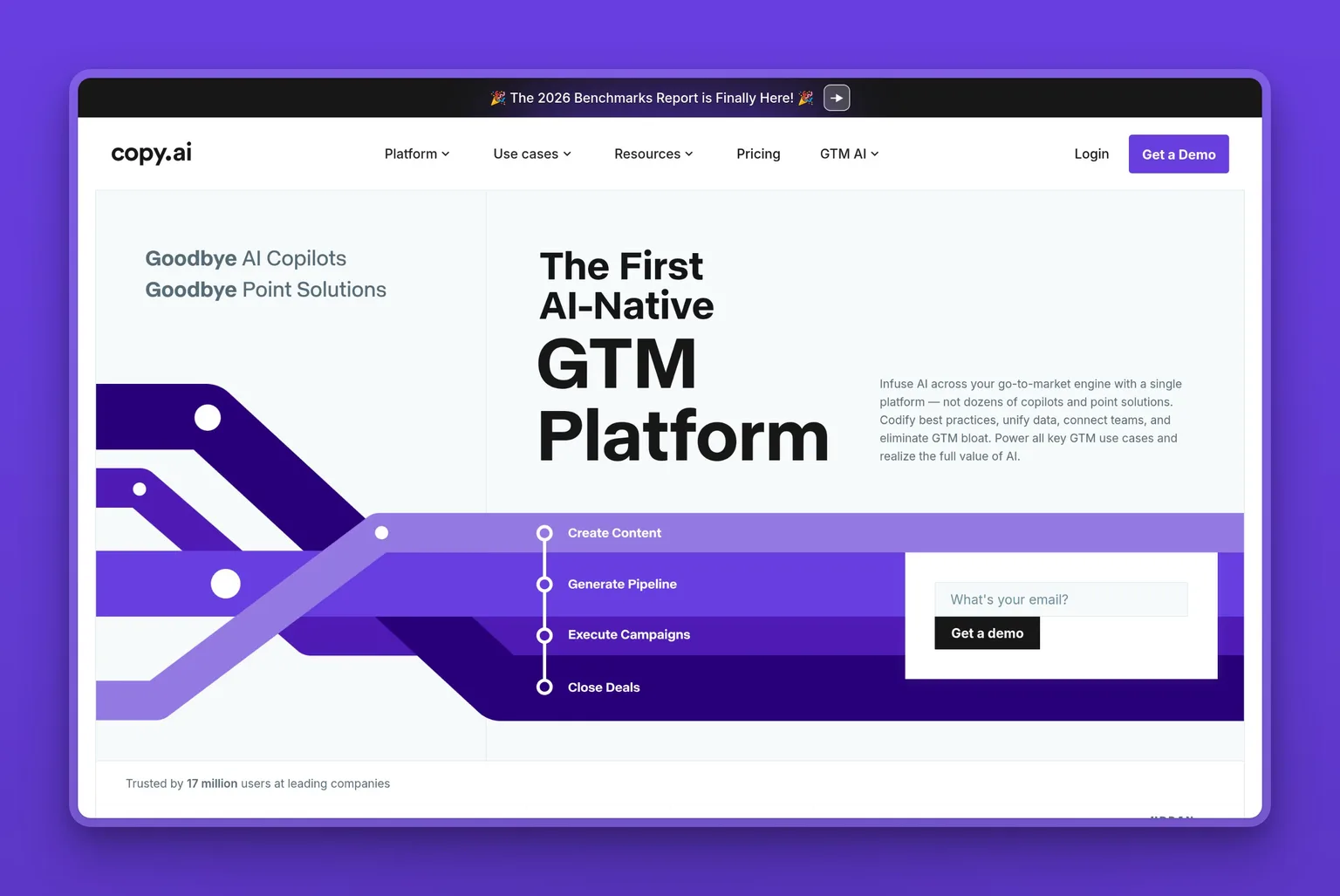
Copy.ai rebuilt its product around enterprise GTM workflows, including sales enablement, ABM, and cross-channel campaign automation. Its pricing reflects exactly that repositioning. The Chat plan at $29 a month seats 5 people on a single subscription, which is the one moment where Copy.ai genuinely beats Blaze's 1-user Starter cap.
If your reason for leaving Blaze is that the 1-user Starter plan stops you from sharing the tool with a VA or a co-founder, $29 for 5 seats is a real upgrade. That clarity does not hold past the first decision.
After the $29 Chat plan, the only published option is Enterprise at a custom price. There is no $99 tier, no $199 tier, and the Growth/Expansion/Scale tiers that once sat between them are no longer on the pricing page. If you grow into needing Copy.ai's workflow automation or GTM integrations, the next conversation is with a sales team. Its Trustpilot record captures what happened to the self-serve user base after the platform repositioned: accounts that stopped working after updates, support that went silent for months on paying subscribers.
Key Features
- 5 seats on the Chat plan: more collaborative headroom than Blaze's 1-user Starter
- Access to OpenAI, Anthropic, and Gemini models, switchable within the same interface
- Unlimited words in chat and unlimited chat projects on the entry plan
- Workflows, agents, tables, and 2,000+ integrations (Salesforce, HubSpot, Slack, Gong) on Enterprise
Pros
- The 5-seat Chat plan is the most collaborative entry price on this list
- Model-agnostic architecture: switch between GPT-5.6, Claude, or Gemini depending on the task
- Long integration list for teams already running a specific sales or marketing stack
Cons
- After the $29/mo Chat plan, the next option is Enterprise at custom pricing: there is no middle-tier growth path for a small business
- Accounts became inaccessible after platform updates with support unresponsive for months, per Trustpilot reviews
- No G2 rating: the profile is unclaimed with zero reviews; the only verifiable third-party score is Trustpilot 1.8 out of 5
Pricing
- Chat: $29/mo (billed monthly; 20% off billed annually): 5 seats, unlimited words, unlimited projects
- Enterprise: custom pricing (contact sales)
User Reviews
Copy.ai holds a 1.8 out of 5 on Trustpilot. The positive tier of its review base describes content quality that outpaces raw ChatGPT output and fast generation across marketing formats.
"The content generation quality are far far better in copy.ai. I tried to generate content several content side by side in the both platform and in all case copy.ai was always ahead."
Sourav Agarwal, reviewing Copy.ai on Trustpilot
Best For
Copy.ai makes sense if you are consolidating GTM workflows across sales and marketing and need 5 seats on a plan the team can share. Skip it if you are solo or primarily a content operation: the $29 Chat plan is genuinely useful, but the next step is Enterprise at a custom price, and that is not a growth path built for a small business.
6. Canva: when what Blaze AI wrote was fine but what it looked like was not
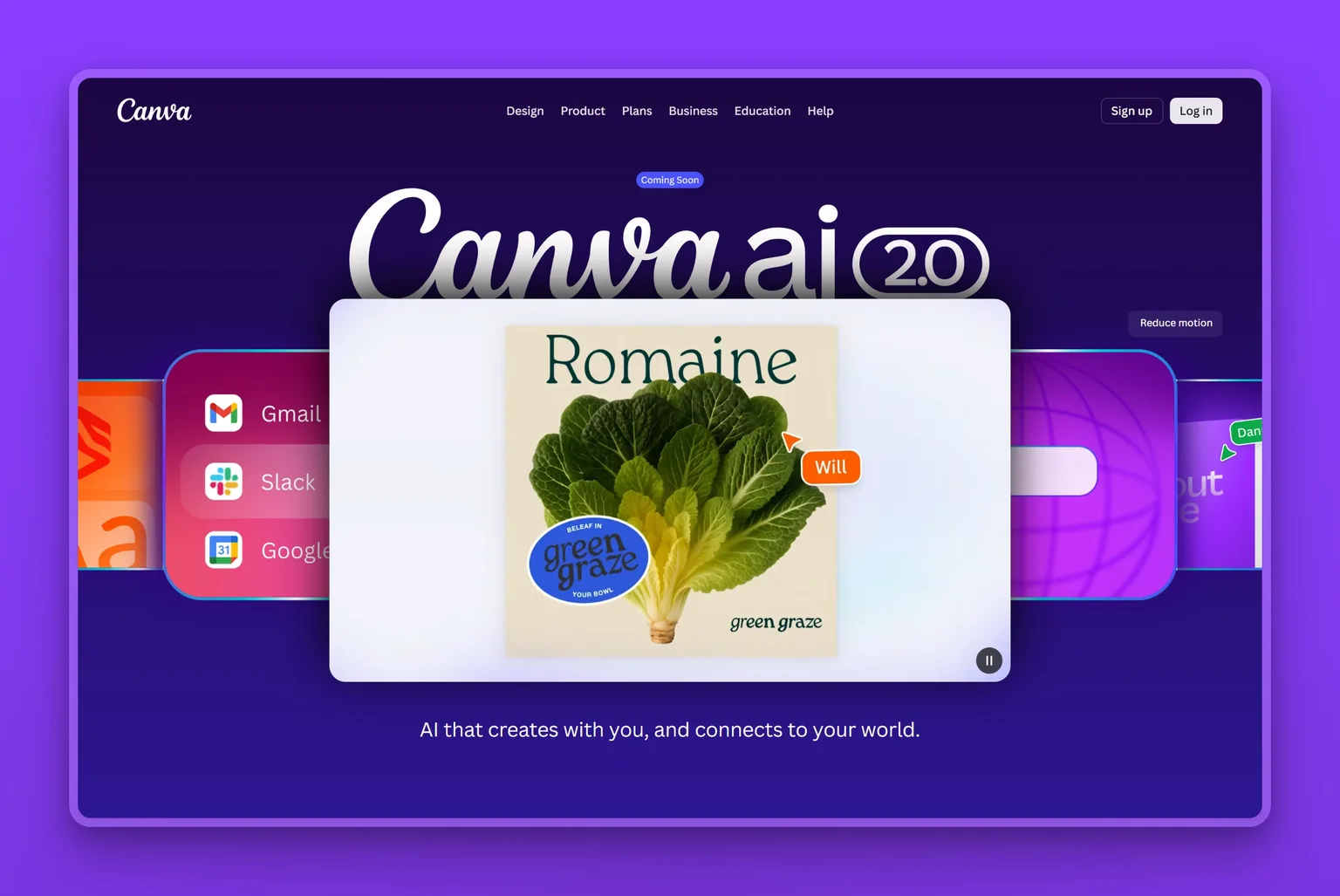
Canva is the default design platform for non-designers, and the reason it belongs on a Blaze AI alternatives list is specific: some people leave Blaze not because the words were wrong but because the visuals were generic, off-brand, or too template-constrained to differentiate their posts.
If that is the version of the problem you have, Canva solves it directly: more than 1.6 million templates, AI tools for images, backgrounds, and resizing, and a free tier that covers more than most small businesses need.
What Canva does not do is write brand-voice content from a campaign brief. Magic Write exists and it generates copy, but it is a paragraph-level assistant, not a social-media manager or blog-writing engine.
The billing situation is the loudest complaint in its low-star reviews: renewals that switch silently to a pricier plan, cancellations that do not take, and support that is scripted and slow when either happens. Anyone starting a Canva trial should set a calendar reminder for the end date.
Key Features
- More than 1.6 million templates across every format: social posts, presentations, videos, documents, websites
- Magic Design, Magic Edit, Magic Resize, and Background Remover on paid plans; up to 200 standard or 20 premium AI uses on Free
- Brand Kits on all tiers: Free includes 1 kit with 3 colors; Pro includes up to 5
- Social scheduling built in: connect accounts and queue posts directly from the Canva workspace
- Collaborative editing with approval workflows on Business and above
Pros
- Free tier is genuinely functional for an individual creator: not crippled into a trial
- Template variety is the widest in this category by a large margin
- Magic Resize saves real time when you need the same asset reformatted for five platforms
Cons
- Design-first, not writing-first: Magic Write is a writing helper, not a brand-voice content engine
- Renewal and cancellation billing is the recurring pain point in negative reviews; treat this as a subscription to monitor, not set and forget
- No professional-grade layered export: designers who need PSD or AI file output will find this does not substitute
Pricing
- Free: 1.6M+ templates, 5 GB storage, 1 Brand Kit (3 colors), up to 200 standard AI uses or 20 premium
- Pro: US$180/year for one person; free trial available
- Business: US$250/year per person
- Enterprise: custom
User Reviews
Canva holds a 4.7 out of 5 on G2 across more than 7,000 reviews. The consistent theme is how quickly a non-designer can produce professional-looking content and how the AI tools layer in without a steep learning curve.
"What I like best about Canva is how easy it is to create professional-looking designs without needing advanced graphic design skills. I use it regularly to design YouTube thumbnails, Pinterest Pins, presentations, and social media graphics… I also appreciate the AI-powered features like Magic Design, Background Remover, and Magic Resize, which save time and improve my workflow."
Content Creator, E-Learning, Small-Business, reviewing Canva on G2
Best For
Canva is the right pick if the part of Blaze AI that disappointed you was the visual output, not the writing. A small-business owner who needs a fast, template-driven design workflow for social content and marketing materials will get immediate value from the free tier. Skip it if you need a content generator with brand voice, or if you are a professional designer who requires vector-precision or layered-file export.
7. Surfer: when Blaze AI's posts publish but never rank
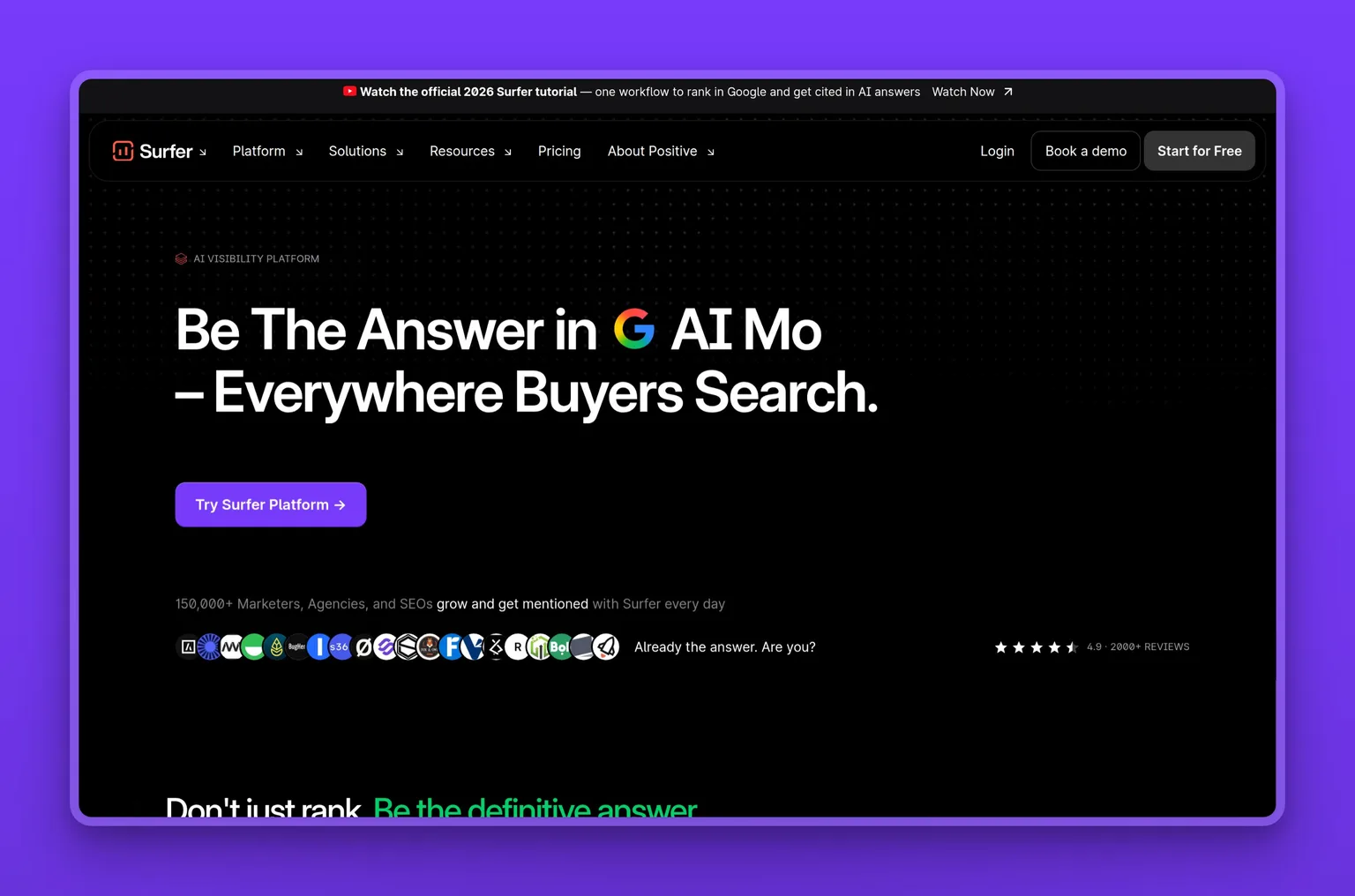
Surfer is an AI content platform focused on a specific outcome: making content rank on Google and get cited in AI answers. If your Blaze AI problem is that the blog posts you published are not earning organic traffic and are not appearing when users ask ChatGPT or Perplexity about your category, that is the problem Surfer is built to solve.
Its content editor scores every article against the real SERP, checking which terms to include, which structure to follow, and which gaps to fill, before you publish. Its AI citation tracking shows where you are being mentioned across ChatGPT, Perplexity, Google AI Mode, AI Overviews, and Gemini, and where competitors are being mentioned instead.
Surfer is not an alternative to Blaze's social-posting capability. It is an alternative to Blaze's blog-publishing capability on the specific dimension of whether what you publish eventually earns traffic. A business that publishes six posts a month and finds that none of them rank has a Surfer-shaped problem. It is worth being clear about what that means for the budget: Surfer is an optimization layer, not a writer. You still need something to produce the first draft.
Key Features
- AI Content Editor with real-time scoring against actual SERP results: tells you which terms to include, how to structure the piece, and what gaps exist before you publish
- AI citation tracking across ChatGPT, Perplexity, Google AI Mode, AI Overviews, and Gemini: shows where you appear and where competitors are cited instead
- 1-click content optimization, internal-link suggestions, and a cannibalization report on Pro and above
- Rank-drop detection alerts when a ranked article starts losing position, so you catch the decay early
- Integrates with Google Docs, WordPress, Contentful, and Zapier
Pros
- The content-scoring model produces measurable improvements to article rankings when applied consistently
- AI citation tracking is the most targeted tool on this list for the question "why isn't AI Overview mentioning us?"
- Integrates directly with Jasper AI, so if you use both you can generate and optimize in one workflow
Cons
- $99 a month (billed yearly) is an add-on cost, not a replacement: you still need a writing tool alongside it
- Long-term subscribers on G2 describe features shifted behind higher tiers mid-subscription, with no prorated refund for the lost access
- Monthly-billing price was not available at time of research; $99 a month is the annual-billing figure
Pricing
- Standard: $99/mo, billed yearly, with 360 documents, AI citation tracking, and 25 AI prompts weekly
- Pro: $182/mo, billed yearly, with daily AI prompts, 5 workspaces, and 1-click internal linking
- Peace of Mind: $299/mo, billed yearly, with unlimited documents under fair use
- Enterprise: $999/mo
User Reviews
Surfer holds a 4.8 out of 5 on G2 across more than 500 reviews. Users consistently describe it as a real education in on-page SEO alongside a practical tool: the suggestions are specific enough that they learn where to place and remove keywords, not just follow a checklist.
"It is easy to use and integrate with other writing tools like Grammarly, Word, Jasper, and other AI platforms. I learned a lot about UX and how to improve my webpages to attract SEO and AI search bots and optimize my content to be found and surfaced more often. The AI suggestions were spot-on and taught me where to place (or remove) keywords and how to improve the flow of my copy."
Key Account Legal Content Editor, Mid-Market, reviewing Surfer on G2
Best For
Surfer is the right pick if your Blaze AI problem is not volume or accounts. It is that you are publishing content and nothing is ranking or appearing in AI answers. A business that already has a writing workflow and wants to understand why its posts are not moving in search will find Surfer's content editor and citation tracker the most targeted tools for that specific gap. Skip it if you have no one to act on the recommendations: Surfer surfaces the gaps, but the fixes require a writer and a plan.
8. ChatGPT: when the Blaze AI limit you hit is the $79 floor itself
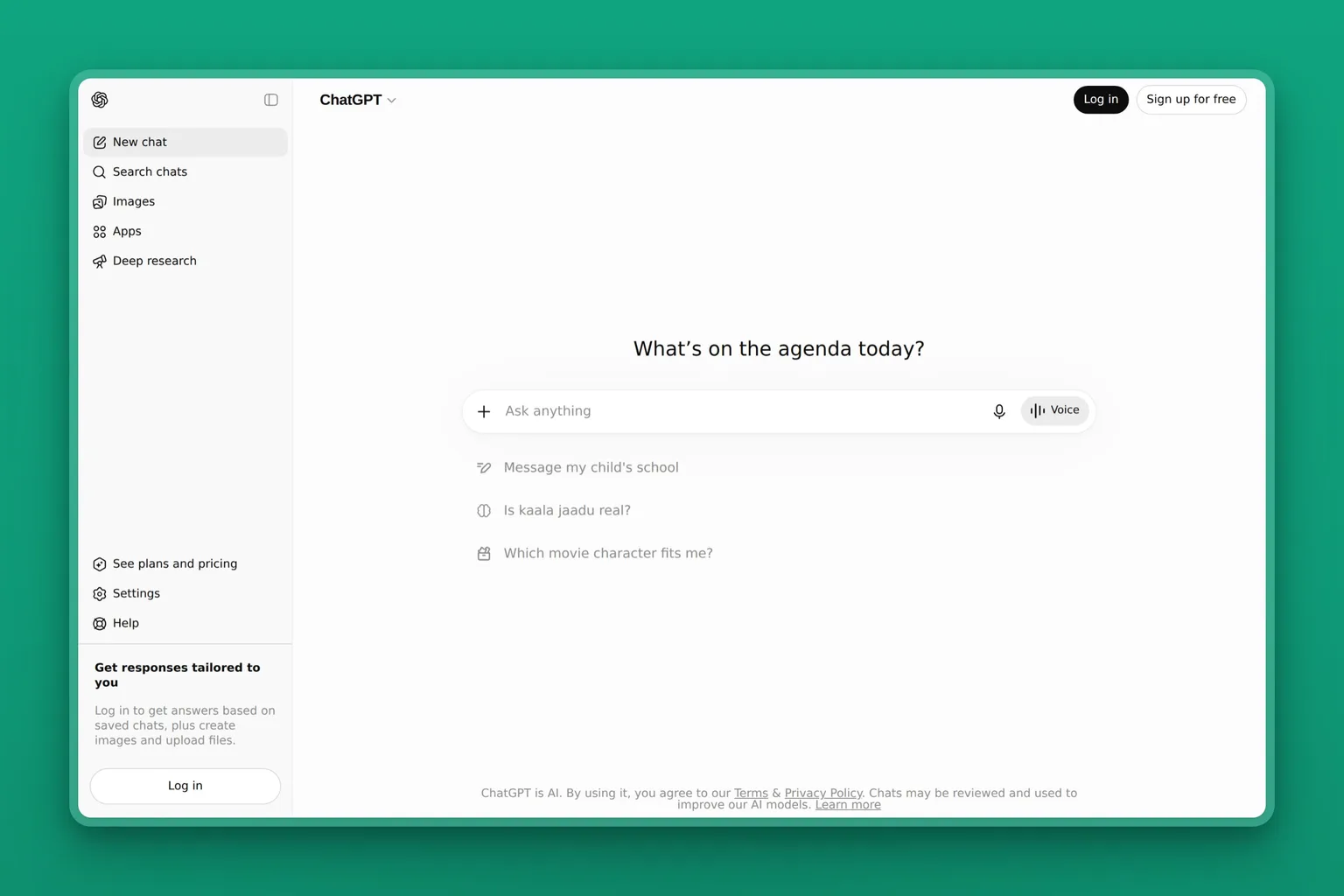
ChatGPT belongs at the end of this list for a specific reason: if your problem with Blaze AI is that the $79 price is unjustified given what you actually use the tool for, ChatGPT Free or the $20 Plus plan is the honest answer. It generates text, including blog drafts, social captions, emails, and campaign briefs, and the quality on a well-written prompt is often equal to or better than what Blaze AI's generator produces on the same topic. It has no credit meter, no posting account limit, and no campaign structure that constrains your output choices.
What ChatGPT does not do is schedule, publish, maintain your brand voice across accounts, or remember your business context between sessions without the paid Projects feature. The Plus plan adds the persistent memory and project context that make it a more viable daily content tool. But if you move from Blaze to ChatGPT, you are trading a content platform for a writing assistant. The scheduling, the publishing, and the brand consistency stay with you.
Key Features
- GPT-5.6 model access on free and paid tiers: the same foundation model family used inside most specialized content tools
- Projects and persistent memory on Plus and above: your brand voice, guidelines, and past context carry between sessions
- Scheduled tasks on Plus: set recurring content generation on a cadence
- Business connectors on the Business plan (Microsoft 365, Google Drive, Slack, GitHub, Figma)
- Free tier includes unlimited text chats with limited image generation and uploads
Pros
- The free tier is genuinely capable for text generation with no credit meter and no campaign structure limiting your output
- The $20 Plus plan is the lowest paid entry on this list for a tool that handles long-form content at scale
- Model quality matches or exceeds the generation engines inside most specialized tools at a fraction of the cost
Cons
- Produces text only: no scheduling, no brand assets, no posting to social accounts
- Plus subscribers report silent throttling under heavy use: the model downgrades mid-session without clear notice
- Without Projects configured, context does not carry between sessions: every conversation starts from zero
Pricing
- Free: unlimited text chats with GPT-5.6, limited uploads and image generation
- Go: $8/mo for more messages with tools and more image creation
- Plus: $20/mo for advanced GPT-5.6 reasoning, expanded memory and context, projects, and scheduled tasks
- Pro: from $100/mo
User Reviews
ChatGPT holds a 4.6 out of 5 on G2 across more than 2,800 reviews.
Best For
ChatGPT is the right pick if the limit you hit on Blaze AI was the $79 price and you are willing to handle scheduling and publishing yourself. A founder with a clear brand voice and some experience writing prompts will get usable content with no credit meter. Skip it if you need anything published: ChatGPT produces text and nothing else.
How do these Blaze AI alternatives compare on price and limits?
The limit Blaze AI placed on you is the axis this table is built on. Every tool routes from the problem, not from a ranking.
| Blaze AI limit lifted | Tool | Price entry | What changes |
|---|---|---|---|
| Work handed back to you | Marblism | $24/mo (billed yearly) | Sonny runs social, Penny runs the blog: outputs queue for approval and post |
| 600-credit monthly budget | Jasper AI | $59/mo per seat (billed yearly) | No credit meter; Brand Voice governance across all output |
| 3 posting accounts | Simplified | No verified USD price | 7 accounts, 10,000 credits, same all-in-one shape |
| 3 posting accounts at lower cost | Buffer | Free (3 channels); $5/mo per channel | Scheduling only: you supply the writing |
| 1 user on Starter | Copy.ai | $29/mo (5 seats) | 5-seat Chat plan; next tier is Enterprise (custom) |
| Visual output quality | Canva | Free; $180/year Pro | Design-first: 1.6M+ templates, AI image tools |
| Posts don't rank or get cited | Surfer | $99/mo (billed yearly) | SERP-based content scoring, AI citation tracking |
| $79 monthly price floor | ChatGPT | Free; $20/mo Plus | Text generation only: no scheduling or publishing |
5 questions to ask before you switch from Blaze AI
How many accounts do you actually publish to each month?
Count the social profiles, not the platforms. If you publish to Instagram, LinkedIn, Facebook, and X for one brand, that is four accounts: already over Blaze Starter's 3-account limit. If you manage two brands or a client account alongside your own, the math changes again. The number from the pricing section above is 3 on Starter and 10 on Growth. Check your own number against it before you assume the limit is the binding constraint.
What did 600 credits actually cover in your busiest month?
Pull your Blaze activity from last month and count what you generated: social posts at 1 credit each, emails and blog posts at 3 each, AI videos at 15. If you hit 600, write down how many of each. If you did not hit 600, the credit limit is not your problem: something else is. The tool you choose next should address the thing you actually ran out of, not the thing most people run out of.
How many people actually need to log in and touch the content?
Blaze AI allows one user on Starter. If you have a VA, a marketing contractor, or a co-founder who needs access to the same workspace, that is an upgrade to Growth or a reason to look elsewhere. If you are genuinely the only person who touches the content, the 1-user limit is not your constraint and the upgrade cost is not justified by that reason alone.
How many of the All-In-One capabilities were you actually going to use?
The specific things that drew you to Blaze AI's marketing are worth naming: the AI receptionist, Google Business Profile management, lead qualification, search ads. Check which plan tier each one actually lives on. If any of them only exist on the All-In-One tier, you were not accessing them on Starter or Growth, and no alternative on this list replaces them either. Name what you were actually using before you name a replacement.
Do you still need Blaze AI after you add something else?
Some of the tools on this list are add-ons, not replacements. Surfer optimizes content but does not write it. Buffer schedules posts but does not generate them. If the replacement only covers one half of what Blaze was doing, you may be adding a subscription rather than switching one. The question is whether running both together costs less than the problem staying unsolved.
3 mistakes people make when switching from Blaze AI
Switching to another credit-metered generator when the problem was output quality
The most common switch is from Blaze to another all-in-one AI content tool, and if the reason for leaving was that Blaze's blog drafts required a full rewrite before they were usable, landing on a different credit-metered generator solves nothing. The output quality problem follows you.
The concrete check: read the last three Blaze AI blog posts you published and count how many sentences survived your editing pass. If most of them are yours, the tool's generation quality was the constraint, not its credit count or account limit. A generation-quality problem points to a different set of tools than a volume problem.
For a broader view of how to match the tool to the actual constraint, our guide to how to use AI for small-business marketing covers the decision framework without starting from a specific platform comparison.
Picking a scheduler when what you needed was a generator
Buffer, Canva's scheduling feature, and similar tools distribute content you have already created. They are not alternatives to Blaze's AI writing capability: they are alternatives to the part of Blaze that posted what the AI wrote.
If you move from Blaze to Buffer to solve the 3-account limit and you discover in week one that you now have to write all the posts yourself, the account-count problem was not the binding constraint. The concrete check before switching: in your last month on Blaze, what percentage of the time you spent on the tool was generating content versus scheduling it? If the answer is mostly generating, a scheduler will not help.
Canceling Blaze before the replacement has learned your brand voice
Every tool on this list, including Jasper, Simplified, Marblism, and Copy.ai, spends its first one to two weeks learning your brand. The output in that window is generic. If you cancel Blaze on day one of the new tool and judge the replacement by its first week of output, you are comparing Blaze's trained output to the replacement's untrained output.
Run the two platforms in parallel for at least two weeks, give the replacement honest brand voice input, and then compare the output quality. The concrete check: have you completed the new tool's onboarding and brand voice setup before you cancel the old one? If not, wait.
Should you stay on Blaze AI?
If the capabilities that drew you to Blaze AI are the ones that only exist on the All-In-One tier, meaning the AI receptionist, the Google Business Profile management, the search ads, the lead qualification, and the automated client reviews, no alternative on this list replaces them. Those capabilities are bundled into one tier positioned at local-services businesses, and they do not exist as a comparable bundle anywhere below $2,499 a month.
If you need them, the honest answer is staying on Blaze or stacking specific tools to cover each one separately.
Blaze AI's Starter plan also does three things that no single alternative on this list replicates at the same price:
- Automated ad campaigns alongside the social posting and blog capability
- A 7-day free trial with no credit card required
- Step-by-step control of each campaign output, so you direct what the AI generates rather than approving a finished draft
If those three things are what you value, the tools on this list trade at least one of them away.
The case for leaving is simpler: if you have been on Starter for more than two months and the 3-account limit, the 600-credit budget, or the 1-user constraint has been the actual friction, not a theoretical one, the pricing page does not solve it without a jump that may not be proportionate to what you actually use.
The growth path from Starter to All-In-One passes through Growth and stops. If Growth does not cover your needs, there is no self-serve step after it.
Blaze AI vs Marblism: what each one costs and what each one finishes
| Blaze AI Starter | Marblism | |
|---|---|---|
| Price | $79/mo | $24/mo (billed yearly) |
| What the plan does | AI content generator you direct | AI employees that draft, queue for approval, and post |
| Social accounts | 3 | All supported platforms (Instagram, LinkedIn, X, Facebook) |
| Content budget | 600 credits/mo | 50 hours AI work/mo (advanced actions); quick tasks unlimited |
| Users | 1 | Unlimited |
| Automated ad campaigns | Yes: included on Starter | No: Stan handles outbound lead gen, not paid ads |
| Campaign control | Step-by-step: you direct each output | Approval-gate: they draft, you decide what goes out |
| Trial / guarantee | 7-day, no credit card required | 7-day money-back guarantee |
Blaze does three things better than Marblism for a specific buyer:
- Automated ad campaigns are on the Starter plan: Marblism's Stan runs cold email and LinkedIn outreach, not paid ads
- The 7-day no-card trial is a lower barrier to starting than Marblism's money-back guarantee, which still requires a card
- Blaze's campaign flow gives you direct control over each piece of output, which suits a founder who wants to direct what the AI generates rather than review a finished draft
Marblism does three things better for a different buyer:
- The $24 entry price is less than a third of Blaze's $79 Starter
- No credit meter: Blaze's 600 credits runs down with every generation, including failed ones, while Marblism's 50 hours of AI work per month does not count quick tasks or chat
- The scope extends beyond content: alongside Sonny and Penny the same plan includes five other AI Employees covering inbox, leads, calls, website, and contracts, all on one bill
The buyer they share is narrow: someone on Blaze's Starter who primarily uses the social posting and blog capability, is not using the ad campaigns, and has not hit the credit or account limit. That person does not have a compelling reason to switch on cost alone. Everyone else in the target audience for this list has hit a specific limit that routes to a specific tool.
Frequently asked questions about Blaze AI alternatives
About Blaze AI itself
Is Blaze AI actually good?
Blaze AI's $79 and $149 plans deliver workable social posts, emails, and basic blog drafts for a small business that needs its own content. The output quality is uneven: on long-form and technical content in particular, reviews consistently describe drafts that needed significant editing before they were usable.
Whether the tool is worth the price depends on which side of the $2,499 cliff your needs sit. If the Starter or Growth tier covers what you actually publish, Blaze can deliver. If the capabilities that appealed to you, such as the AI receptionist, Google Business Profile, and lead qualification, only exist on the All-In-One tier, the self-serve plans do not include them. See the "Should you stay on Blaze AI?" section above for the fuller stay-or-leave breakdown.
What do Blaze AI credits cost per post, email, blog and video?
A static social post costs 1 credit. An email costs 3 credits. A blog post costs 3 credits. An AI video costs 15 credits. On the Starter plan's 600 monthly credits, that is 600 social posts, or 200 emails, or 200 blog posts, or 40 AI videos, though not all four at scale in the same month. The Growth plan raises the budget to 1,500 credits. Blaze's pricing page states that additional credits can be purchased as needed, so you can top up without upgrading the plan.
Can you buy more Blaze AI credits, or do you have to move up a plan?
Blaze AI's pricing page says additional credits can be purchased as needed, so topping up without upgrading is an option. If your credit burn is recurring rather than a one-off spike, the Growth plan at $149 a month raises your monthly budget from 600 to 1,500 credits and adds seven more posting accounts. If you are consistently exceeding even the Growth credit budget, that specific limit is the constraint this article routes to Jasper AI: its Pro plan has no credit meter.
The name collision, and picking for a small business
What are some good alternatives to Text Blaze?
Blaze AI, Text Blaze, and Blaze.tech are three separate products. Text Blaze is a text-expander for Chrome, Gmail, and Windows that stores frequently typed snippets and inserts them with a keyboard shortcut. The alternatives for that job are Espanso (free, open-source, cross-platform), TextExpander ($3.33/mo per user billed annually, Mac and Windows), and AutoHotkey (free, Windows). Blaze.tech is a no-code health-app builder, also unrelated. This article covers Blaze AI at blaze.ai, the AI marketing-content platform.
Which AI agent is best for small business?
For a small business that needs content and marketing done rather than assisted, Marblism gives you Sonny for social media and Penny for your SEO blog on one plan starting at $24 a month: neither hands the work back to you. For scheduling and distribution on a tight budget, Buffer starts free on up to three channels. For a broader shortlist across more categories, see our guide to the best AI tools for small business.
Free, and running both
What can you actually replace Blaze AI's $79 plan with for free?
Nothing free here fully replaces Blaze AI's autoposting. Buffer's free tier connects three channels and schedules up to ten posts per channel at no cost. ChatGPT Free generates the copy you put into those posts. Together they cover the core output of Blaze's $79 plan, but the workflow is manual: you generate the text, paste it into Buffer, and schedule each post yourself. No branded templates, no campaign structure, no credit meter. For a broader look at free-tier alternatives in this space, our Sintra AI alternatives guide covers similar ground.
Blaze AI vs Jasper: which is better for blog content?
For blog content specifically, Jasper AI is the stronger pick. Blaze AI's blog drafts consistently draw criticism for generic phrasing and output that requires significant editing before they were usable.
Jasper's Pro plan at $59 per seat per month billed yearly removes the credit meter, adds a Brand Voice layer that keeps tone consistent across contributors, and holds a 4.7 out of 5 on G2 across more than 1,200 reviews. If you publish infrequently and do not mind editing, Blaze's 3-credit-per-post structure is functional. If blog volume and brand consistency are both real priorities, Jasper is the cleaner tool for that specific job.
Can you run a Blaze AI alternative alongside Blaze AI?
Yes, and three combinations make sense. If you stay on Blaze for social posting and want better blog output, run Jasper or Surfer alongside it: Jasper for volume without a credit meter, Surfer for ranking the drafts you already publish. If you stay on Blaze for its automated ad campaigns and want a tool that finishes the content work rather than hands it back, Marblism's Sonny and Penny run independently.
The combination to avoid is paying for Blaze's generator and a separate scheduling tool on top: that is two overlapping systems with no clear benefit over either one alone.
So which Blaze AI alternative should you actually pick?
If the limit was the work coming back to you, pick Marblism. If it was credits, pick Jasper AI. If it was three posting accounts, pick Simplified for the all-in-one shape or Buffer if you supply your own writing. If the content you publish never moves in search, pick Surfer. If the limit was the price itself, start with ChatGPT Free and move up only when you hit a specific wall.
The one thing that does not work is switching before you have named the problem. Every tool on this list solves a real thing. None of them solves everything, and none of them replaces the All-In-One tier if that is what you were actually looking for.
"As a solopreneur it is A LOT of work managing every aspect of my business, but with my Marblism AI agents, I feel like I have a team working with me and supporting me… From scanning my emails and giving me daily reports, researching daily news and writing blog posts, pitching to leads and creating a full website for my media kit… my Marblism team has me covered!"
Alessia Tenebruso, reviewing Marblism on Trustpilot